

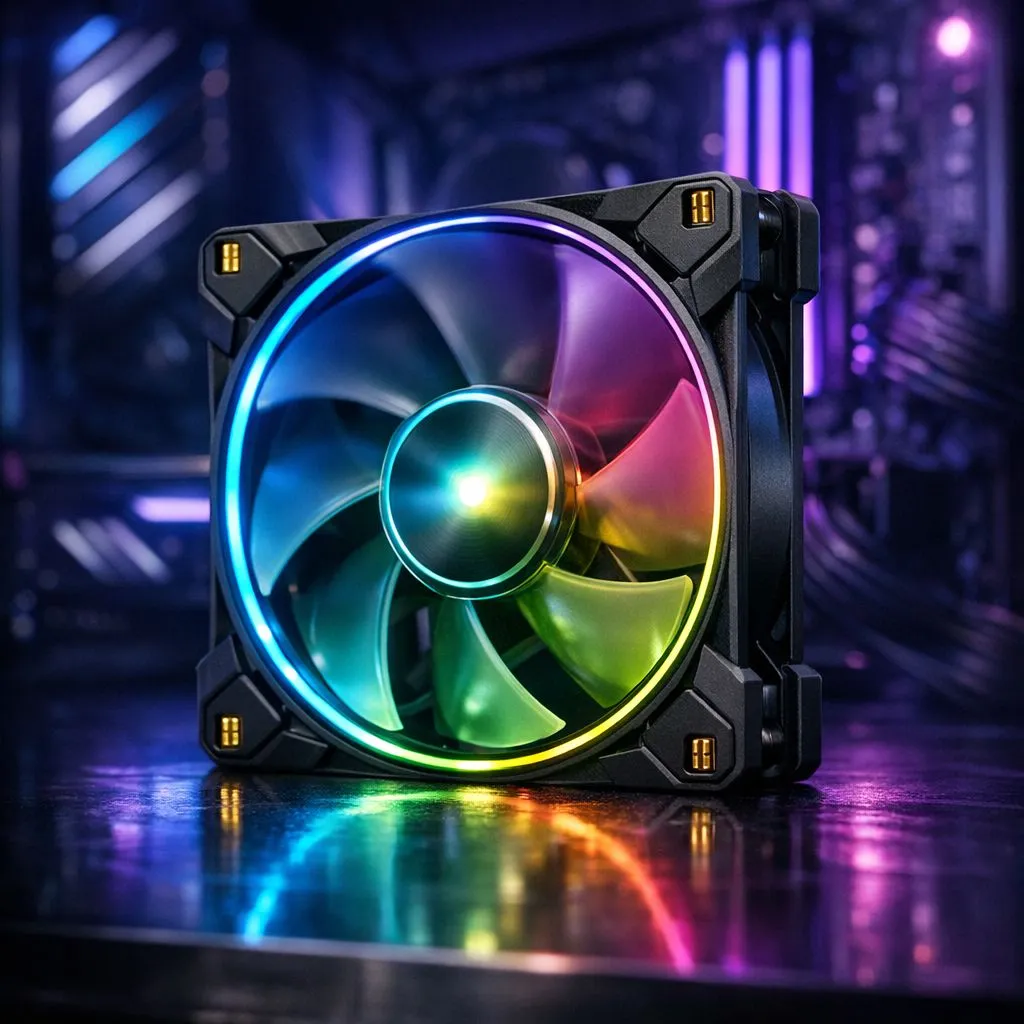
Why Cableless Case Fans are a Necessity for Modern Builds
Tired of the "spaghetti monster" behind your motherboard tray? Building a clean PC in SA shouldn't mean wrestling with twenty different wires. Cableless case fans are the ultimate solution for a sleek, professional look. They snap together, reducing clutter and improving airflow instantly. Let's look at how to install these modern marvels for a cleaner gaming PC without the headache. 🔧
The evolution of the custom PC has reached a point where cable management is no longer a chore... it is an art form. Traditional setups require two cables per fan. One for power and one for lighting. If you have six fans, that is twelve cables to hide. By choosing from the wide variety of case fans available today, you can reduce that number to just one or two cables for the entire array.
Selecting the Right Fan Size and Brand
Before you start your installation, you need to ensure your chassis supports your chosen fans. Most South African gamers opt for the standard 120mm mounts found in almost every mid-tower. However, if you have a larger case, you might prefer the increased airflow and lower noise levels of 140mm variants. ⚡
Brand ecosystems matter here because cableless technology is often proprietary. If you want a premium experience with deep software integration, the CORSAIR iCUE LINK system is a top-tier choice. For those looking for excellent performance with a focus on value, Deepcool offers fantastic magnetic linking solutions that keep your build looking professional without breaking the bank.
Airflow Pro Tip ⚡
When installing your fans, remember the 'cross-flow' rule. Ensure your front fans are pulling cool air in while the rear and top fans exhaust the heat. This prevents hot air pockets from forming around your GPU, which is vital during those hot South African summer gaming sessions.
Step-by-Step Installation for a Cleaner Gaming PC
Installing cableless case fans is surprisingly simple. Start by interlocking the fans together using their built-in bridge connectors or magnets. You will hear a satisfying click as they join. Once joined, they act as a single unit. This eliminates the need to route individual wires through the small grommets in your case. 🚀
Next, mount the entire cluster into your case using standard fan screws. Because the fans are linked, you only need to connect a single cable from the end of the chain to your fan controller or motherboard. This is where you decide on your aesthetic. You can go for vibrant RGB setups to light up your room... or keep your lighting effects set to None for a stealthy, "blackout" look.
Finalise the process by tidying that one remaining cable. Since there is only one, a single velcro tie is usually enough. You have now achieved a level of neatness that used to take hours of meticulous work... all in just a few minutes. ✨
Ready to Clean Up Your Build? Cable management doesn't have to be a nightmare. For the best airflow, aesthetics, and ease of use in South Africa, upgrading your cooling is the way to go. Explore our massive range of case fans and find the perfect set to make your gaming PC shine.











