

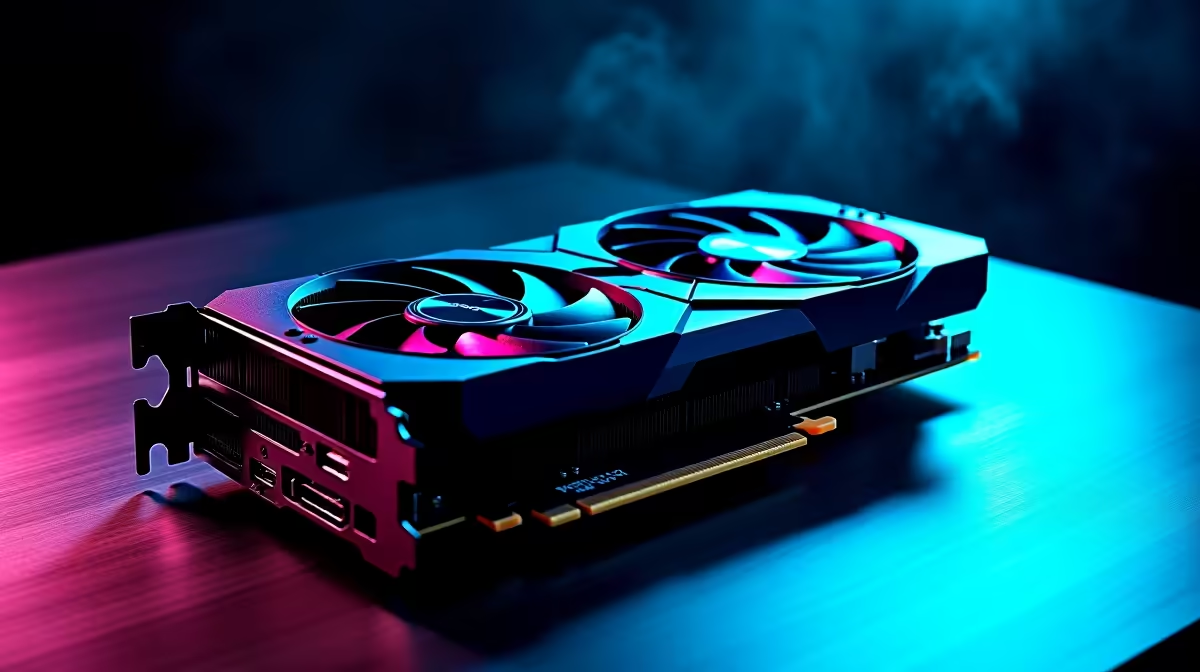
South African summers are unforgiving on gaming rigs. You finally drop a massive chunk of hard-earned ZAR on a beastly new GPU... only to watch your system temperatures skyrocket. If your PC case feels like a braai, you are not alone. Let us explore exactly how to fix airflow bottlenecks caused by high-performance axial-tech GPU cooling systems before your expensive hardware starts melting.
Why Axial-Tech Coolers Disrupt Case Airflow 🚀
Modern graphics cards are incredibly powerful. To keep them from overheating, manufacturers rely heavily on axial fans. These fans push cool air directly onto the exposed heatsink. The major problem? That newly heated air exhausts right back into your chassis.
If you recently decided to browse new graphics cards, you probably noticed how massive these coolers have become. A triple-fan setup dumps a massive thermal load straight onto your motherboard... effectively suffocating your CPU and memory.
Spotting the Signs of Poor PC Ventilation 🌡️
How do you know if you actually have a bottleneck? Your processor fans will sound like a jet engine taking off. Your tempered glass side panel will become uncomfortably hot to the touch.
Even if you are running older NVIDIA GeForce GTX graphics cards, improper ventilation causes severe thermal throttling. Your frame rates will drop randomly during intense competitive matches. This is your system desperately trying to save itself from long-term heat damage.
Steps to Eliminate Heat Pockets in Your Gaming PC
The secret to a cool system is achieving positive air pressure. You want more cool air aggressively entering the case than hot air passively leaving it. Start by adding high-static pressure fans to the front intake. This forces fresh air straight into the GPU intake fans.
If you are hunting for the best graphics card deals in South Africa, always remember to budget for extra case fans. A premium graphics card needs room to breathe to hit those maximum boost clocks.
Airflow Pro Tip 🔧
Remove the empty PCIe slot covers directly below your graphics card. This creates a passive exhaust route for the hot air dumped by axial coolers... keeping that recycled heat far away from your delicate CPU and NVMe solid-state drives.
Sometimes a standard budget case just cannot handle the extreme heat. If your chassis features a solid glass front panel, it might be time for a high-airflow mesh upgrade. Alternatively, you can explore our pre-built gaming PC deals. Our Evetech technicians have already calculated the perfect airflow balance for these machines... saving you the headache.
Maximising Cooling on a ZAR Budget ⚡
You do not need to spend thousands to see a noticeable difference. Simple cable management improves internal airflow drastically. Tuck those thick power supply cables neatly behind the motherboard tray.
Keep a close eye on our daily tech specials for affordable cooling upgrades. Adjusting your fan curves in the BIOS is another completely free way to force hot air out faster. This ensures your high-performance axial-tech GPU cooling system works in harmony with your case... rather than fighting against it.
Ready to Upgrade Your Gaming Experience? Beating the South African heat means better performance and much longer lifespans for your components. Whether you need a high-airflow mesh chassis or a massive graphical upgrade, Evetech has you covered. Explore our massive range of PC components and build the ultimate cool-running rig today.











