

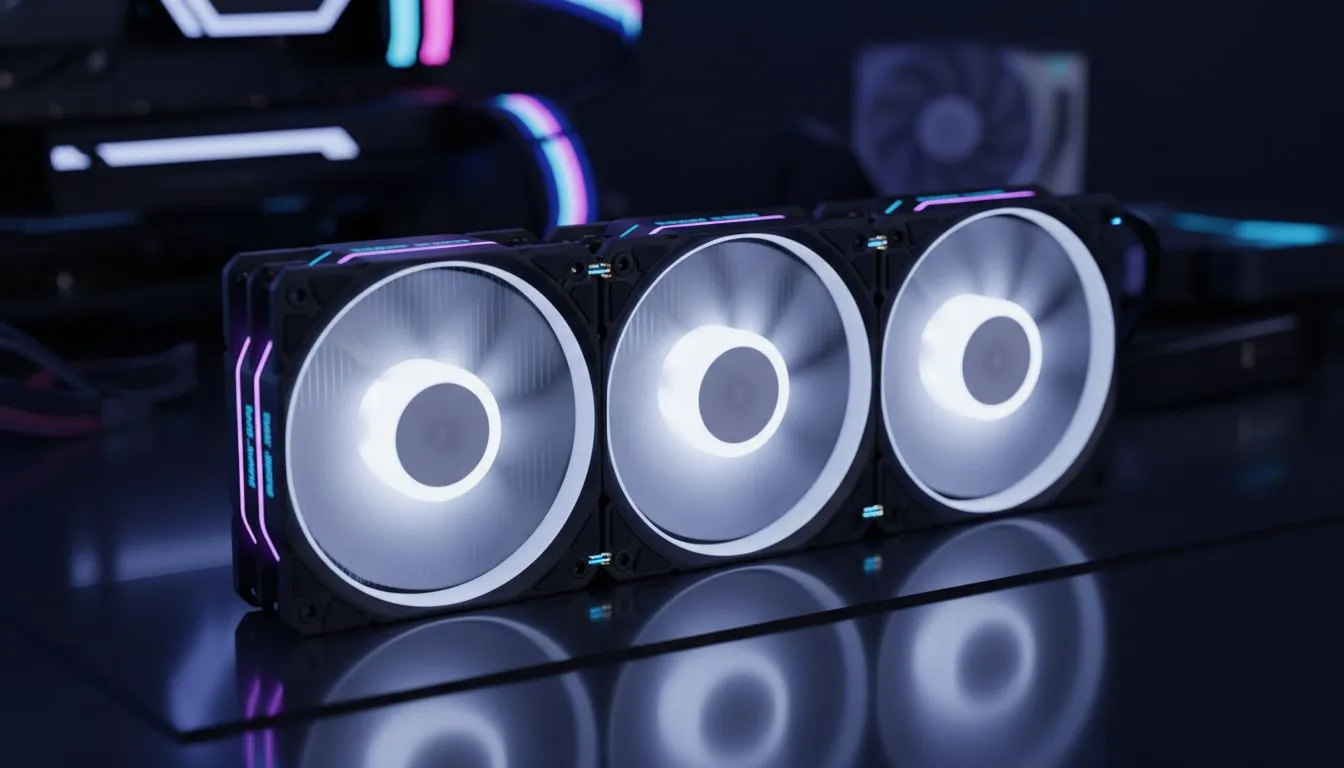
Modular fan systems cable management — cut setup time ⚡
South African builders and gamers: tired of wrestling with tangled fan cables late at night? Modular fan systems cable management slashes setup friction and leaves your rig looking sharp. Whether you’re finishing a LAN-ready build in Cape Town or upgrading at home in Pretoria, a smarter fan setup saves you time and keeps airflow optimal. Read on for practical tips, kit picks, and quick wins. 🚀
Modular fan systems cable management basics
Start with a plan. Map fan locations, and decide which headers will carry multiple fans. Evetech’s full case fan range helps you compare sizes and types before buying — handy when you’re matching fan specs to a case. https://www.evetech.co.za/PC-Components/case-fans-97.aspx
Pick modular fans with detachable cables or fan hubs. Brands like Corsair offer modular options that simplify routing and reduce connectors at the motherboard. See Corsair’s fan selection for models with detachable leads. https://www.evetech.co.za/PC-Components/case-fans-97.aspx?brands=CORSAIR
Modular fan systems cable management tips for faster builds
Use fan hubs or PWM splitters to centralise wiring. That reduces the number of cable runs to your motherboard. Deepcool also has solutions focused on easy installs and neat routing; check their range for compact hubs. https://www.evetech.co.za/PC-Components/case-fans-97.aspx?brands=Deepcool
Colour-code or label cables before installation. It saves debugging time later. If you prefer style with less fuss, RGB fans can be routed to a single controller, keeping illumination tidy and cable runs short. Browse RGB options to pair lighting and management. https://www.evetech.co.za/PC-Components/case-fans-97.aspx?attributes-lightingeffects=RGB
Prefer minimal lighting? Non-RGB fans remove extra controller cables and are great for a cleaner build. Evetech lists quiet, non-RGB models ideal for stealthy setups. https://www.evetech.co.za/PC-Components/case-fans-97.aspx?attributes-lightingeffects=None
Modular fan systems cable management: size and airflow matters
Match fan size to mounting points. 120mm and 140mm fans move different volumes of air and need different screw placements and spacings. Evetech’s 120mm selection makes it easy to find the right fan for compact cases. https://www.evetech.co.za/PC-Components/case-fans-97.aspx?attributes-size=120mm
For larger cases, 140mm fans often provide better airflow at lower RPM. Explore 140mm options when you want quieter cooling with strong circulation. https://www.evetech.co.za/PC-Components/case-fans-97.aspx?attributes-size=140mm
Productivity Pro Tip ⚡
fan cables into two groups: power and RGB. Route power cables to a single hub or splitter near the PSU. Bundle RGB cables toward the controller. This reduces cable swaps when testing and makes future upgrades painless.
Practical checklist before powering up
- Confirm all fan connectors match your hub or header type.
- Tidy loose cables with Velcro straps or built-in routing channels.
- Run a quick bench test with one fan hub connected before finalising cable ties.
- Keep spare screws and short extension leads handy during the build.
Small changes cut minutes off each build. Over a few rigs, those minutes add up to hours saved. ✨
Ready to Find Your Perfect Match? The Mac vs Windows debate is complex, but for maximum power, choice, and value in South Africa, Windows is hard to beat. Explore our massive range of laptop specials and find the perfect machine to conquer your world.











