

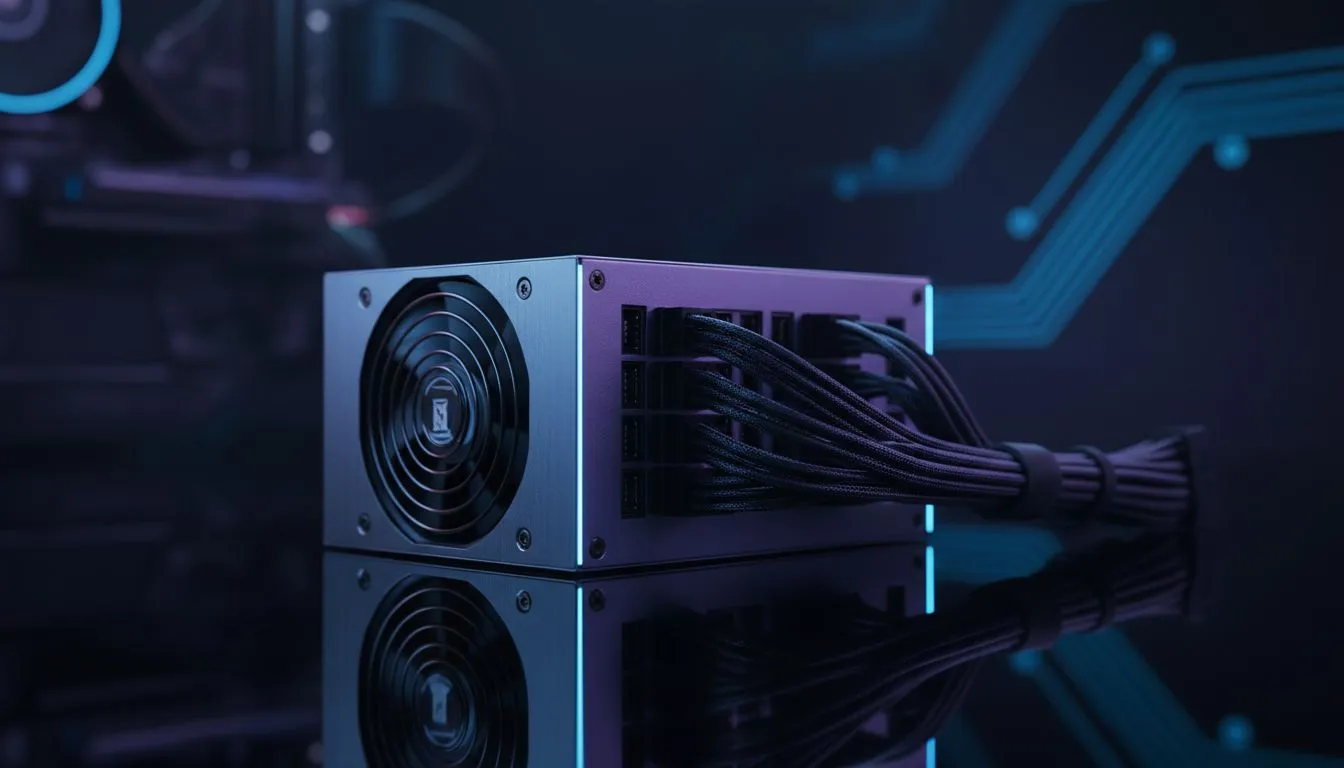
Master Your Build with This Modular Power Supply Cable Management Guide
Staring at a "spaghetti" mess of cables inside your PC is enough to make any South African gamer lose their cool. Whether you are building a new rig or upgrading, a clean interior looks better. It also improves airflow. Our Modular Power Supply Cable Management Guide helps you turn that chaotic nest into a professional masterpiece that stays cool during those long summer gaming sessions. 🔧
Why Choosing Modular Saves Your Sanity
The foundation of a clean build starts with your choice of hardware. Unlike non-modular units, modular power supplies allow you to plug in only the cables you actually need. This means no extra SATA or Molex cables tucked into the bottom of your case.
When picking a high-end unit like a Corsair power supply, you often get the benefit of flexible, flat cables. These are much easier to route through tight grommets. If you are working with a tighter budget but still want that clean look, GAMDIAS power supplies offer excellent modular options that won't break the bank in ZAR.
Step-by-Step Cable Routing for Clean Airflow
Effective cable management is about more than just aesthetics. It is about ensuring your intake fans can actually push cool air to your GPU and CPU. Follow these steps for a cleaner layout:
- Pre-plan your route: Identify the cutouts in your motherboard tray before you screw anything in.
- The 24-Pin First: This is your thickest cable. Route it through the closest grommet to the motherboard port.
- Use the Back Panel: Don't be afraid to use the space behind the motherboard. It is there for a reason.
- Group Similar Cables: Run your PCIe power and SATA cables together using velcro straps.
The Velcro Advantage ⚡
Stop using plastic zip ties for every small group of wires. Use reusable velcro straps instead. They are much kinder to your cable insulation and make it far easier to add a new SSD or fan controller later without needing to cut anything away.
The Importance of Efficiency and Quality
A tidy build is great, but it must be reliable. Power delivery is the heartbeat of your system. Always ensure your unit has a solid 80 PLUS efficiency rating to keep heat down and electricity bills manageable.
Higher efficiency ratings mean less energy is wasted as heat. This is crucial in South Africa, where ambient temperatures can rise quickly. A cooler power supply also means the fan spins slower... resulting in a much quieter gaming experience. 🚀
Final Touches for a Pro Look
Once everything is plugged in, use the small tie-down points on the back of your chassis to pull the cables taut. Avoid putting too much tension on the connectors. A little bit of slack is better than a strained port. Once the side panel closes without you having to force it, you know you have succeeded. ✨
Ready to Find Your Perfect Match? A clean build starts with the right hardware. Whether you are looking for gold-rated efficiency or the best value for your Rand, we have you covered. Explore our massive range of power supply specials and find the perfect unit to power your dream PC.











