

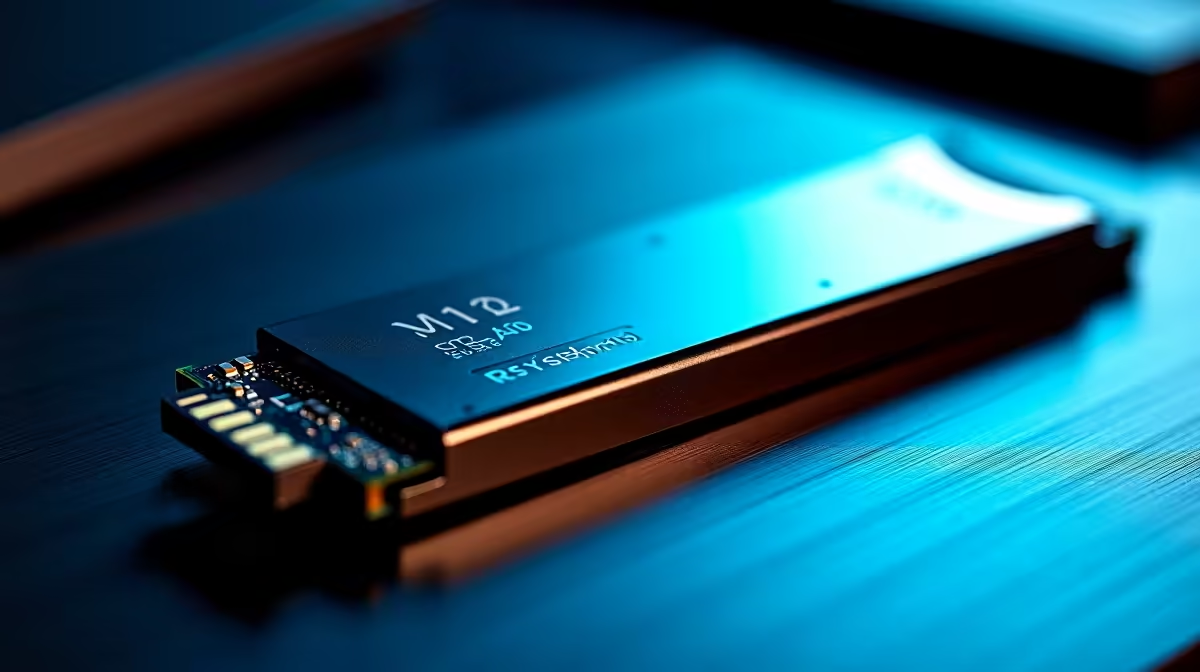
You finally finish downloading the latest massive Call of Duty update... only to see the dreaded disk space error. Modern games eat storage for breakfast. If you are throwing down hard-earned ZAR on a new rig, running out of space hurts. That is why you need to plan storage expansion before you build. Let us look at how to avoid the single-drive trap.
Why You Must Plan Storage Expansion Before You Build ⚡
Motherboards are not created equal. A budget board might look like a bargain until you realise it only has one M.2 slot. When your primary NVMe drive fills up with just a few heavy titles, you are stuck. Upgrading means cloning your operating system or relying on slower drives.
If you are eyeing out the best gaming PC deals, always check the motherboard specifications. Look for at least two M.2 NVMe slots. This gives you vital room to breathe. You can easily add a secondary drive later without tossing your primary one.
NVMe vs SATA... Making the Right Call
Speed matters when you are loading into a competitive match. NVMe drives plug directly into your motherboard M.2 slots. They offer blistering read and write speeds. SATA solid-state drives are cheaper but cap out around 550MB per second. They also require extra power and data cables... which can mess up your clean build aesthetic.
Your processor and chipset have a limited number of PCIe lanes. When you plan storage expansion before you build, ensure your extra M.2 slots do not disable essential SATA ports when populated. Always check the motherboard manual. If you want maximum performance, prioritise motherboards with multiple Gen 4 or Gen 5 M.2 slots. This future-proofs your system for upcoming DirectStorage games.
Storage Strategy Pro Tip 🔧
Keep your Windows OS and main competitive games on your fastest Gen 4 NVMe drive. Use a secondary Gen 3 M.2 or a large SATA SSD as a cold storage vault for single-player games, media, and backups.
Laptops and Storage Limits
Desktop builders have it easy. If you prefer portable power, storage upgrades get tricky. Gaming laptops are fantastic for beating load-shedding... but storage is often their Achilles heel. Many modern notebooks solder their storage directly to the board. Others only provide a single slot.
Before you browse notebooks for sale in South Africa, double-check if the chassis allows for user upgrades. A laptop with an open M.2 slot extends its lifespan by years. You do not want to be forced into buying external hard drives. They are bulky and take up valuable USB ports.
Budgeting for Future Upgrades 🚀
Good storage planning saves you money. Instead of buying a massive 4TB drive right now, start with a solid 1TB or 2TB NVMe. Make sure your board has an open slot. When you eventually need more space, you can grab a second drive.
Storage prices fluctuate constantly. Buying what you need now and expanding later is the smartest financial move. You will often find great discounts on high-speed storage if you keep an eye on our weekly specials. This lets you spread out your spending while keeping your PC fast and clutter-free.
Ready to Build Your Dream Rig? Do not let storage limits bottleneck your gaming experience. Whether you need a motherboard with massive expansion potential or a pre-built system that is ready for the future, Evetech has you covered. Explore our custom PC builders and craft a machine that grows with your library.











