

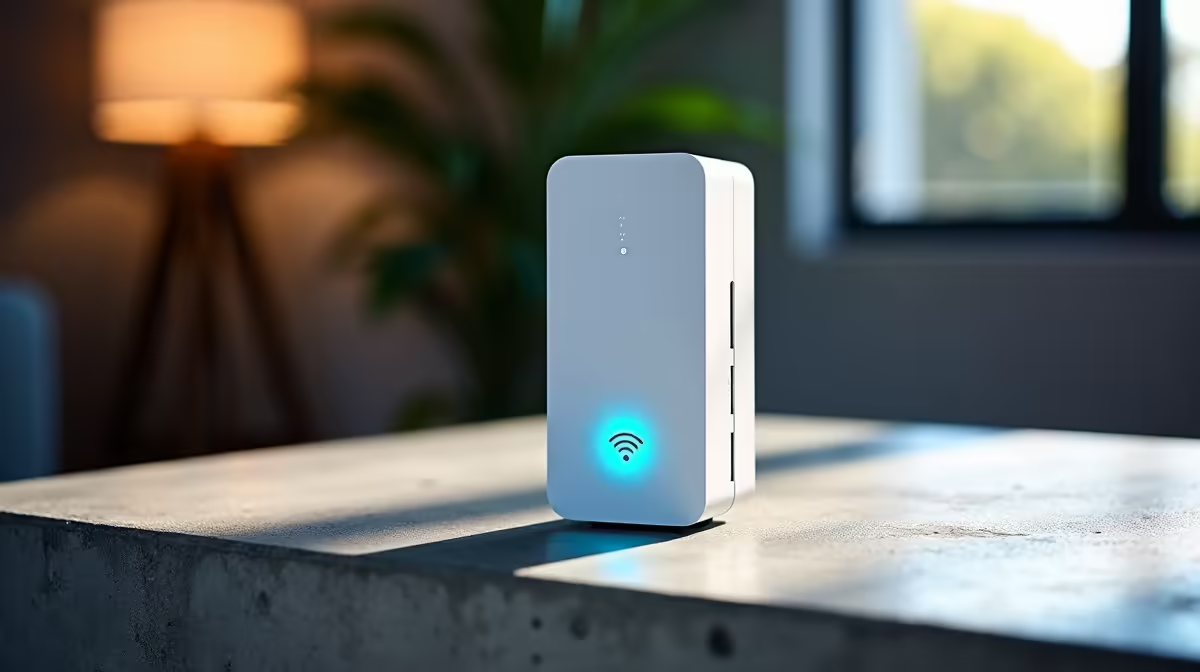
Is there anything more frustrating than your Wi-Fi signal giving up the ghost the second you walk into the braai room? We've all been there. That one spot in your house where the signal just… dies. For South African homes, with our famously thick brick walls and sprawling layouts, finding reliable signal coverage can feel like a mission. But it doesn’t have to be. With the right power-tested extenders for SA homes, you can finally conquer those dead zones. ⚡
Why Your Wi-Fi Struggles in a South African Home
Before you blame your ISP, let's look at the usual suspects right here at home. The number one culprit? Building materials. Those classic double-brick walls that keep our homes cool are also brilliant at blocking Wi-Fi signals. Add a second storey or a long hallway, and you've created a digital dead zone. Even without these challenges, your network's foundation—the router itself—might not be up to the task of covering your whole property. A powerful core is essential, so ensuring you have one of the latest wireless routers is the best first step.
Finding the Best Power-Tested Extenders for Your Space
Once your router is sorted, it's time to boost that signal. A Wi-Fi range extender grabs the existing signal from your router and rebroadcasts it, pushing connectivity into those hard-to-reach areas. But not all are created equal. For a seamless experience, especially for gaming or 4K streaming, you need a powerful Wi-Fi extender designed to handle interference and distance.
Look for features like:
- Wi-Fi 6 (802.11ax): This is the modern standard, offering faster speeds and better performance in device-crowded homes.
- Dual-Band or Tri-Band: Dual-band offers two networks (2.4GHz for range, 5GHz for speed). Tri-band adds a second 5GHz band, creating a dedicated, high-speed link between the router and extender, which is ideal for performance.
- Easy Setup: Most modern extenders come with a simple WPS button setup or a user-friendly app.
Exploring a curated selection of wireless range extenders is the easiest way to compare models that are proven to work well in local conditions.
Pro Placement Tip 🔧
Don't place your extender in the dead zone itself! Position it roughly halfway between your router and the area with weak signal. It needs to receive a strong signal to be able to extend one effectively. Think of it as a relay race... you need a good baton handover.
What About Mesh Systems?
For larger or more complex homes, a Mesh Wi-Fi system might be a better fit than a single extender. Instead of one device rebroadcasting a signal, a mesh system uses multiple nodes that work together to create a single, seamless network. You can walk from one end of your house to the other without ever dropping the connection. It's a more premium solution, but for ultimate coverage, it's unbeatable.
Other Ways to Fortify Your Connection
Sometimes, the bottleneck isn't the network range but a specific device. An older laptop or PC might have an outdated network card that can't take advantage of your router's speed. A simple and affordable fix is upgrading to one of the newer USB wireless adapters, which can give an old machine a new lease on its digital life. 🚀
Ultimately, building a robust home network is about finding the right combination of gear for your unique space. From the router to the extender and the adapters in your devices, every piece plays a part. Taking a moment to explore all the options in wireless networking can help you design a setup that completely eliminates lag and buffering for good.
Ready to Banish Wi-Fi Dead Zones? Stop letting bad signal dictate where you can work or play. Explore our range of power-tested wireless range extenders for performance that reaches every corner of your home.











