

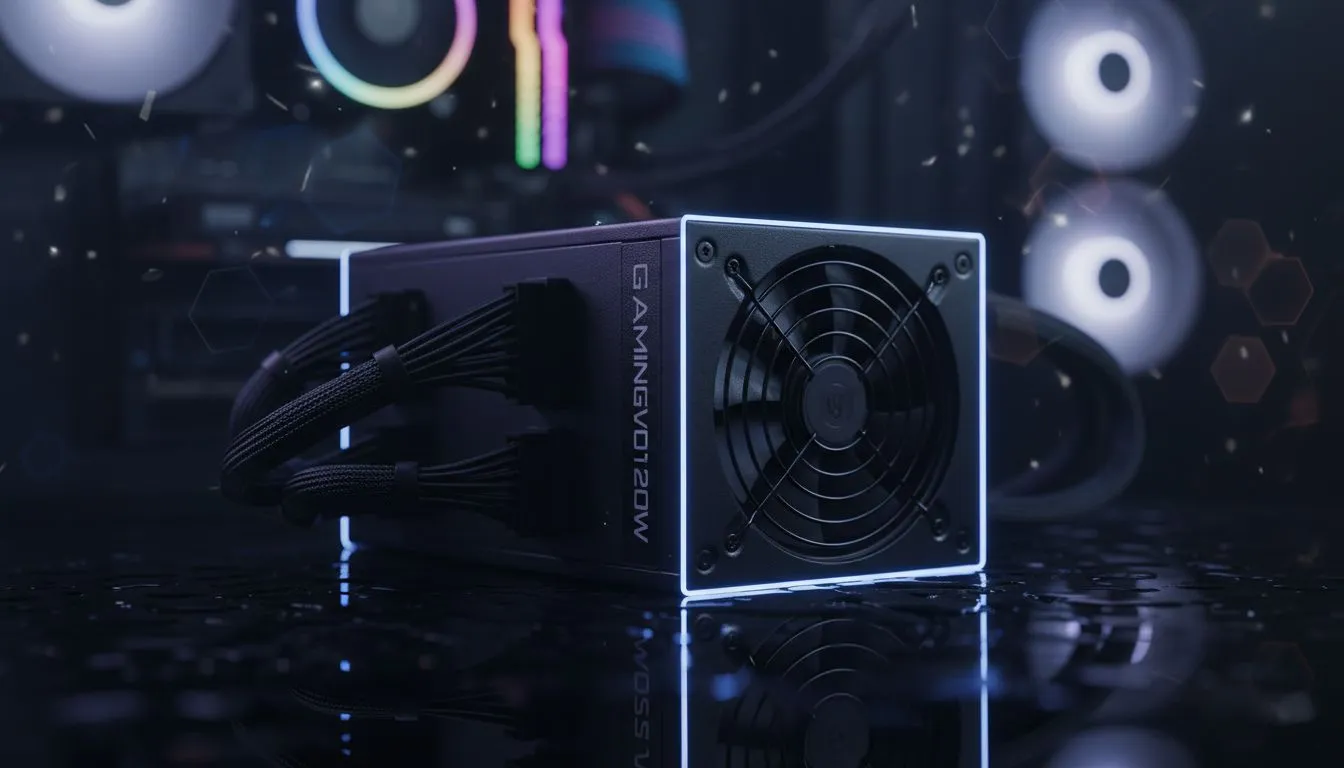
Is Your PSU the Silent Killer?
You’re deep into a session, the fans are humming, and then... total darkness. If the rest of the house still has lights, you aren't dealing with loadshedding. You're likely facing a hardware failure. When your PSU causing random shutdowns becomes a recurring nightmare, it feels like your PC has developed a mind of its own. Let’s diagnose and fix this before it toasts your expensive components. 🔧
Signs Your PSU is Failing
A power supply rarely dies quietly. Usually, it gives you warnings. You might notice a faint electrical hum or a slight ozone smell. Sometimes, the PC simply refuses to boot on the first try. The most common symptom remains the dreaded "hard reset" where the screen goes black and the system restarts instantly.
If you are pushing a high-end GPU with an older unit, you might be exceeding its peak wattage. This is why investing in reliable Corsair power supplies is often the first recommendation from our Build Lab experts. They handle transient power spikes much better than generic units.
How to Diagnose & Fix Power Issues
Before you go out and spend thousands of Rands, try these steps:
- Check for Overheating: Dust buildup in the PSU fan can cause it to overheat and trip its internal thermal protection. Give it a blast with some compressed air.
- Inspect Cable Seating: Ensure the 24-pin motherboard cable and the 8-pin CPU cables are clicked in securely.
- Calculate Your Draw: If you recently added a new RTX card, your old 500W unit might be screaming for mercy.
The 'Paperclip' Reality Check ⚡
While the paperclip test can tell you if a PSU is completely dead by shorting the green and black pins, it won't tell you if the unit is failing under load. If your PC boots but dies during Gaming, the paperclip test won't help. You need a dedicated PSU tester or a multimeter to check if the 12V rail is sagging below 11.4V under stress.
Choosing a Stable Replacement
If you’ve confirmed the hardware is at fault, it’s time for an upgrade. For those on a budget who still need reliable protection, the Gamdias PSU range offers great value without compromising on safety features like OVP (Over Voltage Protection).
Efficiency also matters in South Africa. A more efficient unit generates less heat, which is vital during our hot summer months. Always look for 80 PLUS certified units to ensure you aren't wasting electricity or putting unnecessary strain on your home's circuits. 🚀
Final Checks
Check your Windows Event Viewer for "Kernel-Power Event 41". This confirms the system shut down unexpectedly. If you see this frequently, and your temperatures are fine, your PSU is almost certainly the culprit. Don't wait for it to take your motherboard with it... replace it early. ✨
Ready to Secure Your Power? Don't let a faulty power supply ruin your gaming rig or lose your unsaved work. For the best stability and peace of mind in South Africa, we've got you covered. Explore our full range of high-performance power supplies and keep your system running cool and steady.











