

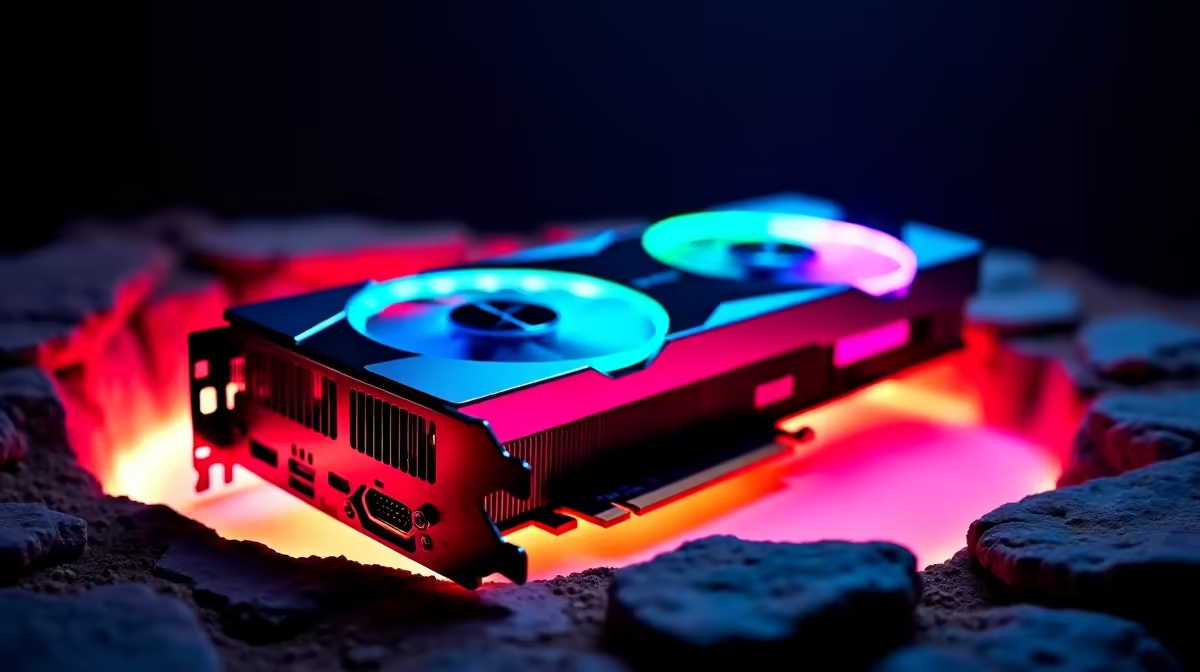
You finally did it. You dropped a serious amount of ZAR on the ultimate GPU. But right in the middle of a gaming marathon, your monitoring software starts flashing red. Seeing an RTX 5090 hot spot temperature high warning is enough to make any South African gamer sweat... especially during a summer heatwave. Don't panic just yet. Let us break down how to diagnose this thermal headache.
Understanding Your RTX 5090 Hot Spot Temperature ⚡
First... what exactly is a hot spot? Modern GPUs have dozens of thermal sensors scattered across the silicon die. The hot spot is simply the highest reading among all those sensors.
If you want to browse the latest graphics cards, you will notice the RTX 5090 coolers are absolutely massive. They need to be. These cards pull serious wattage. It is completely normal for the hot spot to sit 10 to 15 degrees Celsius above your average GPU temperature. However... if that sensor pushes past 105 degrees, thermal throttling will kick in to protect your hardware.
Diagnosis Steps for High GPU Temps
Before you blame the card, check your case airflow. Our local climate does not play around. A sealed glass box will choke even the best coolers.
Sometimes the fix is as simple as adding better intake fans to optimise airflow. You can often find great cooling gear in our weekly tech specials to keep fresh air moving over your components.
Monitoring Pro Tip 🔧
Download HWiNFO64 to track your temperatures accurately. Look at the delta between the 'GPU Temperature' and 'GPU Hot Spot'. If the gap is consistently wider than 20 degrees Celsius under load, you likely have a thermal paste pump-out issue or uneven cooler mounting.
When to Repaste and When to Replace
If your airflow is perfect but the RTX 5090 hot spot temperature remains high, the factory thermal paste application might be flawed. Opening an expensive card voids the warranty. If your hardware is brand new, rather return it for testing.
This peace of mind is exactly why many buyers prefer reliable pre-built PC deals. With a pre-built system, the entire rig's thermals are stress-tested before it ever leaves the shop. A balanced setup prevents these nasty thermal bottlenecks. You can see how we configure airflow in our best gaming PC deals to handle monster GPUs without breaking a sweat.
Escaping the Heat Entirely 🚀
Maybe the sheer heat output of desktop flagships is getting too much for your room. High-end desktop parts act like space heaters.
Modern mobile GPUs offer incredible performance without turning your gaming space into a sauna. If you want top-tier frames with better efficiency, it is worth exploring high-performance laptops for sale in South Africa. They offer brilliant portability and strict thermal limits right out of the box.
Ready to Upgrade Your Gaming Experience? Dealing with overheating hardware is frustrating. Whether you need a better airflow case, a brand new GPU, or a fully tested rig, Evetech has you covered. Explore our massive range of PC components and build a system that stays ice cold under pressure.











