


Humidity Damage to PC Components: Recovery Guide
Humidity Damage to PC Components: Recovery Guide. Everything you need to know with SA pricing, step-by-step instructions & expert recommendations.
Read moreWondering if a 2200RPM case fan is worth it for high-end GPUs and CPUs? Get clear tradeoffs on airflow, noise, airflow pressure, and temps—plus when to choose one 🚀❄️.
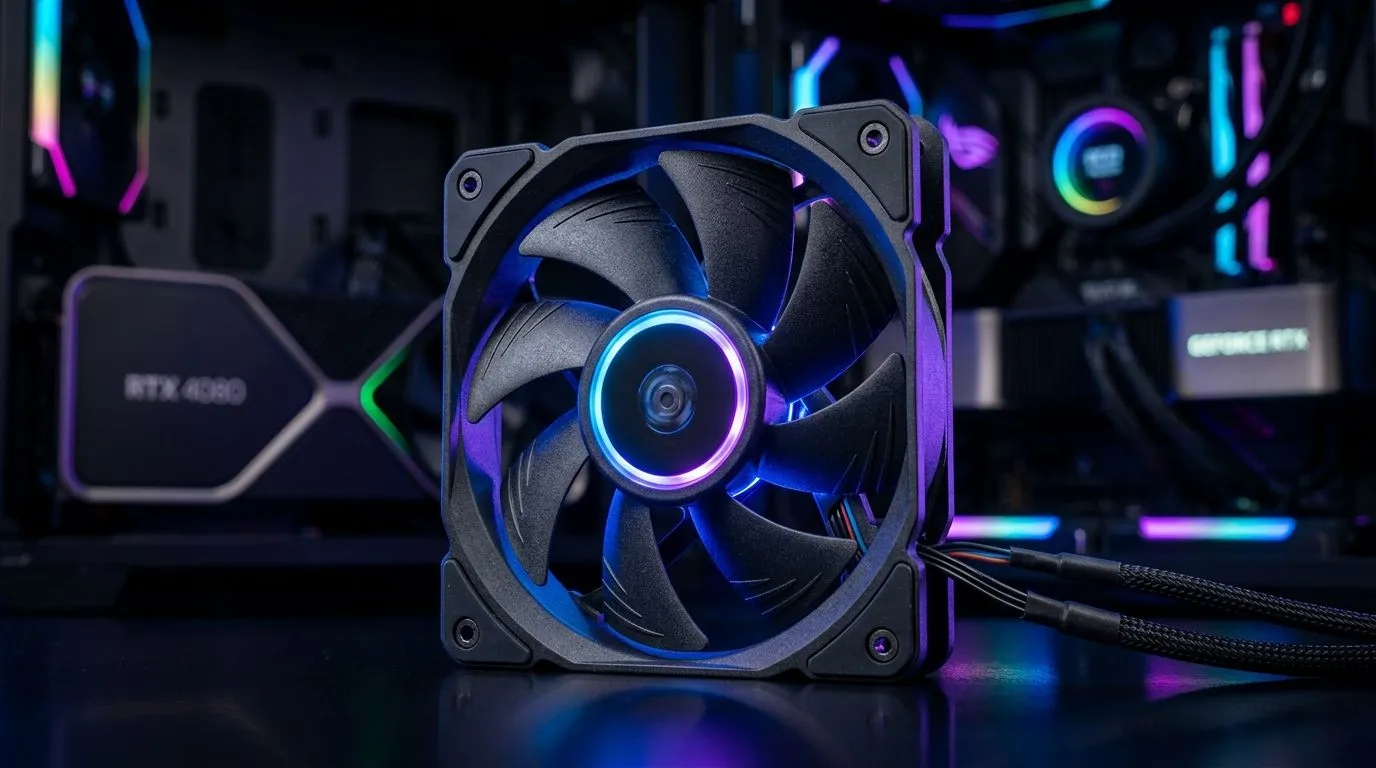
If you’re running a high-end GPU in a hot South African summer, your case fans decide whether your rig stays smooth… or throttles. You might have seen “2200RPM” on a box and wondered if it’s just marketing, or if it truly helps. 🔥 The short answer? It can be worth it, but only if it matches your case airflow, your fan size, and your noise tolerance.
“2200RPM” is how fast the fan blades spin at full speed. RPM alone doesn’t guarantee performance because airflow depends on more than speed:
For GPU setups, you usually want stable intake and exhaust so the GPU doesn’t pull warm air from inside the case. In other words: RPM helps, but balance matters more.
Evetech stocks a wide range of case fans you can filter by size and even lighting. Browse the category here:
Explore Evetech case fan options
Before committing to 2200RPM, check these buying points. They’re the difference between “louder but cooler” and “just louder”:
Aim for a simple airflow plan:
Many builders start with 120mm fans because they’re common. But 140mm fans can move similar air with less noise (physics, not hype). If you’re selecting by size, you can browse:
If aesthetics matter, filter by RGB effects: RGB lighting fans
But if you’re building a clean, minimalist airflow machine: Non-RGB case fans
Picture a weekend in Gauteng. You’re gaming with the PC under load, and the GPU fan ramps hard. Then you check your case and realise most airflow is escaping through one side, while the front intake is weak and choked by dust buildup or a restrictive front panel.
In that scenario, a higher-RPM fan can help because it can push air through resistance. But the better move is often:
If you’re leaning towards a brand-specific setup, you can compare options like Corsair: Corsair case fans
And if you prefer Deepcool options for your build: Deepcool case fans
On Windows, the best “cooling upgrade” isn’t always new hardware. Set your GPU power settings to a stable profile and use a fan curve in your BIOS or motherboard software so case fans ramp with GPU temperature, not CPU load. This keeps temps steady during long sessions while reducing unnecessary noise at idle.
Here’s the honest truth: many 2200RPM fans sound noticeable at full speed. The smart approach is to use them at higher RPM only when temperatures demand it. Modern motherboards and fan hubs make this easier with PWM control. ⚡
If your case supports better airflow, a 2200RPM fan can prevent heat soak. If your case is already well-ventilated, you might only need moderate RPM fans for quieter performance.
Still unsure? That’s normal. The safest path is to match:
In high-end GPU builds, cooling is a system, not a single spec. 2200RPM can be worth it… when paired with the right placement and control. Otherwise, you pay for noise without much benefit.
Ready to Find Your Perfect Match? The Mac vs Windows debate is complex, but for maximum power, choice, and value in South Africa, Windows is hard to beat. Explore our massive range of laptop specials and find the perfect machine to conquer your world.
It can help lower GPU temps in high-heat cases, but value depends on your fan static pressure, fan curve, and whether noise is acceptable.
Generally yes—higher RPM increases perceived noise. The best approach is matching airflow needs and using a tuned fan curve for 2200RPM fans.
Higher RPM can move more air, but 1400RPM often wins on quiet performance. For restrictions, prioritize static pressure over RPM alone.
For radiators and dense heatsinks, static pressure matters. Many high-speed fans work well, but choose models designed for radiator airflow.
Static pressure usually matters more when airflow is restricted (dense front panels, dust filters, or radiators). RPM helps only if the path is clear.
Start with a lower baseline to stay quiet, then ramp when GPU or CPU temps rise. Aim to avoid constant high-RPM operation.
Often yes, especially with good intake/exhaust balance. Ensure your airflow path supports the CPU coolers and case ventilation.
Avoid it if your case already has strong airflow, your noise tolerance is low, or you are missing basics like dust filters, cable routing, and proper fan placement.
Humidity Damage to PC Components: Recovery Guide. Everything you need to know with SA pricing, step-by-step instructions & expert recommendations.
Read more
Gamer Spending Trends April : Complete Setups. Clear setup instructions with SA-specific considerations, troubleshooting tips & recommended components.
Read more
Setting Up DDR5 32GB Kit. Tested & verified settings for best FPS and visual quality on SA hardware budgets.
Read more
Tech Setup Guide for SPU Res Students. Clear setup instructions with SA-specific considerations, troubleshooting tips & recommended components.
Read more
Monster Hunter Wilds Ultrawide Support: 21:9 and. Clear setup instructions with SA-specific considerations, troubleshooting tips & recommended components.
Read more
Apple iPad Durability Guide: Cases, Screen. Practical breakdown of costs, regulations & whether it makes financial sense for SA buyers.
Read more
AMD RX 9050 XT: Rumoured Specs, Price & Release. SA-focused analysis with local pricing data, real-world insights & actionable buying advice.

Can RTX 4080 Super Run AI Workloads for SA Developers Detailed answer with SA data, expert analysis & practical recommendations for local buyers.

Can RTX 4090 Run AI Workloads for SA Developers Detailed answer with SA data, expert analysis & practical recommendations for local buyers.

Top Settings for Intel Arc B580 at Ultrawide 1440p picks evaluated on performance, value & SA availability with current Rand pricing from Evetech.

RTX 4060 CS2 Low Settings at 1080p: FPS Results. Real-world benchmark data, FPS numbers & performance analysis. What SA gamers can actually expect.

Visual Artifacts: Possible GPU Issue Issue #1. Diagnosis steps, proven fixes & when to seek professional help. SA-specific support info included.

Can the RTX 4090 Handle 1440p 144Hz Gaming. Performance testing verdict with real data & practical recommendations for SA buyers.

Top ASUS GPU Under R15000 picks evaluated on performance, value & SA availability with current Rand pricing from Evetech.

GTA 6 Max Settings on RTX 5070. Tested & verified settings for best FPS and visual quality on SA hardware budgets.

Cyberpunk 2077 Max Settings on RTX 5080. Tested & verified settings for best FPS and visual quality on SA hardware budgets.

Starfield Max Settings on RTX 5070 Ti. Tested & verified settings for best FPS and visual quality on SA hardware budgets.

Top RTX 5090 Under R5000 picks evaluated on performance, value & SA availability with current Rand pricing from Evetech.