


Humidity Damage to PC Components: Recovery Guide
Humidity Damage to PC Components: Recovery Guide. Everything you need to know with SA pricing, step-by-step instructions & expert recommendations.
Read more• Air vs liquid cooling: compare options • Assess performance, noise, cost, maintenance • Recommend best setup for overclocked systems • Provide build tips 🔧🎮 Air vs liquid cooling guide for high-end gaming PCs to help you choose the right cooler.
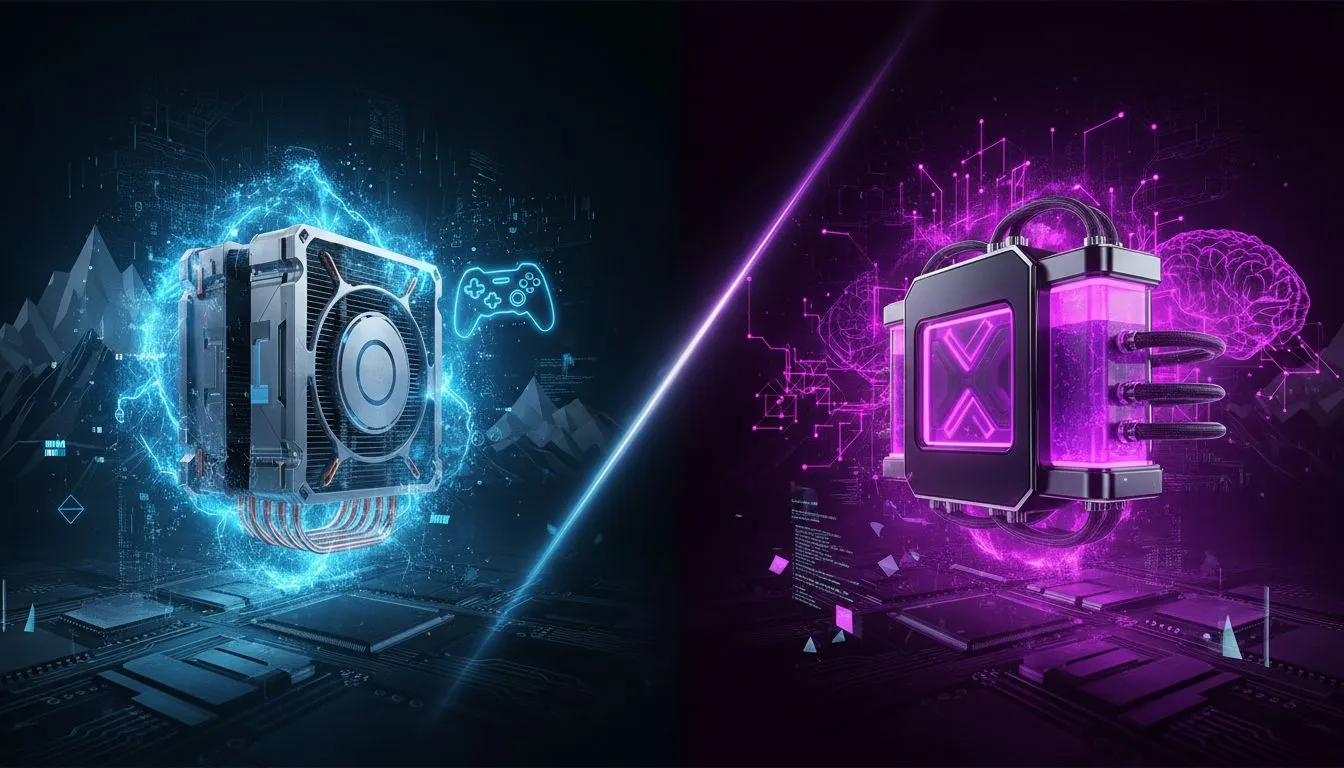
You’ve just unboxed that beastly new CPU, the heart of your dream gaming rig. But before you can dominate in Apex or explore the streets of Night City, you face a critical choice. It’s the classic PC builder’s dilemma that can make or break your performance, especially during a South African summer: air vs liquid cooling.
This isn’t just about flashy RGB lights; it’s about protecting your investment and squeezing every last drop of power from your hardware. Let's dive in.
At its core, an air cooler is a beautifully simple piece of engineering. A metal heatsink with fins draws heat away from your CPU via copper heat pipes, and a fan blows that heat away from the block and out of your case. Simple, right? But don't mistake simplicity for weakness.
Modern high-end air coolers are incredibly efficient and can easily handle most top-tier gaming CPUs at stock speeds, and even with a decent overclock.
The main drawback? Size. Large air coolers can be bulky, potentially interfering with tall RAM sticks or narrow PC cases. But for most builds, including many of the fantastic upgrade bundles available, a quality air cooler is the perfect partner.
Liquid cooling, specifically AIOs, works like a car's radiator. A pump pushes a special coolant through a block attached to your CPU, absorbing heat. This hot liquid then travels to a radiator, where fans dissipate the heat before the cooled liquid cycles back to the CPU block.
This efficient process is why the liquid vs air cooling debate heats up when we talk about extreme performance and overclocking.
Builders starting with powerful foundations like AMD barebone kits or their Intel barebone kits counterparts often choose an AIO to maximise both performance and visual flair.
Before you buy any AIO liquid cooler, double-check your PC case specifications. You need to confirm it supports the radiator size you're considering (e.g., 240mm, 280mm, or 360mm) and where it can be mounted (top, front, or rear). Mismatched parts are a PC builder's worst nightmare!
So, what's the final word for a high-end gaming PC in SA?
For the vast majority of gamers, a premium air cooler is the smarter choice. It delivers more than enough performance to keep your CPU running cool and stable, offers unmatched reliability, and saves you money you can put towards a better GPU or more storage.
However, if you are an enthusiast determined to overclock your CPU to its absolute peak, or if a clean, minimalist aesthetic is a top priority for your build, then a liquid AIO is the undisputed champion. This is especially true for those building with top-of-the-line components, where every degree counts. For instance, gamers investing in high-performance Ryzen 7 bundles often weigh these exact pros and cons to match their cooling to their performance ambitions.
Ultimately, the best CPU cooler is the one that fits your specific needs, case, and budget.
Either way, a proper cooling solution is non-negotiable for a high-end gaming PC. Choose wisely, and your machine will thank you with smooth, throttle-free performance for years to come.
Ready to Beat the Heat? The air vs liquid cooling debate comes down to your specific build, budget, and performance goals. Whether you're after a rock-solid air cooler or a high-performance AIO, we've got the perfect solution to keep your rig running cool and fast. Explore our massive range of PC cooling solutions and find the perfect match for your build.
Liquid cooling usually provides more thermal headroom for overclocking; consult 'best cooling for overclocking' guides when pushing voltages.
AIOs often beat air in sustained temps and clearance, but 'air cooling vs aio performance' depends on case airflow and fan choice.
AIOs need little upkeep, while custom loops require periodic fluid changes and inspection — see our 'liquid cooling maintenance guide.'
High-quality air coolers can be quieter; compare 'quiet cooling solutions for gaming pc' and fan RPM curves for realistic noise expectations.
Custom loops offer superior cooling and expandability for extreme builds — search 'aio vs custom loop for gaming' to weigh pros and cons.
Pair strong case airflow with GPU cooling upgrades; check 'cooling setup for rtx 40 series' and consider GPU AIO or enhanced air shrouds.
Air cooling usually wins on upfront cost; compare 'cost of liquid cooling vs air' for AIO prices, custom loop parts, and long-term value.
Humidity Damage to PC Components: Recovery Guide. Everything you need to know with SA pricing, step-by-step instructions & expert recommendations.
Read more
Gamer Spending Trends April : Complete Setups. Clear setup instructions with SA-specific considerations, troubleshooting tips & recommended components.
Read more
Setting Up DDR5 32GB Kit. Tested & verified settings for best FPS and visual quality on SA hardware budgets.
Read more
Tech Setup Guide for SPU Res Students. Clear setup instructions with SA-specific considerations, troubleshooting tips & recommended components.
Read more
Monster Hunter Wilds Ultrawide Support: 21:9 and. Clear setup instructions with SA-specific considerations, troubleshooting tips & recommended components.
Read more
Apple iPad Durability Guide: Cases, Screen. Practical breakdown of costs, regulations & whether it makes financial sense for SA buyers.
Read more
AMD RX 9050 XT: Rumoured Specs, Price & Release. SA-focused analysis with local pricing data, real-world insights & actionable buying advice.

Can RTX 4080 Super Run AI Workloads for SA Developers Detailed answer with SA data, expert analysis & practical recommendations for local buyers.

Can RTX 4090 Run AI Workloads for SA Developers Detailed answer with SA data, expert analysis & practical recommendations for local buyers.

Top Settings for Intel Arc B580 at Ultrawide 1440p picks evaluated on performance, value & SA availability with current Rand pricing from Evetech.

RTX 4060 CS2 Low Settings at 1080p: FPS Results. Real-world benchmark data, FPS numbers & performance analysis. What SA gamers can actually expect.

Visual Artifacts: Possible GPU Issue Issue #1. Diagnosis steps, proven fixes & when to seek professional help. SA-specific support info included.

Can the RTX 4090 Handle 1440p 144Hz Gaming. Performance testing verdict with real data & practical recommendations for SA buyers.

Top ASUS GPU Under R15000 picks evaluated on performance, value & SA availability with current Rand pricing from Evetech.

GTA 6 Max Settings on RTX 5070. Tested & verified settings for best FPS and visual quality on SA hardware budgets.

Cyberpunk 2077 Max Settings on RTX 5080. Tested & verified settings for best FPS and visual quality on SA hardware budgets.

Starfield Max Settings on RTX 5070 Ti. Tested & verified settings for best FPS and visual quality on SA hardware budgets.

Top RTX 5090 Under R5000 picks evaluated on performance, value & SA availability with current Rand pricing from Evetech.