


Humidity Damage to PC Components: Recovery Guide
Humidity Damage to PC Components: Recovery Guide. Everything you need to know with SA pricing, step-by-step instructions & expert recommendations.
Read more• Clean cloth gaming mousepad: when and why • Safe washing, spot fixes, drying • Routine care to extend performance ✅🧽 Learn step-by-step cleaning and maintenance tips to keep your mousepad smooth and long-lasting.
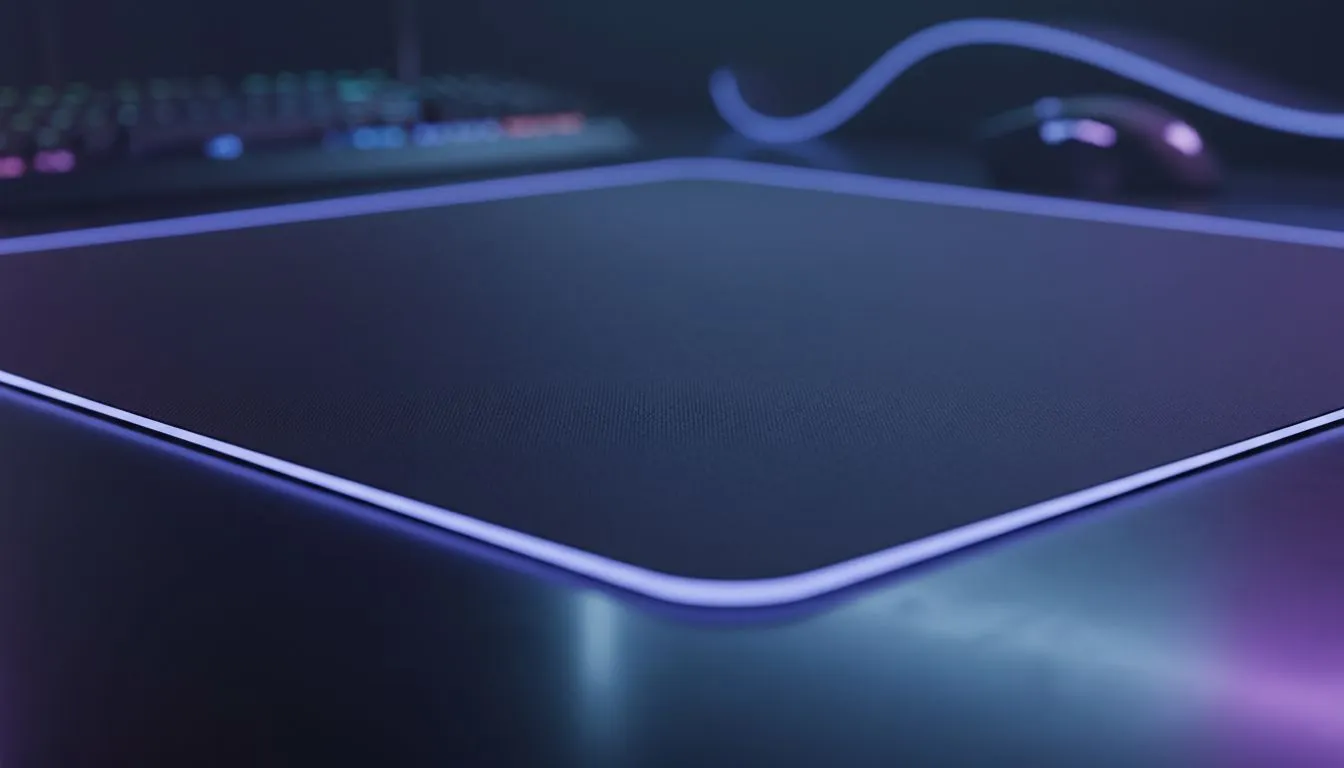
That sad, grimy patch on your desk where your wrist rests? It's more than just an eyesore. It’s a performance killer, caked with dust, sweat, and last night’s snack. A dirty surface causes inconsistent mouse tracking, costing you crucial headshots and precise edits. Learning how to properly clean your cloth gaming mousepad isn’t just about hygiene; it’s about reclaiming the smooth, predictable glide your mouse was designed for. Let's get it looking brand new. ✨
Think of your mousepad as the unsung hero of your setup. It provides the consistent surface your mouse's sensor needs to track movement accurately. Over time, this surface gets clogged with microscopic enemies:
A clean surface is fundamental for performance. It ensures every flick is smooth and every pixel is tracked perfectly, which is why investing in quality gaming mouse pads is only the first step; maintaining them is the second.
Washing a cloth mousepad is easier than you think, but you need to be gentle. Aggressive cleaning can damage the fabric weave or the rubber base. Here’s the safest method for a deep clean.
Never, ever put your cloth mousepad in a machine dryer. The high heat can melt the rubber base, separate it from the cloth surface, and permanently ruin your pad. Patience is key—let it air dry naturally for the best results.
A good cleaning can revive your mousepad, but a bad one can destroy it. Avoid these common pitfalls, especially if you're cleaning premium surfaces from brands like Steelseries or dealing with the sheer size of massive XXL desk mats.
A deep clean for your cloth gaming mousepad shouldn't be a weekly task. With a little regular maintenance, you can go months between deep cleans.
Proper care extends the life of any gear, from high-end models to affordable options from Marvo or even our own Evetech mousepads.
Even with the best care, a cloth mousepad is a consumable item. If you notice frayed edges, a surface that feels permanently slick or worn down, or stains that just won't lift, it might be time for an upgrade. A fresh surface can make your mouse feel brand new again.
Ready for That Brand-New Glide? A clean mousepad is a competitive edge. If yours has seen better days, a fresh start can instantly improve your aim and comfort. Explore our massive range of gaming mousepads and find the perfect surface to dominate your game.
Spot-clean weekly for heavy use and perform a deep wash every 3–6 months to maintain glide and hygiene.
Many cloth pads are machine safe on a gentle cycle with cold water and mild detergent; always air dry flat to prevent damage.
Use mild, dye-free liquid detergent or gentle dish soap to remove stains from cloth mousepad; avoid bleach and fabric softeners.
Spot-treat with diluted dish soap, gently scrub with a soft brush, rinse and air dry. Repeat for stubborn grease.
Lay the pad flat on a towel, press out excess water, then air dry away from heat and direct sunlight to preserve shape.
Proper cleaning restores surface glide and tracking. Avoid harsh chemicals that degrade texture to keep performance intact.
Use isopropyl 70% sparingly or a mild disinfectant wipe and test a corner first to ensure no surface damage.
Humidity Damage to PC Components: Recovery Guide. Everything you need to know with SA pricing, step-by-step instructions & expert recommendations.
Read more
Gamer Spending Trends April : Complete Setups. Clear setup instructions with SA-specific considerations, troubleshooting tips & recommended components.
Read more
Setting Up DDR5 32GB Kit. Tested & verified settings for best FPS and visual quality on SA hardware budgets.
Read more
Tech Setup Guide for SPU Res Students. Clear setup instructions with SA-specific considerations, troubleshooting tips & recommended components.
Read more
Monster Hunter Wilds Ultrawide Support: 21:9 and. Clear setup instructions with SA-specific considerations, troubleshooting tips & recommended components.
Read more
Apple iPad Durability Guide: Cases, Screen. Practical breakdown of costs, regulations & whether it makes financial sense for SA buyers.
Read more
AMD RX 9050 XT: Rumoured Specs, Price & Release. SA-focused analysis with local pricing data, real-world insights & actionable buying advice.

Can RTX 4080 Super Run AI Workloads for SA Developers Detailed answer with SA data, expert analysis & practical recommendations for local buyers.

Can RTX 4090 Run AI Workloads for SA Developers Detailed answer with SA data, expert analysis & practical recommendations for local buyers.

Top Settings for Intel Arc B580 at Ultrawide 1440p picks evaluated on performance, value & SA availability with current Rand pricing from Evetech.

RTX 4060 CS2 Low Settings at 1080p: FPS Results. Real-world benchmark data, FPS numbers & performance analysis. What SA gamers can actually expect.

Visual Artifacts: Possible GPU Issue Issue #1. Diagnosis steps, proven fixes & when to seek professional help. SA-specific support info included.

Can the RTX 4090 Handle 1440p 144Hz Gaming. Performance testing verdict with real data & practical recommendations for SA buyers.

Top ASUS GPU Under R15000 picks evaluated on performance, value & SA availability with current Rand pricing from Evetech.

GTA 6 Max Settings on RTX 5070. Tested & verified settings for best FPS and visual quality on SA hardware budgets.

Cyberpunk 2077 Max Settings on RTX 5080. Tested & verified settings for best FPS and visual quality on SA hardware budgets.

Starfield Max Settings on RTX 5070 Ti. Tested & verified settings for best FPS and visual quality on SA hardware budgets.

Top RTX 5090 Under R5000 picks evaluated on performance, value & SA availability with current Rand pricing from Evetech.