


Humidity Damage to PC Components: Recovery Guide
Humidity Damage to PC Components: Recovery Guide. Everything you need to know with SA pricing, step-by-step instructions & expert recommendations.
Read more- Assess HDMI 2.1 features; - Test latency & VRR; - Compare 4K120 performance; - Recommend optimal settings. HDMI 2.1 gaming on ViewBoards: discover latency, 4K120 and VRR support plus setup tips 🎮🔌
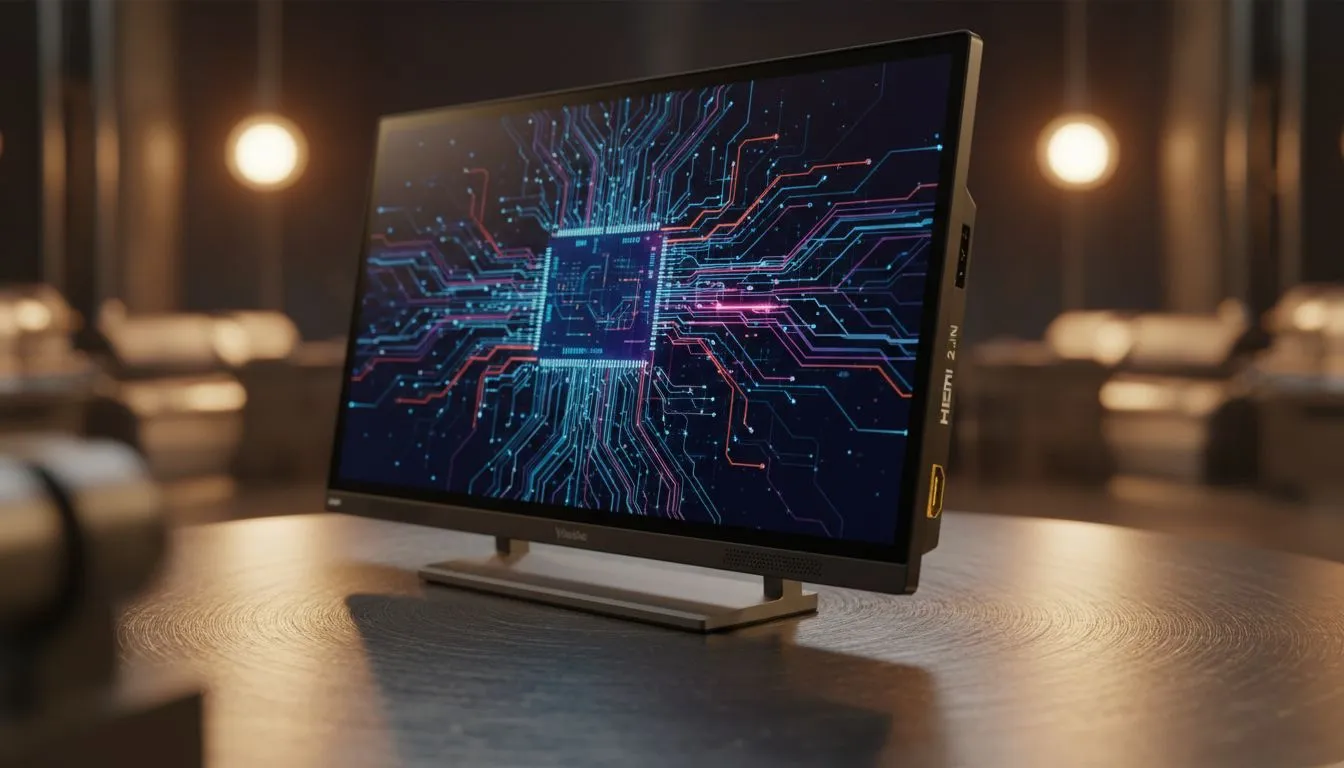
Wondering if HDMI 2.1 gaming will finally let you treat a ViewBoard like a giant monitor? If you play on console and PC, or buy displays for a gaming lounge in Jozi, Cape Town, or PTA, this short guide explains what works, what doesn’t, and when a ViewBoard becomes a viable gaming screen. Read on for practical setup tips and local shopping links. 🎮✨
HDMI 2.1 expanded bandwidth and features make high-resolution, high-refresh gaming possible — think 4K at 120Hz, VRR (variable refresh rate), and ALLM (auto low latency mode). For the official spec and what HDMI 2.1 can deliver, see HDMI Licensing's spec notes (bandwidth and feature details). These features reduce tearing and input lag when both the source and display support them (HDMI.org).
A ViewBoard is essentially a large-format display or interactive screen. The key questions are: does your ViewBoard have native HDMI 2.1 ports, does it support VRR, and what's the pixel response and input lag? Most consumer gaming monitors advertise adaptive sync features; you can compare adaptive-sync monitor options directly on Evetech when deciding whether to choose a large panel or a dedicated gaming monitor: browse Evetech's full monitor range (https://www.evetech.co.za/PC-Components/pc-monitors-89).
Large screens often prioritise colour and viewing angles over ultra-low latency. If your ViewBoard is built for presentations, it might lack HDMI 2.1 VRR support. For displays that do support adaptive refresh, check models categorised under Adaptive Sync on Evetech (https://www.evetech.co.za/PC-Components/pc-monitors-89?attributes-adaptivesync\=Adaptive+Sync). For AMD FreeSync options check the dedicated listing (https://www.evetech.co.za/PC-Components/pc-monitors-89?attributes-adaptivesync\=FreeSync+%28AMD%29), and for NVIDIA G-Sync compatibility see the G-Sync filters (https://www.evetech.co.za/PC-Components/pc-monitors-89?attributes-adaptivesync\=G-Sync+%28NVIDIA%29). These pages help you match features to hardware.
you commit, test the combo: plug your PS5 or HDMI 2.1 GPU into the ViewBoard and enable VRR ALLM in the console or GPU drivers. If tearing or lag persists, switch to a monitor with explicit gaming specs.
Think of a ViewBoard as a statement display — excellent for co-op games or big-screen local multiplayer, but sometimes compromised for twitch FPS due to higher input lag or lower refresh rates. If you want a single screen that does everything, look at large-format IPS panels that balance colour accuracy with reasonable response times. Evetech lists IPS-panel monitors you can filter by (https://www.evetech.co.za/PC-Components/pc-monitors-89?attributes-paneltype\=IPS).
Prefer a traditional monitor form factor? Decide whether you favour a flat surface for desk setups or curved panels for immersion; Evetech's flat screens collection helps with desk-friendly choices (https://www.evetech.co.za/PC-Components/pc-monitors-89?attributes-curved%2Fflatscreen\=Flat), while curved options are here for wraparound experiences (https://www.evetech.co.za/PC-Components/pc-monitors-89?attributes-curved%2Fflatscreen\=Curved). If you run both a console and a PC, consider an HDMI switch that is rated for HDMI 2.1 bandwidth — but use caution: cheap switches can negate the benefits of the standard.
A quick local story: a Cape Town streamer I worked with tried a 75" ViewBoard for 4K streaming. It looked stunning on camera, but he swapped back to a 32" 144Hz IPS for competitive matches. Why? The smaller monitor gave him consistent 1–3ms response and predictable input feel. Big screens are brilliant for shows and co-op sessions, less so for pro play.
Pick a ViewBoard if you value size and shared experiences, and confirm it officially supports HDMI 2.1 features you need. For competitive gaming, a dedicated 4K120/144Hz monitor with low input lag is safer. To explore different monitor types and match features to your budget and playstyle, check Evetech's curated monitor categories and filters throughout this article.
Ready to Find Your Perfect Match? The Mac vs Windows debate is complex, but for maximum power, choice, and value in South Africa, Windows is hard to beat. Explore our massive range of laptop specials and find the perfect machine to conquer your world.
Yes. HDMI 2.1 enables gaming features, but playable performance depends on the ViewBoard's panel, scaler, and input lag.
HDMI 2.1 supports 4K@120Hz, but the ViewBoard must have a true HDMI 2.1 input and processing chain to deliver 4K120.
Not by itself. Low input lag requires a fast panel, responsive scaler, and a dedicated game mode in addition to HDMI 2.1.
Many do, but support varies by model. Check specs for VRR and ALLM support before assuming the features work.
Use game mode, set the correct resolution and refresh rate (4K120 if available), use a certified HDMI 2.1 cable, and disable heavy image processing.
If the ViewBoard accepts HDMI 2.1 4K120 and supports VRR, PS5 and Xbox Series X can run compatible games at 4K120.
Yes—use a certified HDMI 2.1 cable with sufficient bandwidth to avoid signal drops at high resolutions and refresh rates.
Humidity Damage to PC Components: Recovery Guide. Everything you need to know with SA pricing, step-by-step instructions & expert recommendations.
Read more
Gamer Spending Trends April : Complete Setups. Clear setup instructions with SA-specific considerations, troubleshooting tips & recommended components.
Read more
Setting Up DDR5 32GB Kit. Tested & verified settings for best FPS and visual quality on SA hardware budgets.
Read more
Tech Setup Guide for SPU Res Students. Clear setup instructions with SA-specific considerations, troubleshooting tips & recommended components.
Read more
Monster Hunter Wilds Ultrawide Support: 21:9 and. Clear setup instructions with SA-specific considerations, troubleshooting tips & recommended components.
Read more
Apple iPad Durability Guide: Cases, Screen. Practical breakdown of costs, regulations & whether it makes financial sense for SA buyers.
Read more
AMD RX 9050 XT: Rumoured Specs, Price & Release. SA-focused analysis with local pricing data, real-world insights & actionable buying advice.

Can RTX 4080 Super Run AI Workloads for SA Developers Detailed answer with SA data, expert analysis & practical recommendations for local buyers.

Can RTX 4090 Run AI Workloads for SA Developers Detailed answer with SA data, expert analysis & practical recommendations for local buyers.

Top Settings for Intel Arc B580 at Ultrawide 1440p picks evaluated on performance, value & SA availability with current Rand pricing from Evetech.

RTX 4060 CS2 Low Settings at 1080p: FPS Results. Real-world benchmark data, FPS numbers & performance analysis. What SA gamers can actually expect.

Visual Artifacts: Possible GPU Issue Issue #1. Diagnosis steps, proven fixes & when to seek professional help. SA-specific support info included.

Can the RTX 4090 Handle 1440p 144Hz Gaming. Performance testing verdict with real data & practical recommendations for SA buyers.

Top ASUS GPU Under R15000 picks evaluated on performance, value & SA availability with current Rand pricing from Evetech.

GTA 6 Max Settings on RTX 5070. Tested & verified settings for best FPS and visual quality on SA hardware budgets.

Cyberpunk 2077 Max Settings on RTX 5080. Tested & verified settings for best FPS and visual quality on SA hardware budgets.

Starfield Max Settings on RTX 5070 Ti. Tested & verified settings for best FPS and visual quality on SA hardware budgets.

Top RTX 5090 Under R5000 picks evaluated on performance, value & SA availability with current Rand pricing from Evetech.