


Humidity Damage to PC Components: Recovery Guide
Humidity Damage to PC Components: Recovery Guide. Everything you need to know with SA pricing, step-by-step instructions & expert recommendations.
Read moreWondering if a 1TB SATA SSD is enough for gaming, work, and daily use? We break down game sizes, OS needs, and upgrade options so you can buy with confidence. 🎮💾
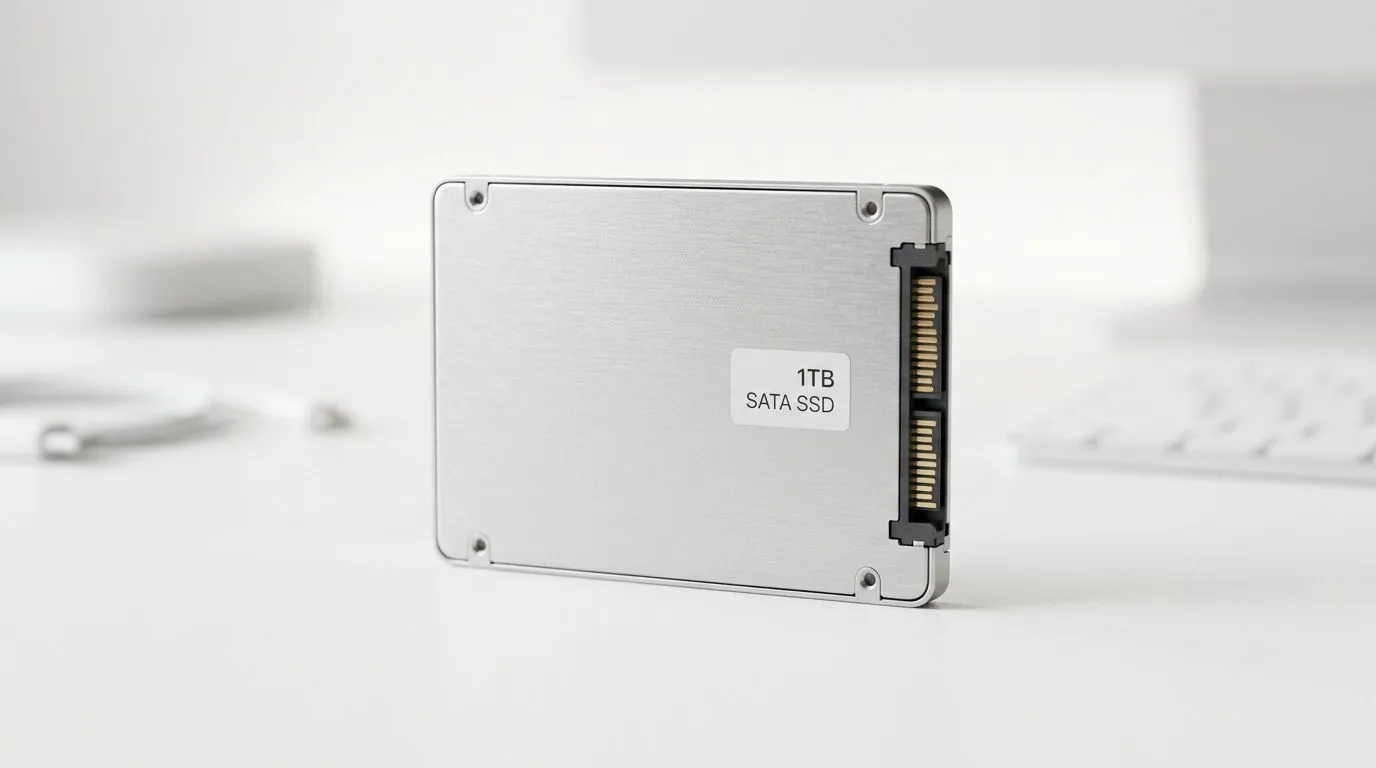
Your library is getting heavier. One minute you’re downloading a new release… the next you’re deleting clips to make space for another update. If you’re building (or upgrading) a budget PC in South Africa, the big question is simple: Is 1TB SATA SSD enough for gaming? 🔥
For most gamers, 1TB SATA storage is workable today. But whether it feels “enough” depends on your game habits, your settings, and how fast you burn through free space.
A typical SATA SSD is designed for speed and reliability, but games are the real space-hogs. Modern titles can be anywhere from ~50GB to well over 100GB each, and updates add more. That means even if your SSD is “fast”, you can still run out of room quickly.
Here’s a realistic example:
If you’re the type who rotates between multiple titles (instead of staying on one game for months), 1TB can get tight. If you mostly play 1-2 games and keep settings tidy, it’s often fine.
For gaming, SATA SSDs give you big improvements over HDDs. Loading times are noticeably faster, and system responsiveness feels smoother. However, when capacity gets low, performance can suffer in subtler ways, like slower asset swaps and less room for temporary files.
To upgrade smarter, start with your platform’s storage needs first, then match the drive type.
If you’re shopping SSD options, browse Evetech’s solid state drives here:
And if your plan is to move beyond SATA, you’ll want to compare formats too:
You don’t need to guess. Use a couple of habits that keep your drive healthy.
On Windows, run Storage Sense (Settings → System → Storage) and schedule cleanup. Delete temporary files and empty the recycle bin automatically, so game updates don’t silently eat your free space.
Also consider these quick wins:
1TB is enough if you:
1TB may not be enough if you:
If you’re unsure, a smart approach is splitting priorities: keep your current favourites on SATA, and consider adding more capacity later when you can.
Ready to Find Your Perfect Match? The Mac vs Windows debate is complex, but for maximum power, choice, and value in South Africa, Windows is hard to beat. Explore our massive range of laptop specials and find the perfect machine to conquer your world.
It depends on install sizes, but many players fit roughly 15–30 titles. Larger AAA games can reduce that quickly, so storage planning matters for a 1TB SATA SSD.
Often yes for light-to-moderate libraries, but work files and creative projects can fill space fast. You may need selective installs or external storage to stay comfortable.
Reserve room for updates, apps, and caches—commonly 10–20% free. Keeping extra headroom helps prevent performance dips and storage crunch on your 1TB SSD.
Capacity matters, but speed can affect load times. A 1TB SATA SSD can be fine for most games, while NVMe often improves responsiveness in supported setups.
Upgrade when you regularly hit low-free-space warnings, constantly uninstall/reinstall games, or your workflow has growing project and media folders. Signs point to needing more than 1TB.
Use game library management, move media and downloads off the SSD, keep Windows optimized, and consider an external drive for archives to extend life for your 1TB SATA SSD.
Yes. A common approach is keeping OS and frequently played games on the 1TB SATA SSD, while using an HDD for bulk files and infrequent installs.
Usually not for everyone. AAA installs can be huge, so simultaneous downloads can consume most of your 1TB SATA SSD quickly unless you delete or archive regularly.
Humidity Damage to PC Components: Recovery Guide. Everything you need to know with SA pricing, step-by-step instructions & expert recommendations.
Read more
Gamer Spending Trends April : Complete Setups. Clear setup instructions with SA-specific considerations, troubleshooting tips & recommended components.
Read more
Setting Up DDR5 32GB Kit. Tested & verified settings for best FPS and visual quality on SA hardware budgets.
Read more
Tech Setup Guide for SPU Res Students. Clear setup instructions with SA-specific considerations, troubleshooting tips & recommended components.
Read more
Monster Hunter Wilds Ultrawide Support: 21:9 and. Clear setup instructions with SA-specific considerations, troubleshooting tips & recommended components.
Read more
Apple iPad Durability Guide: Cases, Screen. Practical breakdown of costs, regulations & whether it makes financial sense for SA buyers.
Read more
AMD RX 9050 XT: Rumoured Specs, Price & Release. SA-focused analysis with local pricing data, real-world insights & actionable buying advice.

Can RTX 4080 Super Run AI Workloads for SA Developers Detailed answer with SA data, expert analysis & practical recommendations for local buyers.

Can RTX 4090 Run AI Workloads for SA Developers Detailed answer with SA data, expert analysis & practical recommendations for local buyers.

Top Settings for Intel Arc B580 at Ultrawide 1440p picks evaluated on performance, value & SA availability with current Rand pricing from Evetech.

RTX 4060 CS2 Low Settings at 1080p: FPS Results. Real-world benchmark data, FPS numbers & performance analysis. What SA gamers can actually expect.

Visual Artifacts: Possible GPU Issue Issue #1. Diagnosis steps, proven fixes & when to seek professional help. SA-specific support info included.

Can the RTX 4090 Handle 1440p 144Hz Gaming. Performance testing verdict with real data & practical recommendations for SA buyers.

Top ASUS GPU Under R15000 picks evaluated on performance, value & SA availability with current Rand pricing from Evetech.

GTA 6 Max Settings on RTX 5070. Tested & verified settings for best FPS and visual quality on SA hardware budgets.

Cyberpunk 2077 Max Settings on RTX 5080. Tested & verified settings for best FPS and visual quality on SA hardware budgets.

Starfield Max Settings on RTX 5070 Ti. Tested & verified settings for best FPS and visual quality on SA hardware budgets.

Top RTX 5090 Under R5000 picks evaluated on performance, value & SA availability with current Rand pricing from Evetech.