


Humidity Damage to PC Components: Recovery Guide
Humidity Damage to PC Components: Recovery Guide. Everything you need to know with SA pricing, step-by-step instructions & expert recommendations.
Read moreMechanical keyboard vs membrane: Decide which fits your typing, gaming, and budget with clear pros, cons, and buying tips to choose fast. 🧩⌨️
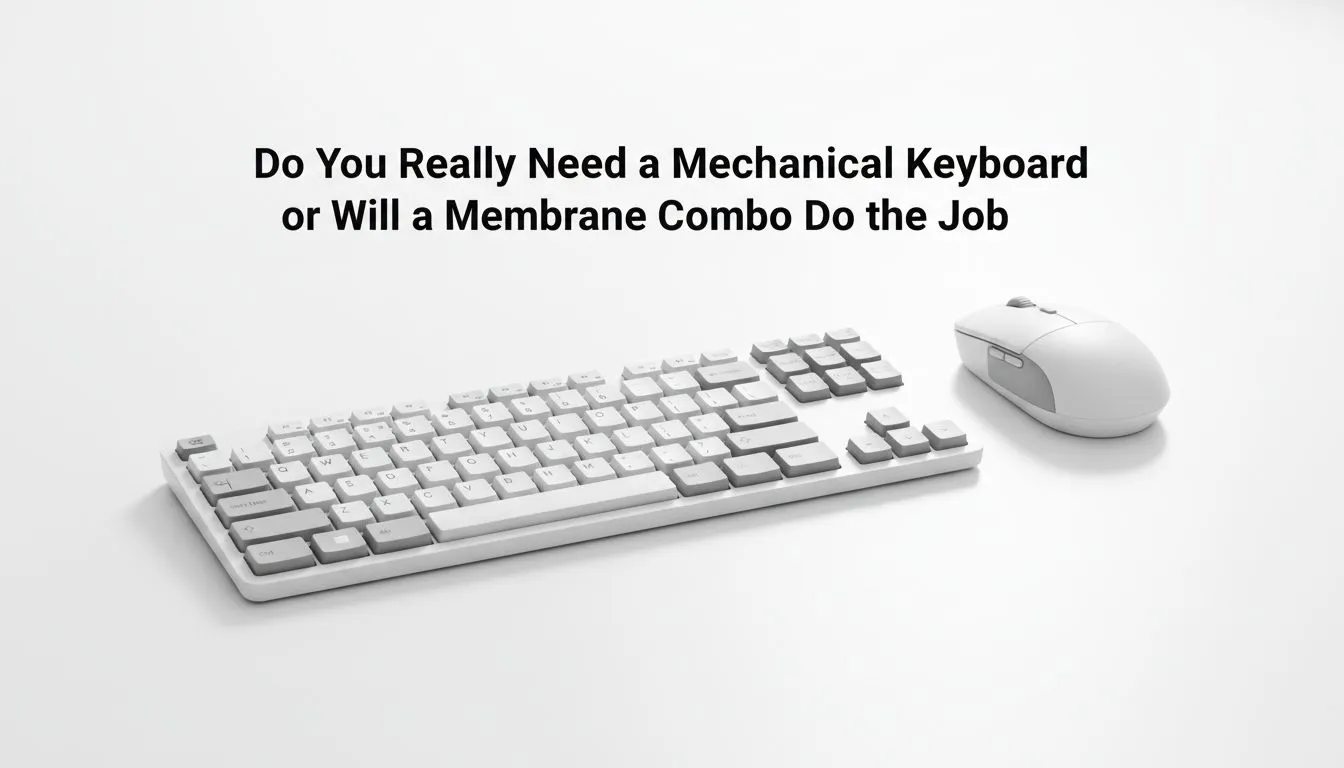
South African gamers, tired of squishy keys and missed ultimates? Mechanical keyboard vs membrane: Do you really need one? This quick Deep Dive cuts through the hype — feel, sound, durability and whether your rand is better spent elsewhere. Read on for practical tips, local price ranges and buy links so you pick a keyboard that actually improves your play. 🎮
Switch type matters. Mechanical switches give tactile feedback and precise actuation; membrane keys feel softer and quieter. For pick-up-and-play FPS, many pros prefer the snappy response of mechanical switches. For quieter office-heavy builds or budget rigs, membrane boards still do the job. If you want to browse deals on purpose-built gaming boards, check Evetech's list of best gaming keyboard deals to compare features and ZAR pricing. 🔧
Mechanical keyboards typically last longer thanks to rated switch lifespans and replaceable keycaps. Membrane keyboards have fewer moving parts but can feel mushy after heavy use. Expect entry-level membrane combos from around R600 and mechanical starters from roughly R1,200 upwards — price ranges you can verify on Evetech's cheapest keyboard pages and combo offers. For a quick look at budget single boards, see this cheapest keyboards list and for combos that bundle mouse + keyboard, check these keyboard and mouse combos. Citing local prices keeps your decision realistic for SA buyers.
Before buying, try a switch tester or a store demo. Your favourite switch might surprise you — tactile Brown for mixed work play, clicky Blue for feedback, linear Red for fast presses. If you can’t test in person, pick a hot-swappable mechanical board so you can swap switches later.
Decide features by use case. If you stream, RGB and macro keys can help branding and shortcuts. If you chase the lowest latency, wired remains the safest bet. If you prefer fewer cables, wireless boards have improved a lot — compare wired selections here and wireless options here to weigh latency versus convenience: wired keyboards can be found on Evetech's wired list wired cheapest keyboards while reliable wireless picks appear on the wireless list wireless keyboard options. ✨
Small micro-story: I switched from a membrane office board to a compact mechanical tenkeyless. Within a week I noticed fewer mispresses and faster combo input in my favourite MOBA... and I didn’t miss the numpad. That real improvement mattered more than RGB.
Ready to Find Your Perfect Match? Mechanical, membrane, wired or wireless — Evetech stocks them all in South Africa. Explore our full keyboard range and compare prices in ZAR to pick the best fit.
If you type a lot, a mechanical keyboard often improves comfort, accuracy, and durability; consider tactile switches for faster feedback.
Mechanical keyboards usually offer faster actuation and N-key rollover, making them better for competitive gaming and complex key combos.
Yes—a membrane combo can handle casual browsing and light gaming while saving money; it trades tactile feel and lifespan for affordability.
Mechanical switches commonly last 50M+ keypresses, outlasting membrane variants that typically wear out sooner under heavy use.
Mechanical keyboards vary by switch type; tactile or clicky switches are louder, while linear or dampened switches approach membrane quietness.
For tight budgets, membrane combos give decent performance and features, but you sacrifice switch feel and long-term durability.
Choose tactile or clicky switches for typing feedback; pick light linear switches for fast, smooth gaming keypresses.
Humidity Damage to PC Components: Recovery Guide. Everything you need to know with SA pricing, step-by-step instructions & expert recommendations.
Read more
Gamer Spending Trends April : Complete Setups. Clear setup instructions with SA-specific considerations, troubleshooting tips & recommended components.
Read more
Setting Up DDR5 32GB Kit. Tested & verified settings for best FPS and visual quality on SA hardware budgets.
Read more
Tech Setup Guide for SPU Res Students. Clear setup instructions with SA-specific considerations, troubleshooting tips & recommended components.
Read more
Monster Hunter Wilds Ultrawide Support: 21:9 and. Clear setup instructions with SA-specific considerations, troubleshooting tips & recommended components.
Read more
Apple iPad Durability Guide: Cases, Screen. Practical breakdown of costs, regulations & whether it makes financial sense for SA buyers.
Read more
AMD RX 9050 XT: Rumoured Specs, Price & Release. SA-focused analysis with local pricing data, real-world insights & actionable buying advice.

Can RTX 4080 Super Run AI Workloads for SA Developers Detailed answer with SA data, expert analysis & practical recommendations for local buyers.

Can RTX 4090 Run AI Workloads for SA Developers Detailed answer with SA data, expert analysis & practical recommendations for local buyers.

Top Settings for Intel Arc B580 at Ultrawide 1440p picks evaluated on performance, value & SA availability with current Rand pricing from Evetech.

RTX 4060 CS2 Low Settings at 1080p: FPS Results. Real-world benchmark data, FPS numbers & performance analysis. What SA gamers can actually expect.

Visual Artifacts: Possible GPU Issue Issue #1. Diagnosis steps, proven fixes & when to seek professional help. SA-specific support info included.

Can the RTX 4090 Handle 1440p 144Hz Gaming. Performance testing verdict with real data & practical recommendations for SA buyers.

Top ASUS GPU Under R15000 picks evaluated on performance, value & SA availability with current Rand pricing from Evetech.

GTA 6 Max Settings on RTX 5070. Tested & verified settings for best FPS and visual quality on SA hardware budgets.

Cyberpunk 2077 Max Settings on RTX 5080. Tested & verified settings for best FPS and visual quality on SA hardware budgets.

Starfield Max Settings on RTX 5070 Ti. Tested & verified settings for best FPS and visual quality on SA hardware budgets.

Top RTX 5090 Under R5000 picks evaluated on performance, value & SA availability with current Rand pricing from Evetech.