


Humidity Damage to PC Components: Recovery Guide
Humidity Damage to PC Components: Recovery Guide. Everything you need to know with SA pricing, step-by-step instructions & expert recommendations.
Read more- Diagnose causes of delay; - Configure low-latency monitoring; - Optimize streaming settings. Mic monitoring latency explained so you hear yourself without delay while streaming 🔧🎧
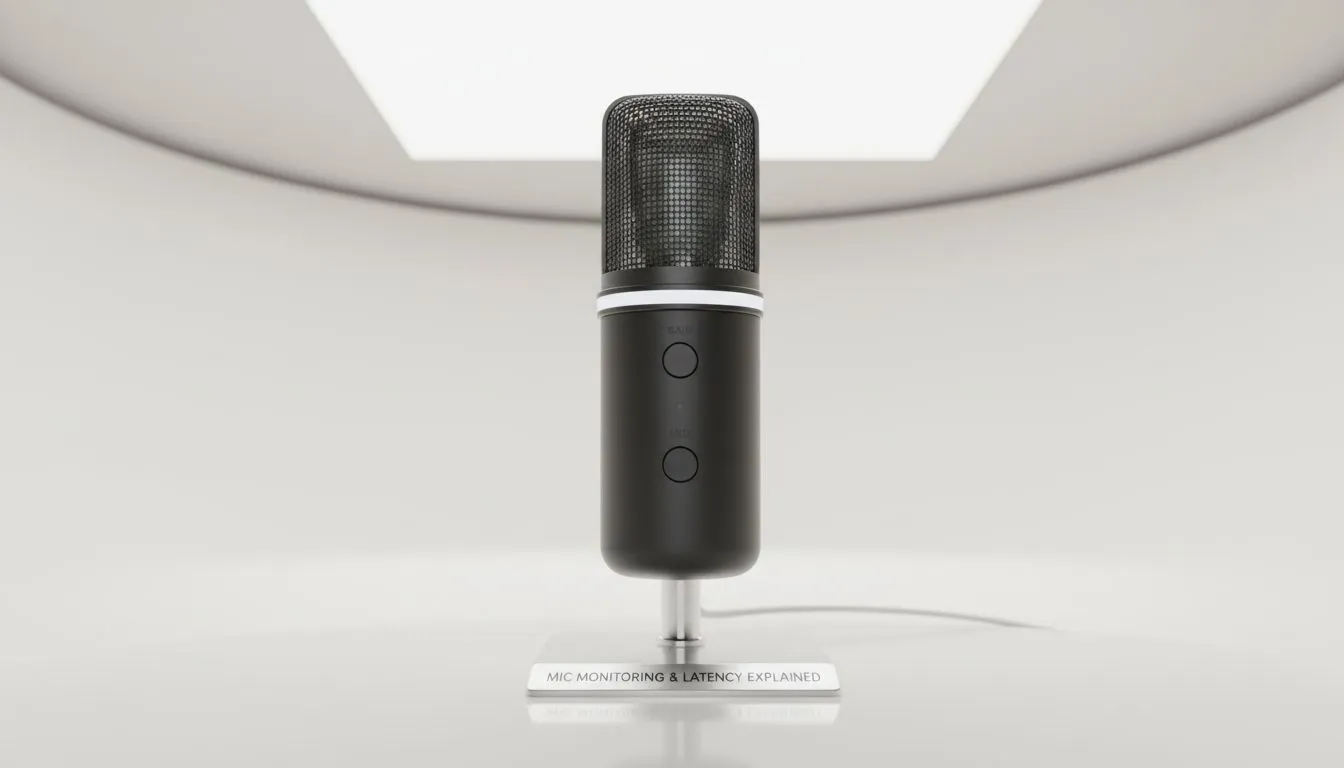
Ever started talking on stream and felt like your brain was tripping over your own words? That is mic monitoring latency. In the fast-paced South African gaming scene, hearing yourself without that annoying echo is the difference between a professional broadcast and a confusing mess. We are diving into how to fix delay issues so your commentary stays as sharp as your aim. 🚀
Mic monitoring... often called sidetone... is a feature that feeds your voice back into your headset in real-time. It helps you regulate your volume and ensures you are not shouting at your teammates while wearing noise-cancelling cups. However, when that audio loop takes too long to reach your ears, it creates a disorienting lag. This happens because the signal travels from your mic, through your PC’s software, and back to your ears. To avoid this, investing in high-quality streaming essentials is the first step toward a professional-grade setup.
Software-based monitoring is notorious for lag. By the time Windows or your streaming app processes the audio, the delay is noticeable. Hardware-level monitoring solves this by splitting the signal before it even reaches your computer. Leading brands like CORSAIR offer headsets and interfaces with zero-latency sidetone built-in. This means you hear yourself instantly, regardless of how much load your CPU is under. Whether you are spending R1,500 or R5,000 on gear, hardware monitoring is the gold standard for clarity. ⚡
To eliminate software-induced lag, always look for 'Direct Monitoring' on your hardware interface. This routes the signal straight to your ears before it hits your PC... saving you from that disorienting half-second delay during intense matches.
While audio is king, your overall environment impacts your focus. Even the best audio setup can feel off if your visual space is cluttered or poorly lit. Adding modular lighting from Cololight can help set the right mood and reduce eye strain during long sessions. Furthermore, ensure your visual presence matches your audio quality. High-end webcams ensure that your facial expressions are perfectly synced with your lag-free voice. ✨
To truly optimise your setup, check your Windows sound settings. Ensure that "Listen to this device" is unchecked in the Control Panel, as this is a common source of software delay. Instead, use the dedicated software provided by your hardware manufacturer to enable sidetone. This small change ensures you can hear yourself without delay, keeping your speech natural and your focus on the game. 🔧
Ready to Perfect Your Stream? Eliminating latency is just the beginning of your journey to professional content creation. For the best gear and expert advice in South Africa, Evetech has you covered. Explore our massive range of streaming gear and find the perfect tools to elevate your broadcast today.
Mic monitoring latency is the delay between speaking and hearing the sound. Understanding mic monitoring latency helps you remove echo while streaming.
Echoes come from software buffers, driver routing, or multiple monitoring paths. Reduce mic monitoring delay by lowering buffer size and disabling duplicate outputs.
Set your monitoring device to headphones, use WASAPI or ASIO, lower buffer size, and avoid duplicate monitor paths to cut OBS mic latency.
Yes. Direct monitoring routes audio before the computer for near-zero latency, avoiding most software monitoring delays.
Some USB mics use buffers that add latency. Use low-latency drivers or direct monitoring to minimize USB mic monitoring latency.
Often you can lower latency by reducing buffer size, updating drivers, and switching to ASIO/WASAPI, but hardware direct monitoring may be needed.
Aim for under 10–20 ms for unnoticeable monitoring. Low latency prevents timing issues and keeps interactions tight on stream.
Humidity Damage to PC Components: Recovery Guide. Everything you need to know with SA pricing, step-by-step instructions & expert recommendations.
Read more
Gamer Spending Trends April : Complete Setups. Clear setup instructions with SA-specific considerations, troubleshooting tips & recommended components.
Read more
Setting Up DDR5 32GB Kit. Tested & verified settings for best FPS and visual quality on SA hardware budgets.
Read more
Tech Setup Guide for SPU Res Students. Clear setup instructions with SA-specific considerations, troubleshooting tips & recommended components.
Read more
Monster Hunter Wilds Ultrawide Support: 21:9 and. Clear setup instructions with SA-specific considerations, troubleshooting tips & recommended components.
Read more
Apple iPad Durability Guide: Cases, Screen. Practical breakdown of costs, regulations & whether it makes financial sense for SA buyers.
Read more
AMD RX 9050 XT: Rumoured Specs, Price & Release. SA-focused analysis with local pricing data, real-world insights & actionable buying advice.

Can RTX 4080 Super Run AI Workloads for SA Developers Detailed answer with SA data, expert analysis & practical recommendations for local buyers.

Can RTX 4090 Run AI Workloads for SA Developers Detailed answer with SA data, expert analysis & practical recommendations for local buyers.

Top Settings for Intel Arc B580 at Ultrawide 1440p picks evaluated on performance, value & SA availability with current Rand pricing from Evetech.

RTX 4060 CS2 Low Settings at 1080p: FPS Results. Real-world benchmark data, FPS numbers & performance analysis. What SA gamers can actually expect.

Visual Artifacts: Possible GPU Issue Issue #1. Diagnosis steps, proven fixes & when to seek professional help. SA-specific support info included.

Can the RTX 4090 Handle 1440p 144Hz Gaming. Performance testing verdict with real data & practical recommendations for SA buyers.

Top ASUS GPU Under R15000 picks evaluated on performance, value & SA availability with current Rand pricing from Evetech.

GTA 6 Max Settings on RTX 5070. Tested & verified settings for best FPS and visual quality on SA hardware budgets.

Cyberpunk 2077 Max Settings on RTX 5080. Tested & verified settings for best FPS and visual quality on SA hardware budgets.

Starfield Max Settings on RTX 5070 Ti. Tested & verified settings for best FPS and visual quality on SA hardware budgets.

Top RTX 5090 Under R5000 picks evaluated on performance, value & SA availability with current Rand pricing from Evetech.