



Why a 14,000MB/s SSD for Multitasking Transforms Your Workflow
Discover why a 14,000MB/s SSD for multitasking is the ultimate upgrade for power users. 🚀 Slash load times and handle heavy workloads effortlessly. Experience the next generation of speed and efficiency today! ⚡
|
Loading tags...

Juggling a dozen Chrome tabs, an 8K video render, and a game update... sound familiar, South Africa? For years, we blamed our CPU or RAM for slowdowns. But what if the real bottleneck holding back your productivity is your storage? A 14,000MB/s SSD for multitasking isn't just a spec bump; it's a fundamental shift in how your PC handles everything at once, delivering a workflow so smooth, it feels like magic. 🚀

ADATA SD810 2000G USB-C 2TB External Solid State Drive - Black / IP68 Water Resistance / Up to 2000 MB/s Read/Write Speeds / USB 3.2 Gen 2 for iPhone 15/Pro/Max, Android / SD810-2000G-CBK
R3199.00In Stock

ADATA XPG Mars 980 Pro 2TB NVMe 5.0 Internal Solid State Drive / Up to 14,000MB/s Read Speed and Up to 13,000MB/s Write Speed / SMAR-980P-2TCI
R4499.00In Stock

Kingston XS1000 1TB SSD | Pocket-Sized | USB 3.2 Gen 2 | External Solid State Drive | Up to 1050MB/s | SXS1000/1000G
R1799.00In Stock

Corsair MP700 PRO with Air Cooler 2TB M.2 PCIe Gen5 x4 NVMe 2.0 SSD – M.2 2280 – Up to 12,400MB/sec Sequential Read – High-Density TLC NAND – Black / CSSD-F2000GBMP700PROS
R6699.00In Stock
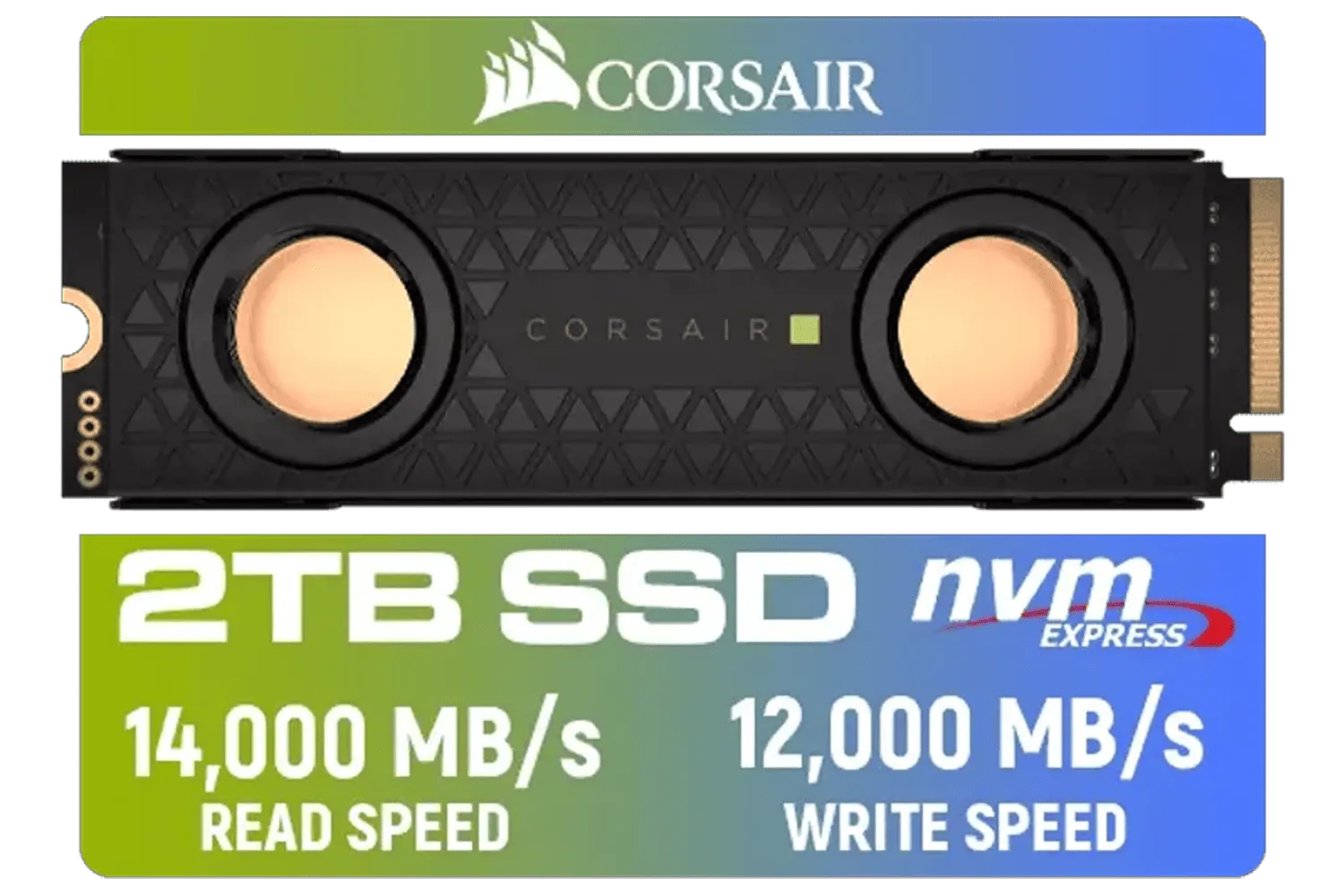
Corsair MP700 PRO SE Hydro X Series 2TB M.2 PCIe Gen5 x4 NVMe 2.0 SSD – M.2 2280 – Up to 14,000MB/sec Sequential Read – High-Density TLC NAND – Pre-Installed Water Block – Black / CSSD-F2000GBMP700PHXS
R7499.00In Stock
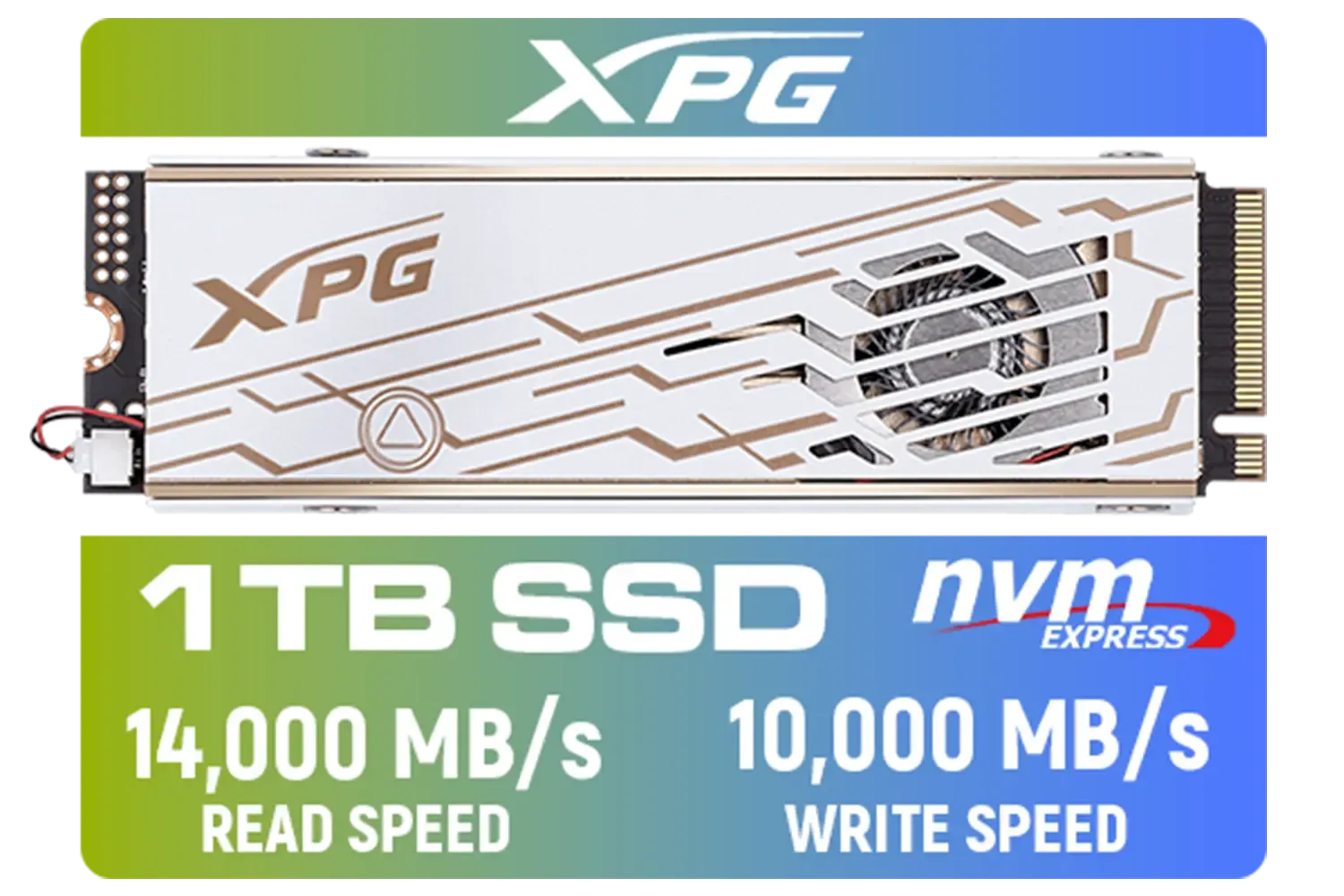
ADATA XPG Mars 980 Pro 1TB NVMe 5.0 Internal Solid State Drive / Up to 14,000MB/s Read Speed and Up to 10,000MB/s Write Speed / SMAR-980P-1TCI
R2999.00In Stock
Beyond Loading Screens: The Core of a 14,000MB/s SSD
Let's get straight to the point. A speed of 14,000MB/s is mind-bogglingly fast. This is the realm of PCIe 5.0 (Gen5) NVMe drives. To put it in perspective, a traditional SATA SSD tops out around 550MB/s. That means a top-tier Gen5 drive can be over 25 times faster. It’s the difference between a dusty farm road and the N1 highway for your data.
This raw speed means the drive can feed data to your CPU and GPU almost instantly, eliminating the "hurry up and wait" moments that plague even powerful systems. When you're multitasking heavily, your PC is constantly reading and writing small bits of data for every open application. An ultra-fast SSD workflow handles this chaotic demand without breaking a sweat, ensuring your entire system remains responsive. Exploring the latest modern NVMe SSDs shows just how far the technology has come.
Real-World Scenarios Transformed by a High-Speed SSD
Specs on a page are one thing, but how does this incredible speed actually impact your day-to-day use? The boost to your workflow is tangible and immediate.
For Content Creators & Developers
Imagine scrubbing through an 8K video timeline in DaVinci Resolve with zero stutter. Or compiling a massive codebase in minutes, not hours. A high-speed SSD for multitasking allows you to render a project in the background while simultaneously sorting through raw photos in Lightroom and chatting on Slack. The drive's ability to handle massive sequential reads and writes, plus countless random operations, means no more frustrating pauses. You stay in the creative flow. ✨

Kingston KC3000 PCIe 4.0 NVMe M.2 2TB SSD - High-Performance Storage for Desktop and Laptop PCs -SKC3000D/2048G
R3999.00In Stock
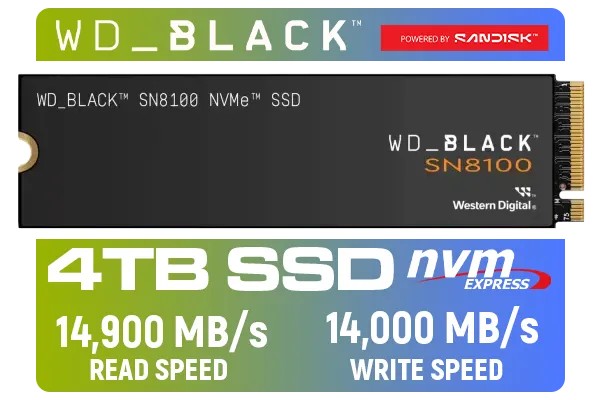
Western Digital SN8100 NVMe Internal Solid State Drive - 4TB / Sequential Read, Write Performance - 14900MB/s, 14000MB/s / PCIe Gen 5 / WDS400T1X0M
R10499.00In Stock
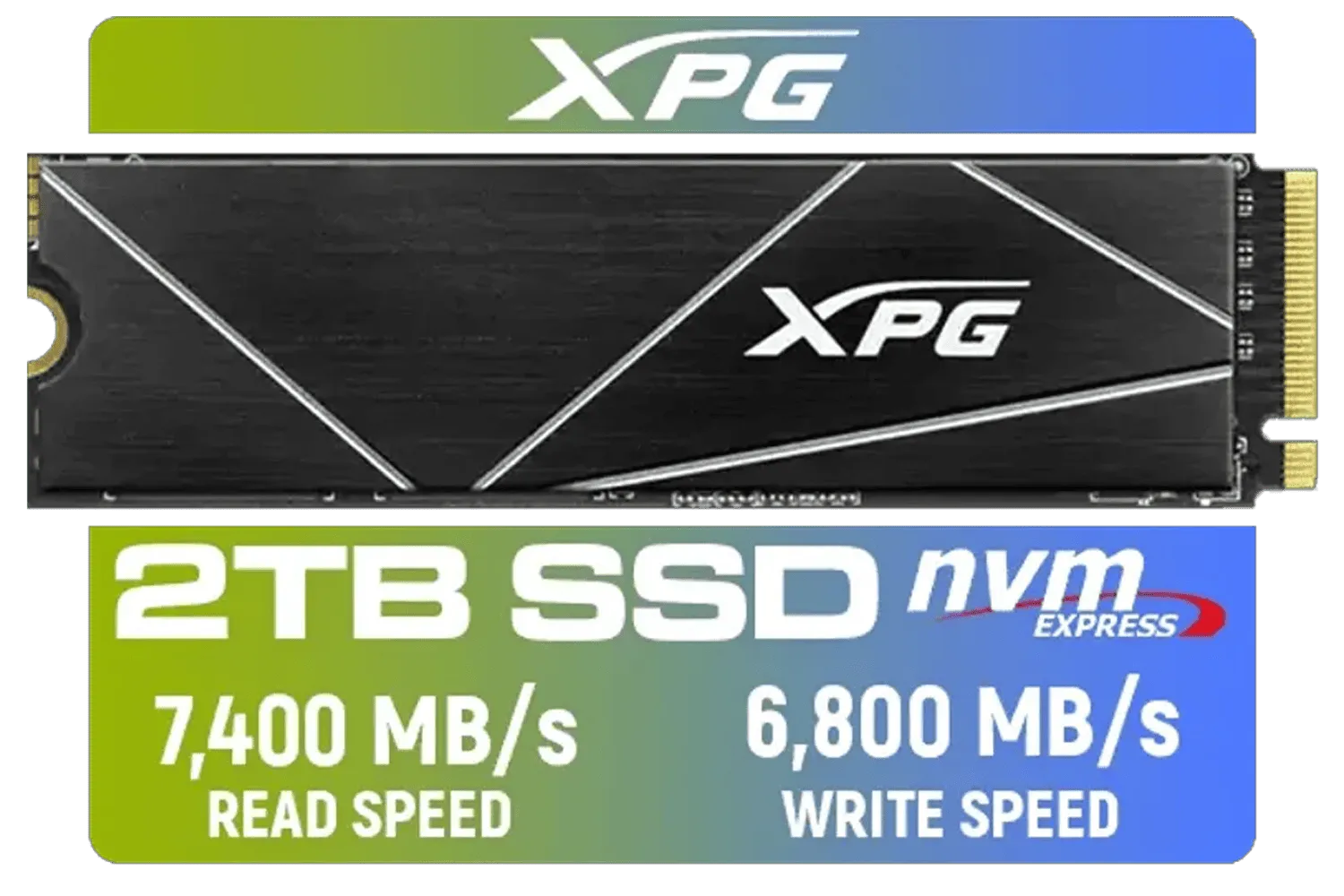
XPG 2TB GAMMIX S70 Blade - Works with Playstation 5, PCIe Gen4 M.2 2280 Internal Gaming SSD Up to 7,400 MB/s (AGAMMIXS70B-2T-CS)
R3699.00In Stock

Kingston KC3000 PCIe 4.0 NVMe M.2 1TB SSD - High-Performance Storage for Desktop and Laptop PCs / SKC3000S/1024G
R2799.00In Stock
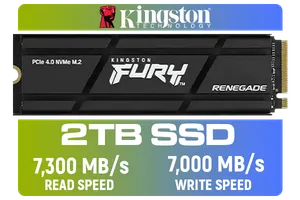
Kingston Fury Renegade 2TB PCIe Gen 4.0 NVMe M.2 Internal Gaming SSD with Heat Sink | PS5 Ready | Up to 7300MB/s | SFYRDK/2000G
R4199.00In Stock
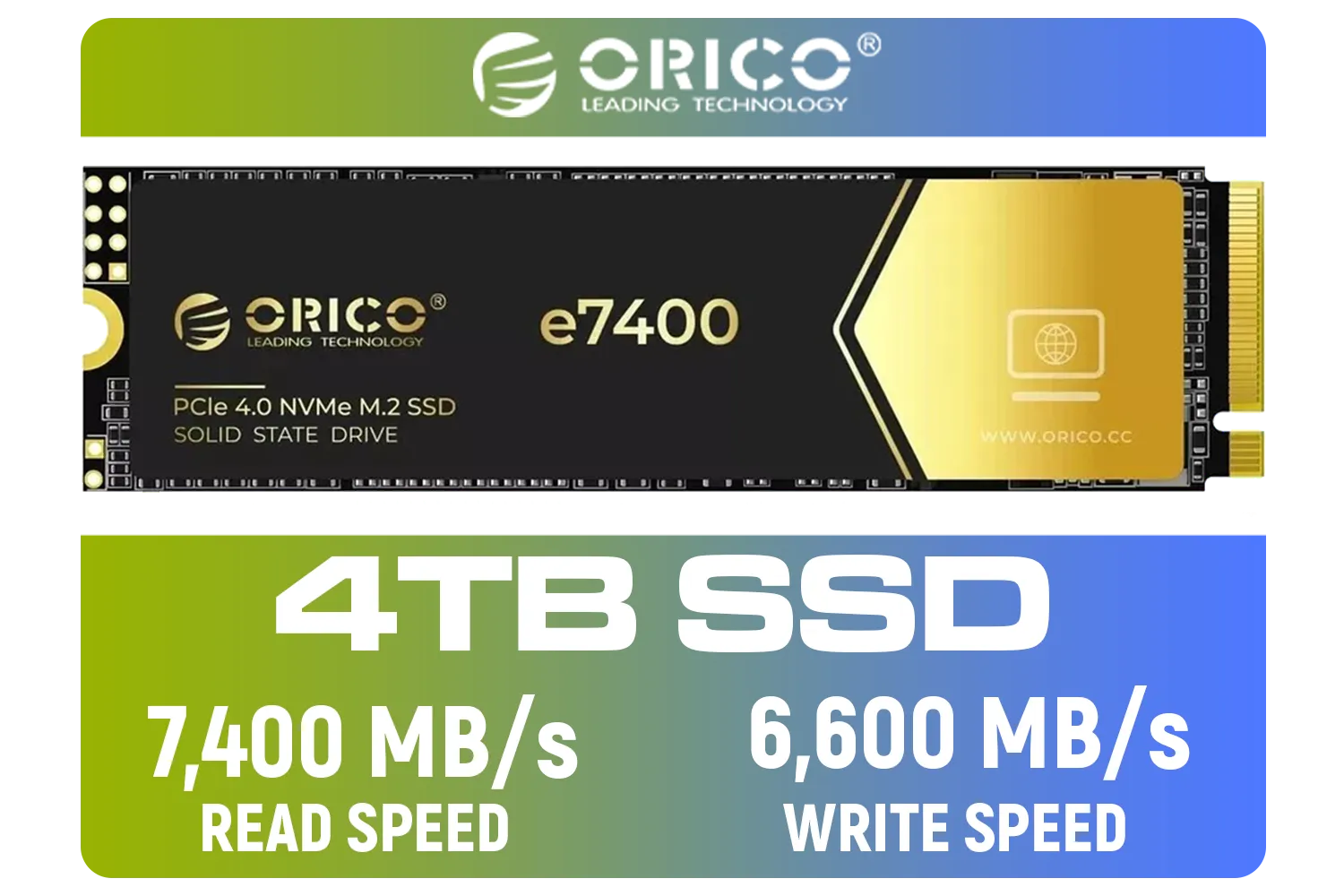
ORICO e7400 M.2 NVMe SSD - 4TB / PS5 Compatible / PCIe Gen4.0 x4 / Up to 7,400MB/s Read and 6,600MB/s Write Speeds / ORICO-e7400-4TB-GD-BP
R5949.00In Stock
For Hardcore Gamers
While game load times are the obvious benefit, the real magic happens in-game. Open-world titles like Cyberpunk 2077 or Starfield constantly stream assets from your drive. A faster SSD means no pop-in textures and smoother transitions as you race through a dense city. More importantly, you can run Discord, OBS for streaming, and have background downloads running without causing in-game stutters. This is where a quality drive from performance-focused brands like Klevv truly shines, ensuring a flawless experience.
TIP FOR YOU
Gaming Pro Tip ⚡
Make sure Windows' DirectStorage API is enabled for supported games. This technology allows your GPU to load game assets directly from your NVMe SSD, bypassing the CPU to reduce overhead and unlock even faster loading and streaming performance. It's a key feature that makes a high-speed SSD even more powerful.
Is a 14,000MB/s SSD the Right Upgrade for Your Rig?
So, does everyone need to rush out and grab the absolute fastest drive on the market? Honestly, no. Upgrading to a 14,000MB/s SSD requires a compatible motherboard with a PCIe 5.0 M.2 slot. It's an investment for professionals, content creators, and enthusiasts whose time is money and who refuse to accept any performance compromises.
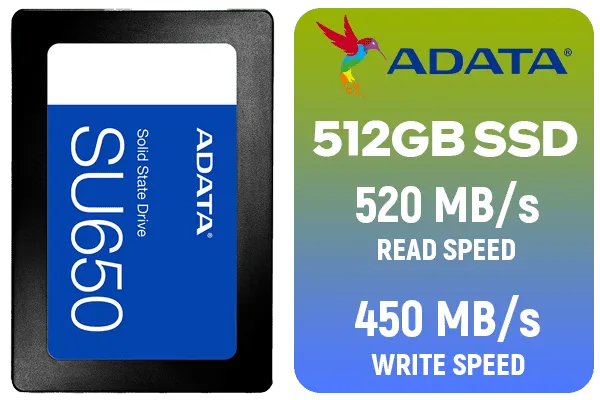
ADATA SU650 512GB 3D-NAND SATA 2.5 inch Internal SSD / ASU650SS-512GT-R
R799.00In Stock
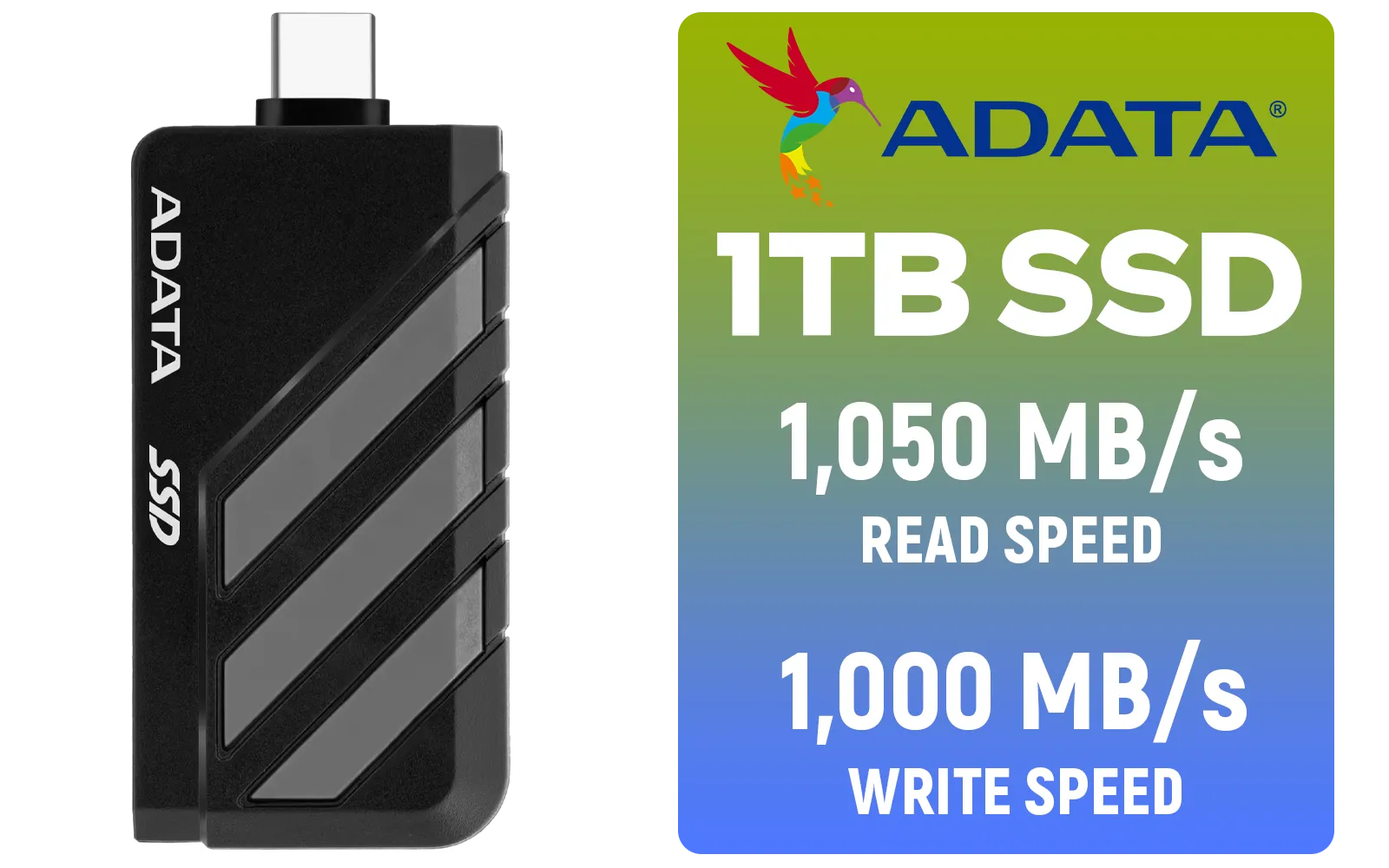
Adata SC735 1TB High-Performance External SSD with USB-C / 1,050MB/s Read & 1,000MB/s Write Speeds / Cable-Free Mobile Phone Compatibility / Gaming Handheld Compatible / Supports Latest Game Consoles / Multi-OS Support / SC735-1000G-CCBK/GY
R2199.00In Stock
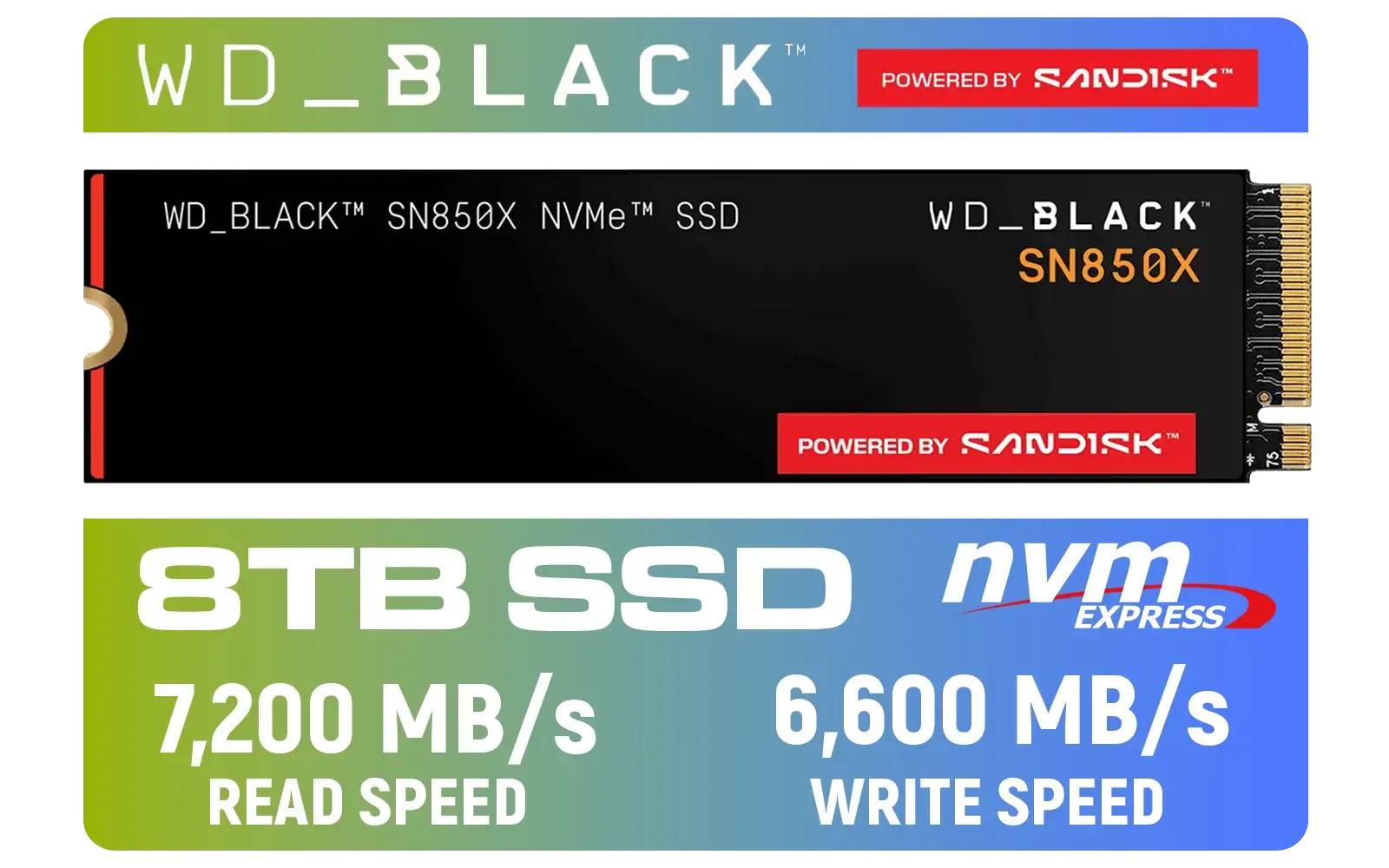
Western Digital SN850X NVMe Internal Solid State Drive - 8TB / Sequential Read, Write Performance - 7200MB/s, 6600MB/s / PCIe Gen 4 / WDS800T2X0E
R12699.00In Stock
![[OEM] Dahua V800 512GB 2.5" SATA 3.0 6 Gb/s 3D NAND Solid State Drive / Read Speed Up to 530 MB/s / Write Speed Up to 320 MB/s / High-Quality Wafer-Level Chip / TRIM & NCQ Performance Boost / Low Power Consumption / Safe & Reliable Data Transfer / Stable 24/7 Read-Write for XVR (No Frame Loss) / DHI-SSD-V800S512G](https://img.evetech.co.za/repository/ProductImages/dahua-v800-512gb-oem-sata-ssd-1600px-v1-001.webp)
[OEM] Dahua V800 512GB 2.5" SATA 3.0 6 Gb/s 3D NAND Solid State Drive / Read Speed Up to 530 MB/s / Write Speed Up to 320 MB/s / High-Quality Wafer-Level Chip / TRIM & NCQ Performance Boost / Low Power Consumption / Safe & Reliable Data Transfer / Stable 24/7 Read-Write for XVR (No Frame Loss) / DHI-SSD-V800S512G
R999.00In Stock

Orico X7000 2TB NVMe Internal Solid State Drive SSD / Versatile storage for multiple platforms / PCIe Gen 4.0, M.2 2280 / Up to 7100MB/s Read Speed / Up to 6500MB/s Write Speed / ORICO-X7000-2TB-RD-BP
R3599.00In Stock
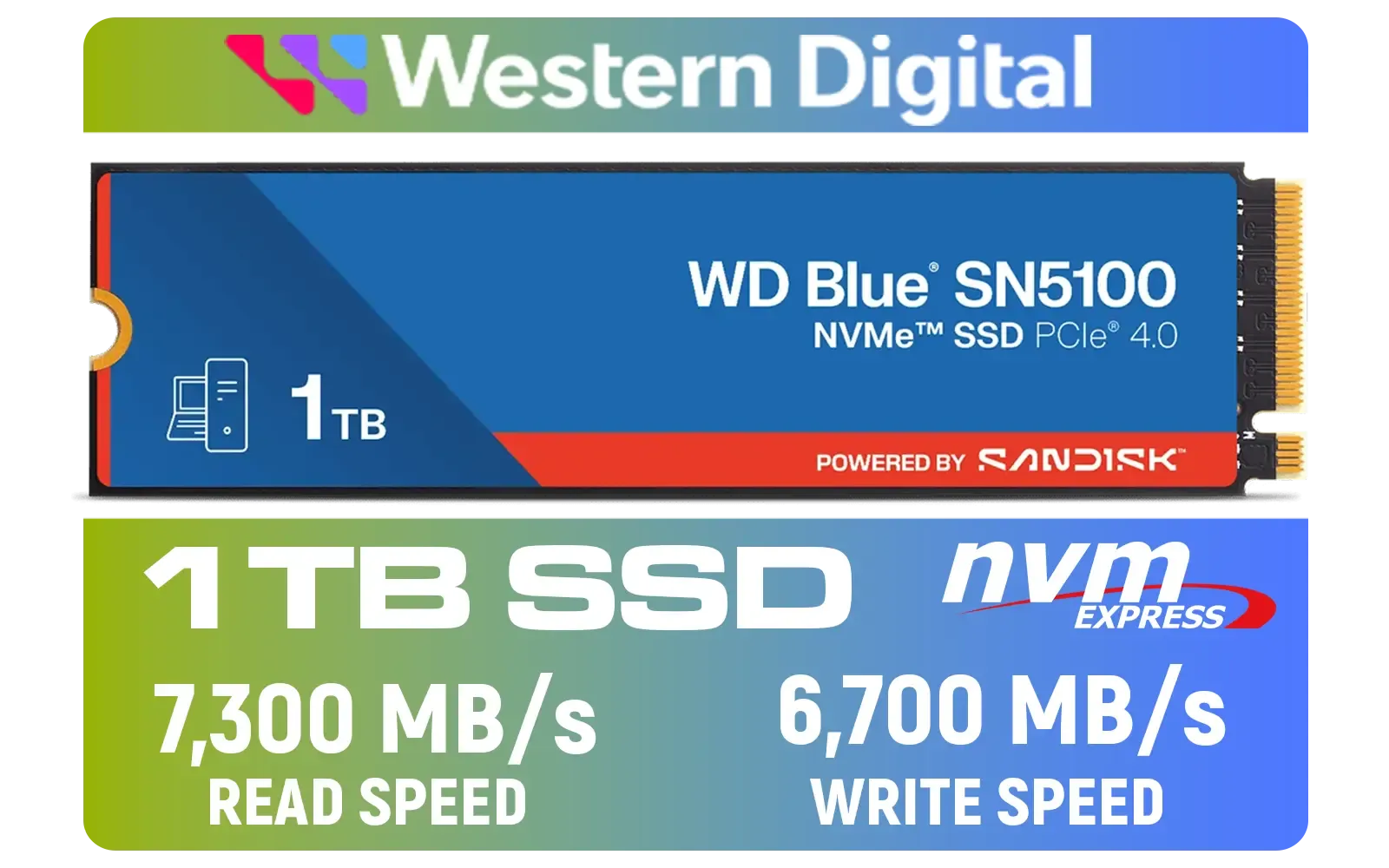
Western Digital 1TB WD Blue SN5100 NVMe Internal Solid State Drive / M.2 2280 Form Factor / Read Speeds up to 7100MB/s / Write Speeds up to 6700MB/s / PCIe Gen 4.0 Interface / nCache™ 4.0 Technology / 3D CBA NAND / Includes Acronis® True Image™ & SanDisk Dashboard Software / WDS100T5B0E
R2499.00In Stock
For many South African gamers and power users, the current sweet spot offers incredible value. A top-tier Gen4 drive provides a massive leap in performance over older SSDs and hard drives, delivering a snappy and responsive experience for a fraction of the cost. For example, a powerhouse like the Klevv CRAS C925G 1TB Gen4 drive offers fantastic speeds that will revolutionise your workflow without needing the latest motherboard. 🔧 The key is identifying your bottleneck. If your PC feels sluggish when you're juggling multiple heavy applications, a storage upgrade is one of the most impactful changes you can make.
Ready to Obliterate Bottlenecks? Waiting for your PC to catch up is a thing of the past. For maximum performance, responsiveness, and value in South Africa, upgrading your storage is one of the biggest leaps you can make. Explore our massive range of PC components and find the perfect parts to conquer your workflow.
Related Products

ADATA SU650 2TB 3D-NAND SATA 2.5 inch Internal SSD / 520MBs/450MBs - Read/Write Speed / ASU650SS-2TT-R
R1999.00In Stock

ADATA XPG GAMMIX S55 2TB NVMe PCIe Gen4 x 4 M.2 / Read & Write Speed up to 5,000 & 3,700MB/s / Internal Solid State Drive Great for Steam Deck, Microsoft Surface and Gaming Consoles / SGAMMIXS55-2T-C
R3999.00In Stock

Teamgroup T-Force G70 PRO 1TB NVMe Internal Solid State Drive / Up to 7,000 Read Speed / Up to 5,500 Write Speed / Multiple Caching Systems Available / Patented Graphene Heatsink Technology / TM8FFH001T0C129
R2499.00In Stock
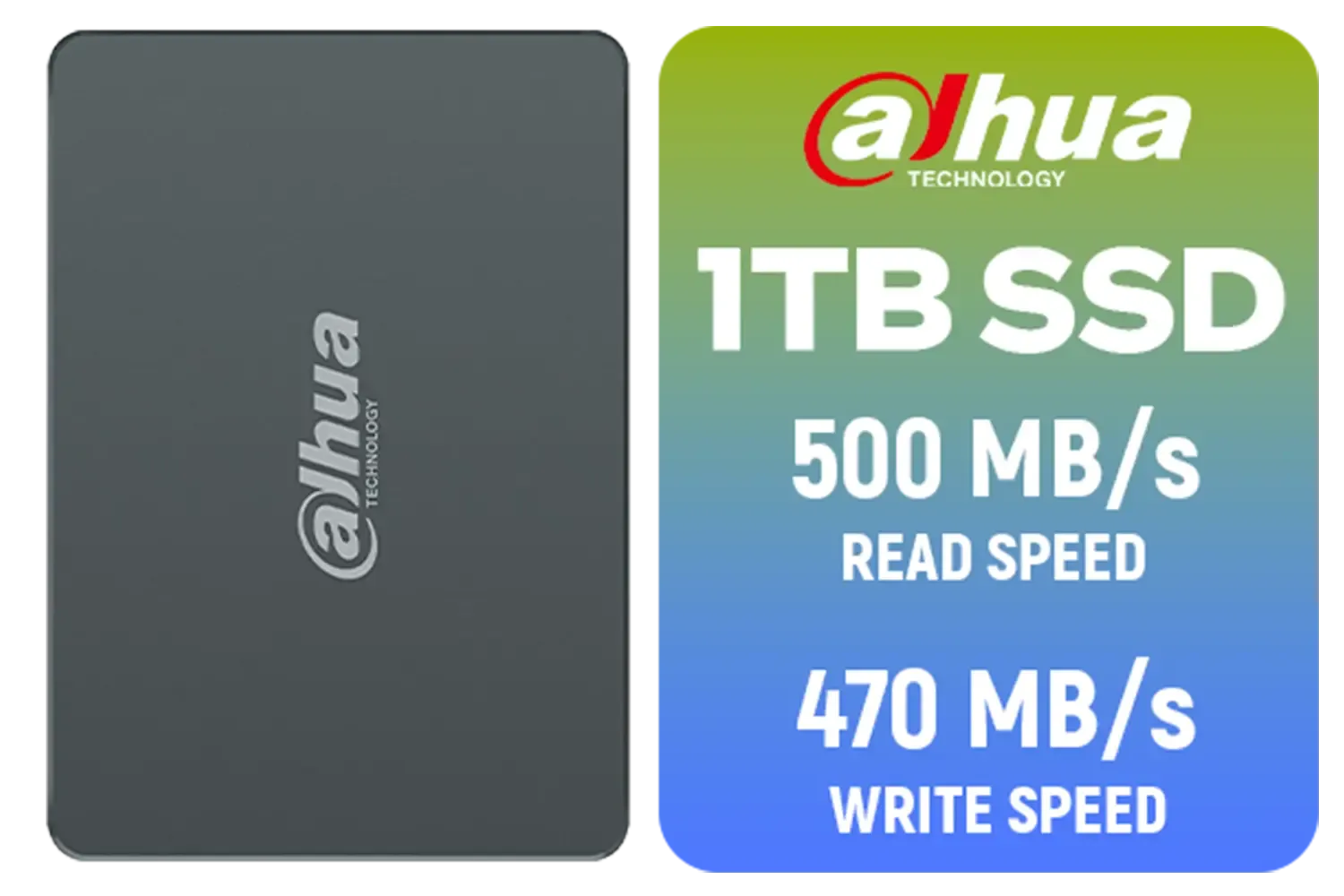
Dahua C800A 1TB 2.5" SATA 3.0 6 Gb/s 3D NAND Solid State Drive (SSD) / Read Speed Up to 500 MB/s / Write Speed Up to 470 MB/s / DHI-SSD-C800AS1TB
R1299.00In Stock
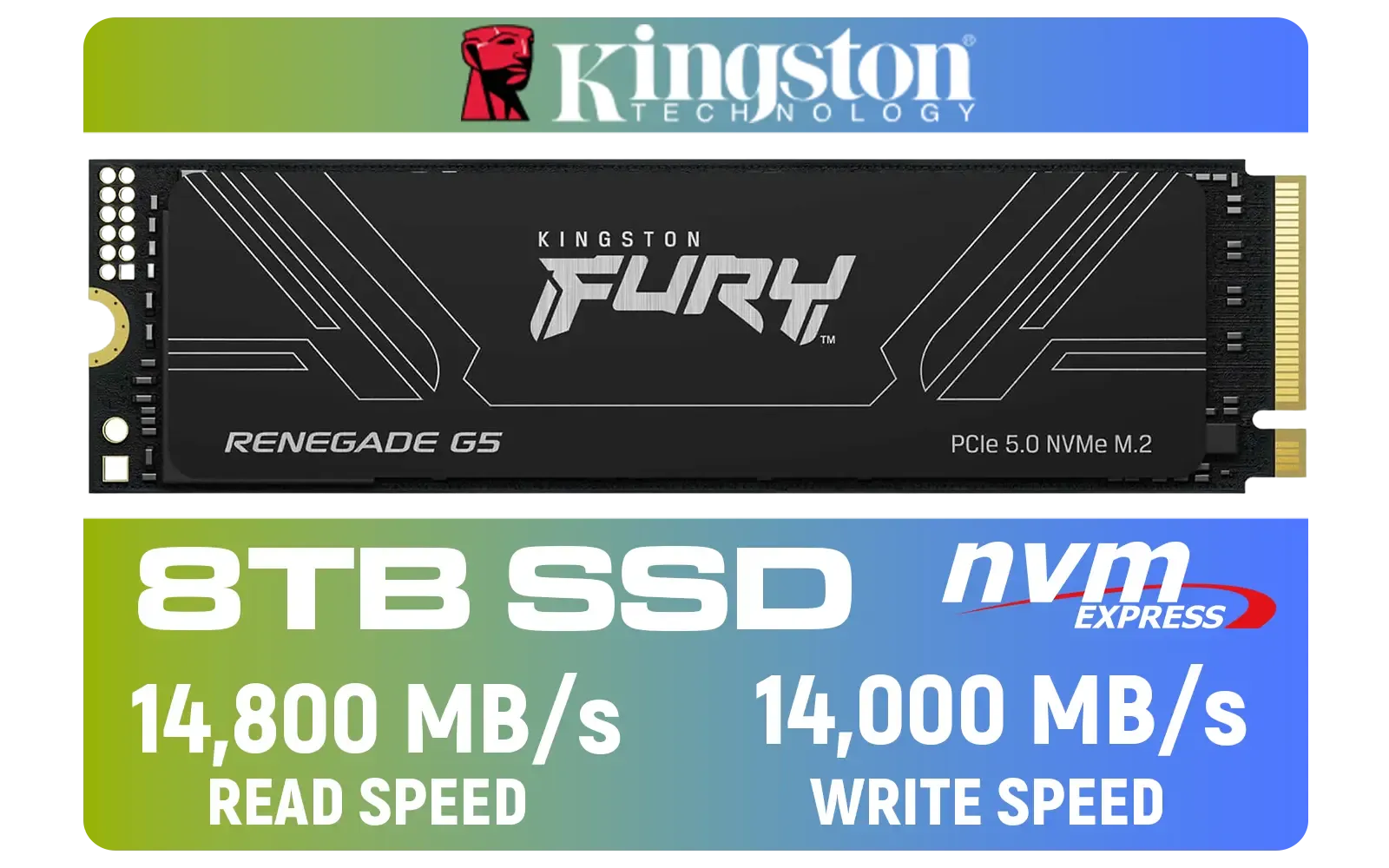
Kingston Fury Renegade G5 8TB PCIe Gen 5.0 NVMe M.2 Internal SSD / Maximum Read Speed 14,800 MB/s / Maximum Write Speed 14,000 MB/s / Advanced thermal design / SFYR2D/8T1
R17899.00In Stock
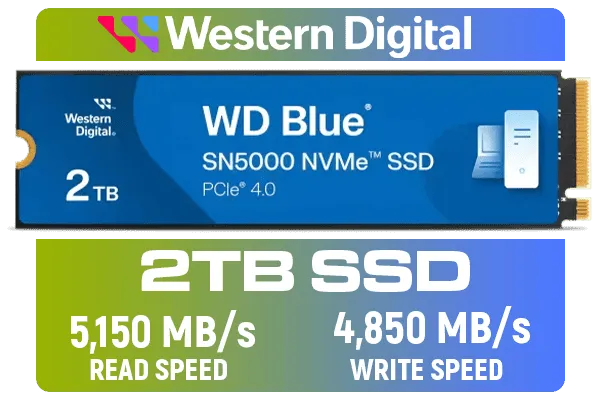
Western Digital 2TB WD Blue SN5000 NVMe Internal Solid State Drive SSD - PCIe Gen 4.0, M.2 2280, Up to 5,150 MB/s / WDS200T4B0E
R3499.00In Stock
These PCIe Gen5 NVMe drives offer ultra-fast data access, allowing massive files to load instantly and ensuring smoother system responsiveness.
High read speeds reduce latency, enabling you to switch between resource-heavy apps like video editors and games without system stutter.
Yes, to reach full potential, your motherboard must support PCIe 5.0 M.2 slots; otherwise, the drive will run at slower legacy speeds.
Yes, especially with DirectStorage. It minimizes load times and texture pop-in, freeing up system resources for background multitasking.
Yes, running at 14,000MB/s generates significant heat, so these drives usually require robust heatsinks to prevent thermal throttling.
Yes, it is backward compatible, but you will be capped at Gen4 speeds (approx. 7,400MB/s), losing the specific multitasking benefits of Gen5.











