



144Hz vs 165Hz vs 200Hz Monitors: Best for Competitive Gaming
144Hz vs 165Hz vs 200Hz monitors — • Compare responsiveness • Match GPU and budget • Recommend esports picks 🎮⚡ Learn which refresh rate gives the best competitive edge and the setup you need.
|
Loading tags...
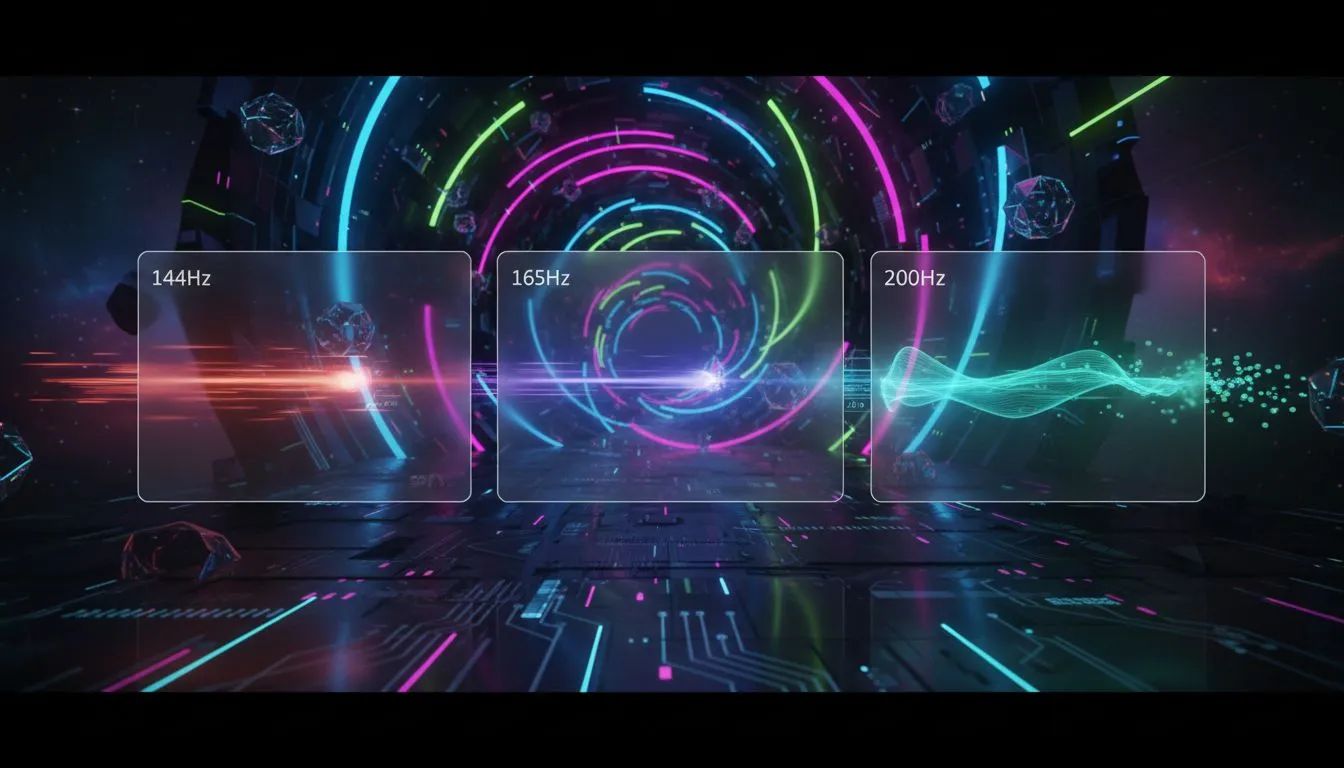
You're lining up the perfect shot in Valorant on a local server. You peek, you click… but you're already taken out. Sound familiar? In the fast-paced world of competitive gaming, every millisecond counts. That's why the 144Hz vs 165Hz vs 200Hz monitor debate is so critical for South African gamers looking for an edge. Is a higher refresh rate really worth the ZAR, or are you just paying for numbers you can't feel? Let's break it down.
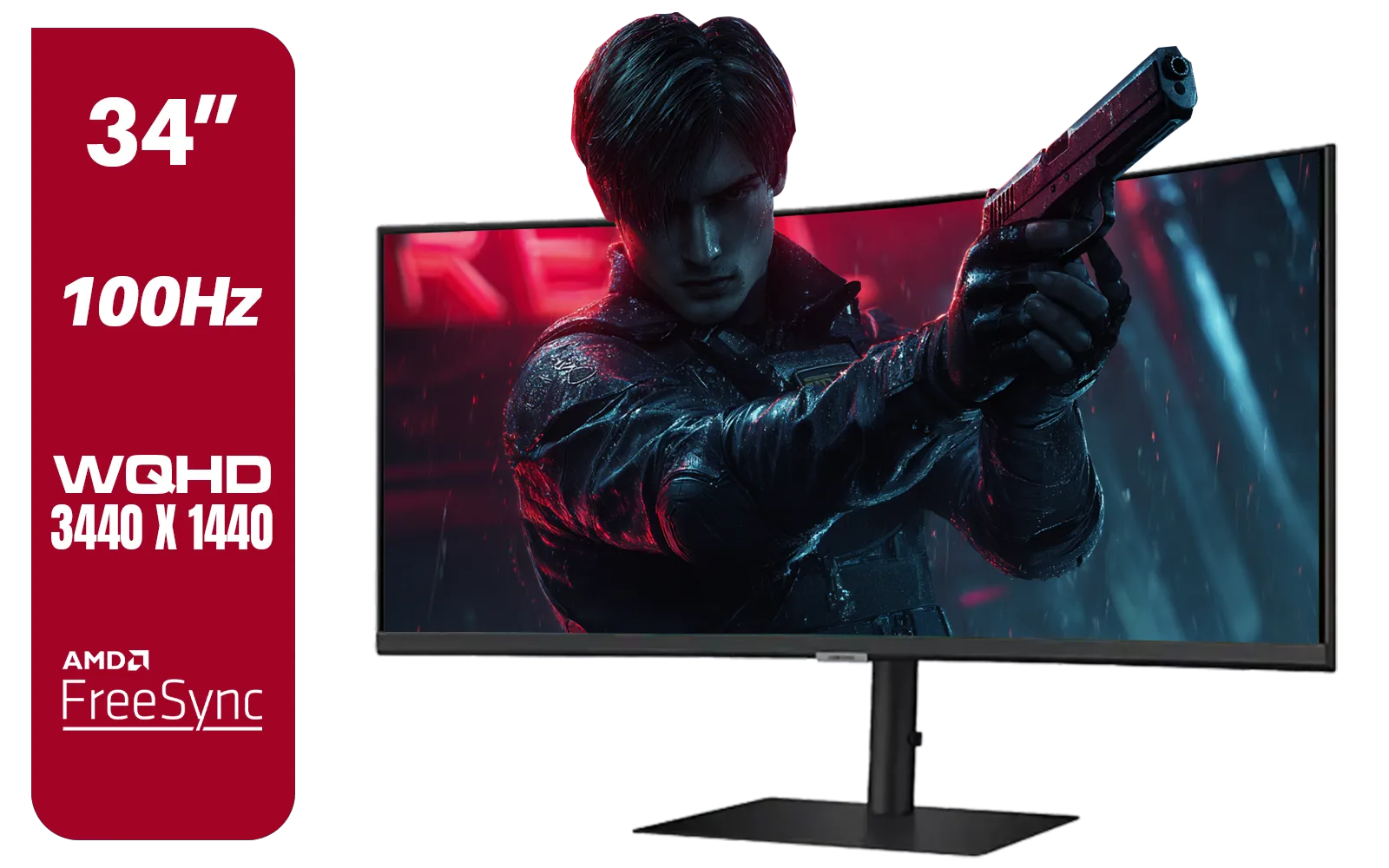
Samsung ViewFinity S6 S65UC 34″ Curved Monitor / Ultra WQHD (3440x1440) Resolution / 100Hz refresh rate / 5ms response time / AMD FreeSync™ / LS34C652UAUXEN
R11999.00In Stock
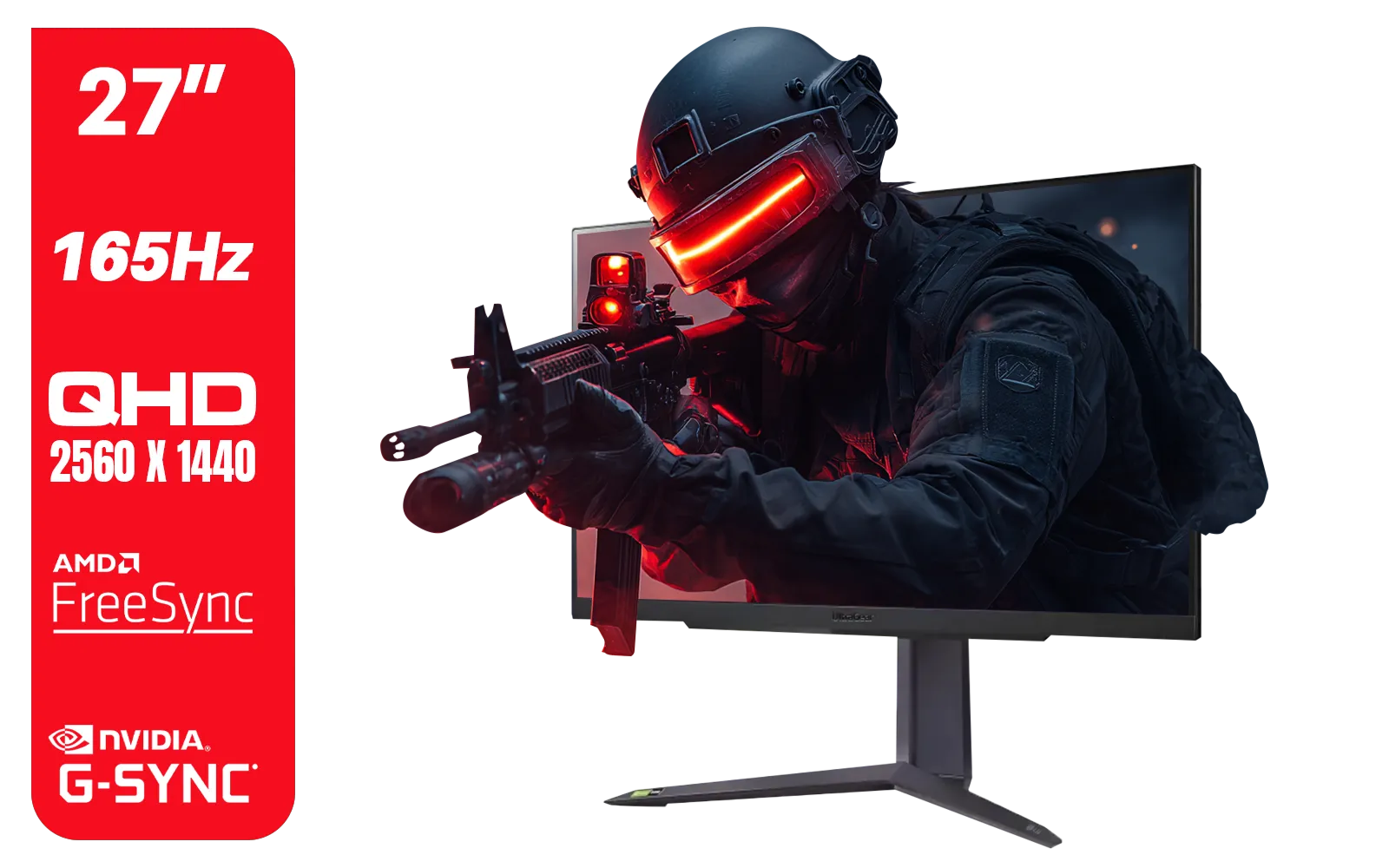
LG UltraGear Gaming Monitor 27GR75Q, 27 inch, 1440p, 165Hz, 1ms GtG, IPS Display, HDR 10, NVIDIA G-Sync & AMD FreeSync compatible, Smart Energy Saving, Displayport, HDMI / 27GR75Q
R5499.00In Stock
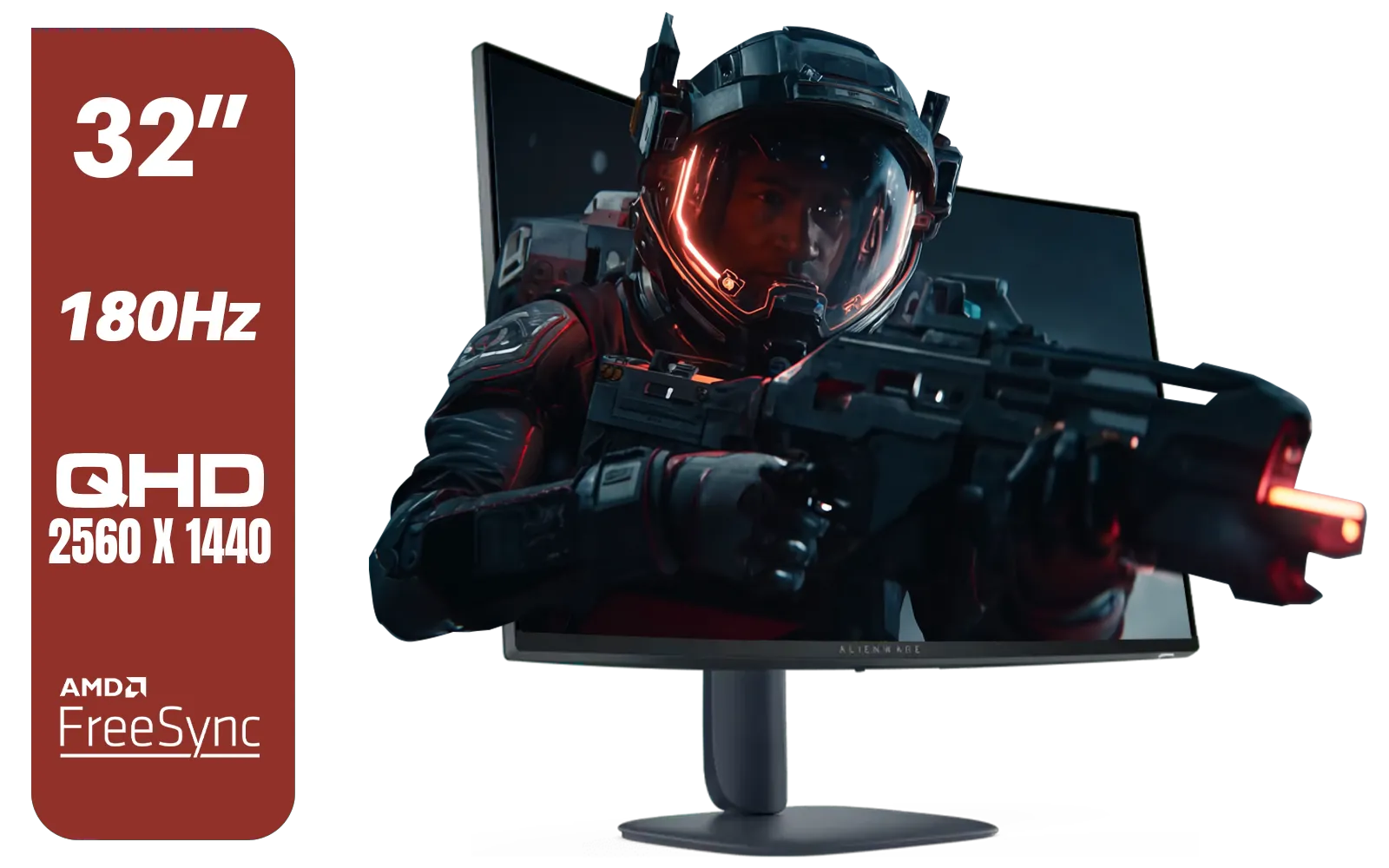
Alienware AW3225DM - 32" Curved Gaming Monitor / 180Hz Refresh Rate / QHD (2560x1440) / 1ms (GTG Extreme Mode) Response Time / AMD FreeSync / AW3225DM
R6499.00In Stock

ViewSonic VA1903H-2 19” WXGA Monitor / 5ms / (1366x768) TN display / Anti-Glare / VA1903H-2
R1299.00In Stock

HP OMEN 32q QHD 165Hz Gaming Monitor - Black / 1ms / 32" QHD (2560 x 1440) / AMD Freesync™ Premium / 780K0AS
R9999.00In Stock
Dahua 24 inch FullHD IPS panel 165Hz 1ms fast response time Ultra-thin bezel Monitor with DisplayPort, HDMI, VGA, Height Adjustable Stand / DHI-LM24-E231A
R2899.00In Stock
What Does "Hz" Actually Mean for Your Gaming?
Before we dive into the numbers, let's get the basics right. "Hz" stands for Hertz, and in the context of a monitor, it tells you how many times the screen updates or redraws the image every second. A 144Hz monitor refreshes 144 times per second.
Think of it like a flipbook. A 60Hz monitor is a basic flipbook—it works, but the motion can feel a bit choppy. A 144Hz monitor is a high-quality, silky-smooth animation where you see every single detail of movement. This translates to:
- Smoother Visuals: Your game looks less blurry and more fluid, especially during fast pans.
- Faster Reactions: You see enemies appear on screen fractions of a second sooner.
- Better Tracking: Following a moving target becomes significantly easier.
The jump from a standard 60Hz display to a high refresh rate is the single biggest upgrade you can make to your gaming experience. ✨
The Sweet Spot: 144Hz vs 165Hz
For years, 144Hz has been the gold standard for anyone serious about competitive gaming, and for good reason. It offers a massive, noticeable improvement over 60Hz, providing the smoothness needed for titles like CS2 and Apex Legends.
But now, 165Hz monitors are everywhere, often at a very similar price point. So, what's the real difference in the 144Hz vs 165Hz battle? Honestly… not a lot. The jump from 144 to 165 frames per second is an incremental improvement of about 15%. While technically smoother, it's a subtle difference that many gamers might not even notice without a side-by-side comparison.
AOC Q27G4/WS 27" Gaming Monitor - White / QHD (2560 × 1440) / 200Hz Refresh Rate / 0.3ms Response Time / IPS-Level Display / Certified HDR400 / Support Adaptive Sync / Q27G4/WS
R4899.00In Stock

ViewSonic TD1655 15.6" Full HD (1920 x 1080) Portable Touchscreen Monitor / Ultra-portable Design / Advanced in-cell Capacitive Touchscreen / 2-Way Power With USB Type-C / Frameless Design / Portrait and Landscape Modes / dual integrated speakers / TD1655
R5199.00In Stock
AOC U27G42 27" 160Hz Ultra-Fast Gaming Monitor, 3840 x 2160 (UHD), 0.5ms, Fast IPS, Adaptive Sync, 3-Sided Frameless Design, Black / U27G42
R9599.00In Stock
MSI MAG 32C6X 31.5-inch 1920 x 1080 (FHD) Computer Monitor, 250Hz, Adaptive-Sync, HDR Ready, HDMI, VGA Port, Display Port,VESA Mountable, Tilt, 1ms, Black / 9S6-3DD41M-027
R4799.00In Stock
Samsung Odyssey G55C 27″ Curved Gaming Monitor / QHD resolution / 1000R curvature / 165Hz refresh rate / 1ms response time / AMD FreeSync / LS27CG552EAXXA
R4999.00In Stock

HP OMEN 27 FHD 165Hz Gaming Monitor / AMD FreeSync™ Premium / Eyesafe® certified / Height adjustable for personalized comfort / Pivot rotation for flexible viewing angles / 780F9AS
R5999.00In Stock
If you're upgrading from 60Hz, both will feel incredible. If a 165Hz model costs only slightly more than its 144Hz counterpart, it's a worthwhile small step up. You can browse our full range of PC monitors to compare the latest pricing and specs.
Chasing Peak Performance: The 200Hz+ Advantage
This is where we enter the territory of esports professionals and dedicated enthusiasts. When comparing 165Hz vs 200Hz monitors, the law of diminishing returns hits hard. The visual difference is even smaller than the 144Hz to 165Hz leap.
However, for a pro player whose career depends on split-second advantages, that tiny sliver of extra information can be the difference between winning and losing a round. A 200Hz (or higher) monitor provides the absolute lowest possible motion blur and the most up-to-date information from the game server. To get the most out of these screens, you need a beast of a PC that can consistently push 200+ frames per second, a feat often achieved by top-tier hardware found in premium displays like these top-tier LG monitors. 🚀
Beyond Refresh Rates: Key Features to Consider
A high refresh rate is crucial, but it's not the only spec that matters. To truly build the best setup for competitive gaming, you need to look at the whole package.
Response Time & Adaptive Sync
A fast response time (ideally 1ms GtG) is vital to prevent "ghosting," where you see a blurry trail behind moving objects. Equally important is Adaptive Sync technology, which synchronises your monitor's refresh rate with your GPU's frame output to eliminate ugly screen tearing.
- For NVIDIA users, look for NVIDIA G-Sync screens.
- For AMD users, you'll want one of these FreeSync-enabled displays.
- Many modern screens also use the VESA standard, found in these Adaptive Sync monitors.
While most gamers benefit from these technologies, some pros prefer to disable them to minimise input lag, relying on raw GPU power instead. For those specific use cases, you can even find monitors without adaptive sync.
TIP FOR YOU
GPU & Monitor Synergy ⚡
A 200Hz monitor is only as good as the PC powering it. Before you buy, check online benchmarks for your graphics card (e.g., an RTX 4060 or RX 7800 XT) in your favourite games at your desired resolution (1080p or 1440p). Make sure your GPU can consistently deliver the frame rates your new monitor is capable of displaying. There's no point in paying for Hertz you can't use!
AOC CQ27G3S 27" QHD (2560x1440) 165Hz 1ms VA Curved FreeSync HDR Gaming Monitor / Superior High Quality Viewing / Ultra-smooth Tear-free Gaming / Enjoy top-tier Gaming Performance / Instant Response Times / Illuminate Your Visuals / Reducing Shortwave Blue Light / CQ27G3S
R6399.00In Stock
AOC U27G42 27" 160Hz Ultra-Fast Gaming Monitor, 3840 x 2160 (UHD), 0.5ms, Fast IPS, Adaptive Sync, 3-Sided Frameless Design, Black / U27G42
R9599.00In Stock
HP 527SA G5 FHD Gaming Monitor - White/Silver / 27" FHD (1920 x 1080) / IPS Panel / 1x HDMI 1.4, 1x VGA / Eye Ease with Eyesafe Certification / 94F48AS
R4999.00In Stock
Dahua 30" Ultrawide WFHD 200Hz 1MS DCR Intelligent Adaptive-Sync HDMI DP VA Gaming Monitor Black / DHI-LM30-E330CA
R3999.00In Stock
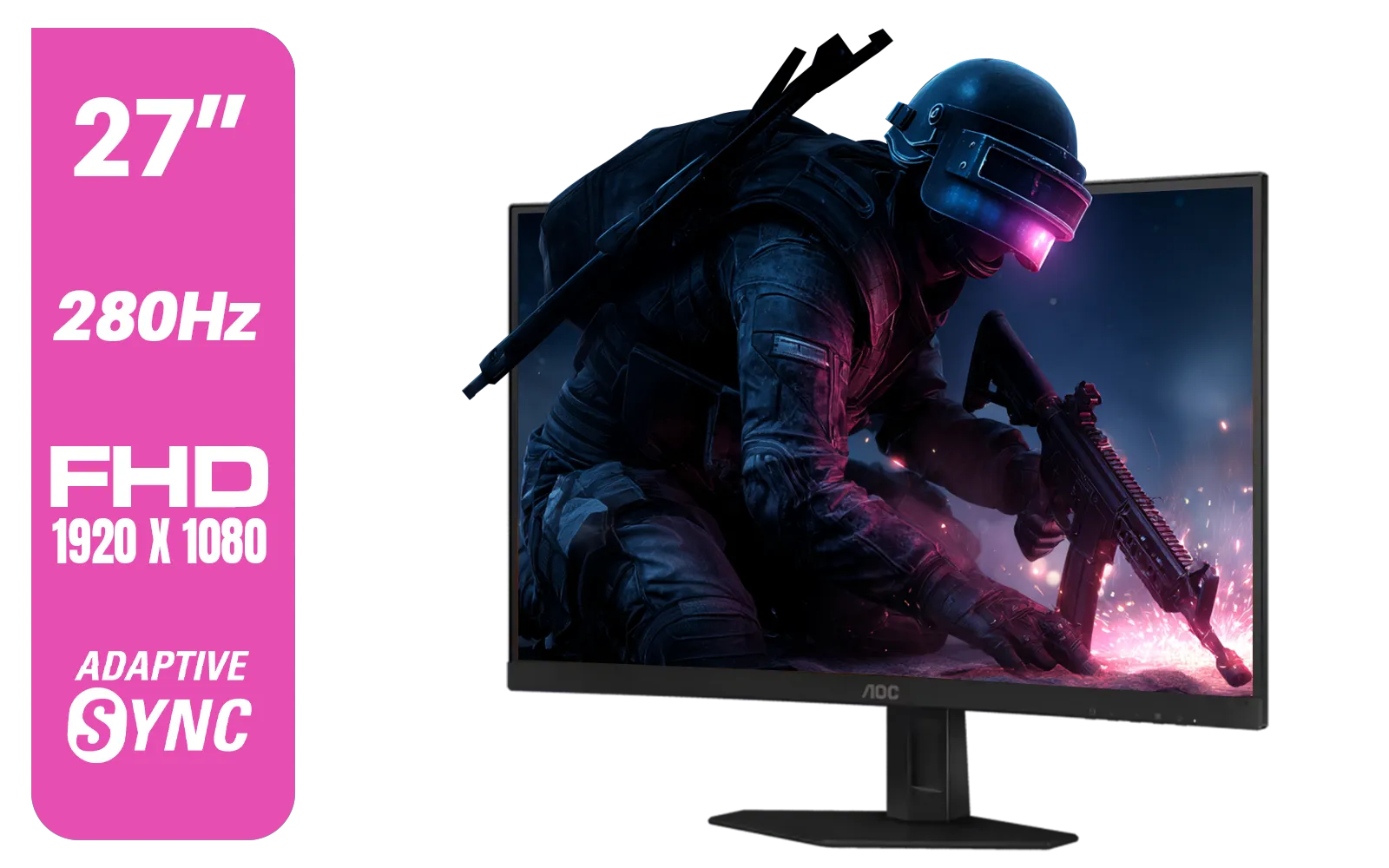
AOC C27G4ZE 27" 280Hz Curved Ultra-Fast Gaming Monitor, 1920 × 1080 (FHD), 0.3ms, Fast VA, 1500R, Adaptive Sync, Three-sided frameless design, Black / C27G4ZE
R4999.00In Stock
HP OMEN 27 FHD 165Hz Gaming Monitor / AMD FreeSync™ Premium / Eyesafe® certified / Height adjustable for personalized comfort / Pivot rotation for flexible viewing angles / 780F9AS
R5999.00In Stock
So, Which Refresh Rate is Best for You?
Choosing the best monitor for competitive gaming comes down to your budget, your PC's power, and how seriously you take your gameplay.
- 144Hz: The undisputed champion of value. It provides a huge competitive advantage over 60Hz and is perfect for the vast majority of South African gamers.
- 165Hz: The new sweet spot. If you find one for a great price, it's a fantastic choice that offers a slight edge over 144Hz.
- 200Hz+: For the dedicated enthusiast or aspiring pro. It's a luxury upgrade for those with high-end rigs who need every possible micro-advantage to climb the ranks.
Ultimately, the debate over 144Hz vs 165Hz vs 200Hz monitors shows there's a perfect fit for every player. The key is matching the screen to your setup and your goals.
Ready to Find Your Perfect Match? A high refresh rate monitor is a fundamental part of any serious gaming rig. The smoothness and clarity it provides can elevate your entire experience. Explore our huge range of gaming monitors and find the perfect display to dominate the competition.
Related Products
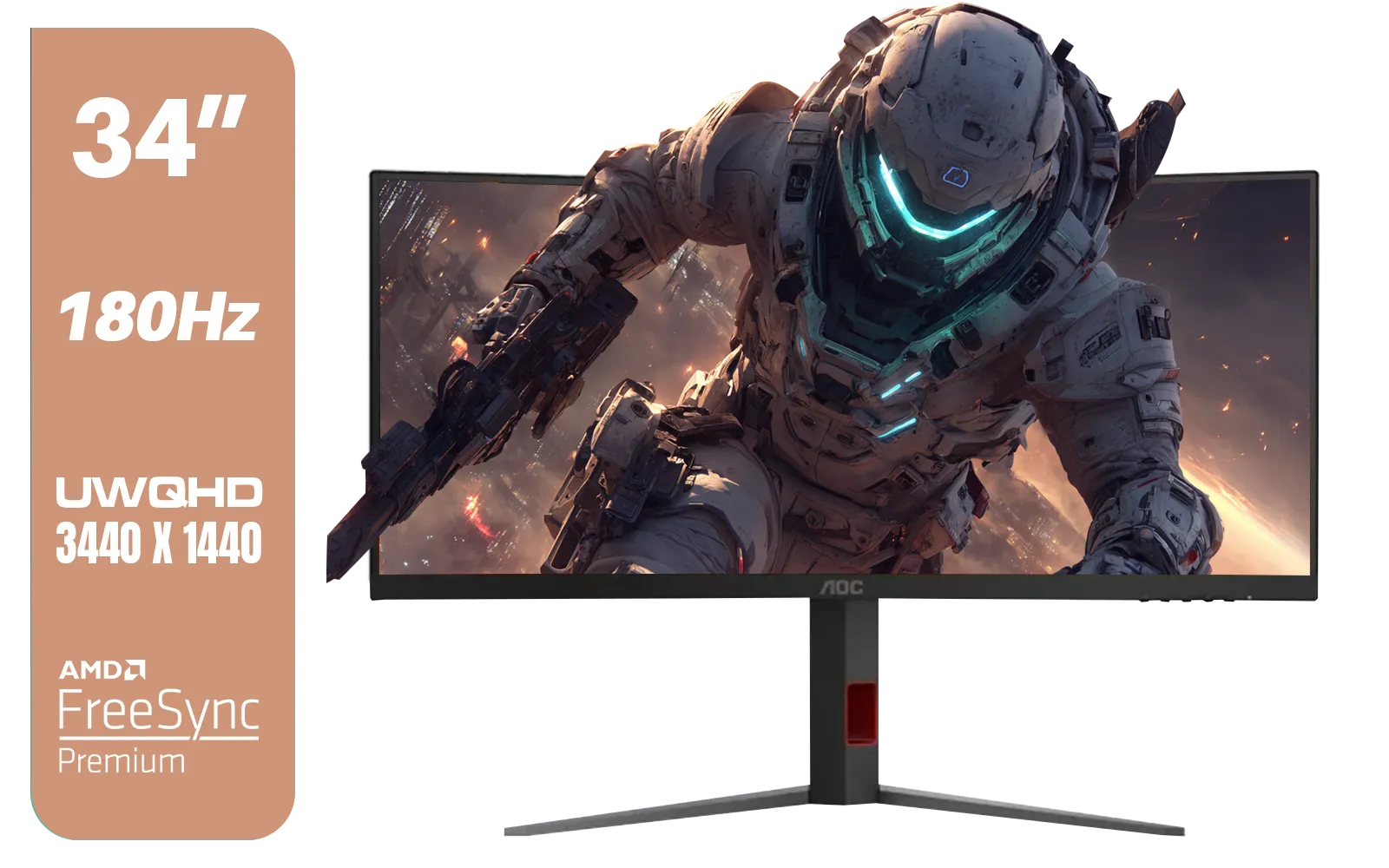
AOC CU34G4 34" Curved Gaming Monitor / UWQHD (3440x1440) / 180Hz Refresh Rate / 1ms Response Time (MPRT) / HDR10 / Adaptive Sync / CU34G4
R6999.00In Stock
Dahua 30" Ultrawide WFHD 200Hz 1MS DCR Intelligent Adaptive-Sync HDMI DP VA Gaming Monitor Black / DHI-LM30-E330CA
R3999.00In Stock
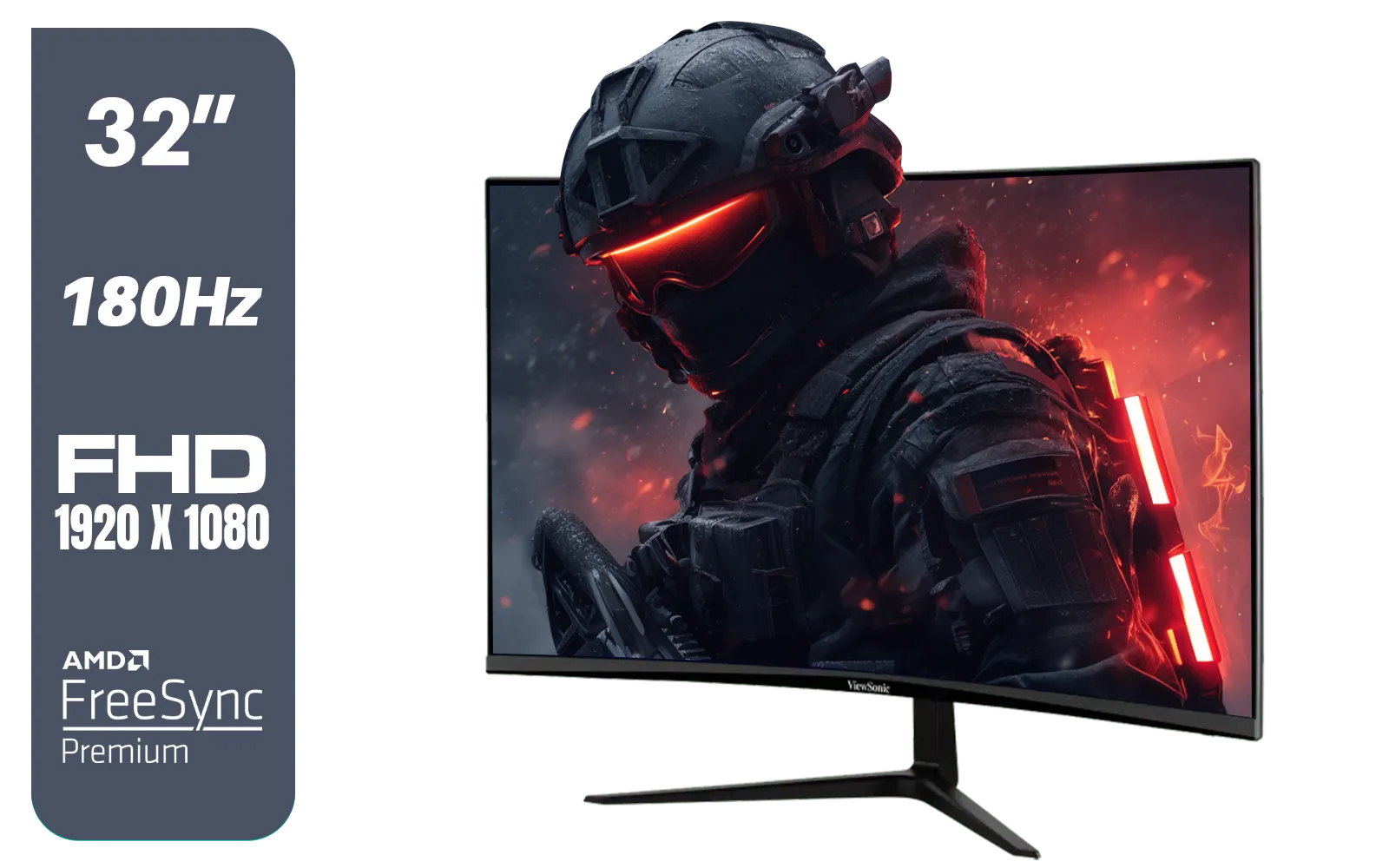
ViewSonic VX3218-PC-MHD 32" Full HD (1920 x 1080) 180Hz Curved Gaming Monitor / 180Hz Refresh Rate / 1ms MPRT Response Time / AMD Adaptive Sync Prevents Screen Tearing / 1500R Curve Ultimate Immersion / VX3218PCMHD
R3499.00In Stock
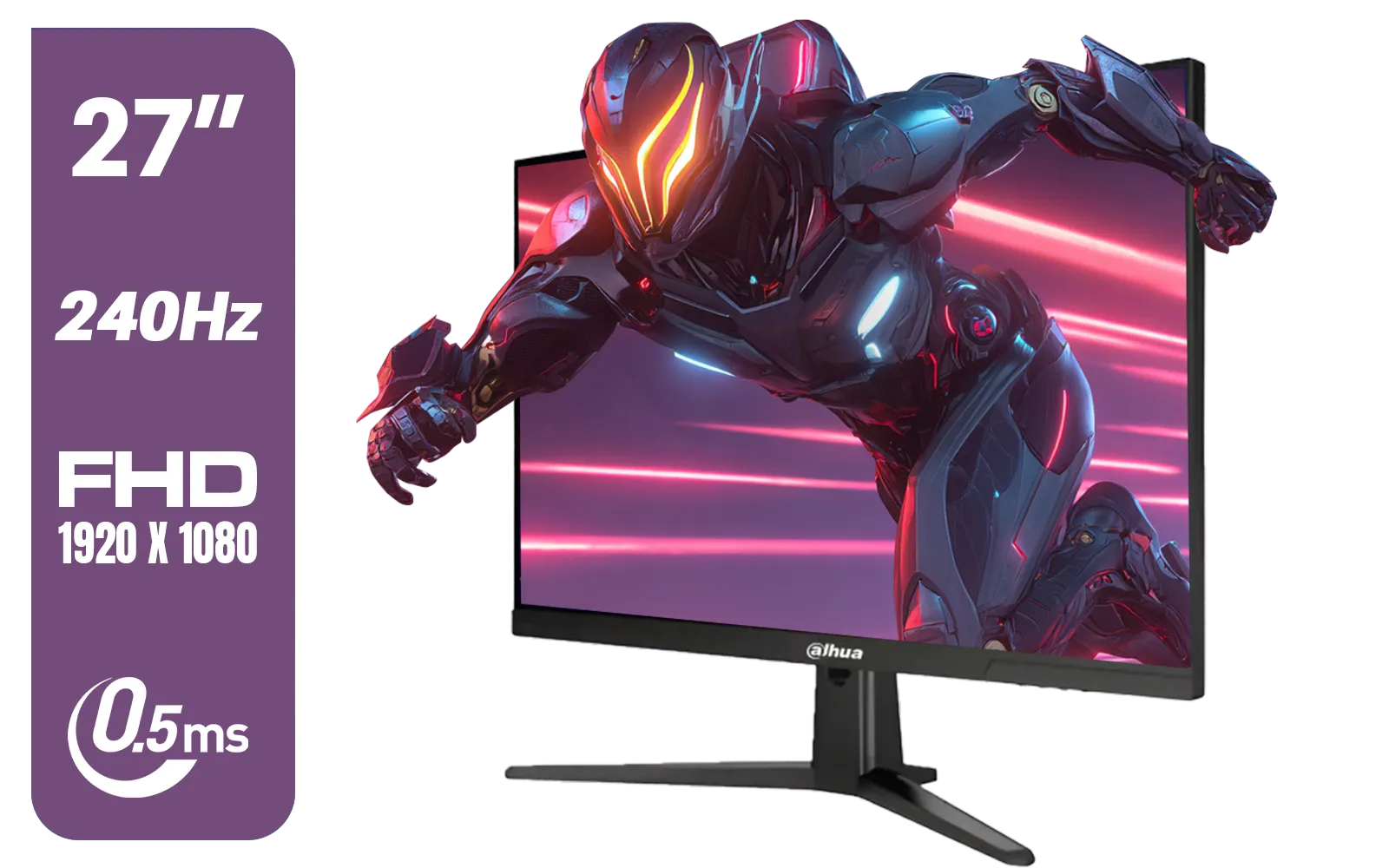
Dahua LM27-E241B 27" Gaming Monitor / FHD 1920 x 1080 / 240Hz Refresh Rate / 0.5ms Response Time / DHI-LM27-E241B
R2499.00In Stock

HP 527SH G5 FHD Gaming Monitor - Black/Silver / 27" FHD (1920 x 1080) / IPS Panel / 1x HDMI 1.4, 1x VGA / Eye Ease with Eyesafe Certification / 94C50AS
R4799.00In Stock
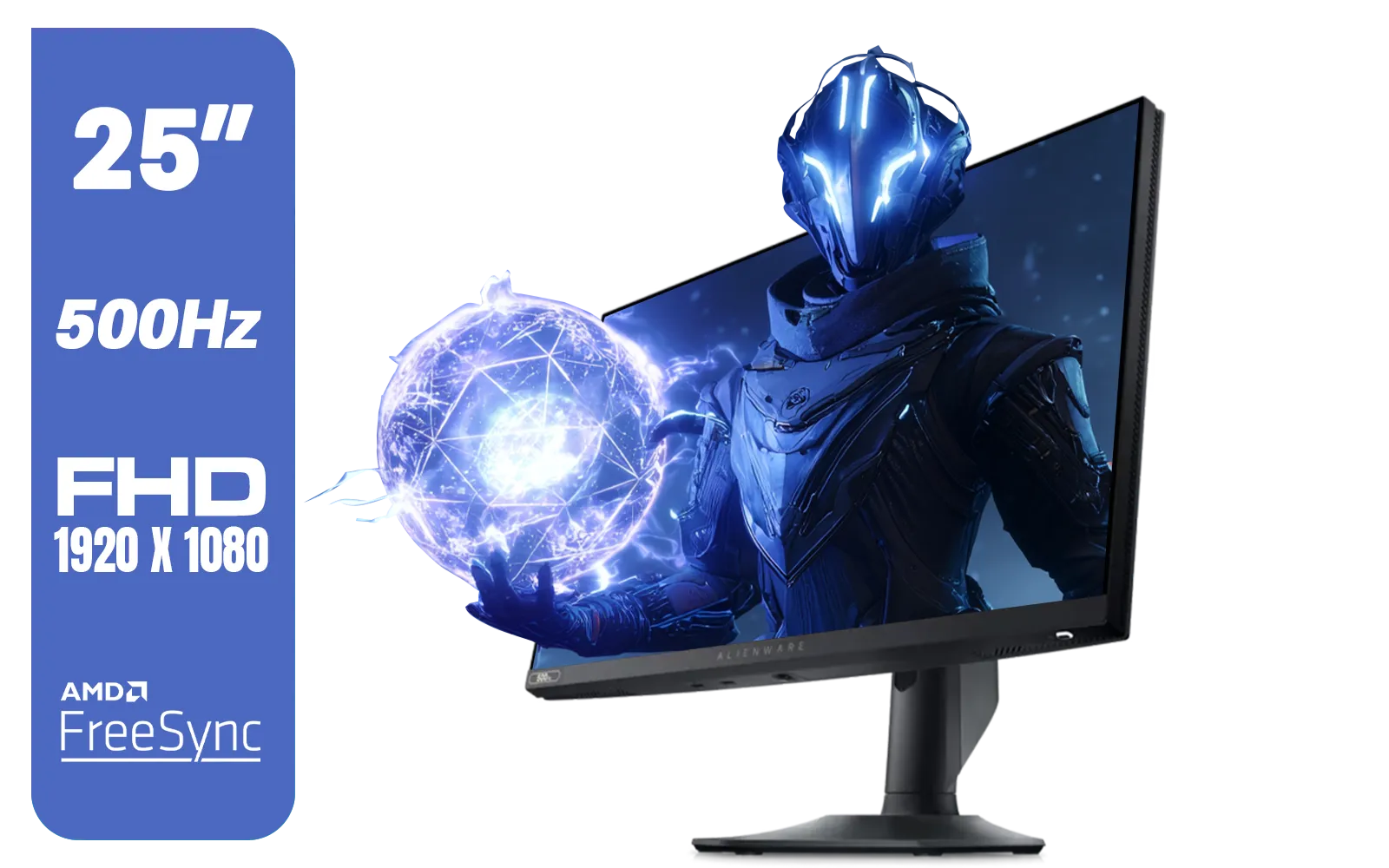
Alienware AW2524HF Gaming Monitor/ 25-inch / IPS Panel / Full HD (1920 x 1080)/ 500Hz refresh rate / 1 ms Response Time / VESA Adaptive-Sync, AMD FreeSync Premium / AW2524HF
R12999.00In Stock
Yes — differences are most noticeable with high FPS. 165Hz feels slightly smoother than 144Hz; 200Hz benefits pro-level play if your GPU sustains high frames.
Often yes: 165Hz offers modest smoothing and wider panel options at similar prices. It’s a solid upgrade for competitive gamers on a budget.
Yes. To fully use a 200Hz monitor you need a GPU that can deliver near 200 FPS in your games or you’ll get limited benefit.
Higher refresh rates (165Hz–200Hz) give tighter input responsiveness for esports. Choose 165Hz for value or 200Hz if you chase the smallest advantage.
Input lag drops as refresh rate rises. Moving from 144Hz to 200Hz reduces frame interval and can shave milliseconds off responsiveness.
Look at response time, adaptive sync, resolution, panel type, and price. Matching GPU performance is crucial for effective refresh-rate gains.
Options exist but are rarer. Many budget 200Hz models compromise on color or panel quality; check reviews and look for solid response times.











