



Adjustable Actuation: Reduce Input Lag and Fatigue
• Identify benefits • Tune responsiveness • Lower fatigue • Test actuation — Adjustable actuation helps reduce input lag and wrist fatigue by letting you fine-tune actuation points for speed and comfort. ⚡️🖱️

Ever miss a crucial headshot in Valorant because your key didn't register fast enough? Or fat-finger an ult in a chaotic team fight? That tiny delay, that micro-second of input lag, can be the difference between a win and a loss in South Africa's competitive servers. What if you could tune your keyboard's sensitivity like a pro gamer tunes their mouse DPI? Welcome to the world of adjustable actuation—the tech that puts you in control. 🎯

Logitech MK950 Signature Slim Wireless Keyboard and Mouse Combo - Off-White / Sleek Design / Quiet Typing and Clicking / Switch Across Three Devices, Bluetooth, Multi-OS, Windows and Mac / QWERTY UK Layout / 920-012491
R2299.00In Stock
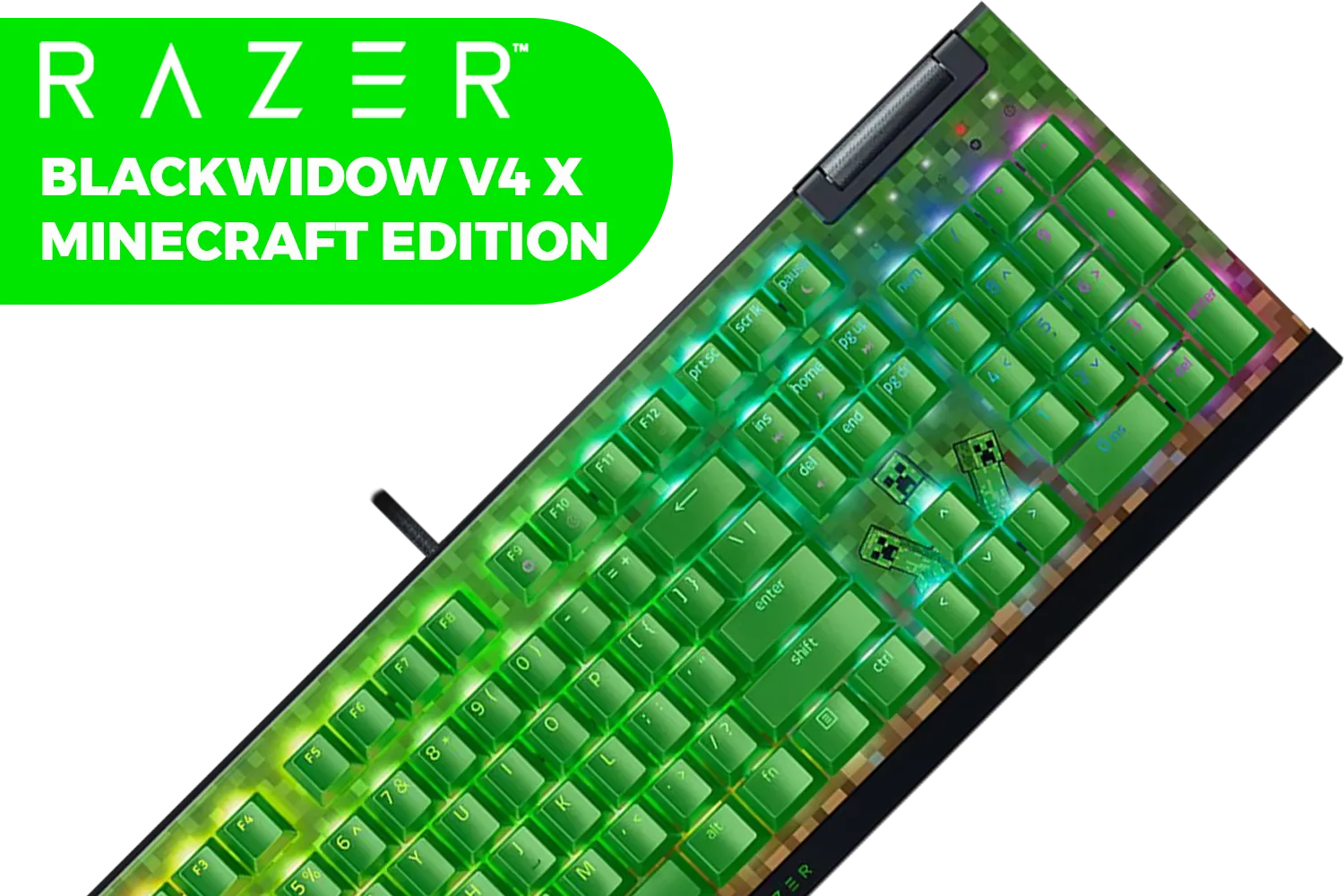
Razer BlackWidow V4 X Mechanical Gaming Keyboard - Minecraft Edition (Green switch) / 6 Dedicated Macro Keys / Chroma RGB / Doubleshot ABS Keycaps / Dedicated Media Roller / RZ03-04704100-R3M1
R3999.00In Stock

Logitech MK950 Signature Slim Wireless Keyboard and Mouse Combo, Sleek Design, Quiet Typing and Clicking, Switch Across Three Devices, Bluetooth, Multi-OS, Windows and Mac, QWERTY UK Layout - Graphite / 920-012490
R2189.00In Stock

Razer Huntsman V3 Pro TKL Esports Gaming Keyboard / Analog Optical Switches w/Rapid Trigger & Adjustable Actuation / Media Keys & Dial / Doubleshot PBT Keycaps / Aluminum Top Plate / Wrist Rest / RZ03-04980100-R3M1
R4899.00In Stock
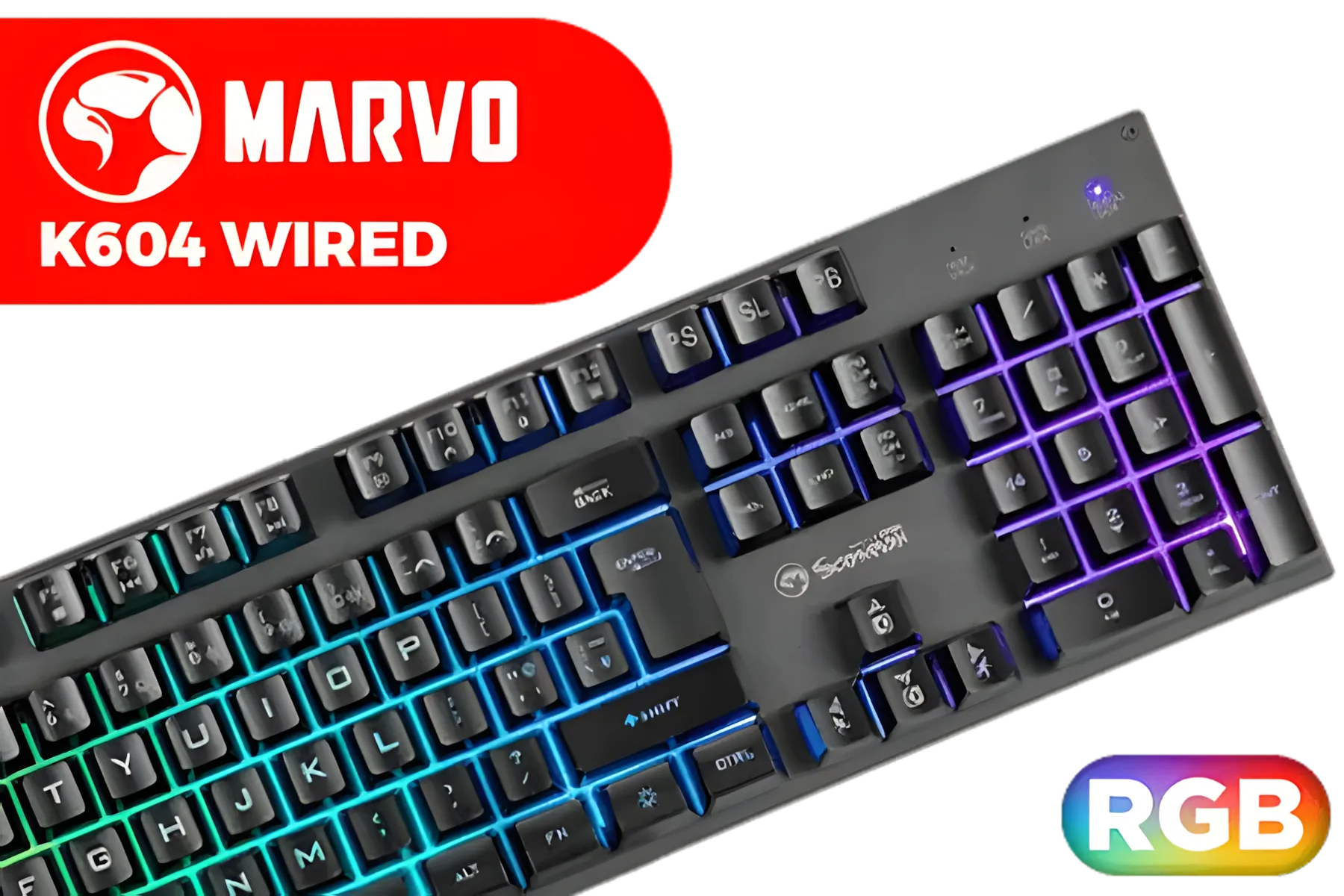
MARVO K604 Wired Gaming Keyboard / Membrane Switch / RGB Backlight / 10 million presses / 104 Keys / K604
R249.00In Stock

Razer BlackWidow V4 75% Mechanical Gaming Keyboard: Hot-Swappable Design / Compact & Durable / Orange Tactile Switches / Chroma RGB / MF Roller & Media Keys / Comfortable Wrist Rest - Black / RZ03-05000100-R3M1
R5199.00In Stock
What Exactly is Adjustable Actuation?
At its core, adjustable actuation lets you decide how far down you need to press a key for it to register. A standard mechanical keyboard has a fixed actuation point, usually around 2.0mm. Whether you're typing an essay or strafing an enemy, the switch always activates at that same depth.
Keyboards with adjustable actuation, often using advanced magnetic switches, throw that limitation out the window. You can set the actuation point anywhere from a hair-trigger 0.1mm to a deep, deliberate 4.0mm, often customising it per-key through software. This feature is becoming a new standard in many top-tier gaming keyboards for a reason.
The Core Benefits: Less Lag, Less Fatigue
The ability to change your actuation point on the fly offers two massive advantages: raw speed for gaming and improved comfort for everything else. It’s about optimising your most important peripheral for the task at hand.
Lightning-Fast Response for Competitive Play ⚡
For competitive gaming, speed is everything. By setting your WASD and ability keys to a super-low actuation point, you dramatically reduce input lag. The moment your finger begins to move, the key activates. This gives you a tangible advantage in reaction-based shooters and MOBAs where milliseconds matter. This technology effectively makes your inputs faster, helping you peek, counter-strafe, and unleash combos more quickly than opponents on older hardware.
Razer BlackWidow V4 75% Mechanical Gaming Keyboard: Hot-Swappable Design / Compact & Durable / Orange Tactile Switches / Chroma RGB / MF Roller & Media Keys / Comfortable Wrist Rest - Black / RZ03-05000100-R3M1
R5199.00In Stock

Gamdias Hermes M7 Hybrid RGB Mechanical Gaming Keyboard - Black / Red Switches / RGB Backlighting / N-Key rollover / Hot-Swappable / 1.5m Type-C to A cable / Connectivity - Wired, 2.4G, BT / HERMES-M7
R999.00In Stock
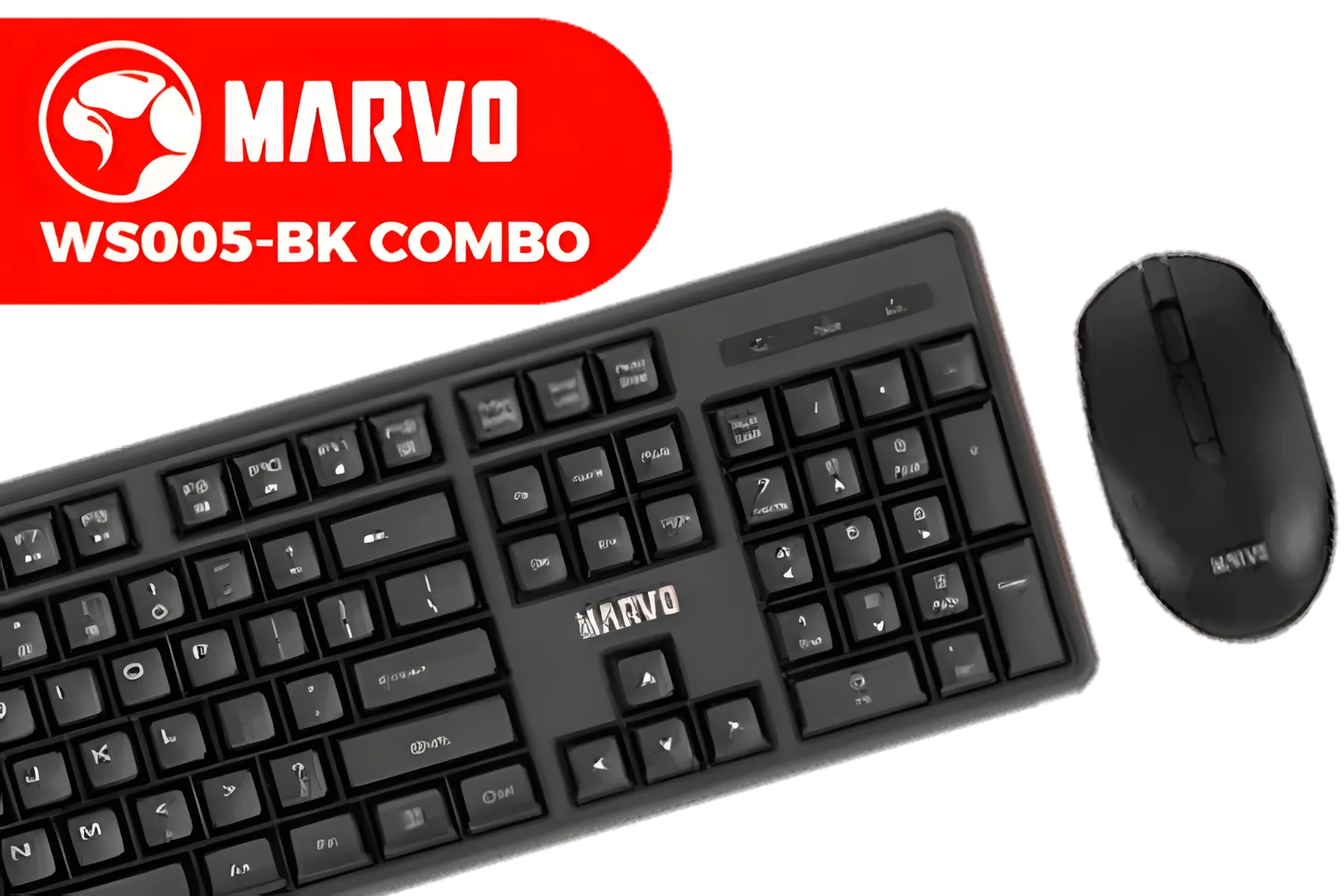
MARVO WS005-BK Wireless Mouse & Keyboard Combo / Supports up to 1600 DPI / Anti-Sweating Design / Membrane Switch / Batteries not Included / WS005-BK
R299.00In Stock

Razer DeathStalker V2 Pro Wireless Gaming Keyboard: Low-Profile Optical Switches - Linear Red - HyperSpeed Wireless & Bluetooth 5.0-40 Hr Battery - Ultra-Durable Coated Keycaps - Chroma RGB / RZ03-04360100-R3M1
R5599.00In Stock
Logitech MK950 Signature Slim Wireless Keyboard and Mouse Combo, Sleek Design, Quiet Typing and Clicking, Switch Across Three Devices, Bluetooth, Multi-OS, Windows and Mac, QWERTY UK Layout - Graphite / 920-012490
R2189.00In Stock

Corsair K70 PRO TKL RGB Tenkeyless Mechanical Wired Gaming Keyboard – Pre-Lubed Hall Effect MGX Hyperdrive Adjustable Switches, Simultaneous SOCD and Rapid Trigger, ABS Double-Shot, QWERTY NA – Black / CH-911911G-NA
R3499.00In Stock
Deeper Actuation for Typing and Comfort
When the gaming session is over and it’s time to work or chat, a hair-trigger setup can lead to a mess of typos. With adjustable actuation, you can switch to a profile with a deeper actuation point. This forces a more deliberate keystroke, improving typing accuracy and reducing finger strain over long periods. For an even better ergonomic setup, pairing it with a comfortable wrist rest can make a world of difference, preventing fatigue during marathon sessions.
TIP FOR YOU
Find Your Sweet Spot 🔧
Start with a low actuation (0.4mm - 0.8mm) for your main gaming keys (WASD, Q, E, R, Shift) and a deeper setting (1.5mm - 2.0mm) for everything else. Play a few matches and adjust from there. You'll quickly find a personal profile that feels incredibly responsive for gaming but remains comfortable for typing.
Fine-Tuning Your Entire Arsenal
The customisation doesn't stop at just the actuation point. This technology is part of a larger movement towards creating a truly personal setup. The underlying technology often relies on specific magnetic keyboard switches that can be swapped or maintained.
And since you're already optimising the feel of your keyboard, why not perfect the look? You can complete your personalized setup by swapping out the stock caps for a fresh set of keycaps that match your rig's colour scheme or show off your personality. ✨

Razer Huntsman V2 Optical Gaming Keyboard: Fastest Clicky Optical Switches w/Quick Keystrokes & 8000Hz Polling Rate - Doubleshot PBT Keycaps - Dedicated Media Keys & Dial - PUBG: Battleground Edition / RZ03-03932300-R3M1
R5299.00In Stock

Gamdias Hermes M4 Hybrid Wireless Gaming Keyboard / Lag-free Wired/ Wireless/ BT mode / Certified Mechanical Switches / Dual Colorway Keycaps / Type-C to A Braided Cable / Anti-ghosting with N-key rollover / HERMES M4 Hybrid
R799.00In Stock

Razer Huntsman Mini Gaming Keyboard - Clicky Optical Purple Switches - Classic Black / Aluminum Construction / Standard Bottom Row Layout / 100 Million Keystroke Lifespan / Razer Synapse 3 Enabled / Fully programmable Keys / 1000 Hz Ultrapolling / RZ03-03390100-R3M1
R1799.00In Stock
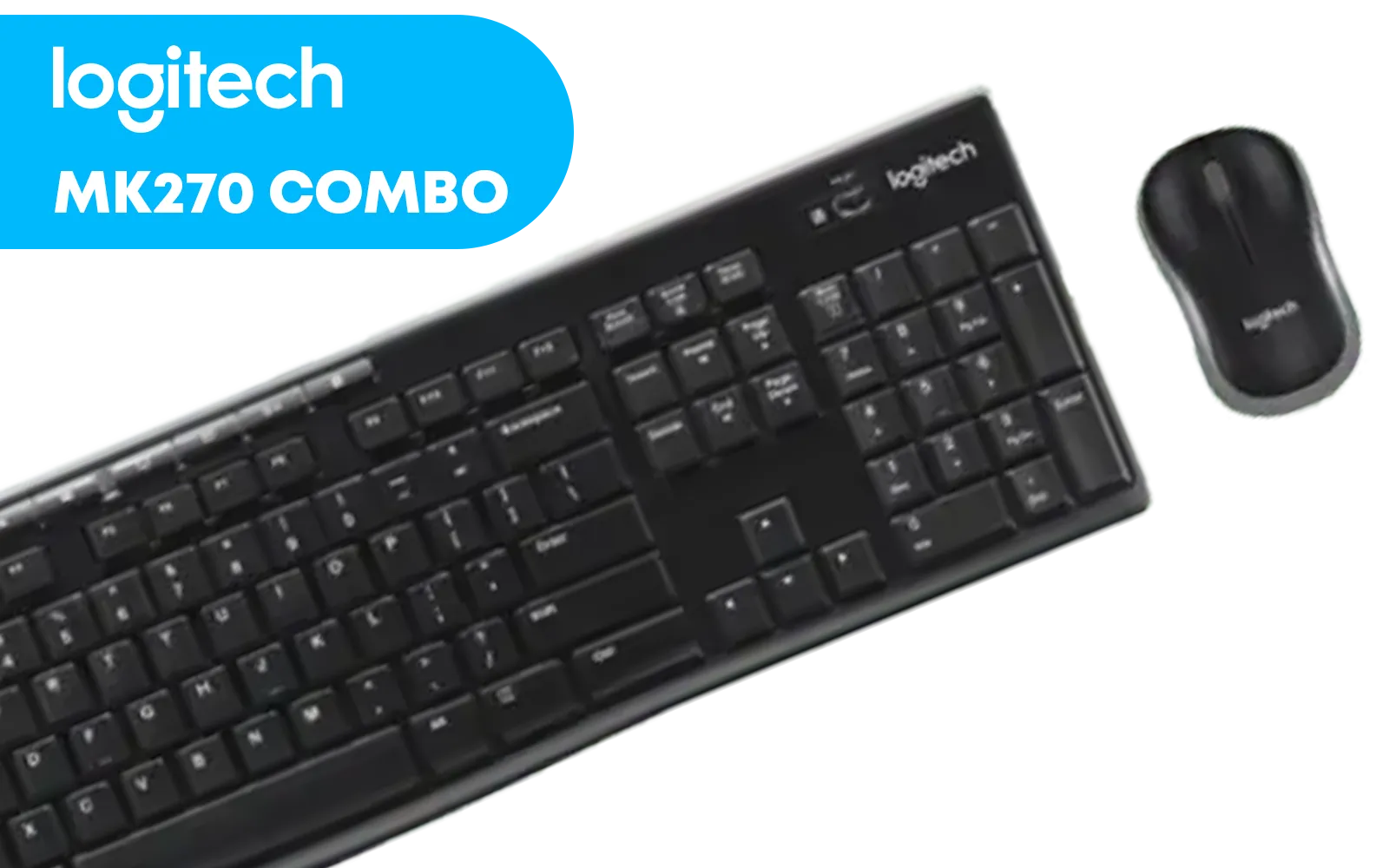
Logitech MK270 Wireless Keyboard And Mouse Combo / Long Battery Life / Eight hot keys / Full-size, spill-resistant keyboard / Instant media Access / Logitech Nano Receiver / 920-004509
R469.00In Stock
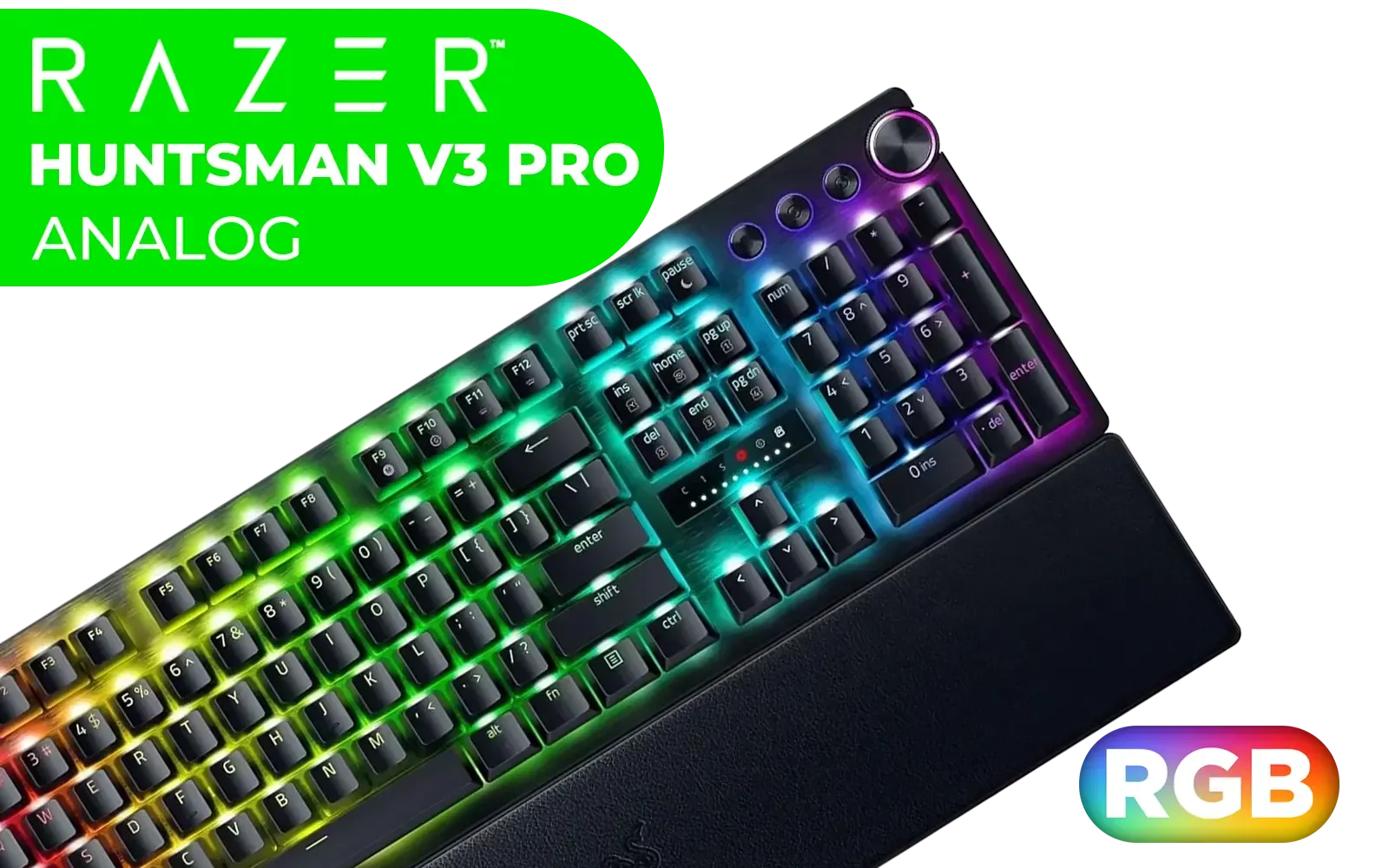
Razer Huntsman V3 Pro Esports Gaming Keyboard - Black / Analog Optical Switches w/Rapid Trigger & Adjustable Actuation / Media Keys & Dial / Doubleshot PBT Keycaps / Aluminum Top Plate / Wrist Rest / RZ03-04970100-R3M1
R5499.00In Stock
Logitech MK220 Wireless Keyboard And Mouse Combo / Long Battery Life / 10 re-programmable keys / Full-size, spill-resistant keyboard / Instant media Access / Logitech Unifying Receiver / 920-003161
R449.00In Stock
Is an Adjustable Actuation Keyboard for You?
Let's be clear: this is a premium feature. If you're a competitive player looking for every possible edge, a keyboard with adjustable actuation is a phenomenal investment that can directly impact your performance.
However, if you're just starting out or gaming more casually, you don't need to break the bank to get a great experience. There are plenty of excellent, affordable gaming keyboards that offer fantastic performance for their price. You can also find some great value keyboard and mouse combos to get your entire setup sorted in one go.
Ultimately, the choice comes down to your needs. But if you crave control and want the fastest input possible, this technology is the future.
Ready to Feel the Difference? Adjustable actuation isn't just a feature; it's a competitive edge waiting to be unlocked. Explore our massive range of gaming keyboards and find the perfect tool to dominate your lobby.
Related Products
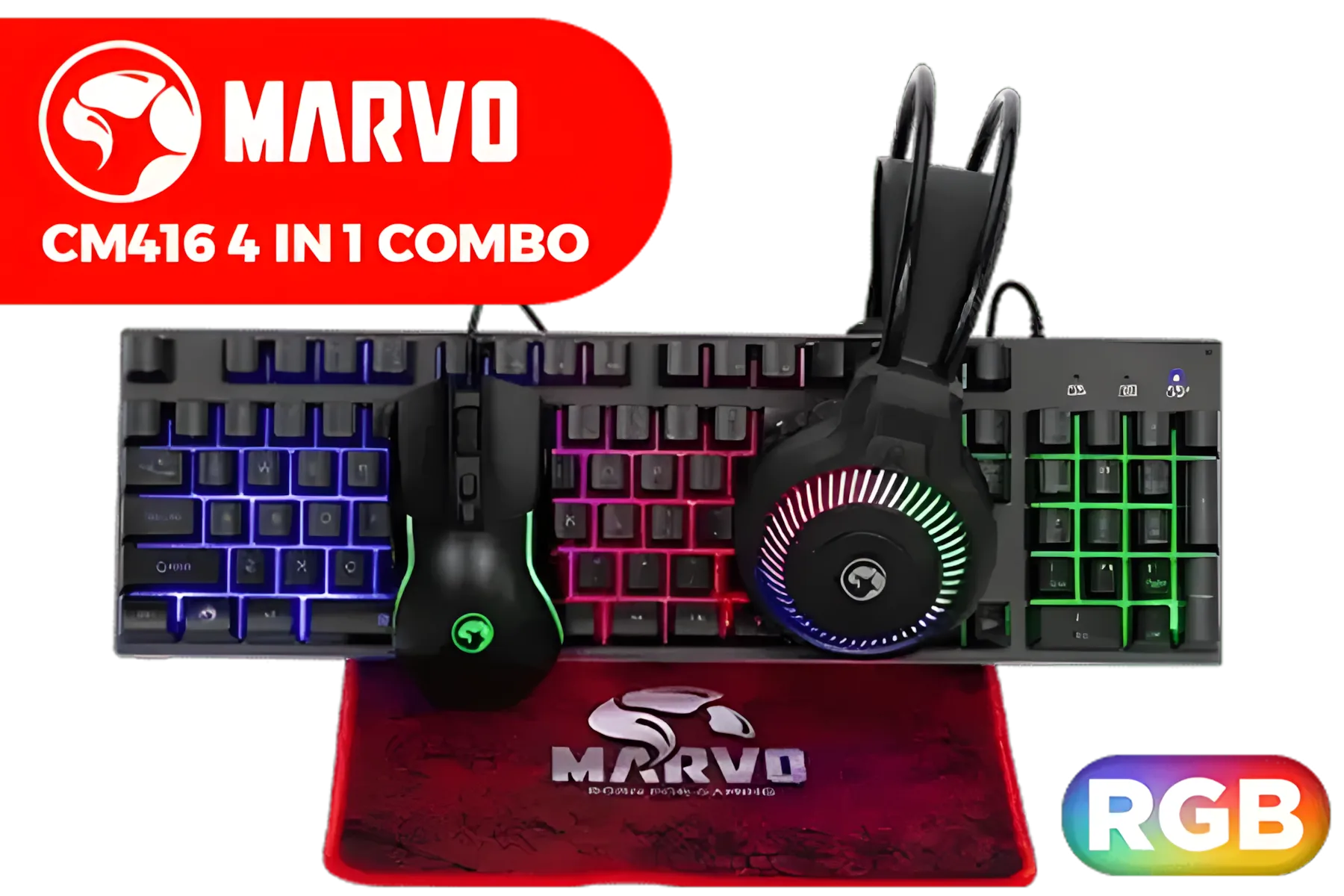
MARVO CM416 LOOT40 4 IN 1 Gaming Combo / Supports up to 3200 DPI / Mousepad / 3 Colors Backlight / RGB Headset (1x 3.5mm Mic Audio Jack, 1x 3.5mm Speakers Audio Jack, 1x USB-A Connector for RGB) / CM416
R299.00In Stock
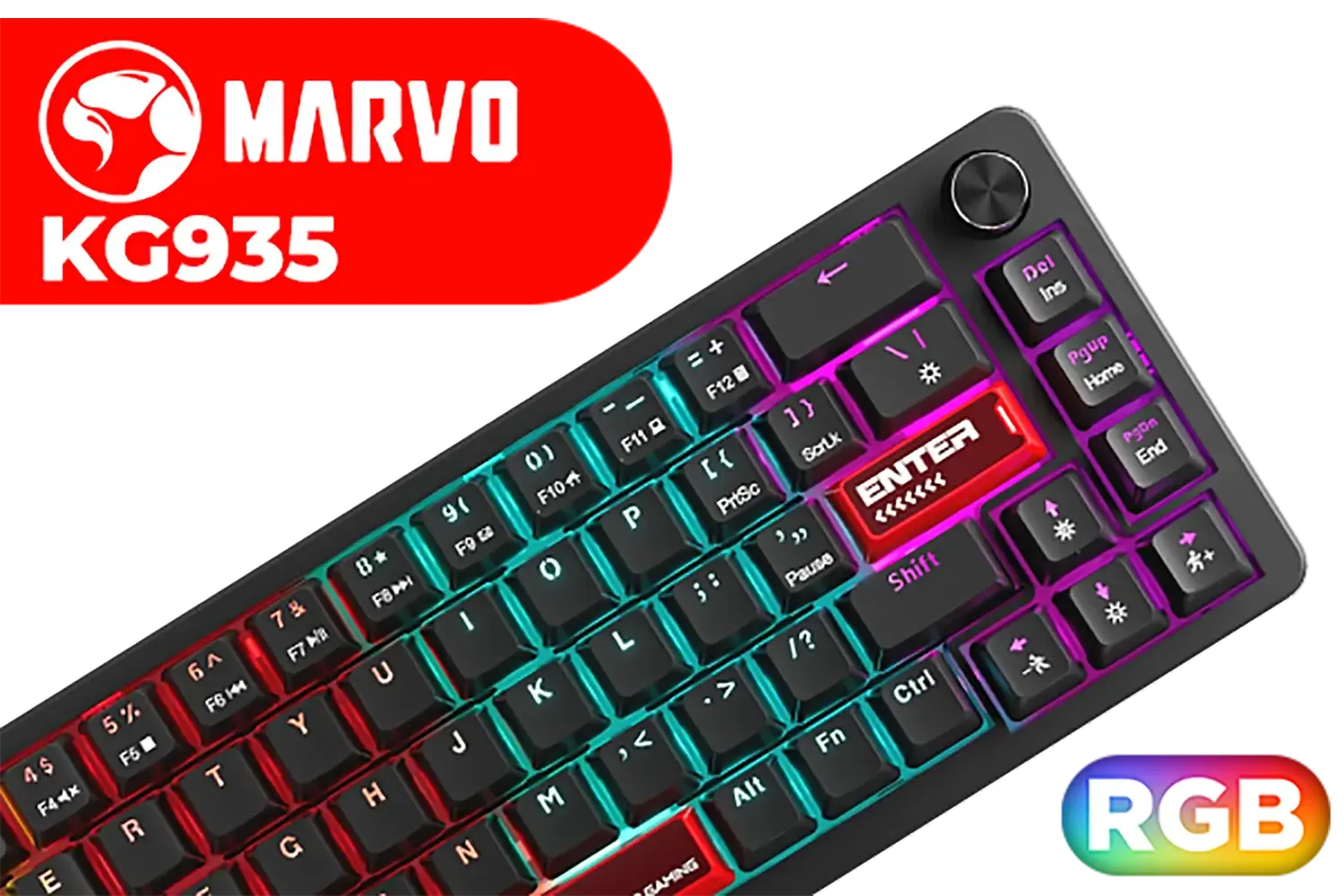
MARVO KG935 RGB Mechanical Gaming Keyboard - Blue Switch / Hot-Swappable Marvo Mechanical Switches / Customizable Rainbow Backlighting Modes / Durable Double Injection Keycaps / 1.6m Braided Type-C Cable / MARVO KG935
R499.00In Stock
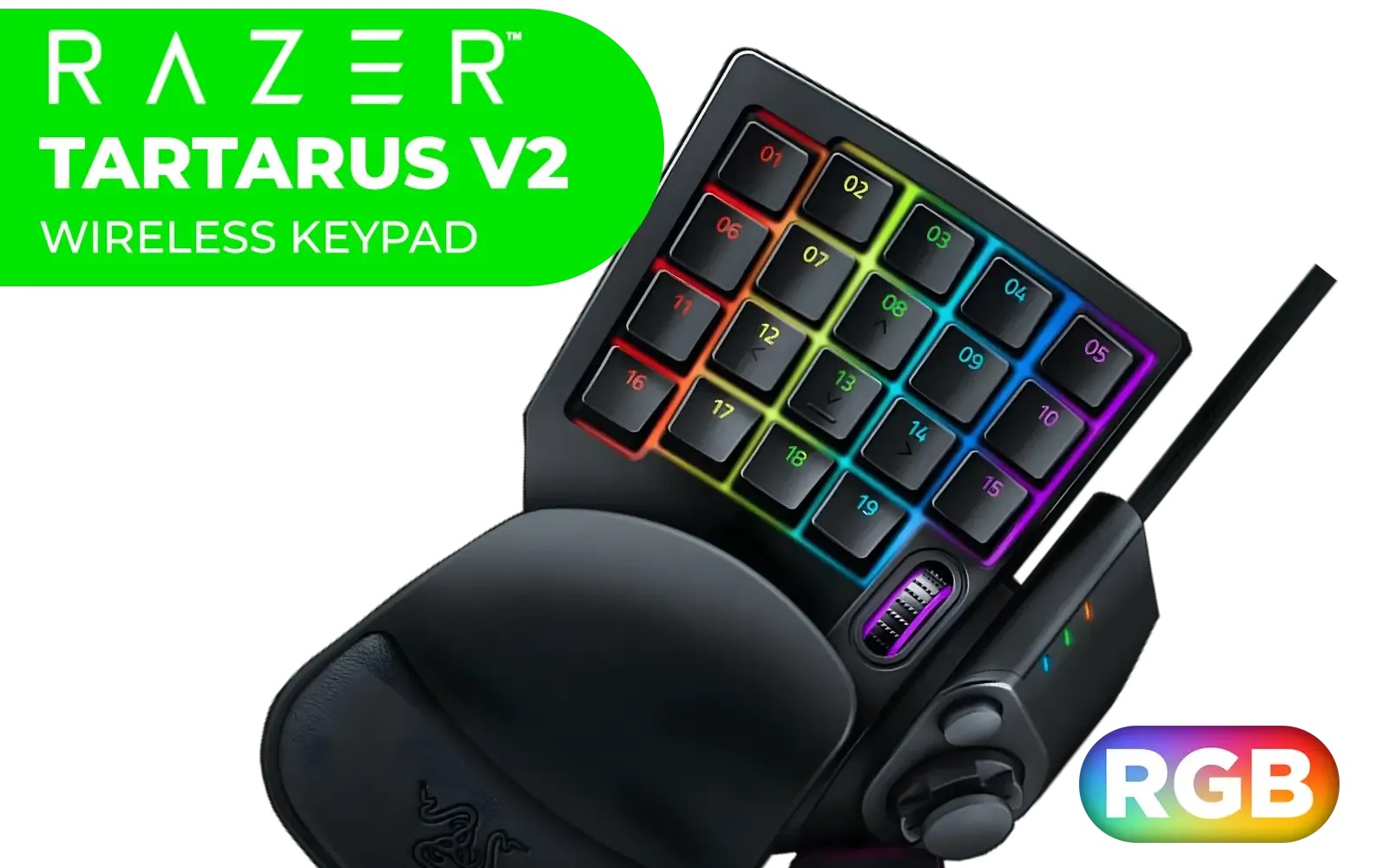
Razer Tartarus V2 Chroma Gaming Keypad / Mecha-Membrane switches / Programmable Keys / Ergonomic Design / Detachable palm rest / RZ07-02270100-R3M1
R2199.00In Stock
Razer DeathStalker V2 Pro Wireless Gaming Keyboard: Low-Profile Optical Switches - Linear Red - HyperSpeed Wireless & Bluetooth 5.0-40 Hr Battery - Ultra-Durable Coated Keycaps - Chroma RGB / RZ03-04360100-R3M1
R5599.00In Stock

Glorious LYNX Mechanical Keyboard Switches - Lubed / Compatible with ALL GMMK / SMD RGB light hole for RGB compatibility / 36 switches per pack / GLO-SWT-LYNX-LUBED
R499.00In Stock

Glorious Gaming Wooden Wrist Rest - Full Standard Size - Onyx/Black - Mechanical Keyboard, Wood Ergonomic Palm Rest| 17.5x4 inches/19mm Thick (GV-100-DARK)
R549.00In Stock
Adjustable actuation lets you change the actuation point of keys or switches so inputs trigger earlier or later, affecting responsiveness and comfort.
Yes. Lowering actuation points shortens travel time and can reduce perceived input lag, especially in fast-paced gaming.
Shorter travel and optimized actuation force lower repetitive strain and finger fatigue by reducing motion and required force.
Some gaming mice offer actuation point adjustment via firmware or hardware switches; check manufacturer specs for adjustable actuation mice settings.
Use high-frame-rate capture, online latency tools, or in-game timing drills to compare averages before and after adjustments.
Start with a shorter actuation point to improve response, then fine-tune to avoid accidental presses for optimal FPS performance.
Firmware changes usually don't void warranties, but opening devices or modifying switches may; consult the manufacturer first.











