



Adjustable Switch Sensitivity Boosts Gaming Precision
Adjustable switch sensitivity helps gamers fine-tune actuation for faster, accurate inputs. Learn tuning tips, settings, and measurable aim gains 🎯⚙️
|
Loading tags...

Ever felt that split-second delay between thought and action in a high-stakes Valorant clutch? That tiny lag that costs you the round? It might not be your reflexes… it could be your keyboard. For South African gamers chasing peak performance, the secret weapon isn't just faster switches, but smarter ones. Enter the world of keyboards with adjustable switch sensitivity, a technology designed to give you ultimate control over every single keystroke. 🚀

SteelSeries Apex Pro Mini Wireless Mechanical Gaming Keyboard – World’s Fastest Keyboard – Adjustable Actuation – Compact 60% Form Factor – RGB – PBT Keycaps – Bluetooth 5.0 – 2.4GHz – USB-C / 64642/64842
R6299.00In Stock

Logitech K250 Compact Bluetooth Wireless Keyboard / Long Battery Life / Durable And Reliable / Full-Size, Spill-Resistant Design / 920-013451
R299.00In Stock

SteelSeries Apex Pro TKL Wireless 2023 Ed. - World's Fastest Mechanical Gaming Keyboard – Adjustable Actuation – Esports Tenkeyless – OLED Screen – PBT Keycaps – Bluetooth 5.0 – 2.4GHz – USB-C / 64865
R7099.00In Stock
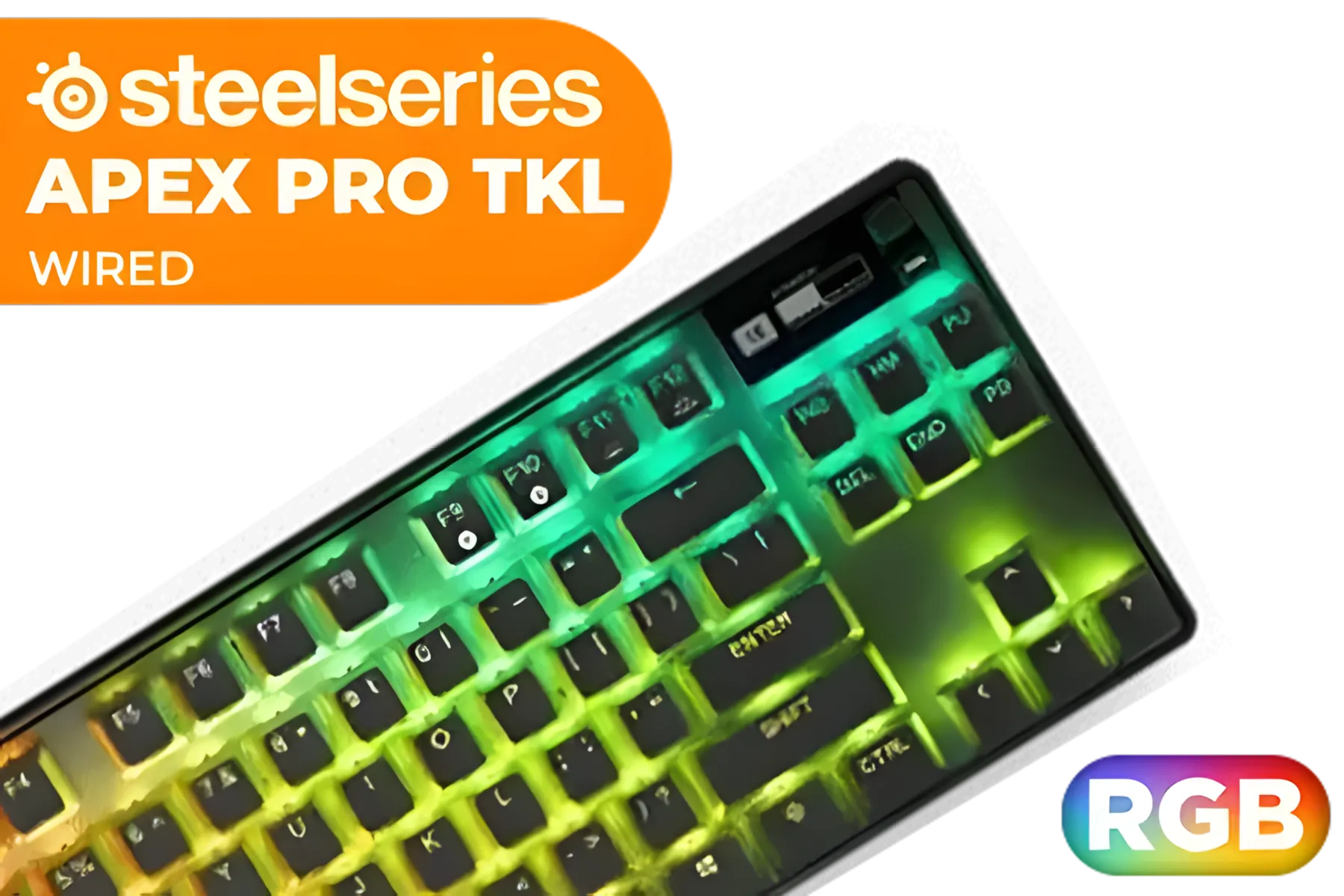
SteelSeries Apex Pro TKL 2023 Ed.- World's Fastest Mechanical Gaming Keyboard - Adjustable Actuation - Esports Tenkeyless - OLED Screen - RGB - PBT Keycaps - USB-C / 64856
R4899.00In Stock

SteelSeries Apex 9 Mini – HotSwap Optical Mini Keyboard – 60% Compact Design – Optical Switches – RGB Customization – Aluminum Alloy Frame – Double Shot PBT Keycap / 64837
R1599.00In Stock

Razer DeathStalker V2 Pro Wireless Gaming Keyboard: Low-Profile Optical Switches - Linear Red - HyperSpeed Wireless & Bluetooth 5.0-40 Hr Battery - Ultra-Durable Coated Keycaps - Chroma RGB / RZ03-04360100-R3M1
R5599.00In Stock
What Exactly is Adjustable Switch Sensitivity?
In a standard mechanical keyboard, a keypress is registered when the switch travels a fixed distance, known as the actuation point. It’s usually set at something like 2.0mm. But what if you could change that distance on the fly?
That’s the core idea behind adjustable switch sensitivity. Keyboards with this feature, often using advanced optical or magnetic Hall Effect switches, allow you to customise the actuation point for each key through software. You can set it to be incredibly short for lightning-fast inputs or much longer to prevent accidental presses. This level of granular control moves beyond a one-size-fits-all approach, letting you tune your gear perfectly to your playstyle. Many modern Glorious gaming keyboards are exploring this space to give players a competitive edge.
How Adjustable Actuation Translates to Victory 🏆
The practical benefits of a customisable actuation point are huge, especially when tailored to specific games and tasks. It’s not just a gimmick; it’s a performance-enhancing tool.

Glorious Gaming Wooden Wrist Rest - Full Standard Size - Onyx/Black - Mechanical Keyboard, Wood Ergonomic Palm Rest| 17.5x4 inches/19mm Thick (GV-100-DARK)
R549.00In Stock
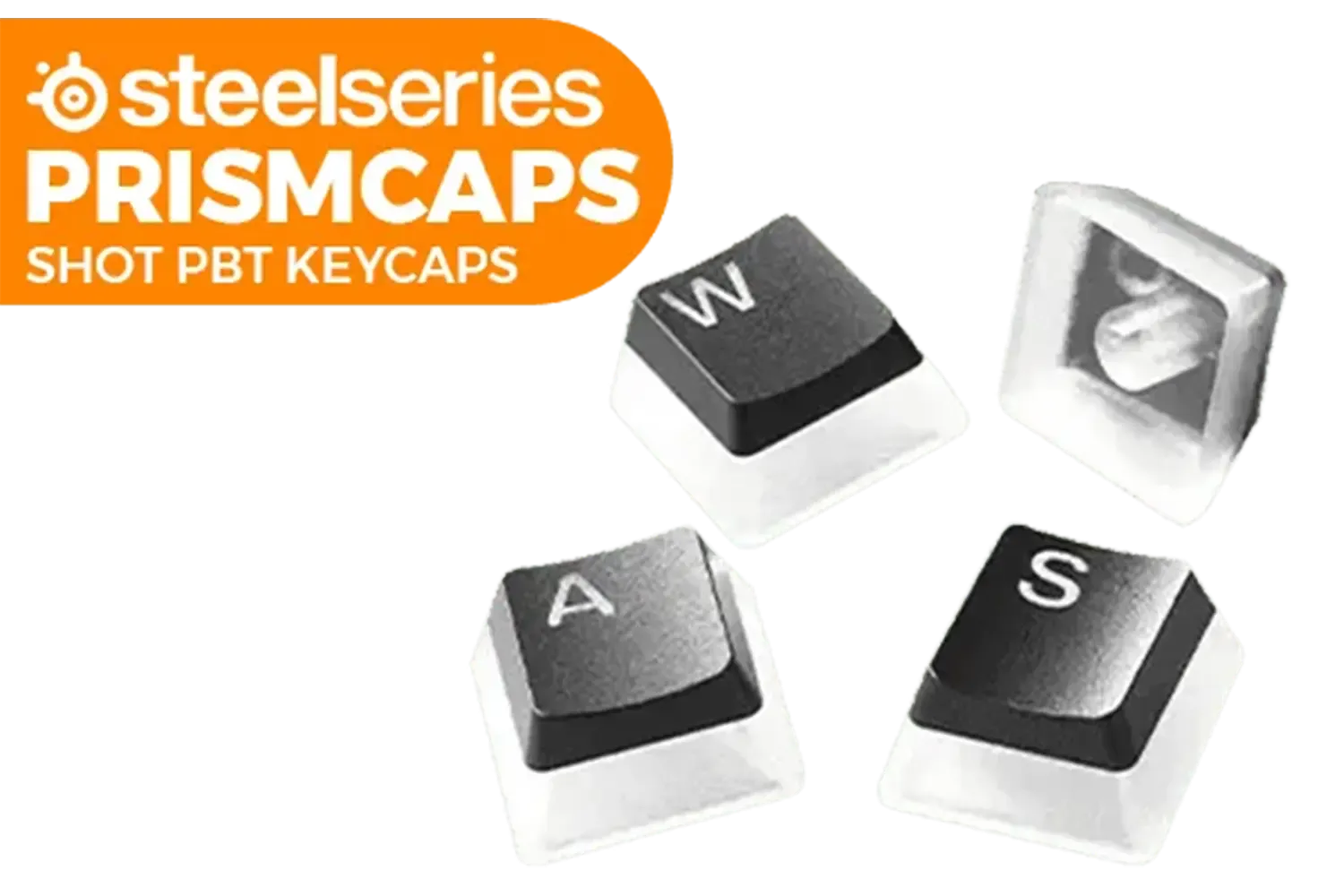
SteelSeries Prismcaps Double Shot PBT Keycaps - Black / Extreme Durability / Compatible With Most Mechanical Keyboards / Thermoplastic PBT Keycaps / 60200
R949.00In Stock

Glorious Rotary Nnob for GMMK Pro - Gold / Aluminum Knob / Only for GMMK Pro / GLO-ACC-P75-RK-G
R249.00In Stock

Glorious Aura V2 145-Key PBT Mechanical Keyboard Keycaps - White / Full-size standard 145 Key / PBT Keys / LED Light Compatible / US Layout / Fits most mechanical keyboards / Compatible with GMMK 2 & GMMK PRO / <span style="color:red; font-size: 16px;">*Keyboard not Included*</span> / GLO-KC-AURA2-W
R599.00In Stock
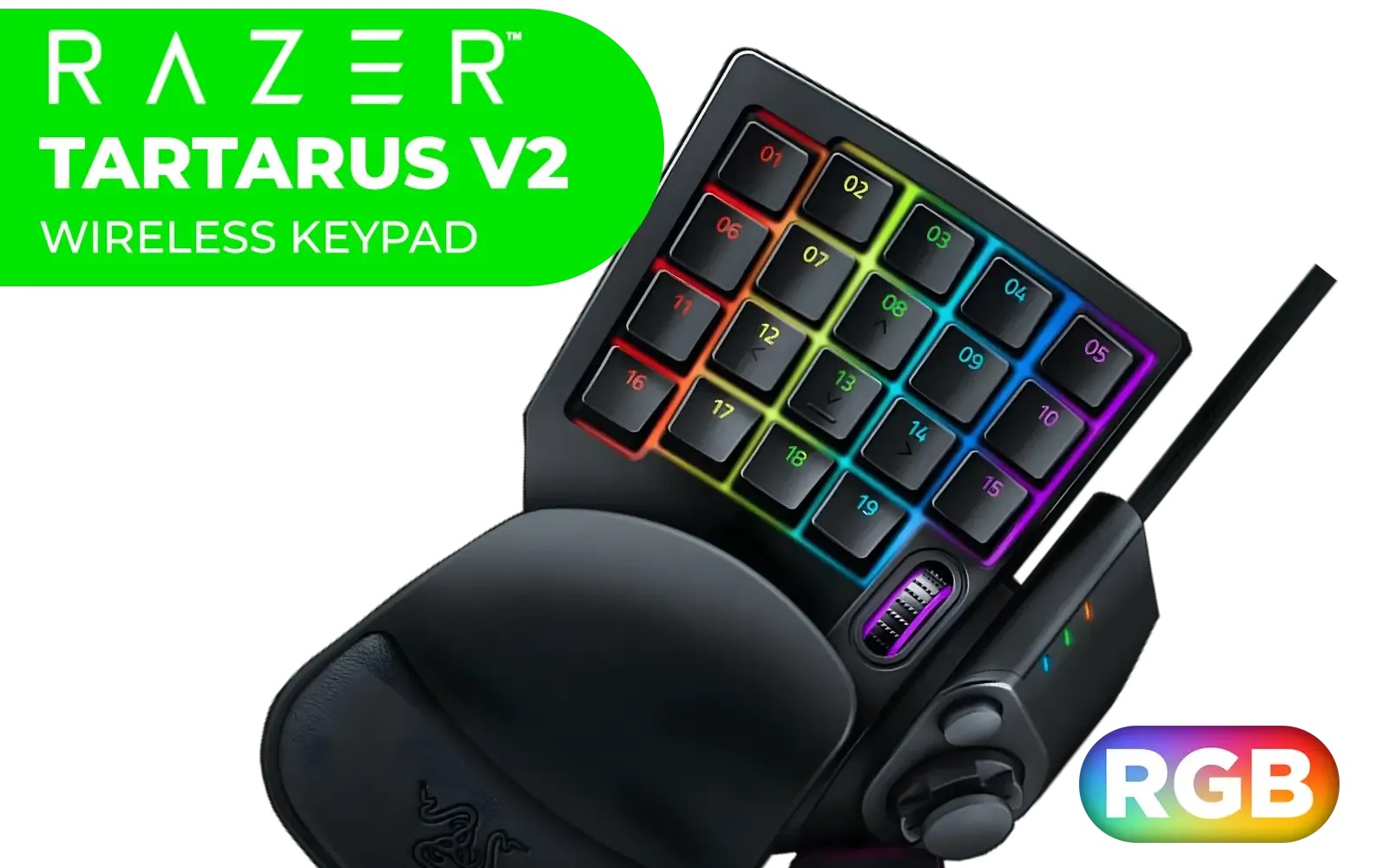
Razer Tartarus V2 Chroma Gaming Keypad / Mecha-Membrane switches / Programmable Keys / Ergonomic Design / Detachable palm rest / RZ07-02270100-R3M1
R2199.00In Stock
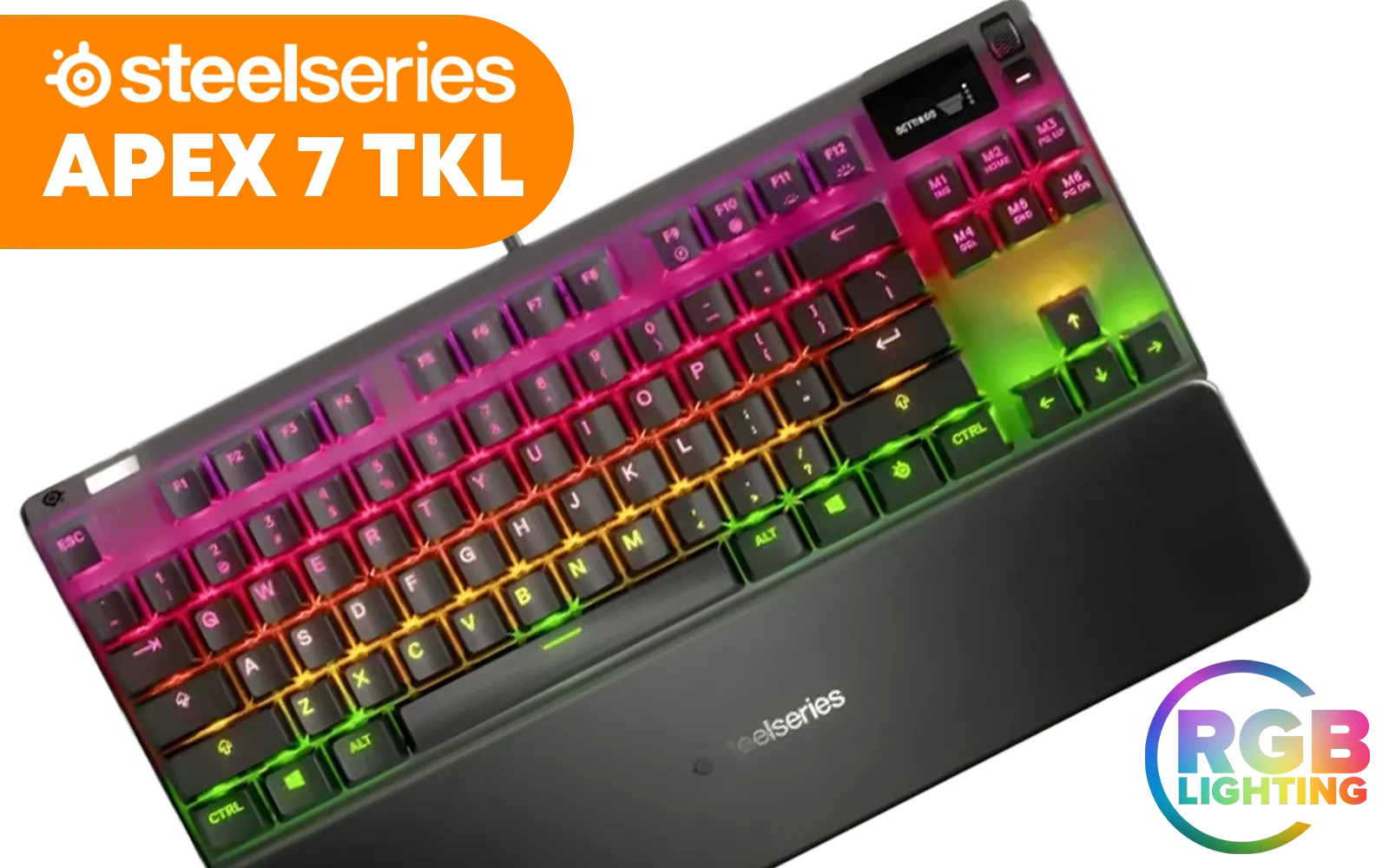
SteelSeries Apex 7 TKL Mechanical RGB Gaming Keyboard - Red Switch / Dynamic Per-Key RGB Illumination / OLED Smart Display / Durable Mechanical Gaming Switches / Aircraft Grade Aluminum Alloy / Premium Magnetic Wrist Rest / Dedicated Multimedia Controls / USB Passthrough Port / Three-Way Cable Routing / SS64646-SN
R2999.00In Stock
Hair-Trigger Speed for FPS Titles
In fast-paced shooters like CS2 or Apex Legends, reaction time is everything. By setting your WASD keys to an ultra-low actuation point—say, 0.2mm—your character responds instantly. This makes quick strafing, counter-strafing, and peeking feel incredibly fluid and responsive. For many competitive players, this feature alone makes upgrading to one of the latest top-tier Razer gaming keyboards a worthy investment.
Precision and Accuracy for MOBAs and RTS
Tired of accidentally fat-fingering your ultimate ability in Dota 2? With adjustable switch sensitivity, you can set your ability keys to have a deeper actuation point (e.g., 1.8mm), requiring a more deliberate press. This simple tweak can drastically reduce costly errors while keeping your movement keys set for speed. It’s about creating a layout that works for you, not against you.
TIP FOR YOU
Pro-Tuner's Tip 🔧
Create multiple profiles in your keyboard's software. Set one up for FPS games with ultra-sensitive WASD keys, another for typing with a deeper actuation across the board to reduce typos, and a third for your favourite MOBA. Swapping between them takes just a second and ensures your hardware is always optimised for the task at hand.

Glorious Gateron BROWN Mechanical Keyboard Switches / 120 Pack / Compatible With MX Based Keyboards / Compatible With MX Keycaps / PLATE Mounted / Transparent Switch Housing / SMD Led Compatible / GAT-BROWN
R699.00In Stock
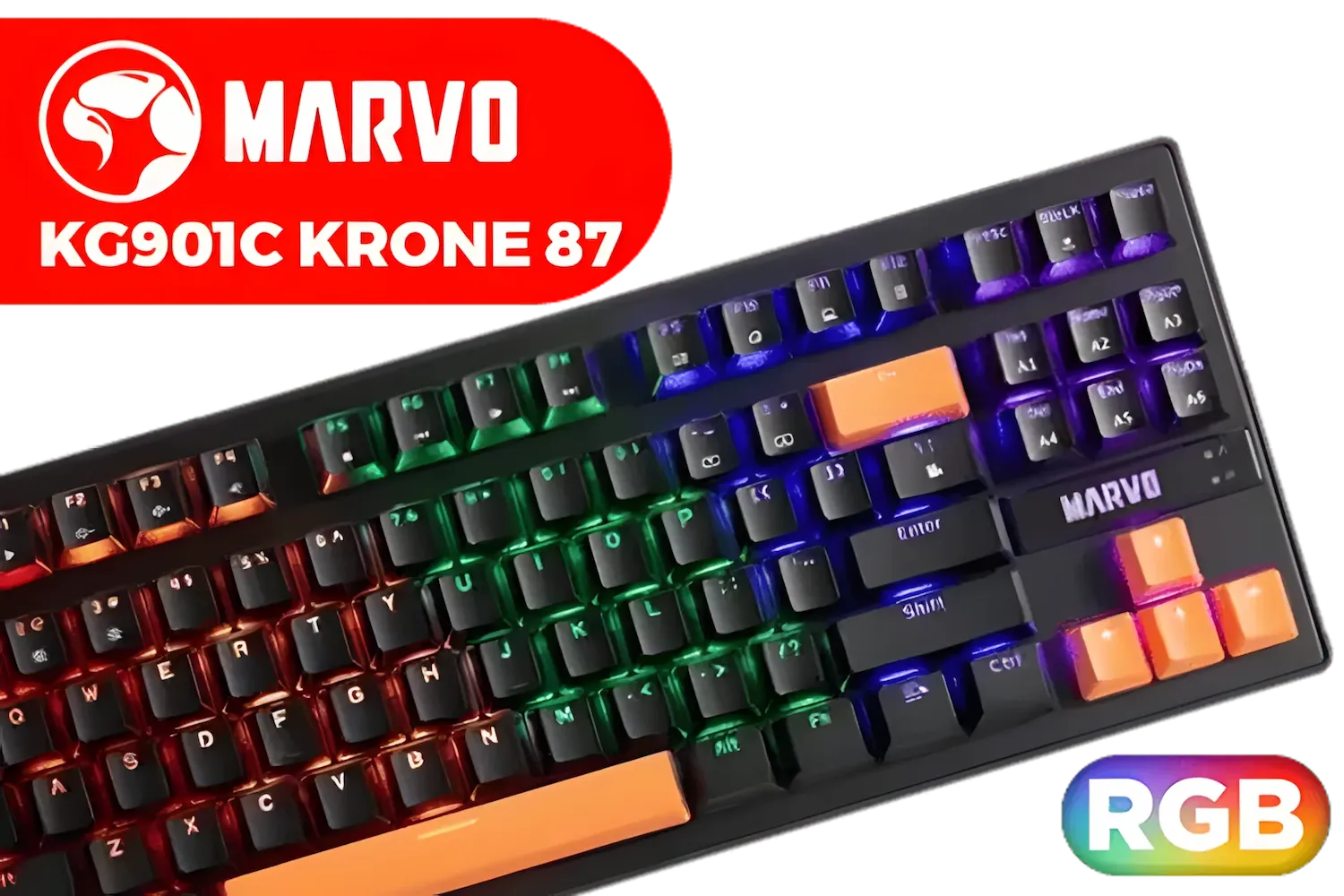
MARVO KG901C Krone 87 Mechanical Gaming Keyboard - Blue Switch / Switch rating: 50 million presses / Backlight: 21 kinds of backlight / Anti-ghosting Support / KG901C
R299.00In Stock

Glorious Aura V2 145-Key PBT Mechanical Keyboard Keycaps - Black / Full-size standard 145 Key / PBT Keys / LED Light Compatible / US Layout / Fits most mechanical keyboards / Compatible with GMMK 2 & GMMK PRO / <span style="color:red; font-size: 16px;">*Keyboard not Included*</span> / GLO-KC-AURA2-B
R599.00In Stock

Corsair K70 PRO TKL RGB Tenkeyless Mechanical Wired Gaming Keyboard – Pre-Lubed Hall Effect MGX Hyperdrive Adjustable Switches, Simultaneous SOCD and Rapid Trigger, ABS Double-Shot, QWERTY NA – Black / CH-911911G-NA
R3499.00In Stock

Glorious GSW-100 Full Size Slim Keyboard Wrist Rest - Black / GSW-100
R349.00In Stock

Glorious TKL Wrist Rest - Brown Wooden Wrist Rest - Mechanical Keyboard Wood Ergonomic Palm Rest - 14x4 inches/19mm Thick (GV-87-BROWN)
R499.00In Stock
Is This Upgrade Right for You?
While a keyboard with adjustable switch sensitivity carries a premium price tag, the value it offers to serious gamers is undeniable. It’s for the player who wants to eliminate every hardware variable and unlock their true potential. The ability to fine-tune your most important input device provides a tangible advantage that you can feel in every match.
Brands are constantly innovating, and many of the best Razer's RGB gaming keyboards now include this technology. It represents the pinnacle of keyboard performance, offering a level of customisation that was once just a dream for esports pros. If you're ready to take full control of your inputs, exploring a board with adjustable actuation is your next logical step. ✨
Ready to Feel the Difference? Adjustable sensitivity isn't just a feature; it's a competitive advantage. Explore our massive range of gaming keyboards and find the perfect board to elevate your game.
Related Products

Logitech® G515 TKL Lightspeed Wireless Gaming Keyboard - Tactile Switches / Factory-Lubed Switches / Low-Profile Double-Shot PBT Keycaps / Tri-Mode Connectivity / Lightsync RGB — Black / 920-012538
R2779.00In Stock

Glorious Mechanical Keyboard Keycaps - Black / Standard 105 Keys / UK Keyboard Layout / Double Shot Injection Legends / Backlight LED Compatible / Unique Dual-layer Casing / Designed to Improve LED Glow / G-104-Black
R399.00In Stock

Glorious Kailh COPPER Mechanical Keyboard Switches / 120 Pack / Compatible with the GMMK & GMMK PRO / Compatible with Cherry/Gateron/Kailh based keyboards / Plate Mounted / Transparent Switch Housing / SMD Led Compatible / KAI-COPPER
R849.00In Stock

HP 230 WL Mouse and KB Combo - Black / Up to 16-month keyboard battery life / Smooth tracking with 1600 DPI / One-click access to all function keys / 18H24AA
R599.00In Stock
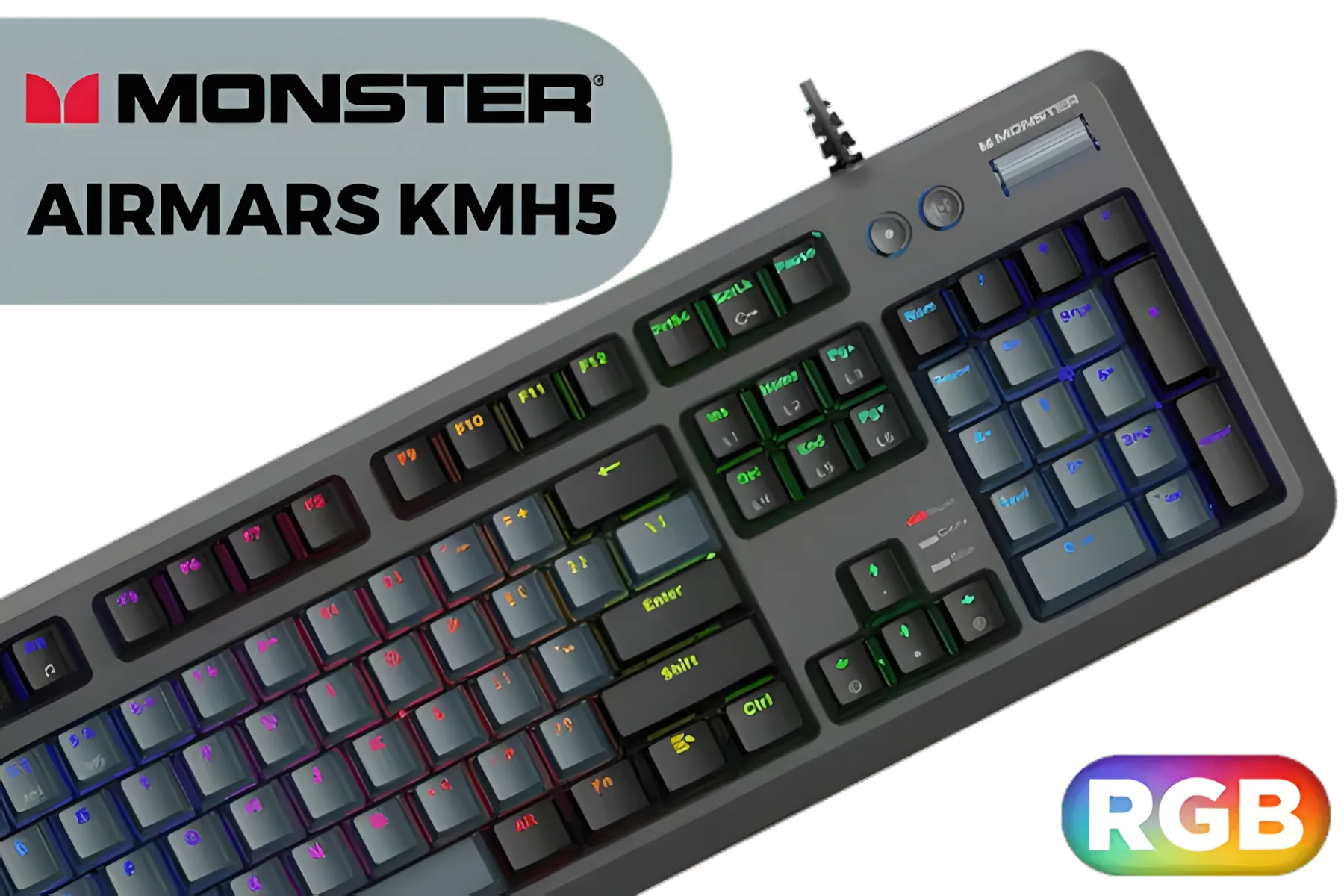
MONSTER Airmars KMH5 USB Mechanical Gaming Keyboard / Full key Without Conflict / Monster Optical Mechanical Axis / Waterproof Protect / Double Color Injection Molded Keycap / AIRMARS-KMH5-KB
R1199.00In Stock

Razer Cynosa Lite Essential Gaming Keyboard / Gaming Grade Keys / Spill-Resistant Design / Built-in 10 Key Roll-Over / Spill-Resistant Durable Design / Programmable Backlit Keys / 16.8 Million Color Options / RZ03-02740700-R3U1
R899.00In Stock
Adjustable switch sensitivity changes actuation distance and response so inputs register earlier or later, letting gamers tailor feel and precision.
Shortening actuation and refining debounce with switch sensitivity reduces input lag and sharpens aim for faster, consistent responses.
Yes, many keyboards support per-key switch sensitivity, letting you configure movement keys, aim keys, and macros independently.
Use keyboard firmware or companion software to tweak actuation distance, debounce and presets—follow a how to adjust switch sensitivity guide.
FPS players often prefer shorter actuation and lower debounce values; test switch sensitivity settings for FPS to find your ideal balance.
No—software tuning and actuation profiles are safe. Mechanical switch travel adjustment refers to settings, not destructive physical mods.
Yes—optimizing sensitivity can reduce input lag and improve response time, helping you react faster in competitive play.











