



Affordable AI PC South Africa: A Beginner's Build Guide
Looking for an affordable AI PC in South Africa? 🤖 This guide is for you! We break down the best budget-friendly components to kickstart your journey into machine learning and AI development without breaking the bank. Discover smart part choices and build your first AI rig with Evetech. 🚀
|
Loading tags...
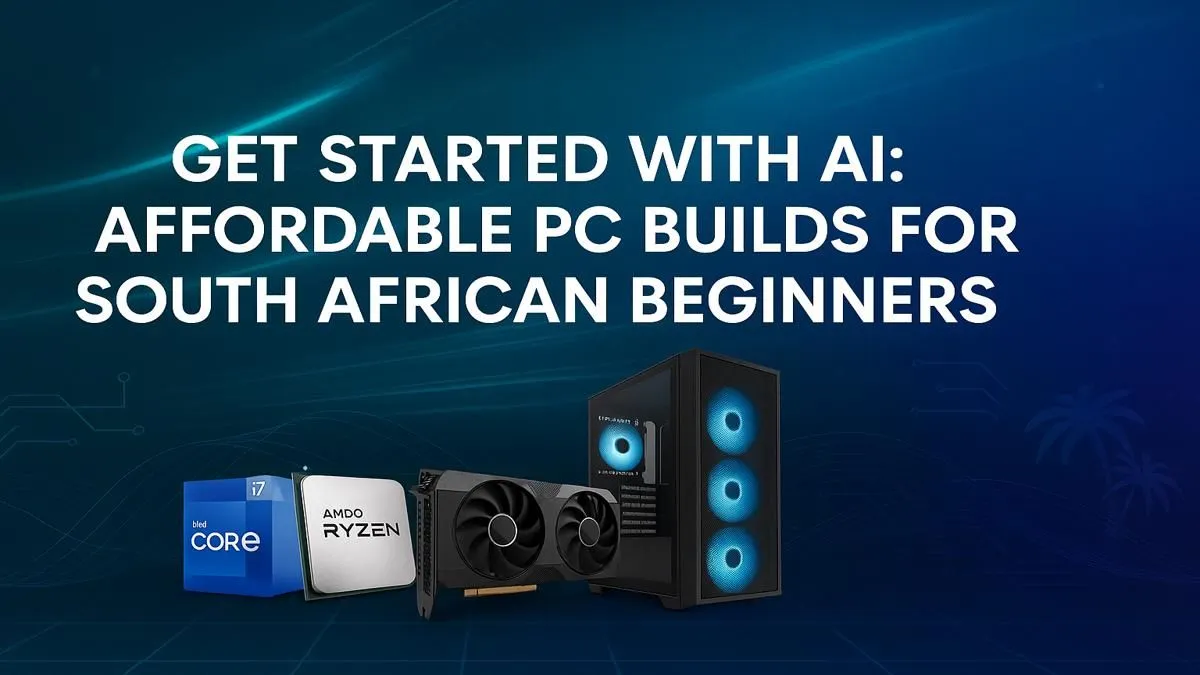
Thinking about diving into the world of Artificial Intelligence without emptying your wallet? You're not alone. The buzz around AI is massive, but the price tag can feel intimidating. The good news? Building an affordable AI PC in South Africa is more achievable than ever. You don't need a supercomputer from a sci-fi movie; you just need the right components to get started with everything from AI-powered gaming to creative work. 🚀

RYZEN 5 9600X 5.4GHz A1000 8GB DDR5 Workstation PC
R25199.00In Stock
![[Pre Built] HP OMEN 35L B1ZR4EA Intel Core Ultra 7 265K RTX 4080 SUPER Gaming PC](https://img.evetech.co.za/repository/ProductImages/intel-core-ultra-7-265-k-rtx-4080-super-gaming-pc-pbs-main-1600px-v1.webp)
[Pre Built] HP OMEN 35L B1ZR4EA Intel Core Ultra 7 265K RTX 4080 SUPER Gaming PC
R49349.00In Stock
![[Pre Built] AMD RYZEN 9 9900X RX 9070 XT Gaming PC](https://img.evetech.co.za/repository/ProductImages/ryzen-9-9900-x-rx-9070-xt-gaming-pc-pbs-main-1600px-v1.webp)
[Pre Built] AMD RYZEN 9 9900X RX 9070 XT Gaming PC
R42524.00In Stock

Intel Core Ultra 5 225F ARC A380 6GB Gaming PC
R14174.00In Stock

RYZEN 7 9700X RTX Pro 2000 DDR5 Workstation PC
R35699.00In Stock

AMD RYZEN 7 5700 4.6GHz A1000 8GB Workstation PC
R20159.00In Stock
What Exactly Makes a PC an "AI PC"?
Let's clear up the marketing jargon. An "AI PC" isn't a magical new invention. It's simply a computer with hardware specifically optimised for handling AI and machine learning tasks efficiently. While new CPUs with built-in Neural Processing Units (NPUs) are on the horizon, for a beginner's build right now, the most crucial component is your Graphics Card (GPU).
Modern GPUs are masters of parallel processing—handling thousands of tiny calculations simultaneously. This is exactly what AI models need to learn and run, making your graphics card the heart of your new AI-ready rig.
Core Components for Your Budget AI Build 🔧
Building an affordable AI PC in South Africa is all about smart choices. You need to focus your budget on the parts that deliver the biggest performance gains for AI workloads without overspending on things you don't need.
The GPU: Your AI Powerhouse ⚡
This is where you should invest the most. Your choice here will define your machine's AI capabilities.
- NVIDIA: Generally considered the top dog for serious AI development thanks to its CUDA platform and dedicated Tensor Cores. For a budget-friendly entry point, cards like the GeForce RTX 3060 or RTX 4060 offer excellent performance for their price. They provide access to the entire NVIDIA ecosystem, which is a huge plus for many AI applications. Exploring a range of NVIDIA GeForce gaming PCs can give you a great idea of what's possible at different price points.
- AMD: Don't count AMD out! They offer incredible value and powerful hardware. While NVIDIA has a head start in software support, the open-source community is rapidly building tools for AMD cards. For a rig that balances amazing gaming performance with strong entry-level AI capabilities, a system built around a Radeon RX 7600 or higher is a fantastic choice. You can find some killer deals on pre-built AMD Radeon gaming PCs that are ready to go.
CPU, RAM, and Storage: The Supporting Cast
While the GPU does the heavy lifting, the rest of your system needs to keep up.
- CPU (Processor): You don't need the most expensive model. A modern 6-core processor like an AMD Ryzen 5 or Intel Core i5 is more than enough to prevent bottlenecks.
- RAM (Memory): 16GB is the absolute minimum. For a smoother experience, especially if you plan to multitask, 32GB of fast DDR4 or DDR5 RAM is the sweet spot for a cost-effective AI computer.
- Storage: Speed is key. An NVMe SSD will dramatically reduce load times for AI models, datasets, and your operating system. A 1TB drive offers a great balance of space and speed to get you started.
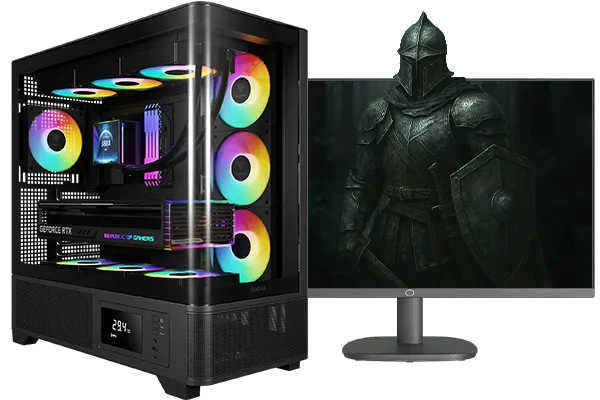
Intel Core Ultra 5 245K 5.2GHz RTX 5060 Ti 16GB DDR5 Gaming PC
R30449.00In Stock

Intel Core Ultra 5 225F 4.9GHz A400 4GB DDR5 Workstation PC
R14174.00In Stock

AMD RYZEN 5 8400F 4.7GHz RTX 5060 8GB DDR5 Budget Gaming PC
R17534.00In Stock

RYZEN 5 9600X 5.2GHz RX 9060 XT 16GB DDR5 Gaming PC
R22679.00In Stock

RYZEN 9 9900X 5.6GHz RTX PRO 6000 96GB DDR5 Next Gen Workstation PC
R210524.00In Stock
RYZEN 5 8500G 5.0GHz with Vega Graphics DDR5 PC
R11024.00In Stock
TIP FOR YOU
Software Pro Tip ✨
Once your PC is built, make sure you install the correct drivers for your GPU. For NVIDIA, install the 'Studio Driver' via GeForce Experience. It's optimised for creative and AI applications, offering better stability than the 'Game Ready Driver' for non-gaming tasks like running Stable Diffusion or training a model.
Beyond the Hype: Practical AI Uses
So, you've built your PC. What can you actually do with it?
The possibilities are expanding daily. Gamers can enjoy features like NVIDIA's DLSS, which uses AI to boost frame rates. Content creators can leverage AI tools in Adobe Photoshop, DaVinci Resolve, and Blender to automate tedious tasks. You can even run local AI models like Stable Diffusion to generate incredible images right from your desktop.
For those looking at AI for professional workloads like data science or complex simulations, investing a bit more into purpose-built workstation PCs with certified components can provide the reliability and power needed for mission-critical tasks. But for a beginner, a well-balanced gaming rig is the perfect entry point.
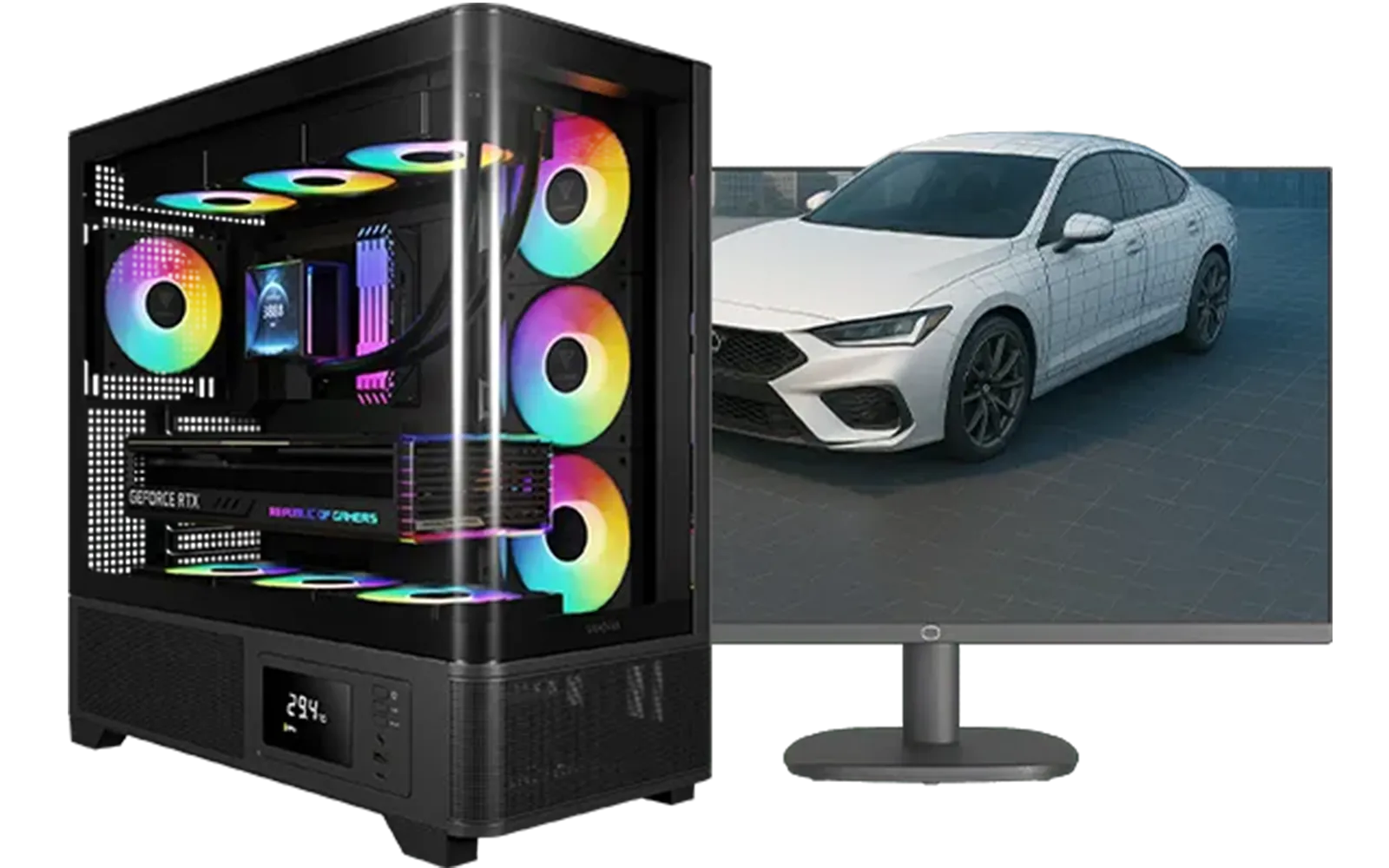
Intel Core Ultra 7 265K RTX Pro 4500 DDR5 Workstation PC
R77909.00In Stock

RYZEN 9 9900X 5.6GHz RTX 5070 Ti 16GB DDR5 Gaming PC
R41369.00In Stock
Intel Core Ultra 5 225F 4.9GHz RX 9060 XT 16GB DDR5 Gaming PC
R24464.00In Stock

AMD RYZEN 5 3400G 4.2GHz Radeon Vega PC
R5879.00In Stock
![[Pre Built] AMD Ryzen 7 9800X3D RX 9070 XT Gaming PC](https://img.evetech.co.za/repository/ProductImages/ryzen-7-9800-x-3-d-rx-9070-xt-gaming-pc-48-gb-2-tb-nvme-main-1600px-v1.webp)
[Pre Built] AMD Ryzen 7 9800X3D RX 9070 XT Gaming PC
R69299.00In Stock

AMD RYZEN 7 9800X3D RTX Pro 4500 DDR5 Workstation PC
R78644.00In Stock
Building your first AI PC is a journey, not a destination. Start with a solid, affordable foundation, and you'll have a powerful machine ready to explore the incredible world of artificial intelligence right here in South Africa.
Ready to Build Your AI Future? Getting started with AI in South Africa has never been more accessible. You've got the knowledge, now let's find the parts. Use our powerful Custom PC Builder to spec out your dream machine, or explore our pre-built rigs designed for performance.
Related Products
RYZEN 5 9600X 5.4GHz A1000 8GB DDR5 Workstation PC
R25199.00In Stock
AMD RYZEN 7 5700 4.6GHz A1000 8GB Workstation PC
R20159.00In Stock
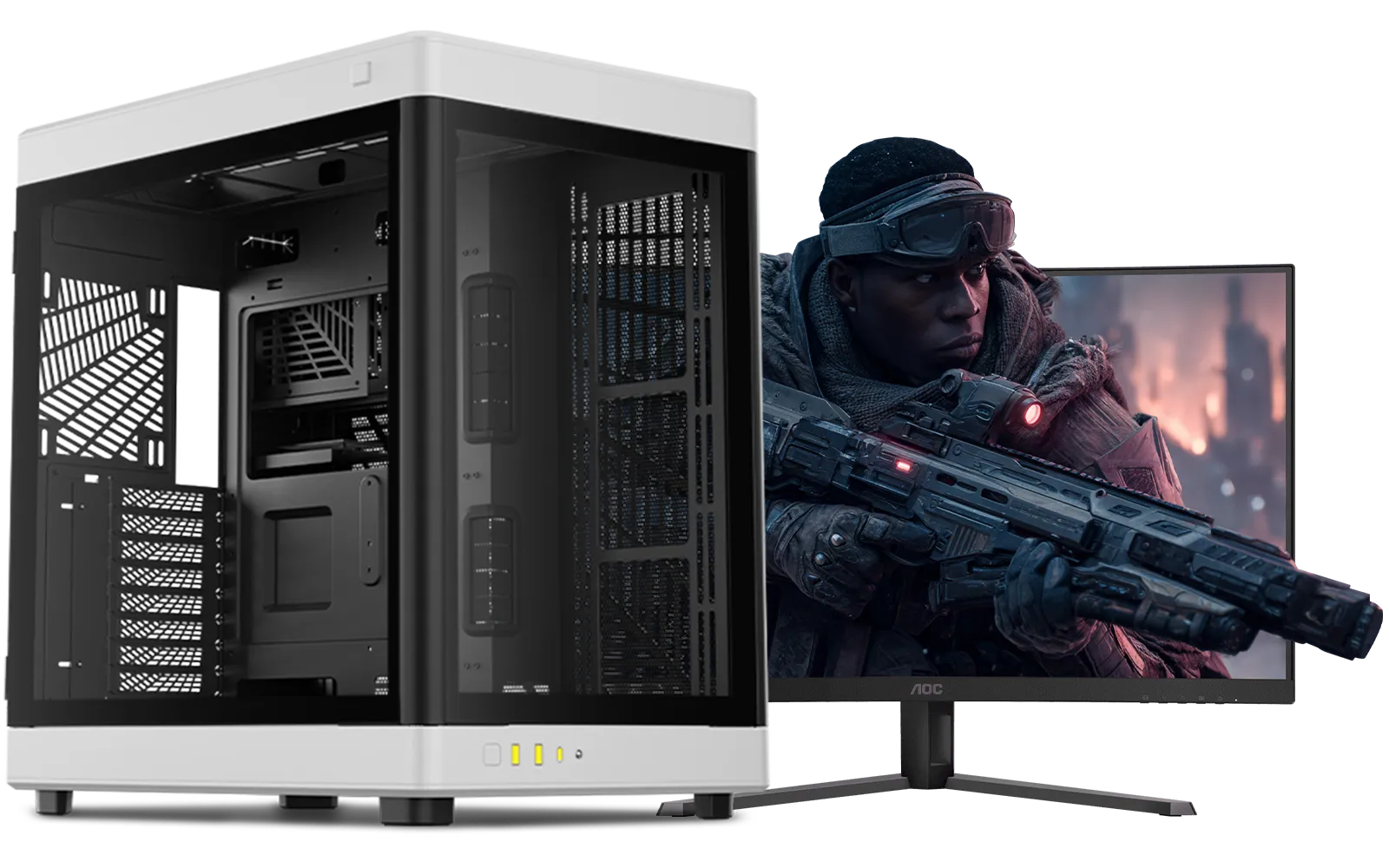
Intel Core Ultra 9 285K 5.7GHz RTX 5000 Ada 32GB DDR5 Workstation PC
R133349.00In Stock
Intel Core Ultra 7 265K 5.3GHz Quadro A1000 8GB DDR5 Workstation PC
R33389.00In Stock
AMD RYZEN 9 9900X 5.6GHz RTX 4000 Blackwell 24GB DDR5 Workstation PC
R56174.00In Stock
AMD RYZEN 5 3600 4.2GHz ARC A380 6GB Gaming PC
R9659.00In Stock
For a beginner AI PC in South Africa, a good starting budget is between R15,000 and R25,000. This allows for a capable CPU and a solid entry-level NVIDIA GPU with enough VRAM.
The NVIDIA GeForce RTX 3060 or RTX 4060 are excellent choices. They offer a great balance of price, performance, and VRAM for starting with AI and machine learning projects.
16GB of DDR4 or DDR5 RAM is the minimum recommended for an entry-level AI PC. For more complex models, upgrading to 32GB is a smart investment for smoother performance.
While AMD GPUs are powerful, NVIDIA's CUDA platform is the industry standard for most AI frameworks. For beginners, an NVIDIA GPU provides broader support and resources.
Yes, a modern CPU with at least 6-8 cores, like an Intel Core i5 or AMD Ryzen 5, is crucial. It handles data preprocessing and supports the GPU during training tasks.
Minimum specs for a beginner AI PC include a 6-core CPU, 16GB RAM, an NVIDIA RTX GPU with at least 8GB VRAM, and a fast NVMe SSD for quick data access and model loading.











