



AIO Cooler Buying Guide: What to Look for in High-End Models
AIO cooler buying guide for enthusiasts: learn how to pick a high-end liquid cooler by radiator size, pump design, noise levels, software control, and case fitment. Build cooler, quieter. 🧊⚙️

Is your PC sounding like a jet engine during a heated Apex Legends match? Are you watching your CPU temps climb and your frame rates drop? That’s thermal throttling, and it’s a sign your stock cooler can't keep up. For South African gamers pushing their rigs to the limit, a high-end All-In-One (AIO) liquid cooler isn't a luxury... it's a necessity. This AIO cooler buying guide will help you choose the perfect model.
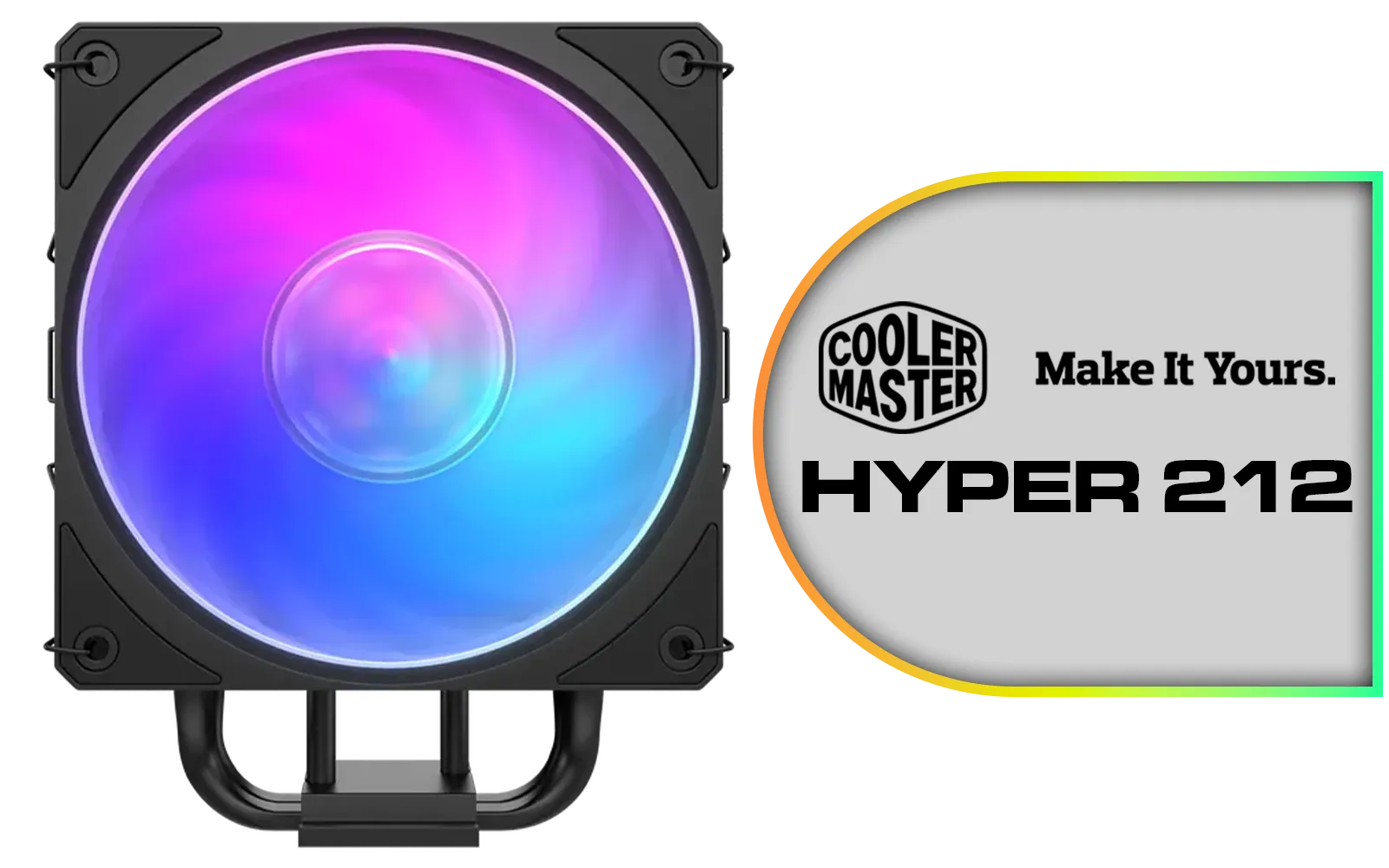
Cooler Master Hyper 212 3DHP Black ARGB Air Cooler / Superior Thermal Performance with 3DHP Heat Pipe Technology / Includes Mobius 120mm Fan / 2050 RPM Fan Speed / Supports Intel LGA 1851, 1700, 1200, 1151, 1150, 1155, 1156 & AMD AM5, AM4 Sockets / MAY-T2HP-217PA-R1
R799.00In Stock

Corsair iCUE Link Titan 240 RX RGB All-In-One 240mm Liquid CPU Cooler / Three high-performance RX120 RGB fans / Extreme cooling performance / Three high-performance RX120 RGB fans / CW-9061020-WW
R2999.00In Stock
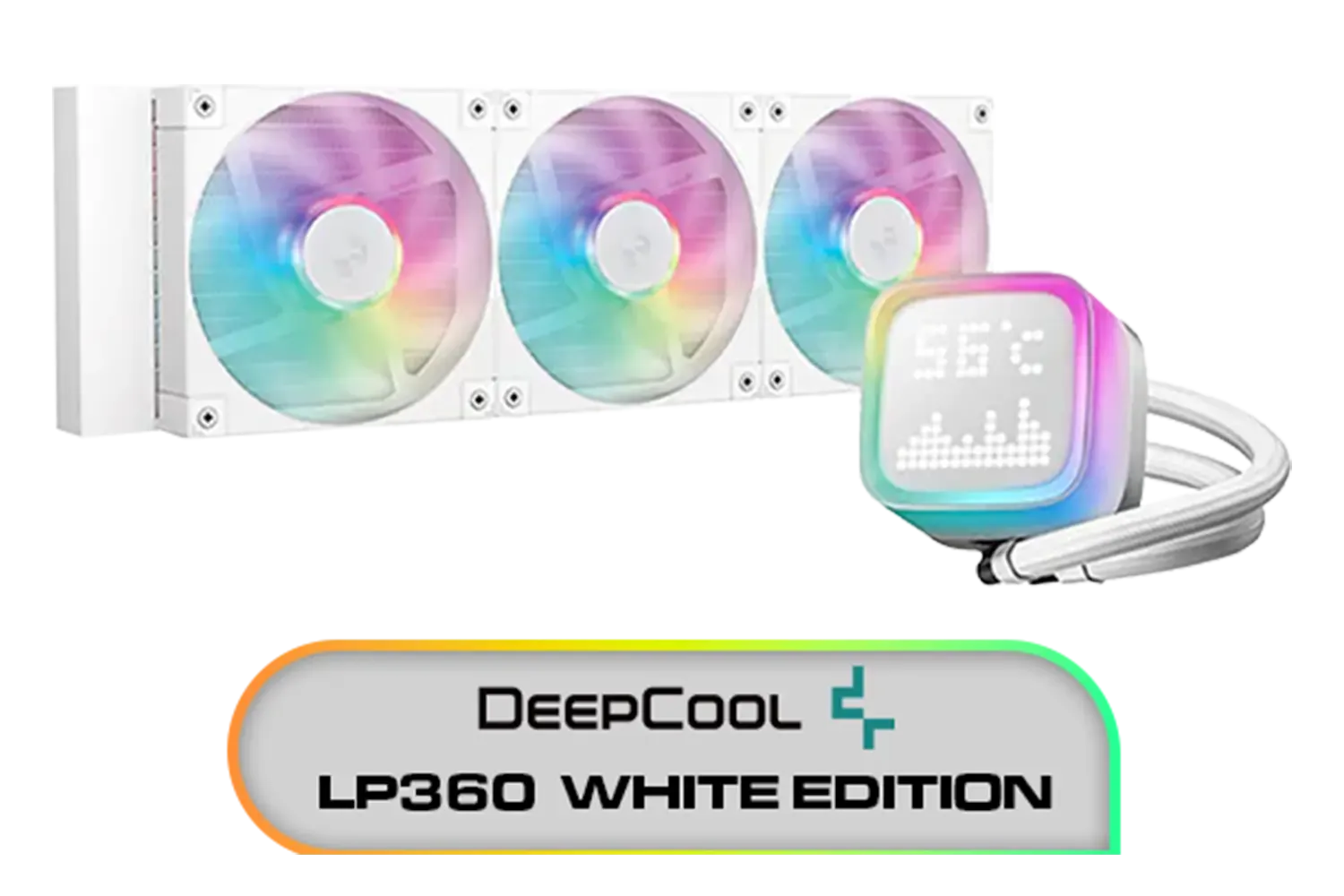
DeepCool LP360 Liquid Cooler - White / 360mm Radiator / LED Digital Display / 3x ARGB Fans Included / Compatible with AMD & Intel / LP360-WH
R2399.00In Stock

Gamemax Sigma 620 LCD Air Cooler - Black / 2.8" LCD for stats or images / Dual 120mm fans with 6 heatpipes / Supports up to 245W TDP / SIGMA-620-LCD-BK
R1199.00In Stock

Corsair NAUTILUS 240 RS ARGB Liquid CPU Cooler – 240mm AIO – Low-Noise – Direct Motherboard Connection – Daisy-Chain – Intel LGA 1851/1700, AMD AM5/AM4 – 2x RS120 ARGB Fans Included – White / CW-9060094-WW
R1999.00In Stock
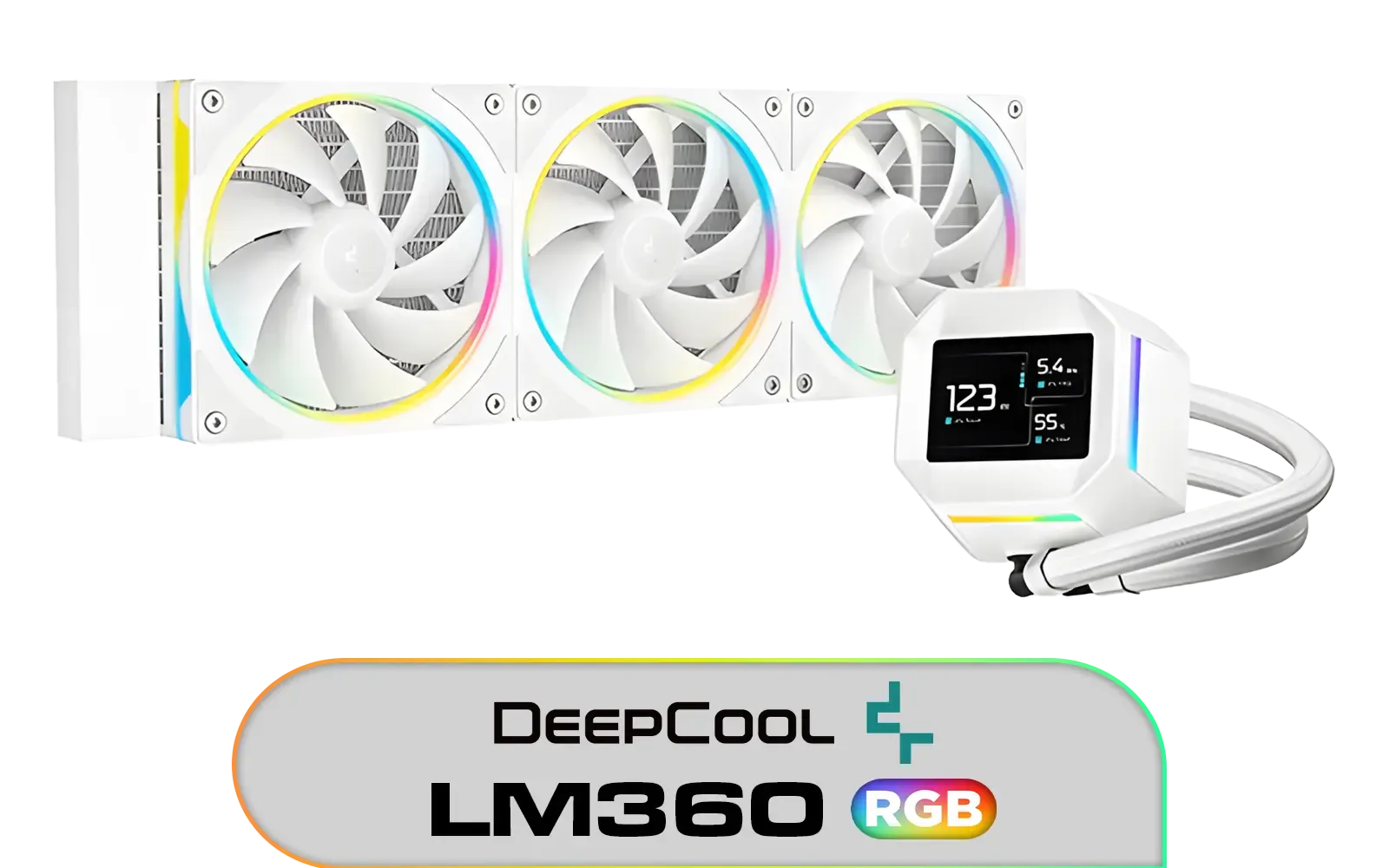
DeepCool LM360 CPU Liquid Cooler - White / Compact 2.4" IPS Display with MP4 Playback / Upgraded Pump for Improved Cooling & Quiet Operation / Supports LGA 1851, 1700, 1200, 1151, 1150, 1155 / Supports AM5, AM4 / Addressable RGB LED / Anti-Leak Technology / LM360-WH
R1699.00In Stock
Why a High-End AIO Cooler is Worth the Investment
Let's be honest, high-performance CPUs from Intel and AMD run hot. While there are many excellent CPU coolers on the market, a premium AIO offers a superior blend of cooling efficiency, lower noise levels, and clean aesthetics that air coolers struggle to match.
By moving heat directly from the CPU to a radiator, AIOs keep your processor frosty under heavy loads like 4K gaming or video rendering. This stability means no performance dips, just smooth, consistent power when you need it most. For anyone serious about performance, exploring the world of AIO liquid coolers is the logical next step in their upgrade path.
Key Features in This AIO Cooler Buying Guide
When you're ready to invest in a top-tier cooler, not all models are created equal. Here’s what to look for to ensure you're getting maximum value and performance for your hard-earned Rands.

DeepCool LT240 White Edition ARGB CPU Liquid Cooler, 280W TDP 5th Gen Dual-Chamber Pump Multidimensional Infinity Mirror ARGB Block AIO Cooler for LGA1700/1200/1151/1150/1155,AMD AM4/AM5 / LT240-WH-ARGB
R2299.00In Stock

EK 280mm AIO D-RGB All-in-One CPU Liquid Cooler / Water Cooling Computer Parts / 140mm Fan / EK-Vardar High-Performance PMW Fans / Outstanding Thermal Conductivity / Support - Intel 115X/1200/2066, AMD AM4 / EK-AIO-280-D-RGB
R2699.00In Stock

DeepCool LD360 Liquid Cooler - White / 360mm Radiator / LED Digital Display / 3x ARGB Fans Included / Compatible with AMD & Intel / LD360-WH
R2399.00In Stock

MSI MPG CORELIQUID K240 V2 AIO CPU Liquid Cooler - LCD Pump with 60mm Fan, 2 x 120mm ARGB Fans, GI Cooling & Mystic Light Software Support - AMD & Intel Socket Compatible / 9S6-6A0311-038
R3199.00In Stock
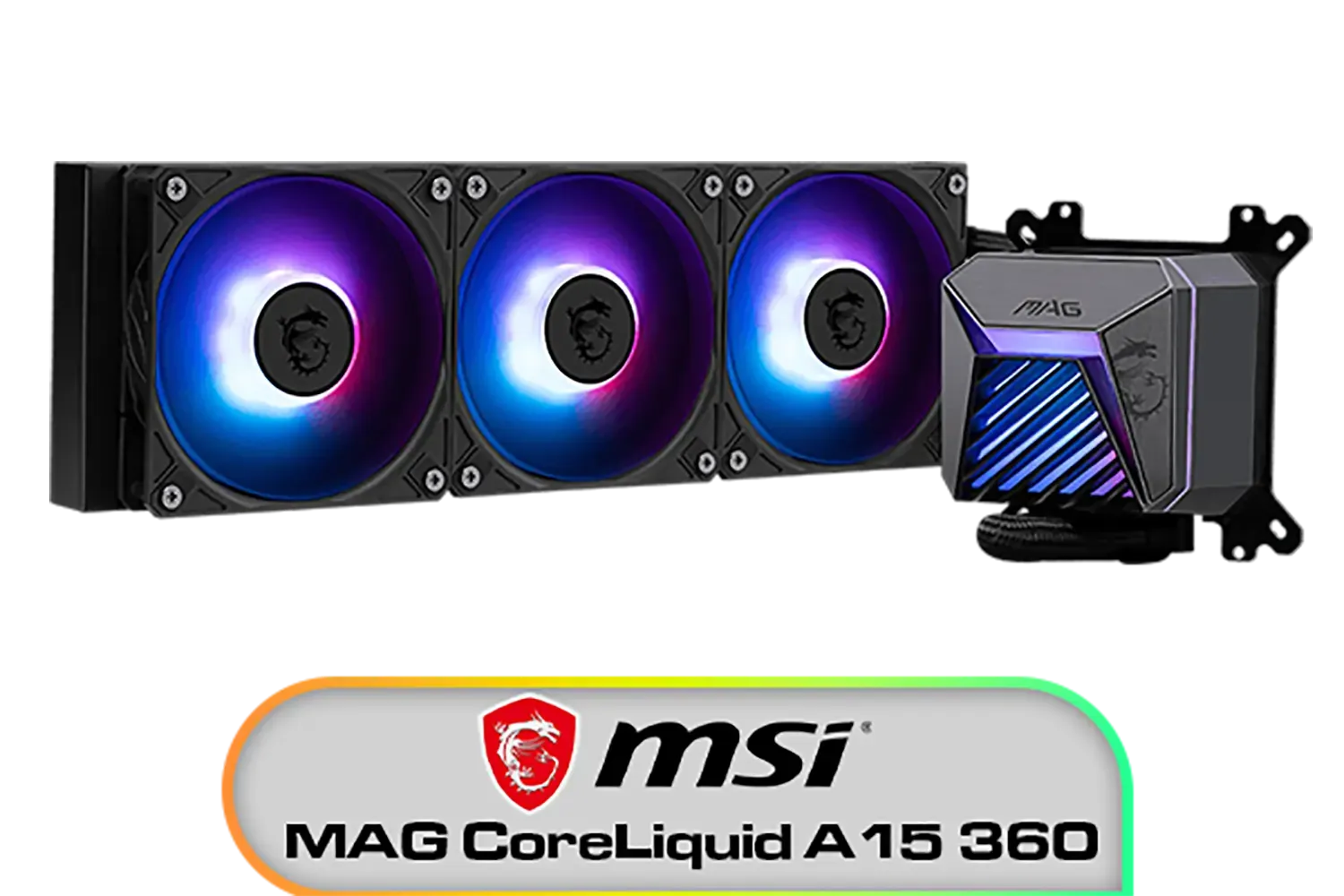
MSI MAG CoreLiquid A15 360 Liquid Cooler / CycloBlade Design / AI-Optimized Cooling / ARGB GEN2 Lighting / Easy UNI Bracket Installation / 306-7ZW9A11-L80
R1999.00In Stock

Corsair Nautilus 240 RS ARGB Liquid CPU Cooler – 240mm AIO – Low-Noise – Direct Motherboard Connection – Daisy-Chain – Intel LGA 1851/1700, AMD AM5/AM4 – 2X RS120 ARGB Fans Included – Black / CW-9060092-WW
R1999.00In Stock
Radiator Size: The Bigger, The Better?
The single most important factor in an AIO's performance is its radiator size. The larger the surface area, the more effectively it can dissipate heat. 🌡️
- 240mm Radiators: This is the sweet spot for most builds. A quality 240mm radiator provides excellent cooling for mainstream CPUs like the Core i5/i7 or Ryzen 5/7, fitting comfortably in most mid-tower cases.
- 360mm Radiators: If you're running a beastly Core i9 or Ryzen 9, or you're into serious overclocking, this is your go-to. A 360mm radiator offers maximum thermal headroom, ensuring your flagship CPU never breaks a sweat. Just double-check that your case has enough space to mount it!
TIP FOR YOU
Case Compatibility Check 🔧
Before you buy, always check your PC case's specifications. Look for the maximum radiator support for the top, front, and rear panels. There’s nothing worse than getting your shiny new AIO home only to find it doesn’t fit. Measure twice, buy once!
Pump, Fans, and Tubing Quality
Beyond the radiator, the supporting components are crucial. High-end models from reputable brands feature powerful, quiet pumps designed for longevity. Look for PWM (Pulse Width Modulation) fans, which allow for precise speed control based on CPU temperature. This means they run whisper-quiet during light tasks and only ramp up when you're pushing the system hard.
Brands like Corsair are famous for their reliable pumps and excellent iCUE software integration, while competitors like Deepcool often innovate with features like anti-leak technology, providing extra peace of mind.

DeepCool Mystique 360 ARGB Liquid CPU Cooler, 2.83" TFT LCD Display, 360mm Radiator, 120mm Fan Size, 2400 RPM Fan Speed, 72.04 CFM Airflow, Hydro Bearing Type, Black / MYSTIQUE-360-ARGB
R2799.00In Stock
Corsair iCUE Link Titan 240 RX RGB All-In-One 240mm Liquid CPU Cooler / Three high-performance RX120 RGB fans / Extreme cooling performance / Three high-performance RX120 RGB fans / CW-9061020-WW
R2999.00In Stock

CORSAIR iCUE Link H100i RGB Liquid CPU Cooler - Black / 240mm AIO / QX120 RGB Fans / Fits Intel® LGA 1700, AMD® AM5 / iCUE Link System Hub Included / CW-9061001-WW
R3599.00In Stock
DeepCool LD360 Liquid Cooler - White / 360mm Radiator / LED Digital Display / 3x ARGB Fans Included / Compatible with AMD & Intel / LD360-WH
R2399.00In Stock
MSI MAG CoreLiquid A15 360 Liquid Cooler / CycloBlade Design / AI-Optimized Cooling / ARGB GEN2 Lighting / Easy UNI Bracket Installation / 306-7ZW9A11-L80
R1999.00In Stock
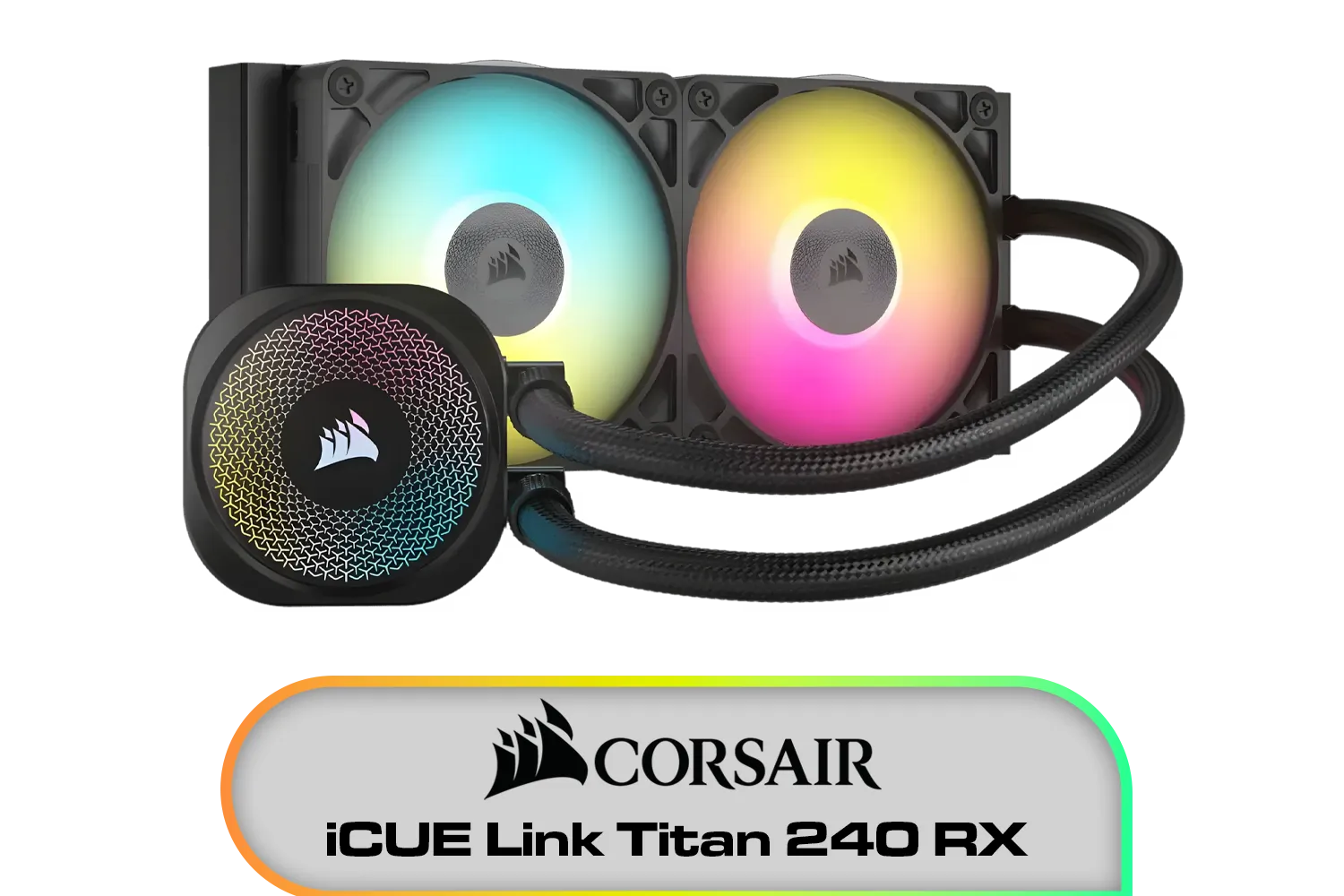
Corsair iCUE Link Titan 240 RX RGB AIO Liquid CPU Cooler / 2x High-Performance RX120 RGB fans / iCUE LINK connectivity / Intel® LGA 1851/1700 and AMD® AM5/AM4 / CW-9061016-WW
R3199.00In Stock
Aesthetics and RGB Lighting
Let's not forget the looks! A high-end AIO is often a centrepiece of a build. Modern coolers feature stunning designs with customisable RGB lighting on the pump head and fans. Many include infinity mirrors or even customisable LCD screens that can display system stats, GIFs, or your clan logo. It’s the ultimate way to personalise your rig and make it truly your own. ✨
This AIO cooler buying guide should give you the confidence to pick the right unit. By focusing on radiator size, component quality, and compatibility, you can ensure your next upgrade keeps your PC cool, quiet, and performing at its absolute peak.
Ready to Chill Your CPU? Choosing the right AIO cooler is key to unlocking your PC's true potential. Stop thermal throttling and start enjoying smoother, faster performance. Explore our massive range of AIO coolers and find the perfect cooling solution for your rig today.
Related Products
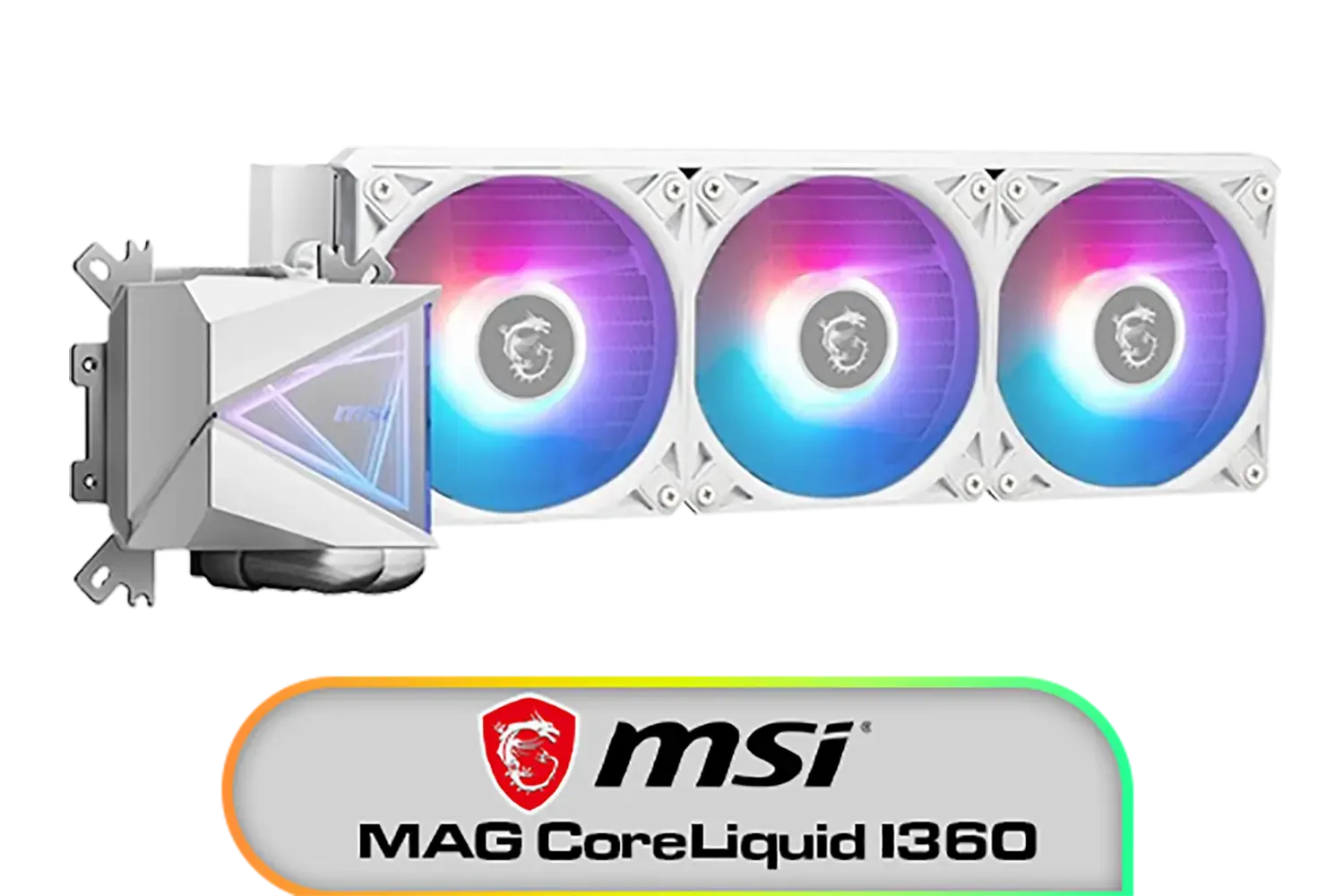
MSI MAG CoreLiquid I360 Liquid Cooler - White / LDB Bearing Quiet Fans / Dual-Sided Infinite Mirror Cooling / Flexible Nylon-Braided Cooling Tubes / Durable EPDM Anti-Evaporation Tubing / 306-7ZW8E21-C24
R2599.00In Stock
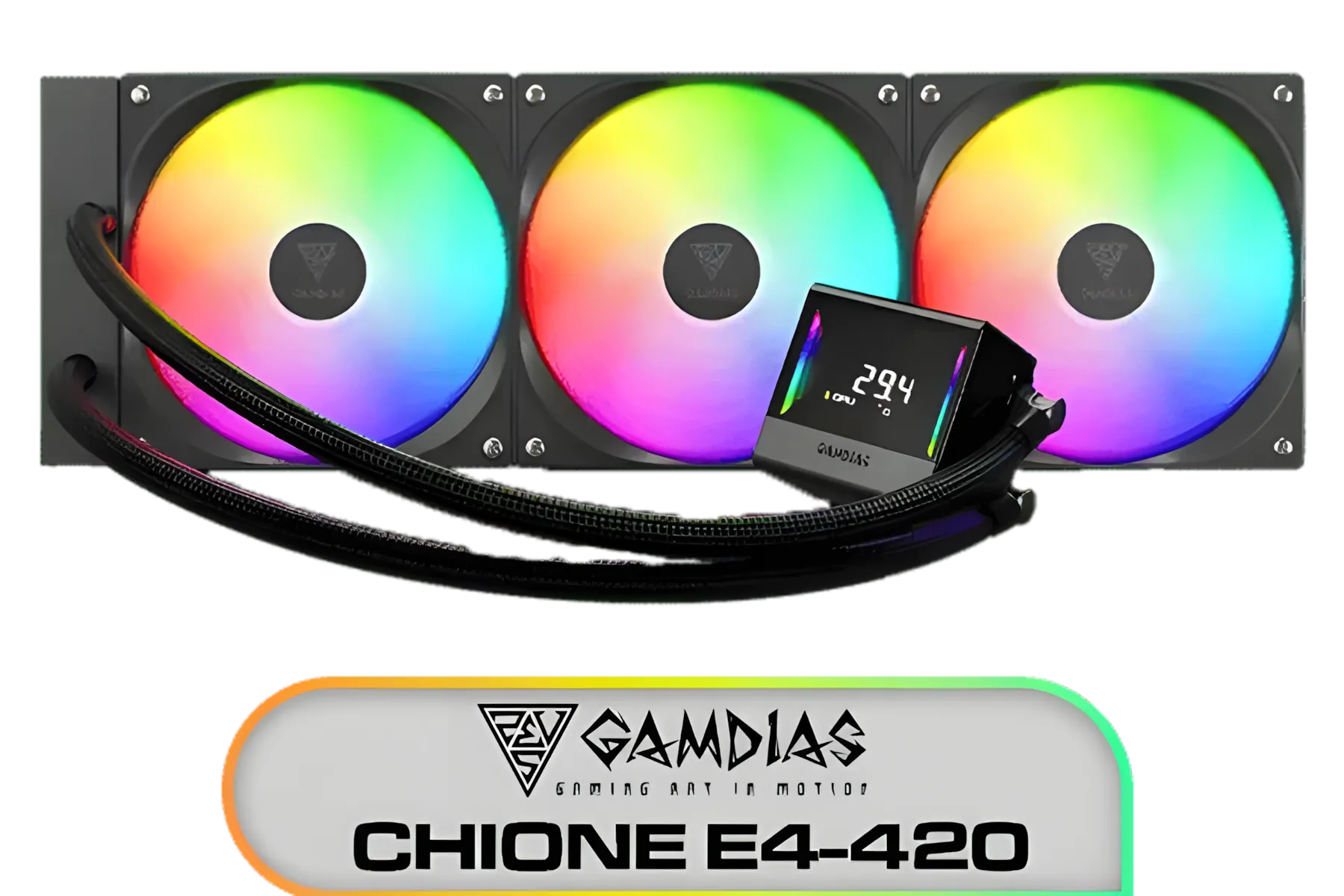
Gamdias Chione E4-420 Liquid Cooler - Black / Hydraulic PWM Fans / Dual Infinite Mirror / Real-time Digital Display / Patented PWM Pump / Motherboard Sync ARGB / CHIONE E4-420
R2599.00In Stock
Corsair iCUE Link Titan 240 RX RGB AIO Liquid CPU Cooler / 2x High-Performance RX120 RGB fans / iCUE LINK connectivity / Intel® LGA 1851/1700 and AMD® AM5/AM4 / CW-9061016-WW
R3199.00In Stock
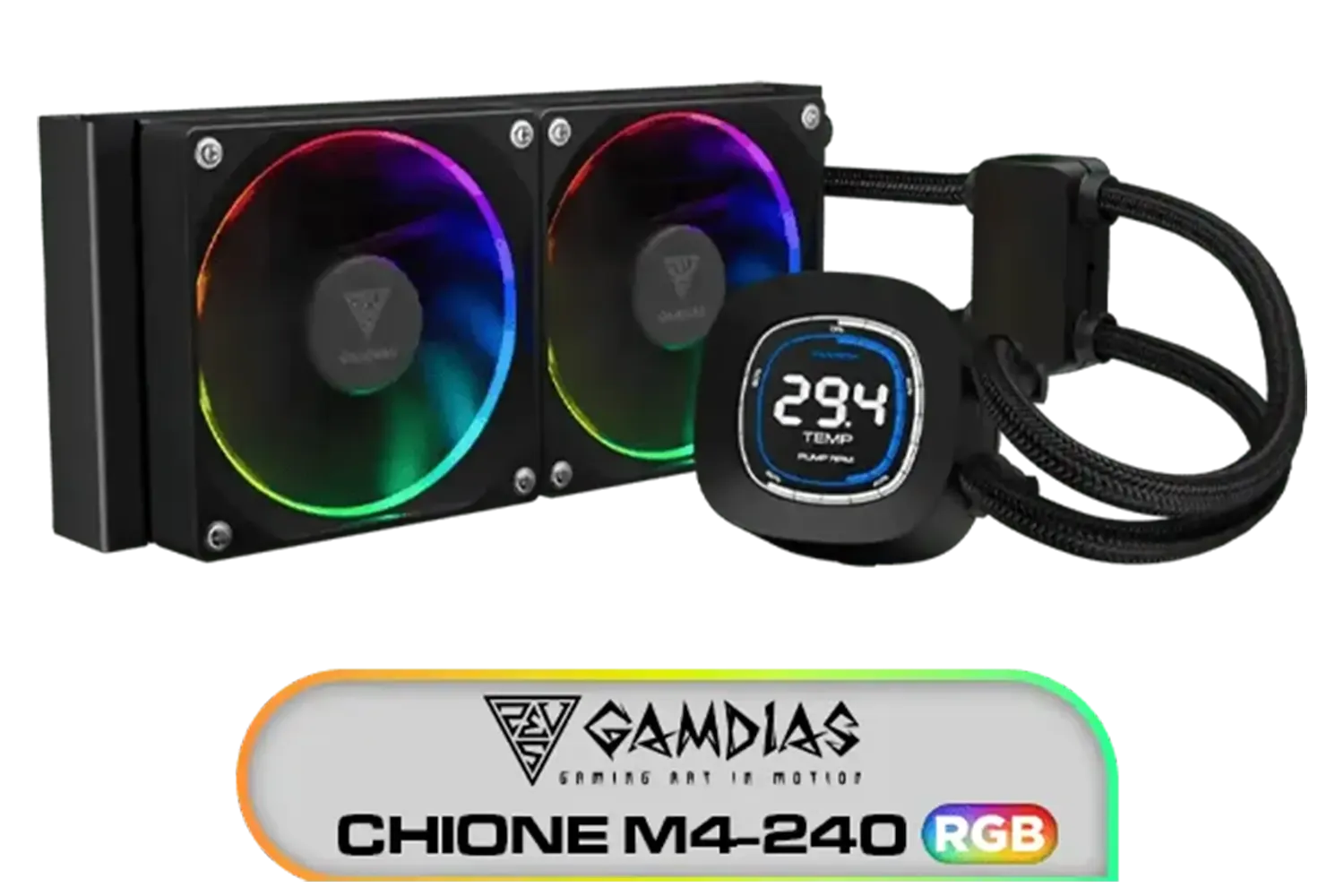
Gamdias CHIONE M4-240 CPU Liquid Cooler, 2X 120mm ARGB PWM Fans, RGB Sync with motherboards, Rotatable 2.1" LCD Displays / CHIONE-M4-240
R799.00In Stock
Gamemax Sigma 620 LCD Air Cooler - Black / 2.8" LCD for stats or images / Dual 120mm fans with 6 heatpipes / Supports up to 245W TDP / SIGMA-620-LCD-BK
R1199.00In Stock

DeepCool Liquid Cooler LT520 240mm 4th Gen Dual-Chamber Pump 3100RPM Multidimensional Infinity Mirror ARGB Block 280w TDP AIO Cooler Anti-Leak Tech CPU Water Cooler for AMD AM4/AM5 LGA 1700/1200 / LT520
R1749.00In Stock
For hot CPUs, 360mm/420mm give more headroom; 240mm fits smaller cases. Use a radiator size guide and check case length, thickness, and VRM/RAM clearance.
Usually yes—the best 360mm AIO cooler runs cooler and quieter thanks to more surface area, if your case supports it.
Critical. Choose long warranties, ceramic bearings, and low whine. Reviews help gauge pump noise and reliability over time.
Most high-end AIOs include LGA1700 and AM5 brackets; confirm lga1700 am5 mounting support before you buy.
Often, yes at sustained loads. Liquid CPU cooler vs air depends on CPU TDP, case airflow, and noise goals; top air can rival some 240mm AIOs.
Push-pull radiator setup can trim a few degrees on dense fins. Ensure space, quality static-pressure fans, and acceptable noise.
Prioritize software fan curve control, pump tuning, sensor-based curves, and firmware updates; hardware-saved profiles are a plus.
RGB is aesthetics only. See RGB AIO cooler pros and cons; ensure sync support, clean cabling, and minimal noise impact.











