



AMD vs Intel Cooler Mounting: Modern Solutions That Fit Both
AMD vs Intel cooler mounting is simpler than ever. We compare AM5 and LGA1700 hardware, show universal bracket options, and explain pressure, offsets, and upgrade kits so your cooler fits right. 🔧❄️
|
Loading tags...

Ah, the classic PC builder's nightmare. You’ve just unboxed a beastly new CPU... but your trusty old cooler won't fit the motherboard. The AMD vs Intel cooler mounting dilemma has stumped many South African gamers, turning an exciting upgrade into a frustrating mission for brackets. But what if we told you those days are mostly over? Modern CPU coolers have a clever secret: universal compatibility. Let's dive in. 🔧

Corsair iCUE Link Titan 360 RX RGB All-In-One 360mm Liquid CPU Cooler / Three high-performance RX120 RGB fans / Extreme cooling performance / Three high-performance RX120 RGB fans / CW-9061021-WW
R3599.00In Stock
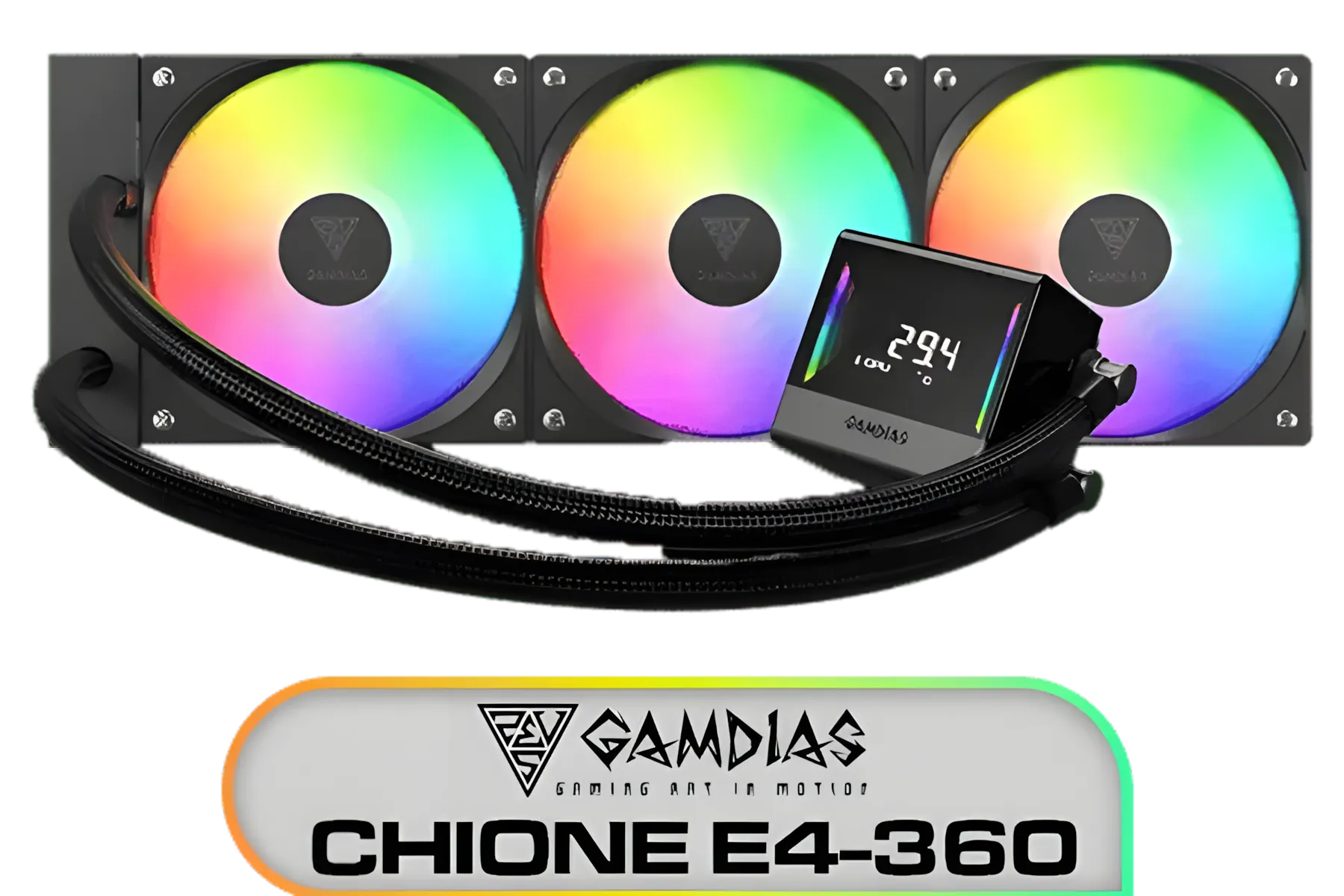
Gamdias Chione E4-360 Liquid Cooler / Hydraulic PWM Fans / Dual Infinite Mirror / Real-time Digital Display / Patented PWM Pump / Motherboard Sync ARGB / CHIONE-E4-360
R1899.00In Stock

Cooler Master Hyper 212 Pro CPU Air Cooler / SickleFlow Edge 120 PWM Fan / Optimized Cooling for R9 | U7 | i7 / RR-212S-25PZ-R1
R799.00In Stock

ASUS TUF Gaming LC 240 RGB Zaku II Limited Edition All-In-One Liquid CPU Cooler / Addressable RGB Radiator Fan / NCVM-coating pump cover / illuminated RGB ZAKU II / 90RC0093-M0UAY0
R2199.00In Stock

EK 280mm AIO D-RGB All-in-One CPU Liquid Cooler / Water Cooling Computer Parts / 140mm Fan / EK-Vardar High-Performance PMW Fans / Outstanding Thermal Conductivity / Support - Intel 115X/1200/2066, AMD AM4 / EK-AIO-280-D-RGB
R2699.00In Stock

DeepCool LS520S Zero Dark All In One Liquid CPU Cooler, 240mm Radiator, 2 x 120mm Deepcool Fans, Intel/AMD / LS520S-Zero-Dark
R1599.00In Stock
The Core Difference: A Quick History Lesson
For years, the battle between Team Red and Team Blue extended to their cooler mounting systems. Intel popularised its four-corner, push-pin style system for its LGA (Land Grid Array) sockets, which required a backplate for heavier coolers. AMD, on the other hand, used a clip-based retention module on its PGA (Pin Grid Array) sockets like AM4. This fundamental difference in AMD vs Intel cooler mounting meant a cooler designed for one often wouldn't fit the other without a specific, and sometimes separately sold, conversion kit.
This created headaches for builders who wanted to switch CPU brands or simply carry over a premium cooler to a new build. Thankfully, cooler manufacturers listened to the community's frustrations and engineered a brilliant solution.
The Universal Solution: How Modern Coolers Bridge the Gap
The real hero of modern CPU cooling isn't just better fans or bigger radiators... it's the modular bracket system. Today, nearly all reputable CPU coolers come with a box full of hardware designed to fit a wide range of sockets from both manufacturers right out of the box.
This approach provides different backplates, standoffs, and mounting brackets to accommodate the unique hole spacing and socket height of various Intel (LGA 1700/1200/115x) and AMD (AM5/AM4) motherboards. This means the CPU cooler compatibility issue is largely a thing of the past. You buy one cooler, and you're equipped for multiple potential builds, offering incredible value and flexibility. ✨
TIP FOR YOU
Check The Newest Sockets! ⚡
While most new coolers support everything, always double-check the product page for explicit compatibility with the latest sockets like AMD's AM5 and Intel's LGA 1700. Some older stock of "universal" coolers might require a free or low-cost upgrade kit from the manufacturer to fit these newer motherboards.
Choosing Your Cross-Compatible Cooler
Now that you know most coolers will fit, the choice comes down to performance, aesthetics, and budget. The good news is that these modern cooler mounting solutions are standard across all types.
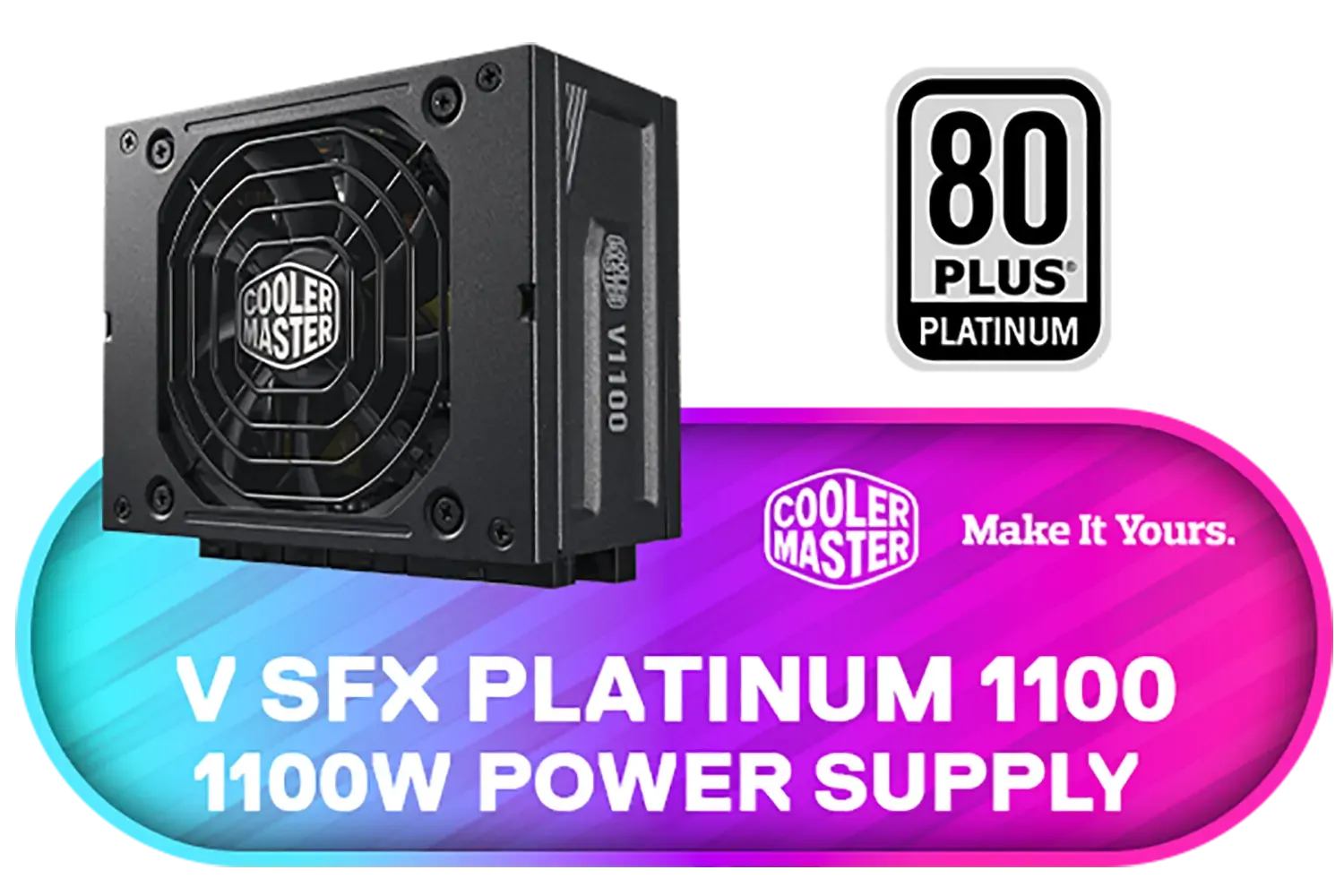
Cooler Master V SFX Platinum 1100 1100W 240V Power Supply / 92% efficiency / Advanced thermal performance / ATX 3.0 support & a 90-degree 12VHPWR cable / Fully modular cabling / MPZ-B001-SFAP-BEU
R6499.00In Stock
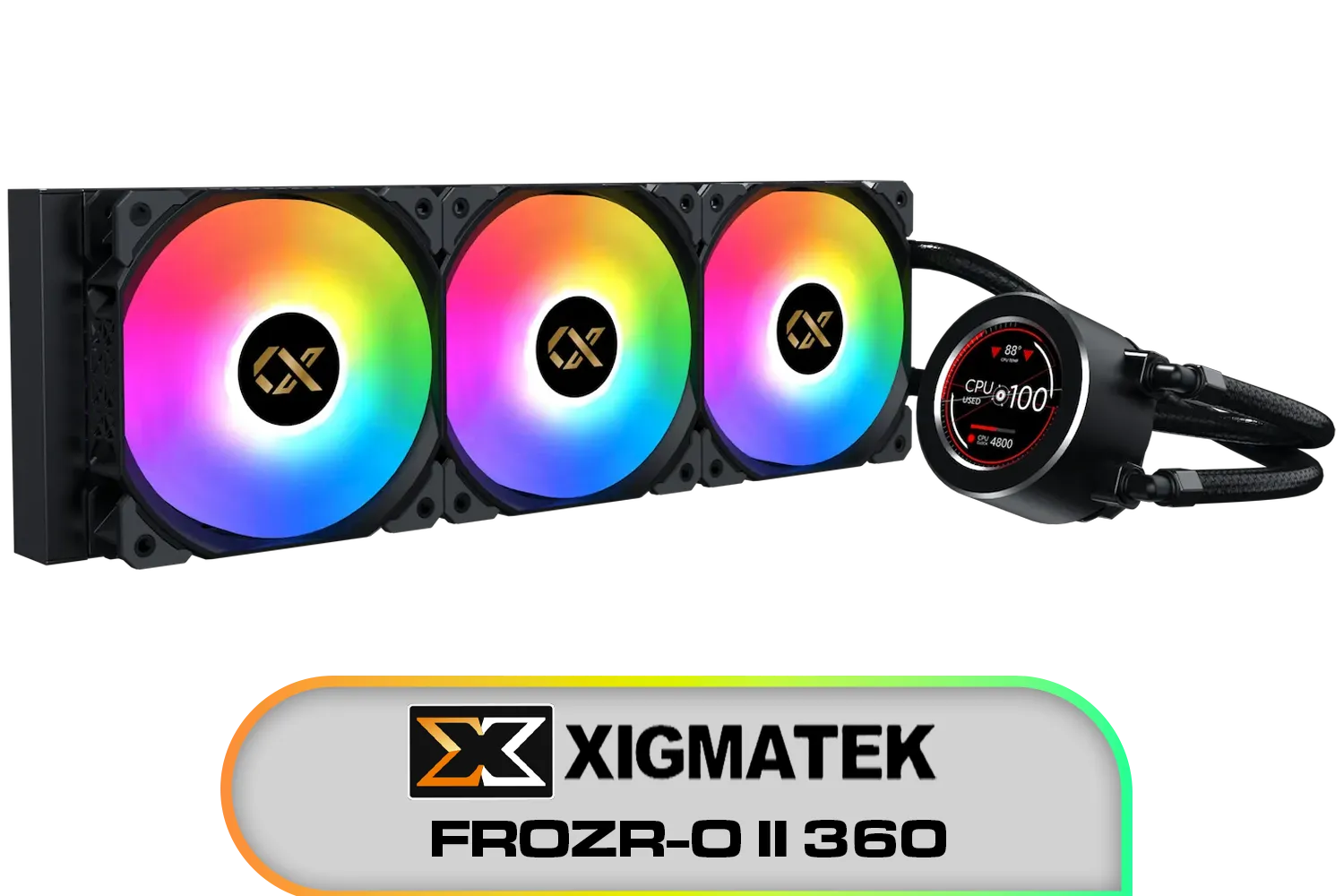
Xigmatek FROZR-O II 360 AIO Liquid Cooler - Black / Digital LCD Pump Head / Support Latest Specifications AMD/Intel / Low Noise PWM Fan / ARGB Controller / 7 Different Modes / EN40443
R2199.00In Stock
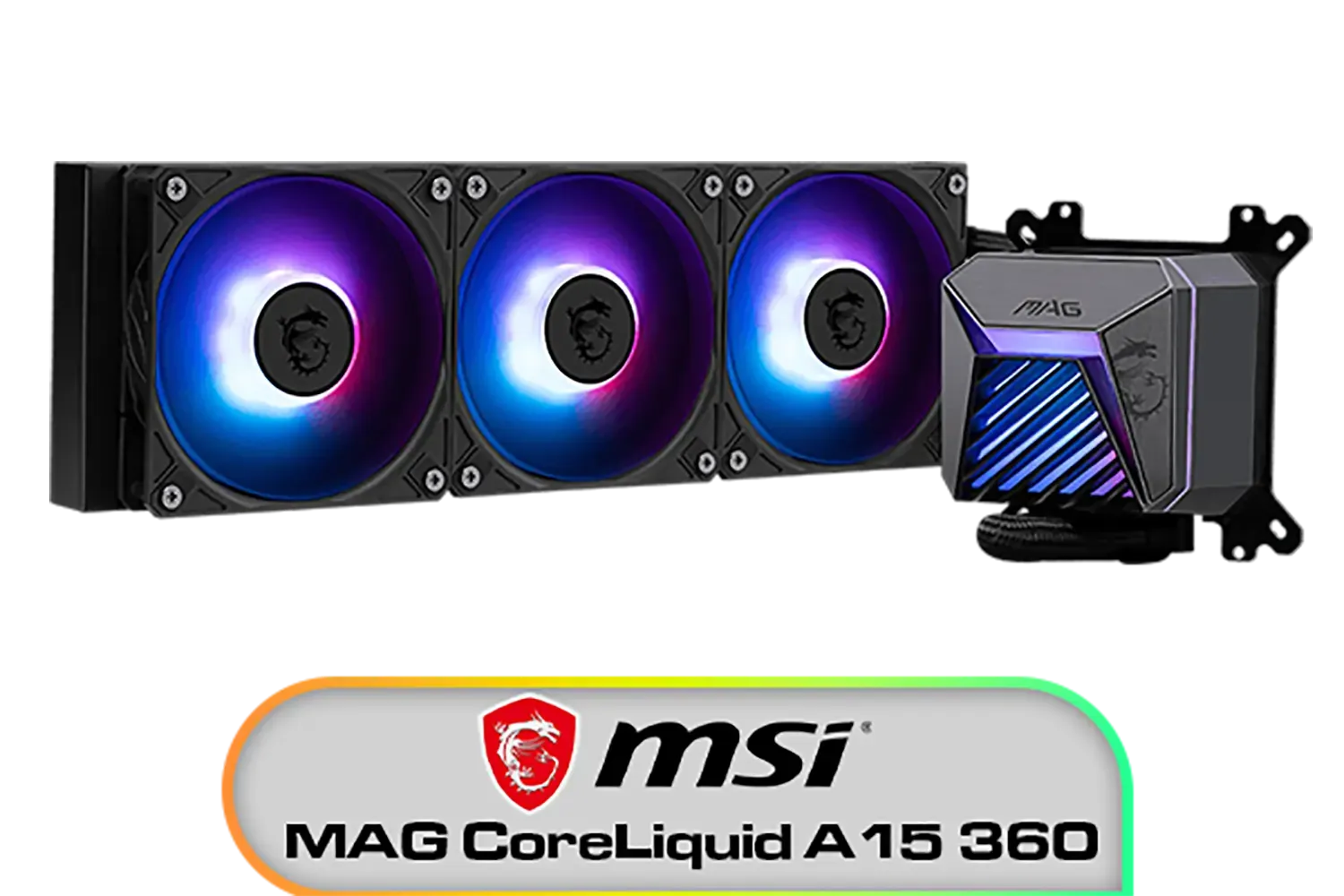
MSI MAG CoreLiquid A15 360 Liquid Cooler / CycloBlade Design / AI-Optimized Cooling / ARGB GEN2 Lighting / Easy UNI Bracket Installation / 306-7ZW9A11-L80
R1999.00In Stock

Corsair NAUTILUS 240 RS ARGB Liquid CPU Cooler – 240mm AIO – Low-Noise – Direct Motherboard Connection – Daisy-Chain – Intel LGA 1851/1700, AMD AM5/AM4 – 2x RS120 ARGB Fans Included – White / CW-9060094-WW
R1999.00In Stock
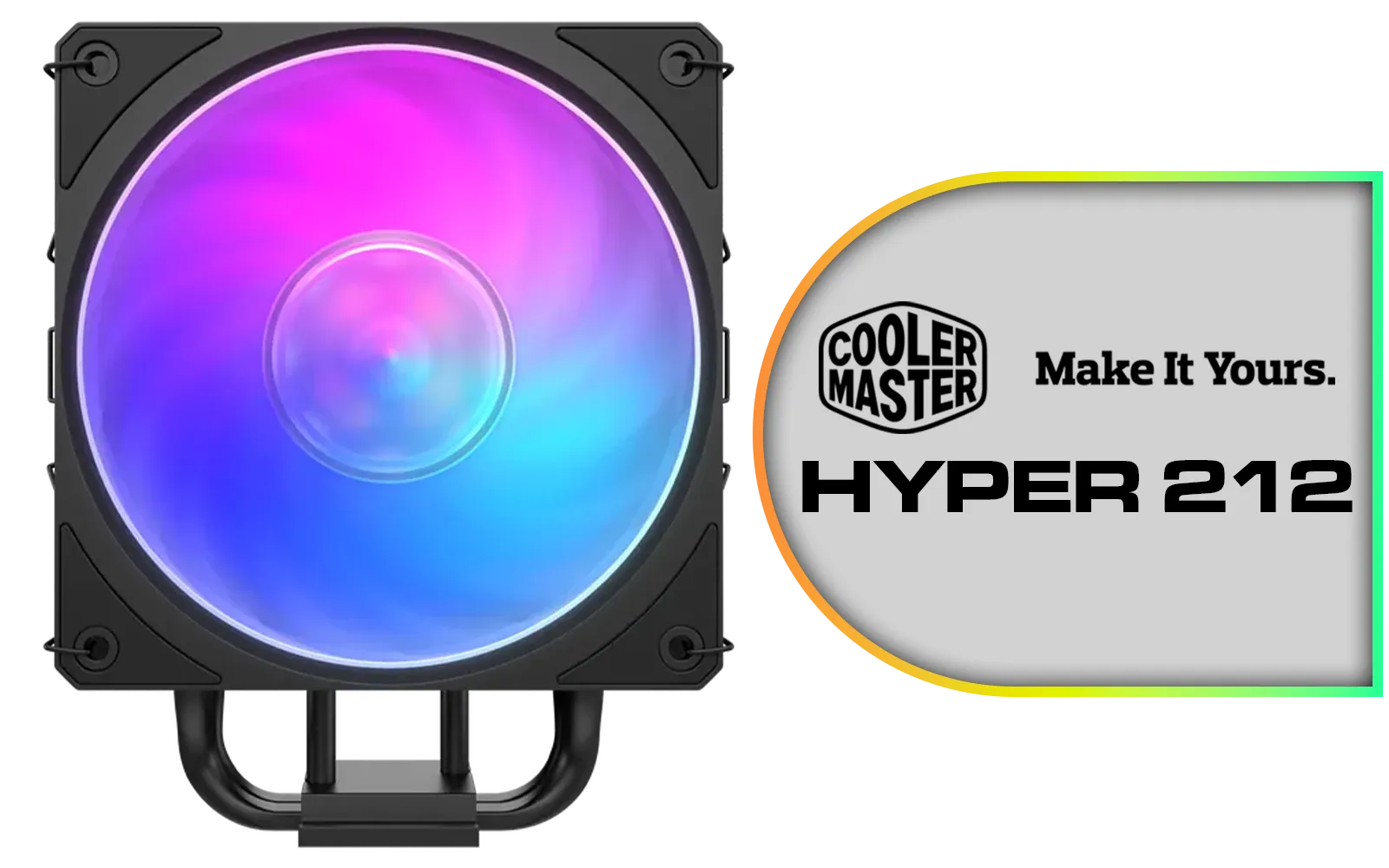
Cooler Master Hyper 212 3DHP Black ARGB Air Cooler / Superior Thermal Performance with 3DHP Heat Pipe Technology / Includes Mobius 120mm Fan / 2050 RPM Fan Speed / Supports Intel LGA 1851, 1700, 1200, 1151, 1150, 1155, 1156 & AMD AM5, AM4 Sockets / MAY-T2HP-217PA-R1
R799.00In Stock

Gamemax Sigma 620 LCD Air Cooler - Black / 2.8" LCD for stats or images / Dual 120mm fans with 6 heatpipes / Supports up to 245W TDP / SIGMA-620-LCD-BK
R1199.00In Stock
Air vs. AIO Liquid Cooling
Your first big decision is air or water. While high-end air coolers are fantastic, many builders love the clean look and powerful performance of All-In-One (AIO) coolers. These sealed systems are easier to install than custom loops and offer superb heat dissipation, making them ideal for high-performance gaming rigs. If you're aiming for top-tier cooling with sleek RGB style, exploring the world of AIO liquid coolers is a great place to start.
Top Brands That Make It Easy
When it comes to universal mounting systems, some brands are famous for their user-friendly designs and clear instructions. Industry giants like CORSAIR provide some of the most refined mounting kits, making installation a breeze. Similarly, brands like Deepcool are renowned for offering exceptional performance and wide compatibility at competitive price points here in South Africa.
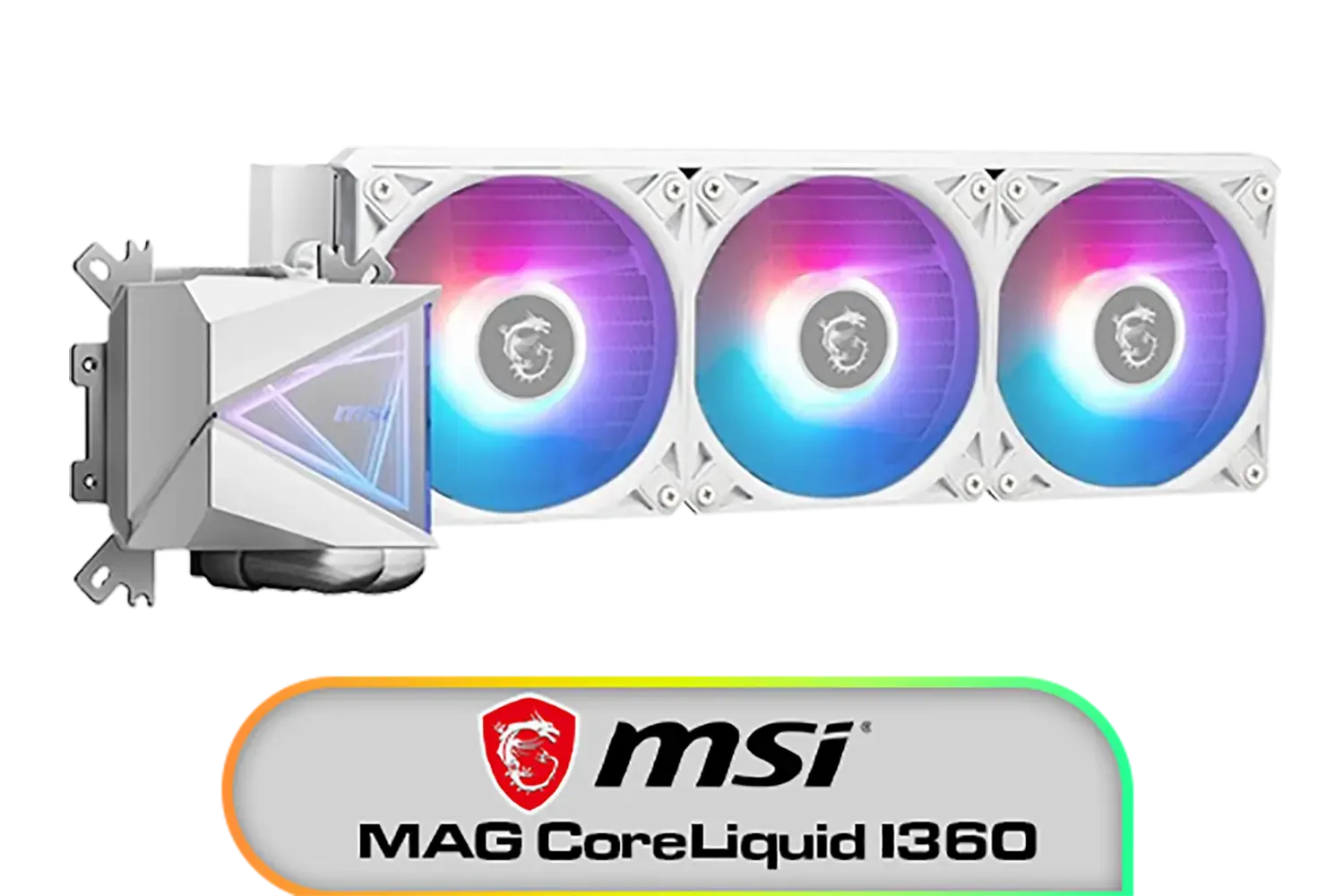
MSI MAG CoreLiquid I360 Liquid Cooler - White / LDB Bearing Quiet Fans / Dual-Sided Infinite Mirror Cooling / Flexible Nylon-Braided Cooling Tubes / Durable EPDM Anti-Evaporation Tubing / 306-7ZW8E21-C24
R2599.00In Stock
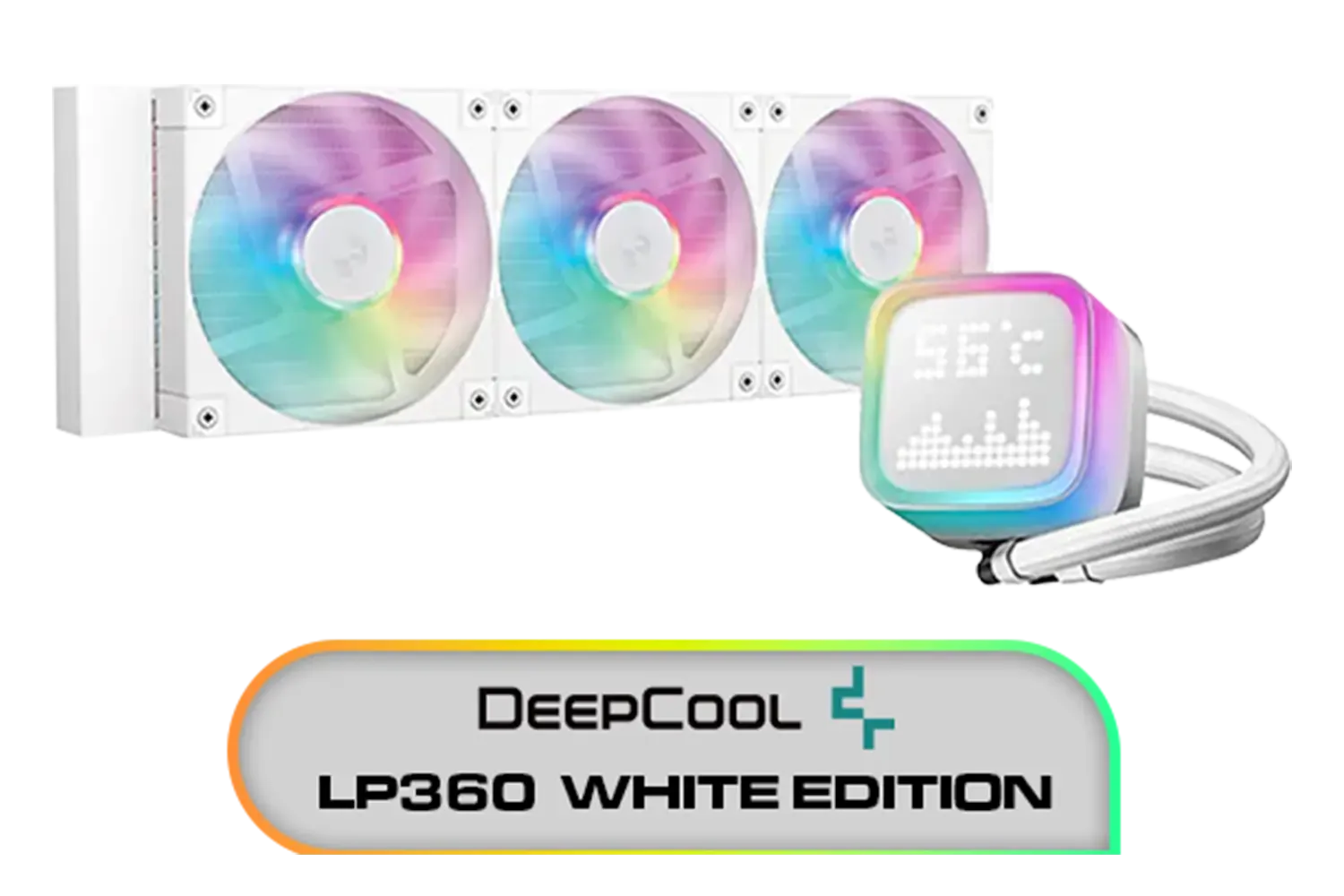
DeepCool LP360 Liquid Cooler - White / 360mm Radiator / LED Digital Display / 3x ARGB Fans Included / Compatible with AMD & Intel / LP360-WH
R2399.00In Stock

DeepCool LT240 White Edition ARGB CPU Liquid Cooler, 280W TDP 5th Gen Dual-Chamber Pump Multidimensional Infinity Mirror ARGB Block AIO Cooler for LGA1700/1200/1151/1150/1155,AMD AM4/AM5 / LT240-WH-ARGB
R2299.00In Stock
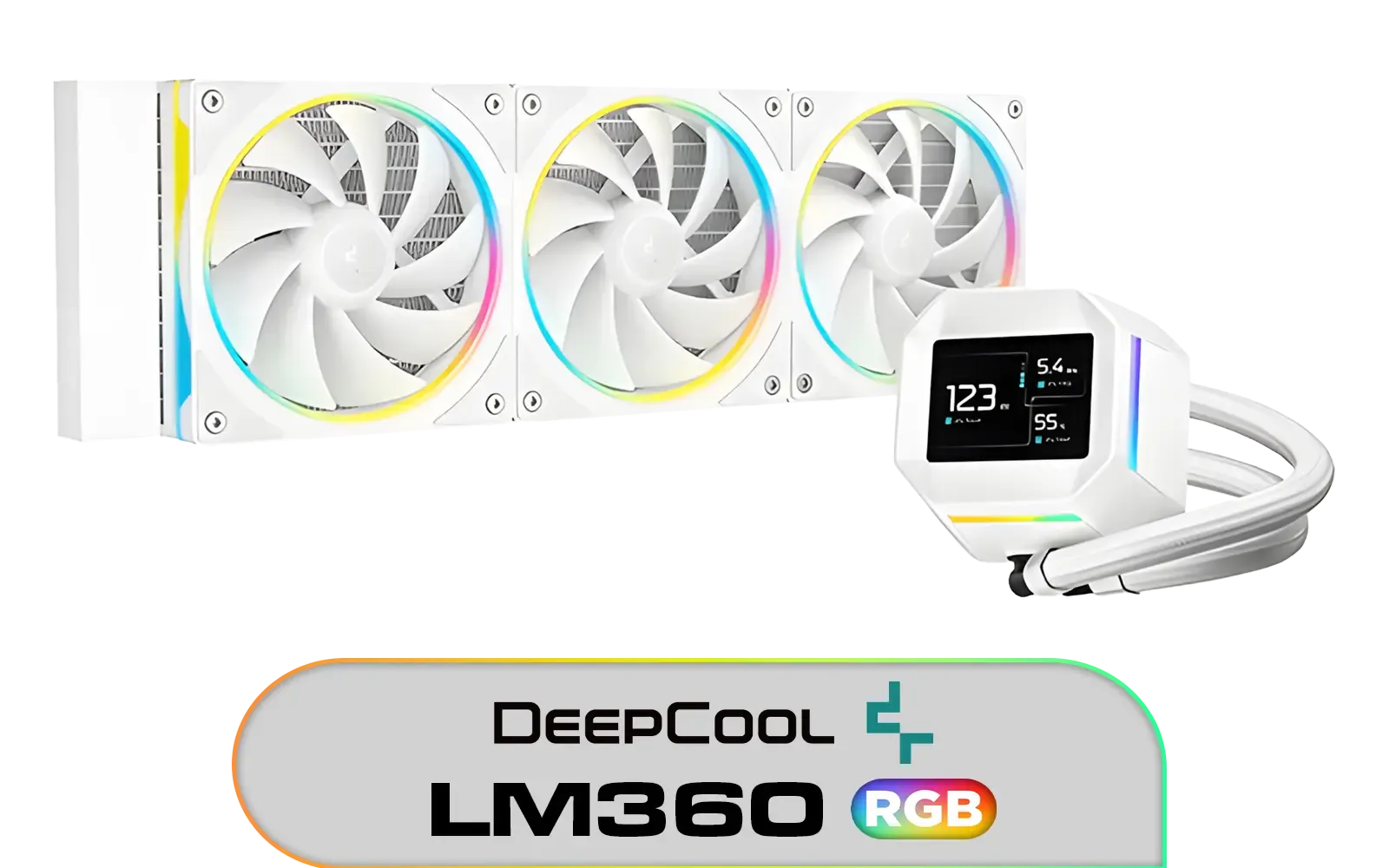
DeepCool LM360 CPU Liquid Cooler - White / Compact 2.4" IPS Display with MP4 Playback / Upgraded Pump for Improved Cooling & Quiet Operation / Supports LGA 1851, 1700, 1200, 1151, 1150, 1155 / Supports AM5, AM4 / Addressable RGB LED / Anti-Leak Technology / LM360-WH
R1699.00In Stock
![[OPEN BOX] Gamdias Chione E4-240 Liquid Cooler - White / Hydraulic PWM Fans / Dual Infinite Mirror / Real-time Digital Display / Patented PWM Pump / Motherboard Sync ARGB / OB-CHIONE-E4-240-WH](https://img.evetech.co.za/repository/ProductImages/gamdias-chione-e4-240-liquid-cooler-white-1800px-v1-01.webp)
[OPEN BOX] Gamdias Chione E4-240 Liquid Cooler - White / Hydraulic PWM Fans / Dual Infinite Mirror / Real-time Digital Display / Patented PWM Pump / Motherboard Sync ARGB / OB-CHIONE-E4-240-WH
R1599.00In Stock
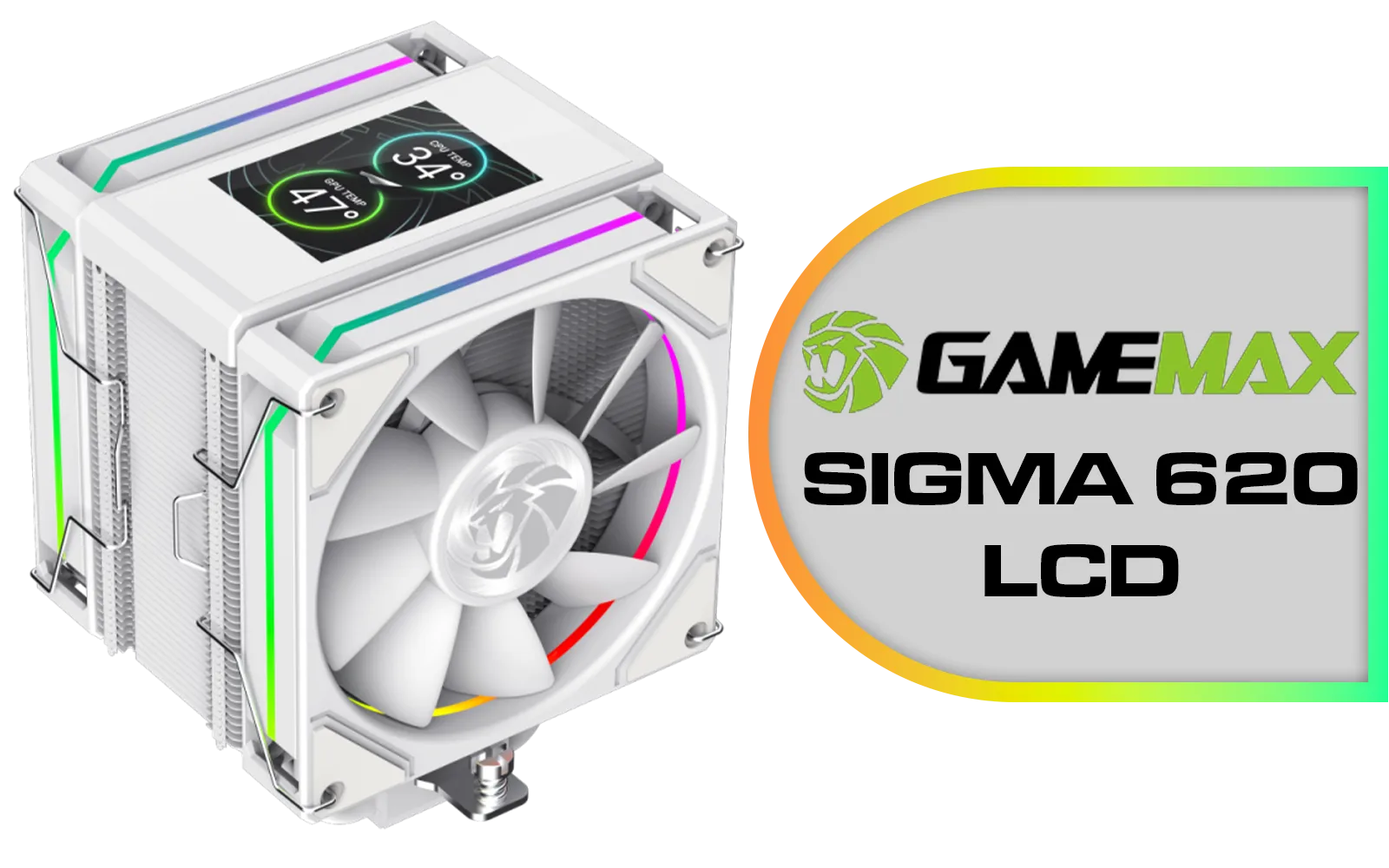
GameMax Sigma 620 LCD Air Cooler - White / 2.8" LCD for stats or images / Dual 120mm fans with 6 heatpipes / Supports up to 245W TDP / SIGMA-620-LCD-WH
R1299.00In Stock
Radiator Size Matters 🌡️
For AIOs, size directly impacts cooling potential. A cooler with a beefy 360mm radiator offers a larger surface area to dissipate heat, making it perfect for overclocking a top-end CPU like an Intel Core i9 or AMD Ryzen 9. For most gaming builds, a versatile 240mm radiator provides a fantastic balance of performance and case compatibility, easily handling Core i7 or Ryzen 7 processors.
The AMD vs Intel cooler mounting debate is thankfully settled. By choosing a modern cooler, you're investing in a future-proof component that can follow you through your next few PC upgrades, regardless of which CPU brand you choose.
Ready to Find Your Perfect Fit? The AMD vs Intel cooler mounting debate is simpler than ever. With the right universal cooler, you're set for frosty temps no matter which team you're on. Explore our massive range of CPU coolers and find the perfect solution to keep your processor cool under pressure.
Related Products
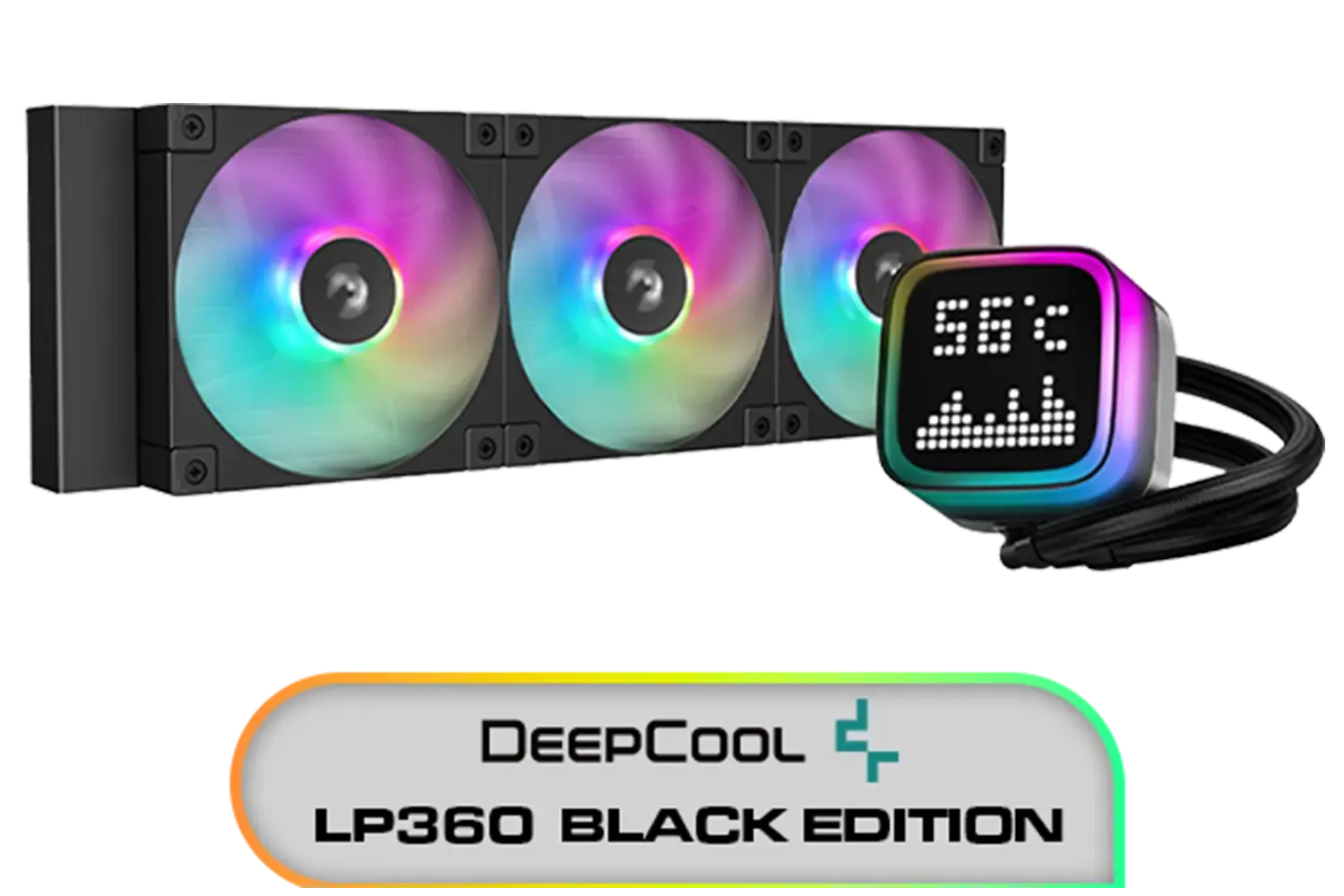
DeepCool LP360 Liquid Cooler - Black / 360mm Radiator / LED Digital Display / 3x ARGB Fans Included / Compatible with AMD & Intel / LP360
R2299.00In Stock
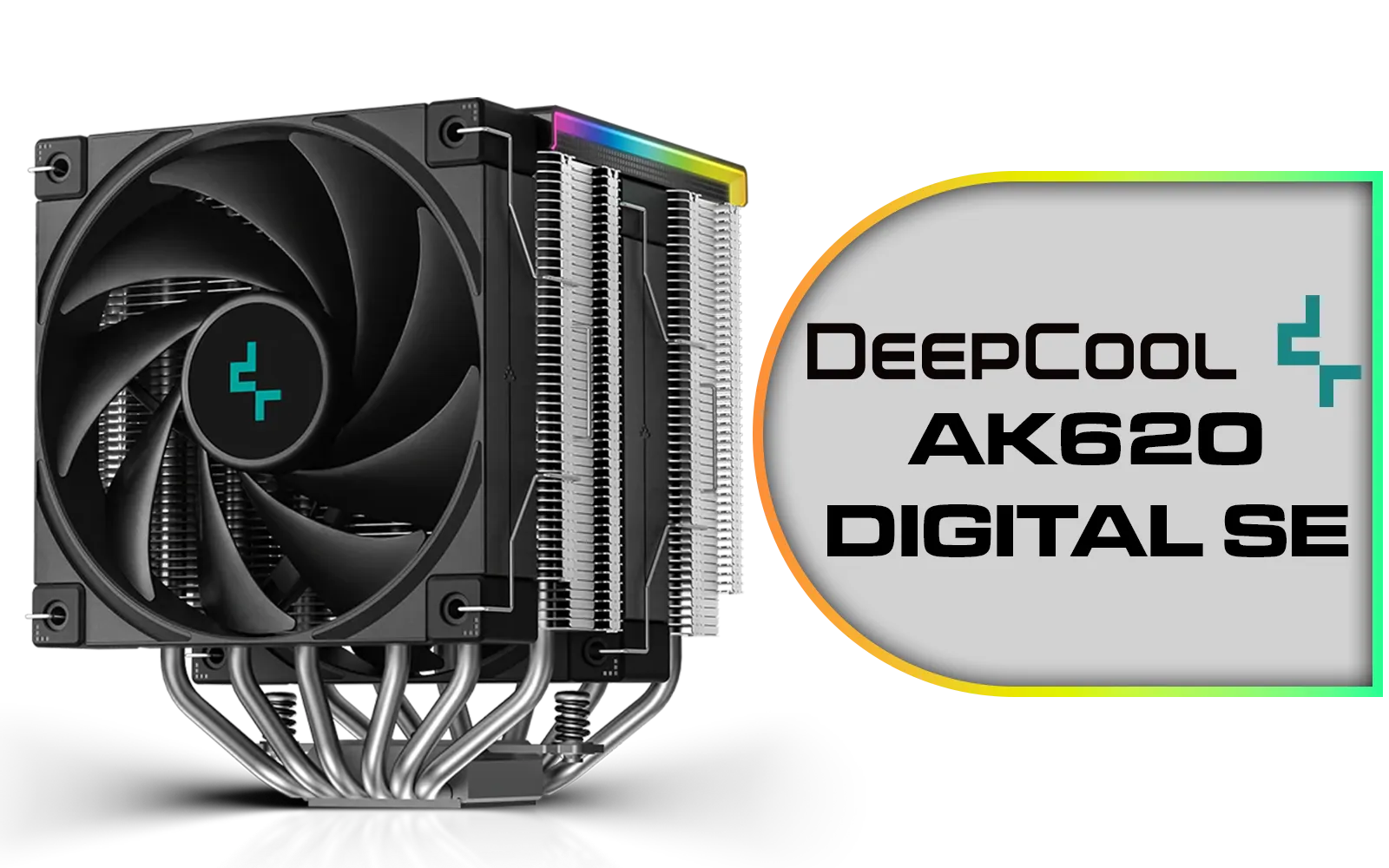
Deepcool AK620 DIGITAL SE CPU Cooler - Black / Digital Air Cooler / Low-Profile Magnetic Status Display / ARGB LED Strips / 68.99 CFM Fan Airflow / Supports LGA 1851, 1700, 1200, 1151, 1150, 1155, AM5, AM4 / AK620-DIGITAL-SE
R999.00In Stock
[OPEN BOX] Gamdias Chione E4-240 Liquid Cooler - White / Hydraulic PWM Fans / Dual Infinite Mirror / Real-time Digital Display / Patented PWM Pump / Motherboard Sync ARGB / OB-CHIONE-E4-240-WH
R1599.00In Stock

Corsair Nautilus 240 RS ARGB Liquid CPU Cooler – 240mm AIO – Low-Noise – Direct Motherboard Connection – Daisy-Chain – Intel LGA 1851/1700, AMD AM5/AM4 – 2X RS120 ARGB Fans Included – Black / CW-9060092-WW
R1999.00In Stock

DeepCool Liquid Cooler LT720 WH 360mm 4th Gen Dual-Chamber Pump 3100RPM Multidimensional Infinity Mirror ARGB Block 300w TDP AIO Cooler Anti-Leak Tech CPU Water Cooler for AMD AM4/AM5 LGA 1700/1200 / LT720-WH
R2499.00In Stock
MSI MAG CoreLiquid A15 360 Liquid Cooler / CycloBlade Design / AI-Optimized Cooling / ARGB GEN2 Lighting / Easy UNI Bracket Installation / 306-7ZW9A11-L80
R1999.00In Stock
Yes, many do. To reuse old cooler on AM5, confirm standoff height, backplate threads, and mounting pressure; if not included, request an AM5 upgrade kit from the brand.
Only with LGA1700 brackets or an upgrade kit. Socket 1700 needs longer standoffs; check upgrade kits for LGA1700 and AM5 from your cooler maker.
Offset mounting for AMD chiplets shifts the cold plate toward the CCDs to lower hotspot temps on AM5; use brand-tested offsets for best contact.
A quality LGA1700 contact frame can reduce IHS bowing and improve AIO mounting pressure, but adds cost; prioritize proper paste and torque first.
Yes, universal CPU cooler brackets work if they match backplate threads and standoff height. Verify AM5 vs LGA1700 cooler compatibility before installing.
Follow the manual. Balanced, diagonal turns to spec mounting torque for CPU coolers prevents warping; avoid crushing the IHS or PCB.
Air vs AIO mounting pressure targets are similar; AIO pump blocks can be heavier, so use correct standoffs and springs for AM5 vs LGA1700 cooler compatibility.











