



ARGB Lighting Customization for South African Gamers
ARGB lighting customization helps South African gamers personalise rigs, sync effects, and save on local parts 🇿🇦✨ Quick setup steps, controller picks, and budget upgrade tips.
|
Loading tags...

Tired of your PC looking like every other rig in the lobby? In South Africa, a custom-built machine is a statement. But the real magic… the thing that makes your setup uniquely yours… is mastering your lighting. We're not just talking about a single-colour glow. We're diving deep into Addressable RGB (ARGB), giving you pixel-level control to craft a truly breathtaking PC. Let's get your battle station looking as epic as your gameplay. ✨

Orico Aluminum 7 Ports USB3.0 HUB / Expands your device with 7 USB 3.0 ports / Transmission Rate 5Gbps / ORICO-A3H7-NBC-EU-SV-BP
R699.00In Stock
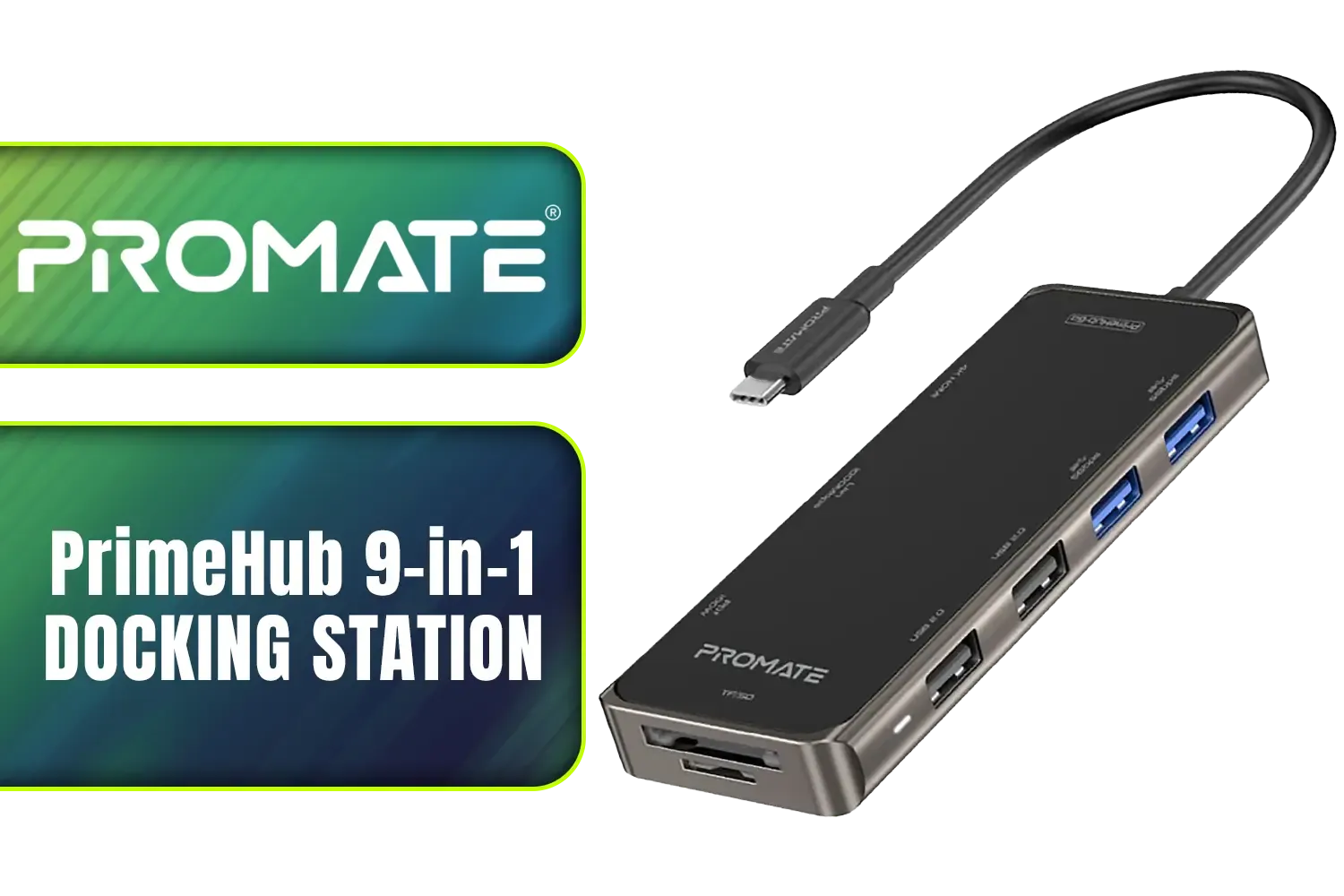
Promate PrimeHub 9-in-1 Docking Station / USB Type-C 100W PD / USB Type-A 3.0 & 2.0 Ports / 1x 4K HDMI Ports / RJ45 Port @ 1000Mbps / SD & MicroSD Slots / PrimeHub-Go
R799.00In Stock

Razer Ripsaw X USB Capture Card with Camera Connection for Full 4K Streaming / Direct-to-Stream Recording, No Memory Limits / HDMI 2.0 & USB 3.0 for Low-Latency Streaming / 4K 30FPS Capture for Clear Video / RZ20-04140100-R3M1-SN
R1999.00In Stock
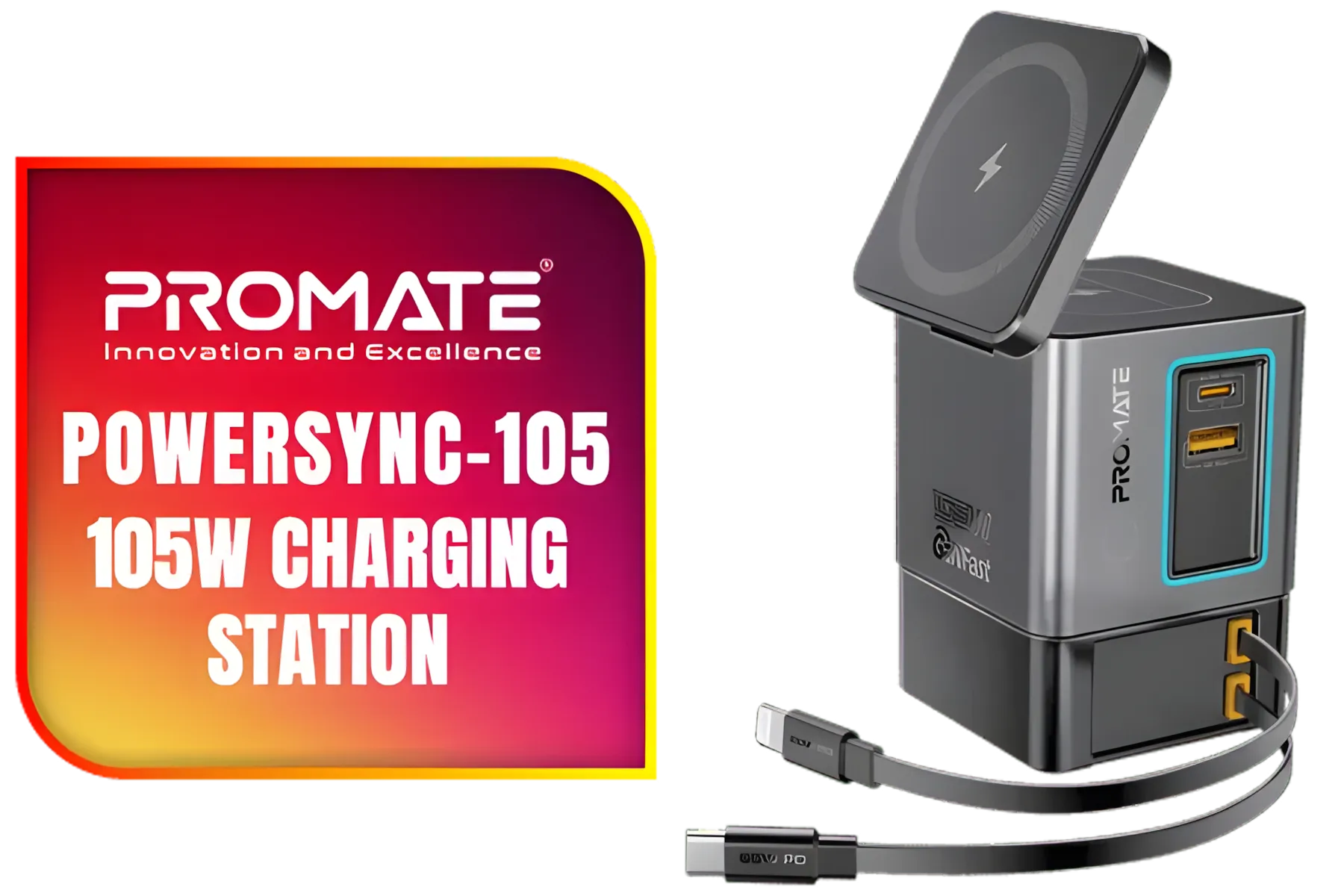
Promate PowerSync-105 105W Charging Station with Dual Retractable Cables / 15W MagSafe Compatible Wireless Charger / 65WPD USB-C Cable & 20W Lightning Cable / 5W Wireless Charger / RGB / PowerSync-105.EU
R1049.00In Stock
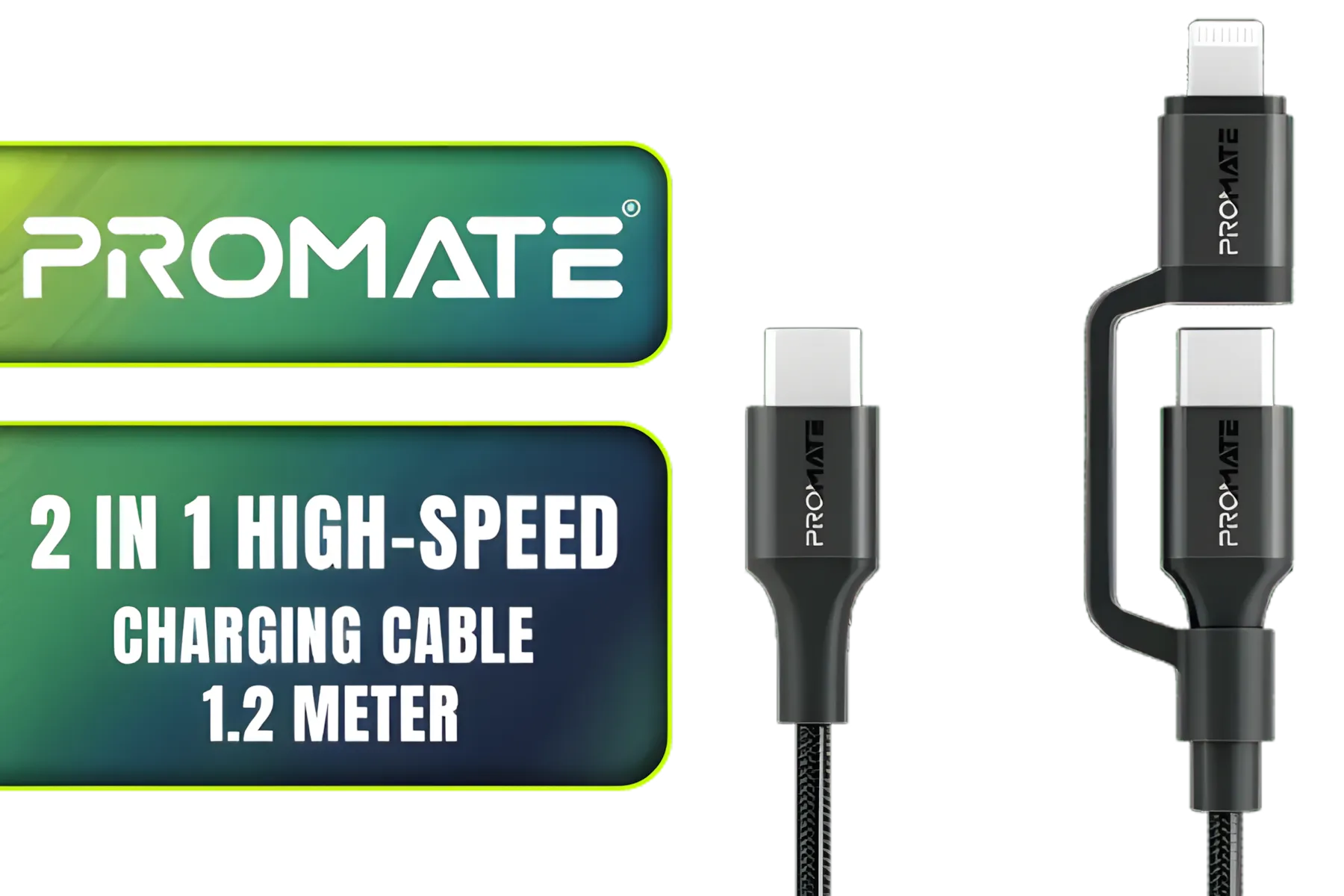
Promate 2 in 1 High-Speed Charging Cable - 1.2 Meter / 60W Power Delivery / High Tensile Strength Cable / MFi Certified / Data and Charge / 1.2 Meter Cable Length / 25000+ Bend Tested / PowerLink-CCi.Black
R249.00In Stock

Corsair Elgato Collapsible Chroma Key Panel - Green Screen / Simply Flip Open Aluminum Case / Pneumatic X-Frame Lock System / Adjustable Height / Wrinkle Resistant / Easy To Carry Anywhere / 100% Polyester Material / 10GAF9901-SN
R1999.00In Stock
Why ARGB Lighting Customization Matters
Think of your PC case as a canvas. Standard RGB is like using a single paint roller—it gets the job done, but the result is uniform. ARGB, on the other hand, is like having a full set of fine-detail brushes. Each individual LED on a fan, strip, or component can be a different colour, allowing for complex animations, gradients, and effects that sync with your games and music.
Proper ARGB lighting customization transforms your PC from a simple tool into an immersive centrepiece. It’s about creating an atmosphere that matches your mood, your game, or your team colours. It's the ultimate form of PC personalisation.
Getting Started with Your ARGB Setup
Jumping into the world of ARGB can seem daunting, but a little planning goes a long way. Before you start adding components to your cart, let's break down the essentials.
Planning Your Light Show 💡
First, check your motherboard. Look for 3-pin 5V ARGB headers. These are the connectors that will power and control your lights. Count how many you have, as this will determine if you need a separate controller or hub. Also, consider your case. Does it have tempered glass panels to show off your work? What's the internal layout like? Visualising where you'll place fans and LED strips is key to a clean, professional-looking build.

MARVO GT-88 WIRELESS GAMING GAMEPAD / Compatible With PC / Analog Mini Sticks With Xbox Positioning / Double Triggers And Analog Mumpers / Rapid Fire With Turbo Mode / Dual Motors For Vibration Feedback / Soft, Sweat-resistant Coating / GT-88
R499.00In Stock

ORICO AXM2S-G2-V1-GY-BP M.2 NVME SSD Enclosure USB Type-C 3.2 to NVME Adapter / Data Transfer rate: 10Gbps / Material: Aluminium Alloy, ABS / ORICO-AXM2S-G2-V1-GY-BP
R499.00In Stock

Winx Rise Pro Dual Full Motion Monitor Arm / Supports 2x 17″ to 32″ monitors / VESA compatible / Supports up to 2x 9kg monitors / WX-BR106
R1199.00In Stock

Microsoft Suraface Slim Pen 2 Charger / 8X2-00002
R799.00In Stock

Kingston DataTraveler Exodia Onyx 128GB Flash Drive with USB 3.2 Gen 1 Performance / DTXON/128GB
R299.00In Stock

Antec AT-GPUH ARGB Support Bracket - Daisy Chain for Multi-GPU Setup - Magnetic Base / 0-761345-77748-3
R399.00In Stock
Choosing Your Components
This is the fun part! The possibilities for ARGB lighting customization are nearly endless. You can find ARGB versions of almost every component:
- Case Fans: The foundation of most lighting setups.
- LED Strips: Perfect for adding ambient glow around the edges of your case.
- RAM Modules: Companies like Corsair and G.Skill offer memory with stunning, customisable light bars.
- Coolers & AIOs: Both air coolers and liquid cooling systems often feature vibrant ARGB lighting on the pump head and fans.
You can find a vast range of ARGB gaming accessories to bring your vision to life, with quality options from brands like Promate and many others.
TIP FOR YOU
Software Sync Pro Tip 🔧
Most motherboards come with their own ARGB control software (like ASUS Aura Sync, MSI Mystic Light, or Gigabyte RGB Fusion). Before buying, try to stick to components compatible with a single ecosystem. This makes it much easier to synchronise all your lights with one click, avoiding software conflicts and headaches down the line.
Connecting and Syncing Everything
Once you have your parts, it's time to put them together. The most critical rule: never plug a 3-pin 5V ARGB connector into a 4-pin 12V RGB header. This will permanently damage your components. The connectors are keyed differently to prevent this, but it pays to be careful.
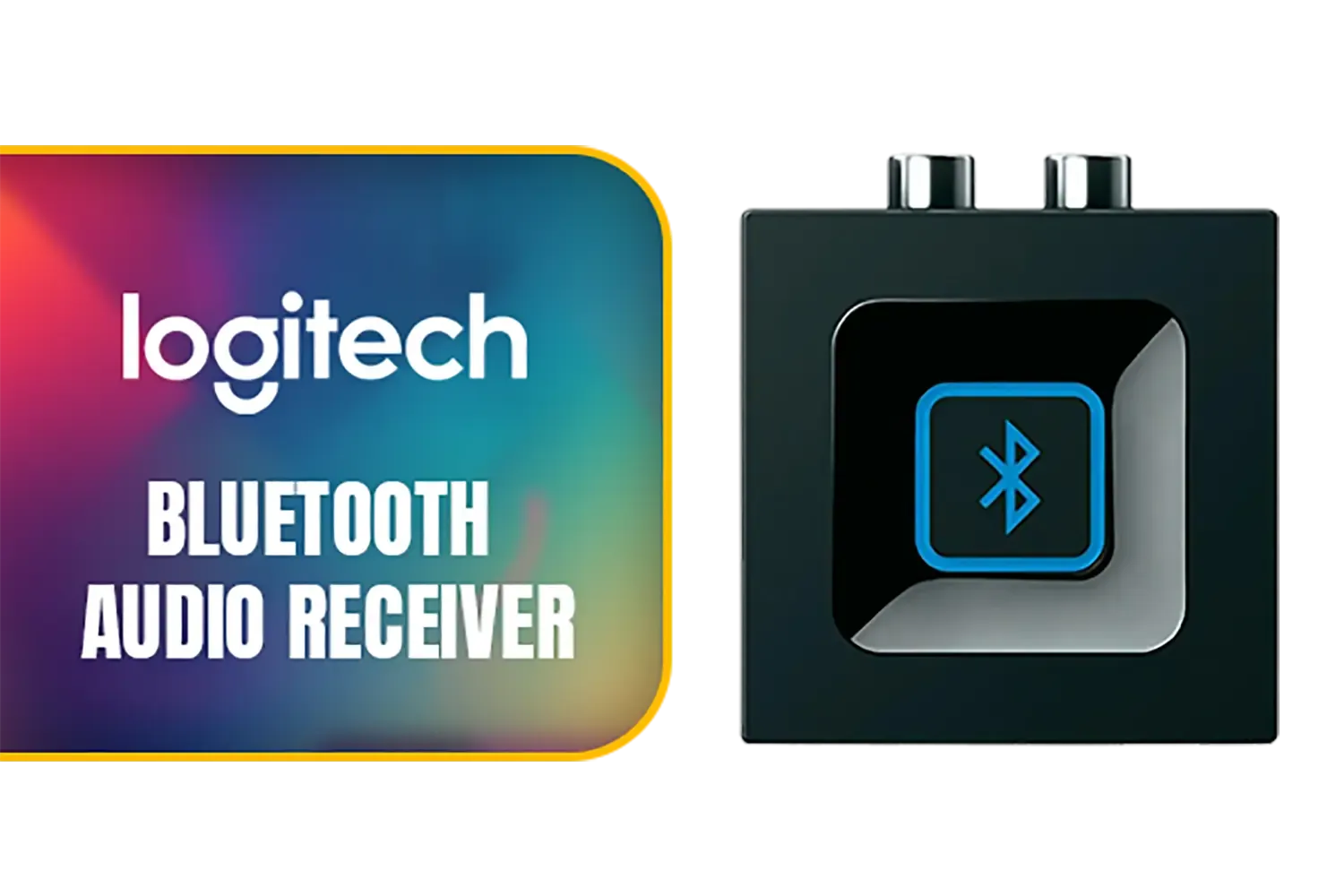
Logitech Bluetooth Audio Receiver / Multipoint Bluetooth / One-push Pairing Button / 980-000912
R819.00In Stock

Saramonic 3.5mm TRS Male to Apple Lightning Connector Microphone & Audio Adapter Cable 9" (22.86cm) (SR-C2000), black / SR-C2000
R199.00In Stock

Monster M98 Superstar Mini Karaoke Microphone - Black / Pure monster Sound / Bluetooth Speaker / 360 Surround Sound / Multi Sound Effects / M98BK
R549.00In Stock

Corsair Elgato Heavy Clamp – Professional Mount with Ball Head and 4X 1/4 inch Holes, Ultra Secure and Durable, Mount on Desks, Shelves, Poles, Perfect for Cameras, Lights, Flash, and More - 10AAQ9901
R699.00In Stock

HP G3 USB-C Multiport Travel Docking Station | Plug-and-Play Connectivity | 5 Transfer Ports | 2 USB-C | 2 USB-A | HDMI | Black / 86T46AA
R1399.00In Stock

Monster M97 Superstar Dynamic Karaoke Microphone - Pink / Microphone Has 26W Peak Power / Bluetooth 5.0 / True Wireless Stereo / 3 Different Sound Effects / 1 Button for Song Vocal Elimination / M97PNK
R599.00In Stock
If your motherboard is short on headers, an ARGB hub is your best friend. This small device connects to a single header on your motherboard and provides multiple ports to connect all your fans and strips. It cleans up your wiring and simplifies control. Getting the right setup often comes down to having the right connectors, so exploring comprehensive cable solutions is a smart move. You can often find exactly what you need by checking for in-stock cables and hubs to finish your build without delay.
With everything connected, boot up your PC, install your motherboard's control software, and start experimenting! This is where your creativity takes over. You can set up profiles for different games, a subtle white for work, or a pulsing rainbow when you want to show off. The power of ARGB lighting customization is now at your fingertips. 🚀
Ready to Build Your Luminous Rig? Moving from a plan to a fully-lit reality is one of the most satisfying parts of a PC build. With the right components, your dream setup is just a few clicks away. Explore our incredible range of PC lighting and essential gaming accessories and start building the rig you've always wanted.
Related Products

Microsoft Xbox Wireless Controller - Carbon Black / Hybrid D-Pad / 3.5mm Stereo Headset Jack / Textured Triggers And Bumpers / Compatible for Xbox Series X|S, Xbox One, Android And iOS / QAT-00009
R1599.00In Stock
Promate PrimeHub 9-in-1 Docking Station / USB Type-C 100W PD / USB Type-A 3.0 & 2.0 Ports / 1x 4K HDMI Ports / RJ45 Port @ 1000Mbps / SD & MicroSD Slots / PrimeHub-Go
R799.00In Stock
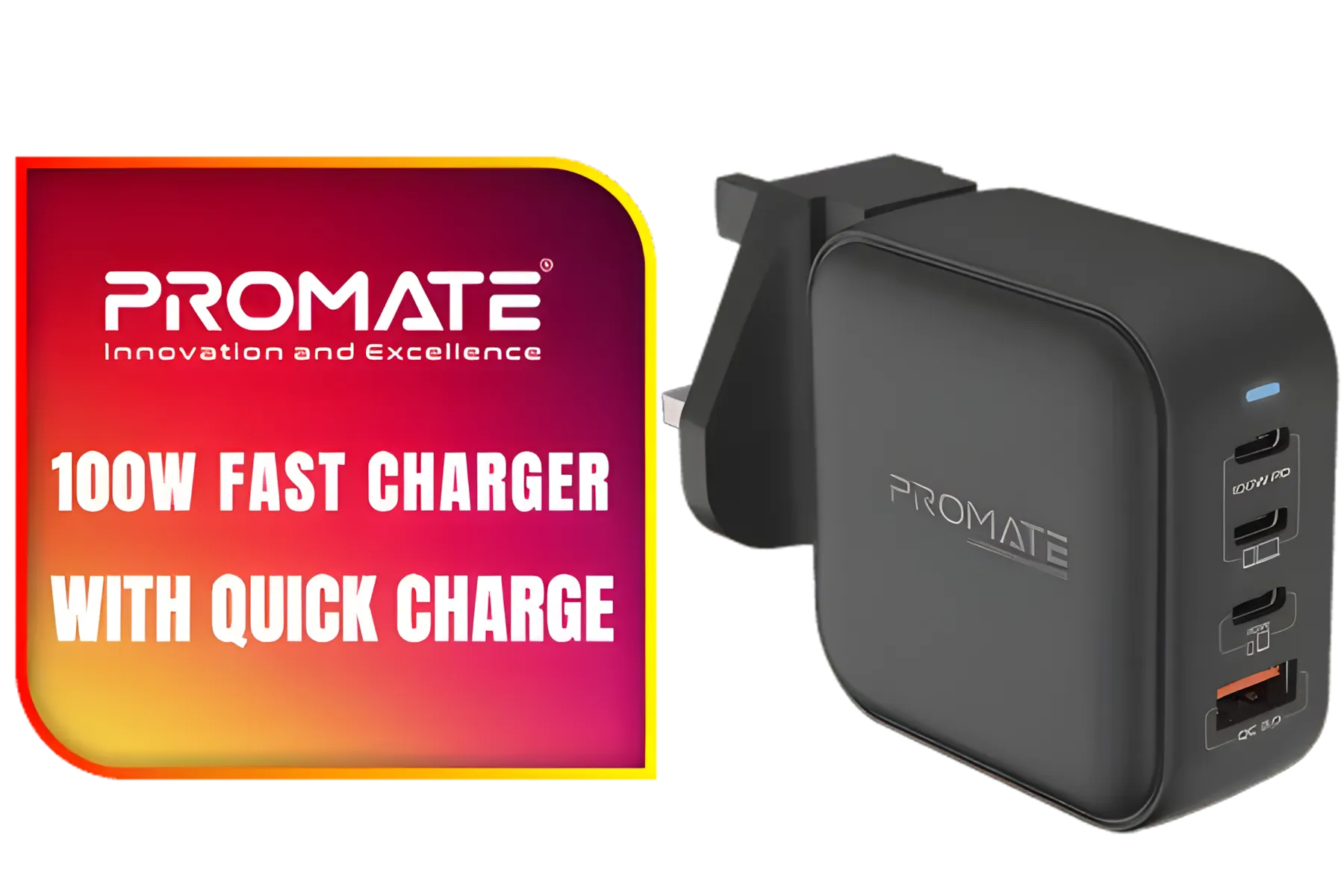
Promate 100W Charger with Quick Charge 3.0 / 100W Power Delivery / Qualcomm Quick Charge 3.0 / 4 Devices Simultaneous Charging / US/UK/EU/AU Plug / GANPORT4-100PD
R899.00In Stock

Promate 8k CrystalClarity™ UCB-C to HDMI Cable / 8K UHD Resolution @ 60Hz / Aluminum Shell / 48Gbps Max Link Bandwidth / 1.8m Cable / MEDIACORD-8K
R499.00In Stock
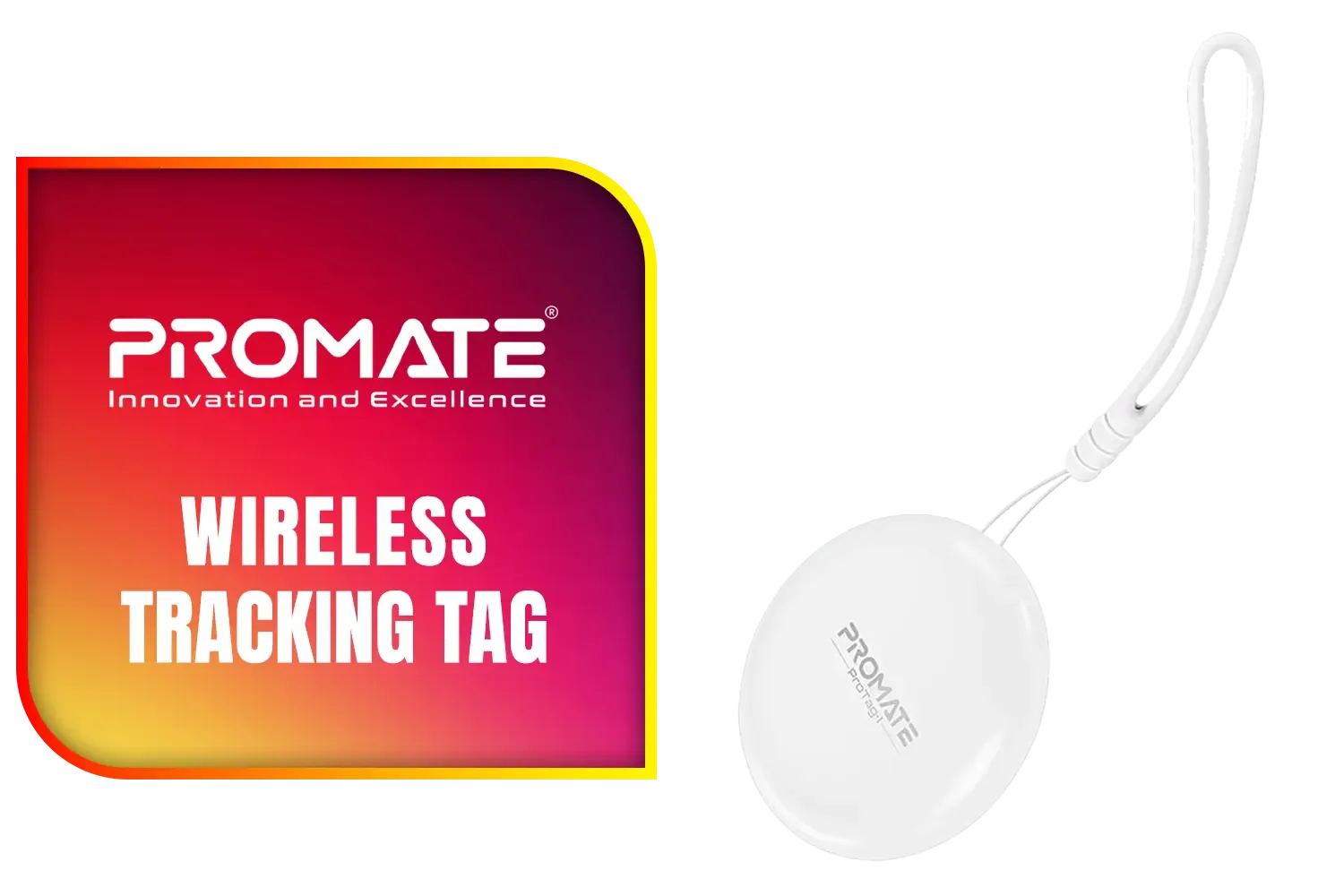
Promate Wireless Tracking Tag - White / Apple Find My Certified Compatibility / IPX6 Water-Resistant Design / Loud Alarm for Easy Item Finding / Lost Mode with Instant Alerts / ProTag-1.White
R249.00In Stock
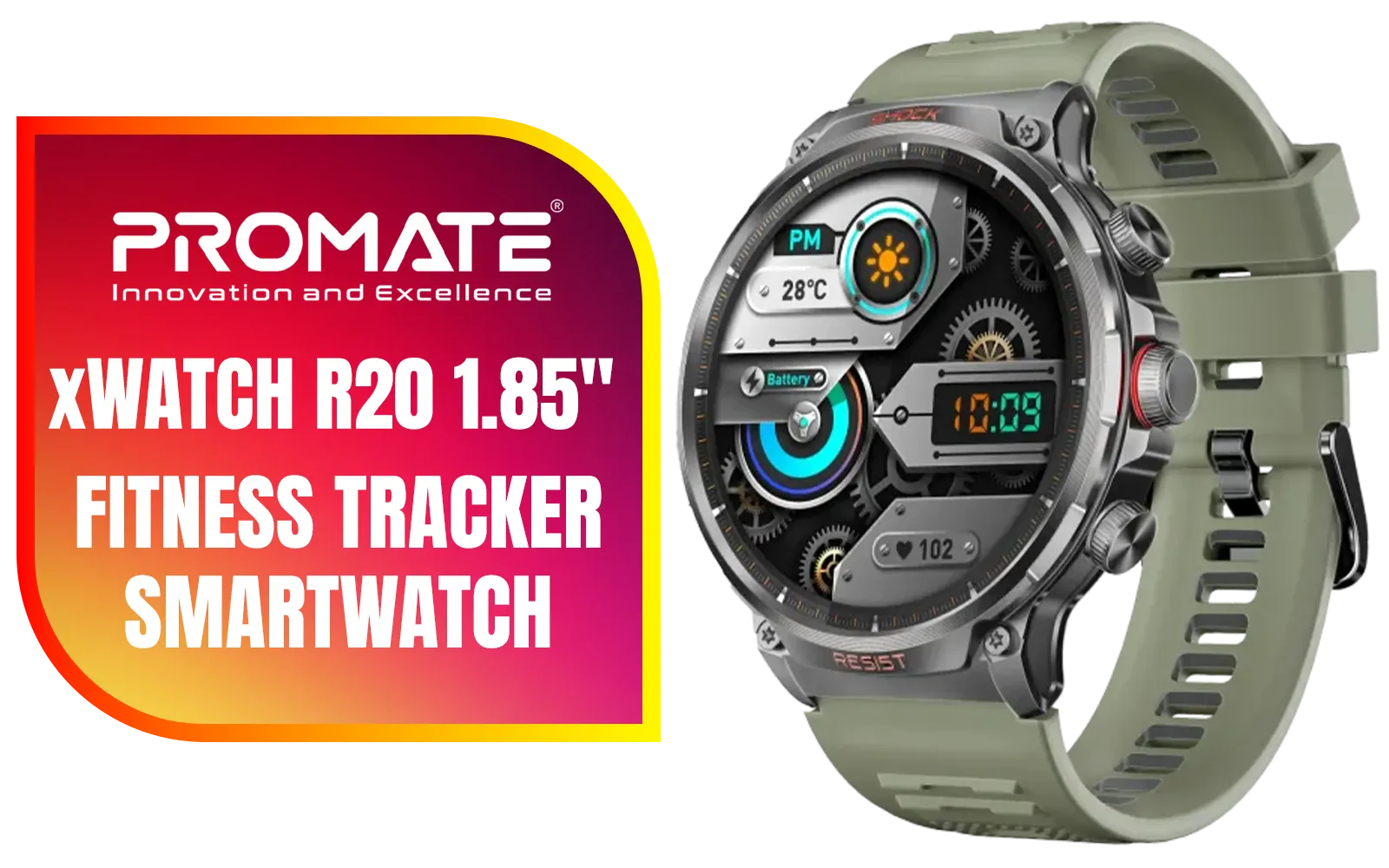
Promate xWatch R20 1.85" Fitness Tracker Smartwatch with Bluetooth Calling - Midnight Green / IP67 Water Resistance / 1.85" TFT Round Screen Display / Heart Rate/SPO2/Step/Sleep/ Women Health Tracker / 100+ Customized Watch Faces / xWatch-R20.MidnightGreen
R949.00In Stock
Install an ARGB controller or use your motherboard's 3-pin 5V header, add compatible fans/strips and use vendor software to create profiles.
Use motherboard suites like Aura Sync or Mystic Light, or vendor tools like Corsair iCUE to build synchronized ARGB profiles.
Yes if devices use the 3-pin 5V ARGB standard. A universal controller or software bridge can help sync different brands.
Buy from local retailers or Evetech for the best ARGB controllers SA selection, stock availability and local warranties.
Use simpler effects, reduce strip segments, and set static palettes during gameplay to minimise CPU/GPU overhead.
Start with one controller and a fan or LED strip, reuse headers you already have, and shop local to cut shipping costs.
Match colours to in-game cues, use software triggers when available, and save per-game presets for quick switching.











