



ARGB vs RGB: Liquid Cooler Lighting and Compatibility
ARGB vs RGB decides how your liquid cooler lighting syncs and looks. Learn 3-pin vs 4-pin headers, 5V vs 12V, splitters, controllers, and software ecosystems for safe, vivid builds. Get clear upgrade tips and avoid costly mistakes. 🔧💡
|
Loading tags...

Building a PC in South Africa is a thrill... until your lighting looks like a tangled mess of mismatched holiday decorations. You've got the power, but does your rig have the personality? The culprit is often a simple misunderstanding in the ARGB vs RGB debate. Getting this choice wrong for your new liquid cooler can limit your style, or worse, damage your gear. Let's clear up the confusion and get your build glowing exactly how you imagined. ✨
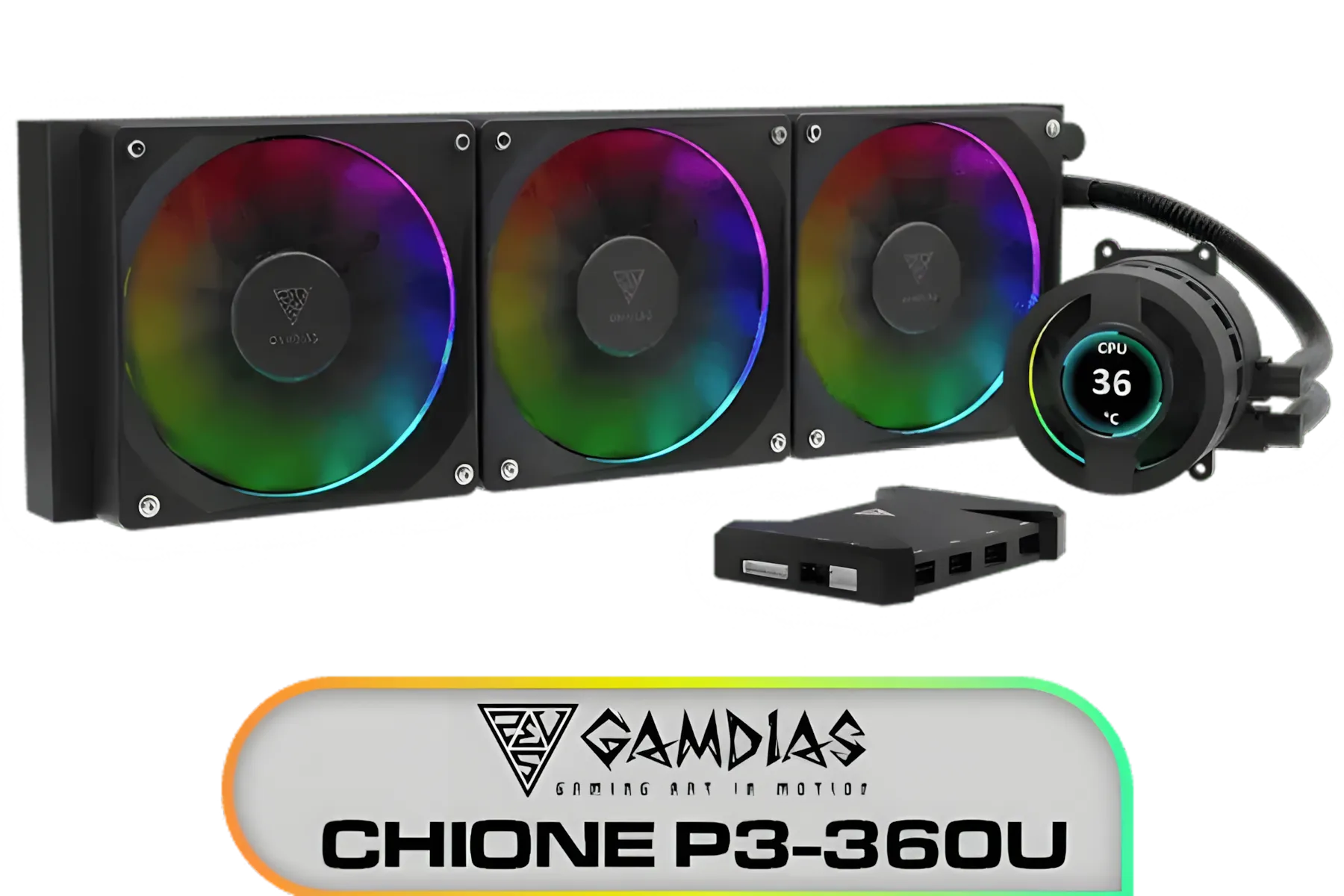
Gamdias CHIONE P3-360U All-in-One CPU Liquid Cooler / Personalized Lcd Display / Superior Radiator / Superior Airflow Performance / Premium Hydraulic Bearing / CHIONE-P3-360U
R999.00In Stock
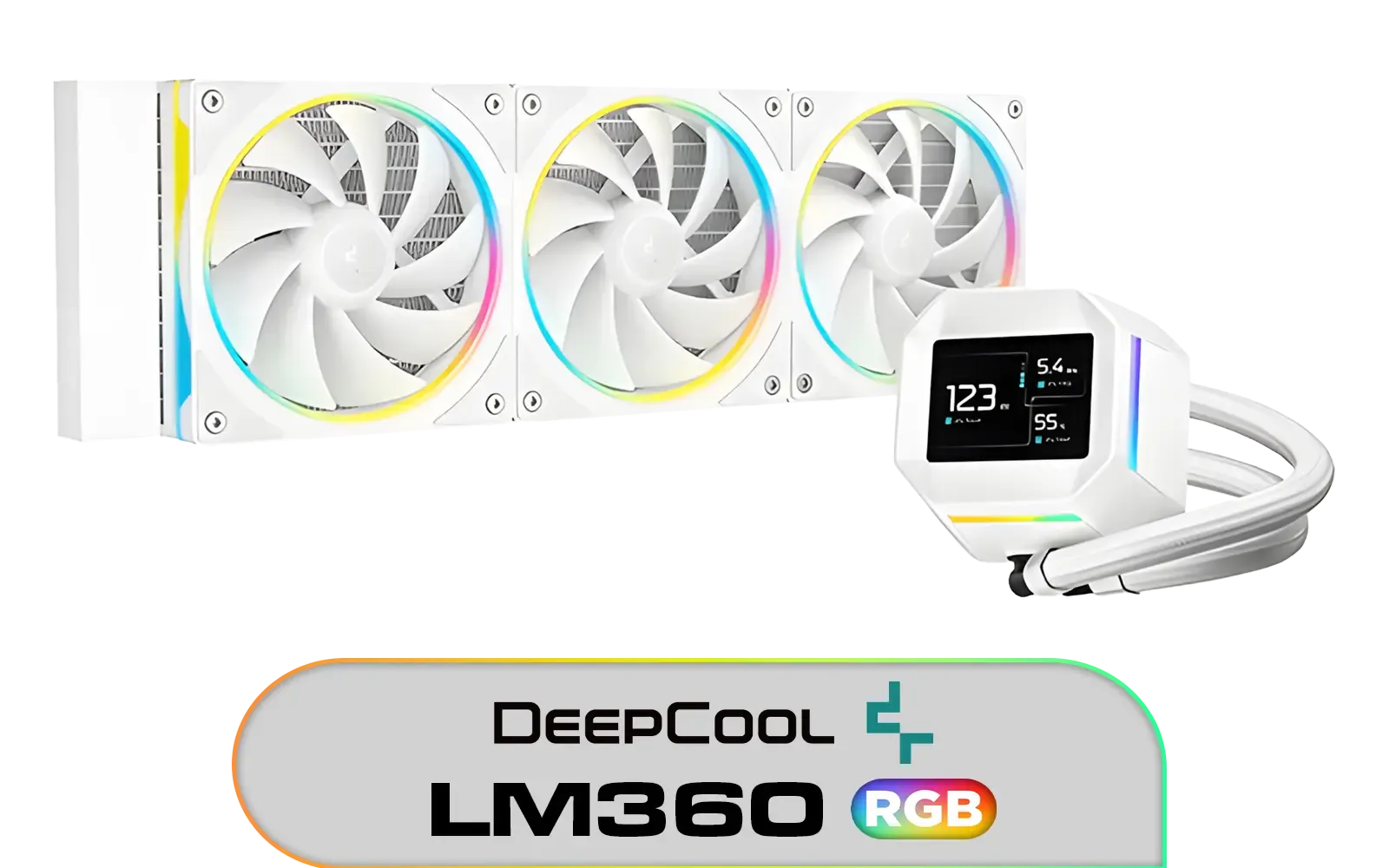
DeepCool LM360 CPU Liquid Cooler - White / Compact 2.4" IPS Display with MP4 Playback / Upgraded Pump for Improved Cooling & Quiet Operation / Supports LGA 1851, 1700, 1200, 1151, 1150, 1155 / Supports AM5, AM4 / Addressable RGB LED / Anti-Leak Technology / LM360-WH
R1699.00In Stock
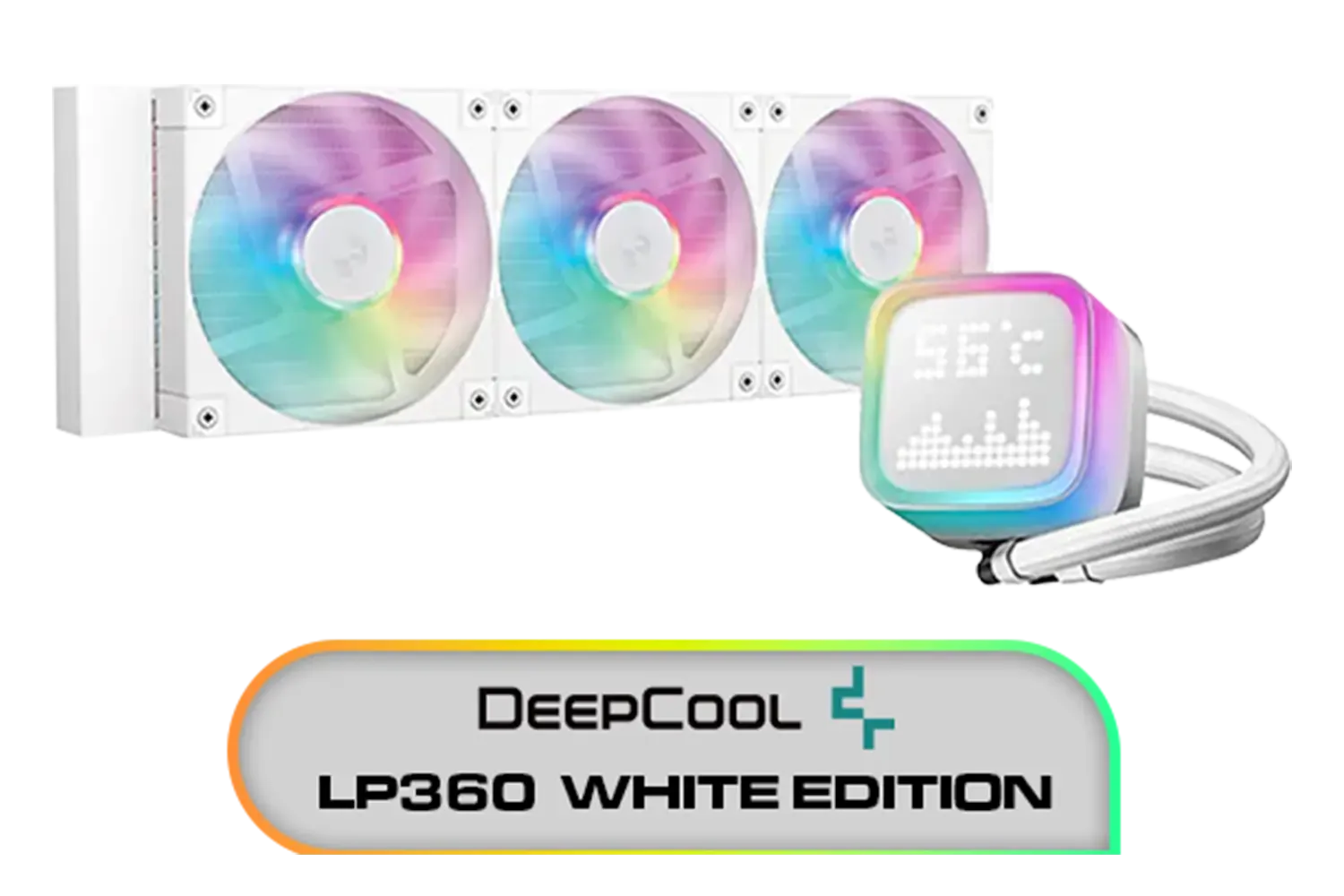
DeepCool LP360 Liquid Cooler - White / 360mm Radiator / LED Digital Display / 3x ARGB Fans Included / Compatible with AMD & Intel / LP360-WH
R2399.00In Stock

Gamemax Sigma 620 LCD Air Cooler - Black / 2.8" LCD for stats or images / Dual 120mm fans with 6 heatpipes / Supports up to 245W TDP / SIGMA-620-LCD-BK
R1199.00In Stock

DeepCool LS520S Zero Dark All In One Liquid CPU Cooler, 240mm Radiator, 2 x 120mm Deepcool Fans, Intel/AMD / LS520S-Zero-Dark
R1599.00In Stock
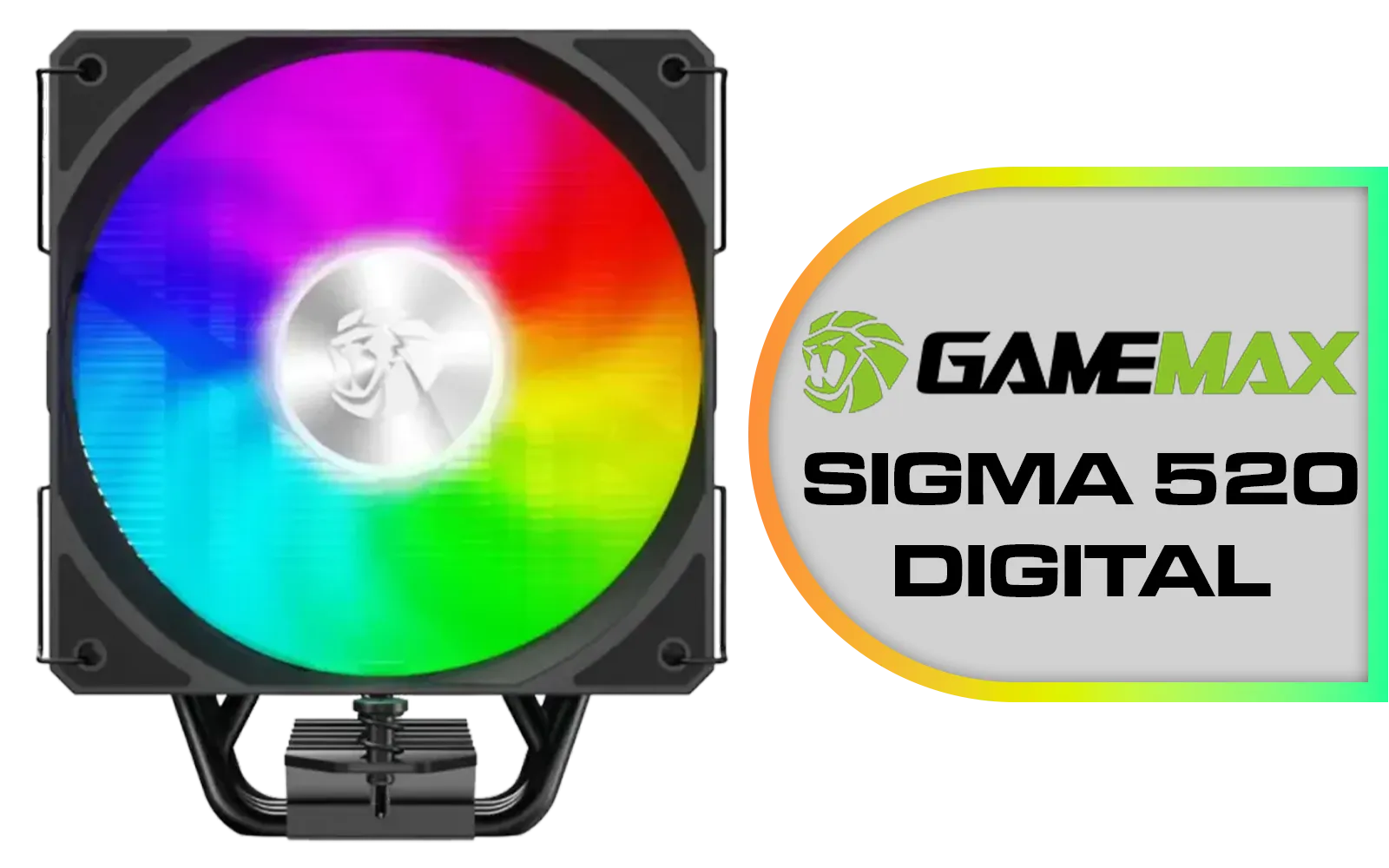
Gamemax Sigma 520 Digital Air Cooler - Black / 220W Maximum Thermal Power / 74.8CFM High Airflow / Supports Intel Gen12, Gen13 & AMD CPUs / PWM Intelligent Temperature Control Fan / Sigm-520-Digital-BK
R599.00In Stock
Understanding the Core Difference: RGB vs ARGB
At first glance, RGB and ARGB seem almost identical. They both make your components light up, right? Yes, but how they do it is worlds apart. The key difference between ARGB vs RGB comes down to control and customisation.
Standard RGB (Red, Green, Blue)
Think of standard RGB as the simple, old-school option. It uses a 4-pin, 12V connector. When you set a colour, every single LED on that strip or fan displays that one colour. You can have a solid red, a static blue, or a breathing green effect, but the entire component will always be uniform. It’s a reliable and straightforward way to add a splash of colour to any of the brilliant CPU coolers available today.

Gamdias Chione E4-360 Liquid Cooler - White / Hydraulic PWM Fans / Dual Infinite Mirror / Real-time Digital Display / Patented PWM Pump / Motherboard Sync ARGB / CHIONE-E4-360-WH
R1999.00In Stock
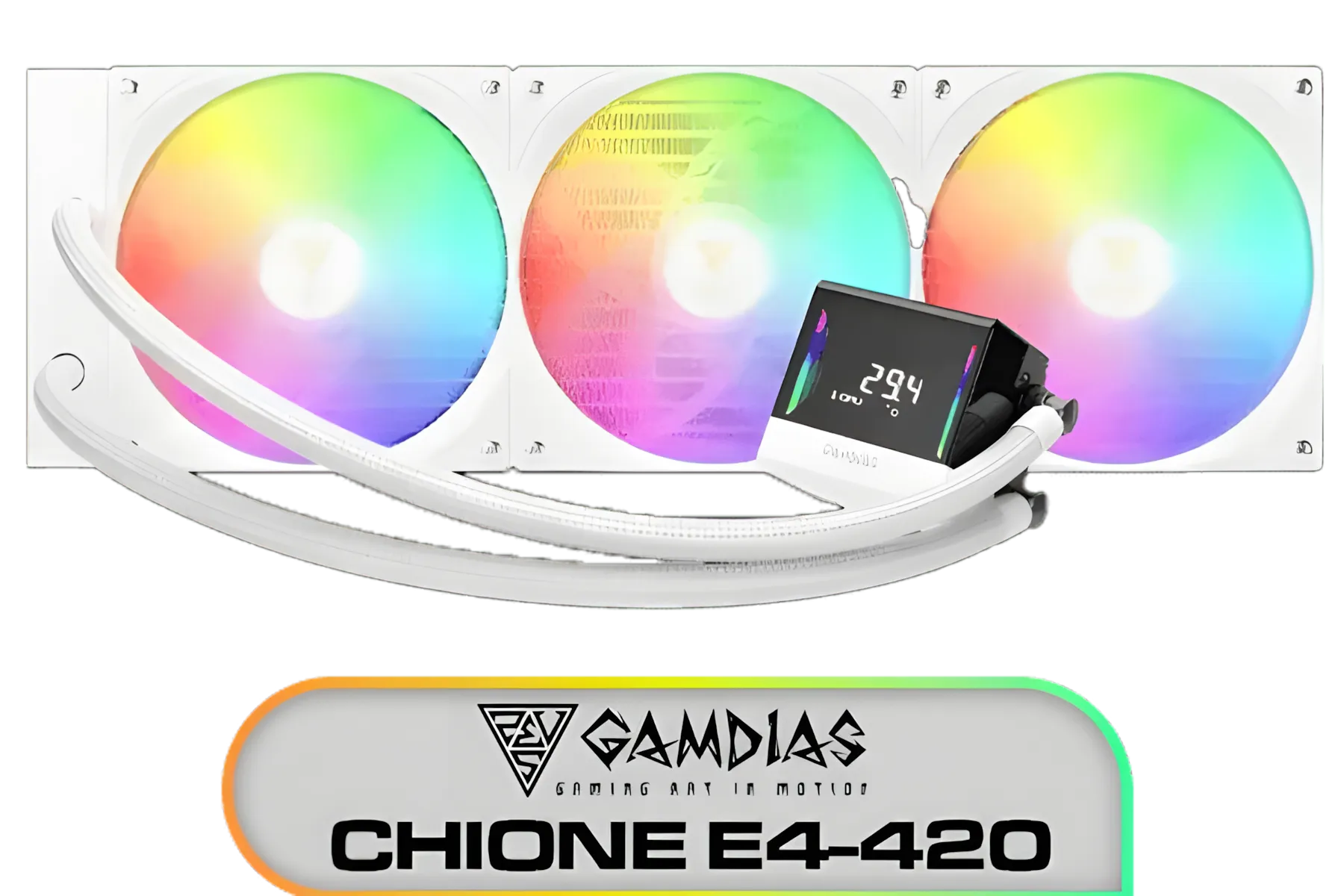
Gamdias Chione E4-420 Liquid Cooler - White / Hydraulic PWM Fans / Dual Infinite Mirror / Real-time Digital Display / Patented PWM Pump / Motherboard Sync ARGB / CHIONE-E4-420-WH
R999.00In Stock

DeepCool LT240 White Edition ARGB CPU Liquid Cooler, 280W TDP 5th Gen Dual-Chamber Pump Multidimensional Infinity Mirror ARGB Block AIO Cooler for LGA1700/1200/1151/1150/1155,AMD AM4/AM5 / LT240-WH-ARGB
R2299.00In Stock

CORSAIR iCUE Link H100i RGB Liquid CPU Cooler - Black / 240mm AIO / QX120 RGB Fans / Fits Intel® LGA 1700, AMD® AM5 / iCUE Link System Hub Included / CW-9061001-WW
R3599.00In Stock

DeepCool LD360 Liquid Cooler - White / 360mm Radiator / LED Digital Display / 3x ARGB Fans Included / Compatible with AMD & Intel / LD360-WH
R2399.00In Stock
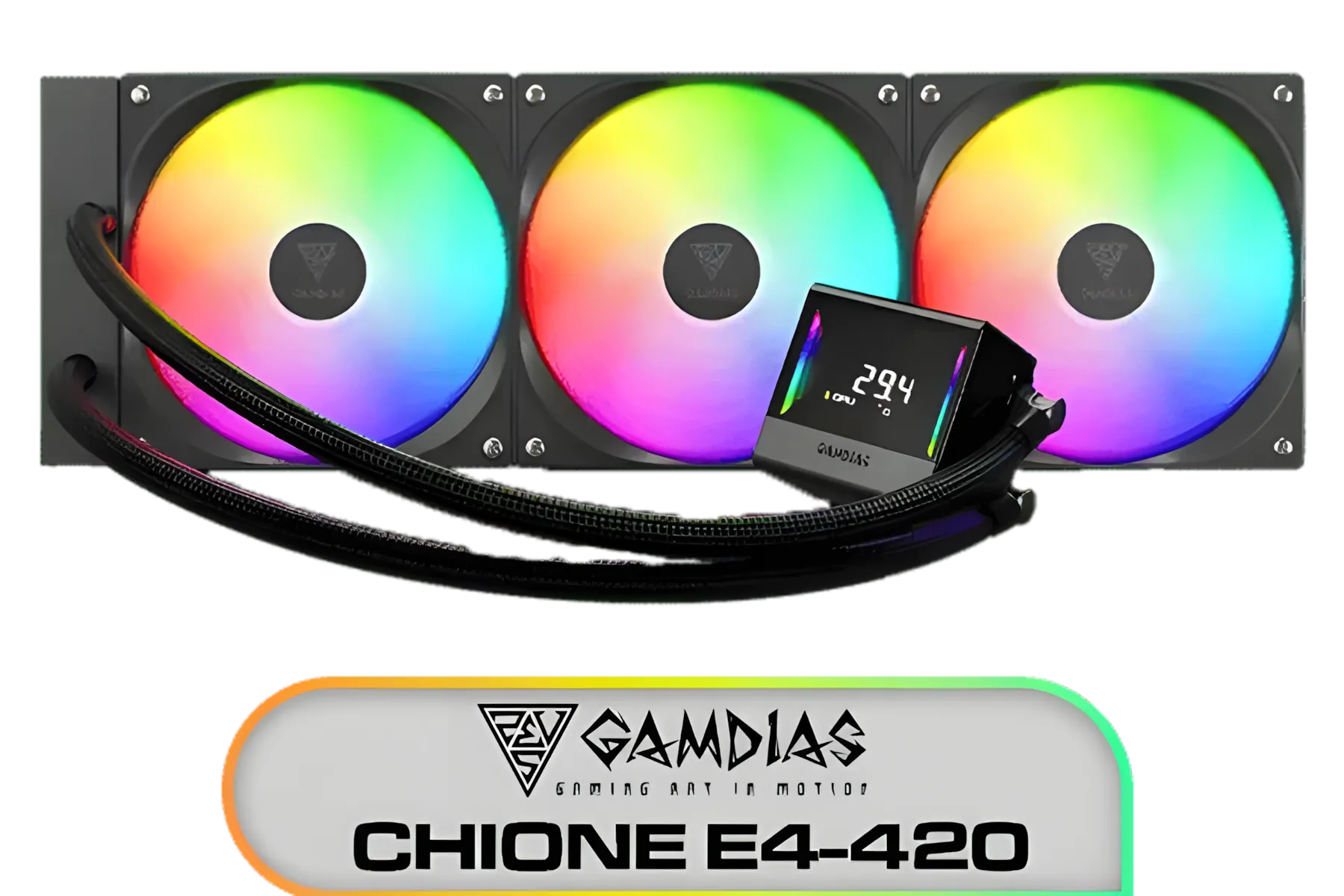
Gamdias Chione E4-420 Liquid Cooler - Black / Hydraulic PWM Fans / Dual Infinite Mirror / Real-time Digital Display / Patented PWM Pump / Motherboard Sync ARGB / CHIONE E4-420
R2599.00In Stock
ARGB (Addressable RGB)
This is where the magic happens. ARGB uses a 3-pin, 5V connector and is the "A" for "Addressable." This means your motherboard or controller can communicate with each individual LED on a device. Instead of one solid colour, you can create flowing rainbow waves, chasing animations, and complex patterns that sync across your components. It’s the technology behind the mesmerising effects you see in pro-level builds.
Liquid Cooler Lighting: Why Compatibility is King 💡
When choosing from the latest AIO liquid coolers, the ARGB vs RGB decision becomes critical. Your cooler's pump and fans need to connect to the right place on your motherboard, and mixing them up is a recipe for disaster.
A 12V RGB header and a 5V ARGB header are physically different and electrically incompatible. Plugging a 3-pin ARGB connector into a 4-pin RGB header can permanently damage the LEDs on your brand-new cooler. Always double-check what headers your motherboard has before you buy. Most modern boards have both, but it's a costly mistake to assume.
TIP FOR YOU
Header Check Pro Tip 🔧
Before you even add a cooler to your cart, pull up your motherboard's spec sheet online. Look for the "Internal I O Connectors" section. You'll see entries like 1 x 4-pin RGB LED strip header and 1 x 3-pin Addressable LED header. This 5-minute check saves you hours of frustration and potential hardware damage.
Choosing Your AIO: Popular ARGB and RGB Options
South African gamers are spoilt for choice when it comes to AIOs. Your decision on ARGB vs RGB might also be influenced by the brand ecosystem you prefer.
For instance, many premium Corsair AIOs use their own iCUE ecosystem, which offers incredibly deep software control but may require their specific controllers. On the other hand, brands like Deepcool often stick to the universal 3-pin ARGB standard, giving you plug-and-play compatibility with most motherboard software. This makes many Deepcool liquid coolers a fantastic choice for hassle-free synchronisation.
Performance is also key. For taming a top-tier CPU like an Intel Core i9 or AMD Ryzen 9, a powerful 360mm AIO provides the extra surface area needed for maximum heat dissipation. For most gaming builds, a versatile 240mm liquid cooler offers the perfect balance of cooling power and case compatibility.

Cooler Master Hyper 212 Pro CPU Air Cooler / SickleFlow Edge 120 PWM Fan / Optimized Cooling for R9 | U7 | i7 / RR-212S-25PZ-R1
R799.00In Stock
Gamdias Chione E4-360 Liquid Cooler - White / Hydraulic PWM Fans / Dual Infinite Mirror / Real-time Digital Display / Patented PWM Pump / Motherboard Sync ARGB / CHIONE-E4-360-WH
R1999.00In Stock
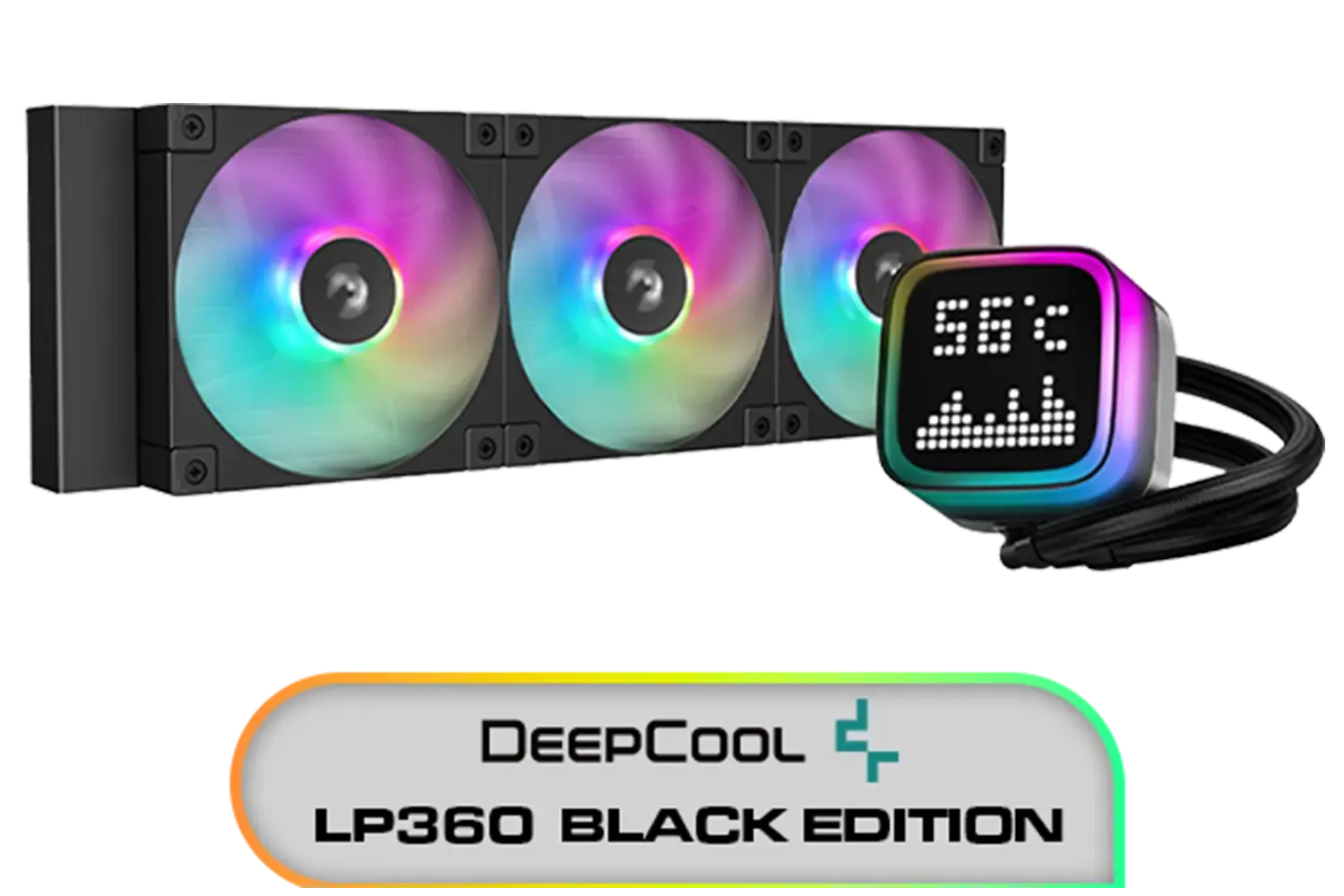
DeepCool LP360 Liquid Cooler - Black / 360mm Radiator / LED Digital Display / 3x ARGB Fans Included / Compatible with AMD & Intel / LP360
R2299.00In Stock
CORSAIR iCUE Link H100i RGB Liquid CPU Cooler - Black / 240mm AIO / QX120 RGB Fans / Fits Intel® LGA 1700, AMD® AM5 / iCUE Link System Hub Included / CW-9061001-WW
R3599.00In Stock
Cooler Master V SFX Platinum 1100 1100W 240V Power Supply / 92% efficiency / Advanced thermal performance / ATX 3.0 support & a 90-degree 12VHPWR cable / Fully modular cabling / MPZ-B001-SFAP-BEU
R6499.00In Stock
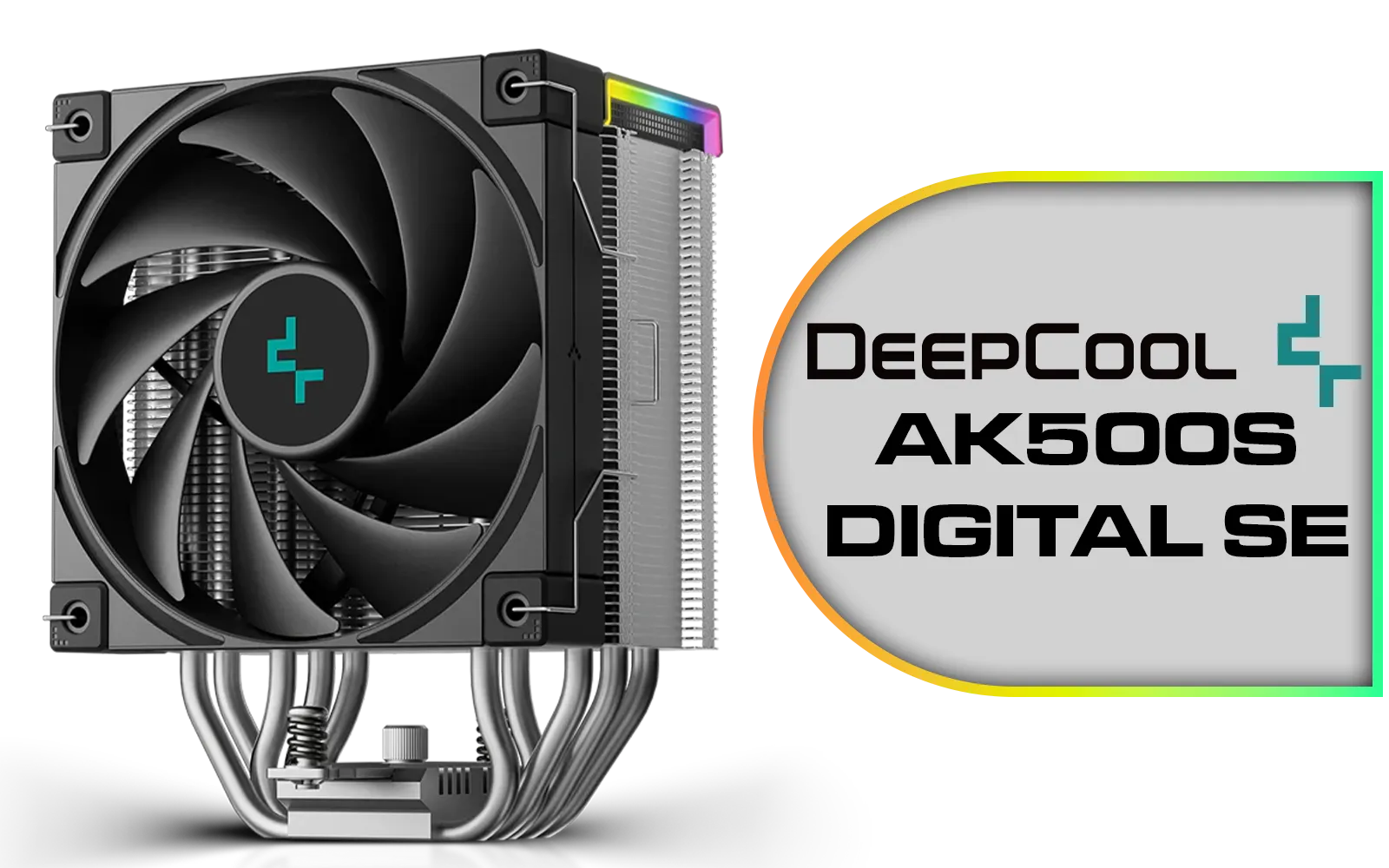
Deepcool AK500S DIGITAL SE CPU Cooler / Digital Air Cooler / Low-Profile Status Display / Slimmer Fin Stack Design / Addressable RGB LED / AK500S-DIGITAL-SE
R799.00In Stock
The Verdict: Which Lighting System is Right for Your Rig?
So, who wins the ARGB vs RGB showdown?
For almost every new build in 2024 and beyond, ARGB is the clear winner. The price difference is now often negligible, and the leap in customisation is massive. It gives you the freedom to create a truly unique look for your rig, from subtle gradients to full-blown rainbow spectacles.
Standard RGB still has its place for budget-focused builds or for gamers who prefer a clean, single-colour aesthetic without the complexity of software control. But if you want your PC to be a visual masterpiece, ARGB is the only way to go.
Ready to Light Up Your Build? The ARGB vs RGB debate is simple once you know the difference. For ultimate customisation and jaw-dropping effects, ARGB is the way to go. Explore our massive range of AIO liquid coolers and find the perfect one to keep your CPU cool and your rig looking incredible.
Related Products

MSI MPG CORELIQUID K240 V2 AIO CPU Liquid Cooler - LCD Pump with 60mm Fan, 2 x 120mm ARGB Fans, GI Cooling & Mystic Light Software Support - AMD & Intel Socket Compatible / 9S6-6A0311-038
R3199.00In Stock

CORSAIR iCUE Link H170i LCD Liquid CPU Cooler - 420mm AIO - QX140 RGB Fans - 2.1” IPS LCD Screen - Fits Intel LGA 1700, AMD AM5 - iCUE Link System Hub Included - Black / CW-9061009-WW
R2499.00In Stock
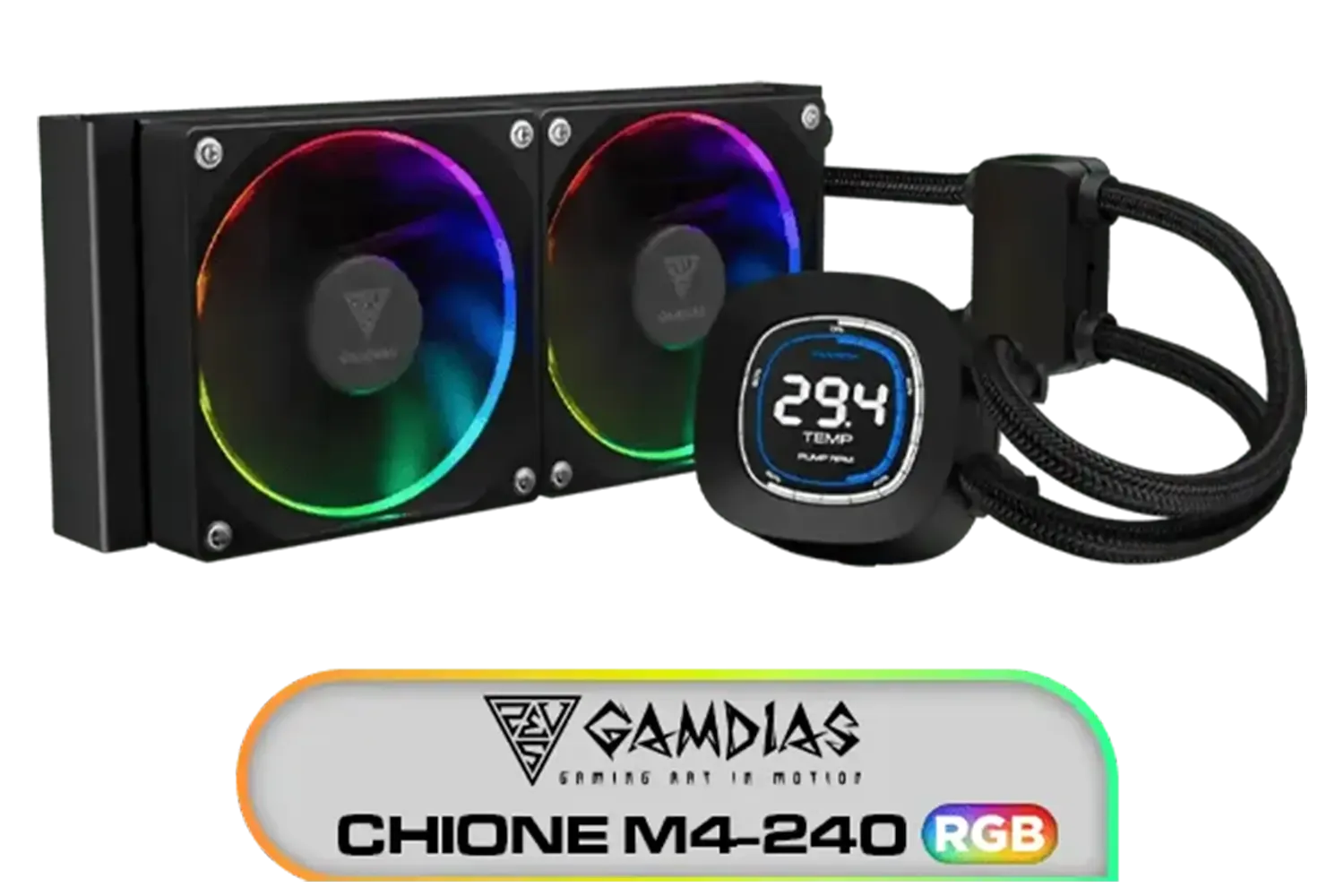
Gamdias CHIONE M4-240 CPU Liquid Cooler, 2X 120mm ARGB PWM Fans, RGB Sync with motherboards, Rotatable 2.1" LCD Displays / CHIONE-M4-240
R799.00In Stock
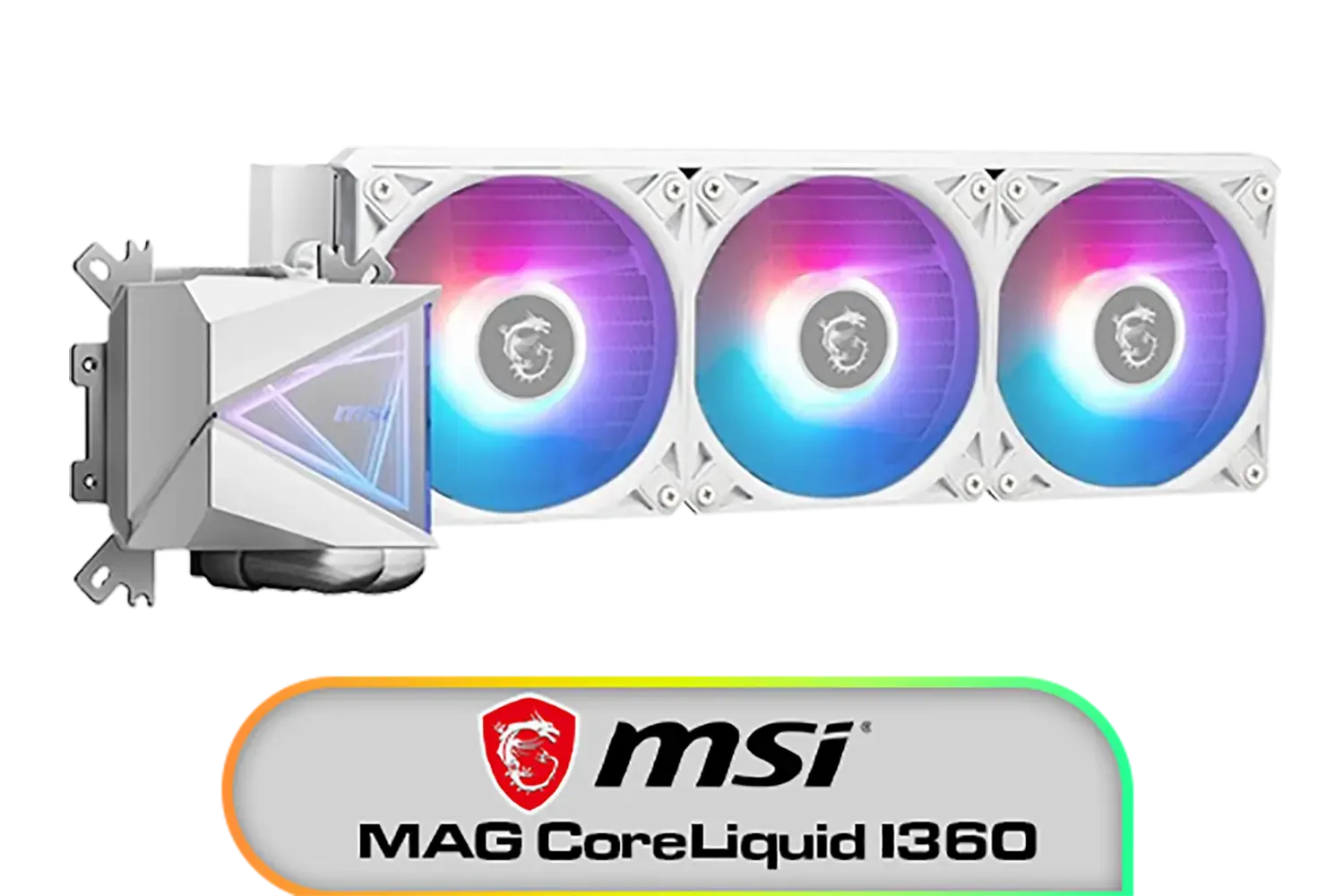
MSI MAG CoreLiquid I360 Liquid Cooler - White / LDB Bearing Quiet Fans / Dual-Sided Infinite Mirror Cooling / Flexible Nylon-Braided Cooling Tubes / Durable EPDM Anti-Evaporation Tubing / 306-7ZW8E21-C24
R2599.00In Stock
DeepCool LT240 White Edition ARGB CPU Liquid Cooler, 280W TDP 5th Gen Dual-Chamber Pump Multidimensional Infinity Mirror ARGB Block AIO Cooler for LGA1700/1200/1151/1150/1155,AMD AM4/AM5 / LT240-WH-ARGB
R2299.00In Stock

DeepCool Liquid Cooler LT520 240mm 4th Gen Dual-Chamber Pump 3100RPM Multidimensional Infinity Mirror ARGB Block 280w TDP AIO Cooler Anti-Leak Tech CPU Water Cooler for AMD AM4/AM5 LGA 1700/1200 / LT520
R1749.00In Stock
ARGB uses 5V 3-pin addressable LEDs for per-LED effects. RGB uses 12V 4-pin with one color for all LEDs. Match 3-pin vs 4-pin RGB header to avoid damage.
No. 5V ARGB into 12V RGB can fry LEDs. Use the correct header or an ARGB controller; always check the keyed 3-pin vs 4-pin layout first.
If your board lacks a 5V D-LED header, use the AIO's ARGB controller or a hub. For motherboard sync, match software like Aura Sync or iCUE.
Use one ecosystem when possible. Otherwise connect to 5V headers or a universal ARGB hub; avoid mixing proprietary connectors without adapters.
Brightness depends on LED count and diffuser, not voltage alone. 12V RGB can match it; ARGB offers finer addressable effects and animations.
Use 3-pin 5V ARGB splitters for addressable RGB and 4-pin 12V splitters for standard RGB. Never cross them; label cables to prevent mistakes.
Yes, with a separate ARGB controller or AIO hub. Without a 5V header you can't sync via BIOS, but controllers still provide effects.
ARGB vs RGB lighting does not change thermals. Fan RPM curves and pump speed do; use PWM fan headers and profiles for performance and quiet.











