



ASRock Z890 Taichi PCIe Slots and Expansion Options
ASRock Z890 Taichi PCIe slots explained: learn lane mapping, M.2 and GPU placement, and the best expansion options to maximize bandwidth and future-proof your build. ⚡🔧

Building a new PC in South Africa? The buzz around Intel's next-gen Arrow Lake CPUs is real, and the Z890 chipset is its new home. But a powerful CPU needs a motherboard that won't hold it back. For serious builders, the ASRock Z890 Taichi PCIe slots and expansion options are the most critical part of the puzzle. Let's dive into what we expect from this future-proof beast. 🚀

ASRock Phantom Gaming B860 Lightning WiFi Intel Motherboard / ATX Form Factor / Supports Intel® Core™ Ultra Processors (Series 2) / LGA 1851 CPU Socket / 4x DDR5 DIMM Supporting up to 256GB / 90-MXBR20-A0UAYZ
R5699.00In Stock
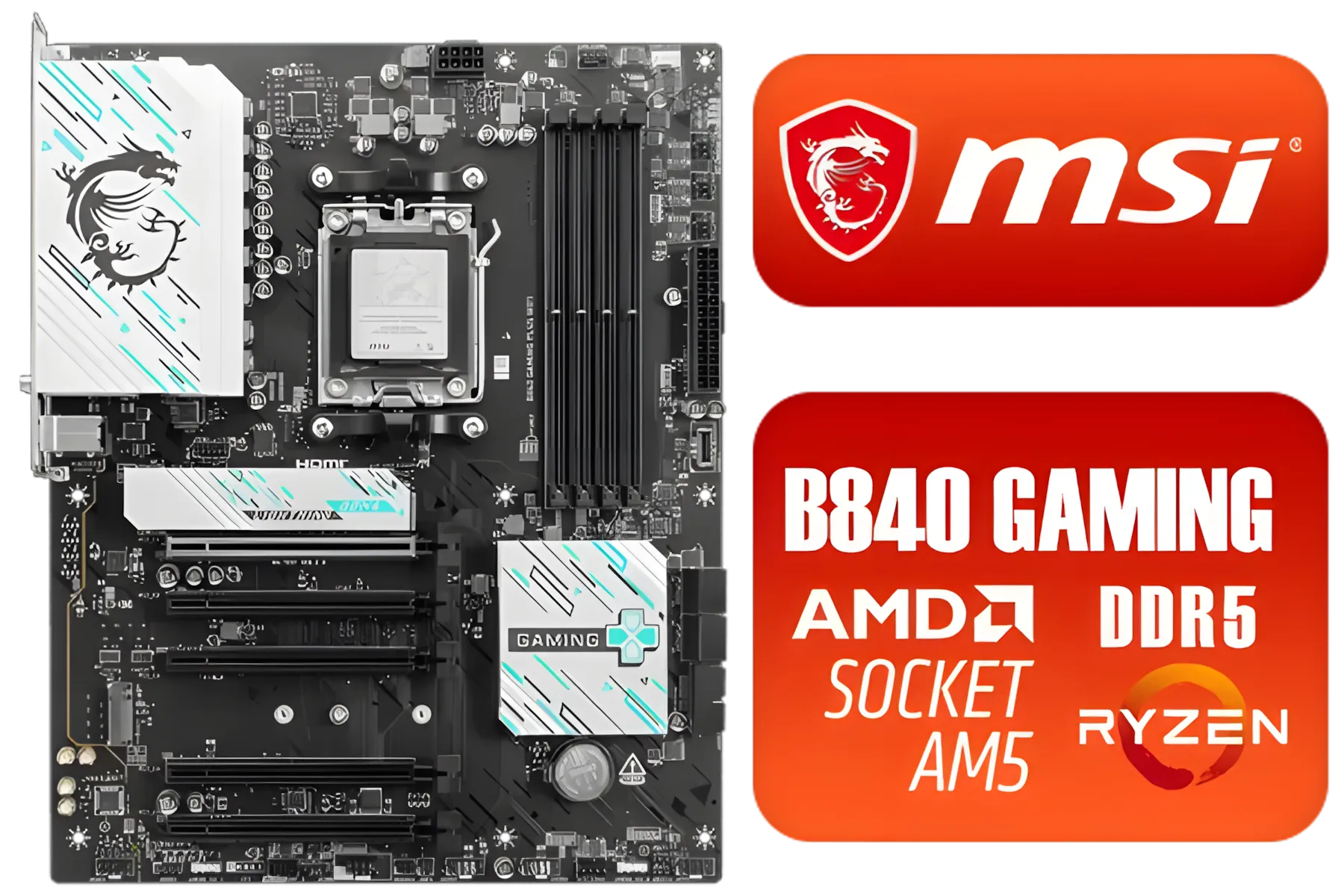
MSI B840 GAMING PLUS WIFI AMD Motherboard / AM5 Socket / ATX For Factor / 4x DDR5 DIMM Slots / Supports AMD Ryzen™ 9000/ 8000/ 7000 Series Desktop Processors / 911-7E57-002
R4899.00In Stock
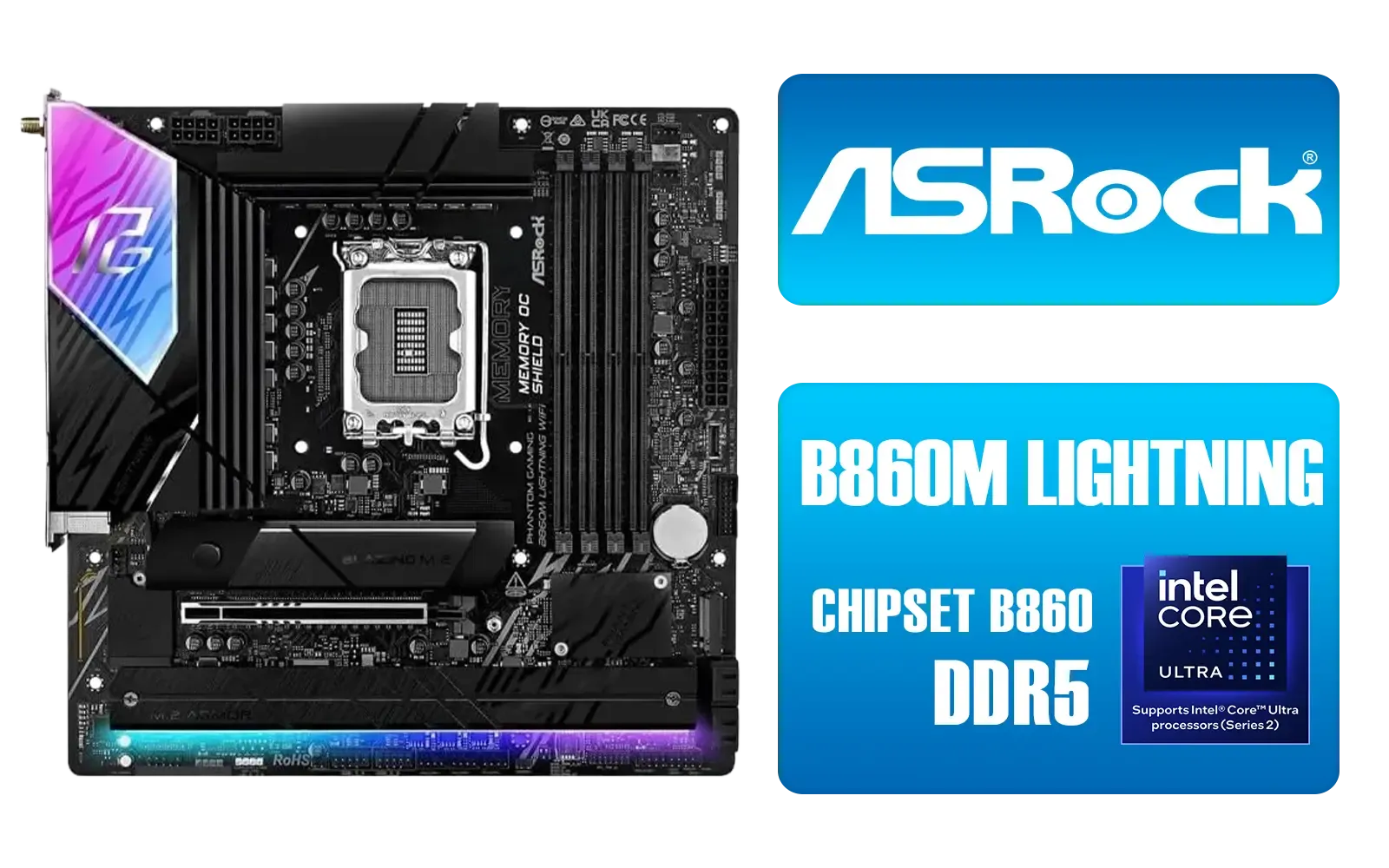
ASRock Phantom Gaming B860M Lightning WiFi Intel Motherboard / Micro-ATX Form Factor / Supports Intel® Core™ Ultra Processors (Series 2) / LGA 1851 CPU Socket / 4x PCIe Gen5 / Dual Channel DDR5 / Thunderbolt™ 4/USB4 Type-C (40 Gb/s) / Killer 2.5G LAN & Wi-Fi 6E / 90-MXBQG0-A0UAYZ
R4399.00In Stock
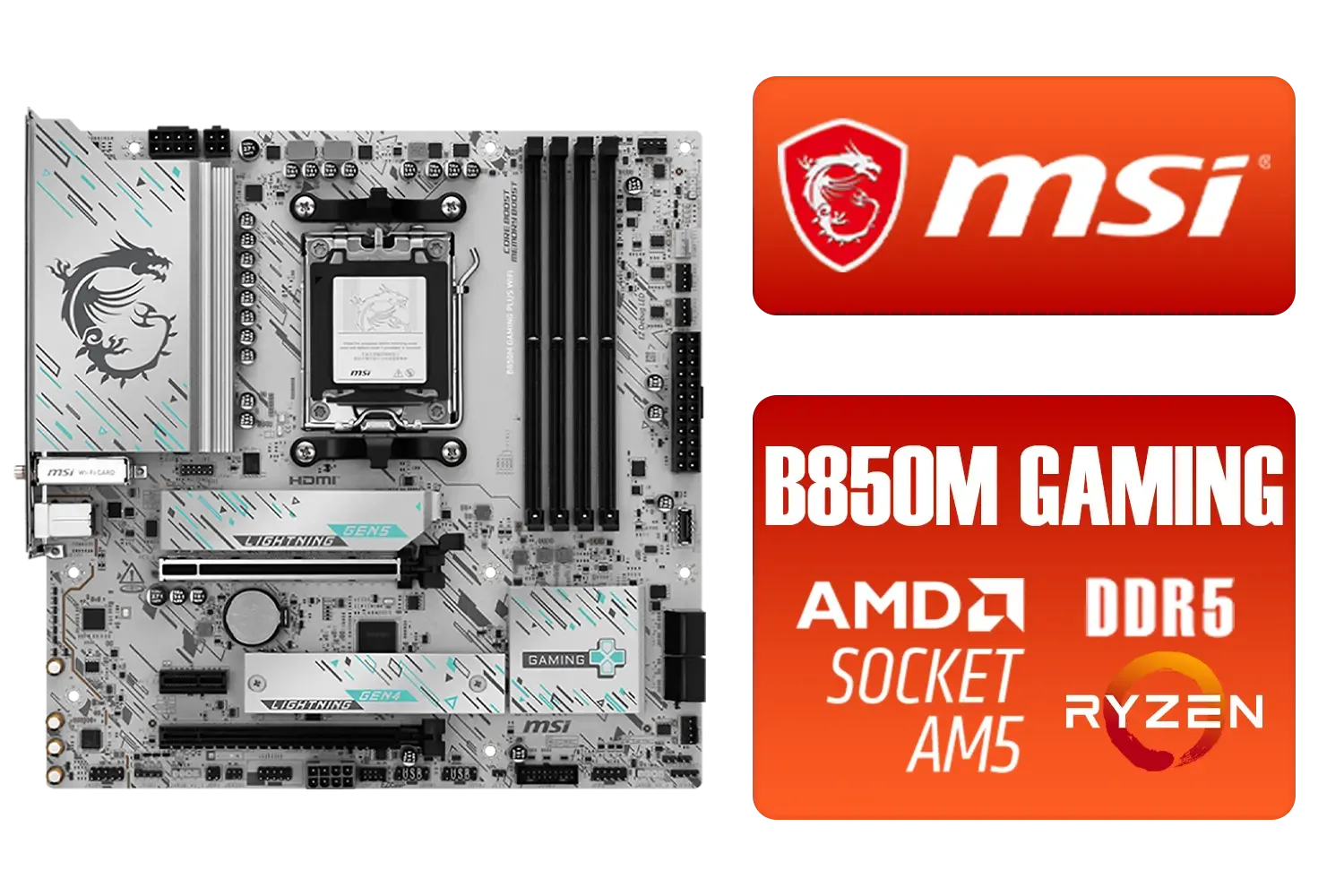
MSI B850M Gaming Plus WiFi AMD Motherboard / mATX / Supports AMD Ryzen™ 9000/ 8000/ 7000 Series Processors / Dual Channel DDR5 Memory Boost 8200+ MT/s OC / 1 x PCIe 5.0 x16 / 5G LAN / Wi-Fi 7 / 911-7E66-001
R4599.00In Stock

MSI PRO B850-P WIFI Motherboard, ATX - Supports AMD Ryzen 9000/8000 / 7000 Processors, AM5 - DDR5 Memory Boost (8200+ MT/s OC), PCIe 5.0 x16 & 4.0 x16, M.2 Gen5, Wi-Fi 7, 5G LAN / 911-7E56-002
R4599.00In Stock

ASRock Z890 Pro RS WiFi Intel Motherboard / ATX Form Factor / Supports Intel® Core™ Ultra Processors (Series 2) / LGA 1851 CPU Socket / 4x DDR5 DIMM Supporting up to 256GB / 90-MXBQC0-A0UAYZ
R5999.00In Stock
Unpacking the ASRock Z890 Taichi PCIe Slots
At the heart of any high-performance gaming rig is the graphics card, and the Z890 Taichi is built to give it all the bandwidth it needs. We anticipate the primary slot will be a reinforced, steel-braced PCIe 5.0 x16 slot. This is essential for getting the absolute maximum performance from upcoming GPUs like NVIDIA's RTX 50-series. Why does this matter? A PCIe 5.0 slot offers double the bandwidth of PCIe 4.0, ensuring your GPU never starves for data... giving you smoother frame rates at high resolutions.
When planning a top-tier build, understanding the motherboard layout is crucial. The ASRock Z890 Taichi's PCIe slots will likely be complemented by additional slots for other expansion cards, such as capture cards or high-speed networking adapters. Based on previous Taichi designs, we can expect at least one more full-length slot, possibly running at PCIe 5.0 x8 or PCIe 4.0 x4 speeds. This flexibility is what sets premium Intel motherboards apart from the rest.

ASRock X870 Steel Legend WIFI AMD Ryzen Motherboard / Supports AMD Socket AM5 Ryzen™ 9000, 8000 and 7000 Series Processors / AMD X870 Chipset / USB4 Type-C (10Gbps) Connectivity / 90-MXBPJ0-A0UAYZ
R5999.00In Stock

MSI MPG Z890 Carbon Wi-Fi Intel Motherboard / ATX Form Factor / Supports Intel® Core™ Ultra Processors (Series 2) / LGA 1851 CPU Socket / 4x DDR5 UDIMM Supporting up to 256GB / 911-7E17-001
R11999.00In Stock
MSI PRO Z890-P Wi-Fi Intel Motherboard / ATX Form Factor / Supports Intel® Core™ Ultra Processors (Series 2) / LGA 1851 CPU Socket / 4x DDR5 UDIMM Supporting up to 256GB / 911-7E34-001
R5999.00In Stock

MSI MPG Z890 EDGE TI WI-FI Intel Motherboard / LGA 1851 / Supports Intel® Core™ Ultra Processors (Series 2) / 4x DDR5 UDIMM Slots / ATX Form Factor / 911-7E19-002
R9999.00In Stock

ASRock X870E Taichi WIFI AMD Ryzen Motherboard / Supports AMD Socket AM5 Ryzen™ 9000, 8000 and 7000 Series Processors / AMD X870 Chipset / USB4 Type-C (40Gbps) Connectivity / 90-MXBP90-A0UAYZ
R10999.00In Stock
ASRock Phantom Gaming B860 Lightning WiFi Intel Motherboard / ATX Form Factor / Supports Intel® Core™ Ultra Processors (Series 2) / LGA 1851 CPU Socket / 4x DDR5 DIMM Supporting up to 256GB / 90-MXBR20-A0UAYZ
R5699.00In Stock
Beyond Graphics: Z890 Taichi Expansion Options
A fast GPU is only half the story. The overall responsiveness of your PC hinges on storage speed. The ASRock Z890 Taichi's expansion options are expected to be seriously impressive here, with a major focus on NVMe SSDs. We're predicting at least one "Blazing" M.2 slot running at full PCIe 5.0 x4 speeds, perfect for a primary drive with insane read/write performance. ⚡
This will likely be joined by three or four additional PCIe 4.0 M.2 slots, giving you a massive amount of high-speed storage for your game library and creative projects without needing a single SATA cable. This level of M.2 support is a huge quality-of-life improvement for builders. While many high-end AMD motherboards have offered similar features, the Z890 platform brings Intel fully into the Gen5 storage era.
TIP FOR YOU
Pro Tip: Understanding PCIe Lanes 🔧
Your CPU has a limited number of PCIe lanes (pathways for data). On many motherboards, populating certain M.2 slots can 'steal' lanes from the main PCIe x16 slot, dropping it to x8 mode. Always check your motherboard manual to see how the lanes are shared to ensure your GPU is always running at its full potential!
Is the Z890 Taichi Right for Your Next Rig?
So, who should be looking at the ASRock Z890 Taichi and its PCIe slots? This motherboard is aimed squarely at the enthusiast. It's for the PC builder who wants to pair a top-of-the-line Intel Core i9 processor with a flagship graphics card and multiple NVMe drives, all without creating a single bottleneck. The robust power delivery and premium cooling we expect from the Taichi line will ensure stability, even with heavy overclocking.
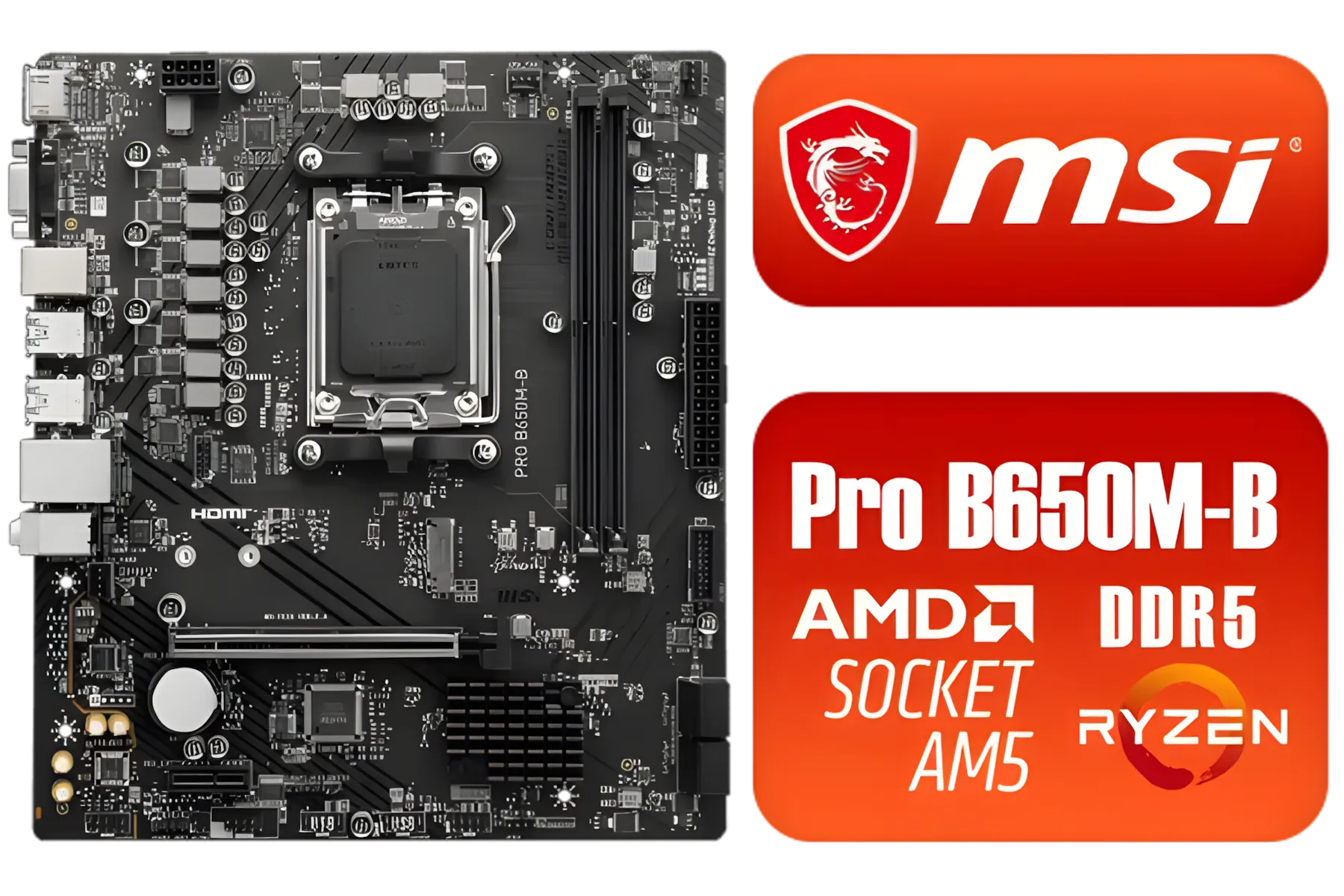
MSI Pro B650M-B AMD Ryzen Motherboard / AMD Socket AM5 / AMD B650 Chipset / 2 DIMMs, Dual Channel DDR5-6800+MHz (OC) /1x PCIe 4.0 x16 slot / 911-7E28-005
R2149.00In Stock

MSI Pro B860-P WIFI Intel Motherboard / 12+1+1+1 Duet Rail Power / Supports Intel Core Ultra Processors / PCIe 5.0 and Gen 5 M.2 / Thunderbolt 4 and Wi-Fi 7 / 911-7E41-001
R4799.00In Stock
MSI MPG Z890 EDGE TI WI-FI Intel Motherboard / LGA 1851 / Supports Intel® Core™ Ultra Processors (Series 2) / 4x DDR5 UDIMM Slots / ATX Form Factor / 911-7E19-002
R9999.00In Stock
ASRock X870 Steel Legend WIFI AMD Ryzen Motherboard / Supports AMD Socket AM5 Ryzen™ 9000, 8000 and 7000 Series Processors / AMD X870 Chipset / USB4 Type-C (10Gbps) Connectivity / 90-MXBPJ0-A0UAYZ
R5999.00In Stock
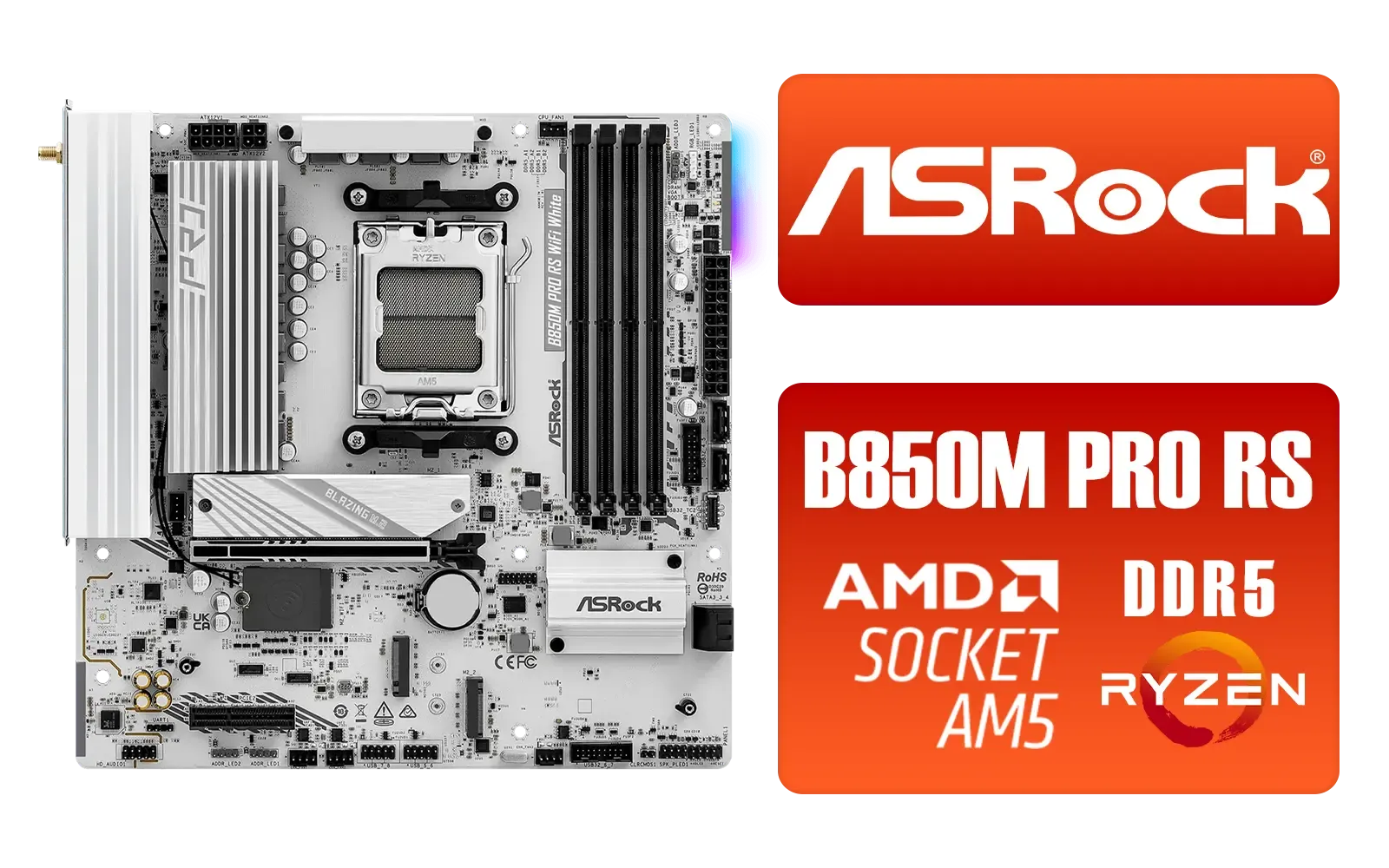
ASRock B850M Pro RS WiFi AMD Motherboard - White / Supports AMD Socket AM5 Ryzen™ 9000, 8000 and 7000 Series Processors / AMD B850 Chipset / PCIe Gen5 (Graphics, M.2) / Dual Channel DDR5 / 8+2+1 Power Phase Dr.MOS for VCore+SOC+MISC / 2.5G LAN & Wi-Fi 6E / 90-MXBT30-A0UAYZ
R3499.00In Stock

ASRock X870 PRO RS WIFI AMD Ryzen Motherboard / Supports AMD Socket AM5 Ryzen™ 9000, 8000 and 7000 Series Processors / AMD X870 Chipset / USB4 Type-C (40Gbps) Connectivity / 90-MXBQ00-A0UAYZ
R5499.00In Stock
The combination of a primary PCIe 5.0 x16 slot, a Gen5 M.2 slot, and a host of other connectivity options makes it one of the most forward-thinking platforms you'll be able to buy. While it represents a significant investment, it provides a foundation that will last for years. Of course, not every build needs this level of power, and there are always fantastic cheap Intel and AMD-based motherboards that offer incredible value for more budget-conscious builds. ✨
Ready to Build Your Ultimate Rig? The ASRock Z890 Taichi's expansion options are setting a new standard for builders. While you wait for its official launch, start planning the rest of your dream machine. From CPUs to GPUs, explore our massive range of PC components and get ready to build a PC that dominates for years to come.
Related Products
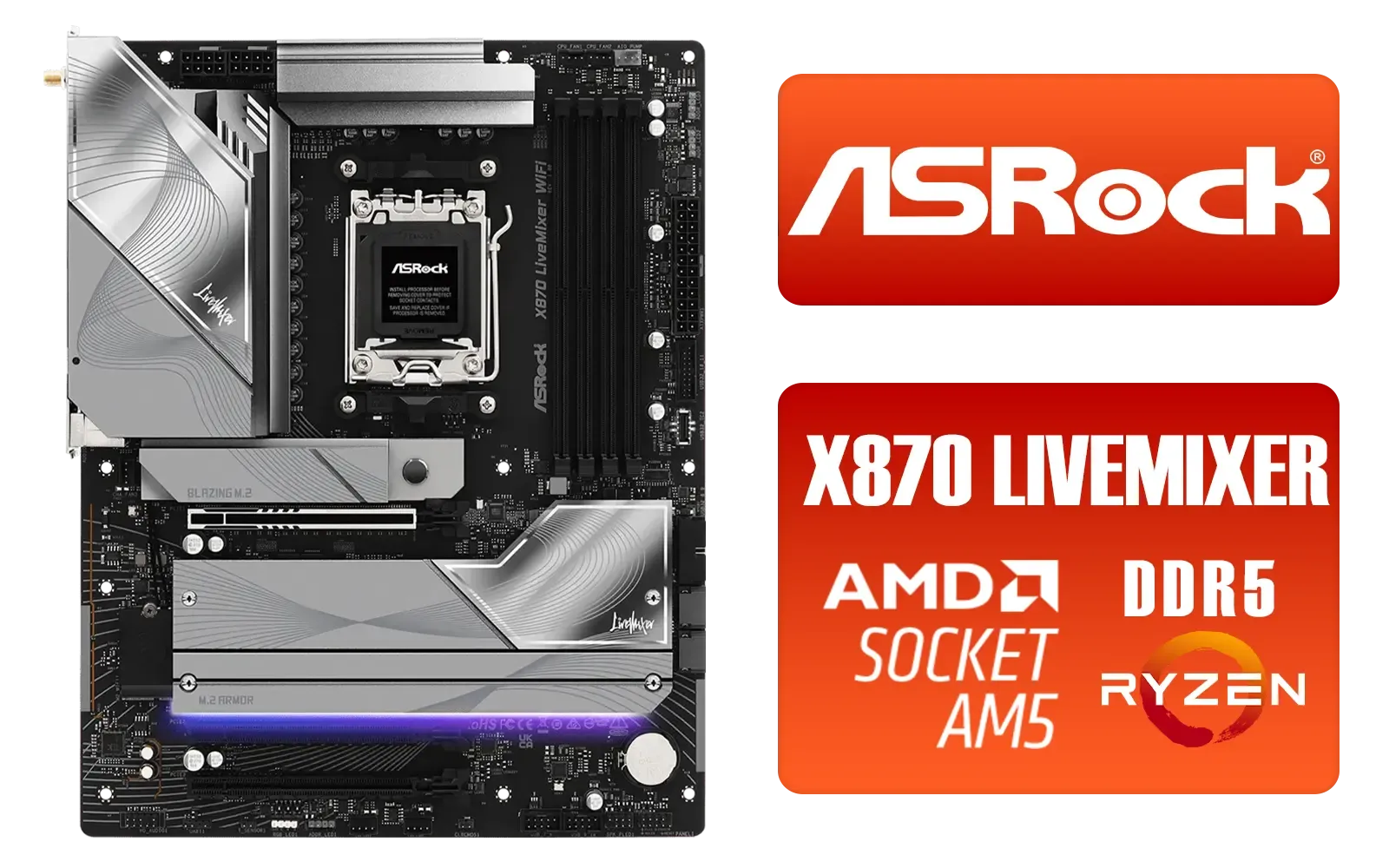
ASRock X870 LiveMixer WiFi AMD Motherboard / Supports AMD Socket AM5 Ryzen™ 9000, 8000 and 7000 Series Processors / AMD X870 Chipset / PCIe Gen5 (Graphics, M.2) / Dual Channel DDR5 / 5G LAN & Wi-Fi 7 / 90-MXBTA0-A0UAYZ
R5599.00In Stock
MSI PRO Z890-A Wi-Fi Intel Motherboard / ATX Motherboard / Supports Intel® Core™ Ultra Processors (Series 2) / LGA 1851 Socket / 4x DDR5 UDIMM Up to 256GB / Intel® Wi-Fi 7 / 911-7E32-004
R7899.00In Stock
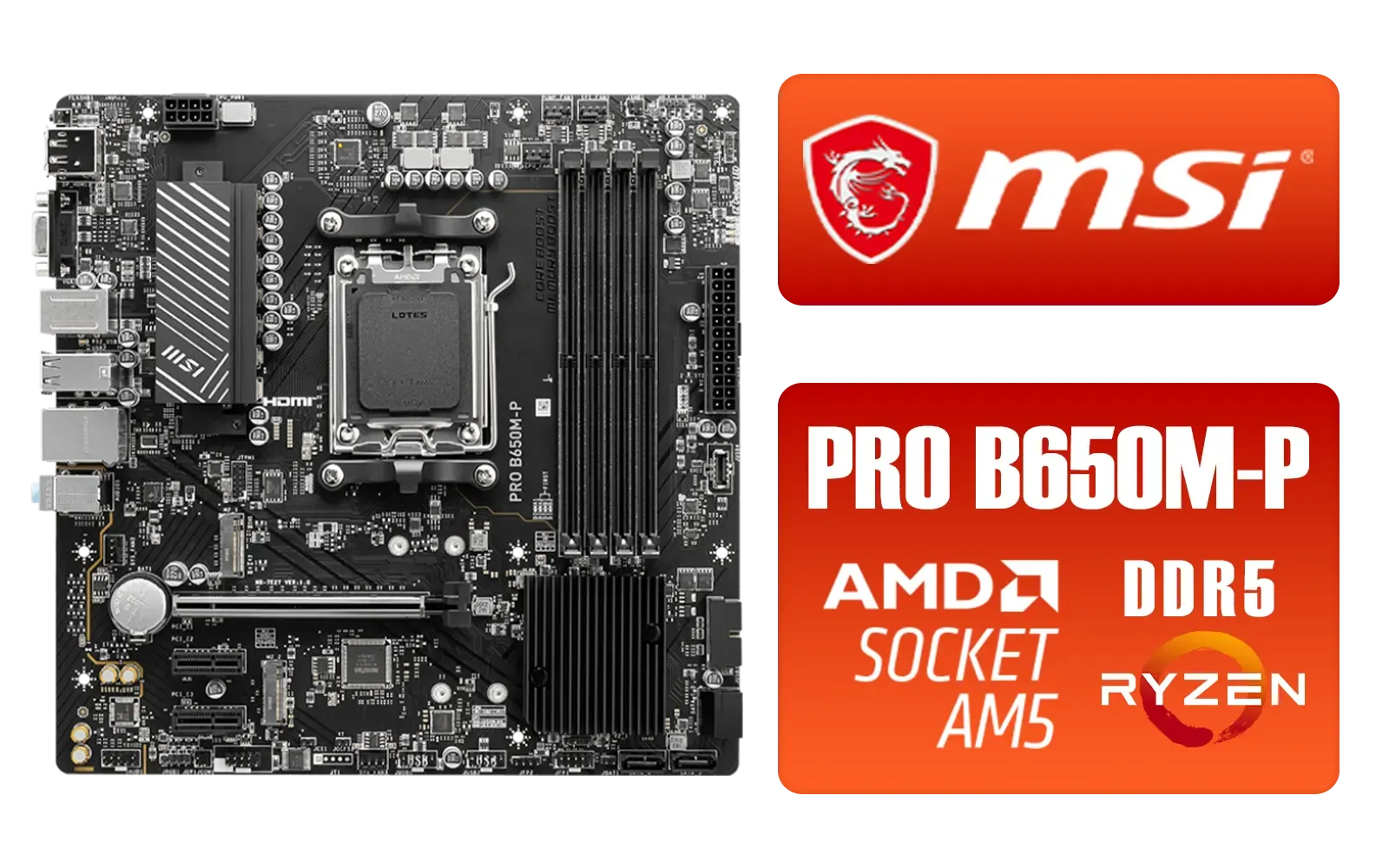
MSI PRO B650M-P PRO Series Motherboard (AMD AM5, mATX, DDR5, PCIe 4.0, M.2, SATA 6Gb/s, USB 3.2 Gen 2, HDMI/DP, AMD Ryzen 7000 Series Desktop Processors) - 911-7E27-001
R2499.00In Stock

ASRock Phantom Gaming B850 Riptide WIFI AMD Ryzen Motherboard / Supports AMD Socket AM5 Ryzen™ 9000, 8000 and 7000 Series Processors / AMD B850 Chipset / USB4 Type-C (10Gbps) Connectivity / 90-MXBQT0-A0UAYZ
R4999.00In Stock

ASRock B860 Steel Legend WiFi Intel Motherboard / ATX Form Factor / Supports Intel® Core™ Ultra Processors (Series 2) / LGA 1851 CPU Socket / 4x DDR5 DIMM Supporting up to 256GB / 90-MXBR30-A0UAYZ
R5599.00In Stock

MSI X870 Gaming Plus WIFI AMD Motherboard - AM5 Socket - Supports AMD Ryzen™ 9000/ 8000/ 7000 Series Desktop Processors - 4x DDR5 UDIMM - ATX Form Factor / 911-7E47-005
R6999.00In Stock
The board offers multiple PCIe slots including full-length x16 slots and additional x4/x1 slots; check the manual for exact physical and electrical lane counts.
Install the primary GPU in the top x16 slot (CPU-attached) to get full x16 bandwidth and best GPU performance on the Z890 Taichi.
On Z890 Taichi, some M.2 slots share lanes with PCIe slots; populating an M.2 can reduce available lanes for certain PCIe slots, affecting x16/x8/x4 configurations.
Yes, the Z890 Taichi supports PCIe 5.0 on select CPU-connected slots; consult the board spec to confirm which slots run at PCIe 5.0 speeds.
You can run multi-GPU setups if lanes and slot spacing allow; expect shared bandwidth (x16/x8) depending on CPU lanes and slot population.
High-bandwidth NVMe RAID cards, 10GbE adapters, capture cards and additional M.2 expansion modules pair well—choose cards that match available x4/x8/x16 lanes.
Review the Z890 Taichi manual's lane tables and BIOS settings; the manual shows which PCIe slots share lanes with M.2 and SATA ports.











