



ASRock Z890 Taichi WiFi: Maximise Performance Guide
- Audit BIOS & drivers - Tune power, memory & cooling - Optimise storage and PCIe ASRock Z890 Taichi WiFi: step-by-step tweaks to maximise performance, boost FPS and stability. ⚡🛠️
Alright, Mzansi builders! The next generation of Intel performance is here, and at its heart lies the new Z890 chipset. If you're planning a top-tier rig that absolutely crushes games and creative workloads, the ASRock Z890 Taichi WiFi demands your attention. This isn't just a motherboard; it's the command centre for your future-proof PC. Let's dive into how you can maximise its incredible potential and get every drop of performance. 🚀

MSI PRO Z890-S Wi-Fi Intel Motherboard / ATX Motherboard / Supports Intel® Core™ Ultra Processors (Series 2) / LGA 1851 Socket / 4x DDR5 UDIMM Up to 256GB / Intel® Wi-Fi 7 / 911-7E54-001
R5999.00In Stock
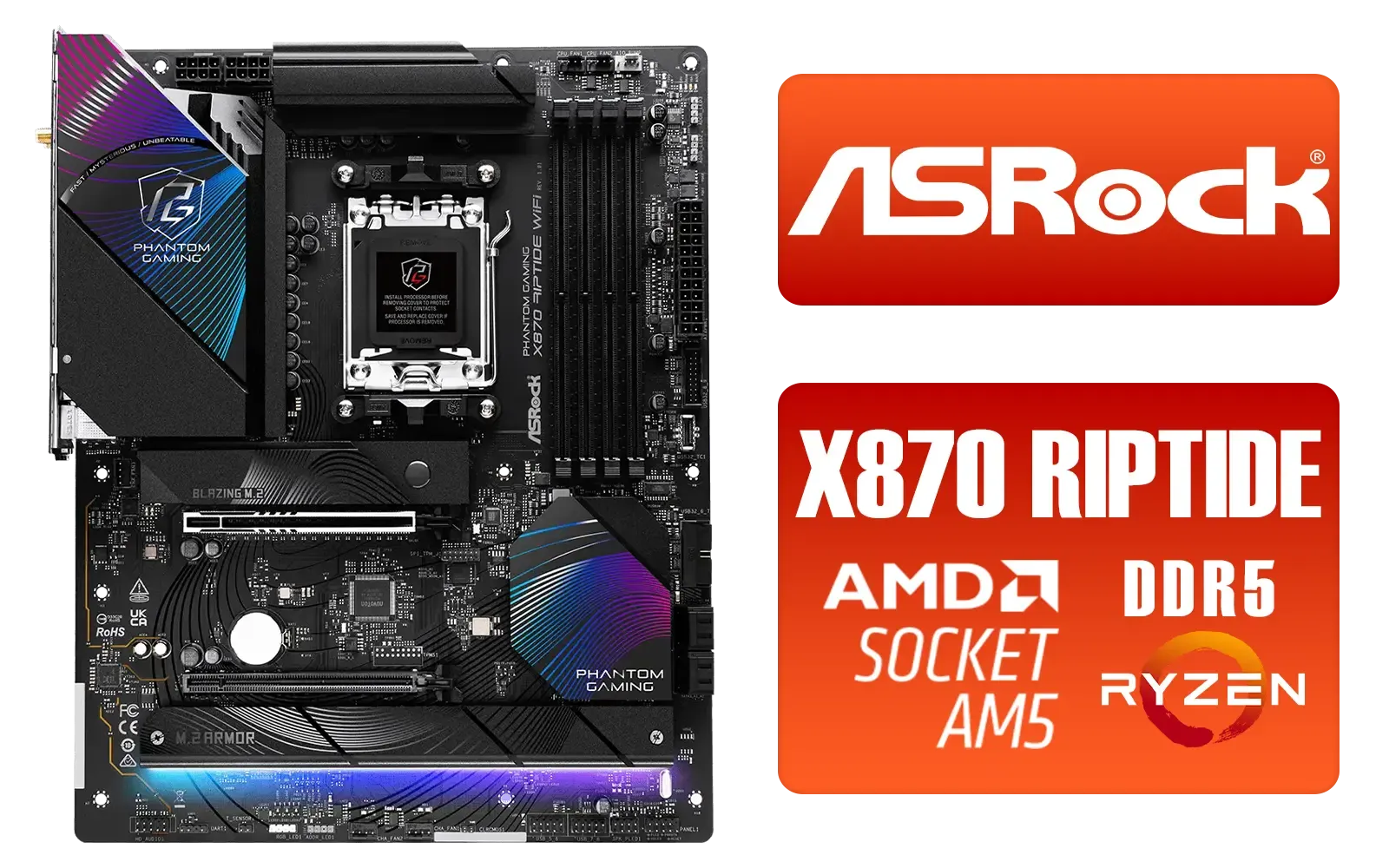
ASRock Phantom Gaming X870 Riptide WiFi AMD Motherboard / Supports AMD Socket AM5 Ryzen™ 9000, 8000 and 7000 Series Processors / AMD B850 Chipset / PCIe Gen5 (Graphics, M.2) / Dual Channel DDR5 / USB4 Type-C Ports (40 Gb/s) / Killer 2.5G LAN & 802.11be Wi-Fi 7 / 90-MXBPP0-A0UAYZ
R6399.00In Stock

ASRock B860 Pro RS WiFi Intel Motherboard / ATX Form Factor / Supports Intel® Core™ Ultra Processors (Series 2) / LGA 1851 CPU Socket / 4x DDR5 DIMM Supporting up to 256GB / 90-MXBRK0-A0UAYZ
R3899.00In Stock
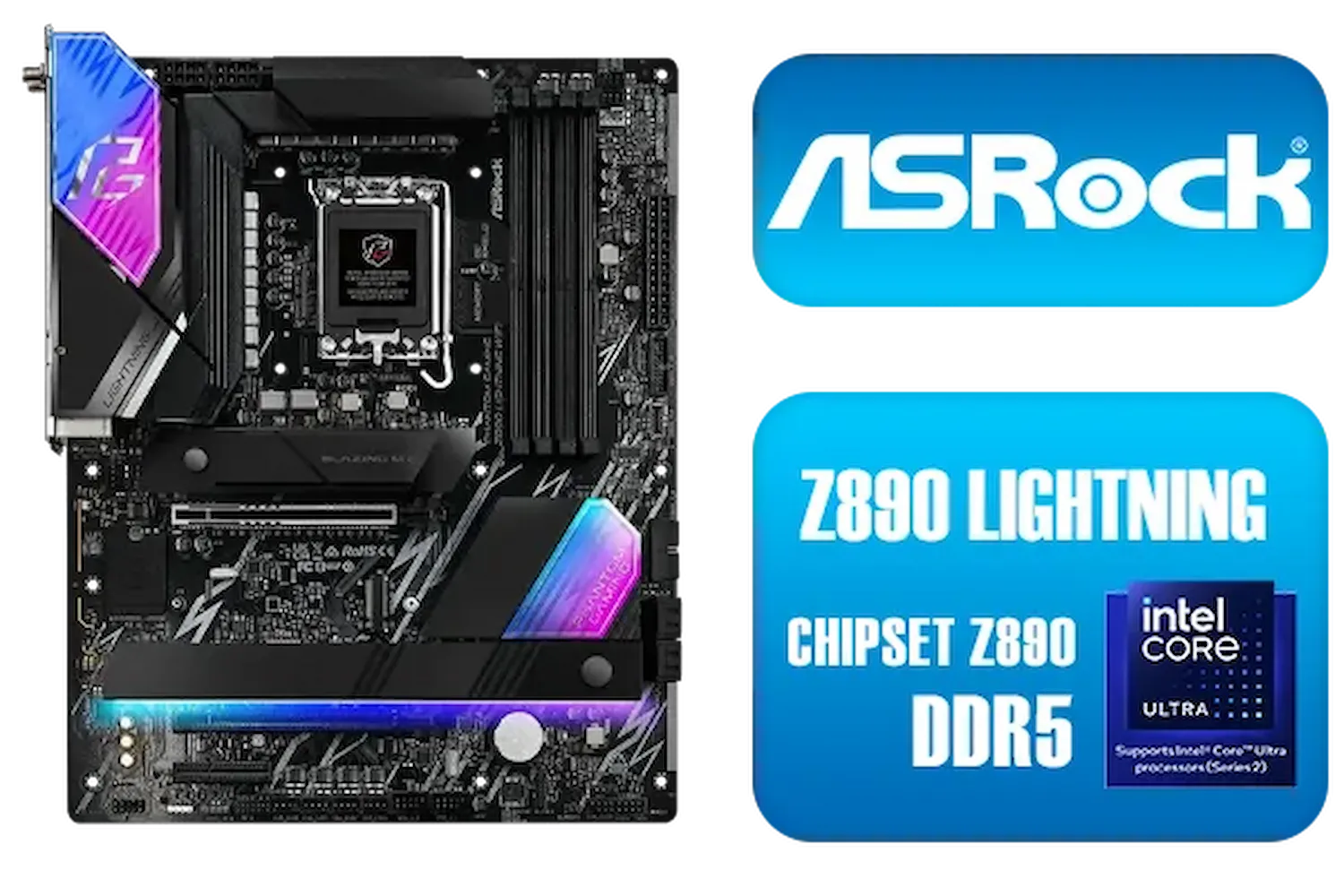
ASRock Phantom Gaming Z890 Lightning WiFi Intel Motherboard / ATX Form Factor / Supports Intel® Core™ Ultra Processors (Series 2) / LGA 1851 CPU Socket / 4x DDR5 DIMM Supporting up to 256GB / 90-MXBPG0-A0UAYZ
R6999.00In Stock

MSI MEG Z890 ACE Intel Motherboard / LGA 1851 Socket / Supports Intel® Core™ Ultra Processors (Series 2) / 4x DDR5 UDIMM Slots / ATX Form Factor / 911-7E22-001
R14199.00In Stock
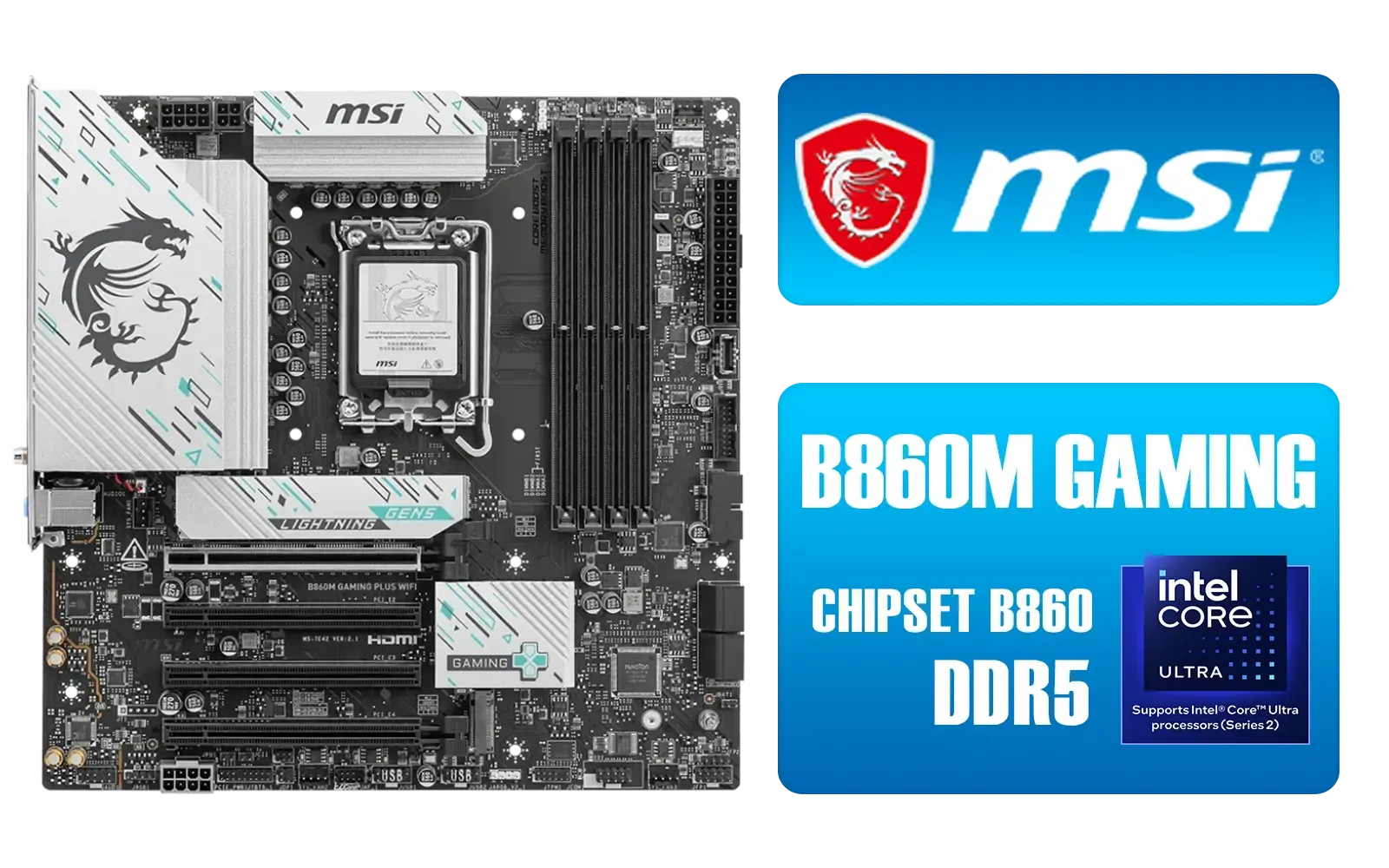
MSI B860M Gaming Plus WiFi Intel Motherboard / Micro-ATX Motherboard / Supports Intel® Core™ Ultra (Series 2) / Dual Channel DDR5-8800+ (OC) / 12+1+1+1 Duet Rail Power System with P-PAK / Intel® Killer™ 5G LAN & Wi-Fi 7 / PCIe 5.0 Slot / Lightning Gen 5 x4 M.2 / Front USB Type-C / 911-7E42-003
R4699.00In Stock
Unlocking the Core Power of Your ASRock Z890 Taichi WiFi
Before you even touch the BIOS, the hardware of the ASRock Z890 Taichi WiFi sets the stage for elite performance. ASRock is known for its robust power delivery, and this board is no exception. It features a sophisticated Voltage Regulator Module (VRM) designed to supply clean, stable power to even the most demanding next-gen Intel CPUs. This is crucial for maintaining high clock speeds under load without throttling.
Paired with its advanced thermal design... think chunky heatsinks and multiple fan headers... you have a foundation that stays cool under pressure. This raw power and stability are what set it apart from many other premium Intel motherboards on the market.

MSI Pro B860-P WIFI Intel Motherboard / 12+1+1+1 Duet Rail Power / Supports Intel Core Ultra Processors / PCIe 5.0 and Gen 5 M.2 / Thunderbolt 4 and Wi-Fi 7 / 911-7E41-001
R4799.00In Stock

ASRock Phantom Gaming Z890 Nova WiFi Intel Motherboard / ATX Form Factor / Supports Intel® Core™ Ultra Processors (Series 2) / LGA 1851 CPU Socket / 4x DDR5 DIMM Supporting up to 256GB / 90-MXBPS0-A0UAYZ
R8999.00In Stock
MSI MEG Z890 ACE Intel Motherboard / LGA 1851 Socket / Supports Intel® Core™ Ultra Processors (Series 2) / 4x DDR5 UDIMM Slots / ATX Form Factor / 911-7E22-001
R14199.00In Stock

ASRock X870 PRO RS WIFI AMD Ryzen Motherboard / Supports AMD Socket AM5 Ryzen™ 9000, 8000 and 7000 Series Processors / AMD X870 Chipset / USB4 Type-C (40Gbps) Connectivity / 90-MXBQ00-A0UAYZ
R5499.00In Stock
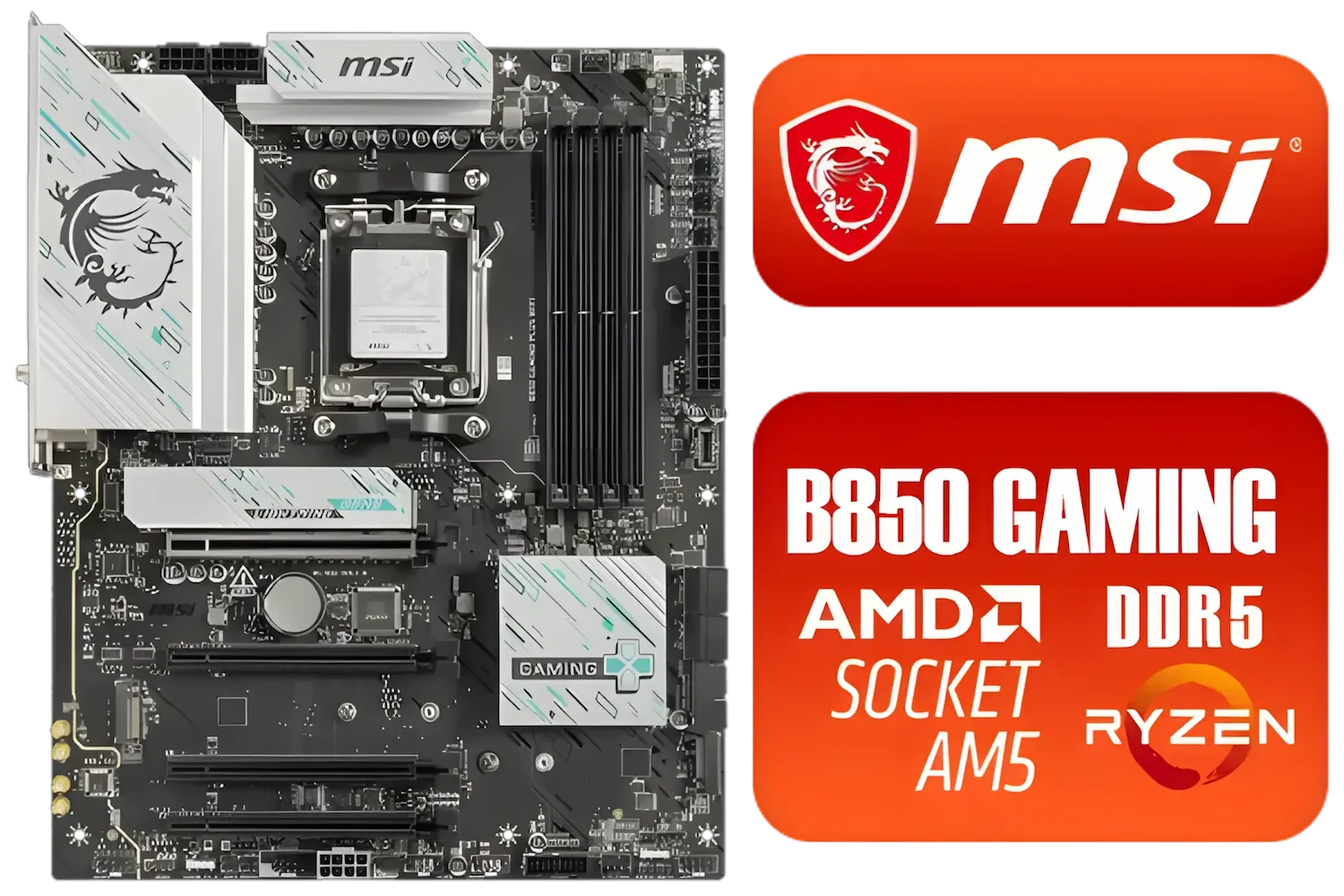
MSI B850 Gaming Plus WIFI AMD Motherboard - AM5 Socket - Supports AMD Ryzen™ 9000/ 8000/ 7000 Series Desktop Processors - 4x DDR5 UDIMM - ATX Form Factor / 911-7E56-001
R4999.00In Stock

ASRock Phantom Gaming B850 Riptide WIFI AMD Ryzen Motherboard / Supports AMD Socket AM5 Ryzen™ 9000, 8000 and 7000 Series Processors / AMD B850 Chipset / USB4 Type-C (10Gbps) Connectivity / 90-MXBQT0-A0UAYZ
R4999.00In Stock
BIOS Tuning for Maximum Performance 🔧
Getting the most out of your ASRock Z890 Taichi WiFi means spending a little time in the BIOS. It might seem intimidating, but a few key tweaks can unleash significant gains.
First and foremost, enable the XMP (Extreme Memory Profile) for your DDR5 RAM. This is non-negotiable. It allows your memory to run at its advertised high speeds, which is a massive bottleneck if left at default settings. From there, you can explore adjusting fan curves for a quieter or more aggressive cooling profile.
For those ready to push the limits, the BIOS offers extensive overclocking controls. Just remember to proceed with caution, increasing clock speeds and voltages in small increments.
TIP FOR YOU
Quick Performance Boost ⚡
Make sure Resizable BAR is enabled in your BIOS. This feature allows your CPU to access the entire GPU frame buffer at once, rather than in small chunks. It can provide a noticeable performance uplift in many modern games, and it's a simple toggle in the 'Advanced' settings of most modern motherboards.
Connectivity and Expansion: Beyond the Basics
A guide to maximising the Z890 Taichi wouldn't be complete without touching on its future-proof connectivity. With support for PCIe 5.0, you're ready for the fastest SSDs and next-generation graphics cards, ensuring your load times are virtually non-existent.
The integrated WiFi 7 is another massive plus, offering lower latency and higher speeds for competitive online gaming and seamless streaming. It’s a tangible advantage that reduces lag and keeps you in the fight. While this board is a flagship for Intel, it's always smart to see how its feature set stacks up against the latest AMD motherboards, which offer their own unique advantages in the connectivity space.
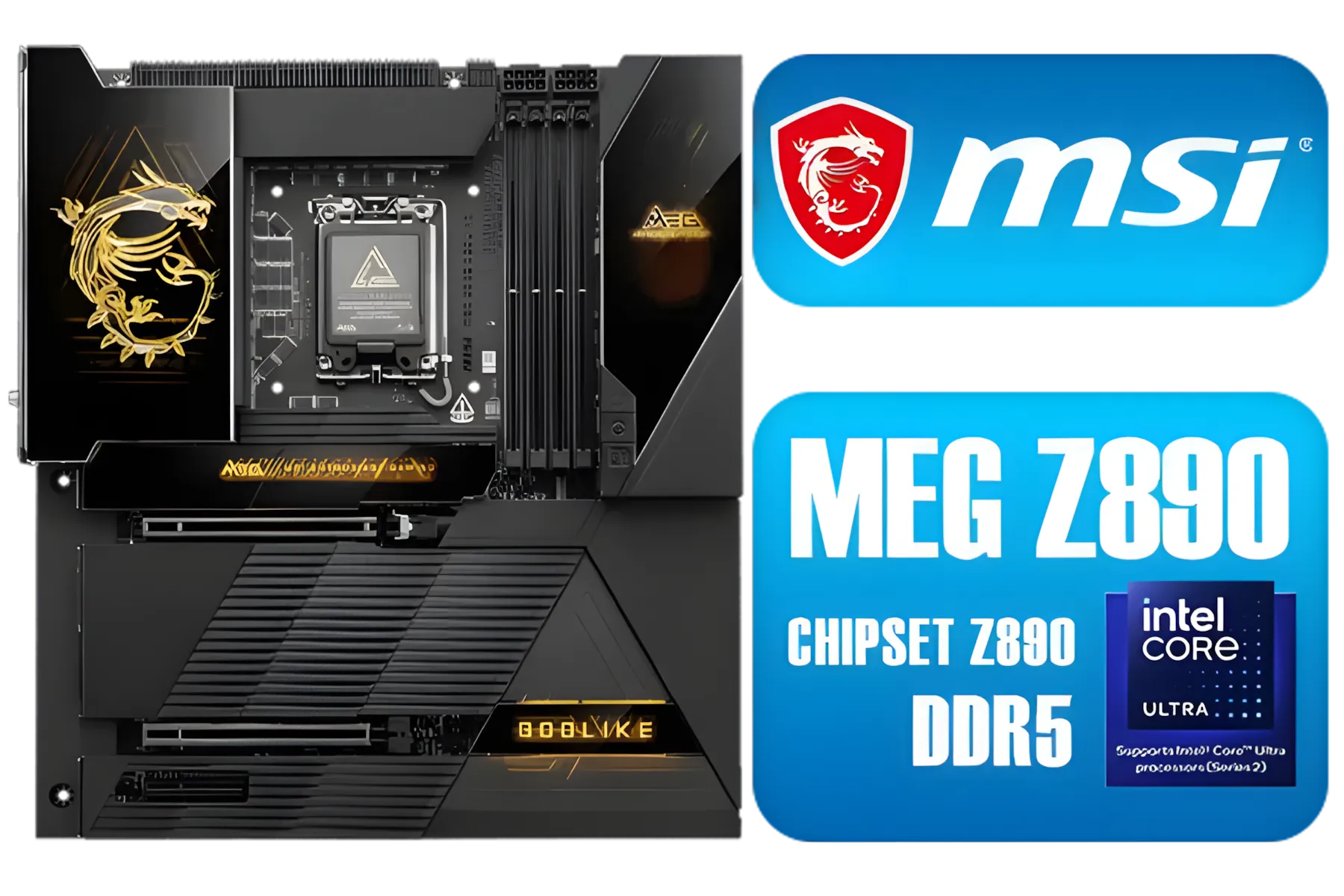
MSI MEG Z890 GODLIKE, E-ATX - Supports Intel Core Ultra Processors (Series 2), LGA 1851 - Dynamic Dashboard III, EZ Slide M.2, DDR5 (9200+ MT/s OC), M.2 & PCIe 5.0, Thunderbolt 5, Wi-Fi 7, 10G LAN / 911-7E21-002
R29999.00In Stock

ASRock Z890 Steel Legend WiFi Intel Motherboard / ATX Form Factor / Supports Intel® Core™ Ultra Processors (Series 2) / LGA 1851 CPU Socket / 4x DDR5 DIMM Supporting up to 256GB / 90-MXBPF0-A0UAYZ
R6699.00In Stock

ASRock Phantom Gaming Z890 Riptide Intel Motherboard / ATX Form Factor / Supports Intel® Core™ Ultra Processors (Series 2) / LGA 1851 CPU Socket / 4x DDR5 DIMM Supporting up to 256GB / 90-MXBPB0-A0UAYZ
R7699.00In Stock
ASRock X870 PRO RS WIFI AMD Ryzen Motherboard / Supports AMD Socket AM5 Ryzen™ 9000, 8000 and 7000 Series Processors / AMD X870 Chipset / USB4 Type-C (40Gbps) Connectivity / 90-MXBQ00-A0UAYZ
R5499.00In Stock
ASRock Phantom Gaming X870 Riptide WiFi AMD Motherboard / Supports AMD Socket AM5 Ryzen™ 9000, 8000 and 7000 Series Processors / AMD B850 Chipset / PCIe Gen5 (Graphics, M.2) / Dual Channel DDR5 / USB4 Type-C Ports (40 Gb/s) / Killer 2.5G LAN & 802.11be Wi-Fi 7 / 90-MXBPP0-A0UAYZ
R6399.00In Stock
ASRock Phantom Gaming Z890 Nova WiFi Intel Motherboard / ATX Form Factor / Supports Intel® Core™ Ultra Processors (Series 2) / LGA 1851 CPU Socket / 4x DDR5 DIMM Supporting up to 256GB / 90-MXBPS0-A0UAYZ
R8999.00In Stock
Is the ASRock Z890 Taichi WiFi Right for Your Build?
So, who is this motherboard for? ✨ The ASRock Z890 Taichi WiFi is an enthusiast-grade component for builders who refuse to compromise. If you're a hardcore gamer, a content creator working with 4K video, or an overclocker chasing benchmark records, this board provides the power, stability, and features you need.
However, if you're building a more mid-range PC for casual gaming, its feature set might be more than you need. The key is finding the right balance for your goals and budget. Luckily, there is a wide selection of motherboards available to fit any build. But for those who want the best, this ASRock Z890 performance guide shows it's a top contender.
Ready to Build Your Ultimate Rig? The ASRock Z890 Taichi WiFi is a beast, but it's just one piece of the puzzle. Finding the right foundation is key to unlocking your PC's full potential. Explore our massive range of PC components and start building the machine you've always dreamed of.
Related Products

MSI Z890 Gaming Plus Wi-Fi Intel Motherboard / ATX Form Factor / Supports Intel® Core™ Ultra Processors (Series 2) / LGA 1851 CPU Socket / 4x DDR5 UDIMM Supporting up to 256GB / 911-7E34-002
R6699.00In Stock

Asus Rog Strix TRX40-E Gaming AMD Ryzen Threadripper ATX Motherboard / 3rd Gen AMD Ryzen / 16 power stages / Wi-Fi 6 / 2.5 Gbps LAN / USB 3.2 Gen 2 / Three M.2 / Aura Sync RGB / AMD Socket sTRX4
R4999.00In Stock

MSI X870 Gaming Plus WIFI AMD Motherboard - AM5 Socket - Supports AMD Ryzen™ 9000/ 8000/ 7000 Series Desktop Processors - 4x DDR5 UDIMM - ATX Form Factor / 911-7E47-005
R6999.00In Stock

MSI MEG Z890 UNIFY-X Intel Motherboard / LGA 1851 Socket / Supports Intel® Core™ Ultra Processors (Series 2) / 2x DDR5 UDIMM Slots / ATX Form Factor / 911-7E20-001
R16299.00In Stock

MSI MPG Z890 EDGE TI WI-FI Intel Motherboard / LGA 1851 / Supports Intel® Core™ Ultra Processors (Series 2) / 4x DDR5 UDIMM Slots / ATX Form Factor / 911-7E19-002
R9999.00In Stock
ASRock Phantom Gaming B850 Riptide WIFI AMD Ryzen Motherboard / Supports AMD Socket AM5 Ryzen™ 9000, 8000 and 7000 Series Processors / AMD B850 Chipset / USB4 Type-C (10Gbps) Connectivity / 90-MXBQT0-A0UAYZ
R4999.00In Stock
Update to the latest BIOS, enable XMP, optimise CPU power limits and apply safe overclock profiles to improve responsiveness and FPS.
Enable memory XMP, tighten primary timings if stable, and test with MemTest or stress tools to ensure reliability.
Yes. Better VRM airflow, an AIO for CPU and case airflow reduce throttling and improve sustained performance.
Update chipset, LAN, WiFi and GPU drivers. Chipset and ME firmware fixes platform stability and PCIe behaviour.
Use PCIe 5.0 slots for GPUs, place NVMe in primary M.2 with correct lane mapping and enable RAID only if needed.
Adjust VRM offsets and CPU power limits carefully to stabilise higher clocks but monitor temps and voltages closely.
Overclocking can affect warranty and risks instability. Use conservative settings, test stability, and follow ASRock guidance.











