



Best 360mm Radiator Case Configurations for Peak Cooling
Best 360mm radiator case setups decoded: choose airflow or AIO-first layouts, verify clearance, and pick cases that mount front/top 360mm rads with ease. Build cooler, quieter rigs. 🔧❄️

Your new PC is a beast, but are you letting it cook? In the heat of a South African gaming session, high temps can throttle your performance right when you need it most. A 360mm AIO cooler is a powerful solution, but only if you install it correctly. Getting the case configuration right is the key to unlocking frosty frame rates and peak cooling. Let's dive into the best setups for your rig.

EK 280mm AIO D-RGB All-in-One CPU Liquid Cooler / Water Cooling Computer Parts / 140mm Fan / EK-Vardar High-Performance PMW Fans / Outstanding Thermal Conductivity / Support - Intel 115X/1200/2066, AMD AM4 / EK-AIO-280-D-RGB
R2699.00In Stock
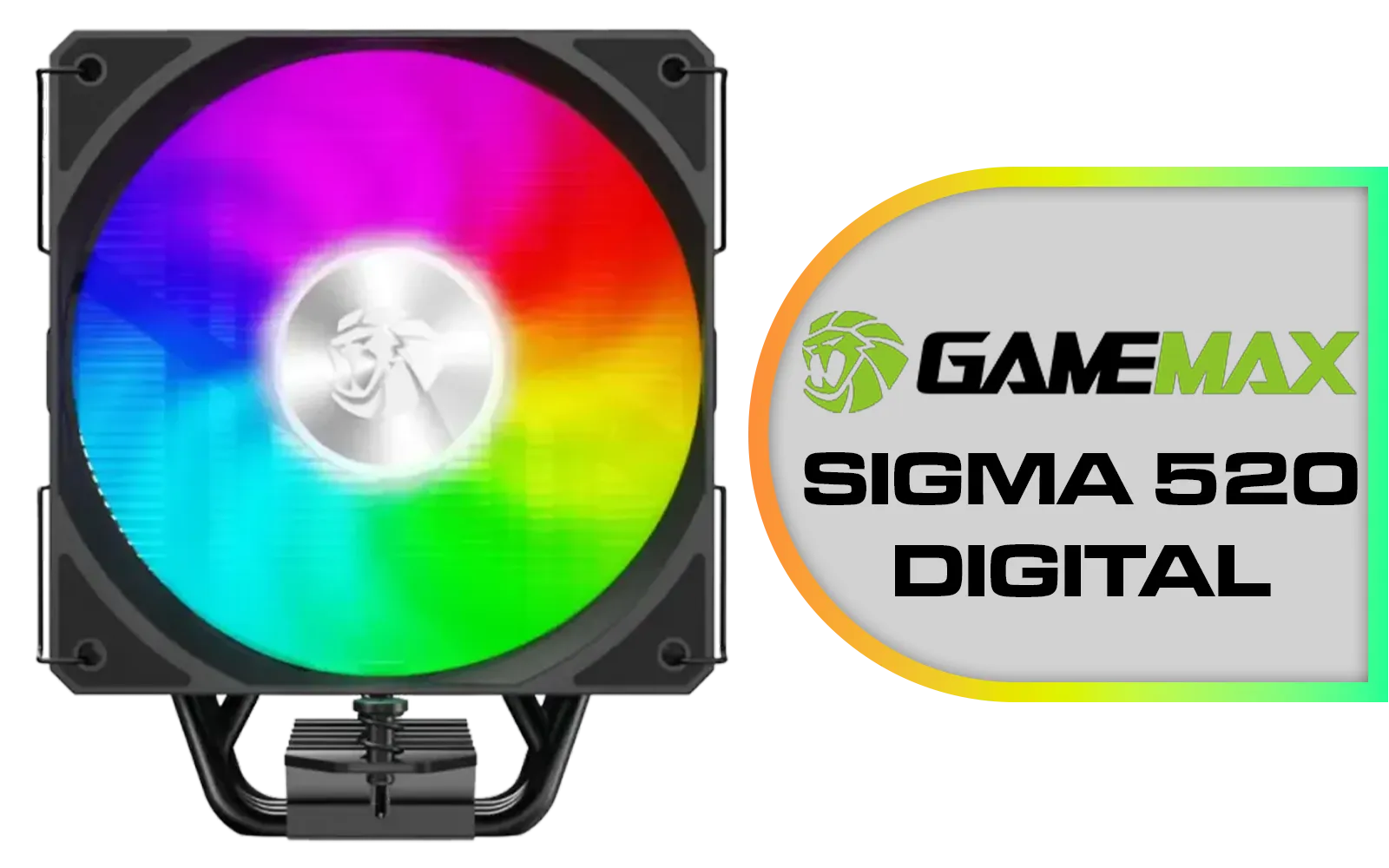
Gamemax Sigma 520 Digital Air Cooler - Black / 220W Maximum Thermal Power / 74.8CFM High Airflow / Supports Intel Gen12, Gen13 & AMD CPUs / PWM Intelligent Temperature Control Fan / Sigm-520-Digital-BK
R599.00In Stock

Fracta Design Celsius+ S28 Prisma 280MM Water Cooling Unit, Black, 2AL-14 PWM ARGB Fan / FD-W-2-S2802
R2599.00In Stock
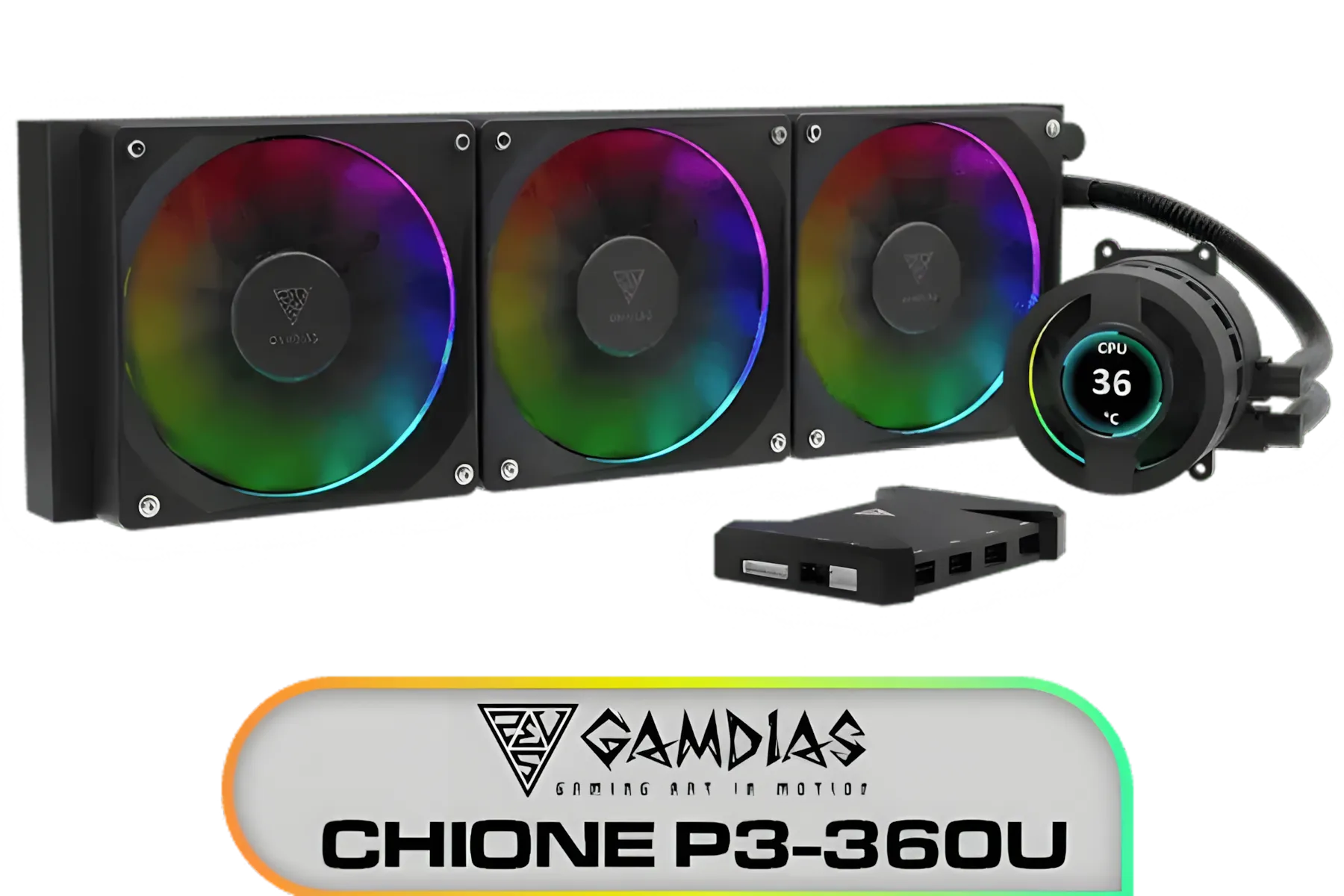
Gamdias CHIONE P3-360U All-in-One CPU Liquid Cooler / Personalized Lcd Display / Superior Radiator / Superior Airflow Performance / Premium Hydraulic Bearing / CHIONE-P3-360U
R999.00In Stock

DeepCool Liquid Cooler LT720 WH 360mm 4th Gen Dual-Chamber Pump 3100RPM Multidimensional Infinity Mirror ARGB Block 300w TDP AIO Cooler Anti-Leak Tech CPU Water Cooler for AMD AM4/AM5 LGA 1700/1200 / LT720-WH
R2499.00In Stock

DeepCool LD360 Liquid Cooler - White / 360mm Radiator / LED Digital Display / 3x ARGB Fans Included / Compatible with AMD & Intel / LD360-WH
R2399.00In Stock
Why Your Radiator Placement Matters
A 360mm All-In-One (AIO) liquid cooler works by moving heat from your CPU to a radiator, where fans dissipate it. Simple, right? But where you place that radiator inside your case dramatically changes the cooling dynamics for your entire system. The goal is to find the perfect balance. Do you prioritise an ice-cold CPU, or is keeping your graphics card cool more important? Every PC cooling configuration involves a trade-off.
The Top 360mm Radiator Case Configurations ⚙️
Most modern PC cases offer a few spots to mount a large radiator. Each has its pros and cons, and the best 360mm radiator case configuration for you depends on your specific components and priorities.
Front Mount (Intake)
Placing your radiator at the front of the case, with fans pulling cool, ambient air from outside and pushing it through the fins, is a popular choice.
- Pro: This gives your CPU the coldest possible air, resulting in the lowest CPU temperatures.
- Con: The air that passes through the radiator is now warmer. This pre-heated air then flows over your GPU, motherboard, and RAM, potentially raising their temperatures slightly.
This setup is fantastic if your primary concern is CPU performance for tasks like rendering or competitive gaming.

Cooler Master Hyper 212 Pro CPU Air Cooler / SickleFlow Edge 120 PWM Fan / Optimized Cooling for R9 | U7 | i7 / RR-212S-25PZ-R1
R799.00In Stock
Gamemax Sigma 520 Digital Air Cooler - Black / 220W Maximum Thermal Power / 74.8CFM High Airflow / Supports Intel Gen12, Gen13 & AMD CPUs / PWM Intelligent Temperature Control Fan / Sigm-520-Digital-BK
R599.00In Stock

DeepCool Mystique 360 ARGB Liquid CPU Cooler, 2.83" TFT LCD Display, 360mm Radiator, 120mm Fan Size, 2400 RPM Fan Speed, 72.04 CFM Airflow, Hydro Bearing Type, Black / MYSTIQUE-360-ARGB
R2799.00In Stock

CORSAIR iCUE Link H170i LCD Liquid CPU Cooler - 420mm AIO - QX140 RGB Fans - 2.1” IPS LCD Screen - Fits Intel LGA 1700, AMD AM5 - iCUE Link System Hub Included - Black / CW-9061009-WW
R2499.00In Stock
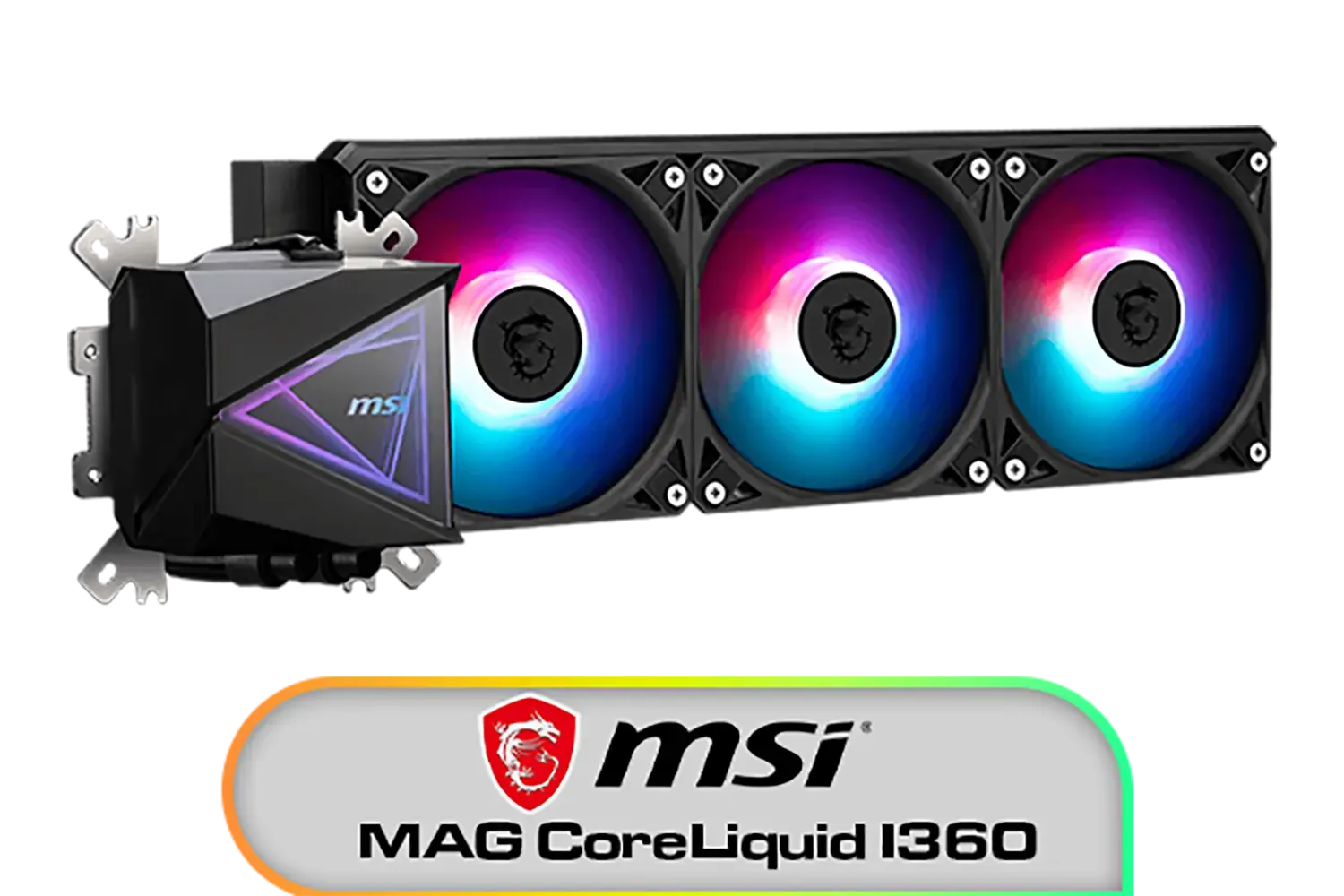
MSI MAG CoreLiquid I360 Liquid Cooler / LDB Bearing Quiet Fans / Dual-Sided Infinite Mirror Cooling / Flexible Nylon-Braided Cooling Tubes / Durable EPDM Anti-Evaporation Tubing / 306-7ZW8E11-C24
R2499.00In Stock
Gamdias CHIONE P3-360U All-in-One CPU Liquid Cooler / Personalized Lcd Display / Superior Radiator / Superior Airflow Performance / Premium Hydraulic Bearing / CHIONE-P3-360U
R999.00In Stock
Top Mount (Exhaust)
This is arguably the most common and balanced AIO setup. Here, the radiator is mounted at the top of the case, with fans pushing hot air from inside the case out through the top.
- Pro: It works with natural convection (heat rises) and ensures your power-hungry GPU gets fresh, cool air directly from your front intake fans.
- Con: The radiator is cooling the CPU with warmer air from inside the case (heated by the GPU), so CPU temps might be a few degrees higher than a front-mount setup.
For most South African gamers, this is the ideal configuration for overall system health and a key reason why many builders carefully check their case compatibility before choosing a cooler.
Fine-Tuning Your Airflow: Push vs. Pull
Beyond placement, how you orient your fans on the radiator makes a difference. "Push" means the fans are mounted to push air through the radiator fins. "Pull" means they are mounted on the other side to pull air through. For an even bigger boost, a "Push-Pull" setup uses fans on both sides. While Push-Pull offers the best thermal performance, it requires double the fans and more space. Most high-quality All-In-One liquid coolers provide excellent results with a simple push configuration right out of the box.
TIP FOR YOU
Master Your Fan Curves 💨
't just plug your fans in and forget them! Use your motherboard's BIOS or software like Fan Control to set custom fan curves. This allows your PC to run near-silent during light tasks like browsing, and only ramp up the fan speed when you're deep in a gaming session. It's the best of both worlds: quiet operation and powerful cooling.
When choosing your fans and cooler, considering the brand's ecosystem can simplify things. Brands like Corsair offer integrated software to control fan speeds and RGB lighting across all their components, creating a seamless experience. Similarly, options from Deepcool are known for providing excellent performance without breaking the bank.

Corsair iCUE Link Titan 360 RX RGB All-In-One 360mm Liquid CPU Cooler / Three high-performance RX120 RGB fans / Extreme cooling performance / Three high-performance RX120 RGB fans / CW-9061021-WW
R3599.00In Stock
Gamemax Sigma 520 Digital Air Cooler - Black / 220W Maximum Thermal Power / 74.8CFM High Airflow / Supports Intel Gen12, Gen13 & AMD CPUs / PWM Intelligent Temperature Control Fan / Sigm-520-Digital-BK
R599.00In Stock
DeepCool LD360 Liquid Cooler - White / 360mm Radiator / LED Digital Display / 3x ARGB Fans Included / Compatible with AMD & Intel / LD360-WH
R2399.00In Stock
Cooler Master V SFX Platinum 1100 1100W 240V Power Supply / 92% efficiency / Advanced thermal performance / ATX 3.0 support & a 90-degree 12VHPWR cable / Fully modular cabling / MPZ-B001-SFAP-BEU
R6499.00In Stock

Corsair NAUTILUS 240 RS ARGB Liquid CPU Cooler – 240mm AIO – Low-Noise – Direct Motherboard Connection – Daisy-Chain – Intel LGA 1851/1700, AMD AM5/AM4 – 2x RS120 ARGB Fans Included – White / CW-9060094-WW
R1999.00In Stock
Fracta Design Celsius+ S28 Prisma 280MM Water Cooling Unit, Black, 2AL-14 PWM ARGB Fan / FD-W-2-S2802
R2599.00In Stock
Is a 360mm Radiator Always Necessary?
Let's be honest... a 360mm radiator is serious cooling hardware, often best suited for high-end, overclocked CPUs like an Intel Core i9 or AMD Ryzen 9. For many mid-range to high-end gaming builds, a premium air cooler or a quality 240mm AIO radiator provides more than enough cooling power while being easier to fit in smaller cases and costing less. Don't feel pressured to go for the biggest option if your hardware doesn't demand it.
Ultimately, the best 360mm radiator case configuration is the one that best serves your hardware. If you're running a top-tier CPU and want the absolute lowest temps, a front-mounted intake is a strong contender. For a more balanced system that gives your GPU plenty of fresh air, a top-mounted exhaust is often the champion. Take a look at your case, consider your components, and browse Evetech's excellent selection of 360mm radiator AIOs to choose the path to peak cooling performance. ✨
Ready to Master Your Thermals? 🥶 Finding the ideal cooling setup is key to unlocking your PC's true potential. For the best performance, choice, and value in South Africa, a well-configured AIO is hard to beat. Explore our massive range of CPU Coolers and find the perfect solution to keep your rig frosty.
Related Products

Cooler Master MasterLiquid 360 Ion ARGB Close-Loop AIO Liquid Cooler / Customize Pump / 2.1-Inch Customizable LCD Screen / 360mm Radiator / AMD Ryzen AM5/AM4 / Intel LGA1851/1700/1200 / MLY-D36M-A24PZ-R1
R5699.00In Stock
Corsair iCUE Link Titan 360 RX RGB All-In-One 360mm Liquid CPU Cooler / Three high-performance RX120 RGB fans / Extreme cooling performance / Three high-performance RX120 RGB fans / CW-9061021-WW
R3599.00In Stock
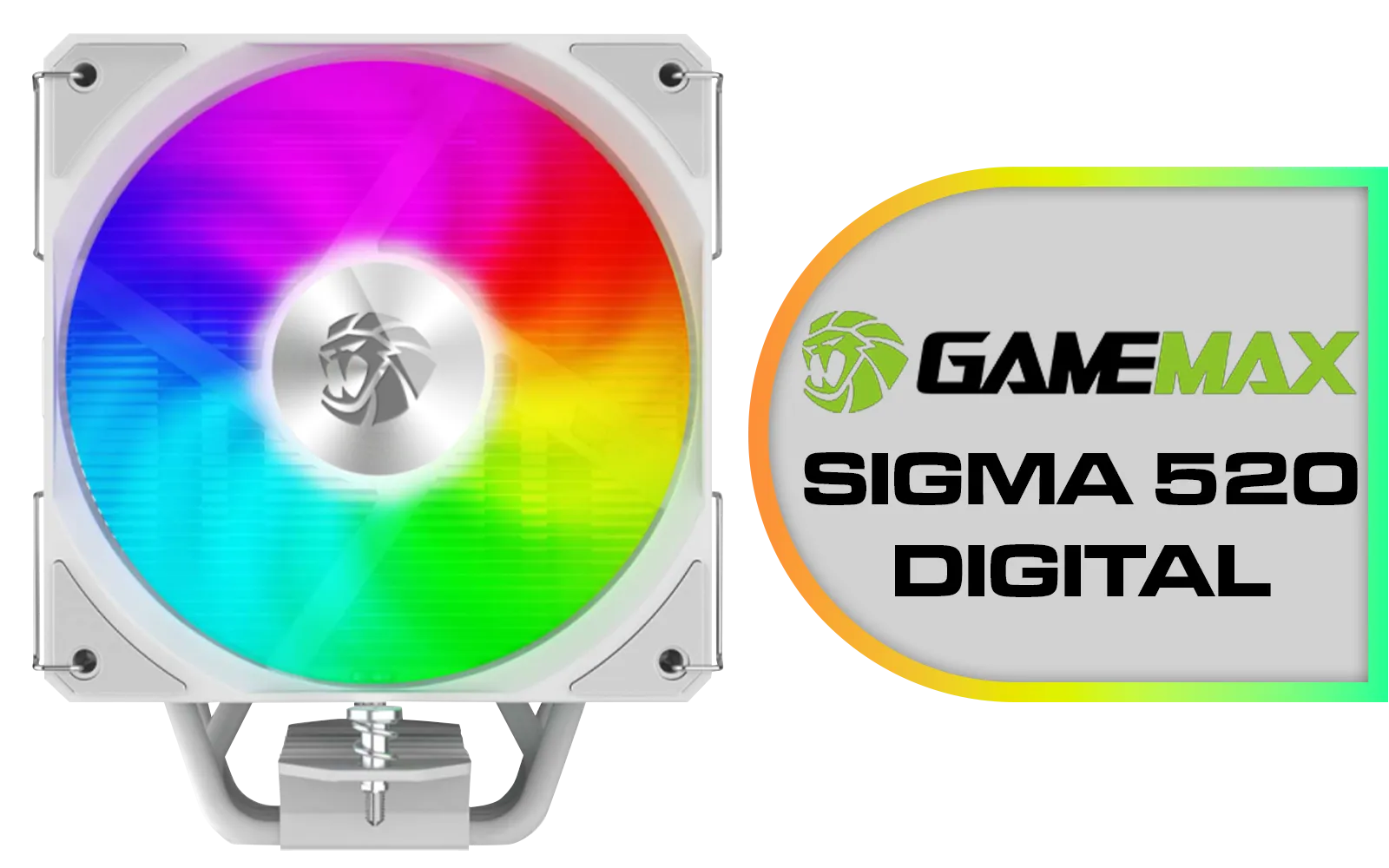
Gamemax Sigma 520 Digital Air Cooler - White / 220W Maximum Thermal Power / 74.8CFM High Airflow / Supports Intel Gen12, Gen13 & AMD CPUs / PWM Intelligent Temperature Control Fan / Sigma-520-Digital-WH
R699.00In Stock
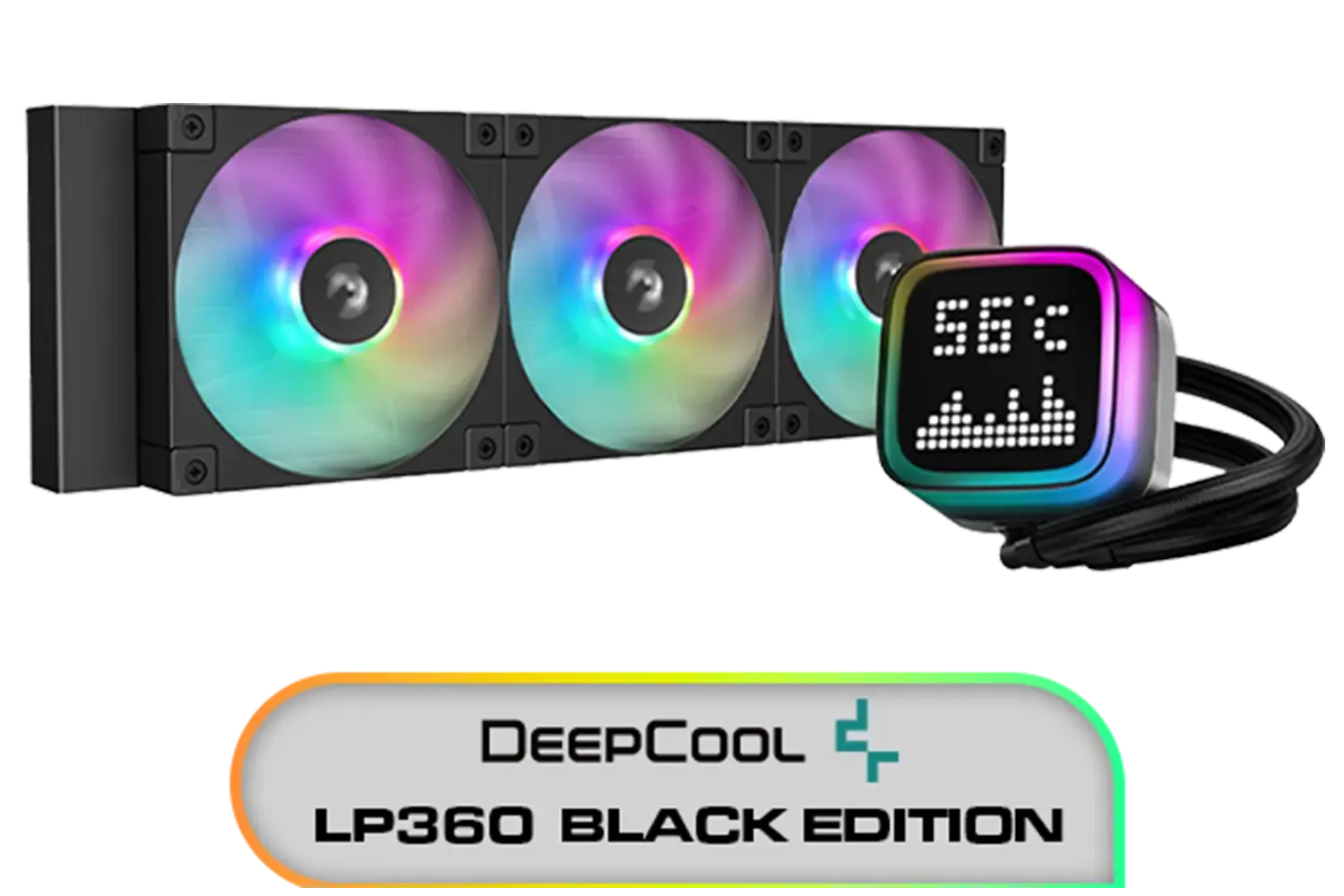
DeepCool LP360 Liquid Cooler - Black / 360mm Radiator / LED Digital Display / 3x ARGB Fans Included / Compatible with AMD & Intel / LP360
R2299.00In Stock

DeepCool LS520S Zero Dark All In One Liquid CPU Cooler, 240mm Radiator, 2 x 120mm Deepcool Fans, Intel/AMD / LS520S-Zero-Dark
R1599.00In Stock
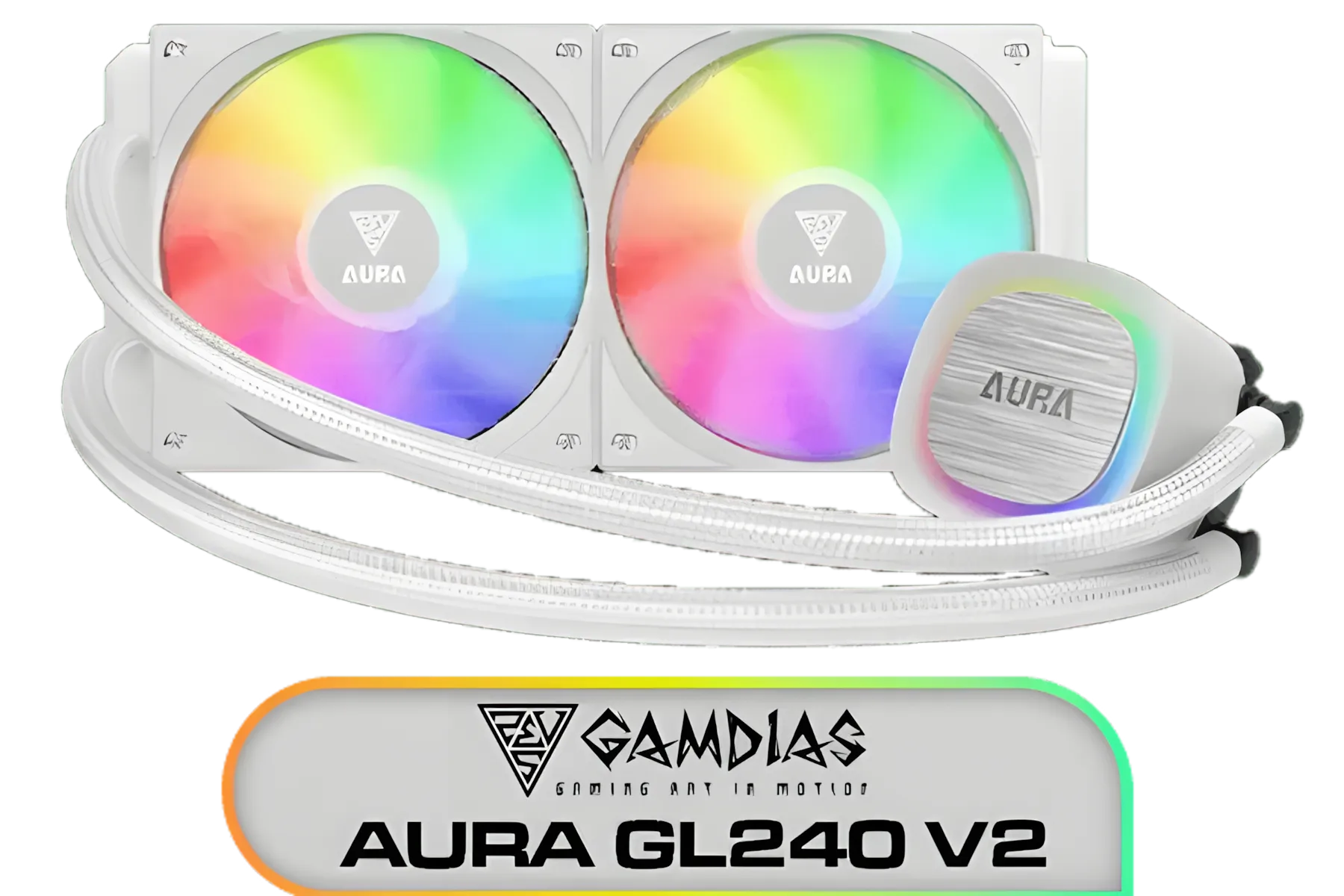
Gamdias AURA GL240 V2 White Liquid Cooler / New Fluid Running System for Better Thermal Dissipation / Hydraulic PWM Fans / AURA-GL240-V2
R1499.00In Stock
Many mid-towers list PC cases with 360mm radiator support. Check specs for front/top slots, max thickness incl. fans, and GPU clearance over 320mm.
Top mount favors GPU temps; front mount improves CPU thermals. Choose based on front vs top 360mm radiator needs and case airflow.
For 360mm radiator fitment, 27-38mm rads are common; thicker units may block tall RAM or hit GPU length. Verify case specs and AIO clearance before buying.
Yes, in larger mid/full-towers. Use a dual radiator 360mm setup only if the case lists support, and stagger fans for balanced airflow and pump headroom.
Check GPU clearance with 360mm radiator. Front-mounted rads can cut usable length by 30-60mm. Measure with fans installed; consider vertical GPU mounts.
For a quiet 360mm water cooling build, set 600-900 RPM at idle and ramp with coolant temp. Use PWM chains and avoid sudden steps to keep noise low.
Usually no. Push on a 27-30mm rad is efficient. Add push-pull only for dense fins or low-RPM targets; it increases thickness and fitment demands.











