



Top ASUS Vivobook Go Accessories to Boost Productivity
Unlock the full potential of your device with the best ASUS Vivobook Go accessories available today. From protective sleeves to productivity boosters, these add-ons are essential for students and professionals on the move. 🚀 Upgrade your setup now! 🎒
|
Loading tags...

So, you’ve got your hands on an ASUS Vivobook Go. Lekker! It’s a brilliant, lightweight machine perfect for students and professionals zipping around South Africa. But what if you could push it further? The secret to unlocking its true potential isn't in the laptop itself, but in the gear you pair with it. With a few smart additions, you can transform your portable daily driver into a productivity powerhouse. Let's explore the top ASUS Vivobook Go accessories.
Essential ASUS Vivobook Go Accessories for Comfort and Control
Long hours tapping away at assignments or crunching numbers for a client can take a toll. Your default setup is fine for quick tasks, but for marathon sessions, ergonomics and precision are key. This is where the first set of essential accessories for your ASUS Vivobook Go comes in.
First up, a quality wireless mouse. While the trackpad is decent for browsing, it can’t compete with the speed and accuracy of a dedicated mouse for tasks like photo editing or navigating complex spreadsheets. Next, consider a simple, adjustable laptop stand. It elevates the screen to eye level, correcting your posture and preventing neck strain. As a bonus, it also improves airflow, helping your machine run cooler. While the Vivobook is a champion of portability, some workflows demand more raw power, which is where you might explore our range of powerful AMD laptops on special.
Maximise Your Screen Real Estate and Connectivity 🚀
The Vivobook Go’s compact screen is great for portability, but it can feel cramped when you're juggling multiple windows. To truly boost your productivity, you need more digital space. The best way to achieve this is by expanding your view with an external monitor. A portable USB-C monitor is a fantastic choice, giving you a dual-screen setup anywhere you go.
Of course, to connect that monitor and other peripherals, you'll need more ports. The Vivobook Go keeps things sleek with minimal I/O, which is why a versatile USB-C hub is one of the most crucial ASUS Vivobook Go accessories you can buy. A good hub adds extra USB-A ports, an HDMI output, and even an SD card reader, turning your single port into a command centre. This kind of setup complements even the most powerful machines, and if you're looking for a laptop with serious processing muscle, check out our current Intel laptops on special.
TIP FOR YOU
Productivity Pro Tip ⚡
On Windows 11, use the built-in Snap Layouts feature. Just hover your mouse over the maximise button on any window to see pre-defined layouts. It’s a quick and easy way to organise your apps across multiple screens without needing extra software, making you a multitasking master.
Protecting Your Investment on the Move 🔧
Your Vivobook Go is designed to travel, but life in SA—from busy campuses to bustling city streets—comes with its share of bumps and scrapes. A durable, padded laptop sleeve or a dedicated compartment in a backpack is non-negotiable. It’s a small investment that protects your machine from scratches and accidental drops, ensuring it stays looking pristine.
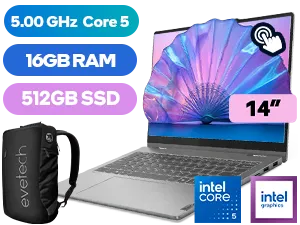
Lenovo IdeaPad 5 16GB/512GB Core 5
R19,999In Stock
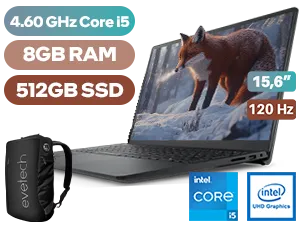
Dell Inspiron 15 3530 8GB/512GB Core i5
R10,499In Stock
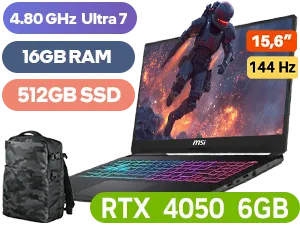
MSI Cyborg 15 AI 16GB/512GB RTX 4050
R20,999In Stock
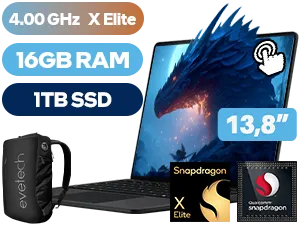
Microsoft Surface 7 16GB/1TB Snapdragon X Elite
R35,299In Stock
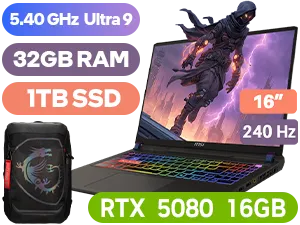
MSI Vector 16 HX 32GB/1TB RTX 5080
R68,999In Stock
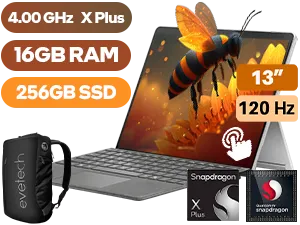
Microsoft Surface Pro 11 16GB/256GB Snapdragon
R29,999In Stock
And what about our old friend, load-shedding? A dead battery can bring your workflow to a grinding halt. A high-capacity power bank with USB-C Power Delivery (PD) is an absolute lifesaver. It can charge your Vivobook Go on the move, ensuring you’re never caught powerless. While these accessories enhance productivity, for demanding tasks like high-end gaming on the go, a specialised machine is often the better choice. You can find some incredible options in our roundup of the best gaming laptop deals.
Ready to Build Your Perfect Setup? Your ASUS Vivobook Go is a fantastic machine, but the right gear takes it to the next level. Whether you're upgrading your current setup or looking for a new powerhouse, Evetech has you covered. Explore our massive range of laptop specials and find the perfect tech to conquer your world.
Related Products
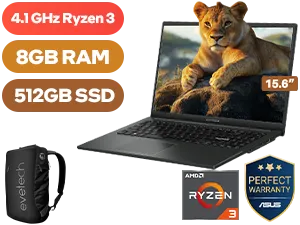
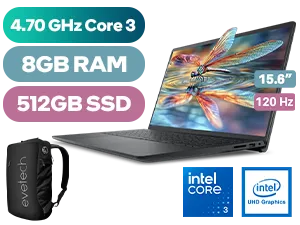
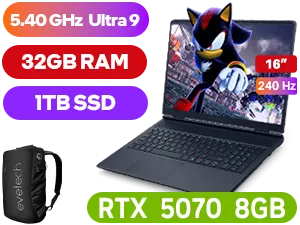
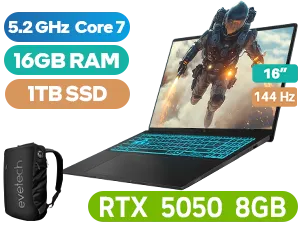
The best accessories include a durable laptop sleeve, a wireless mouse for navigation, and a multi-port USB-C hub to expand connectivity options.
While the Vivobook Go runs efficiently, a laptop cooling pad is recommended for extended multitasking sessions to maintain optimal performance.
Depending on your specific model, a snug 14-inch or 15.6-inch laptop sleeve offers the best protection against scratches and minor drops.
Yes, a USB-C hub is highly recommended to add HDMI ports, extra USB-A slots, and SD card readers, significantly boosting your productivity.
Absolutely. A Bluetooth or 2.4GHz wireless mouse pairs perfectly with the Vivobook Go, offering better ergonomics than the built-in trackpad.
Yes, you can connect an external monitor using the HDMI port or a compatible USB-C hub to expand your workspace for better multitasking.
Since internal upgrades can be tricky, a high-speed portable SSD is the best way to expand storage for large files and backups.











