



Best CPU for RTX 5070 Ti: Balanced Picks for Gaming & Streaming
Best CPU for RTX 5070 Ti: pick processors that prevent bottlenecks and unlock strong 1440p gaming and streaming performance. Discover Intel and AMD options for every budget 🎮⚙️
|
Loading tags...

The whispers are getting louder... NVIDIA's next-gen GPUs are on the horizon, and the rumoured RTX 5070 Ti is set to be a monster. But strapping a beast like that into your rig without the right brainpower is like putting bakkie tyres on a Formula 1 car—you'll get nowhere fast. Let's make sure your future PC build is perfectly balanced, ensuring you squeeze every last frame out of your new graphics card without leaving performance on the table.

MSI Geforce RTX 5070 Ventus 2X 12G OC Graphics Card / 12GB GDDR7 / 6144 Cuda Cores / 192-bit Memory Interface / Boost Clock : 2542 MHz / NVIDIA Blackwell & DLSS 4 / 28Gbps Memory Speed / PCI Express® Gen 5 / 912-V532-009
R13999.00In Stock

ASRock Intel ARC B580 Steel Legend OC Graphics Card / 12Gb 192-bit GDDR6 / DirectX 12 Ultimate / 2560 Cores / 2800MHz Engine Clock / 90-GA5CZZ-00UANF
R6999.00In Stock
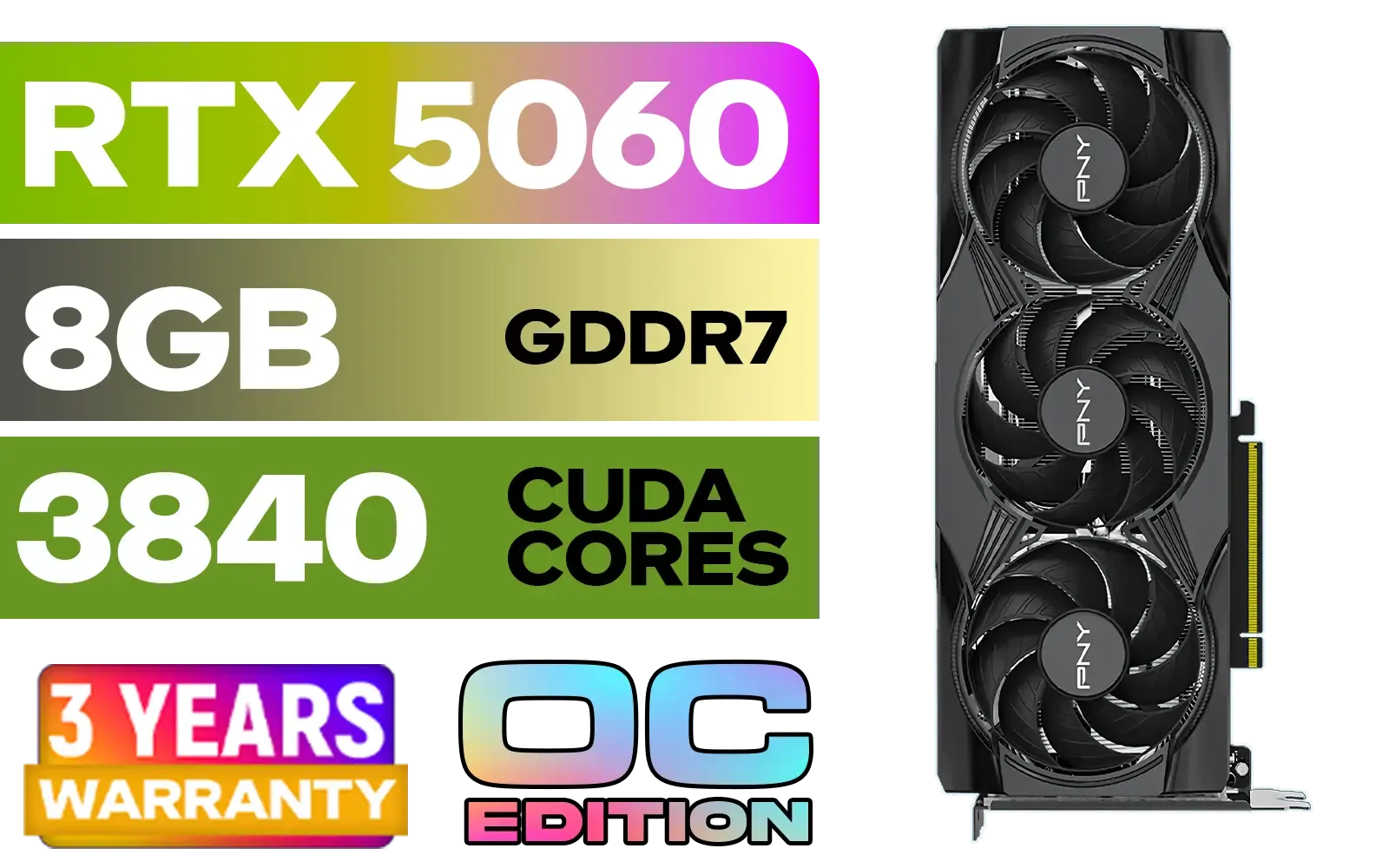
PNY GeForce RTX 5060 EPIC-X 8GB OC Graphics Card / 8GB GDDR7 / 3840 Cuda Cores / 128-bit Memory Interface / Boost Clock: 2580 MHz / 28 Gbps Memory Speed / DisplayPort 2.1b (x3), HDMI® 2.1b / PCI-Express 5.0 x8 / 9VCG50608TFXXPB1-O
R7499.00In Stock
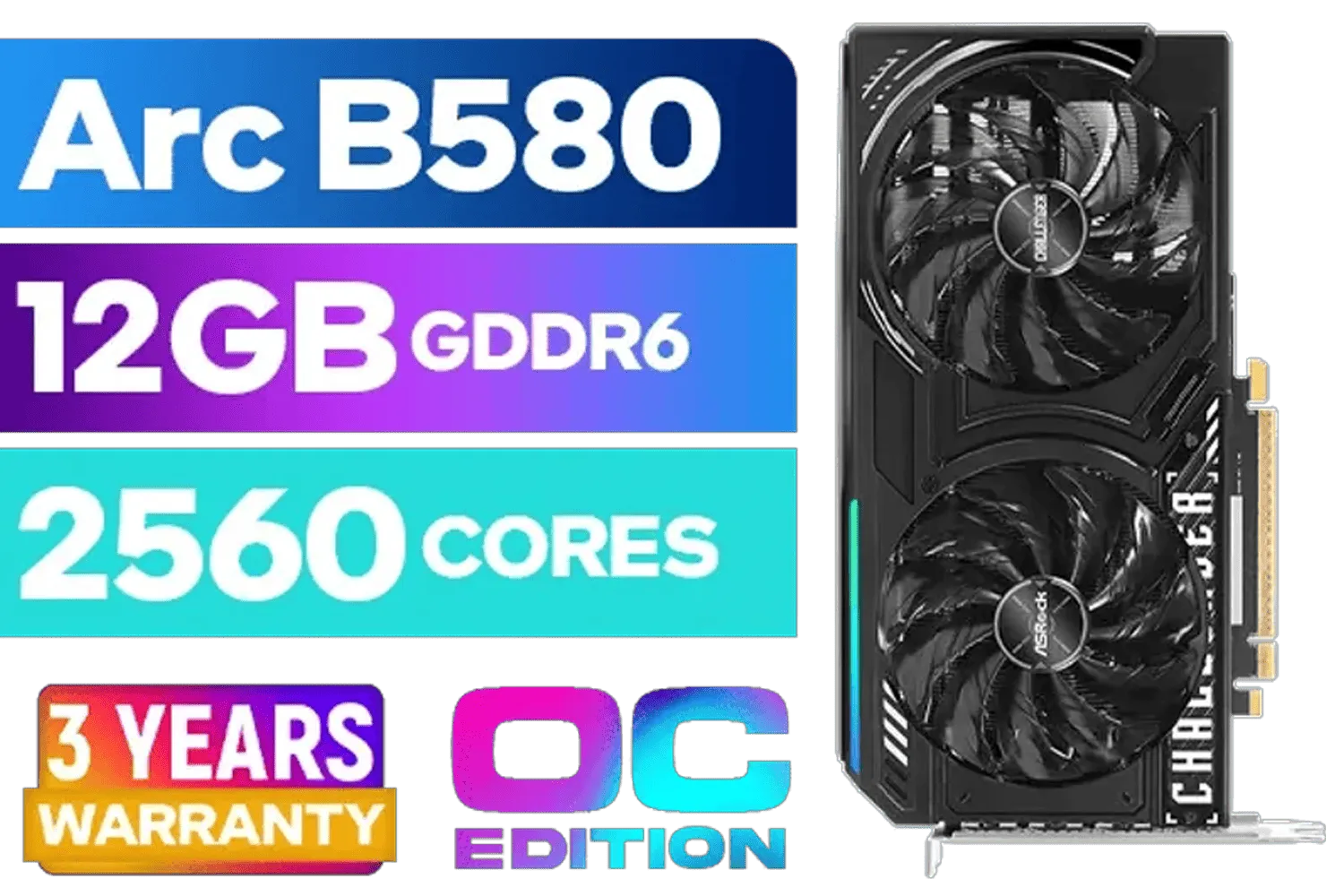
ASRock Intel ARC B580 Challenger OC Graphics Card / 12Gb 192-bit GDDR6 / DirectX 12 Ultimate / 2560 Cores / 2740MHz Engine Clock / 90-GA5LZZ-00UANF
R6499.00In Stock

Leadtek NVIDIA RTX A1000 8GB GDDR6 Workstation Graphics Card / 2304 Nvidia CUDA Cores / 192GB/s Memory Bandwidth / Nvidia Ampere Architecture / 126W8000100
R10999.00In Stock

Leadtek NVIDIA RTX A400 4GB GDDR6 Workstation Graphics Card / 768 Nvidia CUDA Cores / 96GB/s Memory Bandwidth / Nvidia Ampere Architecture / 126W7000100
R3699.00In Stock
Why Pairing the Right CPU with the RTX 5070 Ti is Crucial
Before we dive into specific models, let's talk about the "B" word: bottleneck. Think of it as a relay race. Your powerful new GPU renders the beautiful graphics, and your CPU prepares all the data for it—game logic, physics, and instructions. If your CPU is too slow, it can't hand the baton over fast enough, leaving your shiny new RTX 5070 Ti waiting around. This is a classic CPU bottleneck, and it means you're not getting the performance you paid for.
This is especially true for high refresh-rate gaming at 1080p or 1440p, where the processor has to work exceptionally hard. A weak CPU will lead to stuttering and lower frame rates, completely undermining the power of high-end NVIDIA graphics cards.
Predicting the Best CPU for an RTX 5070 Ti
While the official RTX 5070 Ti specs are still under wraps, we can make some solid, educated predictions based on current technology and the performance leap we saw with the 40-series. The goal is to choose a processor that won't just keep up, but will have enough headroom for smooth gaming, streaming, and multitasking. ✨
The Gaming Champion: AMD Ryzen 7 7800X3D / Intel Core i7-14700K
For the gamer who wants maximum frames, these two are prime contenders. The AMD Ryzen 7 7800X3D, with its massive 3D V-Cache, is legendary for a reason—it posts incredible numbers in pure gaming workloads. On the other side, Intel's Core i7-14700K offers a fantastic blend of blistering clock speeds for gaming and a strong core count for productivity. Either would be a superb choice to pair with future NVIDIA GeForce graphics cards.
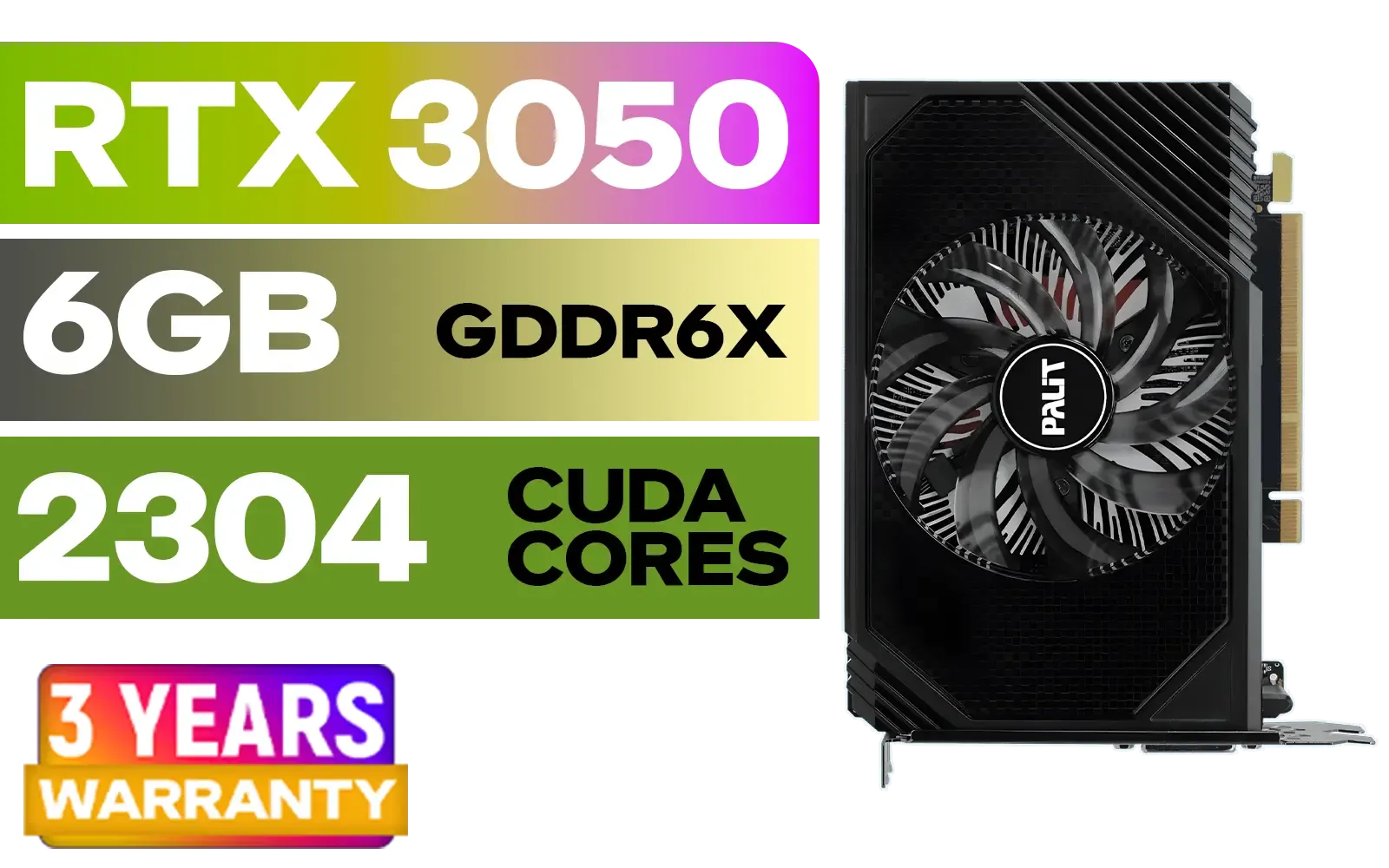
Palit GeForce RTX 3050 StormX 6GB GDDR6 Gaming Graphics Card / 2304 Cuda Core / 96-bit Memory Interface / Boost Clock : 1470MHz / Incredibly Fast Frame Rates / New Streaming Multiprocessors / NE63050018JE-1070F-SN
R3599.00In Stock

Leadtek NVIDIA RTX 5000 ADA 32GB GDDR6 Workstation Graphics Card / 12800 Nvidia CUDA Cores / 576GB/s Memory Bandwidth / Ada Lovelace GPU architecture / 126V5000100
R96999.00In Stock

XFX SWIFT AMD Radeon RX 9070 XT Triple Fan 16GB GDDR6 GPU - White / AMD RDNA 4 Architecture / 3rd Gen Radeon Raytracing Accelerators/ AMD Fidelity FX Super Resolution 4.0 Upscaling Technology / RX-97TSWF3W9
R14799.00In Stock

Palit GeForce RTX 5060 Dual 8GB Graphics Card / 8GB GDDR7 / 3840 Cuda Cores / 128-bit Memory Interface / Boost Clock : 2497 MHz / PCI Express® Gen 5 / NE75060019P1-GB2063D
R8299.00In Stock
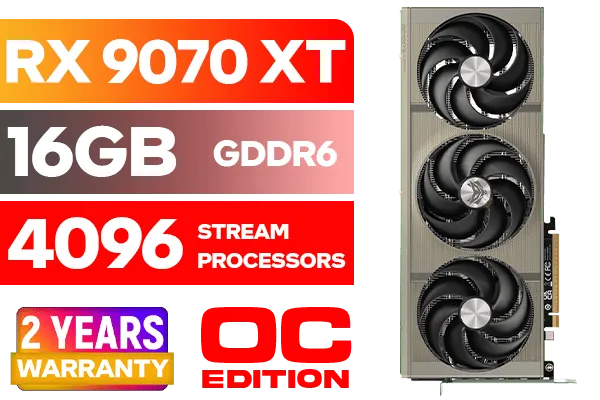
SAPPHIRE NITRO+ RX 9070 XT Gaming OC 16GB Graphics Card / 16GB GDDR6 Memory / 4096 Stream Processors / 256-bit Memory Interface / Boost Clock : 3060 MHz / AMD RDNA™ 4 Architecture / 64 Ray Accelerators / 11348-01-20G
R14999.00In Stock

PNY GeForce RTX 5070 EPIC-X 12GB OC Graphics Card / 12GB GDDR7 / 6144 Cuda Cores / 192-bit Memory Interface / Base Clock: 2160 MHz / 28 Gbps Memory Speed / DisplayPort 2.1b (x3), HDMI® 2.1b / VCG507012TFXXPB1-O
R13299.00In Stock
The Creator & Streamer's Choice: AMD Ryzen 9 7950X / Intel Core i9-14900K
If you're streaming your Warzone victories on Twitch or editing 4K gameplay for YouTube, more cores are your best friend. These flagship CPUs are multitasking monsters. They can handle a demanding game, OBS encoding, Discord, and multiple browser tabs without breaking a sweat. This ensures your game stays buttery smooth for you and your audience. While we focus on NVIDIA, it's this level of CPU that can also easily handle top-tier AMD Radeon graphics cards.
The Smart Money Pick: Intel Core i5-14600K
You don't always need the absolute best to have an incredible experience. A modern Core i5, like the 14600K, has more than enough horsepower to keep a future RTX 5070 Ti well-fed in almost any gaming scenario. This choice frees up some of your budget for other critical components, like a faster SSD or more RAM. It's the perfect sweet spot for a high-performance build that respects your wallet, letting you pair it with excellent partner cards like those from the MSI graphics cards lineup.
TIP FOR YOU
Check Your Bottleneck ⚡
Unsure if your current CPU is holding you back? Use a tool like MSI Afterburner's on-screen display. If your GPU usage is consistently below 95-99% in a demanding game while your CPU usage on one or more cores is maxed out, you've found your bottleneck! This is a clear sign it's time for a CPU upgrade.
Don't Forget the Supporting Cast 🚀
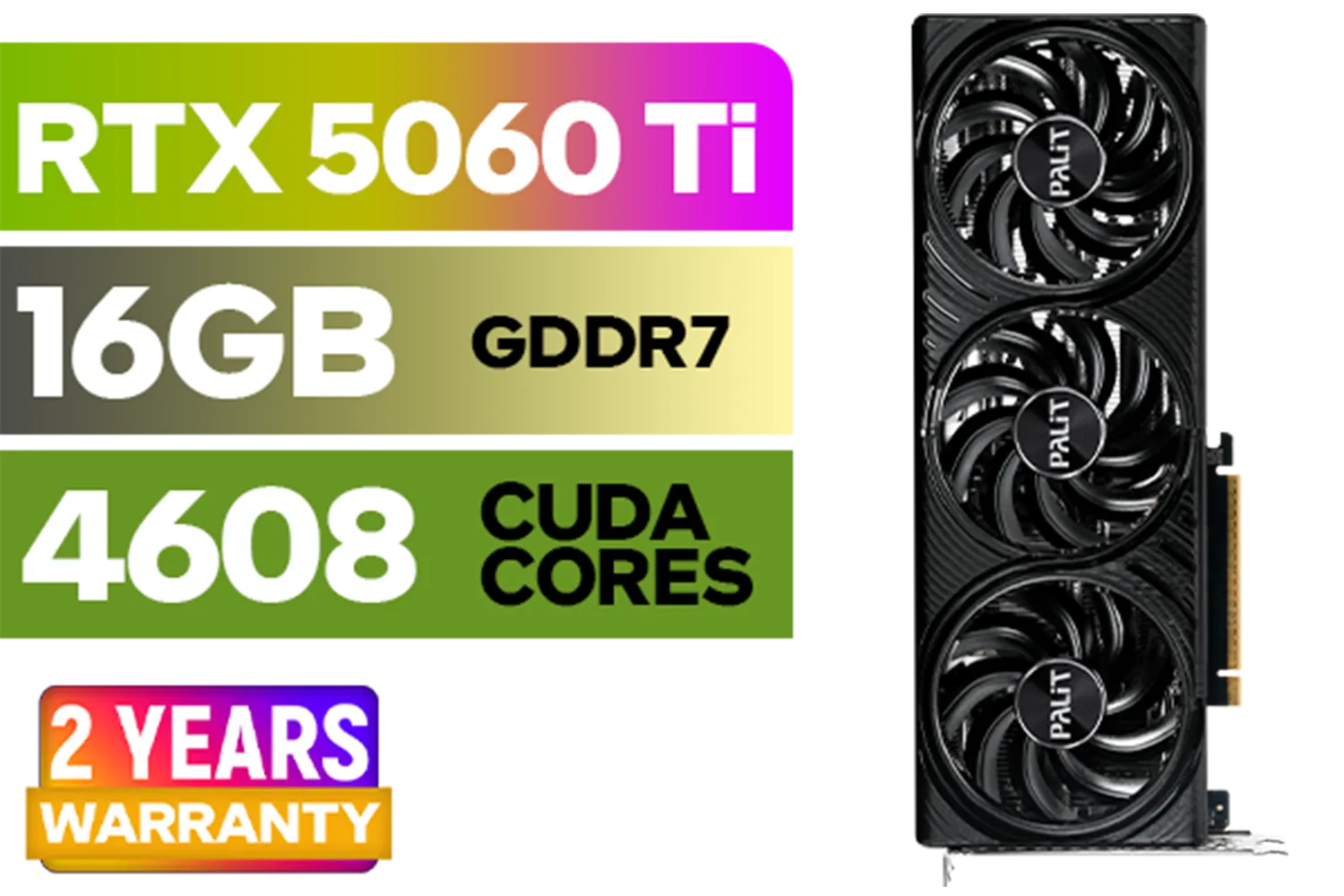
Palit GeForce RTX 5060 Ti Infinity 16GB Graphics Card / 16GB GDDR7 / 4608 Cuda Cores / 128-bit Memory Interface / Boost Clock : 2572 MHz / 28Gbps Memory Speed / PCI Express® Gen 5 / NE7506T019T1-GB2061S
R9799.00In Stock
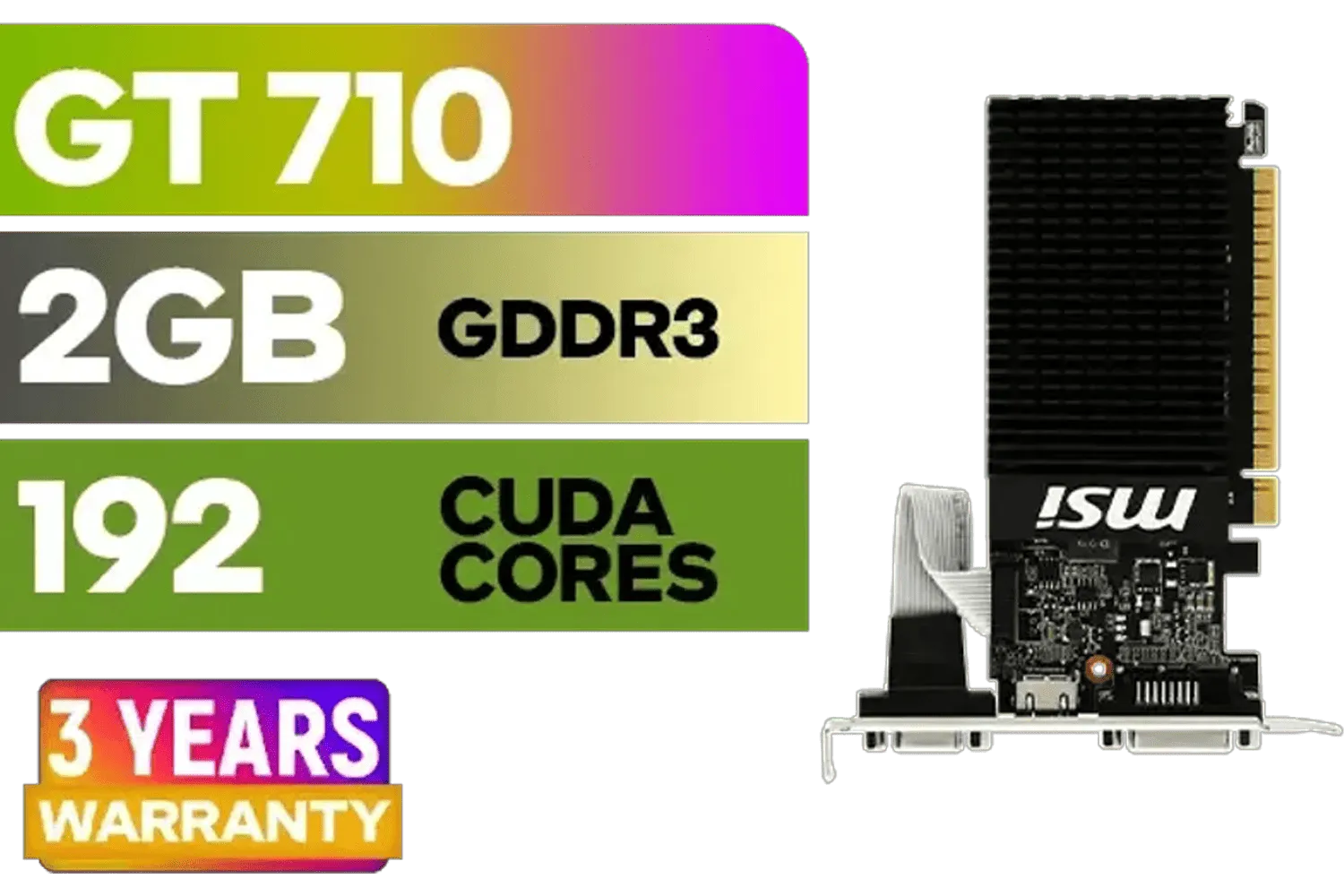
MSI GeForce GT 710 2GD3H LP 2GB DDR3 Graphics Card / 192 CUDA CORES / 64-bit Memory / 1x HDMI / 1x Dual-link DVI-D / 1x D-Sub / 912-V809-4217
R1099.00In Stock

MSI GeForce RTX 5070 12G VENTUS 3X OC Graphics Card / 12GB GDDR7 / 6144 Cuda Cores / 192-bit Memory Bus / Boost Clock : 2542 MHz / PCI Express® Gen 5 / 912-V532-007
R14999.00In Stock

MSI Geforce RTX 5060 Ventus 2X 8G OC Graphics Card / 8GB GDDR7 / 3840 Cuda Cores / 128-bit Memory Interface / Boost Clock : 2527 MHz / PCI Express® Gen 5 / 912-V537-017
R7699.00In Stock
Leadtek NVIDIA RTX A400 4GB GDDR6 Workstation Graphics Card / 768 Nvidia CUDA Cores / 96GB/s Memory Bandwidth / Nvidia Ampere Architecture / 126W7000100
R3699.00In Stock
Leadtek NVIDIA RTX 5000 ADA 32GB GDDR6 Workstation Graphics Card / 12800 Nvidia CUDA Cores / 576GB/s Memory Bandwidth / Ada Lovelace GPU architecture / 126V5000100
R96999.00In Stock
Finding the best CPU for the RTX 5070 Ti is only part of the puzzle. To build a truly balanced and future-proof system, you need to consider the whole platform. This means pairing your new processor with a quality motherboard (look for robust VRMs and PCIe 5.0 support), fast DDR5 RAM (aim for 6000MT/s or higher), and a reliable Power Supply Unit (PSU) with enough wattage to handle next-gen power spikes. Skimping here can cause instability and performance issues down the line.
Ready to Build Your Next-Gen Rig? Choosing the best CPU for the RTX 5070 Ti is about creating a balanced system that's ready for tomorrow's games. Whether you're a competitive gamer or a content creator, the right processor makes all the difference. Explore our massive range of PC components and start planning the ultimate build today.
Related Products

LEADTEK NVIDIA RTX PRO 6000 Blackwell 96GB GDDR7 GPU / Compatible with RTX PRO Sync / GDDR7 Memory with ECC / 126W0000100
R186999.00In Stock
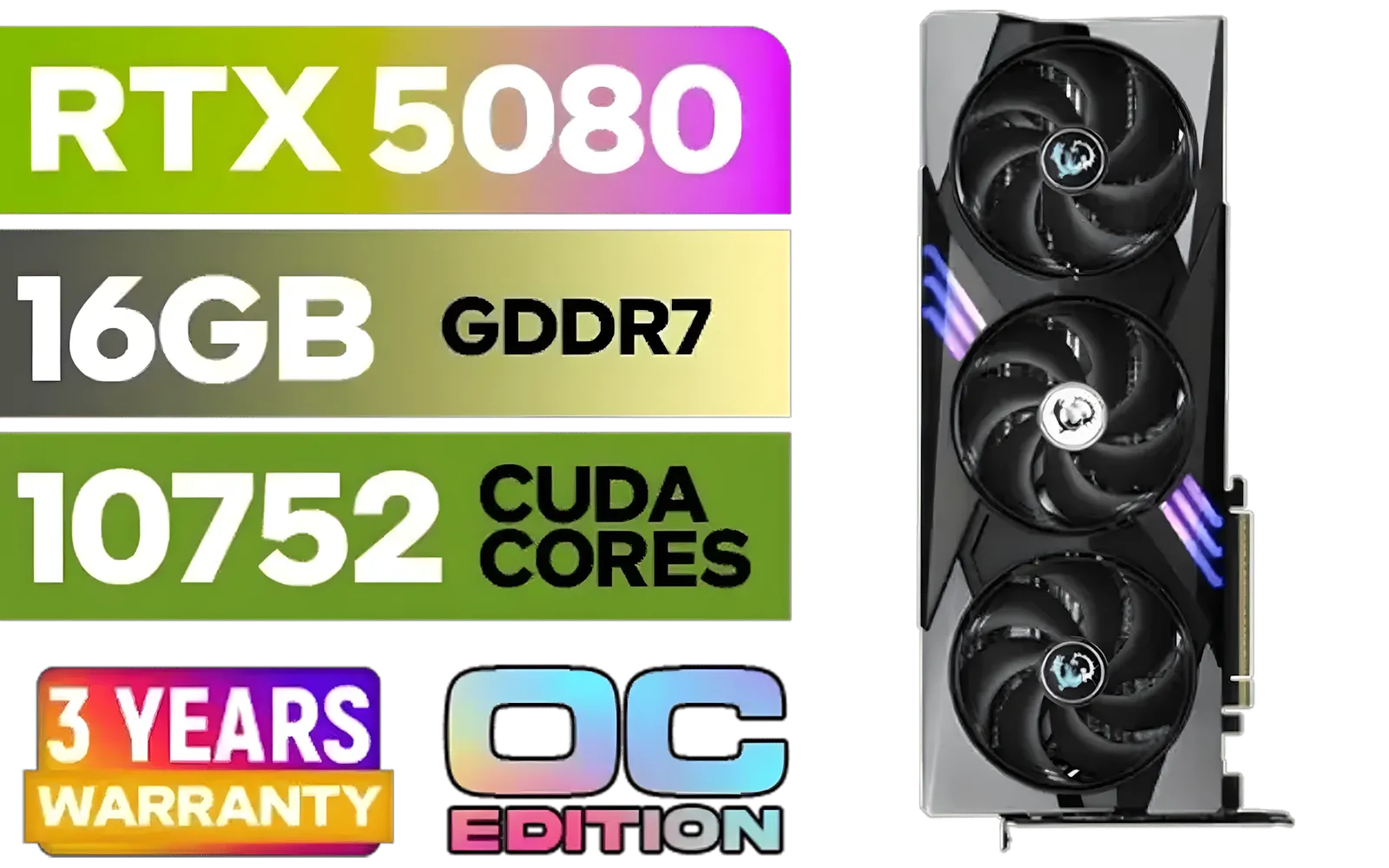
MSI GeForce RTX 5080 16G Gaming Trio OC Graphics Card - Precision Airflow Control - Nickel-Plated Copper Base - Metal Backplate - 16GB GDDR7 - 30Gbps Memory Speed - PCI Express® Gen 5 / 912-V531-026
R29499.00In Stock

XFX Quicksilver AMD Radeon RX 9070 XT Graphics Card / 4096 Stream Processors / 256-bit Memory Interface / Boost Clock : 2970 MHz / AMD RDNA™ 4 Architecture / RX-97TQICKB9
R14999.00In Stock

XFX Mercury AMD Radeon RX 9070 XT OC Magnetic Air Edition Graphics Card / 4096 Stream Processors / 256-bit Memory Interface / Boost Clock : 3100 MHz / AMD RDNA™ 4 Architecture / RX-97TMARGB9
R16299.00In Stock
MSI GeForce GT 710 2GD3H LP 2GB DDR3 Graphics Card / 192 CUDA CORES / 64-bit Memory / 1x HDMI / 1x Dual-link DVI-D / 1x D-Sub / 912-V809-4217
R1099.00In Stock
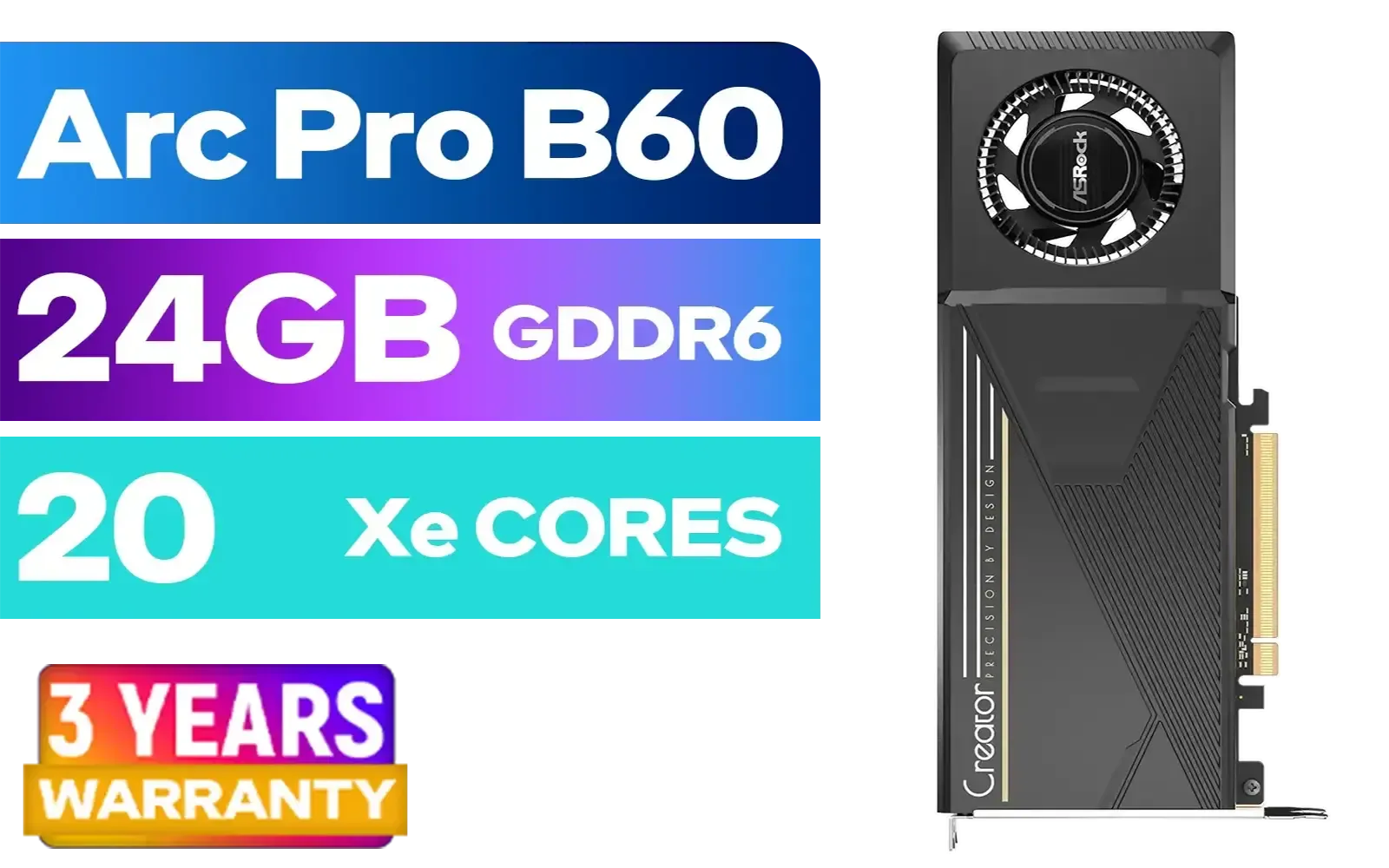
ASRock Intel Pro B60 Creator 24GB Graphics Card / 24GB 192-bit GDDR6 / GPU Clock: 2400 MHz / Microsoft® DirectX® 12 Ultimate / 160 Intel® XMX Engines / Intel® Xe2-HPG Architecture / 90-GA60ZZ-00UBNF
R12499.00In Stock
A mid-to-high-end 6–8 core CPU (e.g., Ryzen 5 7600X or Intel i5-13600K) balances performance and avoids bottlenecks for 1440p gaming.
Yes, low-core or older CPUs can bottleneck the RTX 5070 Ti. Choose a modern quad-core or better for 1080p and 6–8 cores for 1440p.
Both Ryzen 7000 series and Intel 12/13th gen offer strong options. Pick based on budget, platform features, and availability.
For streaming, Intel i7-12700K or i5-13600K deliver solid multitasking while the GPU handles game rendering and encoder duties.
High-end CPUs reduce CPU-limited scenarios in CPU-bound games and improve streaming/multitasking, but gains are smaller at 1440p GPU-bound settings.
Budget picks like Ryzen 5 5600 or Intel i5-12400 give good value with the RTX 5070 Ti for 1080p and modest 1440p gaming.
Match cores/threads to your use: 6–8 cores for gaming, 8+ cores for streaming. Update BIOS and use fast RAM to reduce bottlenecks.











