



Best Flight Simulator Add-Ons for Ultimate SA Realism
Discover the best flight simulator add-ons to transform your virtual cockpit! ✈️ This guide covers must-have aircraft, scenery, and utility mods to elevate your South African flights in MSFS 2020 and X-Plane. Get ready for hyper-realistic skies and unparalleled immersion. 🇿🇦
|
Loading tags...
Ever dreamed of a low-altitude pass over Table Mountain, so clear you can almost feel the spray from the Atlantic? Or navigating the rugged Drakensberg escarpment during a Highveld thunderstorm? Microsoft Flight Simulator gets you close, but to truly capture the soul of Mzansi from the cockpit, you need the best flight simulator add-ons. These mods transform a great game into an breathtakingly realistic South African flying experience. ✈️

Thrustmaster 2960623 USB Joystick for Windows / USB Interface / 4 x Buttons and 1 x Trigger / Point of View Button
R299.00In Stock
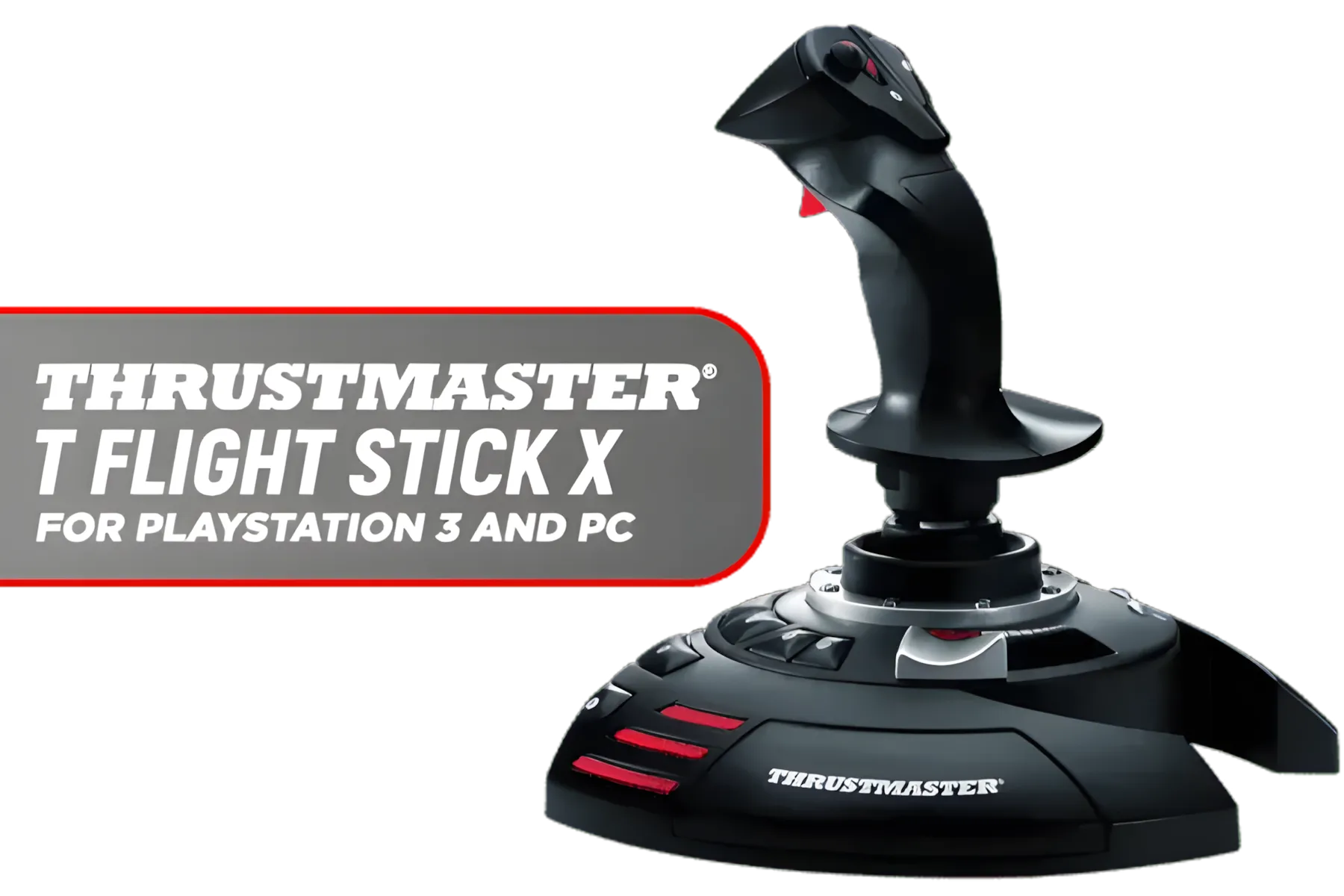
Thrustmaster T Flight Stick X Joystick For Playstation 3 and PC / Wide Hand Rest / Adjustable Resistance Control / Fully Programmable 12 Buttons / Ergonomic Throttle Lever / TM2960694
R999.00In Stock
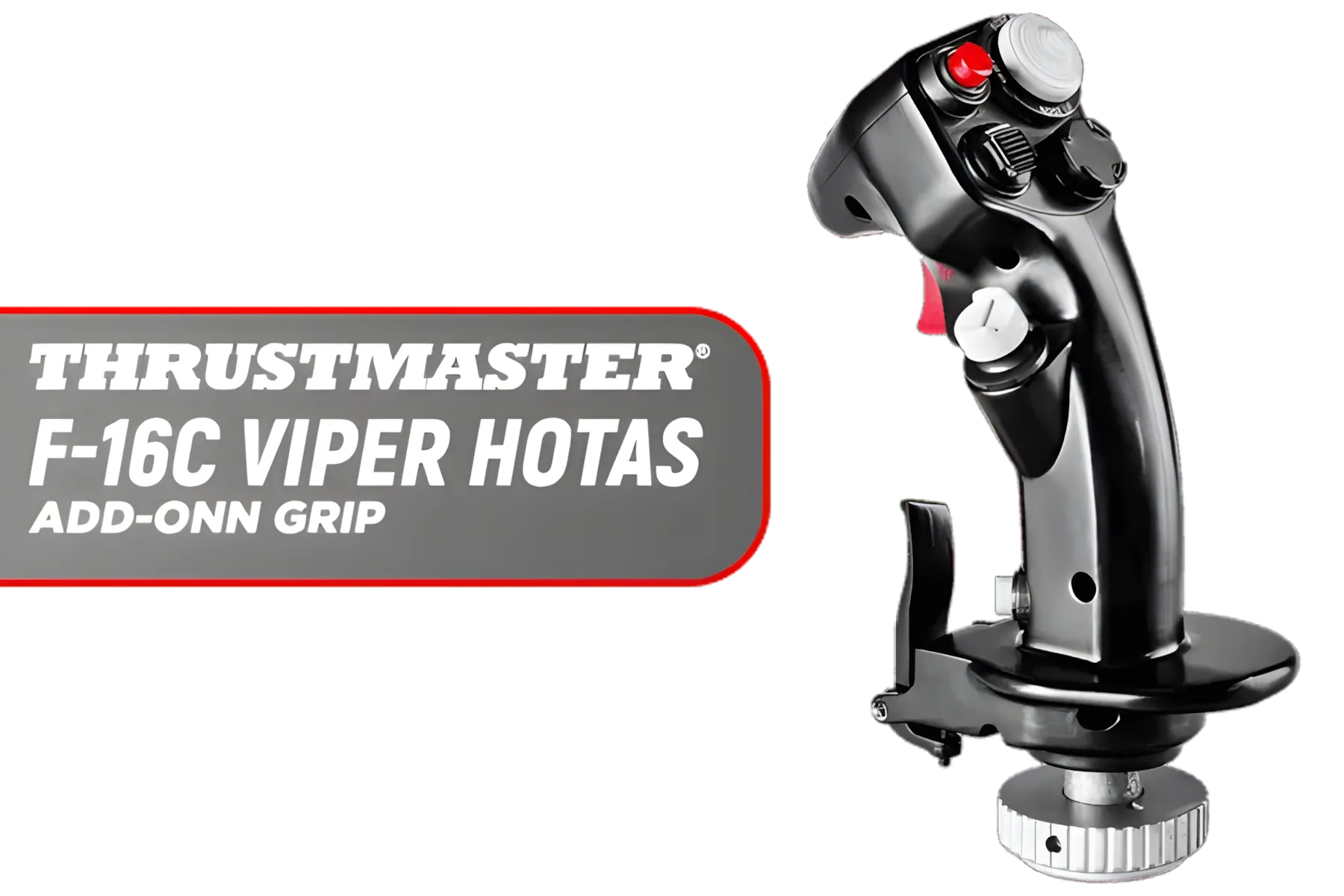
Thrustmaster F-16C Viper HOTAS Add-Onn Grip / Metal Design Incorporating Durable / 19 Action Buttons / Plus One 8-way Hat Switch / Extensive In-game Compatibility / 2960848
R1999.00In Stock

Thrustmaster HOTAS Warthog Joystick / Control Panel with 5 Programmable LEDs / Afterburner / 19 Action Buttons / H.E.A.R.T-Halleffect AccuRate Technology / TM2960738
R5599.00In Stock

Logitech G Extreme 3D Pro Gaming Joystick / Twist Rudder Control / 8-Way Hat Switch / 12 Programmable Button / Controllable Hand Grip / Rapid-Fire Trigger / 942-000031
R879.00In Stock
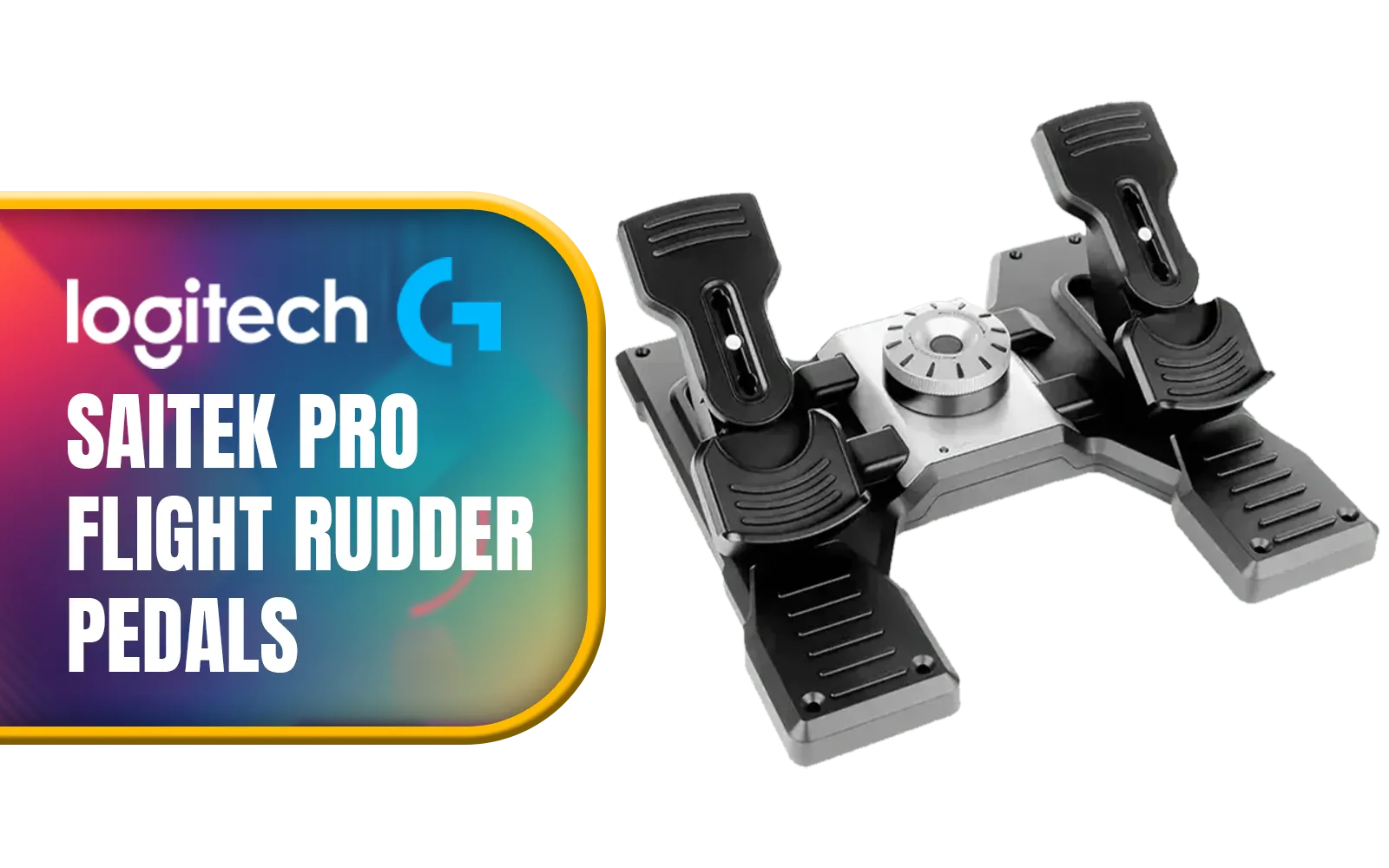
Logitech G Saitek Pro Flight Rudder Pedals Professional Simulation Rudder Pedals With Toe Brake / Adjustable Tension Dial / Fully Modular / Learn To Fly An MD80 / 945-000005
R3299.00In Stock
Why Add-Ons Are Essential for the SA Flight Sim Experience
The default world in MSFS 2020 is a marvel, but it's built from generic textures and satellite data. This means local landmarks, airport layouts, and the unique feel of our cities can be... well, a bit bland. This is where add-ons step in. They are crafted by dedicated developers who meticulously recreate everything from the specific architecture of O.R. Tambo down to the correct branding on ground service vehicles.
The best flight simulator add-ons fall into a few key categories:
- Scenery & Airports: Drastically improves the detail of cities, airports, and natural wonders.
- Aircraft: Adds new planes to your hangar or enhances existing ones with ultra-realistic flight models and liveries (think SAA or FlySafair).
- Weather Engines: Creates more dynamic and realistic weather conditions than the default system.
But true realism isn't just about what you see; it's about what you feel. That authenticity starts in your hands. A quality yoke or joystick setup from a brand like Thrustmaster makes every input feel deliberate, connecting you directly to your virtual aircraft.
Top Flight Simulator Add-Ons for South African Scenery
When it comes to boosting SA realism, detailed scenery is your first port of call. For payware, developers like NMG Simulations have become legendary for their incredibly detailed recreations of major South African airports like Cape Town International (FACT) and King Shaka International (FALE).
Thrustmaster T Flight Stick X Joystick For Playstation 3 and PC / Wide Hand Rest / Adjustable Resistance Control / Fully Programmable 12 Buttons / Ergonomic Throttle Lever / TM2960694
R999.00In Stock

Logitech G X56 HOTAS Throttle And Stick RGB Simulation Controller / 189 Programmable Controls / Realistic 360-degree Navigation / Brilliant RGB Colors / Independent Double Thrust Controller / 945-000059
R5599.00In Stock
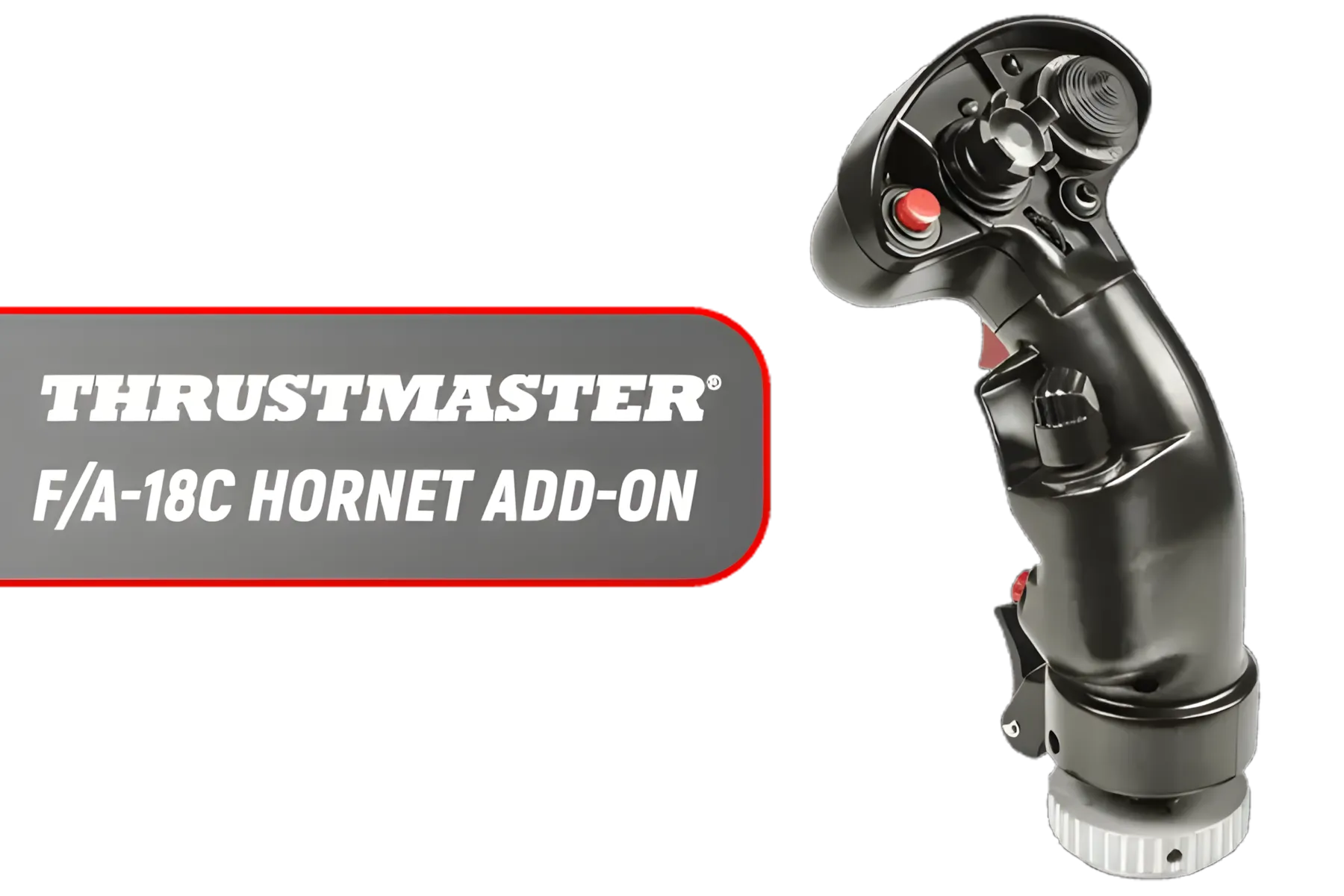
Thrustmaster F/A-18C Hornet HOTAS Add-On Grip / Supports PC / Fully Compatible / flight simulations / 19 Action Buttons / TM2960812
R3599.00In Stock
Promate Bolt-20PD Compact Smart Charging Power Bank - White / 20000mAh Li-Polymer Battery / Rapid Charging Capabilities / LCD Battery Display / Three Intelligent USB Ports / Bolt-20PD.White
R449.00In Stock
Logitech G Saitek Pro Flight Rudder Pedals Professional Simulation Rudder Pedals With Toe Brake / Adjustable Tension Dial / Fully Modular / Learn To Fly An MD80 / 945-000005
R3299.00In Stock

Thrustmaster T.Flight Hotas 4 Joystic With Throttle Set / Dual Rudder System / Realistic And Ergonomic Joystick / Detachable Throttle / TM4160664
R1899.00In Stock
For those on a budget, the freeware community on sites like flightsim.to is an absolute goldmine. You can find everything from custom landmarks and improved cityscapes to smaller airfields perfect for bush flying. To render this photorealistic detail smoothly, especially in dense urban areas, you need serious graphical horsepower. This is where a dedicated rig, like one of our optimised Microsoft Flight Simulator gaming PCs, makes all the difference, eliminating stutters and letting you crank up the settings.
TIP FOR YOU
Performance Tuning Tip 🔧
For a smoother experience in MSFS, understand the CPU vs GPU load. 'Terrain Level of Detail' is notoriously heavy on your CPU, while 'Clouds' and 'Resolution' hammer your GPU. If you're getting stutters near detailed airports, try lowering your Terrain LOD first. It often provides the biggest performance boost with minimal visual impact.
Elevating Your Cockpit for Peak Immersion
Once your virtual world looks the part, it's time to upgrade your physical cockpit. After all, what good is a stunning approach into Lanseria if you're viewing it through a tiny, washed-out screen? True situational awareness for visual navigation comes from a wide, clear field of view. ✨
An ultrawide or one of the latest curved monitors wraps the world around you, making VFR (Visual Flight Rules) flying feel completely intuitive and immersive. The peripheral vision it provides is a massive advantage, especially when you're in the traffic pattern. Even if an ultrawide isn't on your radar yet, upgrading to a high-resolution, colour-accurate display is one of the most impactful upgrades you can make. You can browse a huge variety of PC monitors to find the perfect fit for your desk and budget.

Thrustmaster TCA Sidestick Airbus Edition / 17 Action Buttons / Iconic Airbus Sidestick / H.E.A.R.T Magnetic Sensors / Compatible with T.A.R.G.E.T Software / 2960844
R499.00In Stock
Logitech G Extreme 3D Pro Gaming Joystick / Twist Rudder Control / 8-Way Hat Switch / 12 Programmable Button / Controllable Hand Grip / Rapid-Fire Trigger / 942-000031
R879.00In Stock
Thrustmaster F-16C Viper HOTAS Add-Onn Grip / Metal Design Incorporating Durable / 19 Action Buttons / Plus One 8-way Hat Switch / Extensive In-game Compatibility / 2960848
R1999.00In Stock
Thrustmaster T Flight Stick X Joystick For Playstation 3 and PC / Wide Hand Rest / Adjustable Resistance Control / Fully Programmable 12 Buttons / Ergonomic Throttle Lever / TM2960694
R999.00In Stock
Thrustmaster 2960623 USB Joystick for Windows / USB Interface / 4 x Buttons and 1 x Trigger / Point of View Button
R299.00In Stock
Thrustmaster HOTAS Warthog Joystick / Control Panel with 5 Programmable LEDs / Afterburner / 19 Action Buttons / H.E.A.R.T-Halleffect AccuRate Technology / TM2960738
R5599.00In Stock
And for those long-haul flights from Jozi to Cape Town... comfort is non-negotiable. A proper ergonomic gaming chair ensures you're focused on your flight plan and nail that perfect landing, not an aching back.
The combination of top-tier software add-ons and the right hardware is what elevates flight simulation from a game to a true hobby. It’s about building an environment that lets you suspend disbelief and simply... fly. 🚀
Ready to Build Your Ultimate SA Cockpit? The best flight simulator add-ons bring South Africa to life, but they demand serious hardware. Don't let lag or low-res textures ruin your approach into Cape Town. Explore our purpose-built Microsoft Flight Simulator Gaming PCs and get the power you need to fly without limits.
Related Products

Thrustmaster MFD 2x Multifunctional USB Cockpit Panels / Compatible With All Flight Simulation Games / 48 Programmable Controls / 2 Plexiglas Windows Per MFD / TM2960708
R1699.00In Stock
Thrustmaster T.Flight Hotas 4 Joystic With Throttle Set / Dual Rudder System / Realistic And Ergonomic Joystick / Detachable Throttle / TM4160664
R1899.00In Stock
Promate Bolt-20PD Compact Smart Charging Power Bank - White / 20000mAh Li-Polymer Battery / Rapid Charging Capabilities / LCD Battery Display / Three Intelligent USB Ports / Bolt-20PD.White
R449.00In Stock
Logitech G Saitek Pro Flight Rudder Pedals Professional Simulation Rudder Pedals With Toe Brake / Adjustable Tension Dial / Fully Modular / Learn To Fly An MD80 / 945-000005
R3299.00In Stock
Thrustmaster F-16C Viper HOTAS Add-Onn Grip / Metal Design Incorporating Durable / 19 Action Buttons / Plus One 8-way Hat Switch / Extensive In-game Compatibility / 2960848
R1999.00In Stock
Thrustmaster HOTAS Warthog Joystick / Control Panel with 5 Programmable LEDs / Afterburner / 19 Action Buttons / H.E.A.R.T-Halleffect AccuRate Technology / TM2960738
R5599.00In Stock
Key add-ons include high-fidelity aircraft like the PMDG 737, detailed scenery packs from Orbx, and utility tools like Navigraph for realistic navigation charts.
Yes! Many developers create detailed South African airport scenery for MSFS and X-Plane. Look for major hubs like FAOR and FACT to enhance regional realism.
Combine realistic aircraft add-ons, a quality weather engine, detailed airport scenery, and accurate flight planning tools for the most immersive experience.
For enthusiasts, high-quality payware add-ons are definitely worth it. They dramatically increase realism, immersion, and the overall enjoyment of the simulation.
This is subjective, but many consider the Fenix A320 and PMDG 737 series to be the gold standard for study-level, realistic aircraft add-ons in MSFS 2020.
Some complex add-ons, especially detailed scenery and aircraft, can be resource-intensive. Upgrading your GPU or CPU can improve performance and allow for higher settings.











