



Best Gaming Motherboard South Africa: Take Our Ultimate Quiz
Struggling to find the best gaming motherboard South Africa offers? 🇿🇦 Take our interactive quiz to discover the perfect board for your rig! 🎮 Whether you need Intel or AMD, we match your budget, chipset, and specs instantly to simplify your build.
|
Loading tags...
Choosing a motherboard in South Africa can feel like navigating rush-hour traffic on the N1. So many options, so much jargon... and it’s the literal foundation of your gaming PC. Pick the wrong one, and you could bottleneck your entire system. What if you could find the perfect fit in just two minutes?
We've designed the ultimate quiz to help you find the best gaming motherboard South Africa has to offer for your specific needs and budget. Let's get building! 🔧
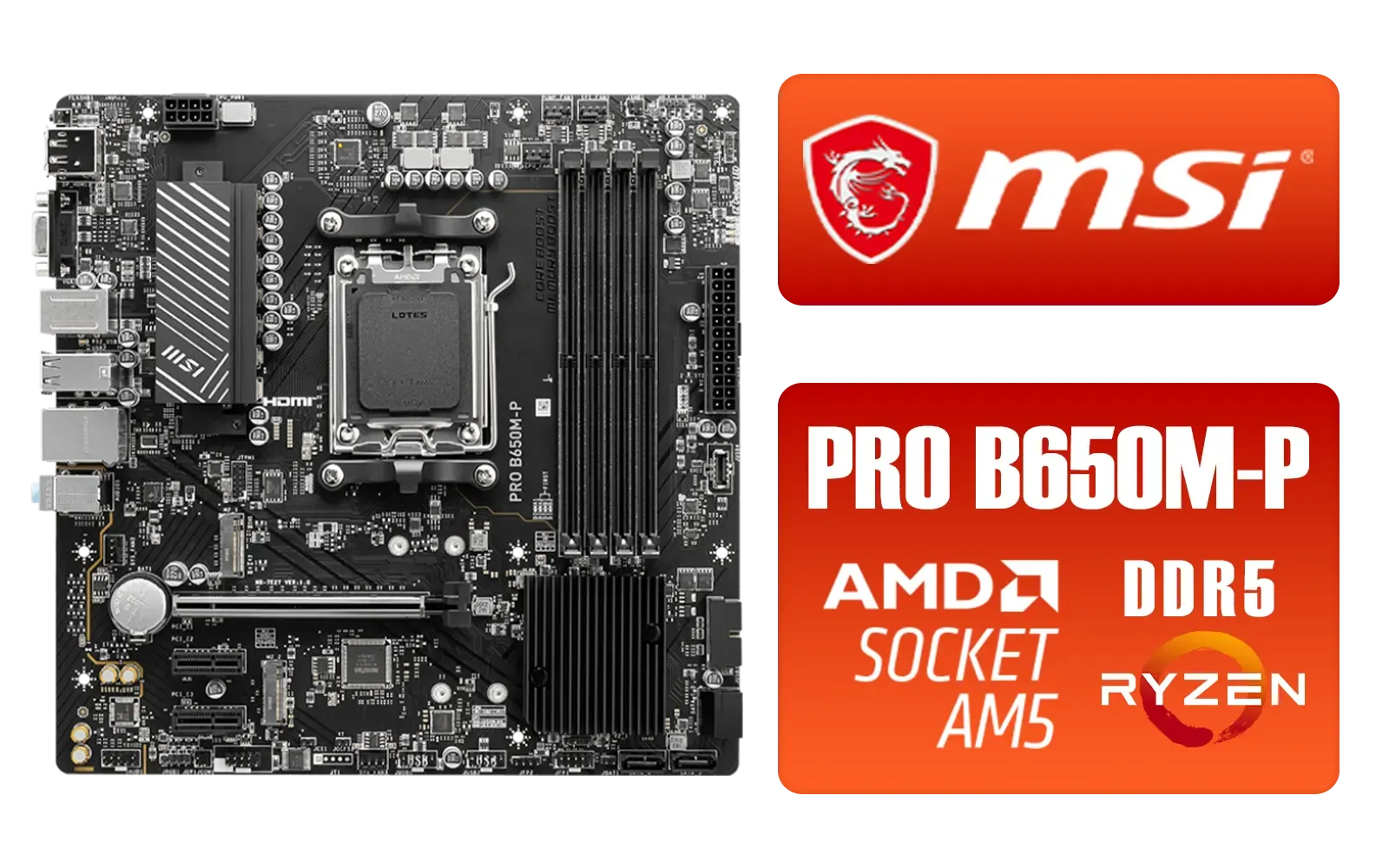
MSI PRO B650M-P PRO Series Motherboard (AMD AM5, mATX, DDR5, PCIe 4.0, M.2, SATA 6Gb/s, USB 3.2 Gen 2, HDMI/DP, AMD Ryzen 7000 Series Desktop Processors) - 911-7E27-001
R2499.00In Stock

Asus Rog Strix TRX40-E Gaming AMD Ryzen Threadripper ATX Motherboard / 3rd Gen AMD Ryzen / 16 power stages / Wi-Fi 6 / 2.5 Gbps LAN / USB 3.2 Gen 2 / Three M.2 / Aura Sync RGB / AMD Socket sTRX4
R4999.00In Stock

MSI PRO Z890-S Wi-Fi Intel Motherboard / ATX Motherboard / Supports Intel® Core™ Ultra Processors (Series 2) / LGA 1851 Socket / 4x DDR5 UDIMM Up to 256GB / Intel® Wi-Fi 7 / 911-7E54-001
R5999.00In Stock
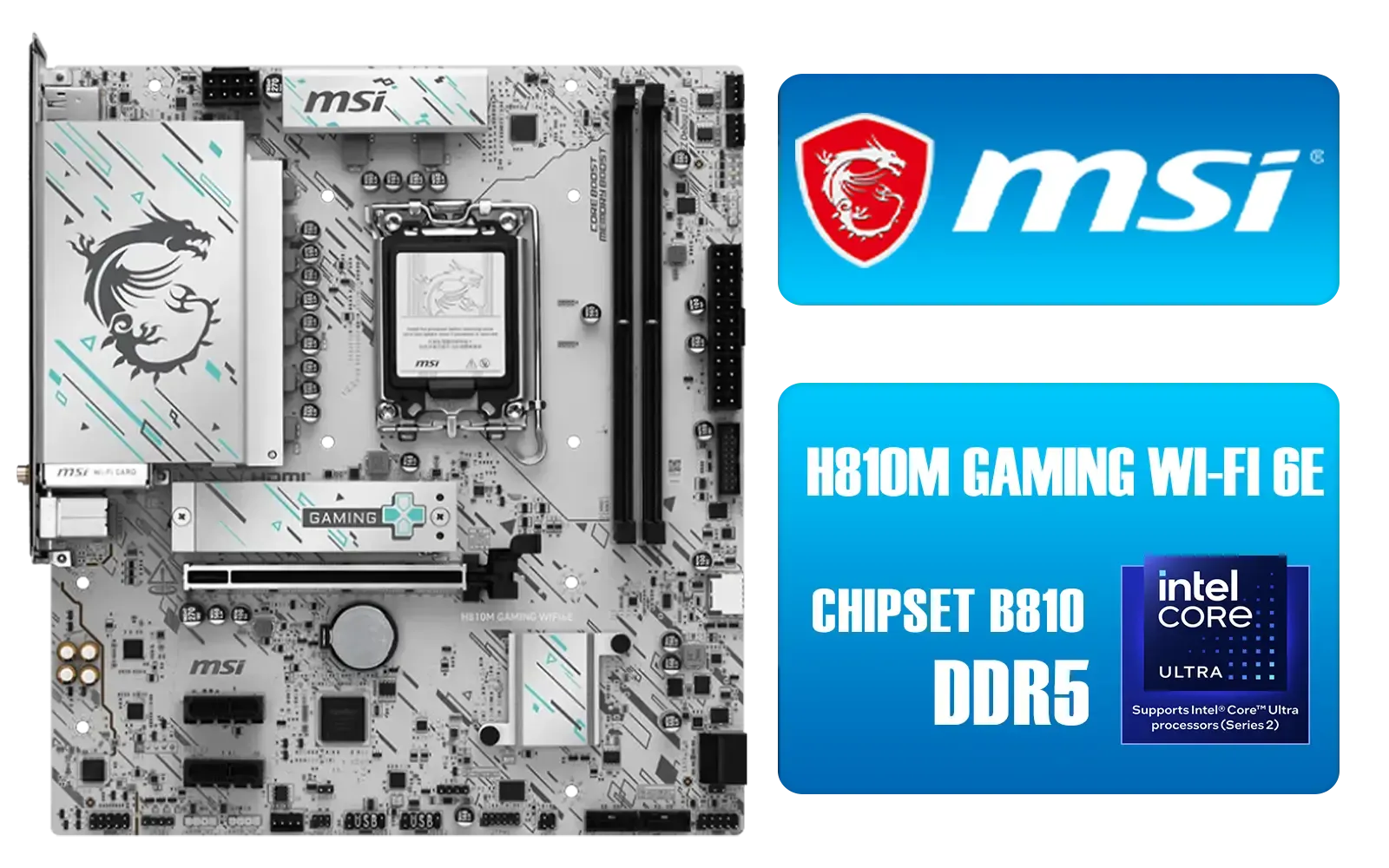
MSI H810M Gaming Wi-Fi 6E Intel Motherboard - White / Supports Intel® Core™ Ultra (Series 2) / Dual Channel DDR5-6400+ (OC) / 6 P-PAK Power System / Lightning Gen 4 x4 M.2 / USB 20G Type-C / Realtek® 2.5G LAN / Wi-Fi 6E / 911-7E64-002
R3499.00In Stock

MSI PRO B840-P WIFI Motherboard, ATX - Supports AMD Ryzen 9000/8000 / 7000 Processors, AM5 - DDR5 Memory Boost (8000+ MT/s OC), PCIe 4.0 x16, M.2 Gen4, Wi-Fi 7, 2.5G LAN / 911-7E57-001
R4199.00In Stock
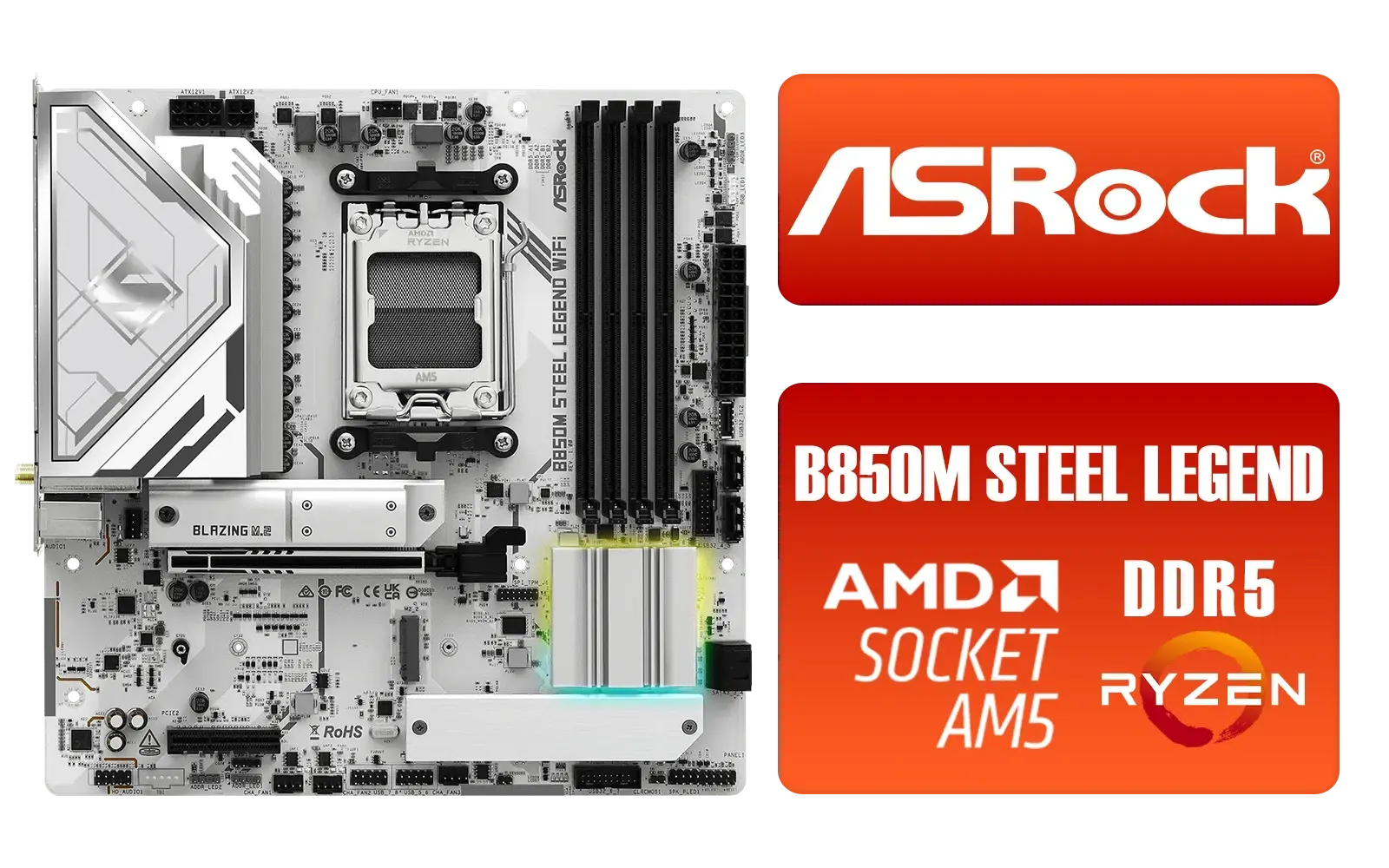
ASRock B850M Steel Legend WiFi AMD Motherboard / Supports AMD Socket AM5 Ryzen™ 9000, 8000 and 7000 Series Processors / AMD B850 Chipset / PCIe Gen5 (Graphics, M.2) / Dual Channel DDR5 / 2.5G LAN & Wi-Fi 7 / BIOS Flashback Button / 90-MXBS20-A0UAYZ
R3899.00In Stock
Why Your Gaming Motherboard Choice Is Crucial
Think of a motherboard as your PC's central nervous system. It connects every single component—your CPU, GPU, RAM, and storage—and allows them to communicate. A great motherboard doesn't just work; it unlocks the full potential of your parts. It dictates your connectivity options (like USB ports and Wi-Fi), your potential for future upgrades, and even your overclocking headroom. Getting this choice right from the start saves you headaches and money down the line.
Before the Quiz: Key Factors to Consider
Before you jump into the questions, let's quickly cover the three most important concepts. Understanding these will make finding the best gaming motherboard for your rig a breeze.
CPU Socket: Team Red or Team Blue?
This is the first and most critical decision. Your motherboard's socket must match your CPU. You can't install an Intel CPU on an AMD motherboard, or vice versa. It’s a physical incompatibility.
- For Intel: You'll be looking at sockets like LGA 1700 for 12th, 13th, and 14th-gen processors. Check out the latest Intel motherboards to see the options available for your Core i5, i7, or i9 chip.
- For AMD: You'll likely be looking at the AM5 socket for the latest Ryzen 7000 and 8000 series CPUs. We have a full range of AMD motherboards ready for your Ryzen build.

MSI MPG X870E Edge TI WiFi Motherboard, ATX - Supports AMD Ryzen 9000/8000 / 7000 Processors, AM5-80A SPS VRM, DDR5 Memory Boost 8400+MT/s (OC), PCIe 5.0 x16, M.2 Gen5, Wi-Fi 7, 5G LAN / 911-7E59-001
R8999.00In Stock
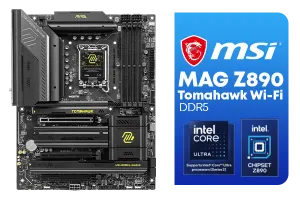
MSI MAG Z890 Tomahawk Wi-Fi Intel Motherboard / ATX Form Factor / Supports Intel® Core™ Ultra Processors (Series 2) / LGA 1851 CPU Socket / 4x DDR5 UDIMM Supporting up to 256GB / 911-7E32-003
R7999.00In Stock

MSI Z890 Gaming Plus Wi-Fi Intel Motherboard / ATX Form Factor / Supports Intel® Core™ Ultra Processors (Series 2) / LGA 1851 CPU Socket / 4x DDR5 UDIMM Supporting up to 256GB / 911-7E34-002
R6699.00In Stock
MSI PRO Z890-S Wi-Fi Intel Motherboard / ATX Motherboard / Supports Intel® Core™ Ultra Processors (Series 2) / LGA 1851 Socket / 4x DDR5 UDIMM Up to 256GB / Intel® Wi-Fi 7 / 911-7E54-001
R5999.00In Stock

MSI X870 Gaming Plus WIFI AMD Motherboard - AM5 Socket - Supports AMD Ryzen™ 9000/ 8000/ 7000 Series Desktop Processors - 4x DDR5 UDIMM - ATX Form Factor / 911-7E47-005
R6999.00In Stock
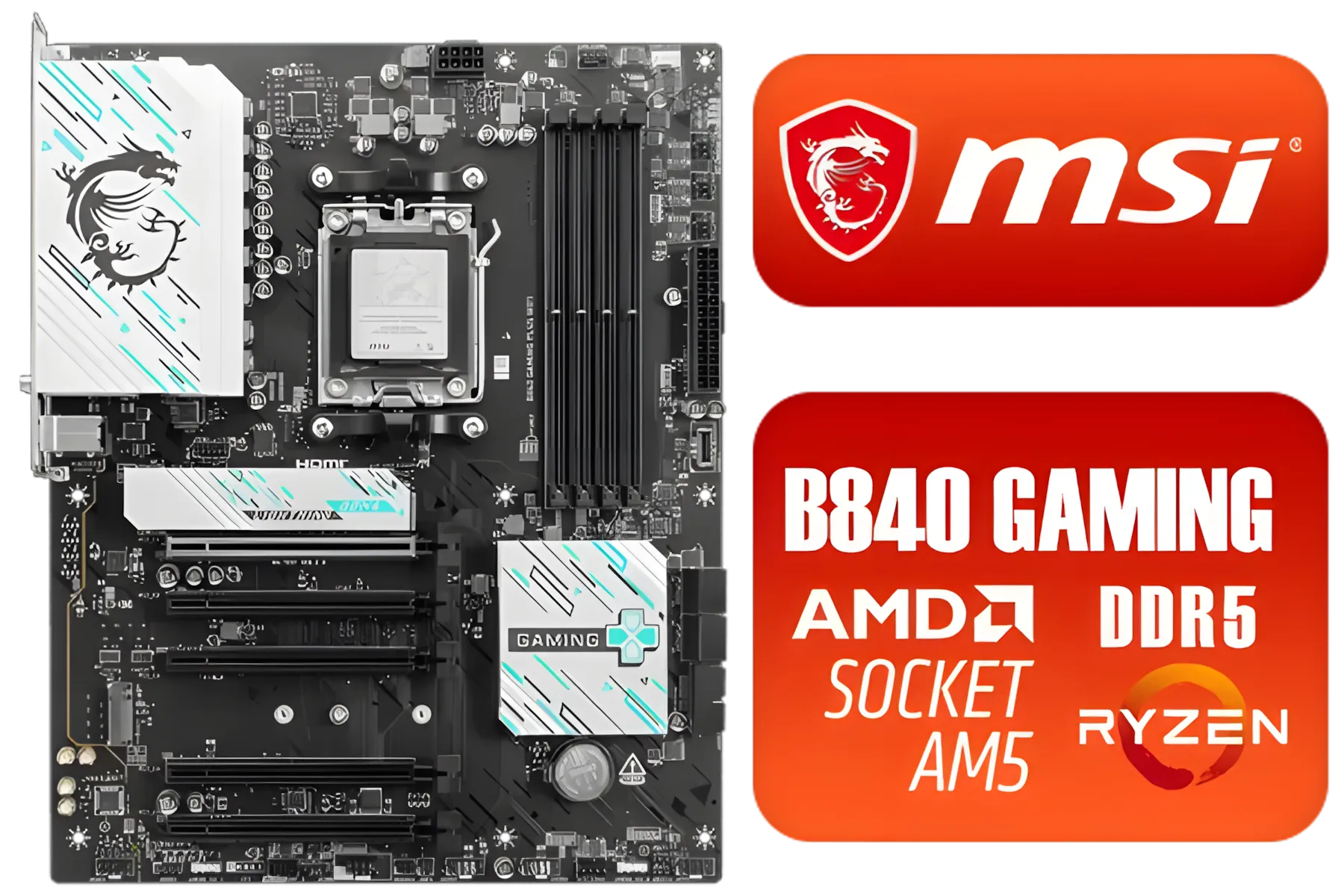
MSI B840 GAMING PLUS WIFI AMD Motherboard / AM5 Socket / ATX For Factor / 4x DDR5 DIMM Slots / Supports AMD Ryzen™ 9000/ 8000/ 7000 Series Desktop Processors / 911-7E57-002
R4899.00In Stock
Form Factor: How Big is Your Box?
The size of your motherboard determines the size of the PC case you'll need and how many expansion slots you get.
- ATX: The standard. Offers the most slots for GPUs, sound cards, and more. Ideal for most gamers.
- Micro-ATX (mATX): A shorter, more compact version of ATX. A great middle-ground for smaller builds without sacrificing too many features.
- Mini-ITX: The smallest of the bunch. Perfect for compact, portable gaming PCs, but often comes with compromises like fewer RAM slots and higher prices.
Chipset and Features
The chipset is the motherboard's brain. It controls data flow and determines features like the number of USB ports, M.2 slots for super-fast SSDs, and overclocking support. For example, on Intel, a Z-series chipset (like Z790) allows CPU overclocking, while a B-series (like B760) does not. It’s all about matching features to your actual needs.
TIP FOR YOU
BIOS Flashback Pro Tip ⚡
Some motherboards need a BIOS update to work with the very latest CPUs. Look for a board with a 'BIOS Flashback' button. This lets you update the BIOS with just a USB stick and a power supply—no CPU or RAM needed! It’s a lifesaver if you buy a brand-new CPU and an older-stock motherboard.
The Ultimate Quiz to Find Your Best Gaming Motherboard 🧠
Answer these simple questions to get a clear recommendation for the type of motherboard you should be looking for.

ASRock B860 Steel Legend WiFi Intel Motherboard / ATX Form Factor / Supports Intel® Core™ Ultra Processors (Series 2) / LGA 1851 CPU Socket / 4x DDR5 DIMM Supporting up to 256GB / 90-MXBR30-A0UAYZ
R5599.00In Stock

ASRock Phantom Gaming B850 Riptide WIFI AMD Ryzen Motherboard / Supports AMD Socket AM5 Ryzen™ 9000, 8000 and 7000 Series Processors / AMD B850 Chipset / USB4 Type-C (10Gbps) Connectivity / 90-MXBQT0-A0UAYZ
R4999.00In Stock
MSI PRO Z890-P Wi-Fi Intel Motherboard / ATX Form Factor / Supports Intel® Core™ Ultra Processors (Series 2) / LGA 1851 CPU Socket / 4x DDR5 UDIMM Supporting up to 256GB / 911-7E34-001
R5999.00In Stock

MSI MPG Z890 Carbon Wi-Fi Intel Motherboard / ATX Form Factor / Supports Intel® Core™ Ultra Processors (Series 2) / LGA 1851 CPU Socket / 4x DDR5 UDIMM Supporting up to 256GB / 911-7E17-001
R11999.00In Stock

ASRock X870E Taichi WIFI AMD Ryzen Motherboard / Supports AMD Socket AM5 Ryzen™ 9000, 8000 and 7000 Series Processors / AMD X870 Chipset / USB4 Type-C (40Gbps) Connectivity / 90-MXBP90-A0UAYZ
R10999.00In Stock
MSI PRO B650M-P PRO Series Motherboard (AMD AM5, mATX, DDR5, PCIe 4.0, M.2, SATA 6Gb/s, USB 3.2 Gen 2, HDMI/DP, AMD Ryzen 7000 Series Desktop Processors) - 911-7E27-001
R2499.00In Stock
1. What's your budget looking like?
- A) On a tight budget, every Rand counts! You're looking for maximum performance for your money. Focus on B-series chipsets for both Intel (B760) and AMD (B650). You can often find great value on budget-friendly motherboards that deliver 95% of the performance for a fraction of the cost.
- B) I have a healthy budget for performance. This is the sweet spot. Look at high-end B-series boards or entry-level premium chipsets like Intel's Z790 or AMD's X670. You'll get better power delivery, more connectivity, and better aesthetics.
- C) Money is no object... I want the best. Go straight for the top-tier chipsets: Intel Z790 or AMD X670E. These offer the best power delivery for extreme overclocking, the most M.2 slots, and the fastest connectivity.
2. Are you an overclocker or a 'set-it-and-forget-it' type?
- A) I want to squeeze every drop of performance (Overclocker). 👉 If you're on Intel, you must get a Z-series motherboard. For AMD, while most chips are unlocked, an X-series or high-end B-series board will give you the robust power delivery needed for stable overclocks.
- B) I just want to enable XMP/EXPO and play games. 👉 A solid B-series motherboard is perfect for you. It's cost-effective and provides all the performance you need for stock speeds and memory profiles.
3. What size PC case are you planning to use?
- A) A standard mid-tower or full-tower. 👉 An ATX motherboard is your best bet. It's the easiest to build with and offers maximum expansion.
- B) A compact or smaller case. 👉 Look for a Micro-ATX or Mini-ITX board. Just double-check your case specifications to ensure it fits perfectly!

MSI B860 GAMING PLUS WIFI Motherboard, ATX - Supports Intel Core Ultra Processors (Series 2), LGA 1851 - DDR5 Memory Boost 8600+ MT/s (OC), PCIe 5.0 x16 x16, M.2 Gen5, Intel Killer 5G LAN, Wi-Fi 7 / 911-7E41-003
R5299.00In Stock
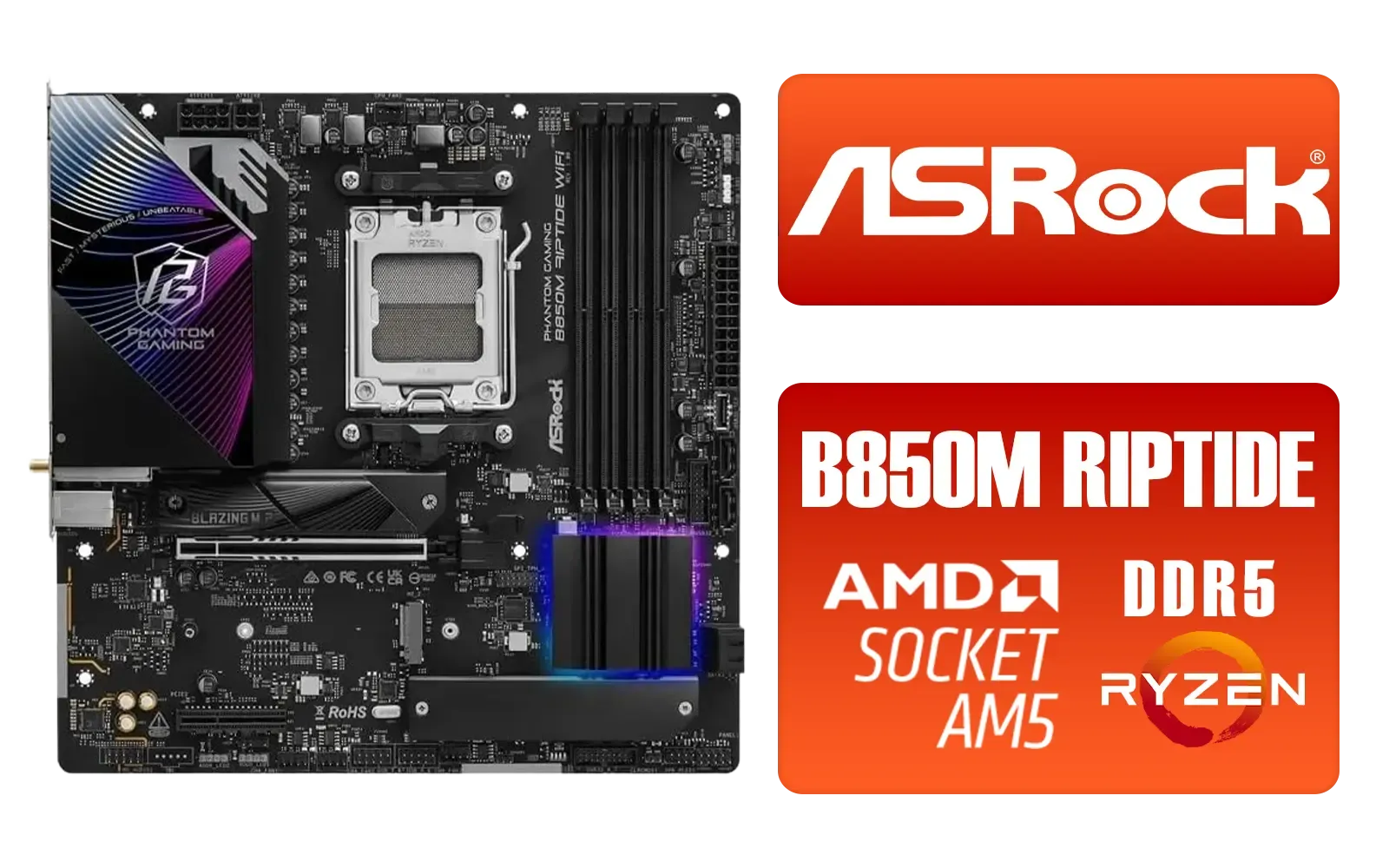
ASRock Phantom Gaming B850M Riptide WiFi AMD Motherboard / Supports AMD Socket AM5 Ryzen™ 9000, 8000 and 7000 Series Processors / AMD B850 Chipset / PCIe Gen5 (Graphics, M.2) / Dual Channel DDR5 / 90-MXBS30-A0UAYZ
R3999.00In Stock
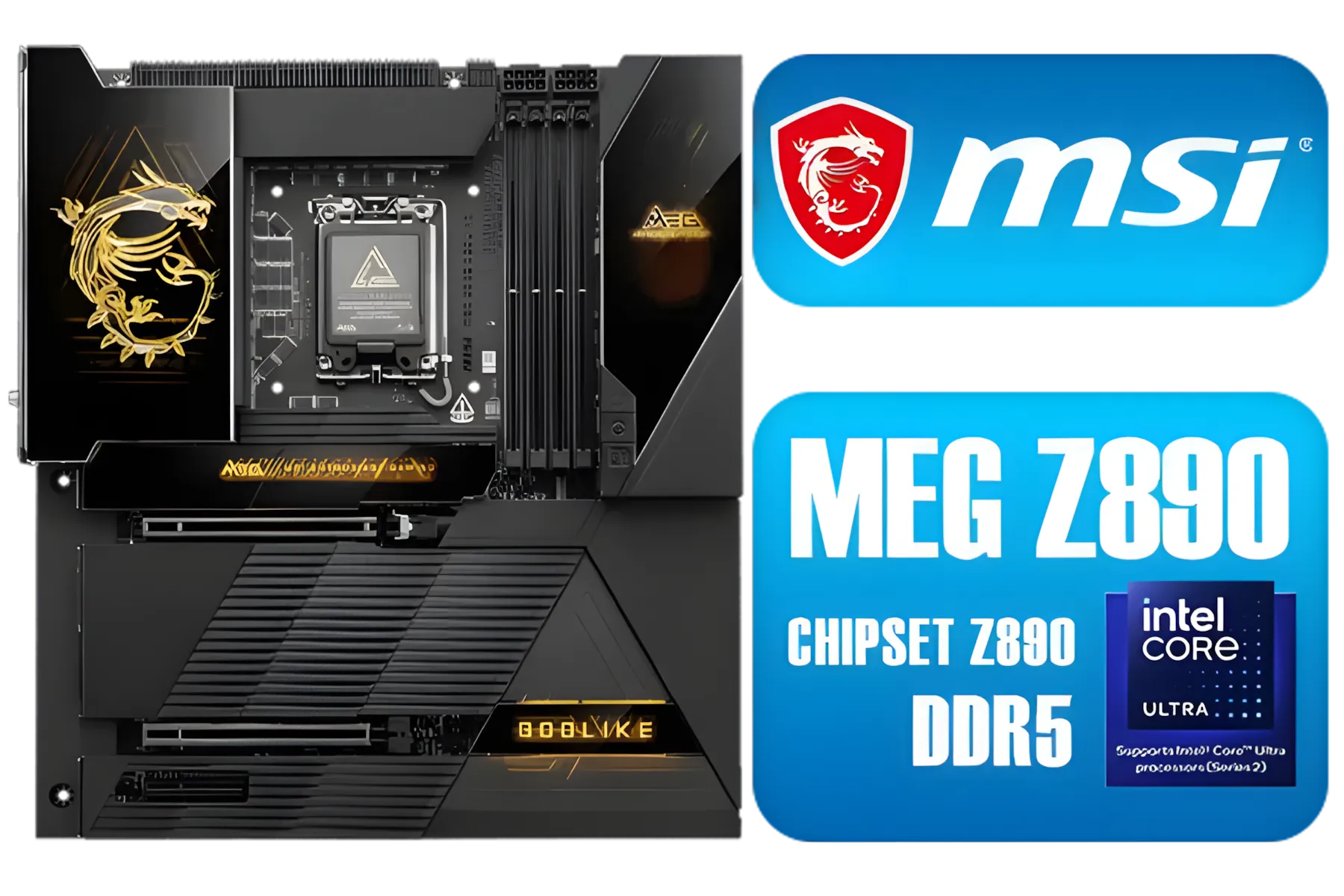
MSI MEG Z890 GODLIKE, E-ATX - Supports Intel Core Ultra Processors (Series 2), LGA 1851 - Dynamic Dashboard III, EZ Slide M.2, DDR5 (9200+ MT/s OC), M.2 & PCIe 5.0, Thunderbolt 5, Wi-Fi 7, 10G LAN / 911-7E21-002
R29999.00In Stock
ASRock X870E Taichi WIFI AMD Ryzen Motherboard / Supports AMD Socket AM5 Ryzen™ 9000, 8000 and 7000 Series Processors / AMD X870 Chipset / USB4 Type-C (40Gbps) Connectivity / 90-MXBP90-A0UAYZ
R10999.00In Stock
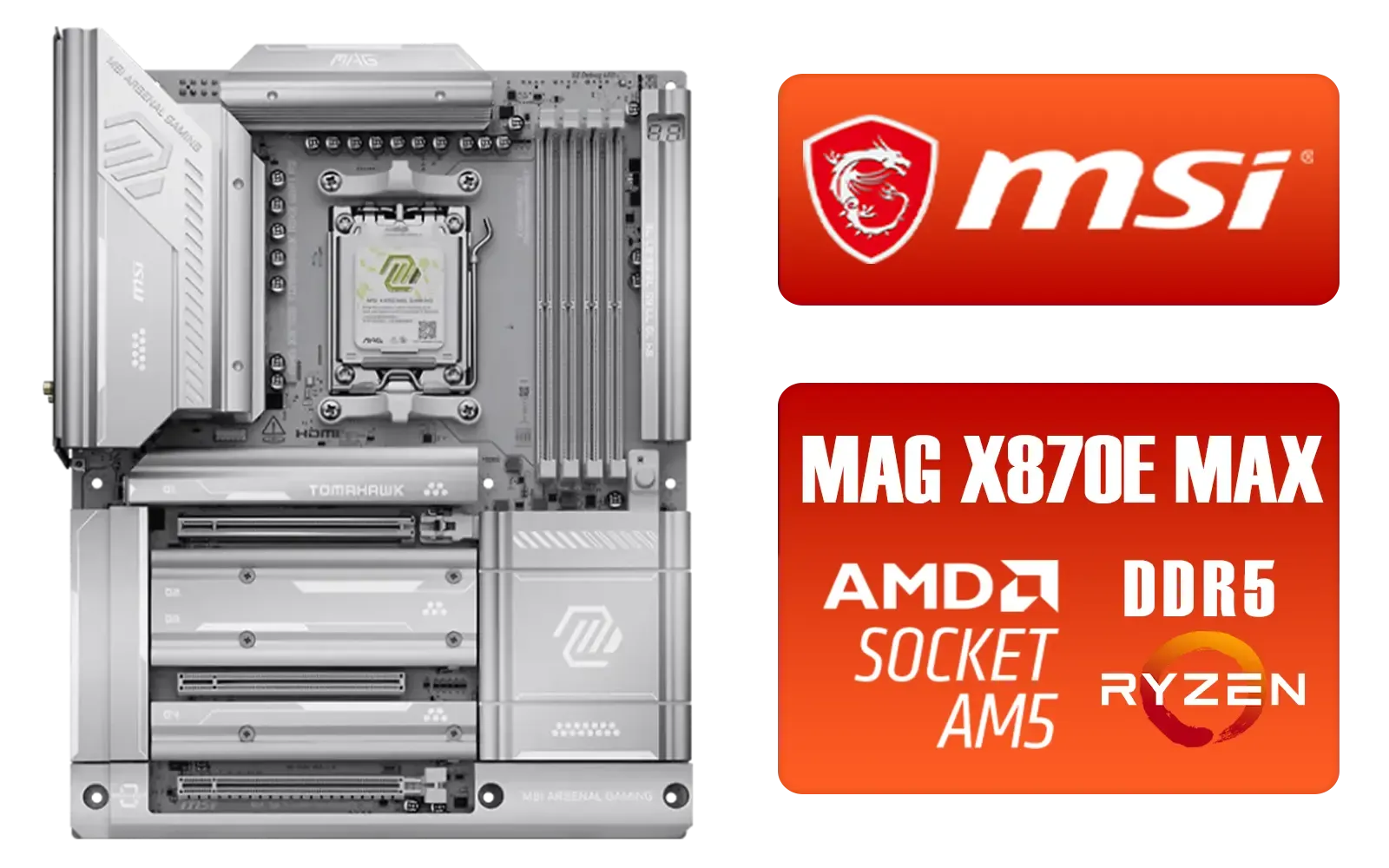
MSI MAG X870E Tomahawk MAX WiFi PZ AMD Motherboard / Supports AMD Ryzen™ 9000 / 8000 / 7000 Series / Dual Channel DDR5-8400+ (OC) / 14+2+1 Duet Rail Power System / Lightning Gen 5 x4 M.2 / USB4 & 5G LAN / Wi-Fi 7 / 911-7E84-001
R7999.00In Stock
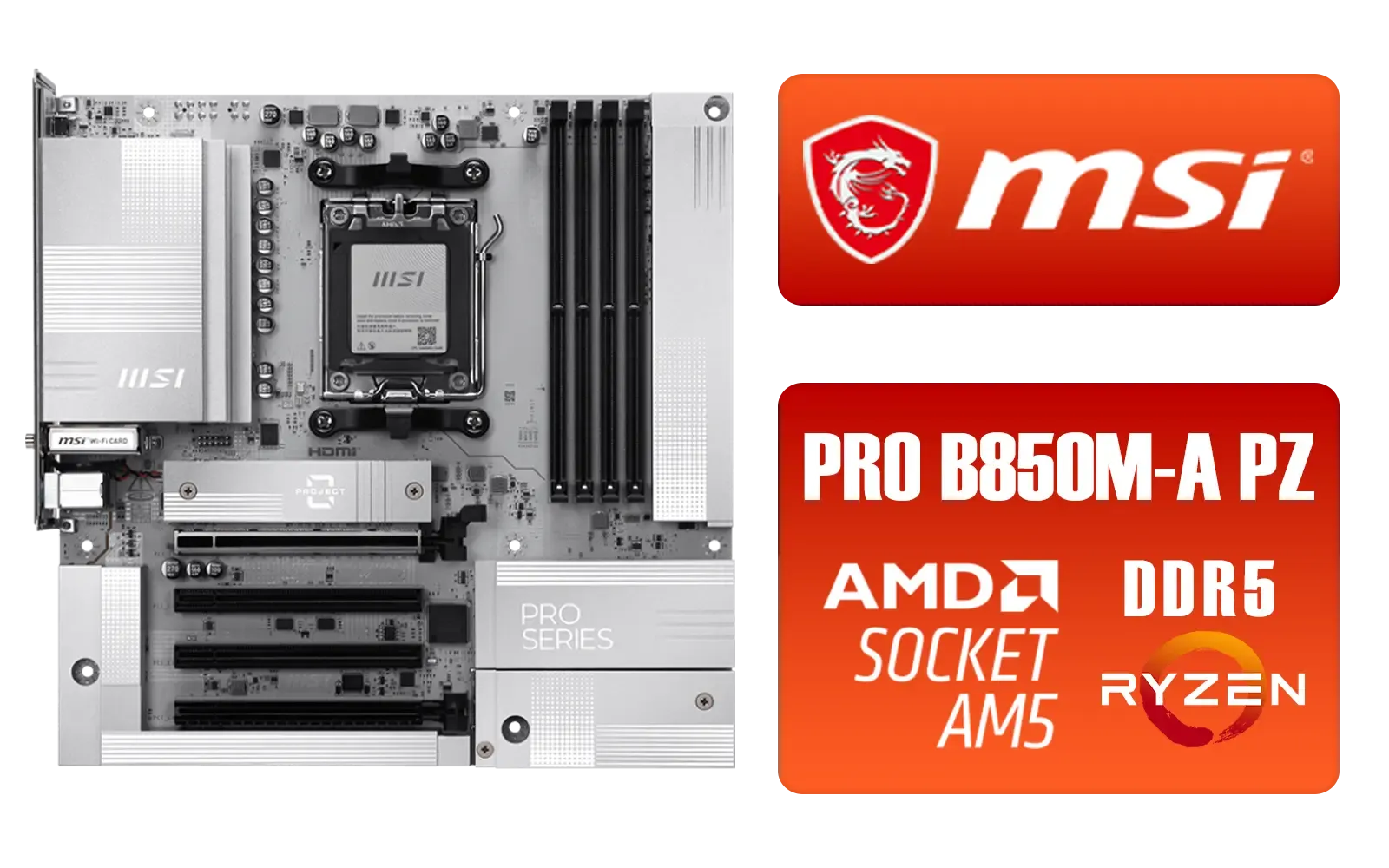
MSI PRO B850M-A WIFI PZ AMD Motherboard / Supports AMD Ryzen™ 9000 / 8000 / 7000 Series / Dual Channel DDR5-8200+ (OC) / Direct 8+2+1 Power System (60A SPS) / Lightning Gen 5 x4 M.2 / 5G LAN & Wi-Fi 7 / 911-7E78-001
R4999.00In Stock
Putting It All Together
By now, you should have a much clearer picture. For example, if you answered A, B, and A, you're likely looking for a budget-friendly, B-series ATX motherboard—one of the most popular combinations for gaming motherboards in South Africa.
Finding the best gaming motherboard isn't about buying the most expensive option. It's about finding the right one for your components, your case, and your budget. ✨
Ready to Build Your Dream Rig? Choosing the best gaming motherboard is the first step to PC nirvana. Now that you know what to look for, dive into our massive selection. Explore our full range of PC components and find the perfect foundation for your ultimate gaming machine.
Related Products

MSI PRO B850-P WIFI Motherboard, ATX - Supports AMD Ryzen 9000/8000 / 7000 Processors, AM5 - DDR5 Memory Boost (8200+ MT/s OC), PCIe 5.0 x16 & 4.0 x16, M.2 Gen5, Wi-Fi 7, 5G LAN / 911-7E56-002
R4599.00In Stock

ASRock X870 PRO RS WIFI AMD Ryzen Motherboard / Supports AMD Socket AM5 Ryzen™ 9000, 8000 and 7000 Series Processors / AMD X870 Chipset / USB4 Type-C (40Gbps) Connectivity / 90-MXBQ00-A0UAYZ
R5499.00In Stock
MSI PRO Z890-S Wi-Fi Intel Motherboard / ATX Motherboard / Supports Intel® Core™ Ultra Processors (Series 2) / LGA 1851 Socket / 4x DDR5 UDIMM Up to 256GB / Intel® Wi-Fi 7 / 911-7E54-001
R5999.00In Stock

MSI MAG B860 TOMAHAWK WIFI Motherboard, ATX - Supports Intel Core Ultra Processors (Series 2), LGA 1851 - DDR5 Memory Boost 9200+ MT/s OC, 1 x PCIe 5.0 x16, 1 x M.2 Gen5, 5G LAN, Wi-Fi 7 / 911-7E39-001
R5999.00In Stock
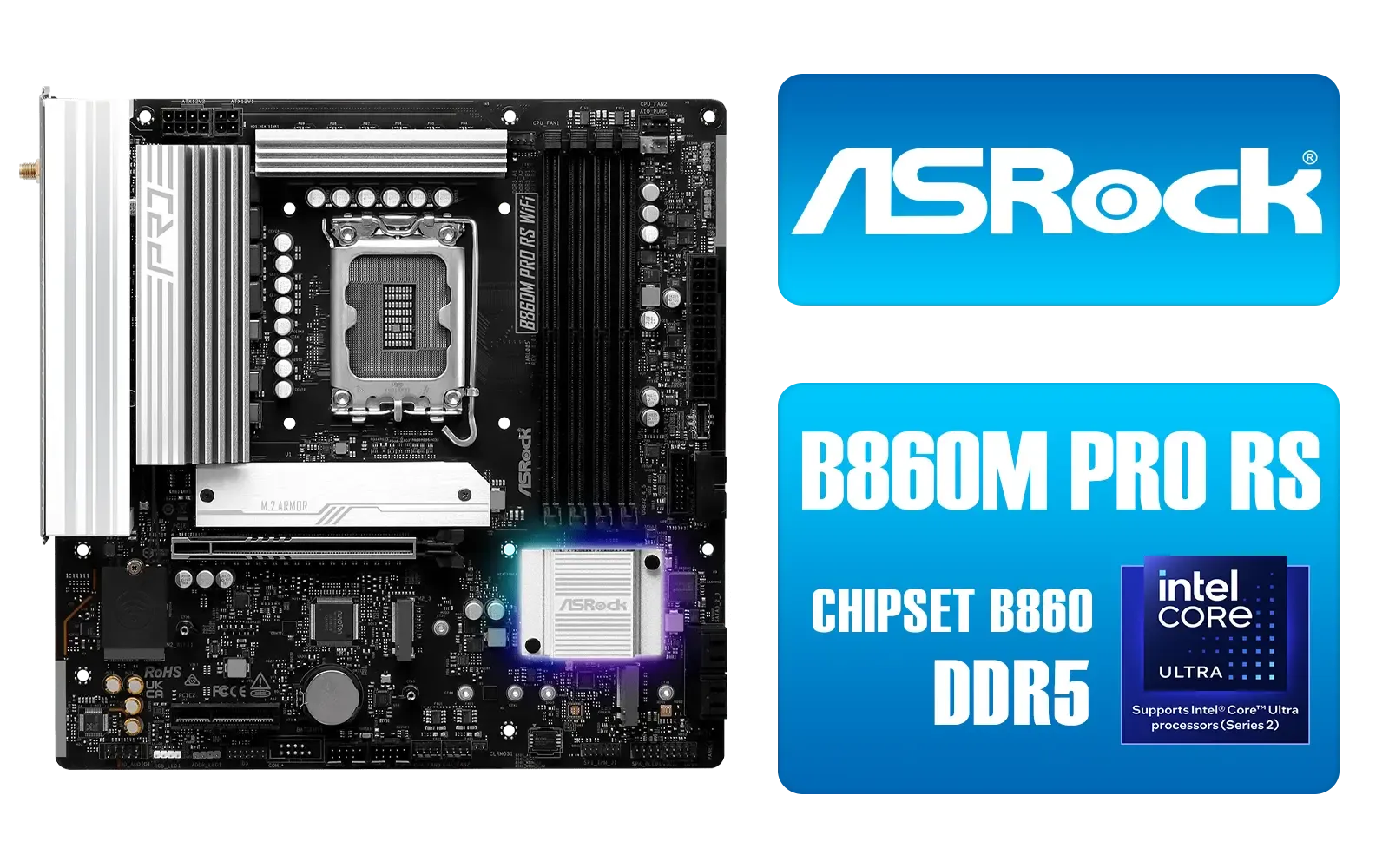
ASRock B860M Pro RS WiFi Intel Motherboard / Micro-ATX Form Factor / Supports Intel® Core™ Ultra Processors (Series 2) / LGA 1851 CPU Socket / PCIe Gen5 (Graphics, M.2) / Dual Channel DDR5 / 2.5G LAN & Wi-Fi 6E / 90-MXBRQ0-A0UAYZ
R3599.00In Stock
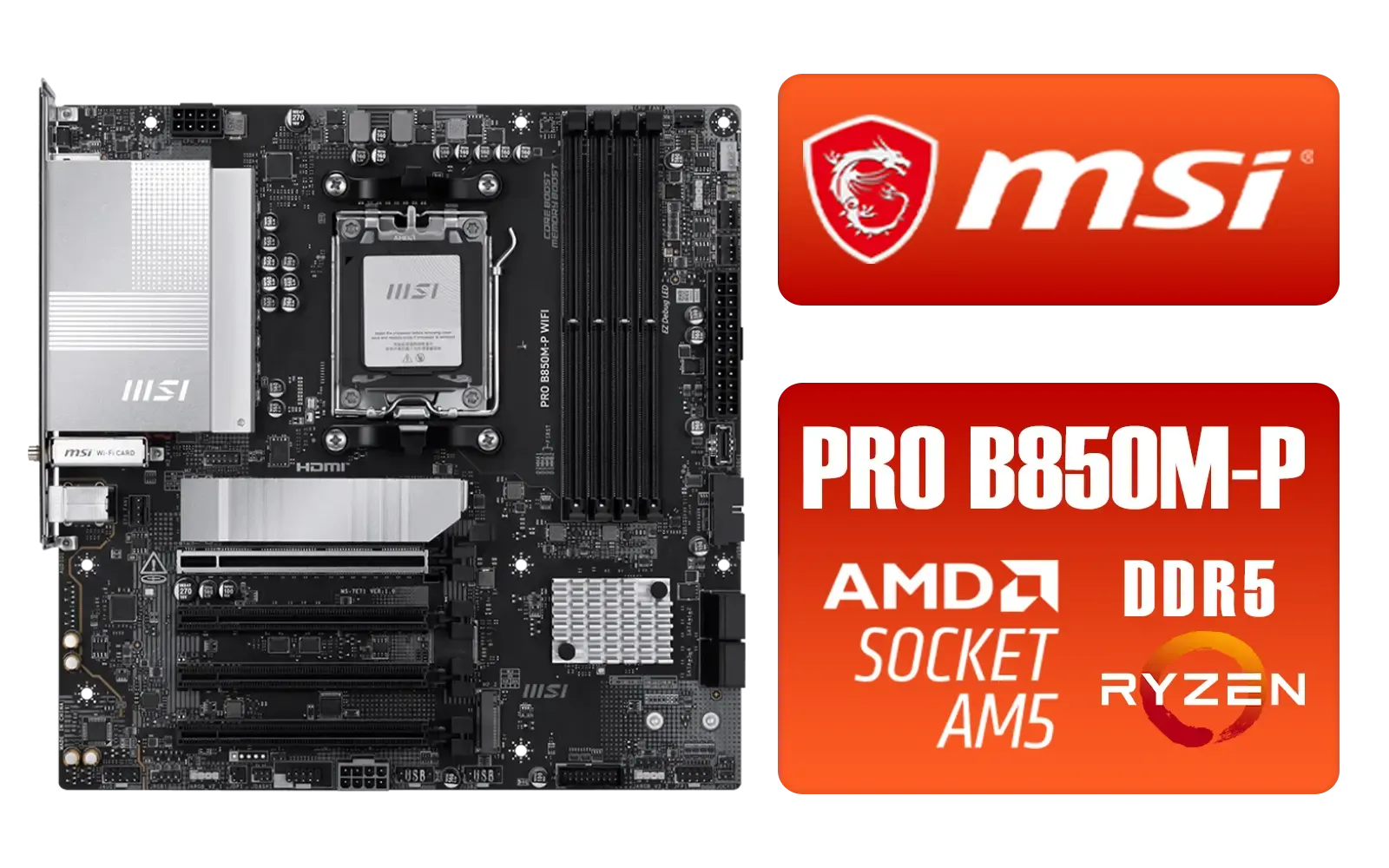
MSI PRO B850M-P WIFI AMD Motherboard / Supports AMD Ryzen™ 9000 / 8000 / 7000 Series / Dual Channel DDR5-8200+ (OC) / Direct 7+2+1 Power System (P-PAK) / 8-pin CPU Power Connector / PCIe 5.0 Slot & Lightning Gen 5 x4 M.2 / 5G LAN & Wi-Fi 7 / 911-7E71-001
R4199.00In Stock
Focus on CPU compatibility (socket type), form factor (ATX or Micro-ATX), and required features like Wi-Fi or DDR5 support to find the best gaming motherboard for you.
Generally no, but a high-end motherboard supports faster RAM and stable CPU overclocking, which can indirectly improve performance in CPU-bound titles.
Z790 supports CPU overclocking and more PCIe lanes for enthusiasts, while B760 is a budget-friendly option without overclocking support, ideal for standard builds.
Choose a DDR5 motherboard for future-proofing and higher speeds. Stick to DDR4 only if you are on a strict budget and plan to reuse existing RAM sticks.
Top brands available in South Africa include ASUS, MSI, and Gigabyte. The best choice depends on your specific budget and the connectivity features you need.
ATX is standard, Micro-ATX is compact, and Mini-ITX is tiny. Check your PC case specs to ensure your chosen gaming motherboard fits inside before buying.











