



Best Graphics Settings for 4K Gaming: Get Smooth FPS in SA
Discover the best graphics settings for 4K gaming to eliminate stutter and lag. Our guide for South African gamers covers everything from NVIDIA/AMD panels to in-game tweaks like DLSS and FSR. Stop guessing and start enjoying buttery-smooth 4K visuals today! 🚀🎮
|
Loading tags...
Unlocking Your 4K Potential: Why Settings Matter
South African gamers, heard that 4K siren song? That crisp detail, those vibrant colours, the sheer immersion… it’s the ultimate dream. But often, it comes with a nightmare: choppy frame rates. You’ve invested in a beastly rig and a gorgeous panel, only to see your precious FPS plummet like the Rand after a bad news cycle. Don't let your high-end setup gather dust! We’re diving deep into the best graphics settings for 4K gaming to help you unlock smooth, buttery frames right here in SA. ✨
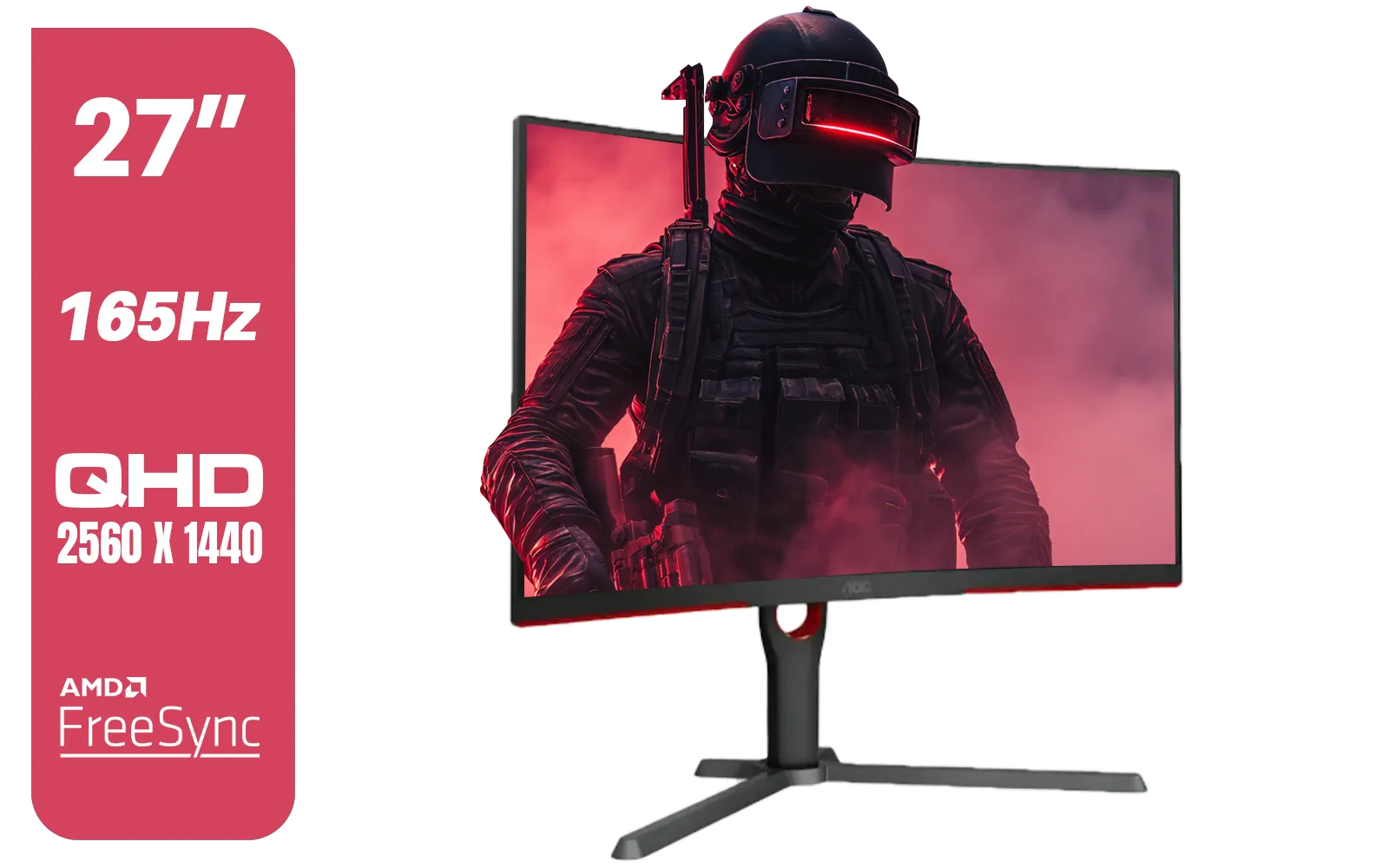
AOC CQ27G3S 27" QHD (2560x1440) 165Hz 1ms VA Curved FreeSync HDR Gaming Monitor / Superior High Quality Viewing / Ultra-smooth Tear-free Gaming / Enjoy top-tier Gaming Performance / Instant Response Times / Illuminate Your Visuals / Reducing Shortwave Blue Light / CQ27G3S
R6399.00In Stock
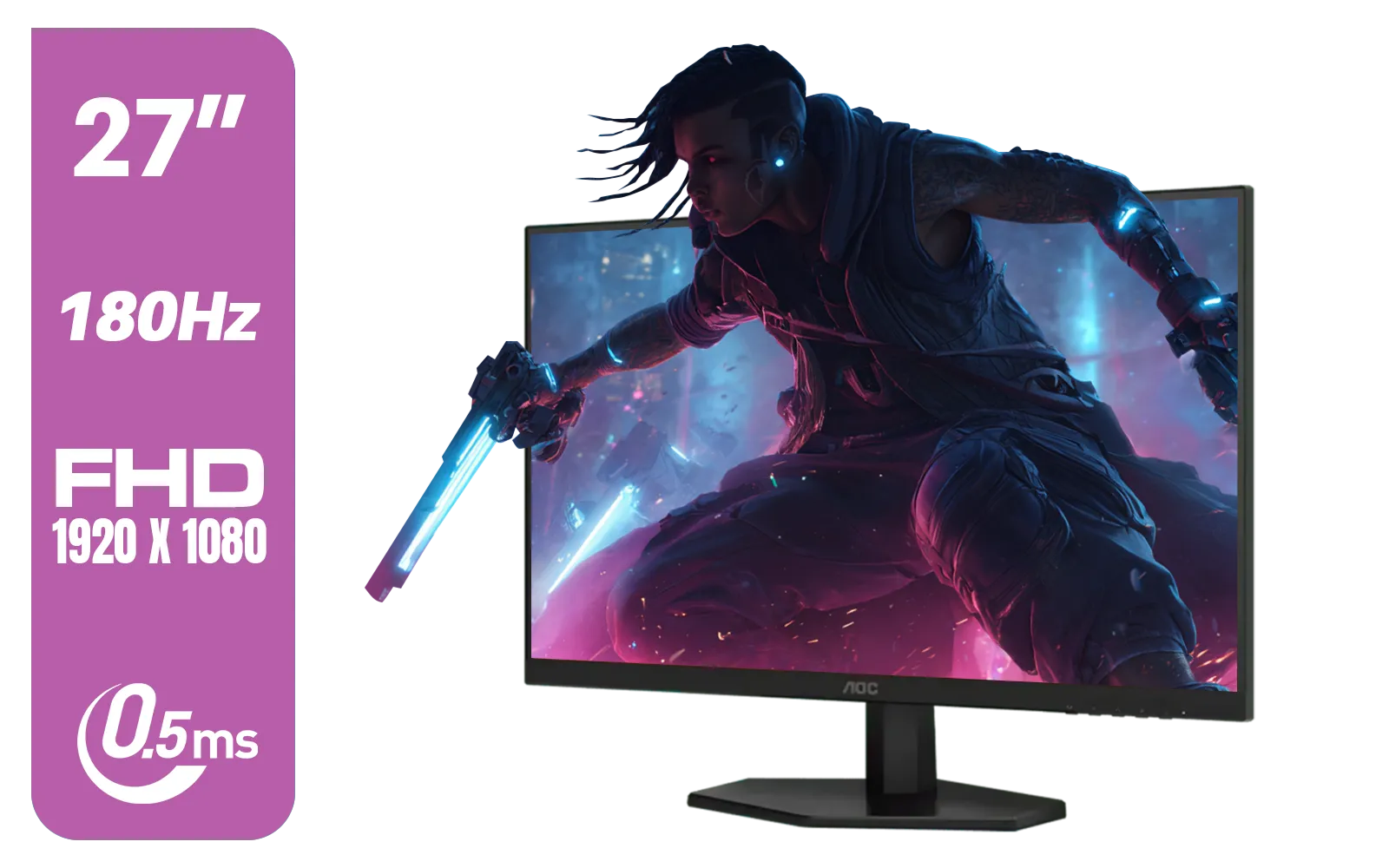
AOC 27G42E 27" 180Hz Ultra-Fast Gaming Monitor, 1920 × 1080 (FHD), 0.5ms, Fast IPS, Adaptive Sync, 3-Sided Frameless Design, Black / 27G42E
R3199.00In Stock
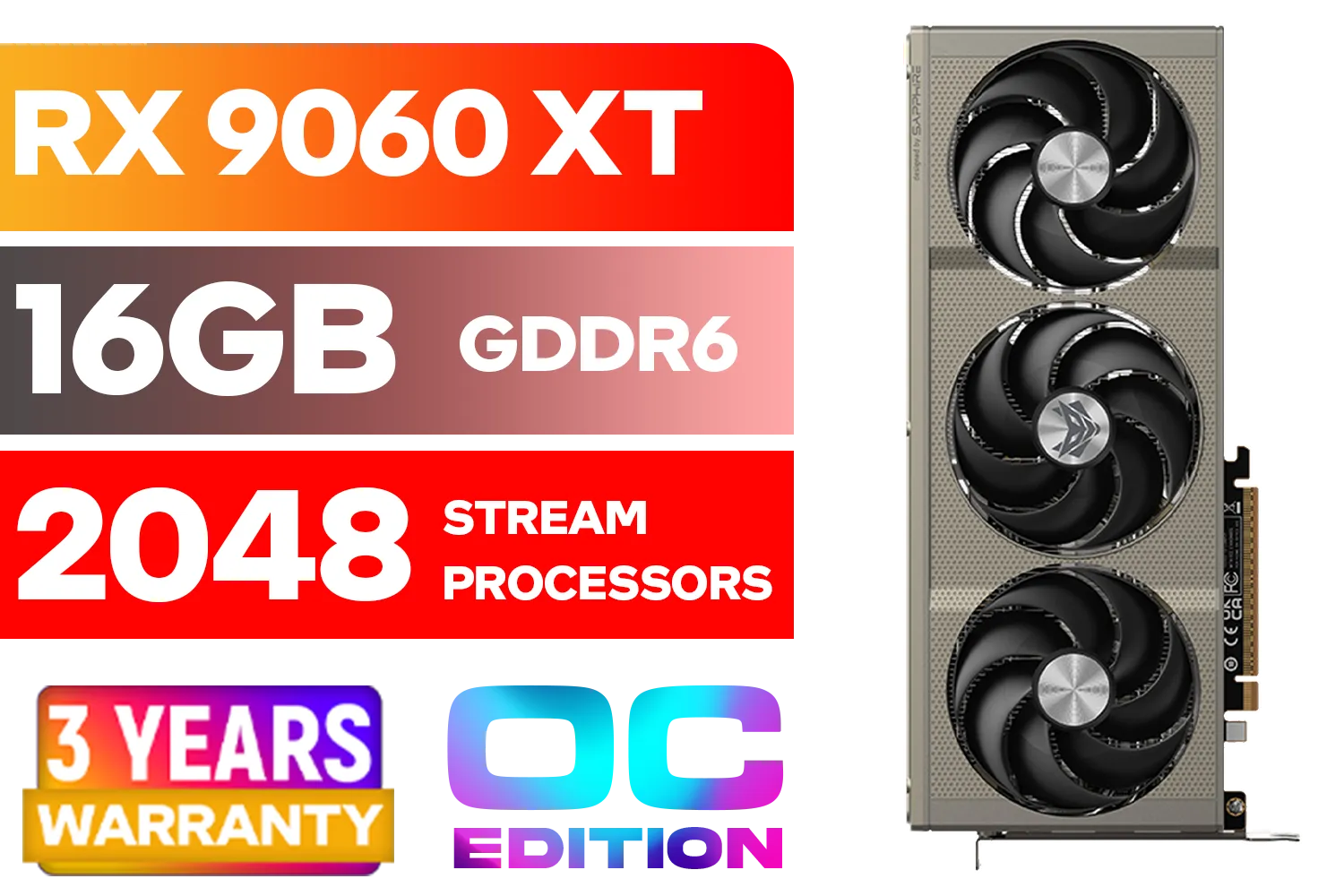
SAPPHIRE NITRO+ RX 9060 XT OC 16GB Graphics Card / 16GB GDDR6 Memory / 2048 Stream Processors / 128-bit Memory Interface / Boost Clock : 3320 MHz / AMD RDNA™ 4 Architecture / 32 Ray Accelerators / 11350-01-20G
R8899.00In Stock
![[Pre Built] AMD Ryzen 7 9800X3D RX 9070 XT Gaming PC](https://img.evetech.co.za/repository/ProductImages/ryzen-7-9800-x-3-d-rx-9070-xt-gaming-pc-48-gb-2-tb-nvme-main-1600px-v1.webp)
[Pre Built] AMD Ryzen 7 9800X3D RX 9070 XT Gaming PC
R69299.00In Stock
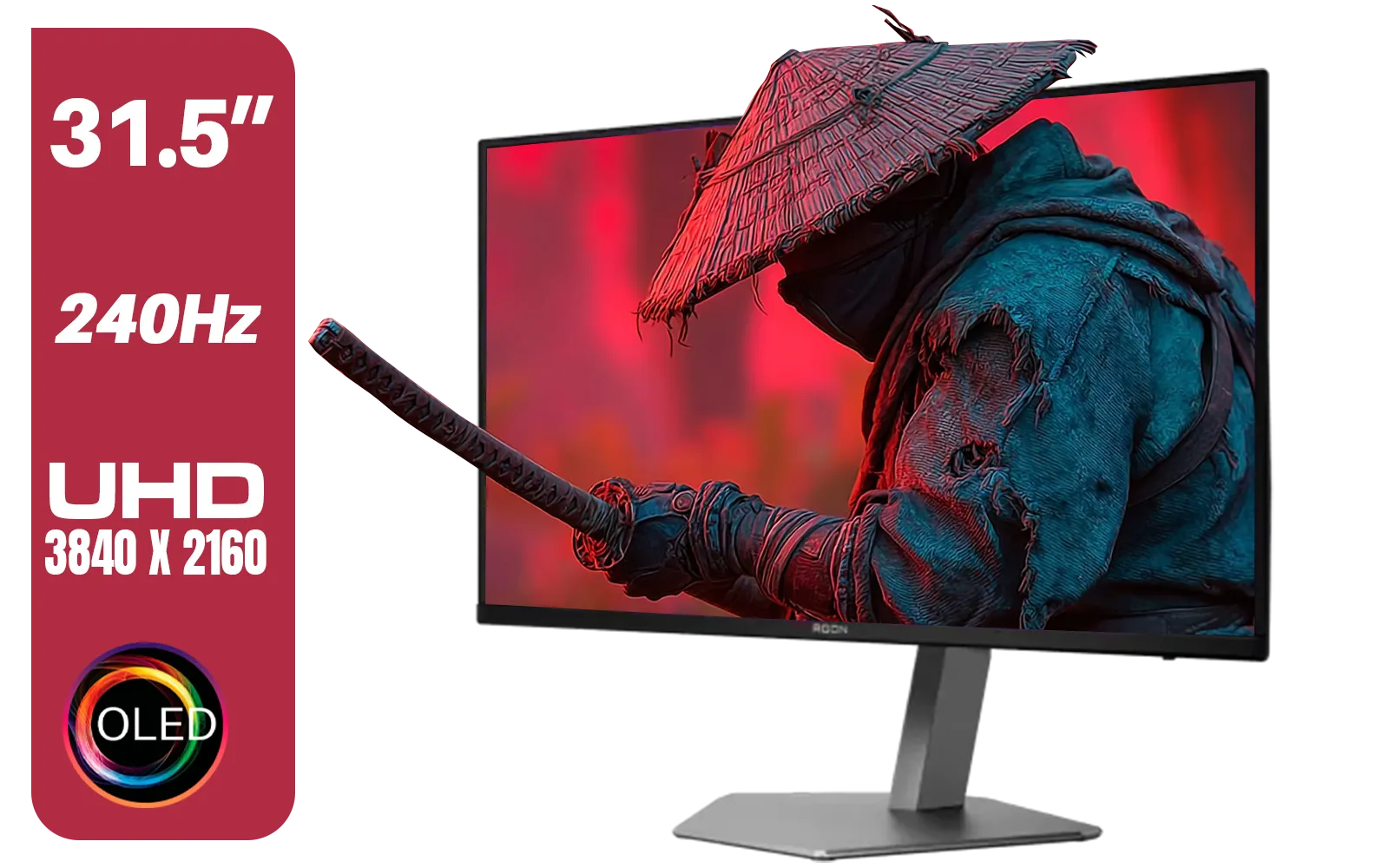
AOC Agon AG326UZD 31.5" Curved Gaming Monitor / UHD (3840x2160) OLED Display / 240Hz Refresh Rate / 0.03ms Response Time (GtG) / DisplayHDR True Black 400 / DisplayPort 2.1 / AG326UZD
R22999.00In Stock

VIEWSONIC XG2709A 27" LCD Gaming Monitor / 240Hz Refresh Rate / SuperClear® IPS Panel / 1ms MPRT Response Time / AMD FreeSync™ & G-Sync Compatible / HDR10 Support / HDMI & DisplayPort Inputs / XG2709A
R3499.00In Stock
Even the mightiest GPUs can struggle when pushing millions of pixels at 4K. It's not just about turning everything to "Ultra". True optimisation means finding that sweet spot between stunning visuals and rock-solid performance. This guide will help you navigate those daunting menus, ensuring your rig delivers the best graphics settings for 4K gaming without compromise. Want to experience your favourite titles like Cyberpunk 2077 or Elden Ring in their full glory? Fine-tuning is key. Consider exploring a range of PC monitors at Evetech to truly appreciate the visual fidelity you're about to unlock.
Core Settings for Smooth 4K FPS
Resolution & Upscaling: Your First Port of Call
Always set your in-game resolution to native 3840x2160 (4K). This ensures the sharpest image. However, the biggest performance leap often comes from upscaling technologies. NVIDIA's DLSS, AMD's FSR, and Intel's XeSS are absolute game-changers for 4K. They render the game at a lower resolution (e.g., 1440p) and then intelligently upscale it to 4K, providing a massive FPS boost with minimal perceived visual loss. Start with "Quality" or "Balanced" presets and adjust from there. Getting these graphics settings for 4K gaming right is crucial for a smooth experience.
Anti-Aliasing: Do You Even Need It at 4K?
At 4K, the pixel density is so high that jagged edges (aliasing) are far less noticeable than at lower resolutions. Traditional anti-aliasing methods like MSAA or TAA are incredibly demanding. Often, you can disable them entirely or opt for lighter post-processing options like FXAA for a significant FPS gain. If you’re hunting for the absolute best PC monitor deals to pair with your optimised settings, keep an eye on refresh rates; smoother visuals aren't just about raw frames.
Shadows & Textures: Balancing Beauty and Performance
Shadows are notorious performance hogs. Lowering shadow quality from "Ultra" to "High" or even "Medium" often yields substantial FPS improvements with a barely noticeable visual downgrade, especially during fast-paced action. Texture quality, on the other hand, depends on your GPU's VRAM. If you have 12GB+ VRAM, go for "Ultra." If less, stick to "High" to avoid stuttering. These best graphics settings for 4K gaming allow you to truly tailor your visual experience. 🔧
TIP FOR YOU
Master Your VRAM
Monitor your GPU's VRAM usage with tools like MSI Afterburner. If you're consistently hitting your VRAM limit (e.g., 8GB on an 8GB card), lower your texture quality or consider less demanding settings to prevent stuttering. This is vital for maintaining smooth frame rates at 4K.
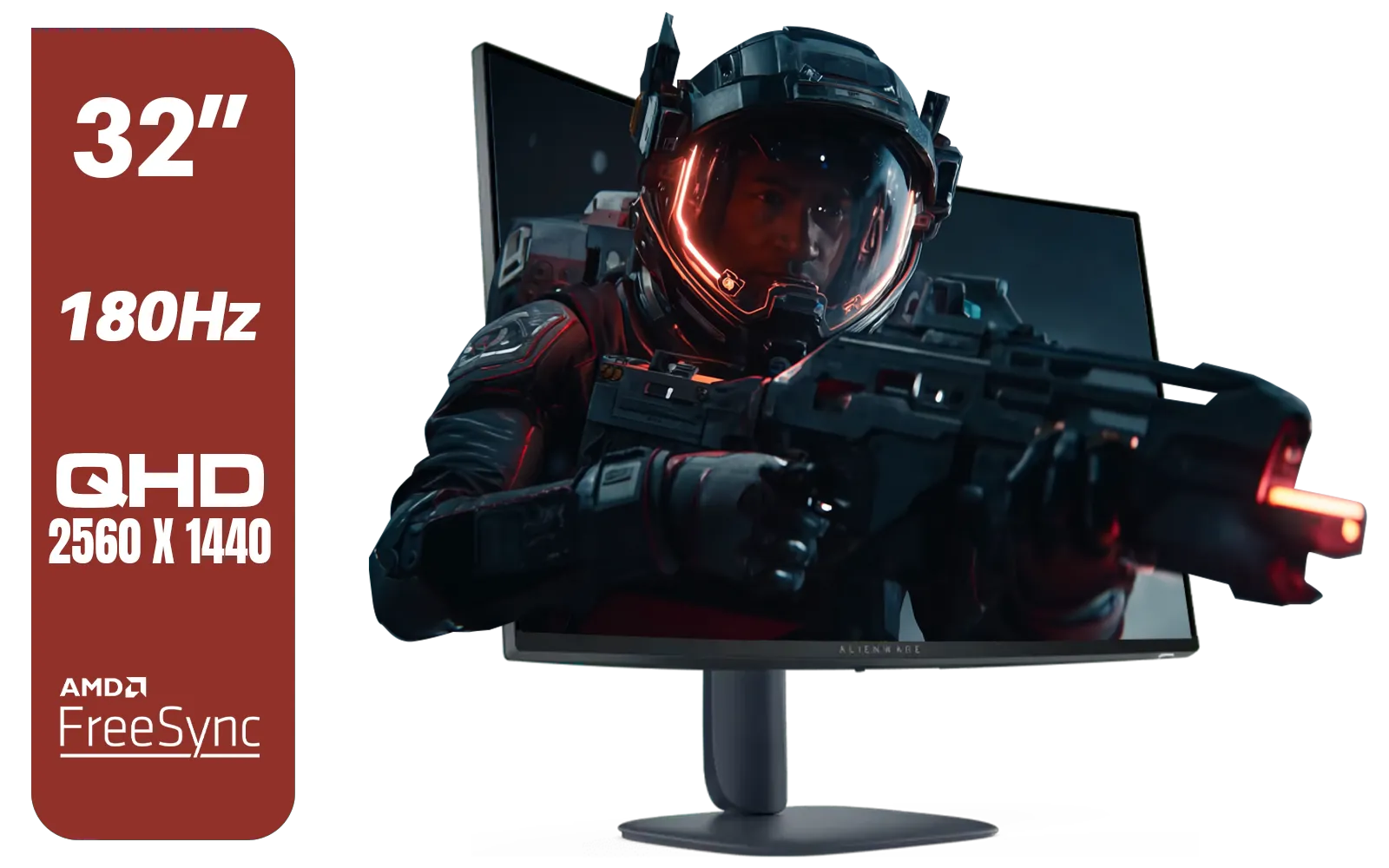
Alienware AW3225DM - 32" Curved Gaming Monitor / 180Hz Refresh Rate / QHD (2560x1440) / 1ms (GTG Extreme Mode) Response Time / AMD FreeSync / AW3225DM
R6499.00In Stock
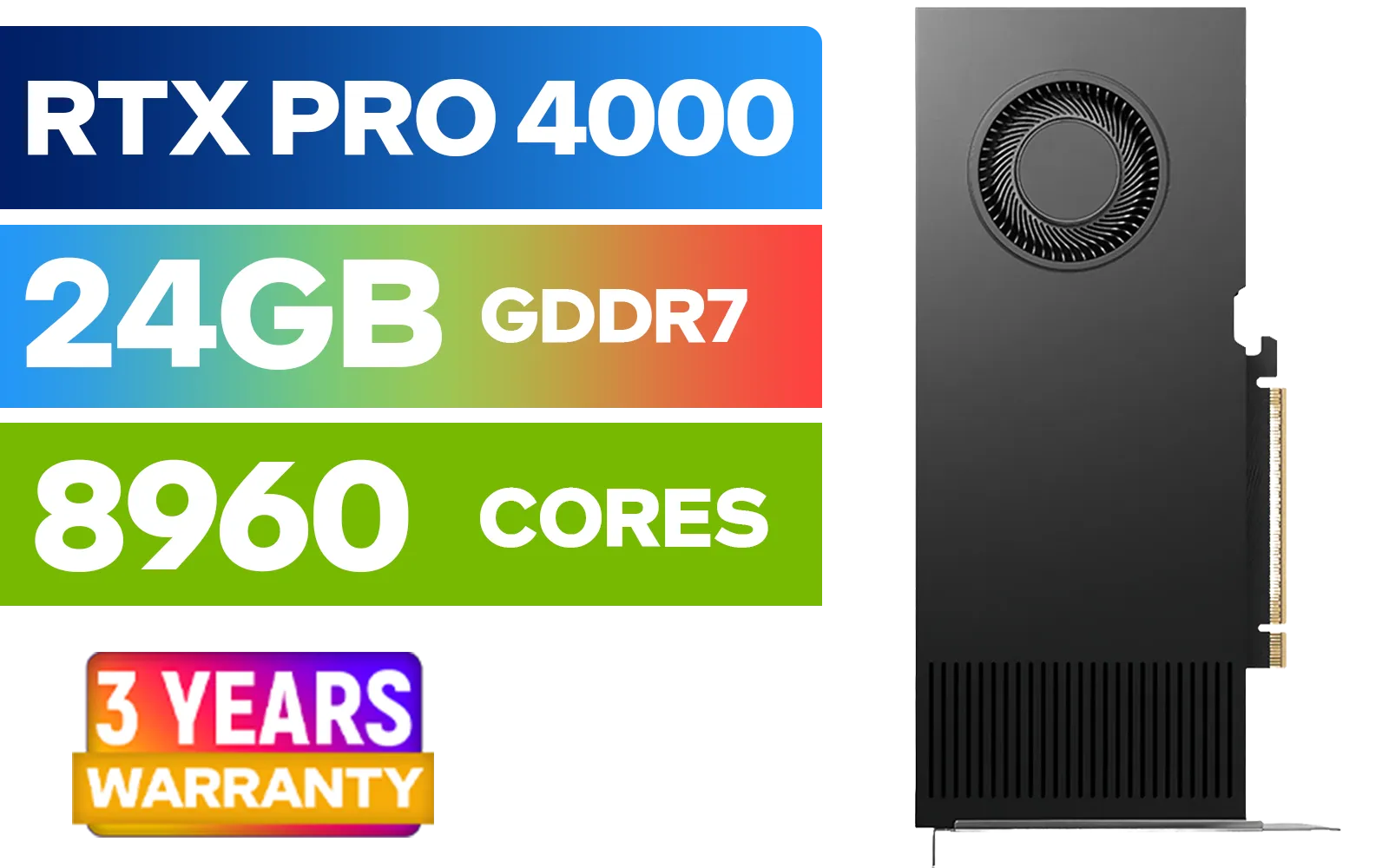
LEADTEK NVIDIA RTX PRO 4000 Blackwell 24GB GDDR7 Workstation Graphics Card / 8,960 Nvidia CUDA Cores / 672GB/s Memory Bandwidth / NVIDIA Blackwell Architecture / 126X4000100
R32999.00In Stock
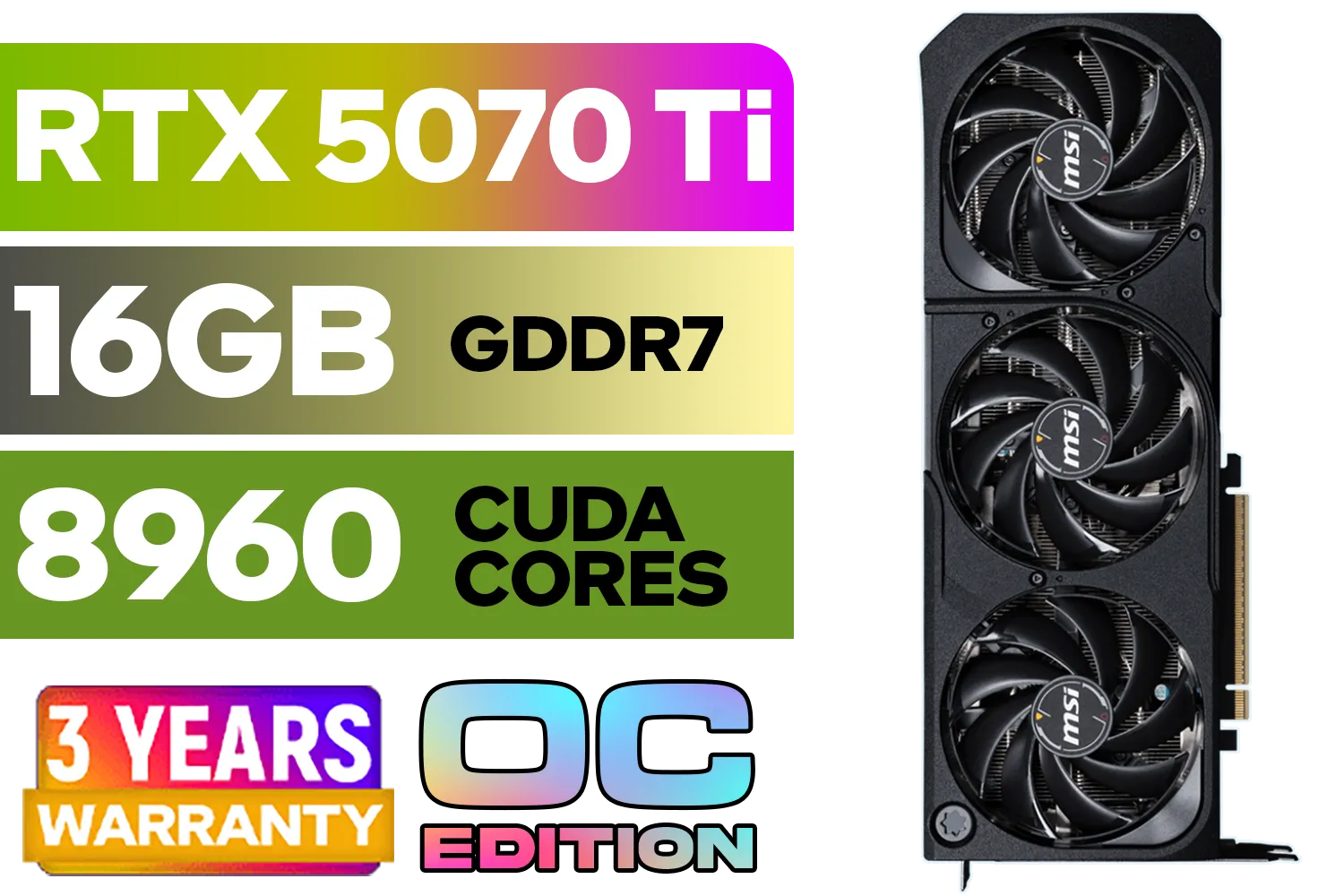
GeForce RTX™ 5070 Ti 16G SHADOW 3X OC Graphics Card / 8960 Cuda Cores / 256-bit Memory Interface / Boost Clock : 2482 MHz / NVIDIA Blackwell & DLSS 4 / TORX Fan 5.0 / Nickel-Plated Copper Baseplate / 912-V531-465
R19499.00In Stock

Palit GeForce RTX 5090 GameRock 32GB GDDR7 512-Bit PCIe 5.0 Desktop Graphics Card / NE75090019R5-GB2020G
R47999.00In Stock

Palit GeForce RTX 5060 Dual 8GB Graphics Card / 8GB GDDR7 / 3840 Cuda Cores / 128-bit Memory Interface / Boost Clock : 2497 MHz / PCI Express® Gen 5 / NE75060019P1-GB2063D
R8299.00In Stock
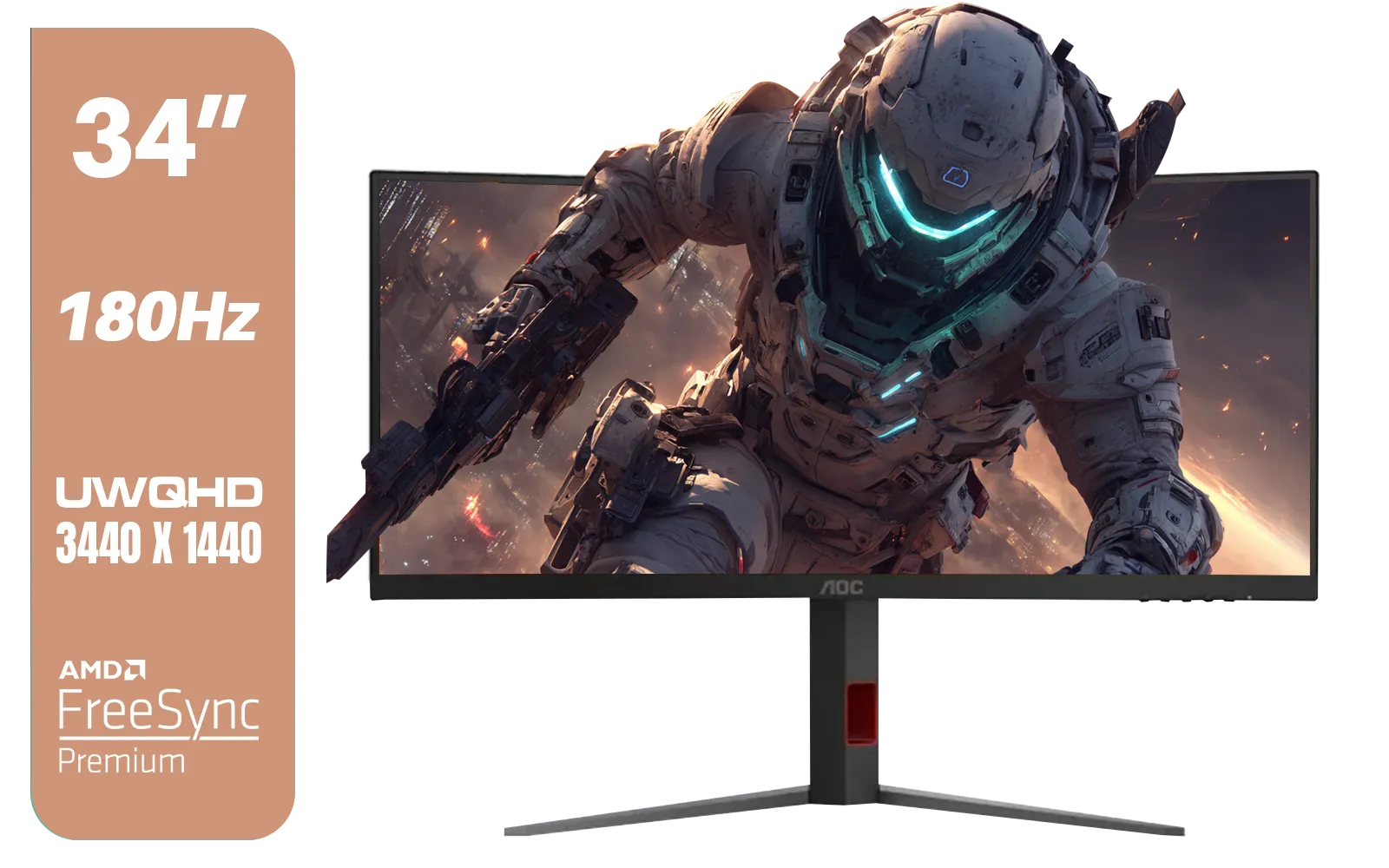
AOC CU34G4 34" Curved Gaming Monitor / UWQHD (3440x1440) / 180Hz Refresh Rate / 1ms Response Time (MPRT) / HDR10 / Adaptive Sync / CU34G4
R6999.00In Stock
Ray Tracing: The Ultimate Visual Indulgence
Ray tracing adds incredible realism through improved lighting, reflections, and shadows. But it's incredibly demanding. If you want to enable ray tracing at 4K, prepare to use aggressive upscaling (e.g., DLSS "Performance" or "Ultra Performance"). Some games implement ray tracing better than others; experiment to see what your system can handle. For the ultimate visual experience, consider investing in high-refresh-rate gaming monitors to truly appreciate ray-traced glory. 🚀
Fine-Tuning Your Experience
Field of View (FOV) & Motion Blur
Increasing your FOV can slightly impact performance by rendering more on screen. Find a comfortable FOV setting that doesn't strain your eyes or your GPU. Motion blur is a personal preference. Disabling it can improve clarity in fast-moving scenes and sometimes offers a tiny performance bump, though its main impact is aesthetic. Some players find it makes their games feel smoother, especially on lower refresh rates.
Driver Updates & Background Processes
Always keep your GPU drivers updated to the latest stable version. Both NVIDIA and AMD frequently release game-ready drivers that offer significant performance optimisations for new titles. Furthermore, close unnecessary background applications like web browsers, Discord, or streaming software while gaming to free up precious CPU and RAM resources. Even seemingly minor tweaks to your system's hygiene contribute to the best graphics settings for 4K gaming. ⚡
Consider a Curved or Portable Monitor for Unique Experiences
While we're talking about ultimate visual experiences, remember the versatility available. A curved monitor can enhance immersion for single-player adventures, drawing you deeper into the game world. Or, for the gamer on the go, even a portable monitor can offer a decent extended display for lighter 4K tasks or console gaming, though high-refresh 4K panels are less common in this form factor.
![[Pre Built] AMD RYZEN 5 5500 ARC A380 Gaming PC](https://img.evetech.co.za/repository/ProductImages/gamdias-talos-e3-gaming-case-ryzen-5-5500-arc-a380-gaming-pc-pbs-main-1600px-v1.webp)
[Pre Built] AMD RYZEN 5 5500 ARC A380 Gaming PC
R12494.00In Stock
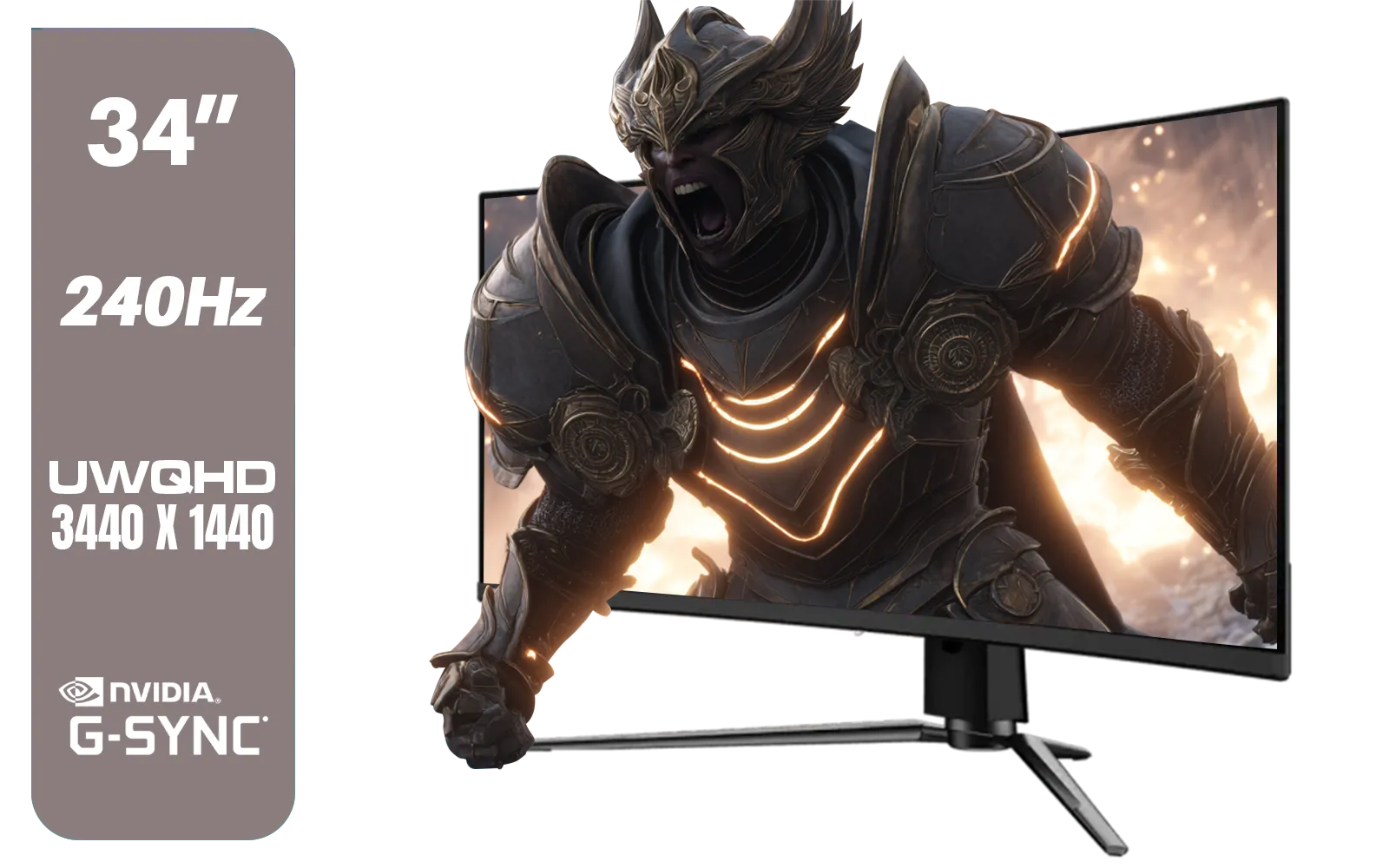
MSI MPG 341CQPX 34" 3440 x 1440 (UWQHD) Gaming Monitor / 240Hz Refresh Rate / 0.03ms Response Time / QD-OLED Panel / G-Sync Compatible / HDR True Black 400 / 9S6-3DD04T-041
R19999.00In Stock
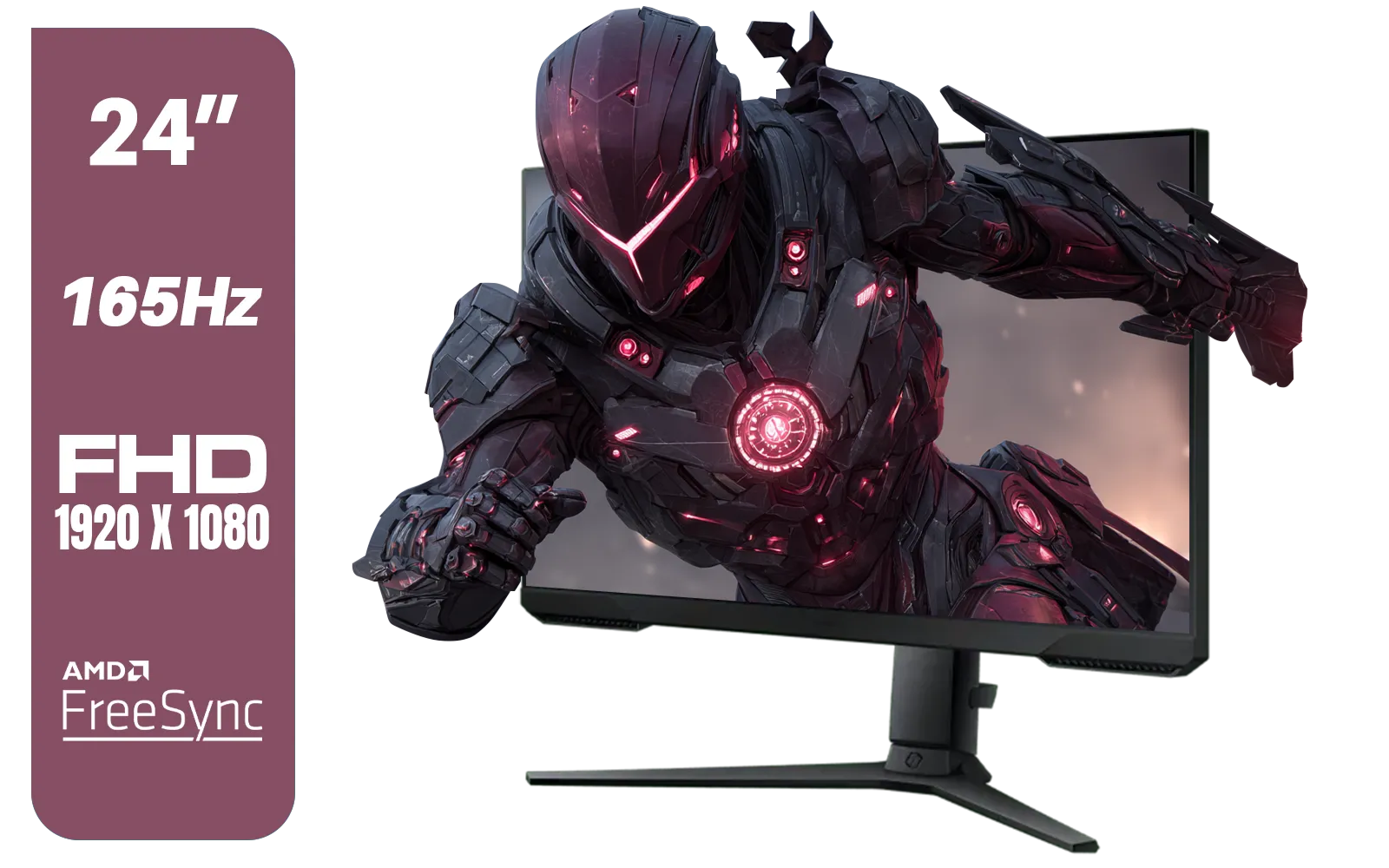
SAMSUNG 24" Odyssey G32A FHD 1ms 165Hz Gaming Monitor with Eye Saver Mode, Free-Sync Premium, Height Adjustable Screen for Gamer Comfort, VESA Mount Capability / LS24AG320NAXXA
R3199.00In Stock

HP OMEN 27 FHD 165Hz Gaming Monitor / AMD FreeSync™ Premium / Eyesafe® certified / Height adjustable for personalized comfort / Pivot rotation for flexible viewing angles / 780F9AS
R5999.00In Stock
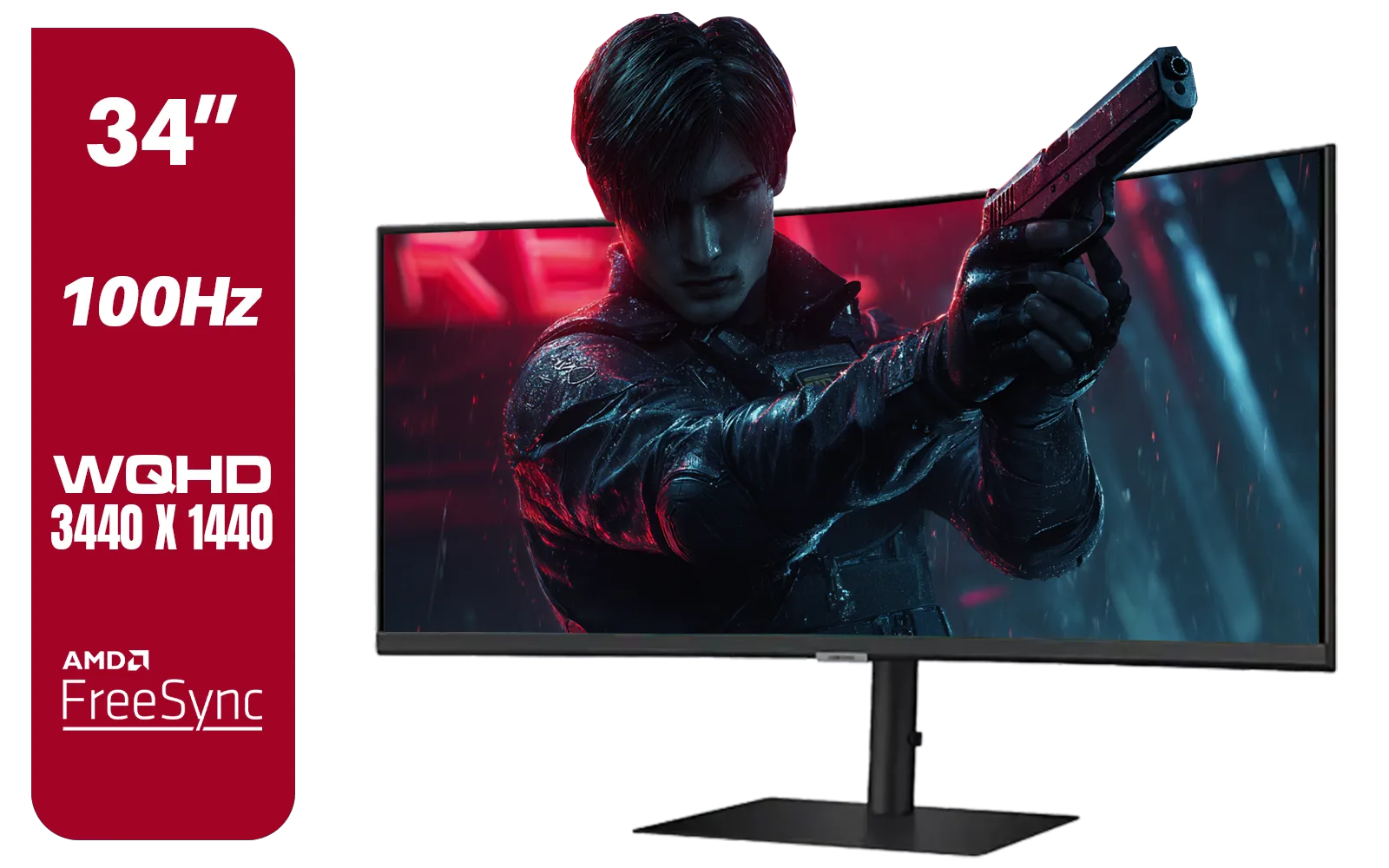
Samsung ViewFinity S6 S65UC 34″ Curved Monitor / Ultra WQHD (3440x1440) Resolution / 100Hz refresh rate / 5ms response time / AMD FreeSync™ / LS34C652UAUXEN
R11999.00In Stock
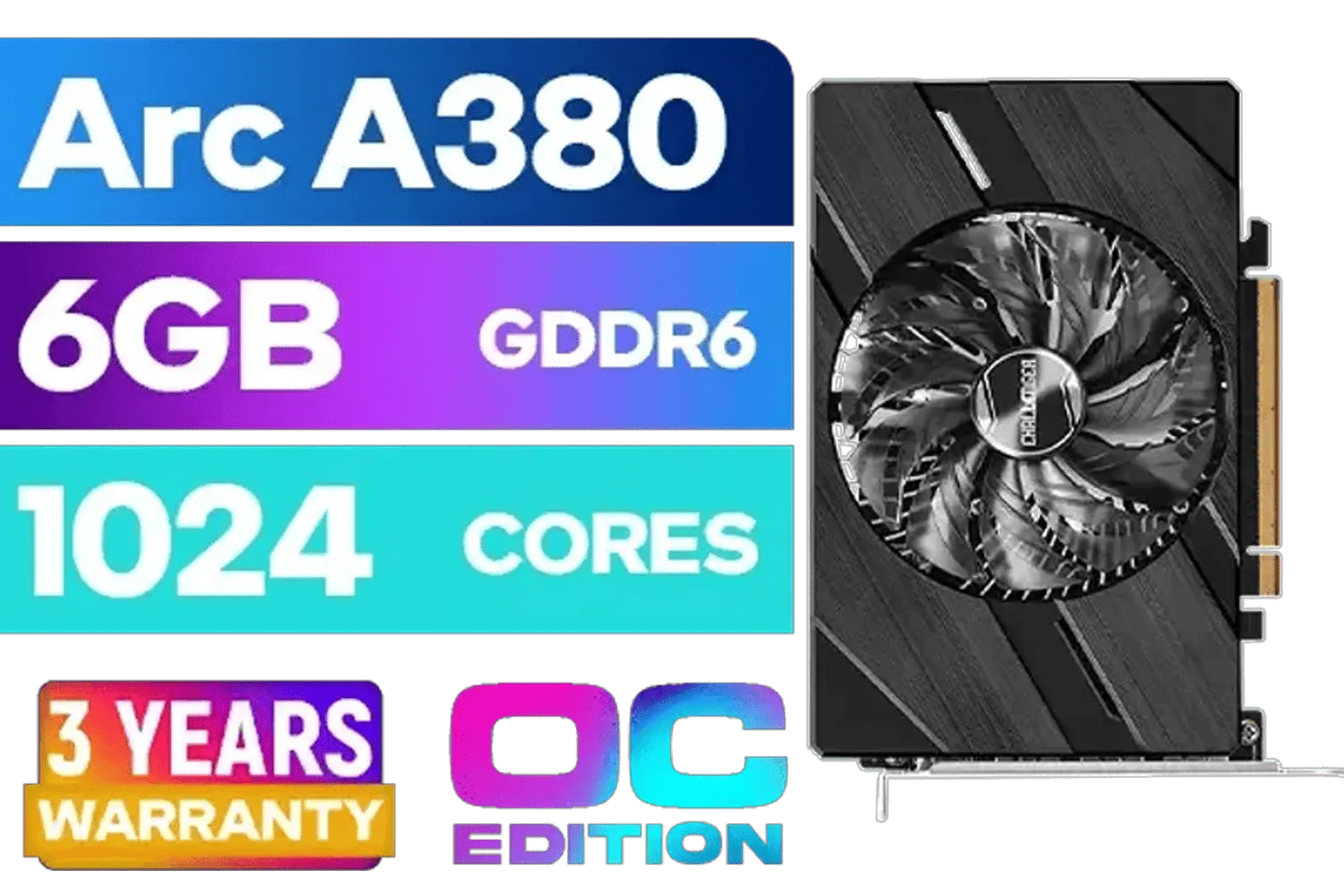
ASRock Intel Arc A380 Challenger ITX 6GB OC GDDR6 Graphics Card / 90-GA3KZZ-00UANF
R3199.00In Stock
The 4K Difference: More Than Just Pixels
True 4K gaming isn't just about pixel count; it's about the entire experience. It's the crispness of a distant landscape, the intricate details on a character model, the sheer presence that makes every session more immersive. By diligently applying these best graphics settings for 4K gaming, you're not just chasing frames; you're crafting an unparalleled visual journey.
Upgrade Your View, Conquer Your Games Ready to see your games in breathtaking 4K, silky smooth and lag-free? It’s time to truly elevate your setup. Discover Evetech’s incredible range of 4K and 5K monitors today and experience gaming as it was meant to be.
Related Products
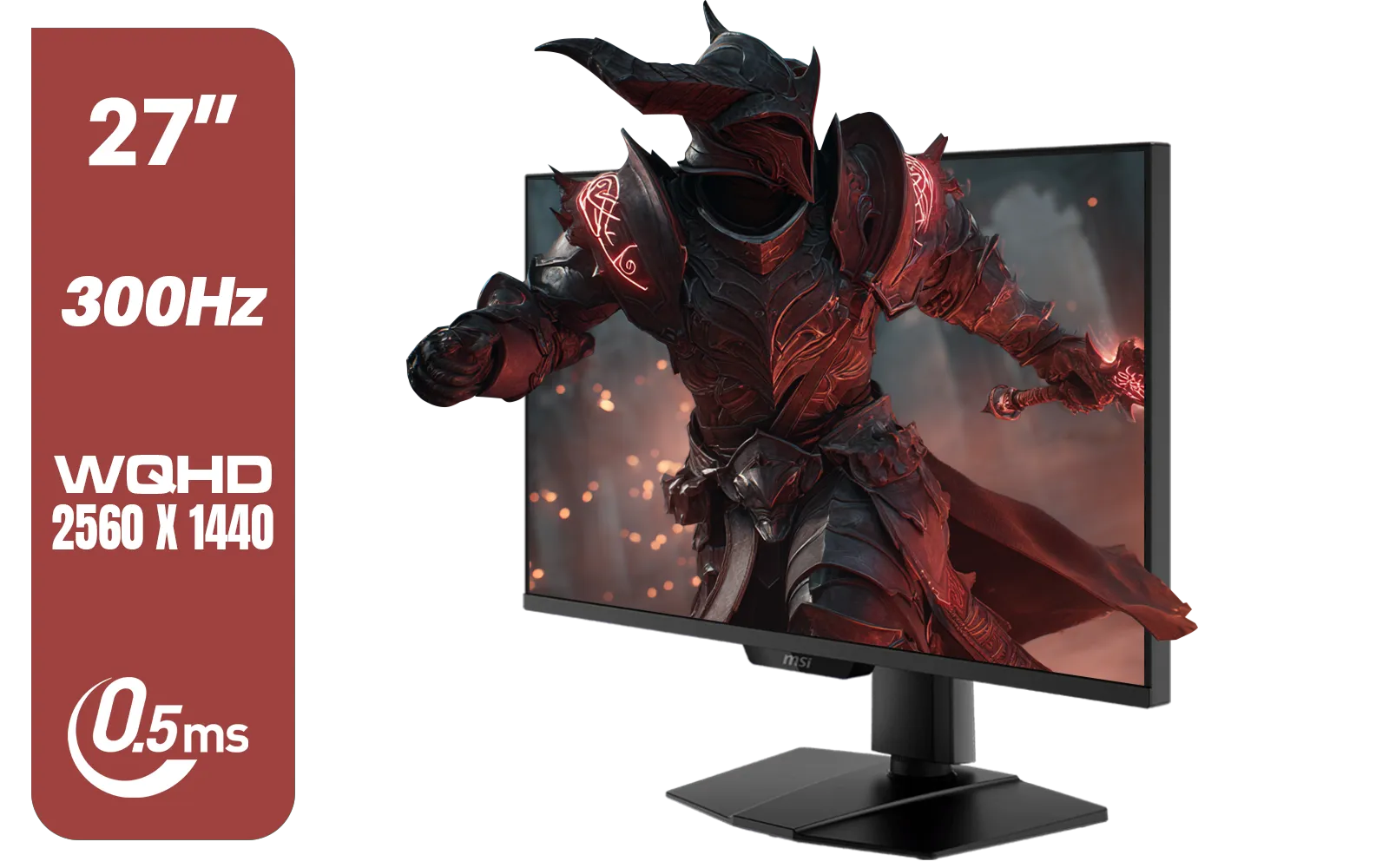
MSI MAG 274QPF X30MV 27" 2560 x 1440 (WQHD) Gaming Monitor / 300Hz Refresh Rate / 0.5ms Response Time / Rapid VA with Mini-LED / 9S6-3CF09H-042
R8799.00In Stock

ASRock Intel ARC B580 Steel Legend OC Graphics Card / 12Gb 192-bit GDDR6 / DirectX 12 Ultimate / 2560 Cores / 2800MHz Engine Clock / 90-GA5CZZ-00UANF
R6999.00In Stock
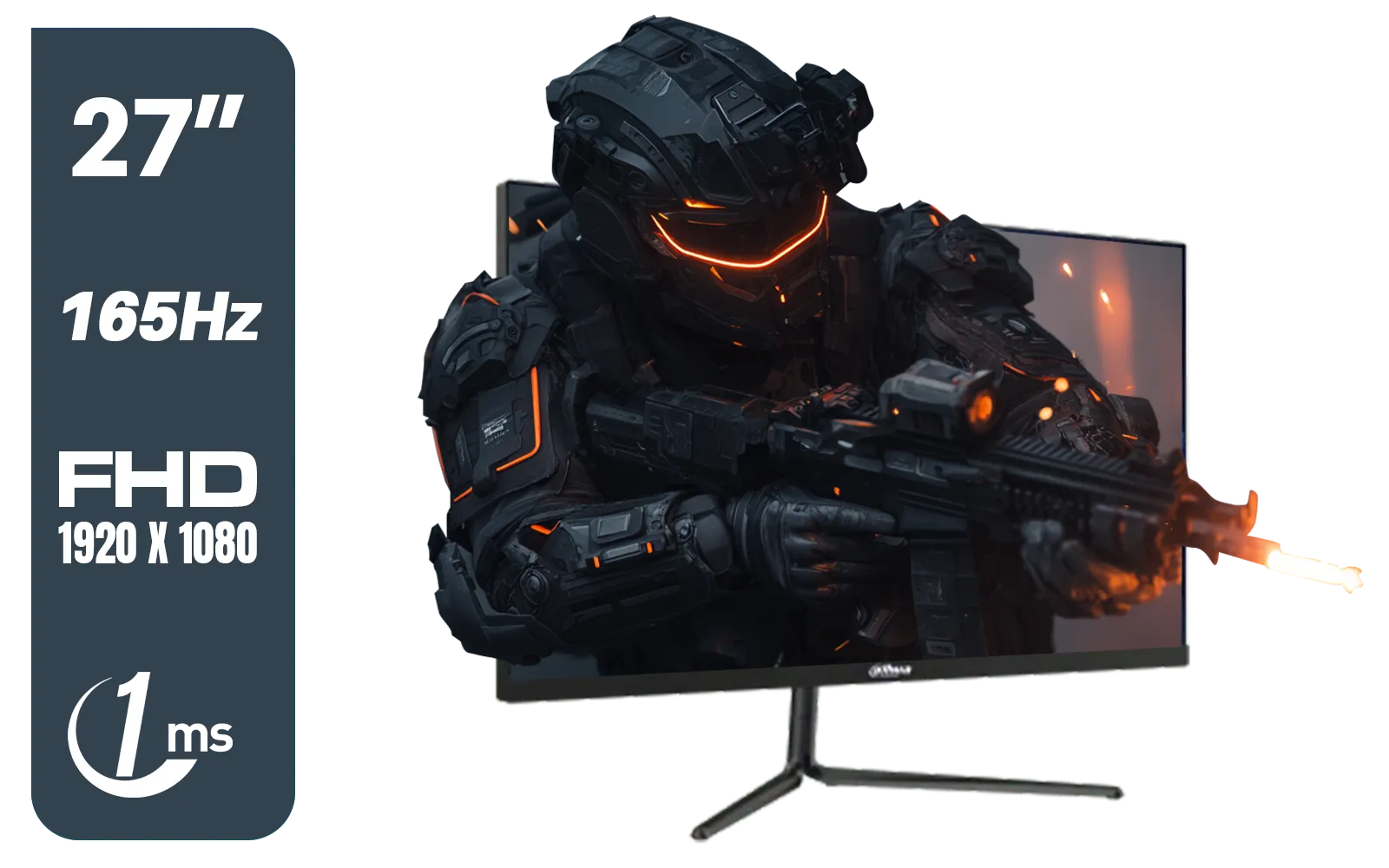
Dahua LM27-E231 27inch Gaming Monitor, 165Hz, 1ms, Adjustable stand, 100% sRGB, FPS/RTS Gaming Modes / DHI-LM27-E231
R3199.00In Stock
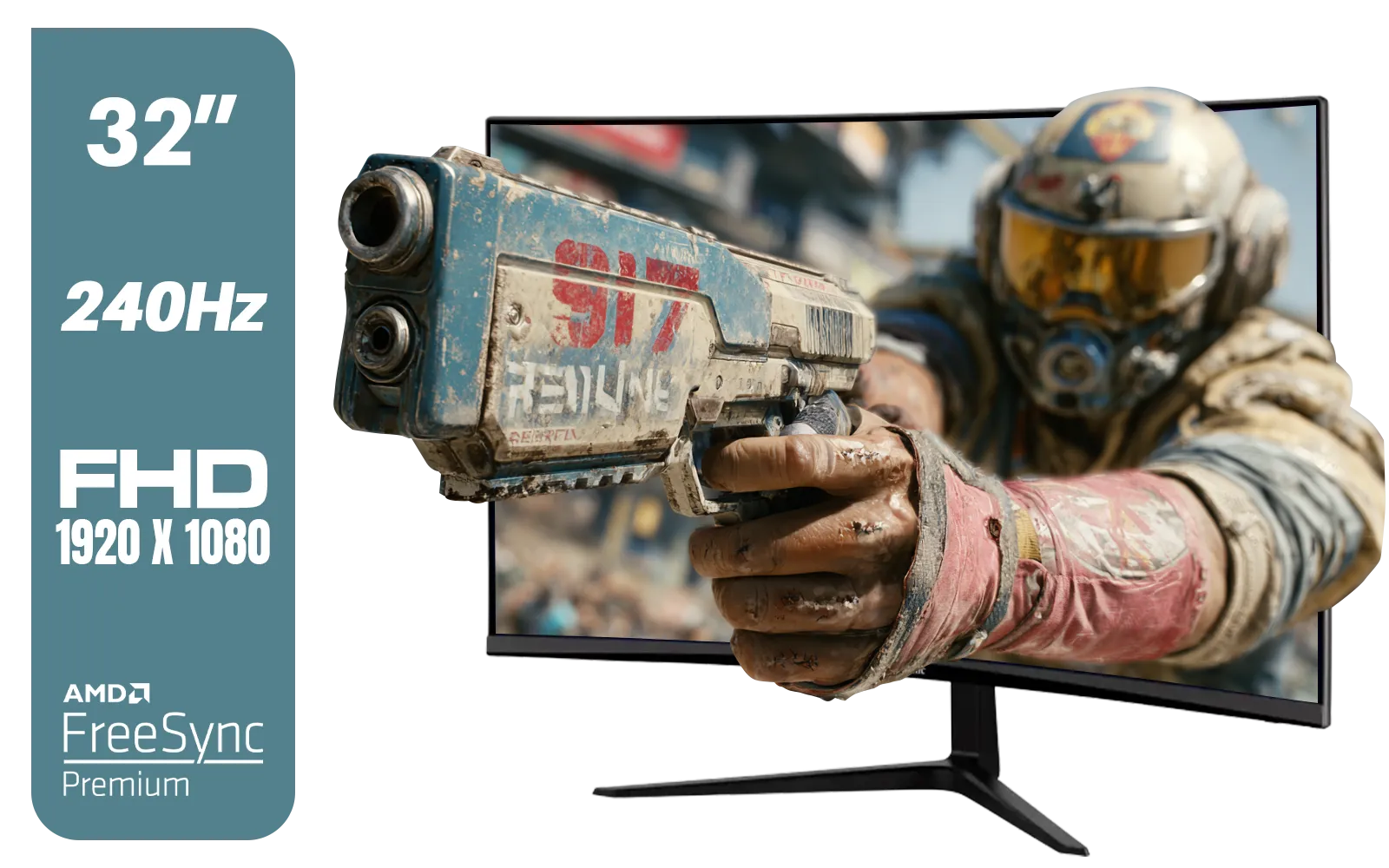
ViewSonic VX3219 32" Curved Gaming Monitor / Full HD (1920 x 1080) / 240Hz Refresh Rate / 1ms MPRT Response Time / Adaptive Sync Prevents Screen Tearing / 1500R Curve Ultimate Immersion / VX3219-PC-MHD-SN
R4899.00In Stock

MSI GeForce RTX 5070 Ti 16G Ventus 3X OC / 16GB GDDR7 / 28Gbps Memory Speed / PCI Express® Gen 5 / 912-V531-092
R19999.00In Stock
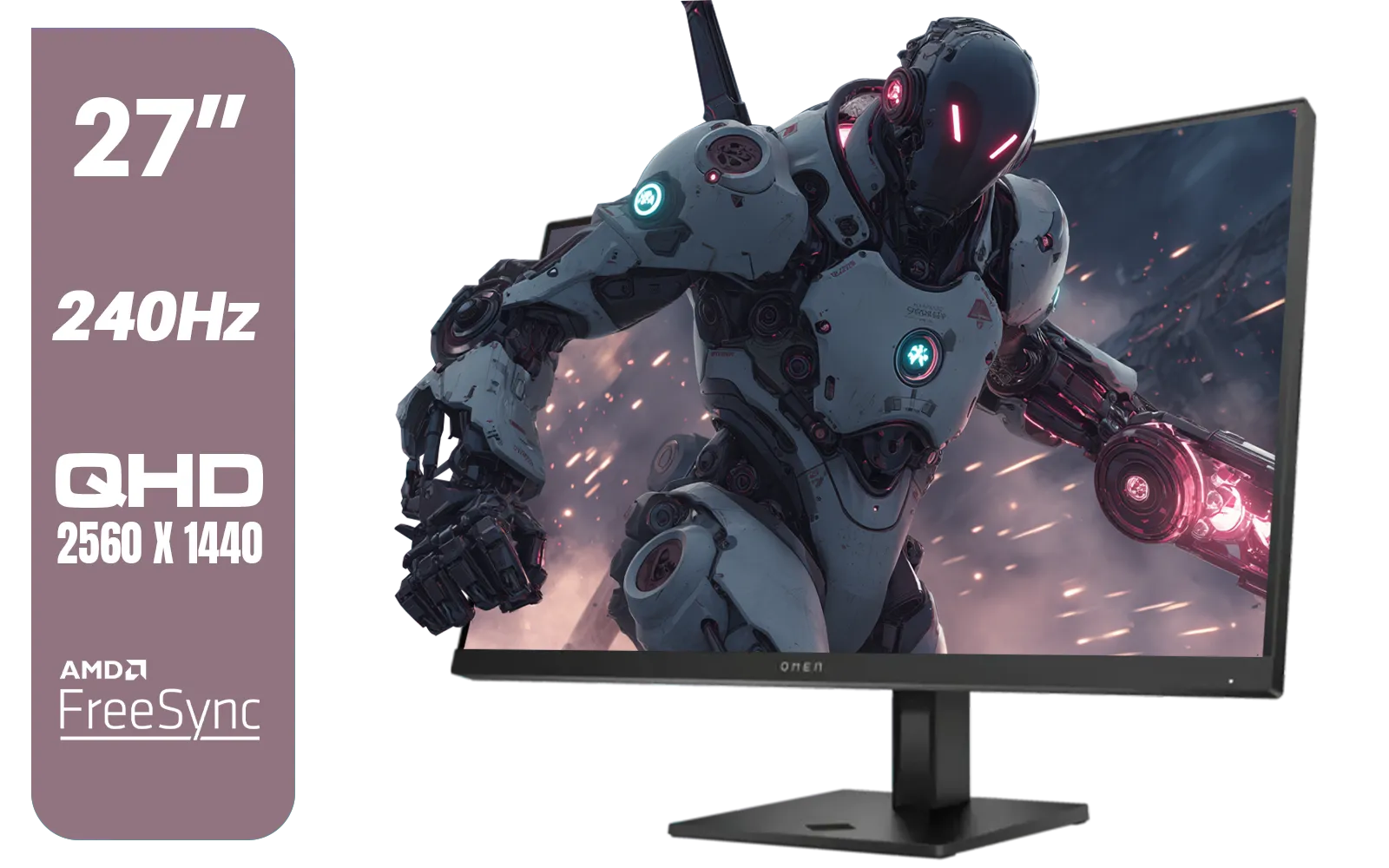
HP OMEN 27qs QHD 240Hz Gaming Monitor / QHD Resolution (2560 x 1440) / AMD FreeSync™ Premium / Eyesafe® certified / Height Adjustable Stand / Pivot Rotation Functionality / 780J4AS
R13499.00In Stock
There's no single 'best' setting. It's about balancing resolution, texture quality, shadows, and anti-aliasing to match your GPU's power for a stable 60+ FPS.
To make games smoother, lower demanding settings like shadows and ray tracing, enable performance boosters like NVIDIA DLSS or AMD FSR, and ensure your drivers are updated.
Yes, 60fps is the gold standard for smooth 4K gaming. It provides a fluid, responsive experience without the stuttering and lag often seen at lower frame rates.
Absolutely. Upscaling tech like DLSS and FSR renders the game at a lower resolution and uses AI to scale it to 4K, significantly boosting FPS with minimal visual impact.
For 4K 60fps on high settings, you need a high-end GPU like an NVIDIA GeForce RTX 4070 Ti / 4080 or an AMD Radeon RX 7800 XT / 7900 XTX for optimal performance.
Activate ray tracing in 4K only if your GPU can handle it without dropping below 60fps. This often requires using DLSS or FSR in 'Performance' mode to stay smooth.











