



Best Keyboard Settings for CS2 and Valorant: Pro Guide
Unlock your full potential with the best keyboard settings for CS2 and Valorant! 🚀 From Rapid Trigger to actuation points, we tweak your gear for instant reaction times. Get the competitive edge and master your movement mechanics today.
|
Loading tags...

Pro keyboard settings for CS2 and Valorant — quick intro 🎯
South African players: want crisp aim, faster peeks, and fewer misfires? This concise pro guide to keyboard settings for CS2 and Valorant cuts the fluff and gives practical tweaks you can test in a single session. Expect keybind examples, polling and debounce tips, and hardware links so you can upgrade without guessing. Ready to tighten your input and shave milliseconds off your plays? 🔧
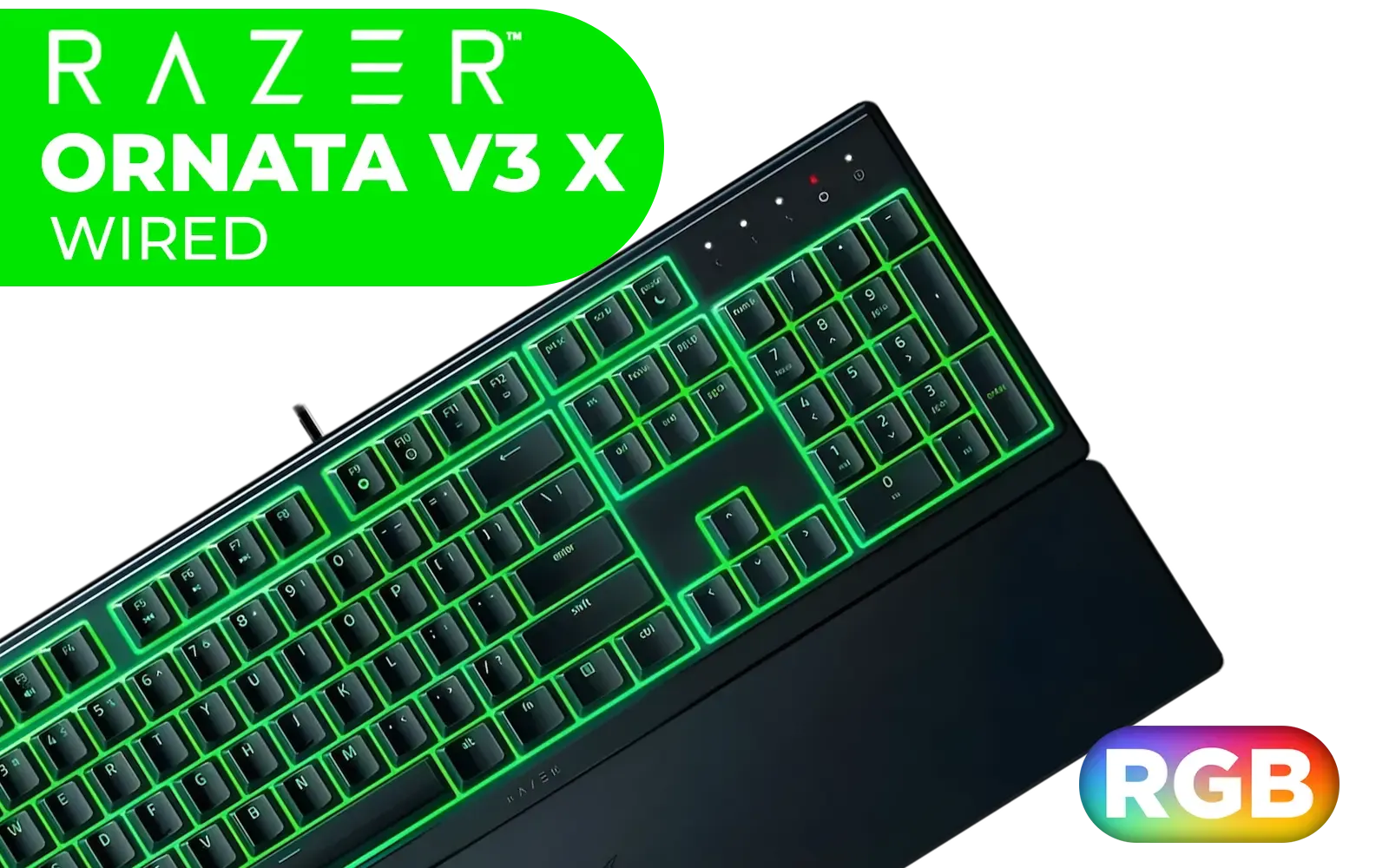
Razer Ornata V3 X Gaming Keyboard: Low-Profile Keys - Silent Membrane Switches - UV-Coated Keycaps - Spill Resistant - Chroma RGB Lighting - Ergonomic Wrist Rest - Classic Black / RZ03-04470100-R3M1
R1199.00In Stock

Razer BlackWidow V4 X Wired Mechanical Gaming Keyboard - Green Switches Tactile & Clicky / 6 Dedicated Macro Keys / Chroma RGB / Doubleshot ABS Keycaps / Media Controls / Sound Dampening & Stabilizers / RZ03-04700100-R3M1
R3099.00In Stock
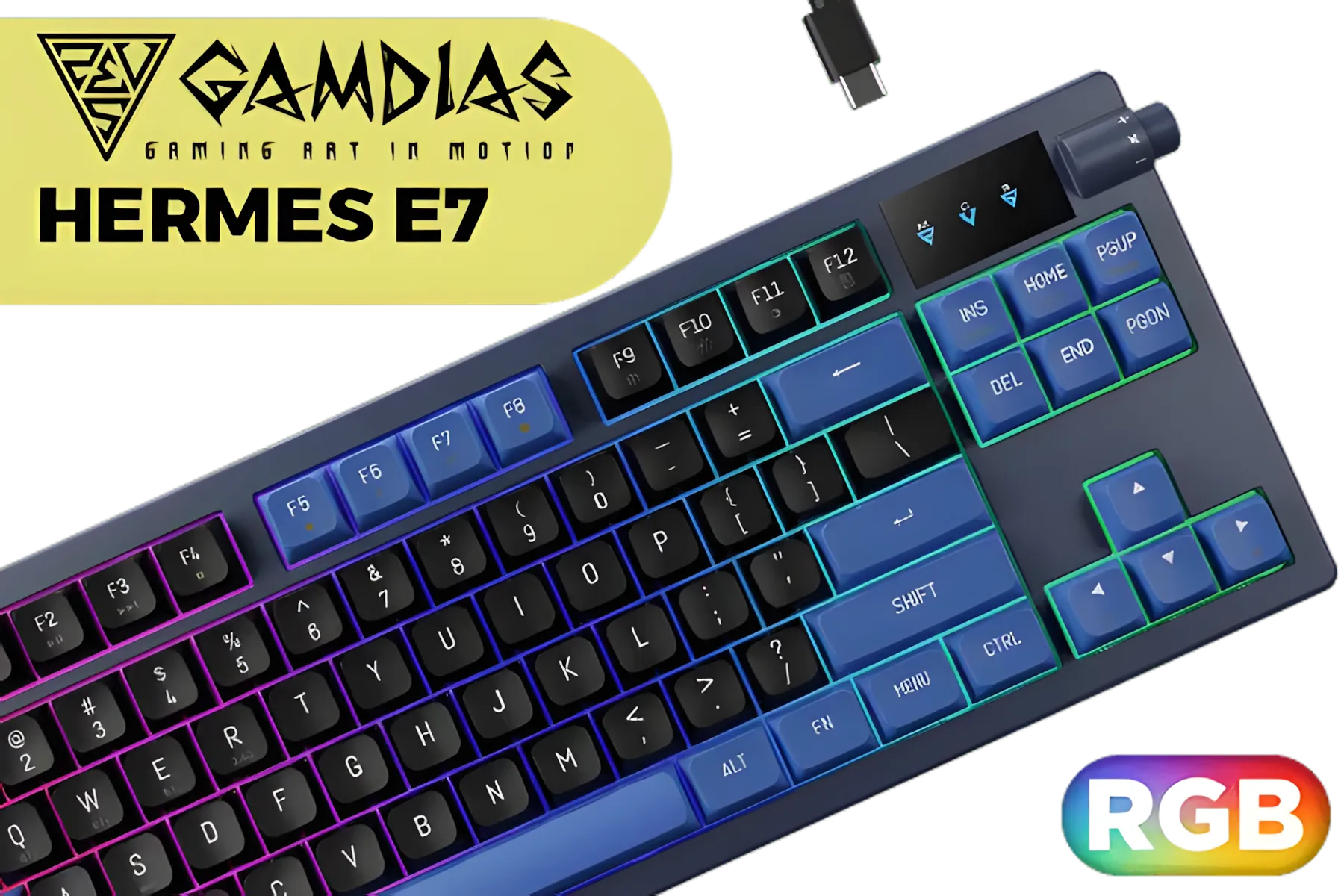
Gamdias Hermes E7 RGB Mechanical Gaming Keyboard - Black / Red Switches / RGB Backlighting / N-Key rollover / Hot-Swappable / 1.5m Type-C to A cable / HERMES-E7
R799.00In Stock
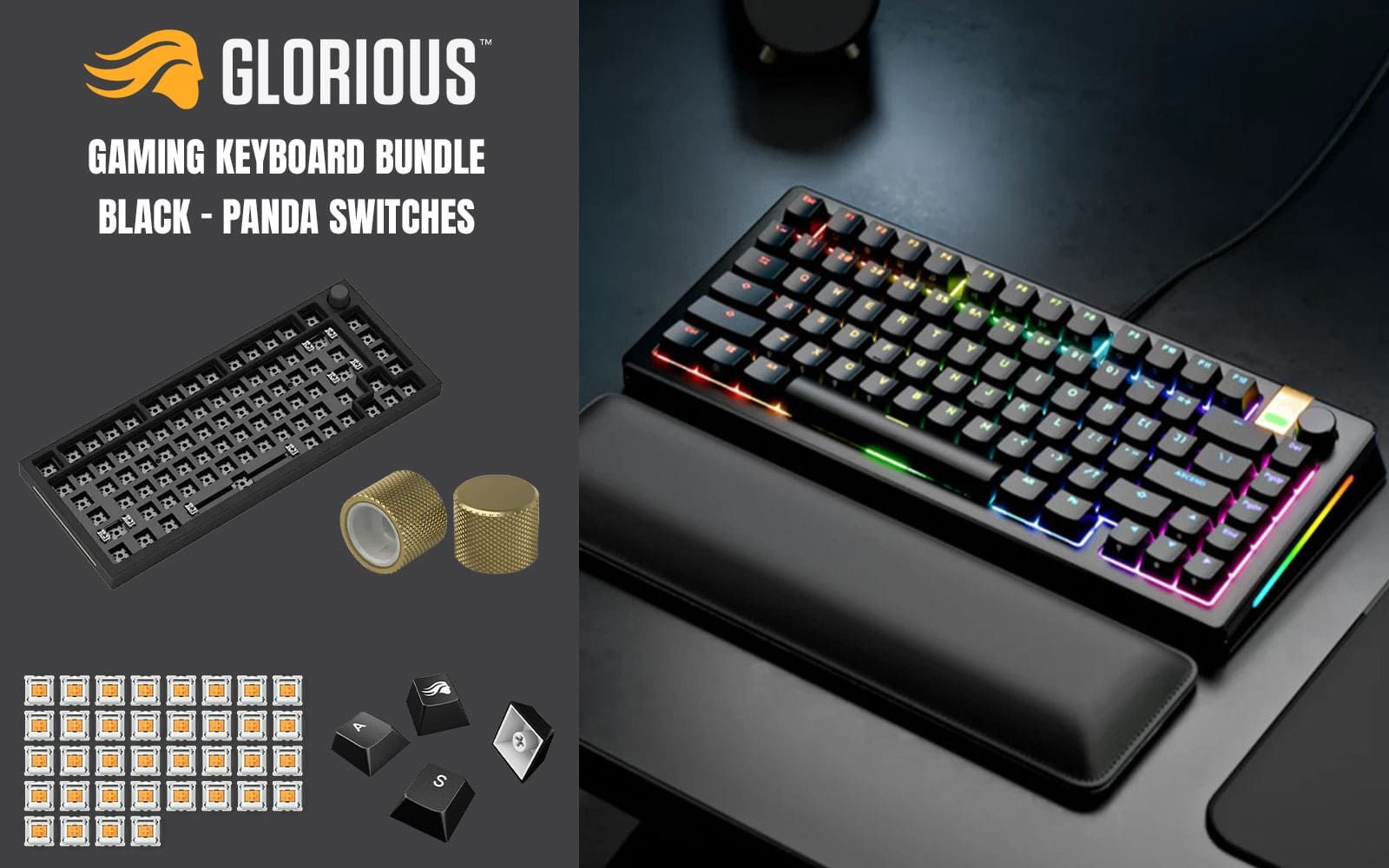
Glorious GMMK Pro Gaming Keyboard Bundle / GMMK Pro Gasket-mounted 75% layout Gaming Keyboard - Black, 16.8 million color RGB Lighting - GLO-GMMK-P75-RGB-B / 3 x Panda Mechanical Switches - GLO-SWT-HPANDA / PBT Mechanical Keycaps - Black - GLO-KC-GPBT-B / GMMK PRO Rotary Knob - Gold - GLO-ACC-P75-RK-G
R3499.00In Stock
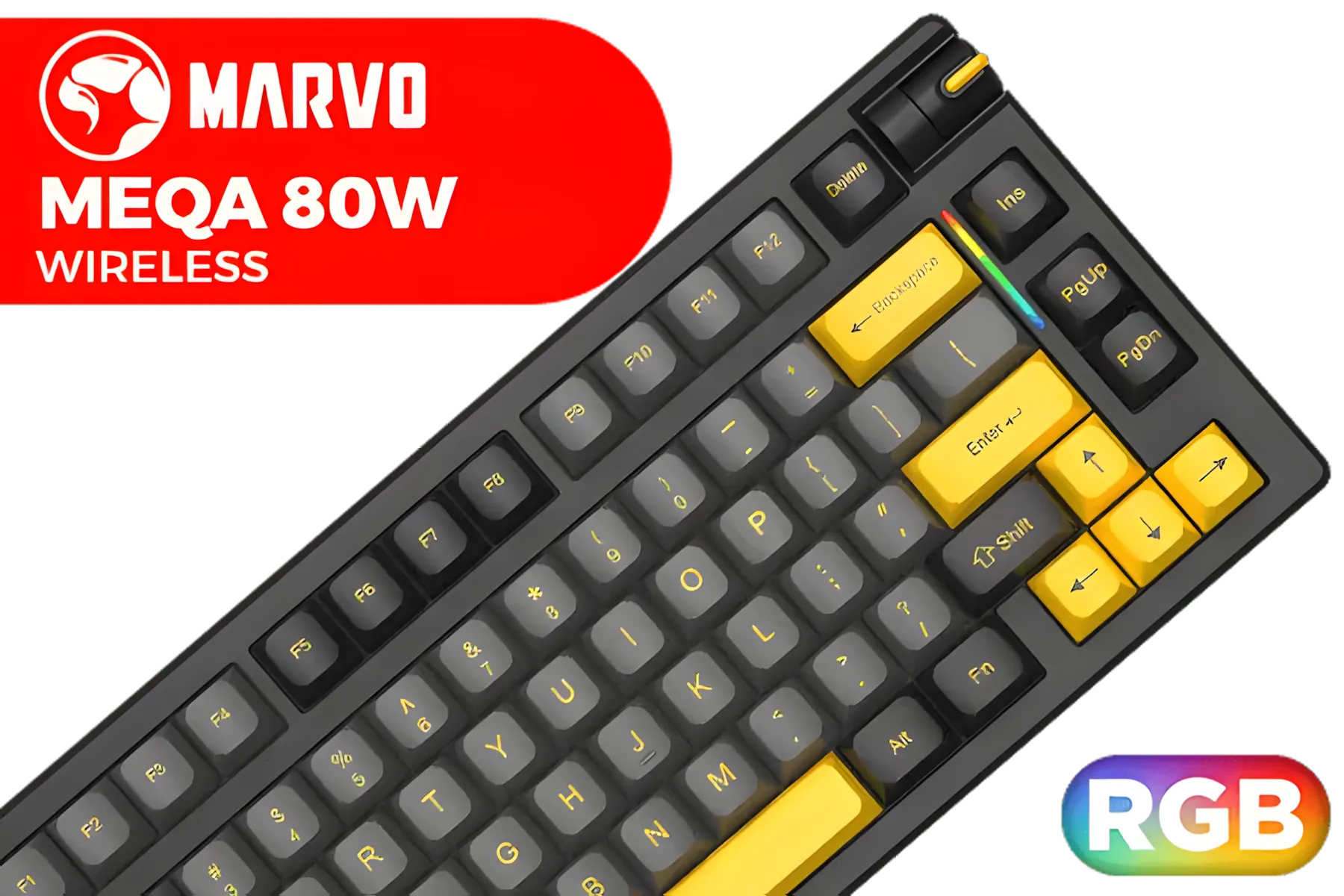
MARVO KG958W Meqa 80W Wireless Mechanical Gaming Keyboard - Yellow Linear Pre-Lubed Switch / 75% TKL Design / Tri-modes Wired, 2.4G and BT Mechanical / Hot-Swappable / Full keys anti-ghosting keyboard / Detachable USB Type-C Cable / KG958W
R599.00In Stock
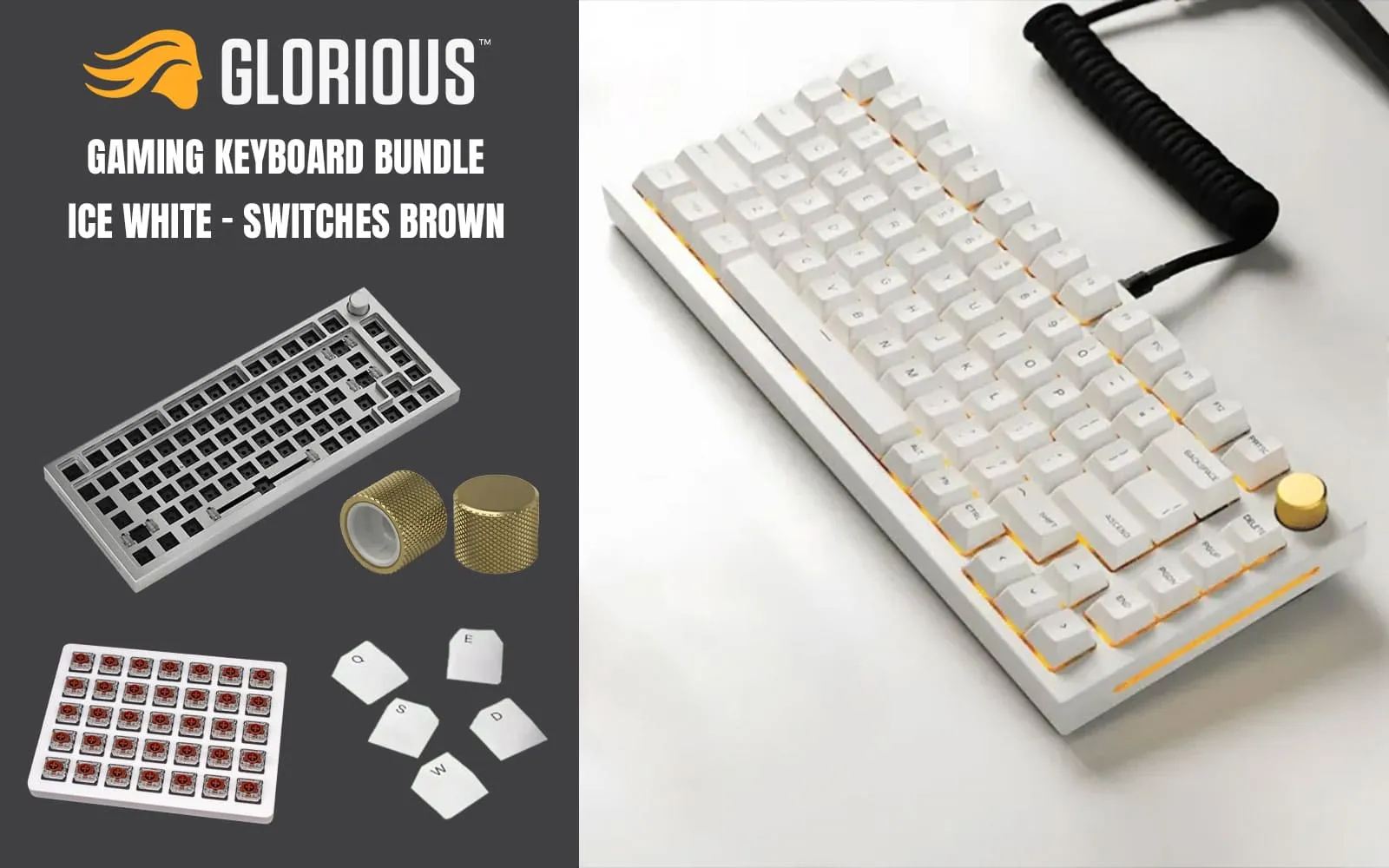
Glorious GMMK Pro Gaming Keyboard Bundle / GMMK Pro Gasket-mounted 75% layout Gaming Keyboard - White Ice, 16.8 million color RGB Lighting - GLO-GMMK-P75-RGB-W / Gateron BROWN Mechanical Switches - GAT-BROWN / PBT Mechanical Keycaps - White - GLO-KC-GPBT-W / GMMK PRO Rotary Knob - Gold - GLO-ACC-P75-RK-G
R2699.00In Stock
Pro keyboard settings for CS2 and Valorant — the essentials
Start with consistent key placement. Bind movement, crouch and jump to reachable keys and avoid hand-rolling tricks that feel clever but introduce mistakes. Keep your primary weapon swap and grenade keys within two keys of your reload. For a hardware baseline, see options for the cheapest gaming keyboards in South Africa to get started right away: https://www.evetech.co.za/components/buy-cheapest-gaming-keyboard-in-south-africa-52. Every pro begins with an ergonomic layout.
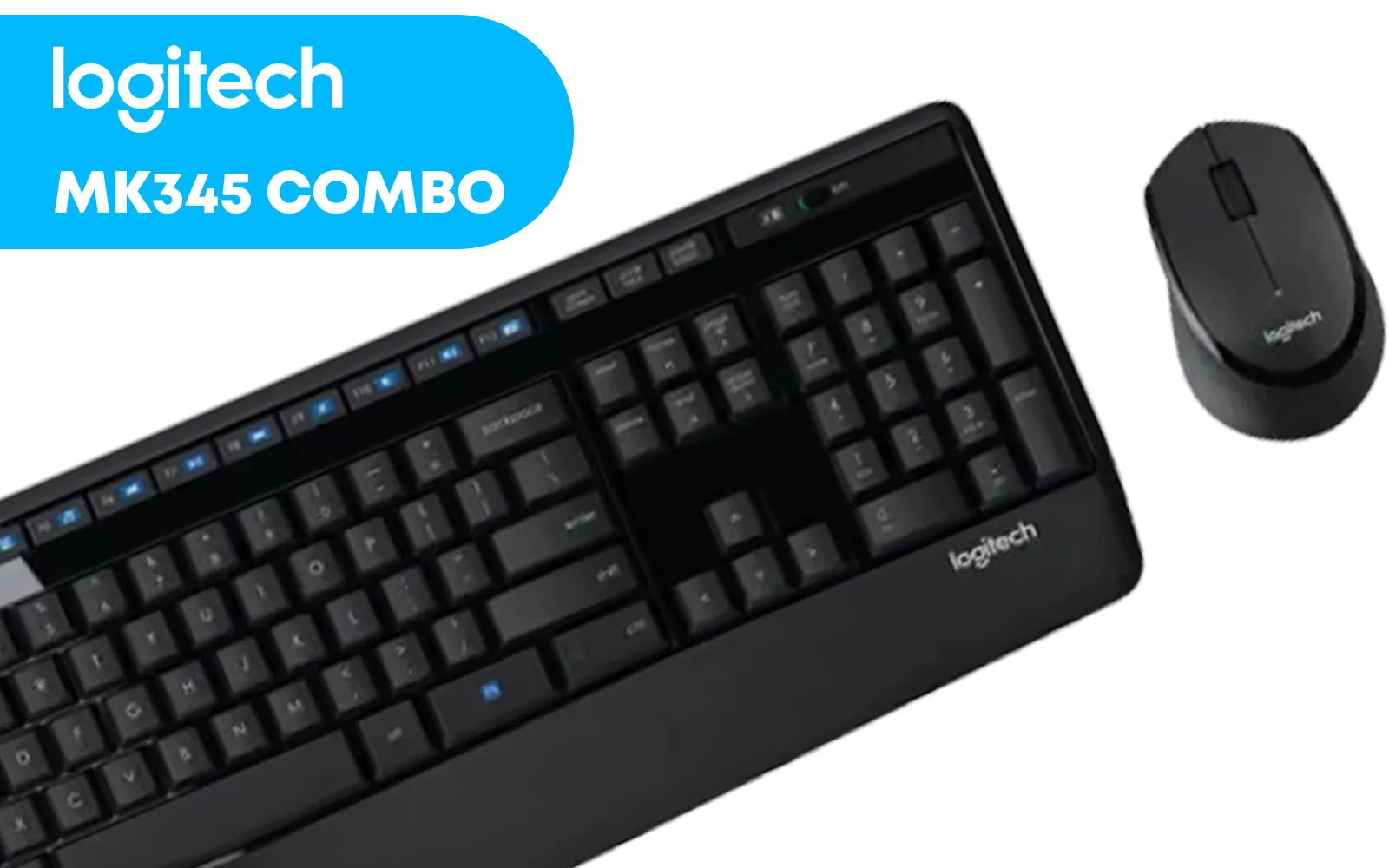
Logitech MK345 Wireless Combo Full-Sized Keyboard with Palm Rest and Comfortable Right-Handed Mouse, 2.4 GHz Wireless USB Receiver, Compatible with PC, Laptop / 920-006489
R699.00In Stock

Logitech G PRO X TKL LIGHTSPEED Gaming Keyboard - BLACK - US INT'L TACTILE / 920-012136
R4319.00In Stock
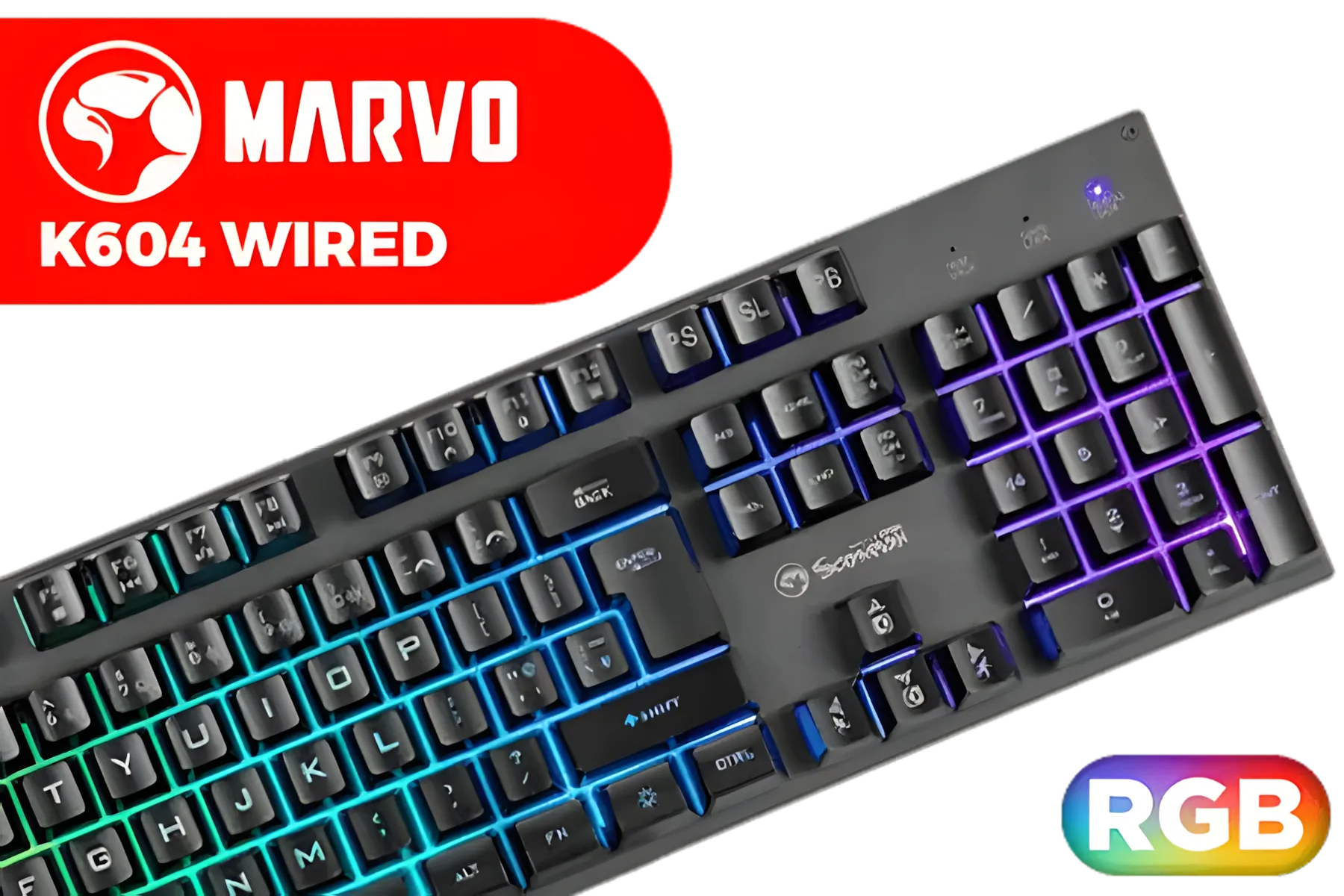
MARVO K604 Wired Gaming Keyboard / Membrane Switch / RGB Backlight / 10 million presses / 104 Keys / K604
R249.00In Stock

Razer Huntsman V3 Pro TKL Esports Gaming Keyboard / Analog Optical Switches w/Rapid Trigger & Adjustable Actuation / Media Keys & Dial / Doubleshot PBT Keycaps / Aluminum Top Plate / Wrist Rest / RZ03-04980100-R3M1
R4899.00In Stock
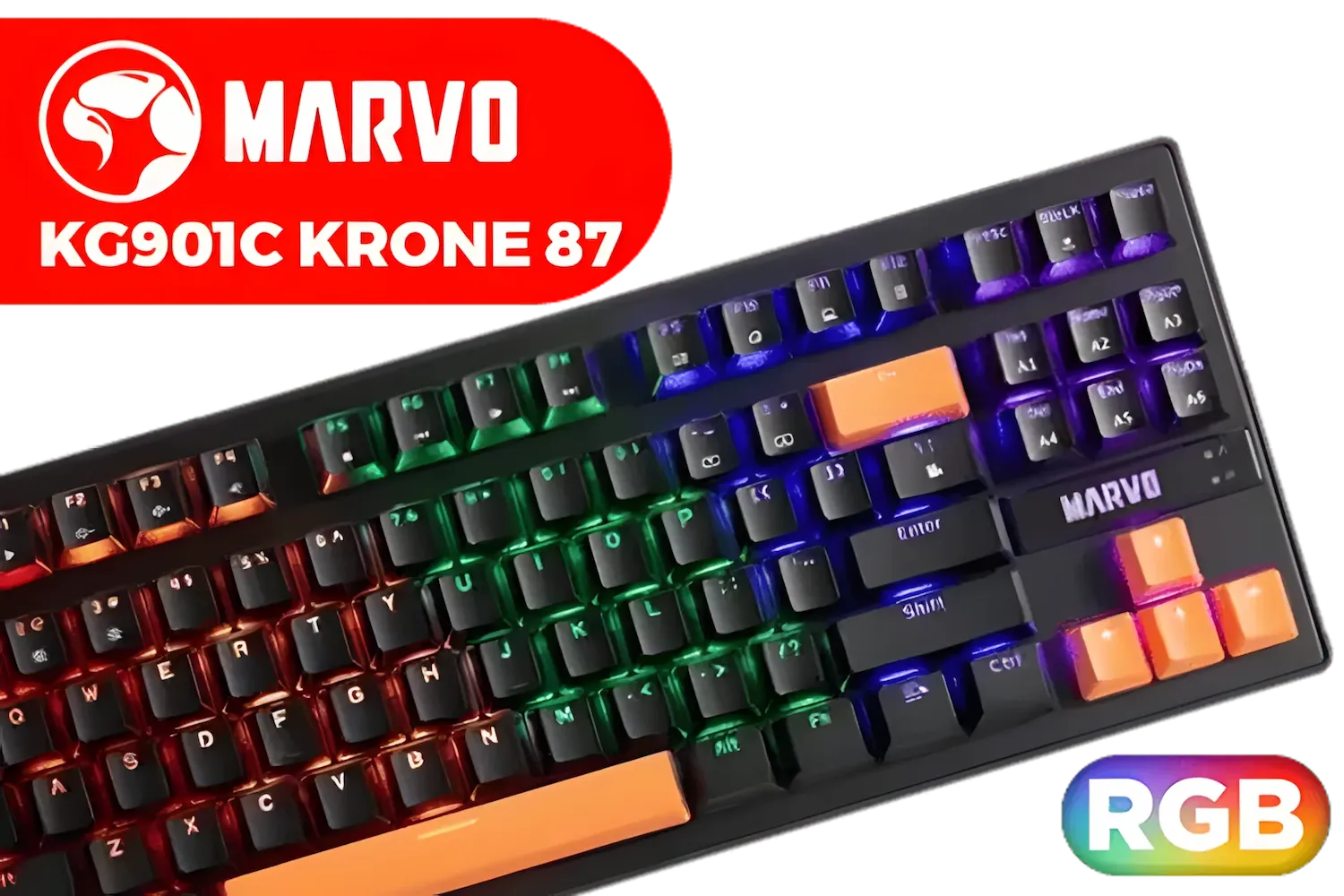
MARVO KG901C Krone 87 Mechanical Gaming Keyboard - Blue Switch / Switch rating: 50 million presses / Backlight: 21 kinds of backlight / Anti-ghosting Support / KG901C
R299.00In Stock
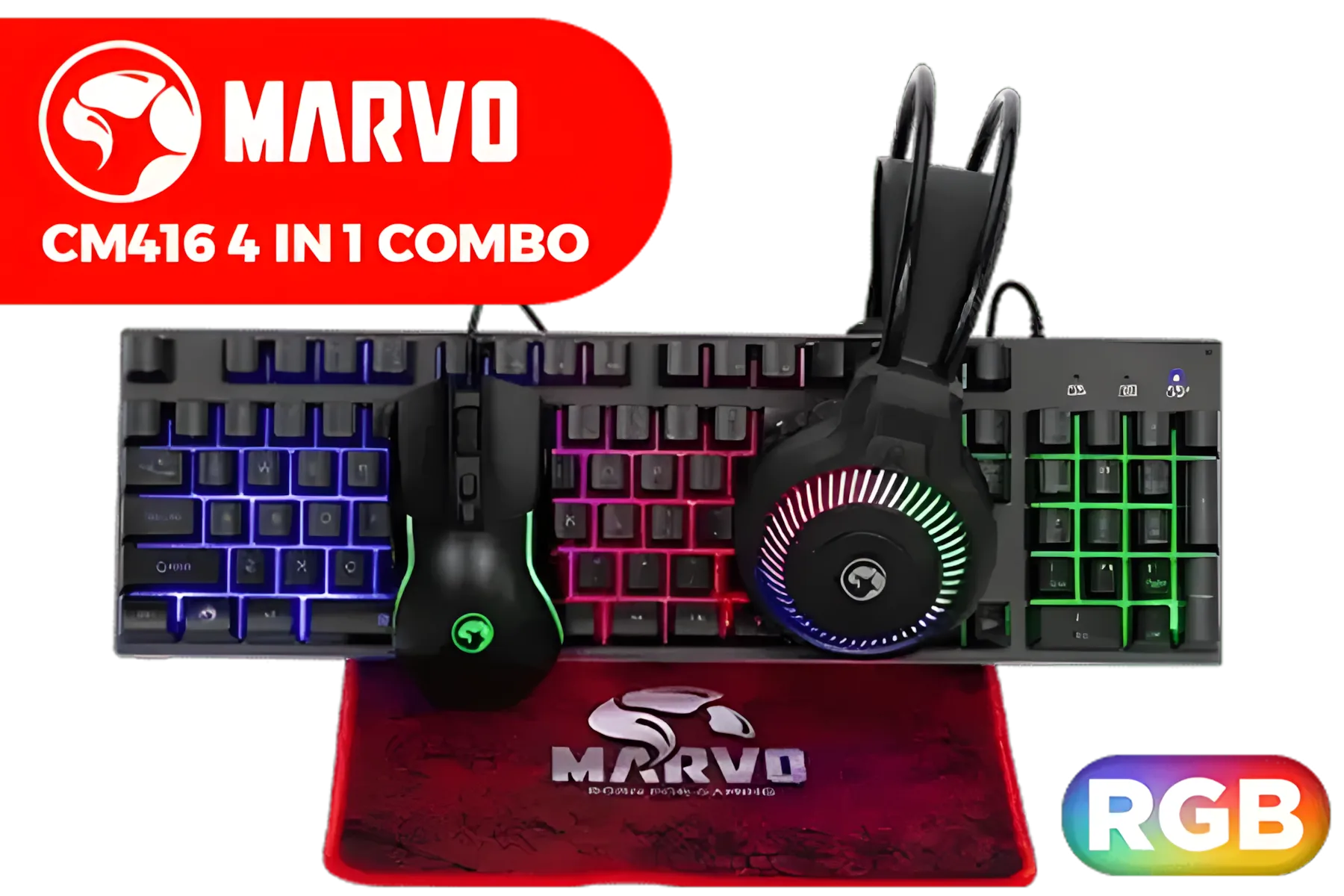
MARVO CM416 LOOT40 4 IN 1 Gaming Combo / Supports up to 3200 DPI / Mousepad / 3 Colors Backlight / RGB Headset (1x 3.5mm Mic Audio Jack, 1x 3.5mm Speakers Audio Jack, 1x USB-A Connector for RGB) / CM416
R299.00In Stock
Pro keyboard settings for CS2 and Valorant — keybinds and macros
Use single-action binds for critical moves. Avoid macroed multi-action binds that can fail under pressure or violate tournament rules. Set crouch to toggle or hold based on your movement style. Examples:
- Crouch: Hold C for controlled bursts.
- Jump: Space for regular play; consider an alternate key for bhopping practice.
- Use small practice routines to test binds in deathmatch. For RGB visual cues on mode or DPI, check the RGB backlit deals to match your desk lighting: https://www.evetech.co.za/best-gaming-keyboard-deals/x/055?attributes-backlitcolor=RGB.
TIP FOR YOU
Productivity Pro Tip ⚡
If you swap desks or monitors, export your keybinds or keep a screenshot of settings. Small changes in posture or reach can shift performance; consistency matters more than flashy binds.
Pro keyboard settings for CS2 and Valorant — polling, debounce and wired vs wireless 🚀
Polling rate and debounce timings influence how quickly keystrokes register. Most competitive players use 1000 Hz polling where supported. For hardware choices, wired keyboards remain the gold standard for lowest latency; compare wired models here: https://www.evetech.co.za/best-gaming-keyboard-deals/x/055?attributes-connectivity=Wired. Wireless options have improved; if you prefer a cable-free desk, review vetted wireless sets here: https://www.evetech.co.za/best-gaming-keyboard-deals/x/055?attributes-connectivity=Wireless. These pages list specs and customer reviews to help you decide.
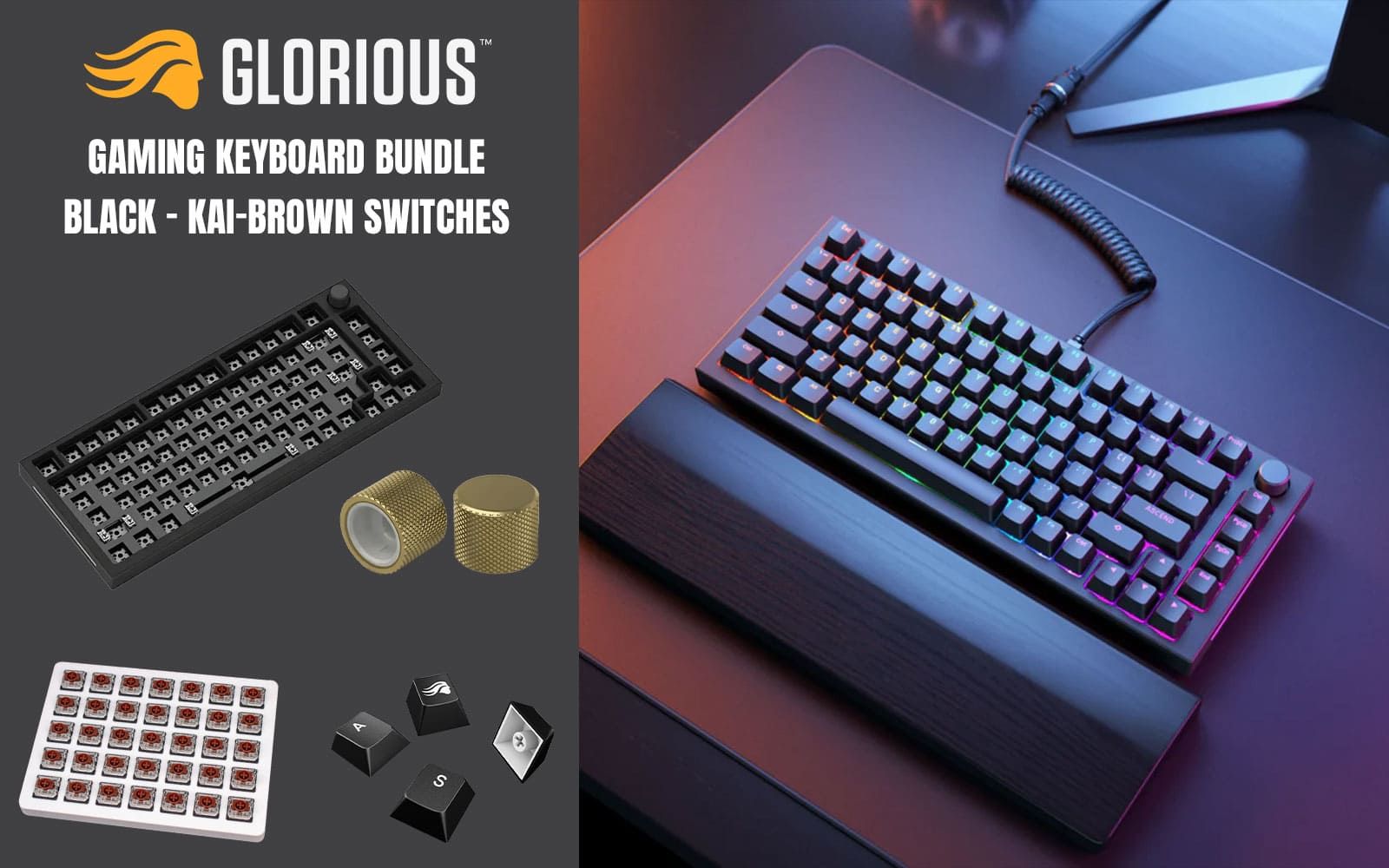
Glorious GMMK Pro Gaming Keyboard Bundle / GMMK Pro Gasket-mounted 75% layout Gaming Keyboard - Black, 16.8 million color RGB Lighting - GLO-GMMK-P75-RGB-B / Glorious Kailh BROWN Mechanical Keyboard Switches - KAI-BROWN / Mechanical Keycaps - Black - G-104-Black / GMMK PRO Rotary Knob - Gold - GLO-ACC-P75-RK-G
R2499.00In Stock
Razer BlackWidow V4 X Wired Mechanical Gaming Keyboard - Green Switches Tactile & Clicky / 6 Dedicated Macro Keys / Chroma RGB / Doubleshot ABS Keycaps / Media Controls / Sound Dampening & Stabilizers / RZ03-04700100-R3M1
R3099.00In Stock

Logitech Pebble Keys 2 K380s - Tonal Graphite / Comfy and quiet keys / Slim and lightweight / Minimalist design / Customizable Fn shortcut keys / Pair up to 3 devices / 920-011851
R609.00In Stock
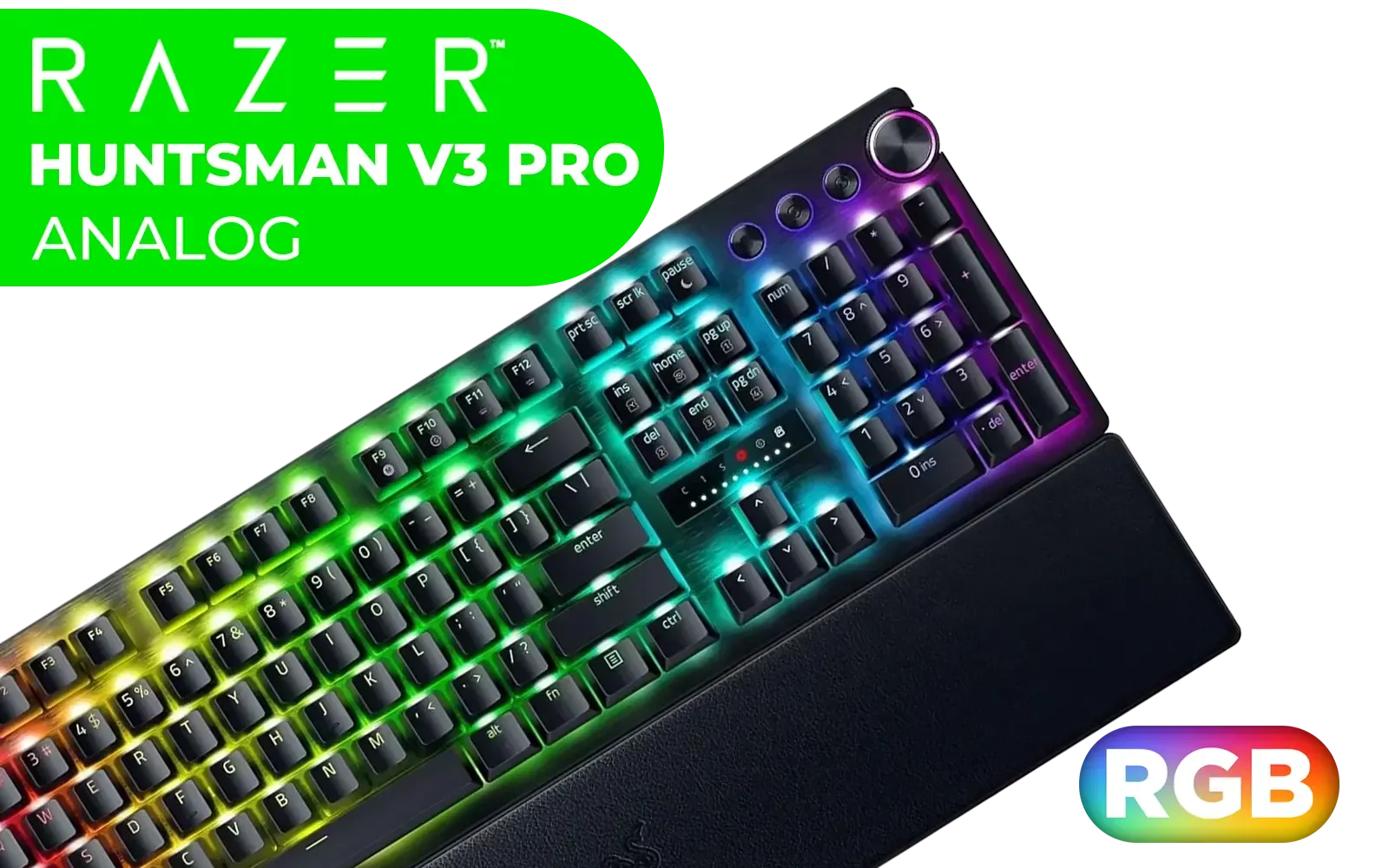
Razer Huntsman V3 Pro Esports Gaming Keyboard - Black / Analog Optical Switches w/Rapid Trigger & Adjustable Actuation / Media Keys & Dial / Doubleshot PBT Keycaps / Aluminum Top Plate / Wrist Rest / RZ03-04970100-R3M1
R5499.00In Stock
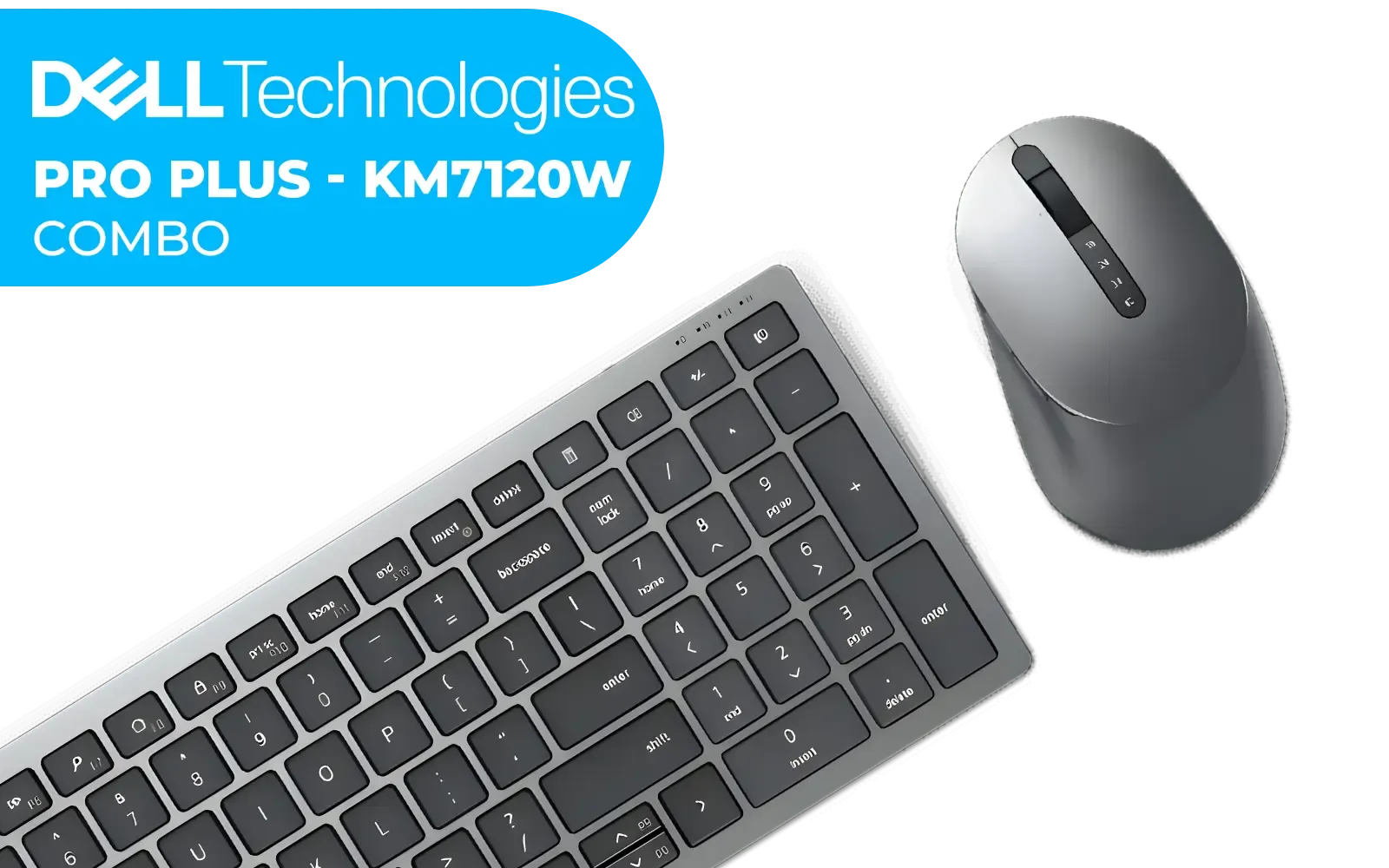
Dell KM7120W Multi-Device Wireless Keyboard and Mouse US International (QWERTY) - Black / 580-AIWM
R1399.00In Stock

Razer Huntsman V2 Optical Gaming Keyboard: Fastest Clicky Optical Switches w/Quick Keystrokes & 8000Hz Polling Rate - Doubleshot PBT Keycaps - Dedicated Media Keys & Dial - PUBG: Battleground Edition / RZ03-03932300-R3M1
R5299.00In Stock
Pro keyboard settings for CS2 and Valorant — fine-tune and routine
Turn down key repeat and set debounce to a low setting (if adjustable). Practice one change at a time and log your results over a week. Use a standard 5–10 minute warm-up that replicates your in-game pacing: flicks, peeks, and grenade throws. Track perceived input reliability after hardware tweaks and revert if accuracy dips.
Pro keyboard settings for CS2 and Valorant — where to buy locally
If you want to upgrade today, browse Evetech’s curated keyboards by price and features. For budget-focused builds or first-time upgrades, review the cheapest options and check ZAR pricing and shipping details on the product pages linked above. Real equipment testing beats guessing.
Ready to Find Your Perfect Match? The Mac vs Windows debate is complex, but for maximum power, choice, and value in South Africa, Windows is hard to beat. Explore our massive range of laptop specials and find the perfect machine to conquer your world.
Related Products

Razer DeathStalker V2 Pro Wireless Gaming Keyboard: Low-Profile Optical Switches - Linear Red - HyperSpeed Wireless & Bluetooth 5.0-40 Hr Battery - Ultra-Durable Coated Keycaps - Chroma RGB / RZ03-04360100-R3M1
R5599.00In Stock
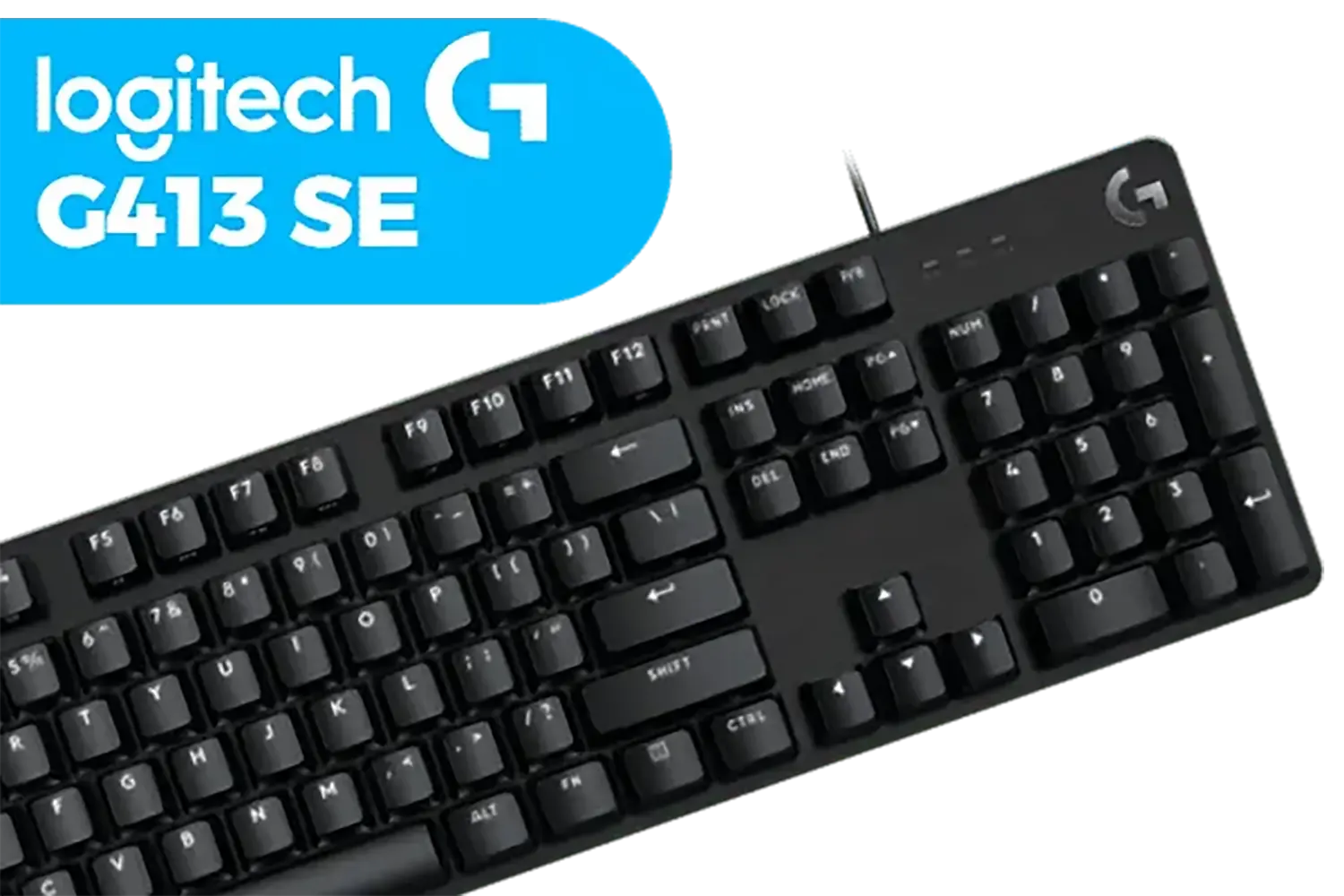
Logitech G413 SE Mechanical Gaming Keyboard - Black / Tactile Mechanical Switches / Key Rollover / Anti-Ghosting / PBT Keycaps / LED Lighting / Built To Last / 920-010437
R1559.00In Stock
Logitech MK235 Wireless Keyboard And Mouse Combo / Familiar Keyborad Layout / Long Battery Life / Built To Last / Reliable Wireless / 920-007931
R449.00In Stock

Glorious TKL Wrist Rest - Brown Wooden Wrist Rest - Mechanical Keyboard Wood Ergonomic Palm Rest - 14x4 inches/19mm Thick (GV-87-BROWN)
R499.00In Stock
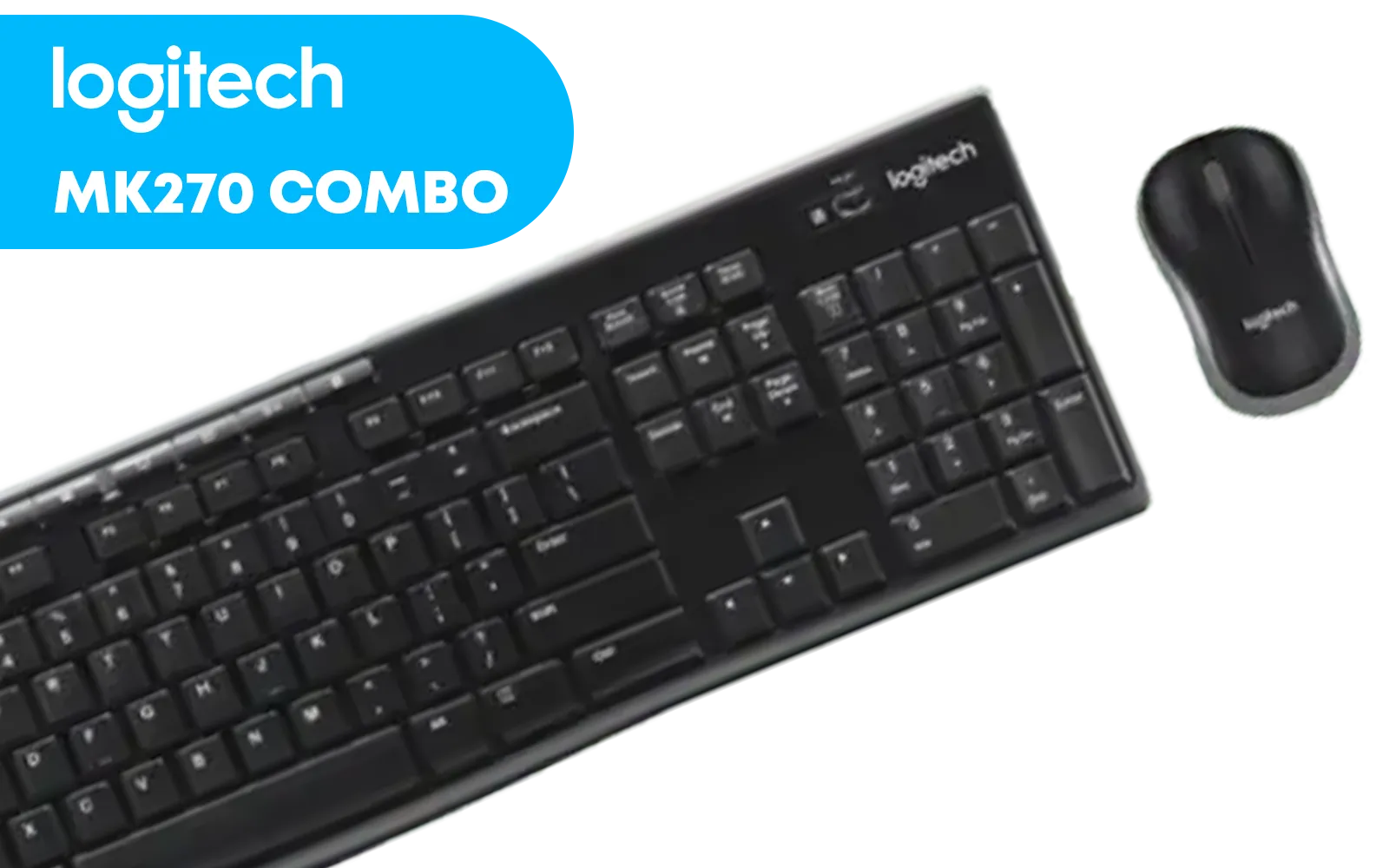
Logitech MK270 Wireless Keyboard And Mouse Combo / Long Battery Life / Eight hot keys / Full-size, spill-resistant keyboard / Instant media Access / Logitech Nano Receiver / 920-004509
R469.00In Stock

Glorious Gateron BROWN Mechanical Keyboard Switches / 120 Pack / Compatible With MX Based Keyboards / Compatible With MX Keycaps / PLATE Mounted / Transparent Switch Housing / SMD Led Compatible / GAT-BROWN
R699.00In Stock
For Valorant, a low actuation point between 0.1mm and 0.4mm is ideal for quick counter-strafing, ensuring instant key registration without bottoming out.
Yes, Rapid Trigger is essential for CS2. It resets keys instantly upon release rather than a fixed point, allowing for perfect movement accuracy.
Set your keyboard to at least 1000Hz. If supported, 4000Hz or 8000Hz can slightly reduce input latency, though CPU usage may increase.
Most gaming keyboards feature a 'Game Mode' (often Fn + Win) that locks the Windows key to prevent accidental game minimization during clutch moments.
Repeat delay usually controls typing speed and rarely impacts in-game movement for shooters, as keys are held down rather than tapped repeatedly for walking.
Generally, no. While adjusting actuation is legal, using macros for bunny hopping or recoil control can lead to bans in games like CS2 and Valorant.











