



Best Monitor for RTX 3050: Top Picks for Budget Gaming Rigs
Finding the best monitor for RTX 3050 builds means balancing performance and price. 🖥️ Unlock smooth 1080p gaming without overspending. We analyze refresh rates and resolutions to maximize your GPU's potential. 🚀
|
Loading tags...
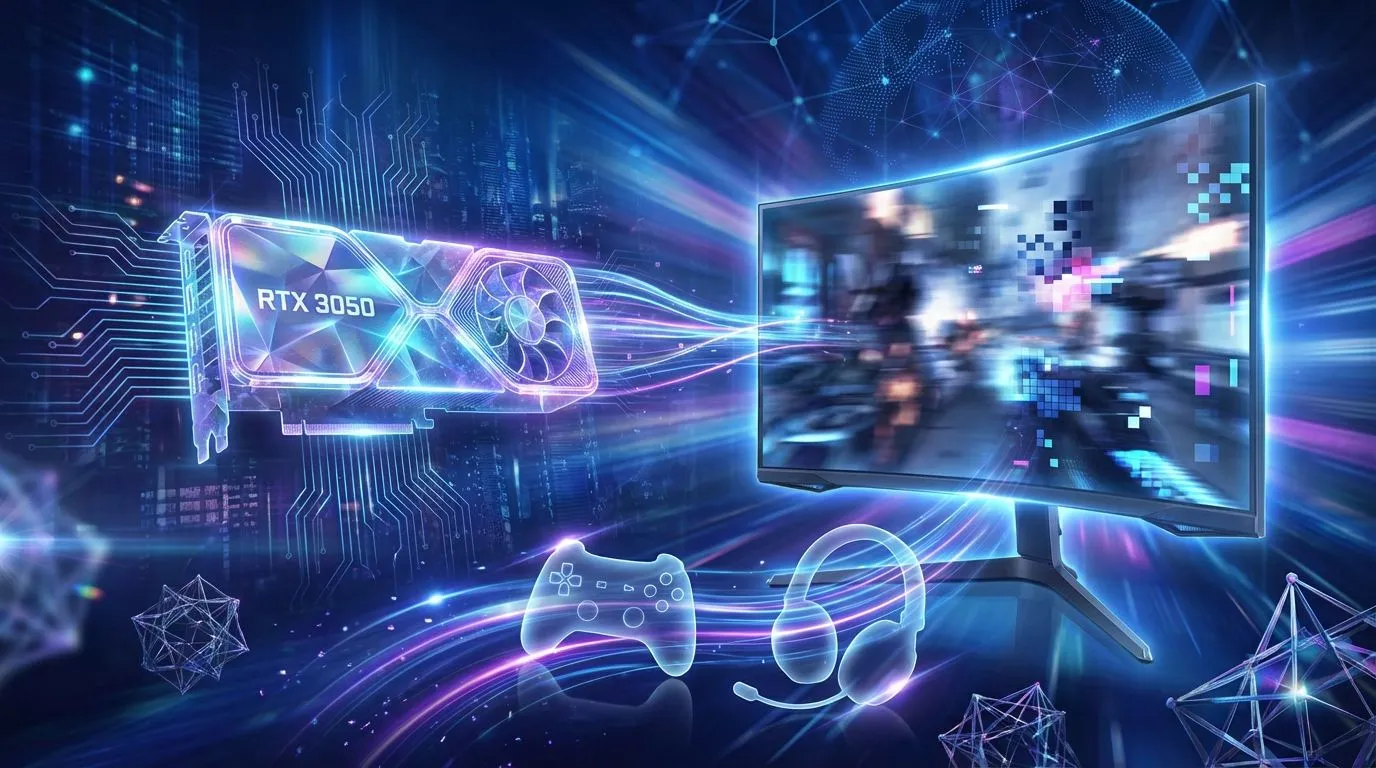
So, you’ve bagged yourself an NVIDIA GeForce RTX 3050? Lekker! You're holding a fantastic ticket to 1080p gaming, complete with ray tracing and DLSS. But hold up… plugging that powerful new GPU into any old screen is like putting retreads on a race car. To truly see the performance you paid for, you need the best monitor for your RTX 3050. Let's make sure you don't leave precious frames on the table.

AMD RYZEN 9 9950X 5.7GHz Quadro RTX 5000 Ada 32GB DDR5 Workstation PC
R128834.00In Stock

Intel Core Ultra 5 225F ARC A380 6GB Gaming PC
R14174.00In Stock
AMD RYZEN 7 5700 RTX Pro 2000 Workstation PC
R26669.00In Stock
![[Pre Built] AMD RYZEN 5 5500 ARC A380 Gaming PC](https://img.evetech.co.za/repository/ProductImages/gamdias-talos-e3-gaming-case-ryzen-5-5500-arc-a380-gaming-pc-pbs-main-1600px-v1.webp)
[Pre Built] AMD RYZEN 5 5500 ARC A380 Gaming PC
R12494.00In Stock

AMD RYZEN 5 3600 RTX 3050 Budget Gaming PC
R11024.00In Stock
![[Pre Built] AMD RYZEN 9 9900X RX 9070 XT Gaming PC](https://img.evetech.co.za/repository/ProductImages/ryzen-9-9900-x-rx-9070-xt-gaming-pc-pbs-main-1600px-v1.webp)
[Pre Built] AMD RYZEN 9 9900X RX 9070 XT Gaming PC
R42524.00In Stock
Why Your Monitor Choice Matters for the RTX 3050
Think of your graphics card and monitor as a team. The RTX 3050 works hard to render frames, and the monitor’s job is to display them. If your monitor is slow or has a low resolution, it creates a bottleneck, and you won't experience the smooth, crisp gameplay your GPU is capable of producing.
The RTX 3050 is the undisputed champion of high-performance 1080p gaming, making it a cornerstone of many excellent budget gaming PCs. Pairing it with a 4K monitor, for example, would be a mistake. The GPU would struggle to push enough frames, and you'd have to lower game settings so much that the extra pixel count wouldn't even matter. The key is finding the perfect balance. 🚀
The Sweet Spot: Finding the Best Monitor Specs for a 3050
To find the ideal display for an RTX 3050, we need to focus on three critical specs: resolution, refresh rate, and response time. Getting these right ensures every rand you spent on your GPU translates directly to a better gaming experience.
Resolution: 1080p is King 👑
For the RTX 3050, the optimal resolution is 1920x1080, also known as Full HD or 1080p. This resolution allows the card to consistently deliver high frame rates (FPS) in demanding titles like Cyberpunk 2077 and Apex Legends, even with some settings cranked up. It's the performance sweet spot for this GPU, and the foundation of most gaming PCs under R20,000 that deliver incredible value. While you could run some less demanding esports titles at 1440p, 1080p guarantees a smoother, more reliable experience across the board.

Intel Core Ultra 5 225F 4.9GHz RX 9060 XT 16GB DDR5 Gaming PC
R24464.00In Stock

RYZEN 5 9600X 5.2GHz A400 4GB DDR5 Workstation PC
R18164.00In Stock
![[Pre Built] AMD RYZEN 9 9900X RTX 5070 Ti Gaming PC](https://img.evetech.co.za/repository/ProductImages/ryzen-9-9900-x-rtx-5070-ti-gaming-pc-pbs-main-1600px-v1.webp)
[Pre Built] AMD RYZEN 9 9900X RTX 5070 Ti Gaming PC
R44729.00In Stock
![[Pre Built] Intel Core Ultra 7 265K RTX 5070 Gaming PC](https://img.evetech.co.za/repository/ProductImages/intel-core-ultra-7-265-kf-rtx-5070-gaming-pc-pbs-main-1600px-v1.webp)
[Pre Built] Intel Core Ultra 7 265K RTX 5070 Gaming PC
R38114.00In Stock

RYZEN 7 9700X 5.5GHz RTX 5070 12GB DDR5 Gaming PC
R34334.00In Stock

AMD RYZEN 7 5700 4.6GHz A1000 8GB Workstation PC
R20159.00In Stock
Refresh Rate: Aim for 144Hz or Higher
Refresh rate, measured in Hertz (Hz), is how many times your monitor updates the image per second. A standard office monitor is 60Hz. A gaming monitor should be much higher. Since the RTX 3050 can easily push over 100 FPS in popular games, a 144Hz monitor is the perfect partner. This higher refresh rate makes motion look incredibly fluid, reduces input lag, and can give you a real competitive edge. It's a non-negotiable feature for anyone serious about performance, and you'll find it on many of the best gaming PC deals available today.
TIP FOR YOU
Don't Forget Adaptive Sync! ⚡
Look for monitors with FreeSync or G-Sync Compatibility. This technology synchronises your monitor's refresh rate with your RTX 3050's frame output, eliminating ugly screen tearing and stuttering. Most modern gaming monitors have this, and it makes a huge difference for a flawlessly smooth picture.
Panel Type & Response Time: Colour vs. Speed
Finally, consider the panel. IPS (In-Plane Switching) panels offer the best colour accuracy and viewing angles, making games look vibrant and beautiful. TN (Twisted Nematic) panels are slightly faster but at the cost of colour quality. For most gamers, a modern "Fast IPS" panel with a 1ms response time is the best of both worlds. A fast response time prevents "ghosting" or motion blur, ensuring your aim stays true in fast-paced shooters. This level of component synergy is something we obsess over in our pre-built PC deals, ensuring every part works in harmony.
Intel Core Ultra 9 285K 5.7GHz RTX 5000 Ada 32GB DDR5 Workstation PC
R133349.00In Stock
![[Pre Built] HP OMEN 35L B1ZR4EA Intel Core Ultra 7 265K RTX 4080 SUPER Gaming PC](https://img.evetech.co.za/repository/ProductImages/intel-core-ultra-7-265-k-rtx-4080-super-gaming-pc-pbs-main-1600px-v1.webp)
[Pre Built] HP OMEN 35L B1ZR4EA Intel Core Ultra 7 265K RTX 4080 SUPER Gaming PC
R49349.00In Stock
AMD RYZEN 7 5700 RTX Pro 2000 Workstation PC
R26669.00In Stock
Intel Core Ultra 5 225F 4.9GHz RTX 3050 6GB DDR5 Gaming PC
R16274.00In Stock
[Pre Built] Intel Core Ultra 7 265K RTX 5070 Gaming PC
R38114.00In Stock

RYZEN 5 8500G 5.0GHz with Vega Graphics DDR5 PC
R11024.00In Stock
Our Top Monitor Recommendations for Your RTX 3050
So, what's the verdict? The best monitor for an RTX 3050 isn't one specific model, but a category of screens that hits the performance sweet spot.
- The All-Rounder (Recommended): A 24-inch, 1080p, 144Hz IPS monitor. This is the gold standard. It’s affordable, delivers buttery-smooth gameplay, and makes your games look stunning.
- The Esports Pro: If you exclusively play competitive titles like Valorant or CS:GO, a 24-inch, 1080p, 165Hz+ monitor will give you the absolute sharpest motion clarity.
- The Big Screen Option: A 27-inch, 1080p monitor is viable, but be aware that the pixel density is lower, so the image won't be quite as sharp. For some, the larger size is worth it. It can also serve as a great secondary display for more powerful setups, like those found in our gaming PCs above R20,000.
Don't let a weak monitor hold your new RTX 3050 back. By matching your GPU to a display with the right specs, you unlock its true potential and get the gaming experience you deserve. ✨
Ready to Find Your Perfect Match? Pairing your RTX 3050 with the right monitor is the final step to gaming glory. The perfect screen makes all the difference, bringing your virtual worlds to life with stunning colour and fluid motion. Explore our massive range of gaming monitors and find the perfect display to complete your rig.
Related Products

Intel Core Ultra 9 285K 5.7GHz RTX 5090 32GB DDR5 Gaming PC
R80114.00In Stock
Intel Core Ultra 5 225F ARC A380 6GB Gaming PC
R14174.00In Stock
![[Pre Built] Intel Core Ultra 7 265KF RX 9070 XT Gaming PC](https://img.evetech.co.za/repository/ProductImages/intel-core-ultra-7-265-kf-rx-9070-xt-gaming-pc-pbs-main-1600px-v1.webp)
[Pre Built] Intel Core Ultra 7 265KF RX 9070 XT Gaming PC
R42209.00In Stock
AMD RYZEN 7 9800X3D RTX Pro 4500 DDR5 Workstation PC
R78644.00In Stock
Intel Core Ultra 7 265K RTX Pro 4500 DDR5 Workstation PC
R77909.00In Stock
[Pre Built] AMD RYZEN 9 9900X RX 9070 XT Gaming PC
R42524.00In Stock
Yes, the RTX 3050 handles 144Hz well in eSports titles like Valorant and CS:GO at 1080p, ensuring smooth motion clarity and competitive response times.
Generally, no. The RTX 3050 struggles with 1440p in modern AAA games; a high-refresh 1080p monitor is the optimal sweet spot for consistent performance.
A 24-inch display is ideal for 1080p resolution, offering the best pixel density (PPI) and visual clarity without the image appearing grainy.
Yes, the RTX 3050 supports NVIDIA G-Sync technology, which helps eliminate screen tearing and stuttering when paired with a compatible gaming monitor.
IPS panels offer superior color accuracy and viewing angles, making them excellent for immersive gaming, though fast TN or VA panels are also viable budget options.
While it technically supports up to 8K output for desktop use, for actual gaming scenarios, you should stick to 1080p to maintain playable frame rates.











