



Best Monitor for RTX 5060: Ideal Pairings for 2025
- Recommend optimal monitor pairings; - Compare 1440p, 4K, ultrawide options; - Detail settings, cables & budgets; - Buying tips for 2025. best monitor for RTX 5060 helps you match resolution and refresh for the RTX 5060 Infinity 2 OC 🔎🖥️
|
Loading tags...

Alright, you're hyped for the NVIDIA RTX 5060, and you should be! But before you start planning your 2025 build, let's talk about the one piece of gear that can make or break your entire experience: your monitor. Pairing a beastly new GPU with a tired old screen is like putting budget tyres on a sports car. This guide will help you find the best monitor for the RTX 5060 so you're ready to go on day one. 🚀

MSI GeForce RTX 5070 Ti 16G Gaming Trio OC Graphics Card / 16GB GDDR7 / 8960 Cuda Cores / 256-bit Memory Interface / Boost Clock : 2572 MHz / PCI Express® Gen 5 / 912-V531-272
R21199.00In Stock

SAPPHIRE NITRO+ RX 9070 Gaming OC 16GB Graphics Card / 16GB GDDR6 Memory / 3584 Stream Processors / 256-bit Memory Interface / Boost Clock : 2700 MHz / AMD RDNA™ 4 Architecture / 56 Ray Accelerators / 11349-01-20G
R13599.00In Stock
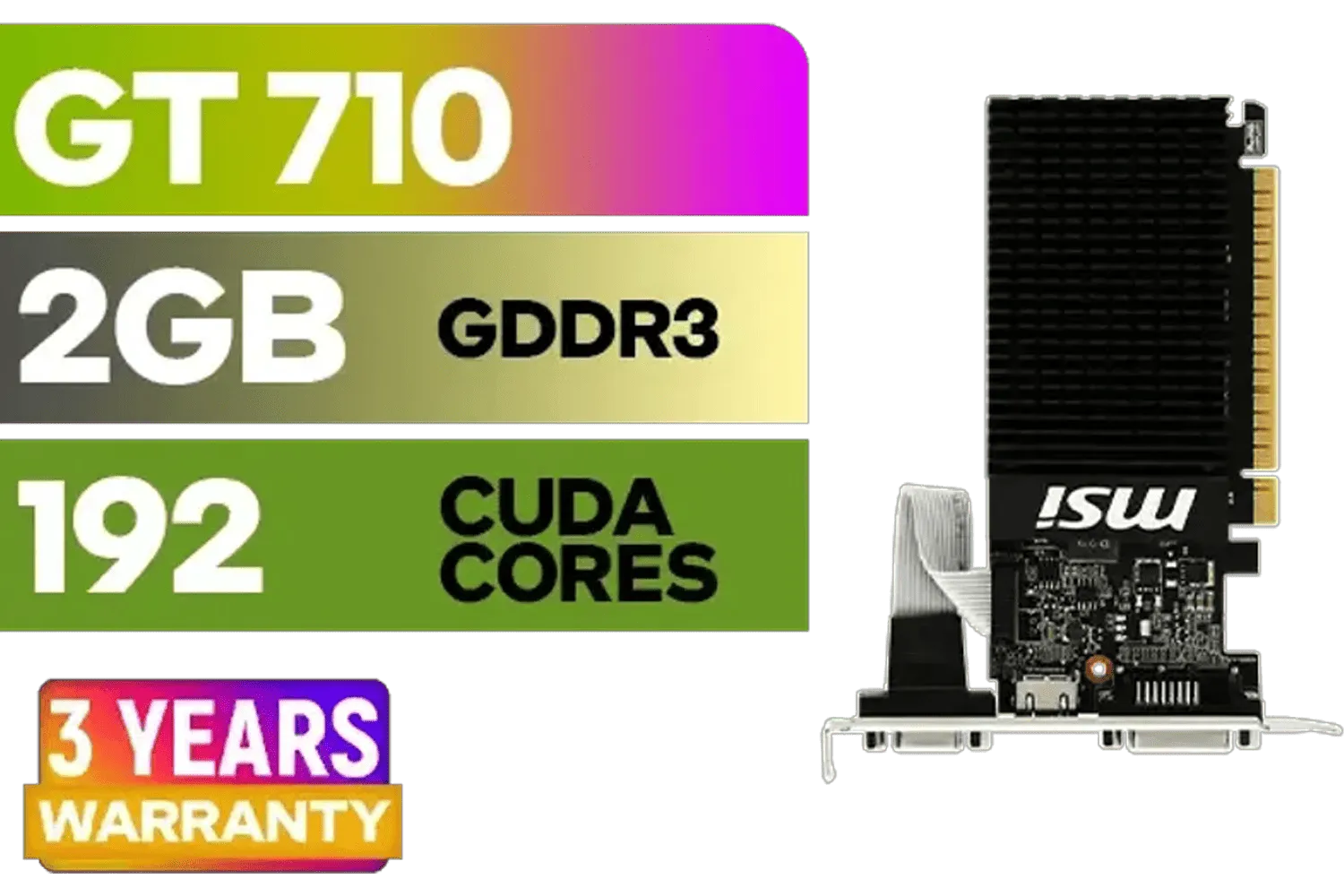
MSI GeForce GT 710 2GD3H LP 2GB DDR3 Graphics Card / 192 CUDA CORES / 64-bit Memory / 1x HDMI / 1x Dual-link DVI-D / 1x D-Sub / 912-V809-4217
R1099.00In Stock
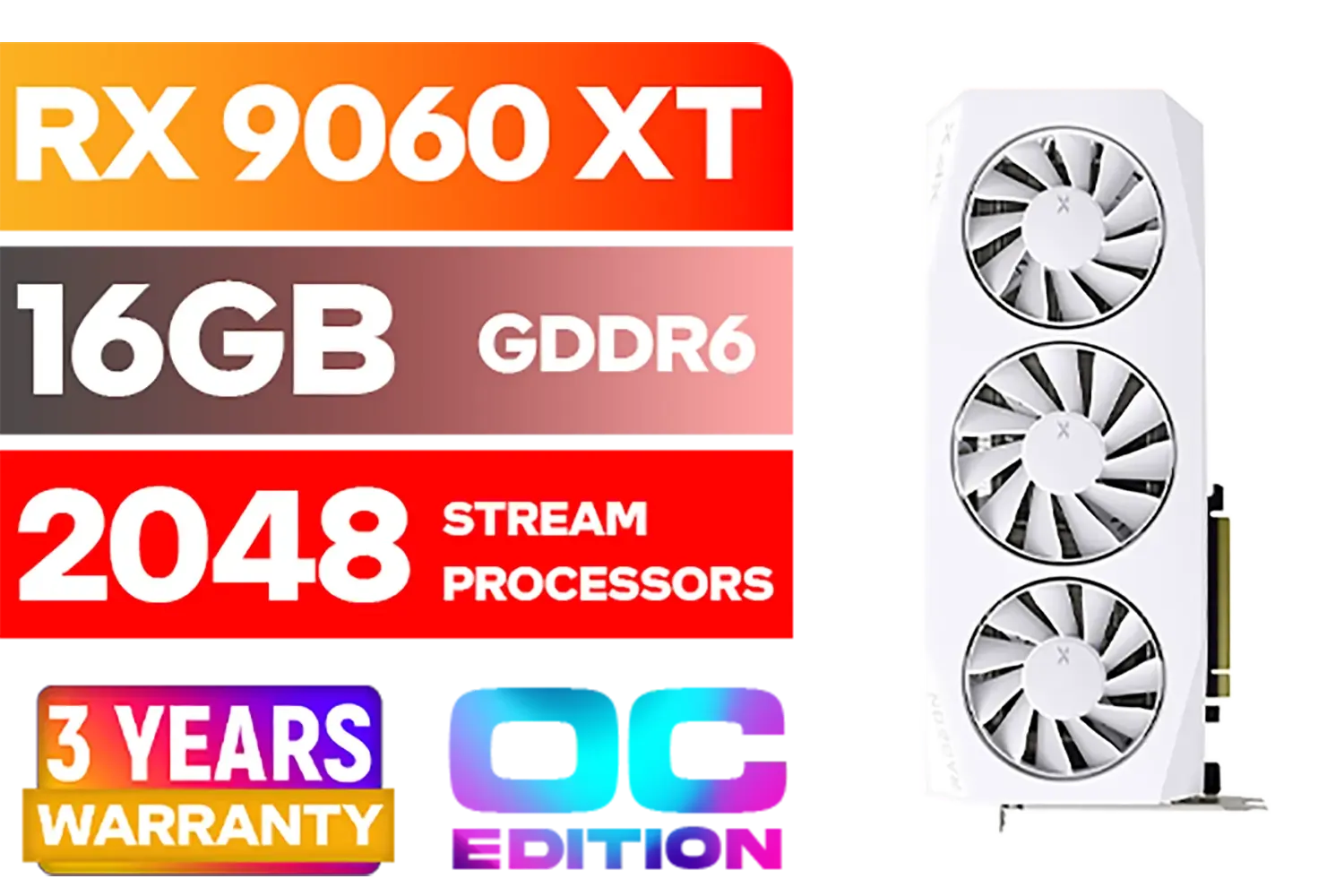
XFX Mercury AMD Radeon RX 9060XT OC White Gaming Edition with 16GB GDDR6 HDMI 2xDP, AMD RDNA 4 / RX-96TMERCW9
R9199.00In Stock
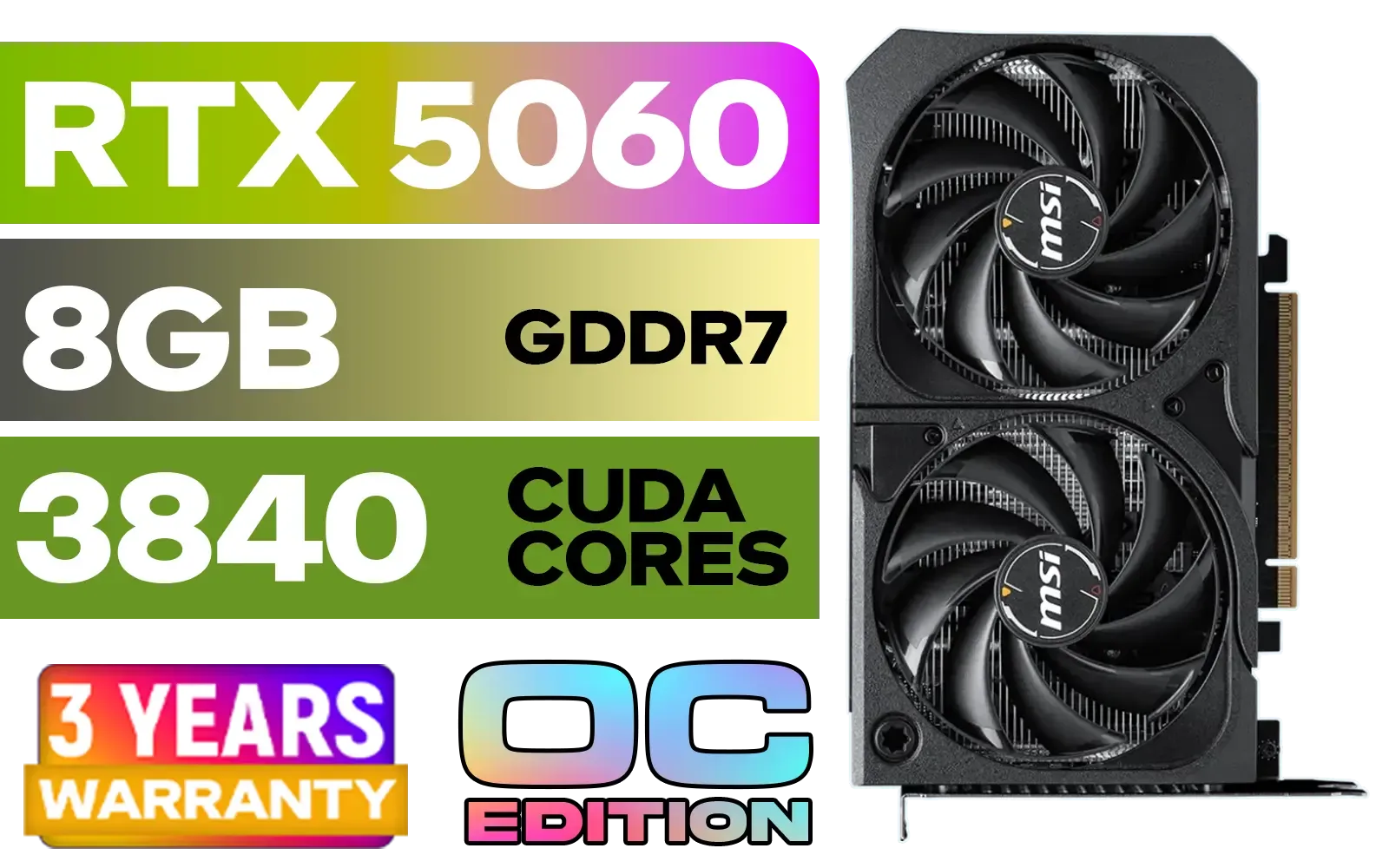
MSI GeForce RTX 5060 8GB Shadow 2X OC Graphics Card / 8GB GDDR7 / 3840 Cuda Cores / 128-bit Memory Interface / Extreme Performance: 2535 MHz / 28 Gbps Memory Speed / DisplayPort x 3 (v2.1b), HDMI™ x 1 / 912-V537-019
R5999.00In Stock
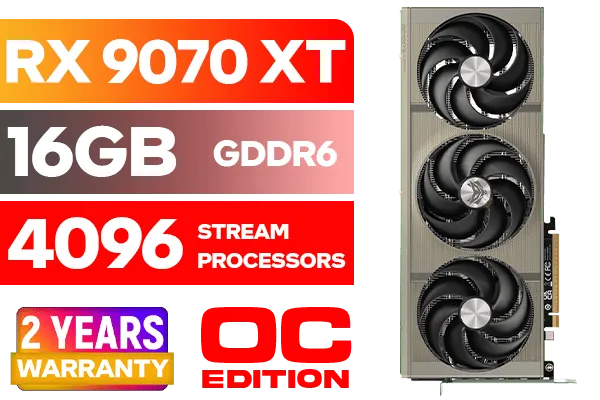
SAPPHIRE NITRO+ RX 9070 XT Gaming OC 16GB Graphics Card / 16GB GDDR6 Memory / 4096 Stream Processors / 256-bit Memory Interface / Boost Clock : 3060 MHz / AMD RDNA™ 4 Architecture / 64 Ray Accelerators / 11348-01-20G
R14999.00In Stock
What to Expect from the RTX 5060
While official specs are still under wraps, industry trends point to the RTX 5060 being a 1440p powerhouse. We expect it to deliver significant performance gains over its predecessor, the RTX 4060, making it the new king for mainstream gamers in South Africa. It will likely crush modern titles at QHD resolution with high settings, especially when paired with DLSS technology.
This jump in performance means your old 1080p 60Hz screen just won't cut it. To truly see what the next generation of NVIDIA GeForce Graphics Cards can do, you'll need a display that can keep up.
The Sweet Spot: Resolution & Refresh Rate
Choosing the right specs is crucial for finding the best monitor for an RTX 5060 pairing. It’s all about balancing visual fidelity with buttery-smooth performance.
1440p: The New Gaming Standard
For years, 1080p was the go-to. In 2025, 1440p (2560x1440) will be the sweet spot. It offers a much sharper, more immersive picture without demanding the elite-tier power of a 4K setup. The RTX 5060 is poised to be the perfect card for this resolution.
Look for a 1440p monitor with a refresh rate between 144Hz and 180Hz. This combination provides stunning visuals and the fluid responsiveness needed for both epic single-player adventures and intense multiplayer battles. It's the ideal pairing for a powerful mid-range GPU, whether you're looking at the current market of graphics cards or planning for the future.
MSI GeForce GT 710 2GD3H LP 2GB DDR3 Graphics Card / 192 CUDA CORES / 64-bit Memory / 1x HDMI / 1x Dual-link DVI-D / 1x D-Sub / 912-V809-4217
R1099.00In Stock

XFX Mercury AMD Radeon RX 9070 XT OC Magnetic Air Edition Graphics Card / 4096 Stream Processors / 256-bit Memory Interface / Boost Clock : 3100 MHz / AMD RDNA™ 4 Architecture / RX-97TMARGB9
R16299.00In Stock

MSI Geforce RTX 5060 Ventus 2X 8G OC Graphics Card / 8GB GDDR7 / 3840 Cuda Cores / 128-bit Memory Interface / Boost Clock : 2527 MHz / PCI Express® Gen 5 / 912-V537-017
R7699.00In Stock
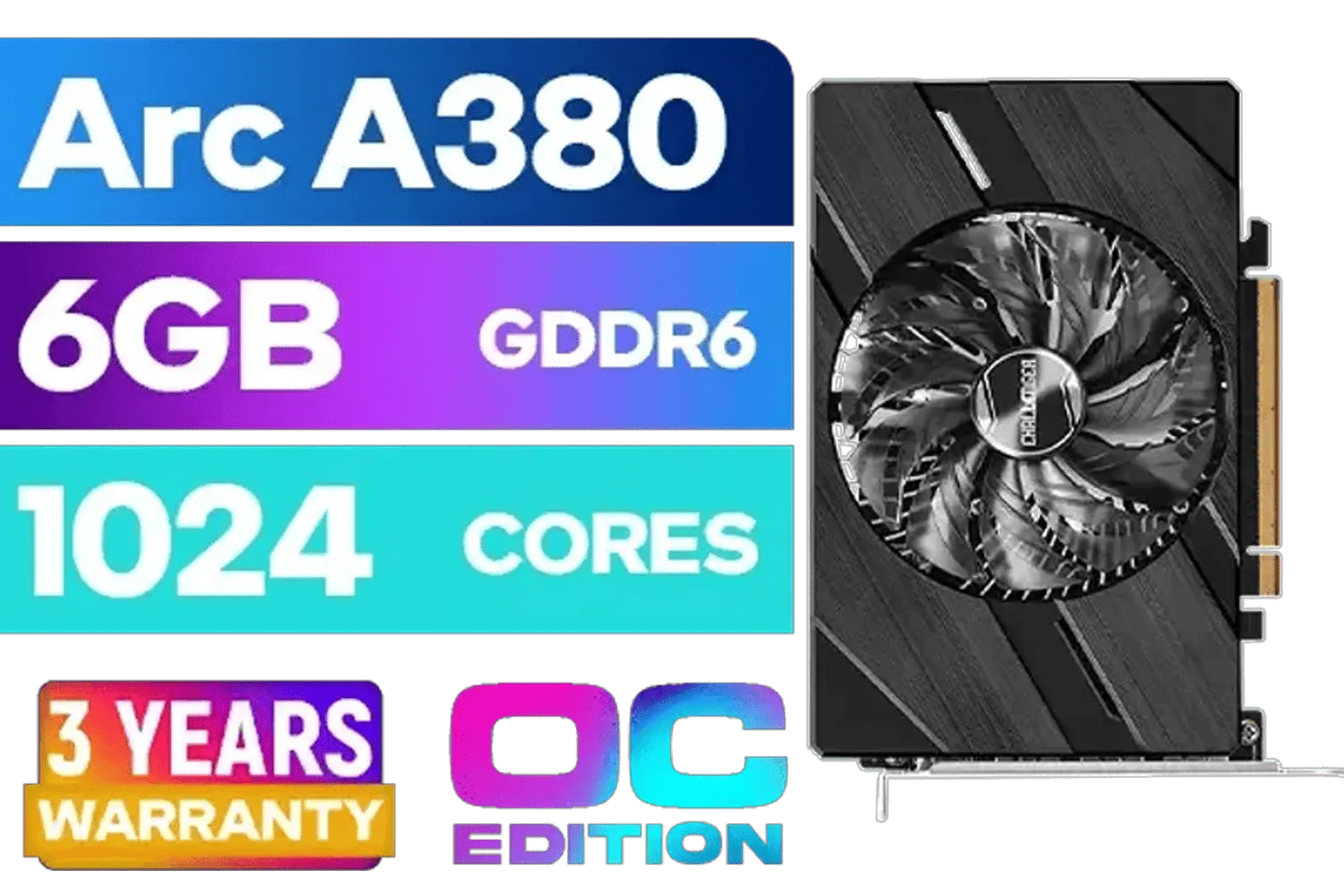
ASRock Intel Arc A380 Challenger ITX 6GB OC GDDR6 Graphics Card / 90-GA3KZZ-00UANF
R3199.00In Stock

LEADTEK NVIDIA RTX PRO 6000 Blackwell 96GB GDDR7 GPU / Compatible with RTX PRO Sync / GDDR7 Memory with ECC / 126W0000100
R186999.00In Stock

XFX Quicksilver AMD Radeon RX 9070 XT Graphics Card / 4096 Stream Processors / 256-bit Memory Interface / Boost Clock : 2970 MHz / AMD RDNA™ 4 Architecture / RX-97TQICKB9
R14999.00In Stock
High-Refresh 1080p for a Competitive Edge
Are you a competitive gamer grinding Valorant, Apex Legends, or CS2? Then frames-per-second (FPS) is your most important stat. In this case, a 1080p monitor with a blistering 240Hz or even 360Hz refresh rate might be the better choice. The RTX 5060 will easily push the ultra-high framerates needed to give you that split-second advantage in a firefight. Many pro players still prefer 1080p for this very reason. Top brands like MSI often have fantastic options tailored for esports.
TIP FOR YOU
Don't Forget Your Cable! 🔌
To get the high refresh rates you're paying for (like 144Hz or more at 1440p), you must use a DisplayPort cable. An older HDMI cable might limit your refresh rate, effectively bottlenecking your brand-new monitor. Most good gaming monitors include one in the box, but it's always smart to check!
Key Monitor Features You Can't Ignore
Beyond resolution and refresh rate, a few other technologies are essential for a top-tier gaming experience.
- Panel Type: Look for an IPS (In-Plane Switching) panel. They offer the best colour accuracy and viewing angles, making your games look vibrant and beautiful.
- Response Time: A 1ms Gray-to-Gray (GtG) response time is non-negotiable for gaming. It minimises motion blur and ghosting, keeping the action crisp and clear.
- Adaptive Sync: Whether it's NVIDIA G-Sync or AMD FreeSync, this tech is a must. It synchronises your monitor's refresh rate with your GPU's frame output, eliminating ugly screen tearing and stuttering. Even if you're team green, many FreeSync monitors are "G-Sync Compatible" and work perfectly. This feature is a standard across modern gaming displays, whether you're running NVIDIA or one of the excellent Radeon Graphics Cards.
MSI GeForce RTX 5060 8GB Shadow 2X OC Graphics Card / 8GB GDDR7 / 3840 Cuda Cores / 128-bit Memory Interface / Extreme Performance: 2535 MHz / 28 Gbps Memory Speed / DisplayPort x 3 (v2.1b), HDMI™ x 1 / 912-V537-019
R5999.00In Stock
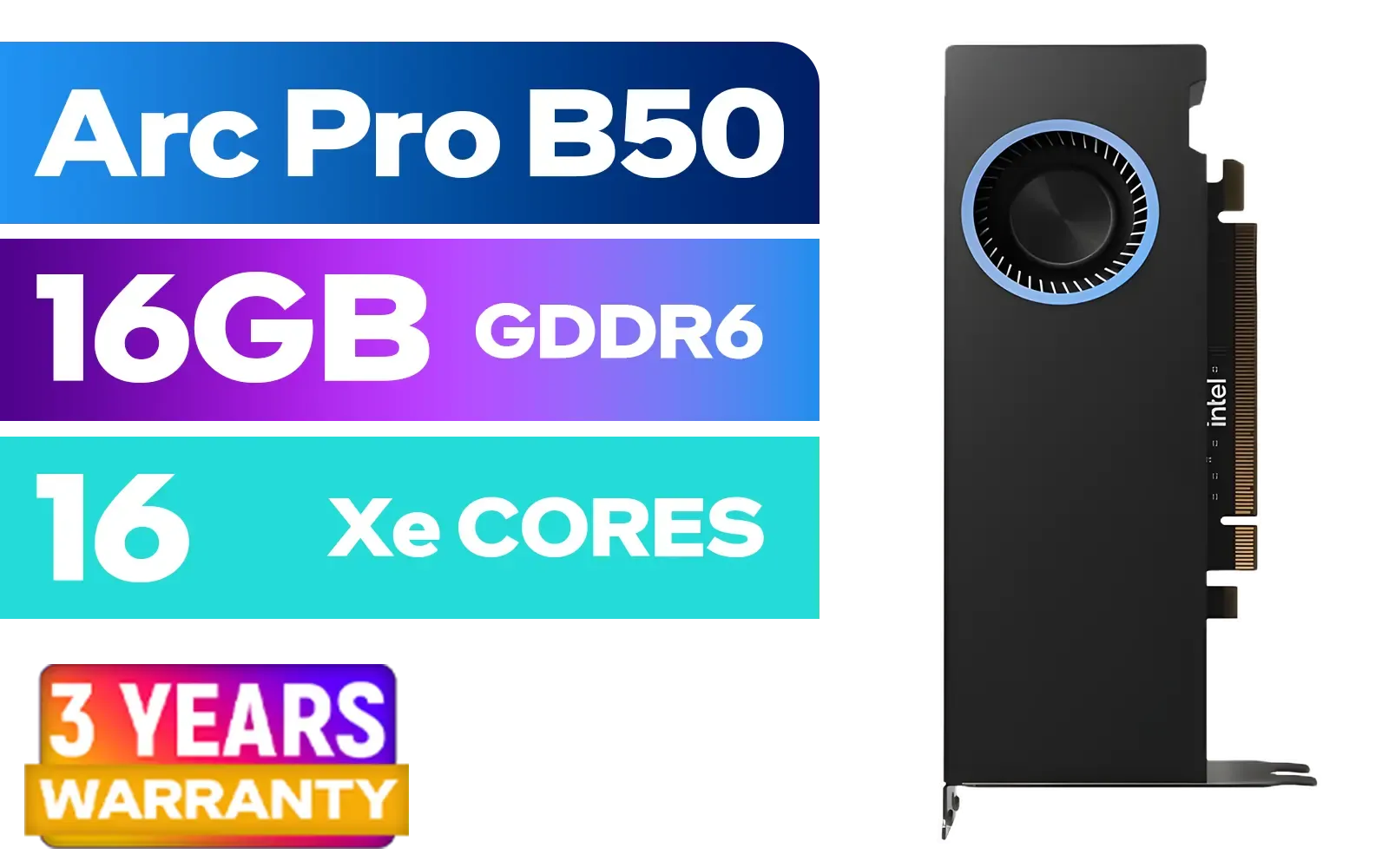
Intel Arc Pro B50 16GB Workstation Graphics Card / 16GB GDDR6 / 128 XMX Engines / 128 Vector Engines / 16 Xe2 Cores / 128-bit / Max Dynamic Clock: 2600MHz / PCIe 5.0 x8 Interface / 33P6PEB0BB
R7999.00In Stock
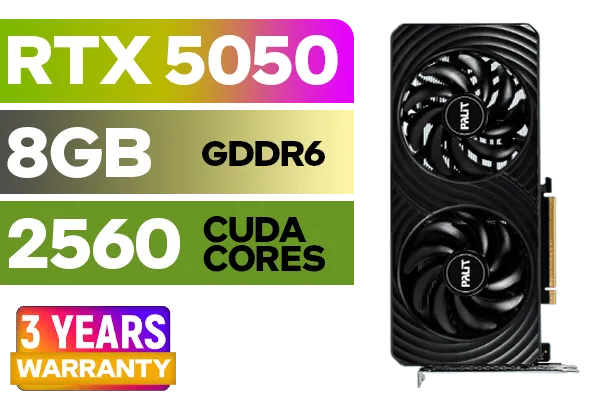
Palit GeForce RTX™ 5050 DUAL Graphics Card / 8GB GDDR6 / 2560 Cuda Cores / 128-bit Memory Interface / Boost Clock : 2572 MHz / PCI Express® Gen 5 / NE65050019P1-GB2070D
R5699.00In Stock

MSI GeForce RTX 5070 12G Gaming Trio OC Graphics Card / 12GB GDDR7 / 6144 Cuda Cores / 192-bit Memory Interface / Boost Clock : 2610 MHz / NVIDIA Blackwell & DLSS 4 / TRI FROZR 4 Thermal Design / Metal with Airflow Vents / 912-V532-019
R15199.00In Stock
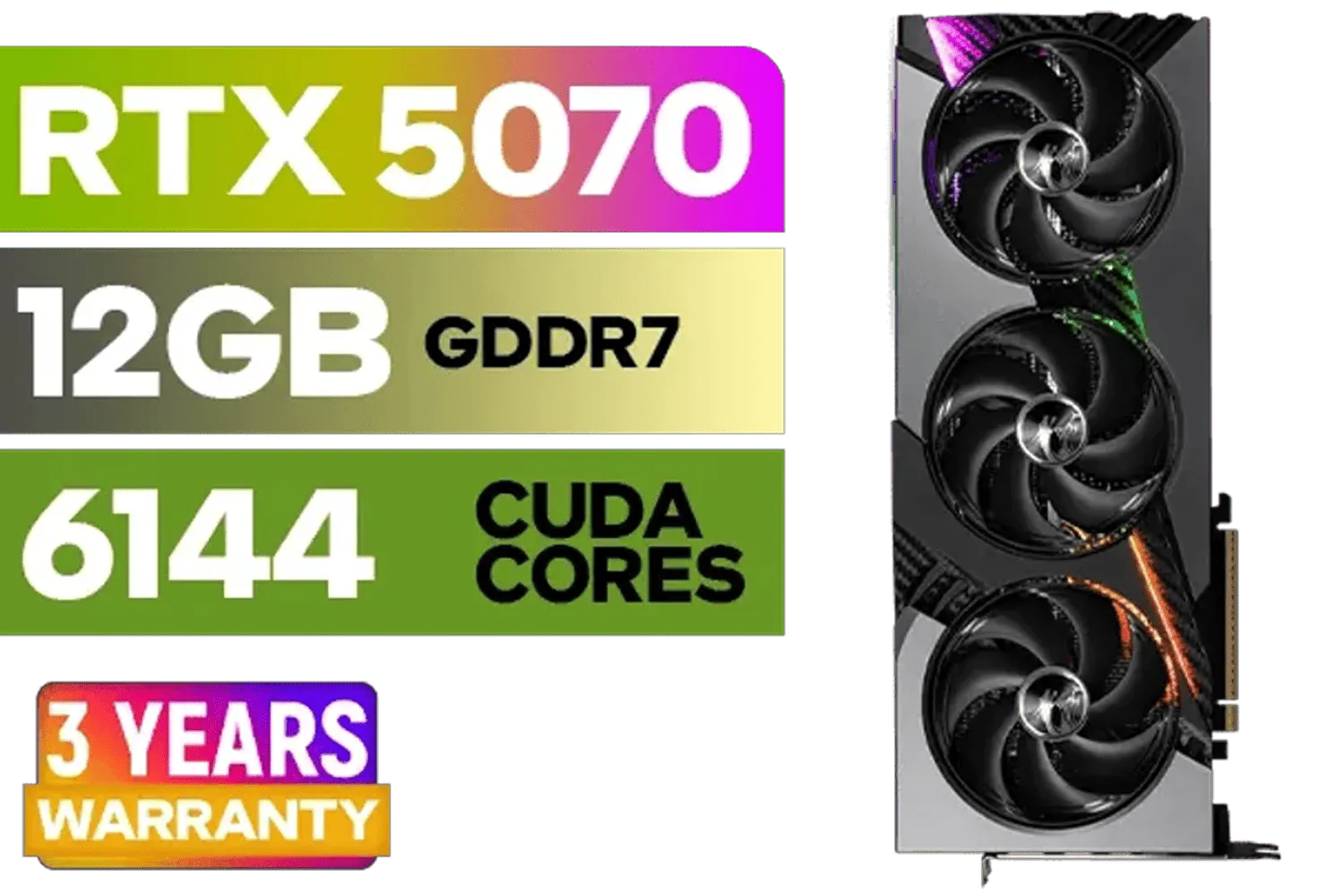
MSI GeForce RTX 5070 12GB VANGUARD SOC Launch Edition / 12GB GDDR7 / 6144 Cuda Cores / Boost: 2640 MHz / 28Gbps Memory Speed / PCI Express® Gen 5 / 912-V532-050
R15299.00In Stock
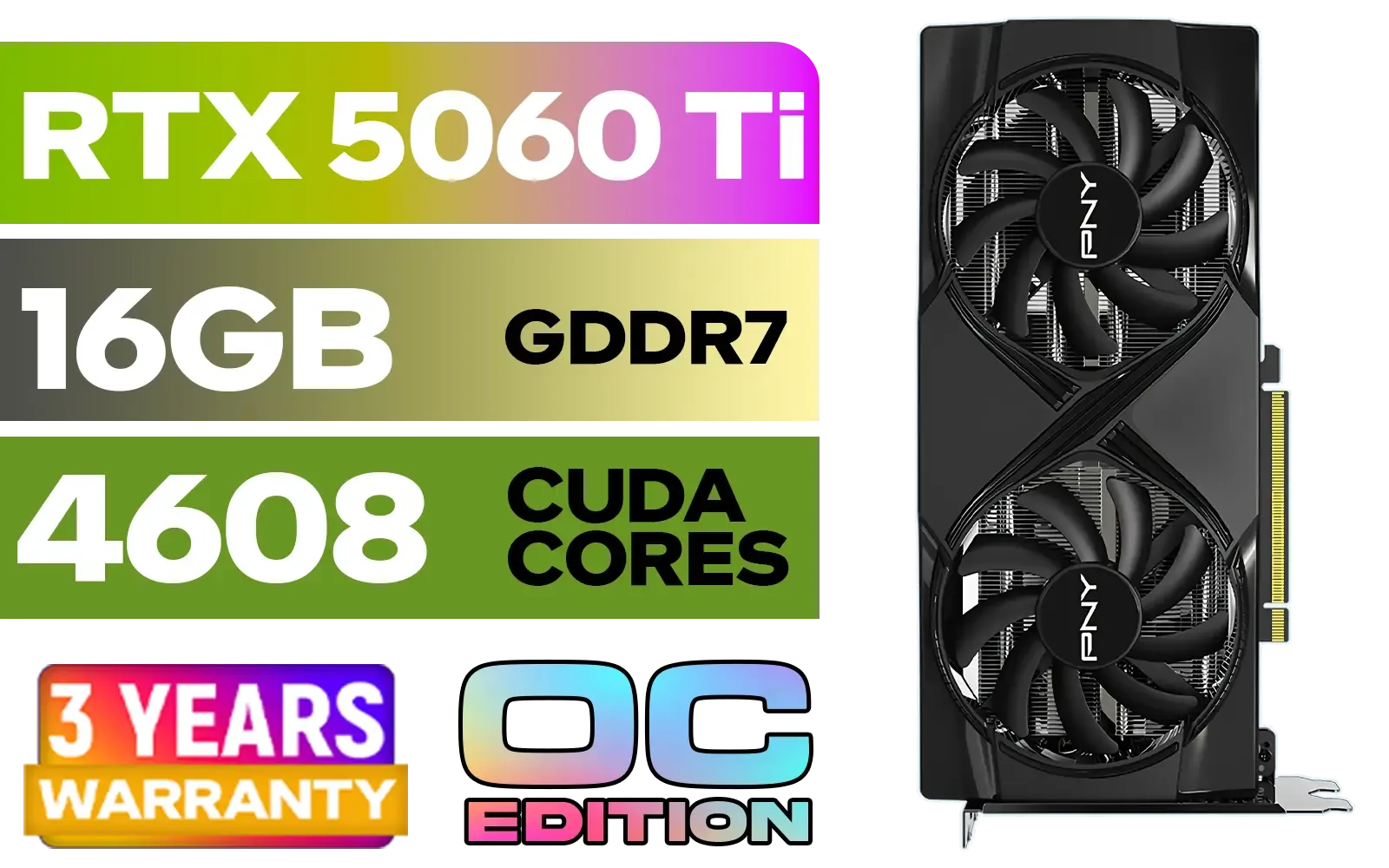
PNY GeForce RTX 5060 Ti 16GB OC Dual Fan Graphics Card / 16GB GDDR7 / 4608 CUDA Cores / 128-bit Memory Interface / Boost Clock: 2692 MHz / 28 Gbps Memory Speed / DisplayPort 2.1b (x3), HDMI® 2.1b / VCG5060T16DFXPB1-O
R10499.00In Stock
Future-Proof Your Setup Today ✨
Here’s the best part: you don't have to wait for the RTX 5060 to release. Buying the ideal monitor for it now is one of the smartest upgrades you can make. A great 1440p 165Hz IPS display will make your current games look and feel dramatically better, and it will be perfectly poised to unlock the full potential of your new GPU when you're ready to pull the trigger.
Think of it as laying the perfect foundation for your next-gen rig. When the RTX 5060 finally lands in South Africa, you'll be ready to just plug in and play, enjoying the stunning performance from the very first minute.
Ready to Find Your Perfect View? The right monitor is just as important as the graphics card driving it. Don't let your screen be an afterthought. Explore our massive range of gaming monitors and find the perfect display to conquer your world.
Related Products
XFX Mercury AMD Radeon RX 9060XT OC White Gaming Edition with 16GB GDDR6 HDMI 2xDP, AMD RDNA 4 / RX-96TMERCW9
R9199.00In Stock
XFX Mercury AMD Radeon RX 9070 XT OC Magnetic Air Edition Graphics Card / 4096 Stream Processors / 256-bit Memory Interface / Boost Clock : 3100 MHz / AMD RDNA™ 4 Architecture / RX-97TMARGB9
R16299.00In Stock

MSI GeForce RTX 5080 16G VENTUS 3X OC / PCI Express Gen 5 / 10752 Cuda Cores / 16GB GDDR7 / DirectX 12 Ultimate / 912-V531-262
R26999.00In Stock

ASRock Intel ARC B580 Steel Legend OC Graphics Card / 12Gb 192-bit GDDR6 / DirectX 12 Ultimate / 2560 Cores / 2800MHz Engine Clock / 90-GA5CZZ-00UANF
R6999.00In Stock

PNY GeForce RTX 5070 EPIC-X 12GB OC Graphics Card / 12GB GDDR7 / 6144 Cuda Cores / 192-bit Memory Interface / Base Clock: 2160 MHz / 28 Gbps Memory Speed / DisplayPort 2.1b (x3), HDMI® 2.1b / VCG507012TFXXPB1-O
R13299.00In Stock
MSI GeForce RTX 5070 12G Gaming Trio OC Graphics Card / 12GB GDDR7 / 6144 Cuda Cores / 192-bit Memory Interface / Boost Clock : 2610 MHz / NVIDIA Blackwell & DLSS 4 / TRI FROZR 4 Thermal Design / Metal with Airflow Vents / 912-V532-019
R15199.00In Stock
1440p offers the best balance of detail and frame rates for the RTX 5060; consider 1440p 144-240Hz monitors for competitive gaming.
Yes for many titles at medium-high settings; use a 4K 120-144Hz monitor for visuals, or choose 1440p 240Hz for higher FPS.
Adaptive Sync works great; if you want the absolute lowest tear and latency, pick a certified G-SYNC monitor for RTX 5060.
A 3440x1440 ultrawide at 100-144Hz pairs well—gives immersive field of view without the heavy GPU cost of 4K ultrawide.
Use dynamic DLSS/FSR where available, cap frame rates to monitor refresh, and enable Adaptive Sync to reduce stutter.
Yes—pick an HDR600+ panel for noticeable brightness and color boost; ensure the monitor supports HDR passthrough and proper tone mapping.
Use DisplayPort 1.4 or HDMI 2.1 cables to reach 1440p 240Hz or 4K 144Hz on the RTX 5060; avoid older HDMI 2.0 for high refresh.











