



Best Motherboard for Ryzen 9000: MSI MAG X870E vs X670E
• Compare specs • Test thermals • Recommend builds Best motherboard for Ryzen 9000: MSI MAG X870E vs X670E - clear picks by performance, cooling, and upgrade path. 🔧⚡
Planning a beastly new PC build around AMD's Ryzen 9000 series? You’re not alone. But the big question every South African builder is asking isn't just about the CPU… it's about the foundation. Do you go all-in on the brand-new X870E chipset, or can a trusty X670E still deliver the goods? Let's break down the MSI MAG X870E vs X670E battle and find the best motherboard for your Ryzen 9000 rig.

ASRock Phantom Gaming B850 Riptide WIFI AMD Ryzen Motherboard / Supports AMD Socket AM5 Ryzen™ 9000, 8000 and 7000 Series Processors / AMD B850 Chipset / USB4 Type-C (10Gbps) Connectivity / 90-MXBQT0-A0UAYZ
R4999.00In Stock

MSI MPG Z890 EDGE TI WI-FI Intel Motherboard / LGA 1851 / Supports Intel® Core™ Ultra Processors (Series 2) / 4x DDR5 UDIMM Slots / ATX Form Factor / 911-7E19-002
R9999.00In Stock

MSI Z890 Gaming Plus Wi-Fi Intel Motherboard / ATX Form Factor / Supports Intel® Core™ Ultra Processors (Series 2) / LGA 1851 CPU Socket / 4x DDR5 UDIMM Supporting up to 256GB / 911-7E34-002
R6699.00In Stock

ASRock B860 Pro RS WiFi Intel Motherboard / ATX Form Factor / Supports Intel® Core™ Ultra Processors (Series 2) / LGA 1851 CPU Socket / 4x DDR5 DIMM Supporting up to 256GB / 90-MXBRK0-A0UAYZ
R3899.00In Stock

ASRock B860 Steel Legend WiFi Intel Motherboard / ATX Form Factor / Supports Intel® Core™ Ultra Processors (Series 2) / LGA 1851 CPU Socket / 4x DDR5 DIMM Supporting up to 256GB / 90-MXBR30-A0UAYZ
R5599.00In Stock

Asus Rog Strix TRX40-E Gaming AMD Ryzen Threadripper ATX Motherboard / 3rd Gen AMD Ryzen / 16 power stages / Wi-Fi 6 / 2.5 Gbps LAN / USB 3.2 Gen 2 / Three M.2 / Aura Sync RGB / AMD Socket sTRX4
R4999.00In Stock
What’s New with the X870E Chipset?
Before we compare specific boards, let's look at the core upgrade. The new X870E chipset isn't a complete overhaul, but it standardises features that were optional on X670E. Think of it as a quality-of-life update for high-performance builds.
The biggest change is that every X870E motherboard must have PCIe 5.0 support for both the primary graphics card slot and at least one M.2 NVMe slot. On X670E, this was a premium feature, not a guarantee. X870E also makes USB4 a mandatory feature, giving you lightning-fast connectivity right out of the box. 🚀
MSI MAG X870E TOMAHAWK MAX WIFI: The New Contender
If you're looking for the definitive motherboard for Ryzen 9000, MSI's latest TOMAHAWK is a prime candidate. The MSI MAG X870E TOMAHAWK MAX WIFI is built for gamers and creators who want to extract every ounce of performance without unnecessary fluff.
It packs a robust power delivery system to handle the top-tier Ryzen 9 CPUs, blazing-fast Wi-Fi 7, and a clean, blackout aesthetic that looks brilliant in any case. For builders aiming for a top-spec rig that will last for years, the features standardised on the X870E platform make this board a seriously future-proof investment.
Asus Rog Strix TRX40-E Gaming AMD Ryzen Threadripper ATX Motherboard / 3rd Gen AMD Ryzen / 16 power stages / Wi-Fi 6 / 2.5 Gbps LAN / USB 3.2 Gen 2 / Three M.2 / Aura Sync RGB / AMD Socket sTRX4
R4999.00In Stock
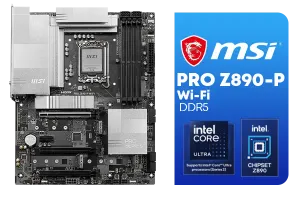
MSI PRO Z890-P Wi-Fi Intel Motherboard / ATX Form Factor / Supports Intel® Core™ Ultra Processors (Series 2) / LGA 1851 CPU Socket / 4x DDR5 UDIMM Supporting up to 256GB / 911-7E34-001
R5999.00In Stock

ASRock X870 PRO RS WIFI AMD Ryzen Motherboard / Supports AMD Socket AM5 Ryzen™ 9000, 8000 and 7000 Series Processors / AMD X870 Chipset / USB4 Type-C (40Gbps) Connectivity / 90-MXBQ00-A0UAYZ
R5499.00In Stock
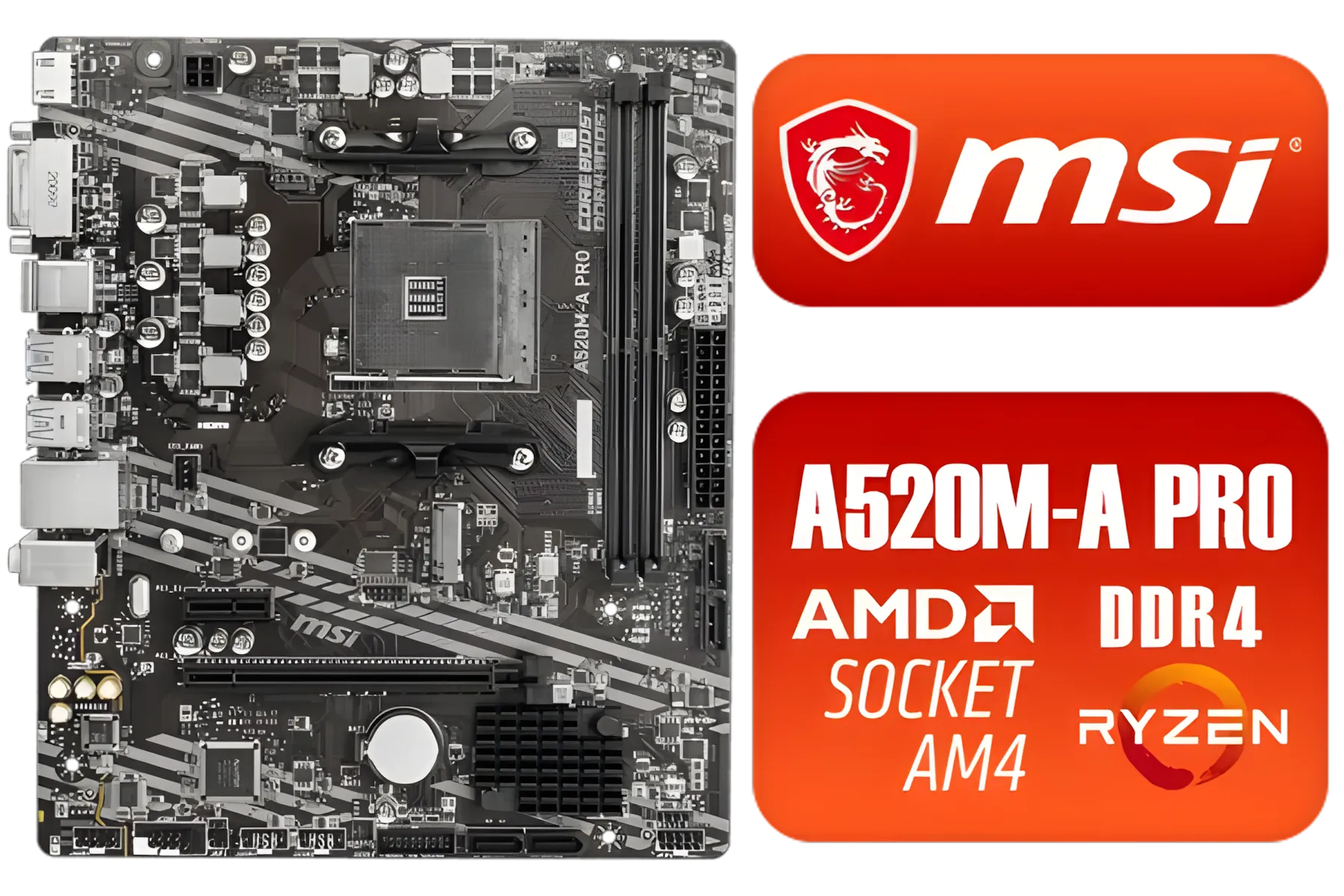
MSI A520M-A PRO AMD Ryzen M-ATX Motherboard / 3rd Gen AMD Ryzen Desktop Processors / Supports AMD Ryzen 5000 Series, 5000 G-Series, 4000 G-Series, 3000 Series, 3000 G-Series, / Supports DDR4 Memory, up to 4600(OC) MHz / AMD Socket AM4 / AMD A520 Chipset / Studio Grade Sound Quality / A520M-A-PRO
R1399.00In Stock
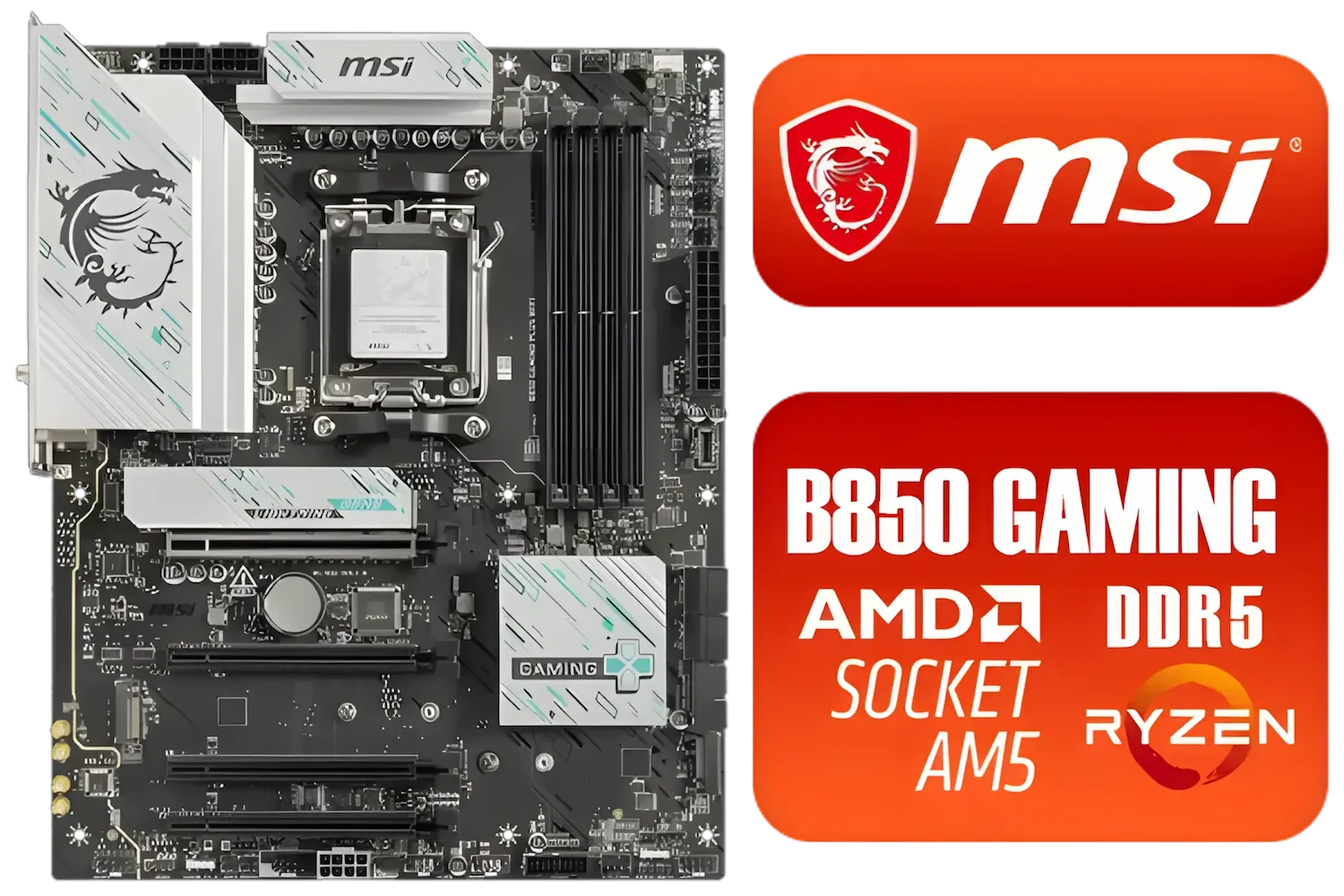
MSI B850 Gaming Plus WIFI AMD Motherboard - AM5 Socket - Supports AMD Ryzen™ 9000/ 8000/ 7000 Series Desktop Processors - 4x DDR5 UDIMM - ATX Form Factor / 911-7E56-001
R4999.00In Stock

MSI MEG Z890 ACE Intel Motherboard / LGA 1851 Socket / Supports Intel® Core™ Ultra Processors (Series 2) / 4x DDR5 UDIMM Slots / ATX Form Factor / 911-7E22-001
R14199.00In Stock
Is Your X670E Still a Champion?
So, does this mean X670E is obsolete? Absolutely not. The AM5 socket has a long life ahead, and X670E boards are still incredibly capable. They fully support Ryzen 9000 CPUs (with a BIOS update) and many high-end models already offer features like PCIe 5.0 and excellent VRMs.
If you already own an X670E or find a great deal on one, it can still be an excellent choice. The key is checking the specific board's spec sheet to ensure it has the features you need. Evetech has a fantastic range of AMD motherboards, so you can easily compare the specs and pricing to see what makes sense for your build. ✨
TIP FOR YOU
Upgrade Tip 🔧
Remember, while X670E boards are compatible with Ryzen 9000 CPUs, they'll need a BIOS update! Always check the manufacturer's support page for the latest AGESA firmware before installing your new processor. It's a simple step that can save you hours of troubleshooting.
Head-to-Head: Key Differences for SA Gamers
Let's cut to the chase. When choosing the best motherboard for a Ryzen 9000 series CPU, your decision boils down to these points:
- Future-Proofing: X870E wins here. Guaranteed PCIe 5.0 for both your GPU and primary SSD means you're ready for the next generation of hardware without compromise.
- Connectivity: X870E's mandatory USB4 support is a significant plus for anyone using high-speed external drives or peripherals.
- Value: X670E is the value king. As the platform matures, you can find incredible deals on high-quality boards that deliver 95% of the performance for a lower price. If you don't need the absolute latest standards, you can save some serious ZAR here.
- Simplicity: With X870E, you know what you're getting. There's less spec-sheet hunting required to confirm you have the top-tier features.
Ultimately, if your budget is tight, there are plenty of budget-friendly motherboards on the X670E platform that will serve a Ryzen 9000 CPU extremely well.
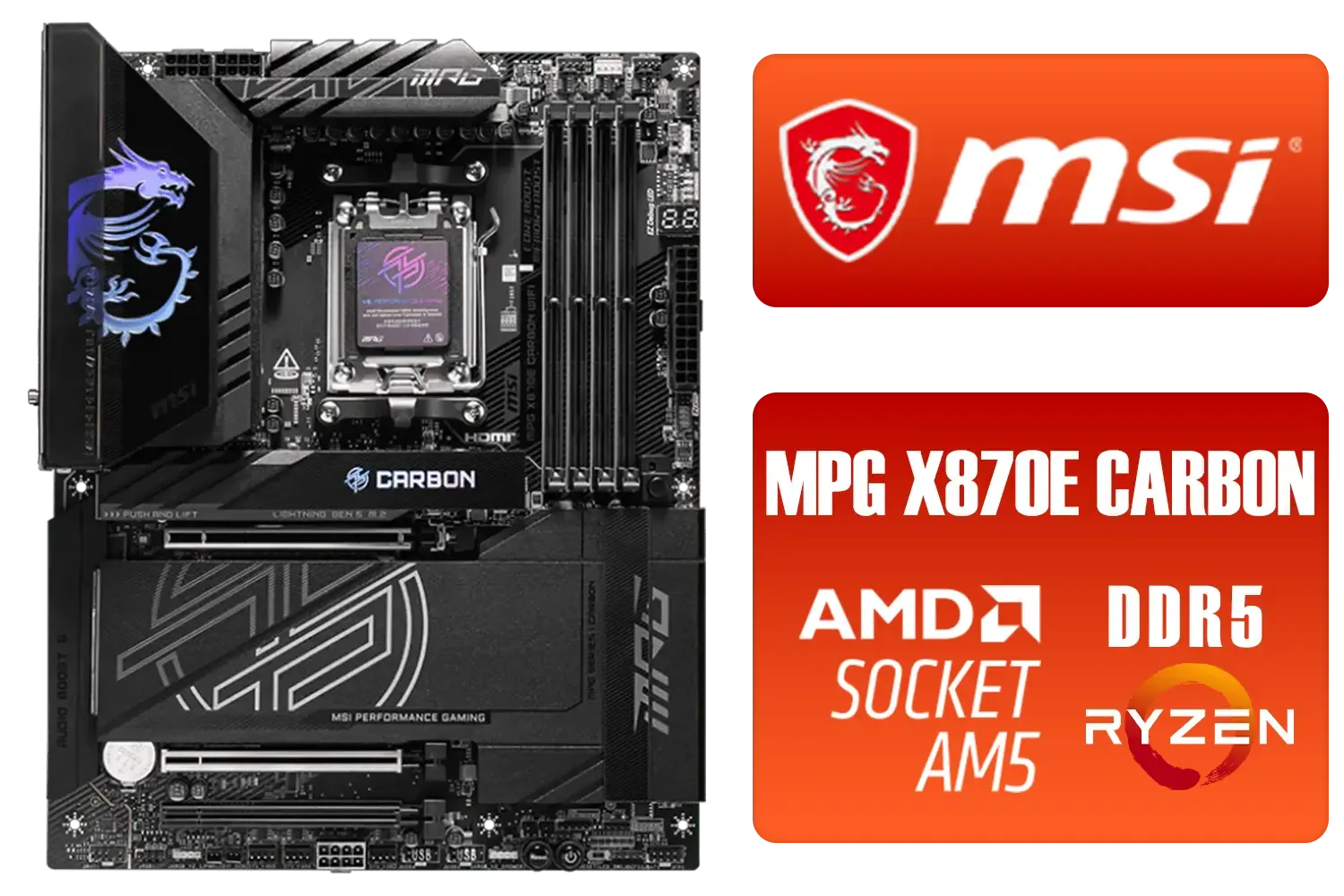
MSI MPG X870E Carbon Wi-Fi AMD Motherboard / ATX Motherboard / AMD X870 Chipset / Supports AMD Ryzen™ 9000/ 8000/ 7000 Series Desktop Processors / Socket AM5 / Lightning Gen 5 / DDR5 MEMORY SUPPORT / 3x PCI-E x16 slot / 4x M.2 Slots / Wi-Fi 7 / Supports Bluetooth® 5.4 / 911-7E49-001
R9399.00In Stock

MSI PRO B850-P WIFI Motherboard, ATX - Supports AMD Ryzen 9000/8000 / 7000 Processors, AM5 - DDR5 Memory Boost (8200+ MT/s OC), PCIe 5.0 x16 & 4.0 x16, M.2 Gen5, Wi-Fi 7, 5G LAN / 911-7E56-002
R4599.00In Stock

MSI PRO B860M-A WIFI Motherboard, mATX - Supports Intel Core Ultra Processors (Series 2), LGA 1851-12 DRPS, DDR5 Memory Boost (8600+ MT/s OC), PCIe 5.0 x16 & 4.0 x16, M.2 Gen5, Wi-Fi 7, 5G LAN / 911-7E42-002
R4299.00In Stock
MSI MEG Z890 ACE Intel Motherboard / LGA 1851 Socket / Supports Intel® Core™ Ultra Processors (Series 2) / 4x DDR5 UDIMM Slots / ATX Form Factor / 911-7E22-001
R14199.00In Stock

ASRock X870 Steel Legend WIFI AMD Ryzen Motherboard / Supports AMD Socket AM5 Ryzen™ 9000, 8000 and 7000 Series Processors / AMD X870 Chipset / USB4 Type-C (10Gbps) Connectivity / 90-MXBPJ0-A0UAYZ
R5999.00In Stock

MSI Pro B860-P WIFI Intel Motherboard / 12+1+1+1 Duet Rail Power / Supports Intel Core Ultra Processors / PCIe 5.0 and Gen 5 M.2 / Thunderbolt 4 and Wi-Fi 7 / 911-7E41-001
R4799.00In Stock
The Verdict: Which Board for Your Ryzen 9000 Build?
So, which is the best motherboard for Ryzen 9000?
Go for the MSI MAG X870E TOMAHAWK if: You're building a brand-new, top-tier PC from scratch and want zero compromises. The guaranteed future-proofing and latest connectivity standards make it the smarter long-term choice.
Stick with a quality X670E board if: You're upgrading an existing AM5 system or you're a value-focused builder who wants to put more of your budget towards the GPU or CPU.
Both are excellent platforms. The choice depends entirely on your priorities and your wallet.
Ready to Build Your Ryzen 9000 Powerhouse? Whether you're chasing next-gen speeds with X870E or maximising value with X670E, the right foundation is everything. Explore our massive range of AMD motherboards and find the perfect board to conquer your world.
Related Products
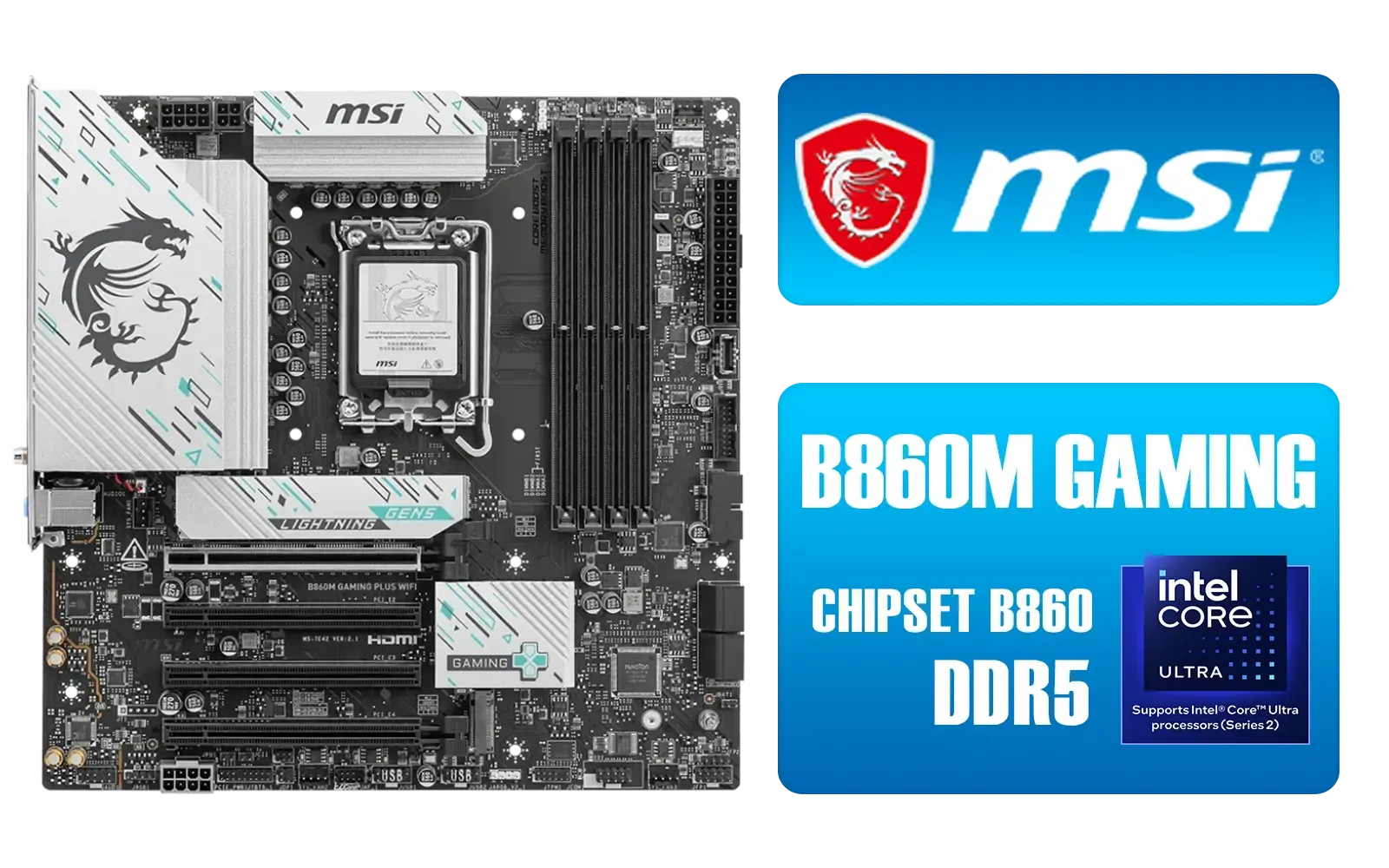
MSI B860M Gaming Plus WiFi Intel Motherboard / Micro-ATX Motherboard / Supports Intel® Core™ Ultra (Series 2) / Dual Channel DDR5-8800+ (OC) / 12+1+1+1 Duet Rail Power System with P-PAK / Intel® Killer™ 5G LAN & Wi-Fi 7 / PCIe 5.0 Slot / Lightning Gen 5 x4 M.2 / Front USB Type-C / 911-7E42-003
R4699.00In Stock

MSI MAG B860 TOMAHAWK WIFI Motherboard, ATX - Supports Intel Core Ultra Processors (Series 2), LGA 1851 - DDR5 Memory Boost 9200+ MT/s OC, 1 x PCIe 5.0 x16, 1 x M.2 Gen5, 5G LAN, Wi-Fi 7 / 911-7E39-001
R5999.00In Stock
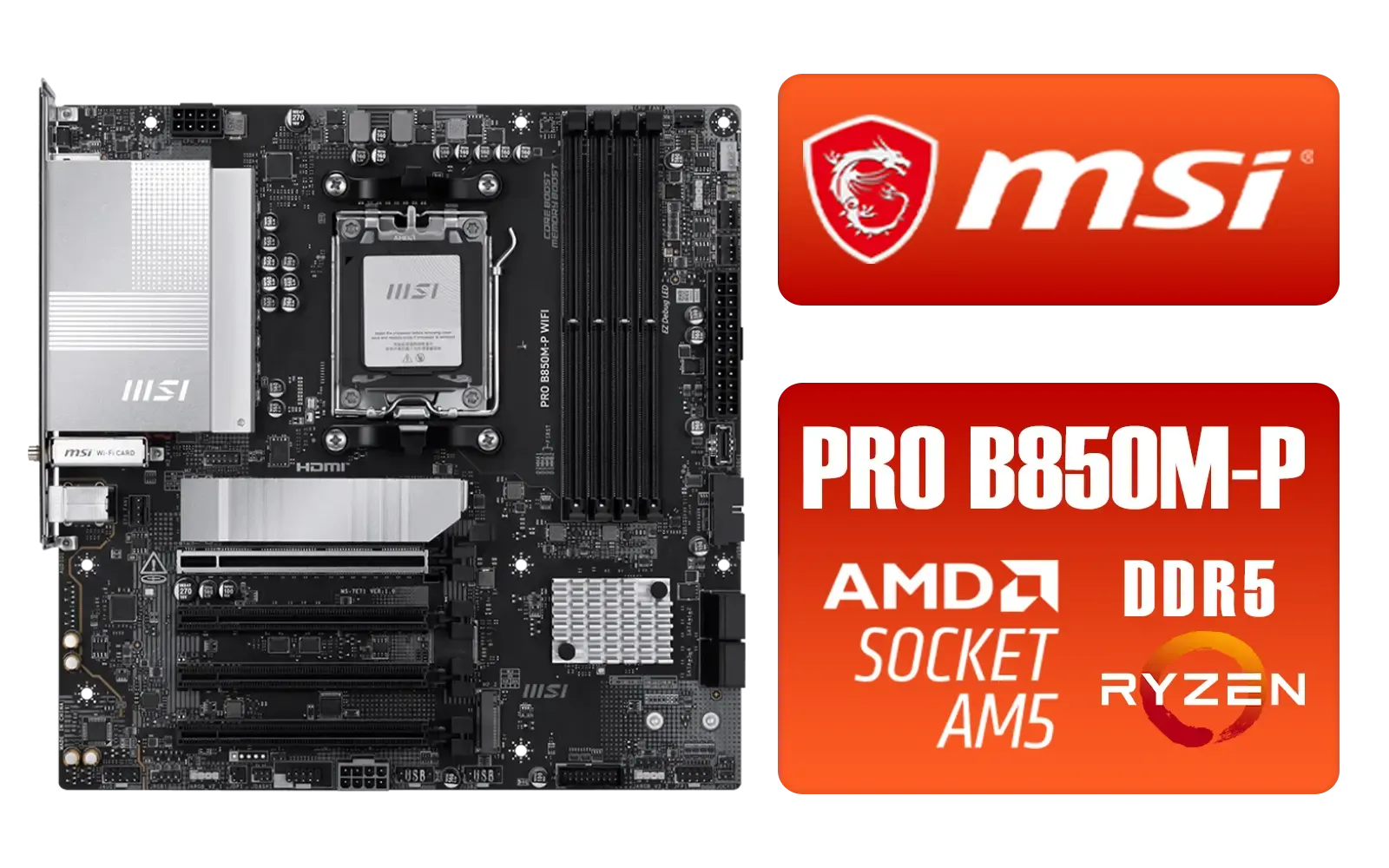
MSI PRO B850M-P WIFI AMD Motherboard / Supports AMD Ryzen™ 9000 / 8000 / 7000 Series / Dual Channel DDR5-8200+ (OC) / Direct 7+2+1 Power System (P-PAK) / 8-pin CPU Power Connector / PCIe 5.0 Slot & Lightning Gen 5 x4 M.2 / 5G LAN & Wi-Fi 7 / 911-7E71-001
R4199.00In Stock
MSI Pro B860-P WIFI Intel Motherboard / 12+1+1+1 Duet Rail Power / Supports Intel Core Ultra Processors / PCIe 5.0 and Gen 5 M.2 / Thunderbolt 4 and Wi-Fi 7 / 911-7E41-001
R4799.00In Stock
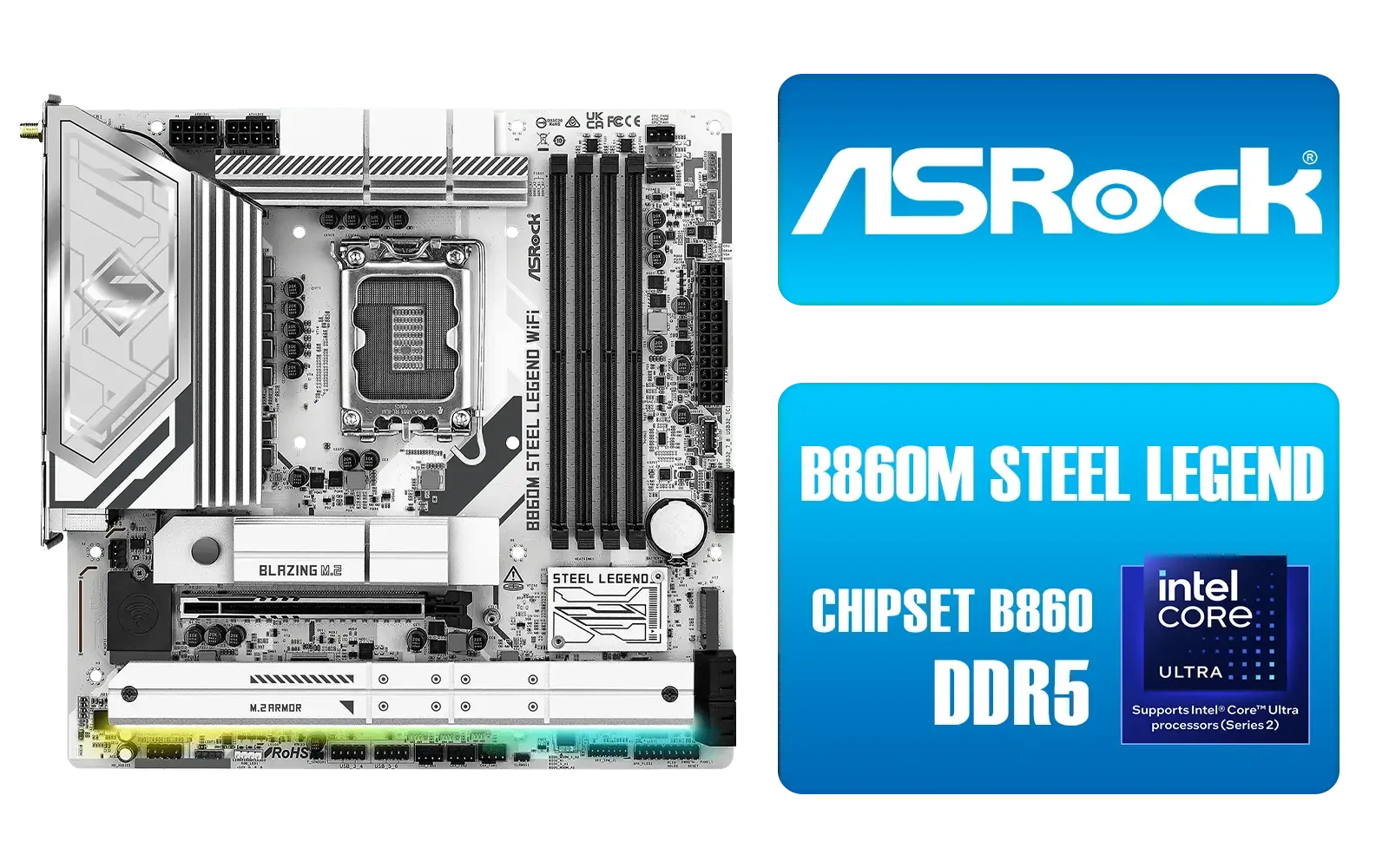
ASRock B860M Steel Legend WiFi Intel Motherboard / Micro-ATX Form Factor / Supports Intel® Core™ Ultra Processors (Series 2) / LGA 1851 CPU Socke / Dual Channel DDR5 / Thunderbolt™ 4/USB4 Type-C (40 Gb/s) / 2.5G LAN & Wi-Fi 6E / 90-MXBQF0-A0UAYZ
R4299.00In Stock
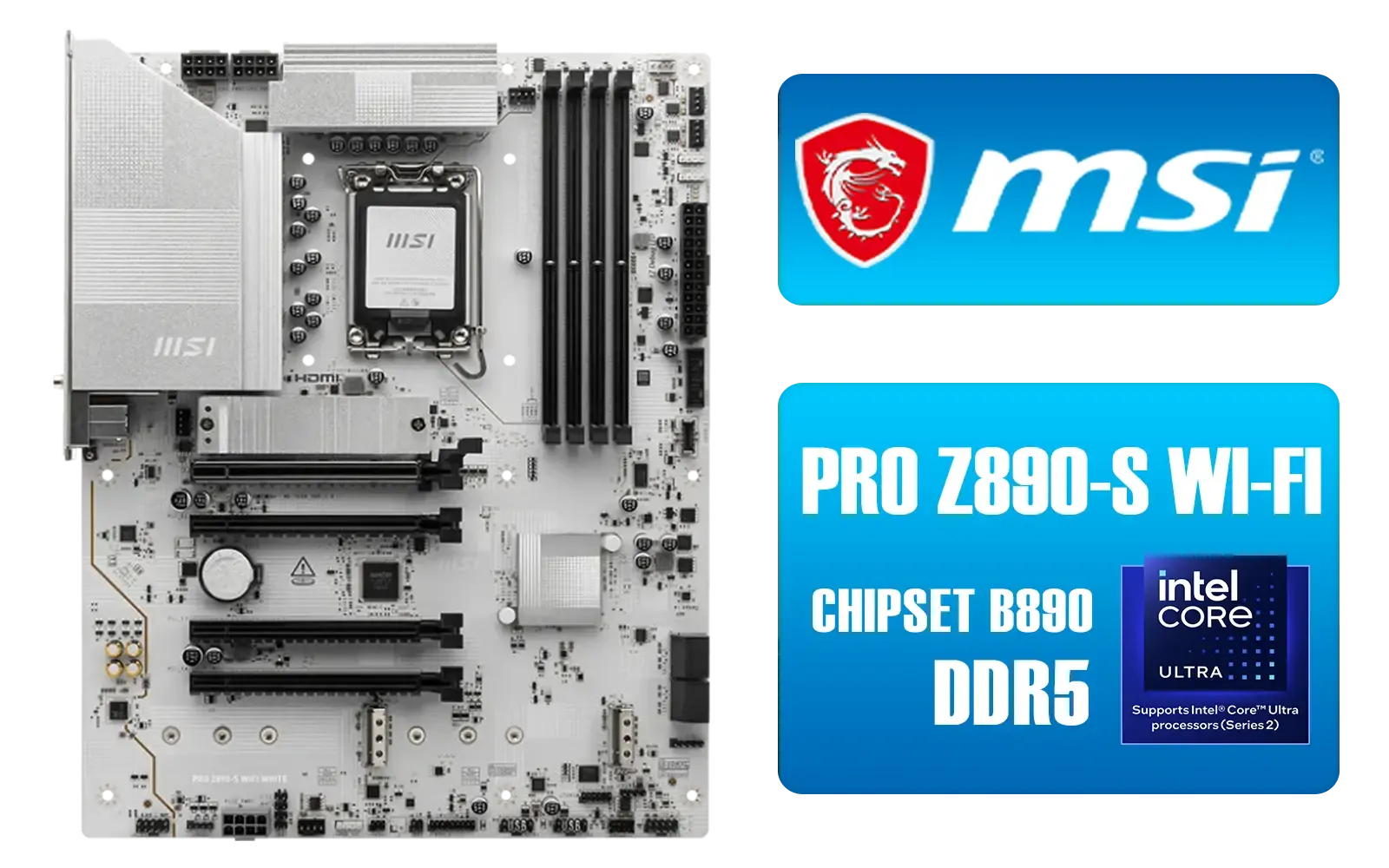
MSI PRO Z890-S Wi-Fi Intel Motherboard - White / ATX Motherboard / Supports Intel® Core™ Ultra Processors (Series 2) / LGA 1851 Socket / 4x DDR5 UDIMM Up to 256GB / Intel® Wi-Fi 7 / 911-7E54-003
R5699.00In Stock
X870E wins on extreme connectivity and VRM headroom; X670E is better value for mainstream Ryzen 9000 builds.
Yes. The X870E boosts PCIe lanes and I/O options, ideal for multi NVMe and high-speed networking setups.
Yes. Good X670E boards provide solid VRMs for moderate overclocking, but X870E handles sustained high clocks better.
MSI MAG X870E has beefier heatsinks and thermal design, delivering lower VRM temps under heavy Ryzen 9000 loads.
Both support Ryzen 9000 after firmware updates; check MSI BIOS notes for model-specific AGESA and stability fixes.
X670E often gives the best price-to-performance for gaming, while X870E targets creators and power users needing extra I/O.
If you plan heavy upgrades (multiple NVMe, PCIe devices, high-core CPUs), X870E's extra headroom future-proofs builds better.











