



best NVMe SSD for 4K video editing: choose the right drive
best NVMe SSD for 4K video editing — checklist: assess workflow, compare sustained write speed and TBW, pick capacity and cooling, and get model recommendations 🚀
|
Loading tags...

Staring at a stuttering timeline while your 4K footage refuses to play smoothly? Ja, we've all been there. That epic drone shot over the Drakensberg is gorgeous, but your old hard drive is having a meltdown. The secret to buttery-smooth playback isn't just your CPU or RAM… it's finding the best NVMe SSD for 4K video editing. It's the one upgrade that can truly unchain your creativity and slash your render times.

Orico X7000 2TB NVMe Internal Solid State Drive SSD / Versatile storage for multiple platforms / PCIe Gen 4.0, M.2 2280 / Up to 7100MB/s Read Speed / Up to 6500MB/s Write Speed / ORICO-X7000-2TB-RD-BP
R3599.00In Stock

Kingston Fury Renegade 1TB PCIe Gen 4.0 NVMe M.2 Internal Gaming SSD with Heat Sink | PS5 Ready | Up to 7300MB/s / SFYRSK/1000G
R2999.00In Stock

Kingston IronKey Vault Privacy 80 960GB External SSD | FIPS 197 | XTS-AES 256GB Encrypted | Touch Screen PIN | Secure Data Protection | IKVP80ES/960G
R5599.00In Stock
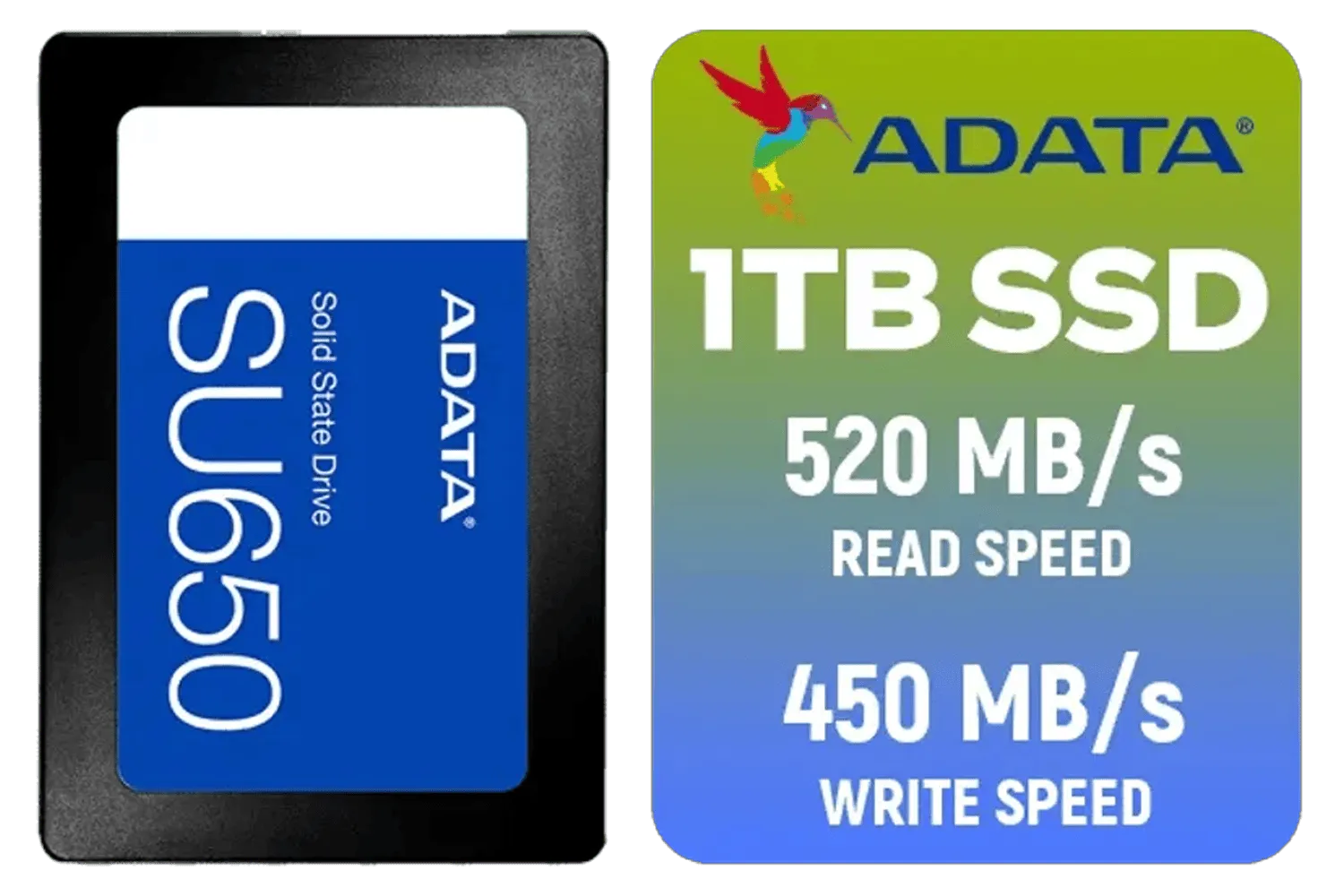
ADATA SU650 1TB 3D-NAND SATA 2.5 inch Internal SSD / ASU650SS-1TT-R
R1399.00In Stock

Kingston Fury Renegade 4TB NVMe SSD / M.2 2280 Form Factor / PCIe Gen5.0 / Up to 14,800MB/s Read / Up to 14,000MB/s Write / SFYR2S/4T0
R9999.00In Stock
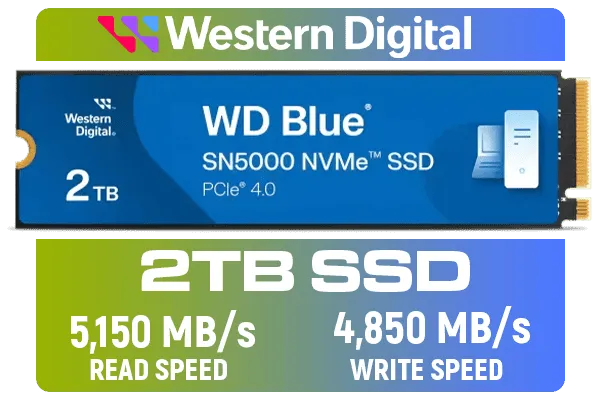
Western Digital 2TB WD Blue SN5000 NVMe Internal Solid State Drive SSD - PCIe Gen 4.0, M.2 2280, Up to 5,150 MB/s / WDS200T4B0E
R3499.00In Stock
Why Your Storage Is the Unsung Hero of 4K Editing
When you're editing video, your computer is constantly reading and writing massive files. Every time you scrub the timeline, apply a colour grade, or preview an effect, your storage drive is put to the test. A traditional Hard Disk Drive (HDD) with its moving parts simply can't keep up. Even an older SATA SSD can become a bottleneck.
This is where NVMe (Non-Volatile Memory Express) technology comes in. These drives plug directly into your motherboard's M.2 slot, communicating via the high-speed PCIe bus—the same one your graphics card uses. The result? Mind-blowing speeds that leave older storage formats in the dust. Choosing the right NVMe drive for your 4K editing workflow means faster project loading, seamless multi-layer playback, and significantly quicker exports. 🚀
Key Specs to Look For in an Editing SSD
Navigating the world of NVMe drives can seem daunting with all the technical jargon. Let's break down what truly matters when you're looking for the best NVMe SSD for 4K video editing.
Speed: More Than Just a Big Number
You'll see two main specs: sequential and random read/write speeds.
- Sequential Speeds: This is how fast the drive can read/write large, continuous blocks of data. Think of importing a massive video file. Higher is better here.
- Random Speeds: This relates to accessing small, scattered files. This impacts overall system responsiveness and how quickly your editing software loads assets.

Corsair MP600 PRO NH 8TB PCIe Gen4 x4 NVMe M.2 SSD – High-Density TLC NAND – M.2 2280 – DirectStorage Compatible - Up to 7,000MB/sec - No Heatsink - Black / CSSD-F8000GBMP600PNH
R22999.00In Stock

Teamgroup T-Force G70 PRO 1TB NVMe Internal Solid State Drive / Up to 7,000 Read Speed / Up to 5,500 Write Speed / Multiple Caching Systems Available / Patented Graphene Heatsink Technology / TM8FFH001T0C129
R2499.00In Stock
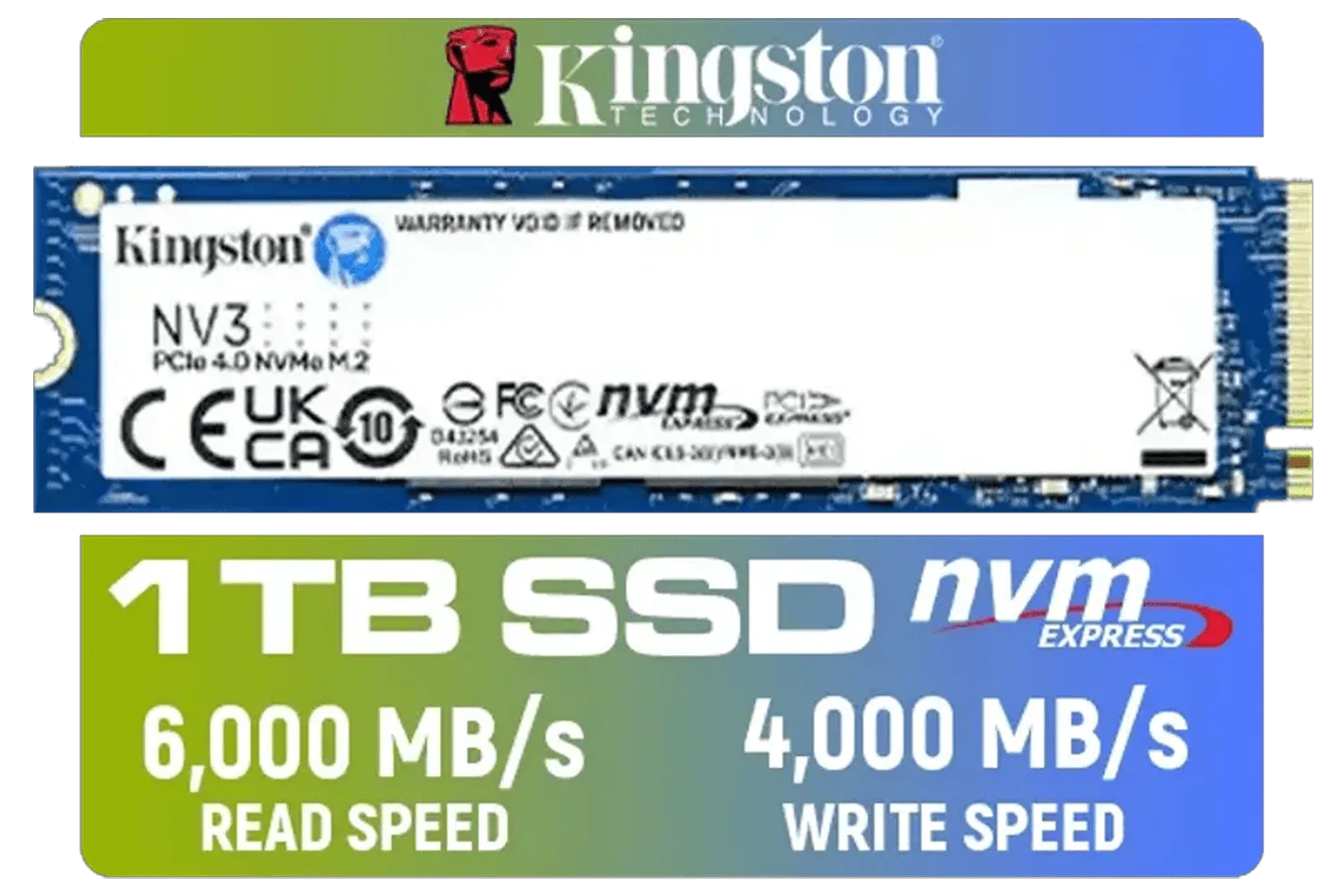
Kingston 1000G NV3 NVMe SSD / Up to 6,000MB/s Read / Up to 4,000MB/s Write / PCIe 4.0 x4 NVMe / M.2 2280 Form Factor / SNV3S/1000G
R1999.00In Stock

Crucial P310 2TB NVMe Internal Solid State Drive SSD / Sequential read/write speeds up to 7,100/6,000MB/s / Integrated power loss immunity / Error correction code (ECC) / CT2000P310SSD8
R3799.00In Stock
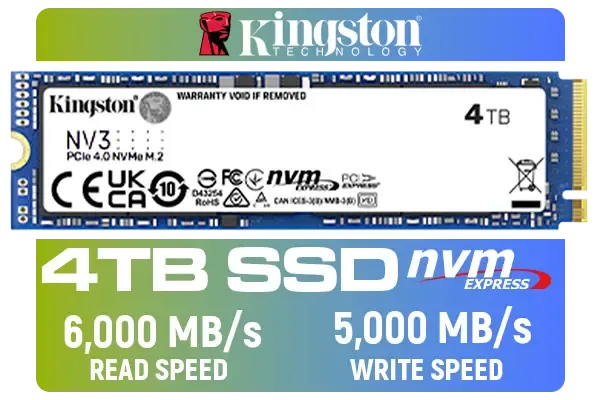
Kingston 4000G NV3 NVMe SSD / Up to 6,000MB/s Read / Up to 4,000MB/s Write / PCIe 4.0 x4 NVMe / M.2 2280 Form Factor / SNV3S/4000G
R6299.00In Stock

ADATA XPG GAMMIX S55 2TB NVMe PCIe Gen4 x 4 M.2 / Read & Write Speed up to 5,000 & 3,700MB/s / Internal Solid State Drive Great for Steam Deck, Microsoft Surface and Gaming Consoles / SGAMMIXS55-2T-C
R3999.00In Stock
For video editing, strong sequential speeds are vital for smooth playback and fast rendering.
Capacity: Don't Skimp on Space
4K video files are enormous. A few minutes of raw footage can easily consume tens of gigabytes. While a 1TB drive is a decent start, you'll find it fills up shockingly fast. For any serious video editor, we recommend starting with at least a spacious 2TB NVMe SSD. This gives you enough room for your operating system, software, and several active projects without constantly needing to shuffle files around. ✨
TIP FOR YOU
Check Your Motherboard! 🔧
Before you buy the fastest PCIe 5.0 drive on the market, check your motherboard's M.2 slot specifications. Plugging a new, super-fast Gen4 or Gen5 SSD into an older Gen3 slot will work, but it will be limited to Gen3 speeds. You'll be paying for performance you can't use! Always match your drive's generation to your motherboard's capability for maximum speed.
Endurance (TBW): Built to Last
Endurance, measured in Terabytes Written (TBW), tells you how much data you can write to the drive over its lifespan before its memory cells begin to degrade. Video editing involves writing huge amounts of data (cache files, previews, exports), so a higher TBW rating is a great indicator of a drive's longevity and reliability for creative professionals.
Finding the Right Drive for Your Rig

Western Digital 500GB WD Blue SN5100 NVMe Internal Solid State Drive / M.2 2280 Form Factor / Read Speeds up to 6600MB/s / Write Speeds up to 5600MB/s / PCIe Gen 4.0 Interface / nCache™ 4.0 Technology / 3D CBA NAND / Includes Acronis® True Image™ & SanDisk Dashboard Software / WDS500G5B0E
R1199.00In Stock
Kingston Fury Renegade 1TB PCIe Gen 4.0 NVMe M.2 Internal Gaming SSD with Heat Sink | PS5 Ready | Up to 7300MB/s / SFYRSK/1000G
R2999.00In Stock
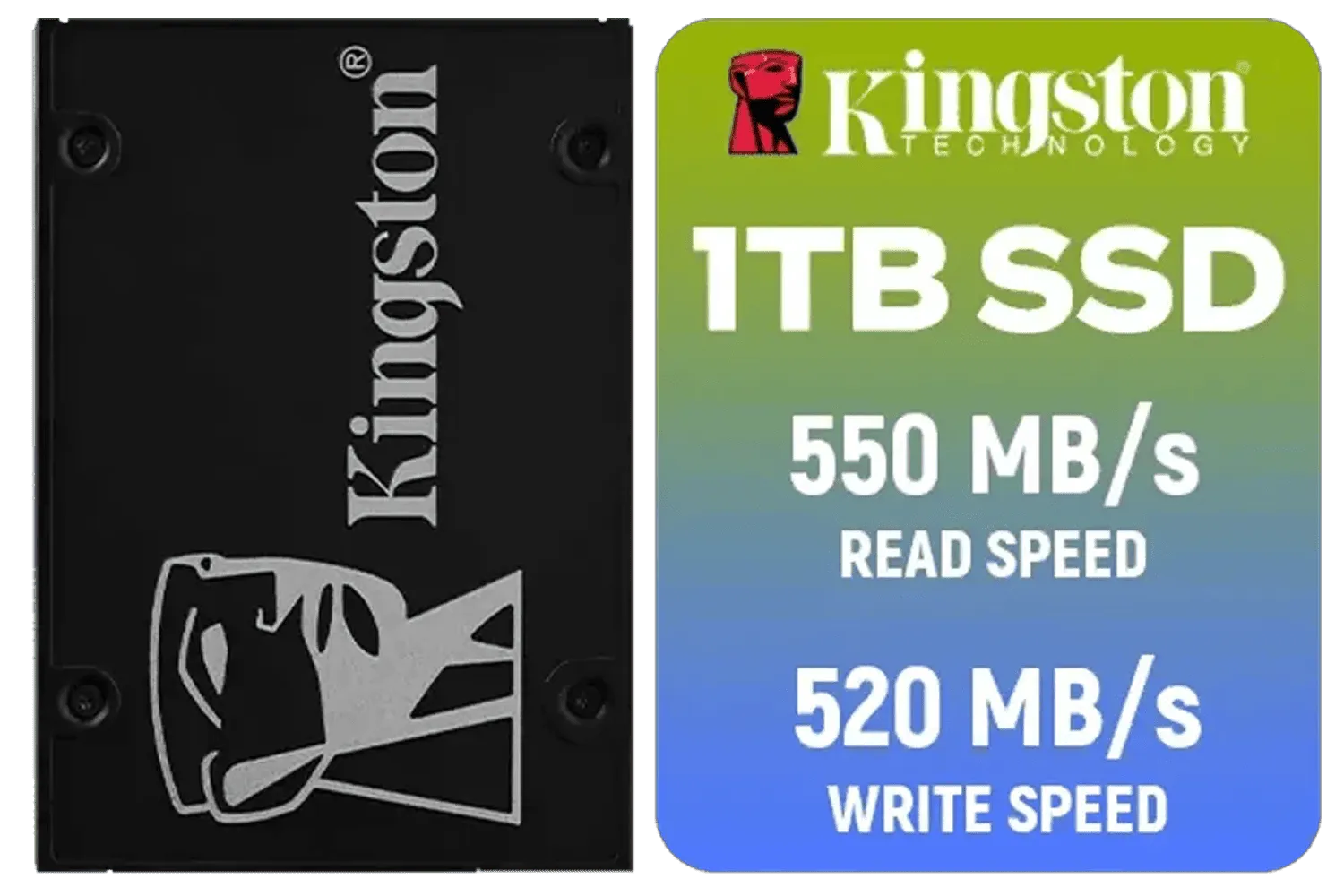
Kingston KC600 SSD 1024G Internal SSD 2.5", SATA Rev 3.0, 3D TLC, XTS-AES 256-bit encryption / SKC600/1024G
R2199.00In Stock

Kingston XS1000 2TB SSD / Pocket-Sized / USB 3.2 Gen 2 / External Solid State Drive / Up to 1050MB/s / SXS1000/2000G
R2899.00In Stock
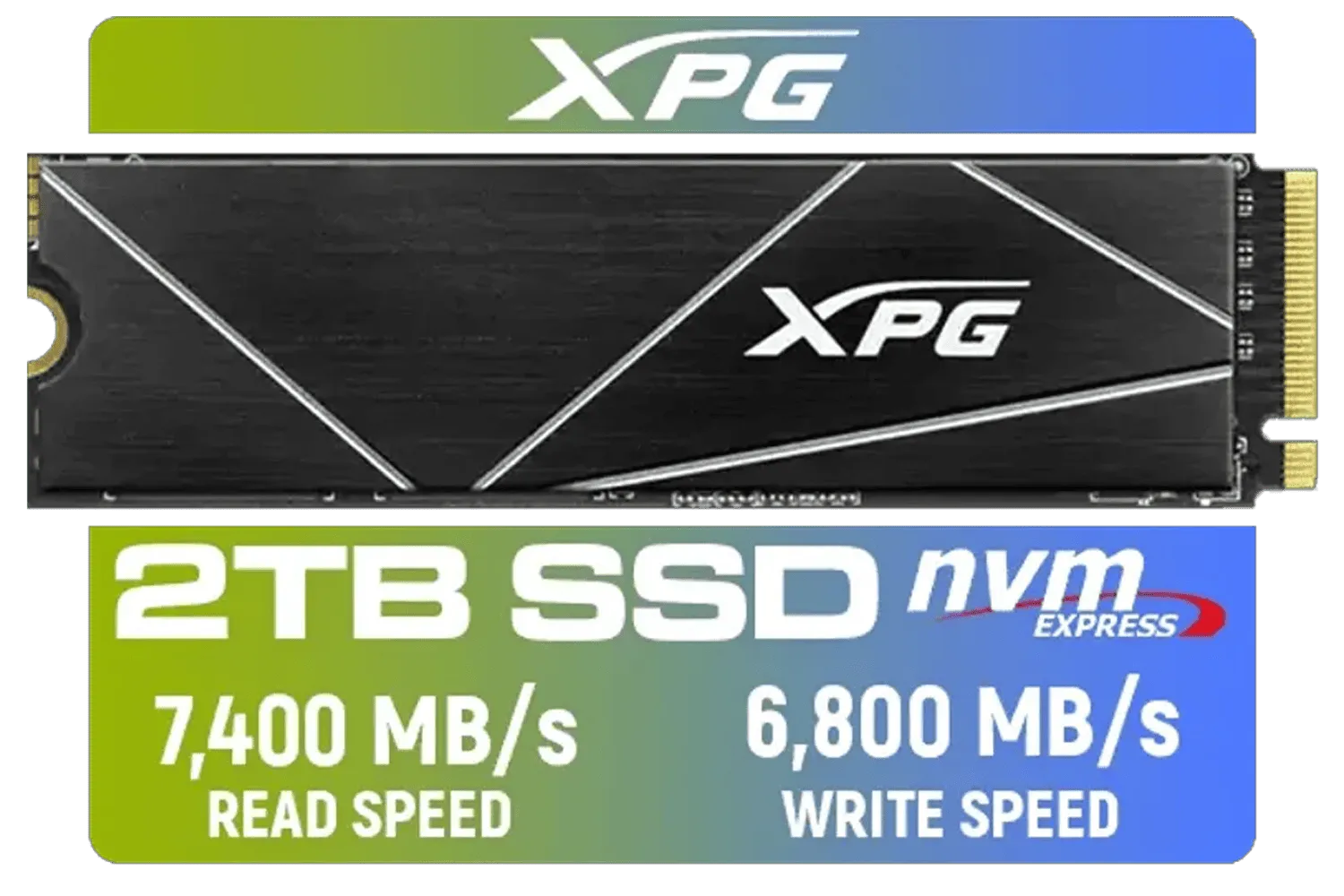
XPG 2TB GAMMIX S70 Blade - Works with Playstation 5, PCIe Gen4 M.2 2280 Internal Gaming SSD Up to 7,400 MB/s (AGAMMIXS70B-2T-CS)
R3699.00In Stock
ADATA SU650 1TB 3D-NAND SATA 2.5 inch Internal SSD / ASU650SS-1TT-R
R1399.00In Stock
With the specs sorted, choosing a brand comes down to a balance of performance, reliability, and price. You don't need the absolute most expensive drive on the planet, but you do want one from a reputable manufacturer that won't let you down on a deadline.
Brands like ADATA consistently offer a fantastic price-to-performance ratio, making them a popular choice for budget-conscious builders. For those who prioritise proven dependability, the long-standing reliability of Kingston drives makes them a safe bet for any professional workstation. And if you're chasing every last drop of performance for a high-end build, high-performance options from CORSAIR, often featuring robust heatsinks, are built to handle sustained, heavy workloads without throttling.
Ultimately, the best NVMe SSD for 4K video editing is one that meets your specific needs and budget. By focusing on sufficient capacity, strong sequential speeds, and solid endurance, you'll equip yourself with a drive that lets you focus on creating, not waiting.
Ready to Banish Lag for Good? Don't let a slow drive kill your creative flow. Upgrading to the right NVMe SSD is one of the biggest performance boosts you can give your editing rig. Explore our massive range of high-speed solid-state drives and find the perfect drive to conquer your next project.
Related Products

Corsair MP700 PRO 1TB with Air Cooler PCIe Gen5 x4 NVMe 2.0 M.2 SSD / Up to 11,700MB/s Sequential Read / Up to 9,600MB/s Sequential Write / M.2 2280 Form Factor / CSSD-F1000GBMP700PRO
R4199.00In Stock
ADATA SU650 1TB 3D-NAND SATA 2.5 inch Internal SSD / ASU650SS-1TT-R
R1399.00In Stock
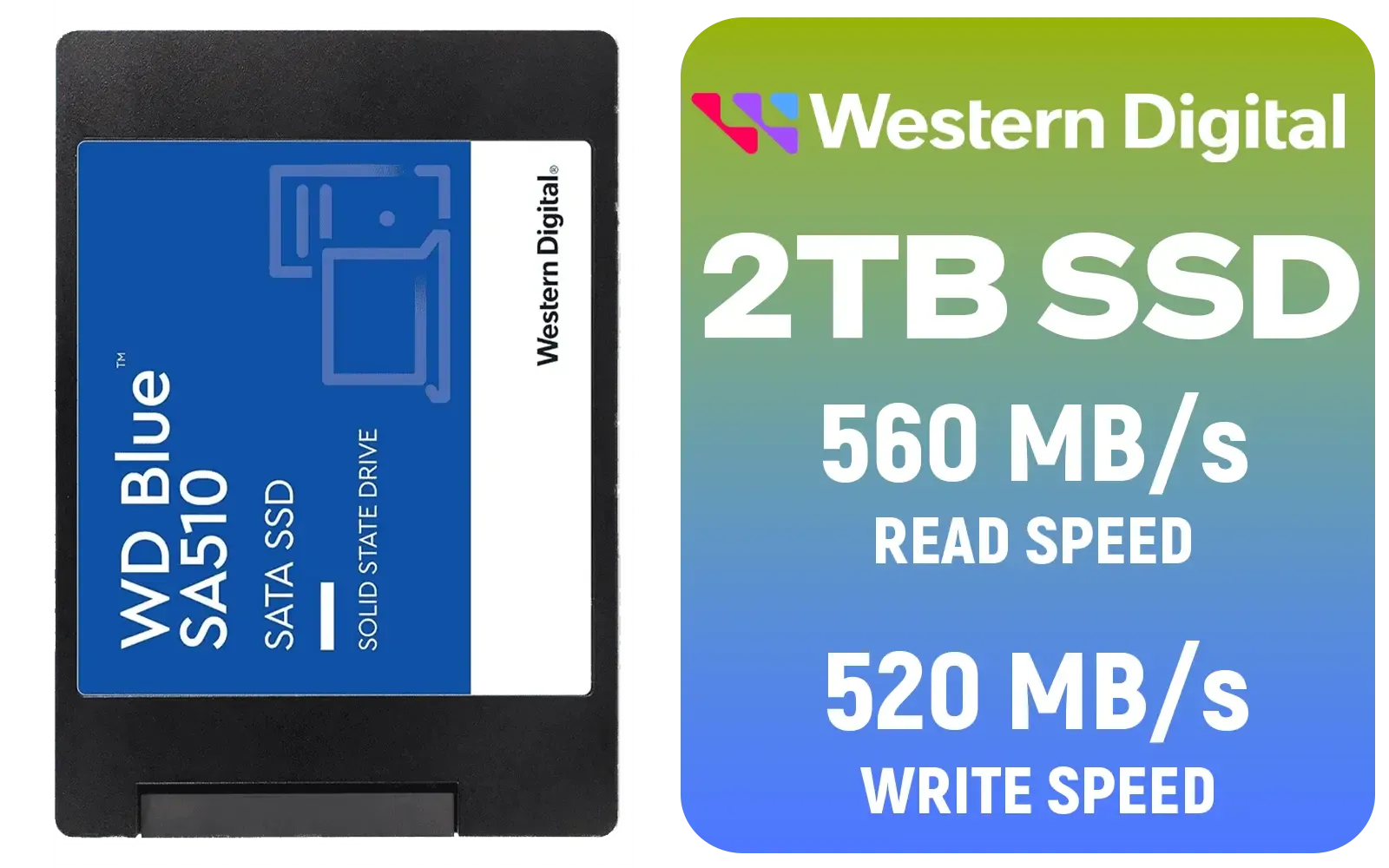
Western Digital Blue SA510 2TB 2.5" Solid State Drive (SSD) / Superior Performance / Multitasking / WD F.I.T. Lab Certified / WDS200T3B0A
R2499.00In Stock

Kingston KC3000 PCIe 4.0 NVMe M.2 2TB SSD - High-Performance Storage for Desktop and Laptop PCs -SKC3000D/2048G
R3999.00In Stock

Kingston XS1000 1TB SSD | Pocket-Sized | USB 3.2 Gen 2 | External Solid State Drive | Up to 1050MB/s | SXS1000/1000G
R1799.00In Stock
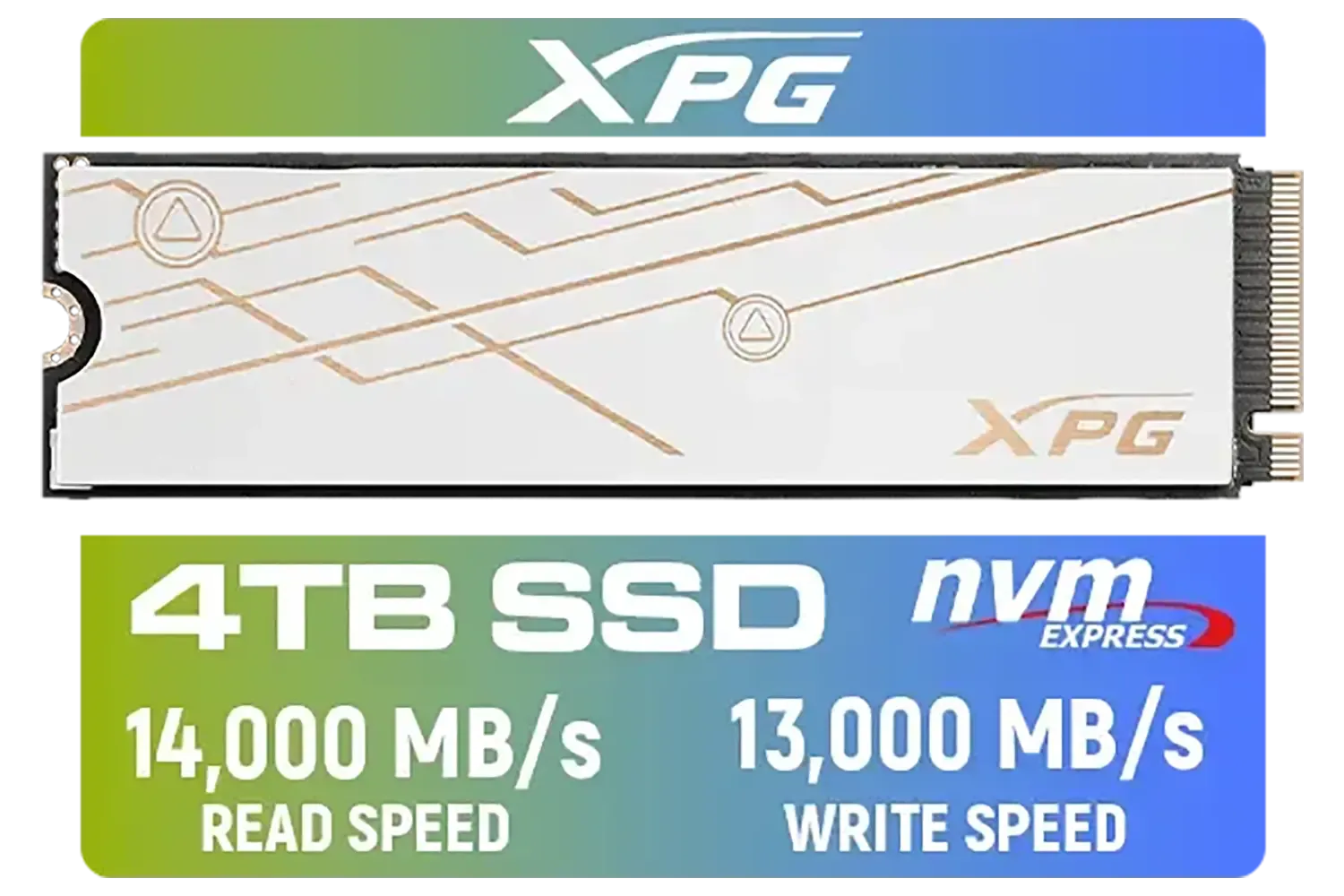
ADATA XPG Mars 980 Blade 4TB NVMe 5.0 Internal Solid State Drive / Up to 14,000MB/s Read Speed and Up to 13,000MB/s Write Speed / SMAR-980B-4TCS
R7999.00In Stock
It depends on budget and workflow. Prioritise high sustained write speed, strong TBW endurance, and 1TB+ capacity for reliable 4K editing.
Aim for sustained write speeds of 1,000 MB/s or higher for common 4K codecs; RAW or multi-stream timelines may need much more.
Yes. NVMe offers far higher sequential throughput and lower latency, making it superior for large file transfers and 4K projects.
Start with 1TB for solo projects; choose 2TB or larger for multi-cam shoots, archival copies, and frequent large file transfers.
Very important. Higher TBW ratings or enterprise-grade NVMe SSDs handle constant large writes and prolong drive life.
PCIe 4.0 helps with peak and sustained speeds for RAW and ProRes, but a good PCIe 3.0 NVMe can suffice if sustained speeds meet needs.
Yes if paired with Thunderbolt 3/4 enclosures that support full PCIe bandwidth and effective cooling for sustained transfers.











