



Choosing the Best Workstation Power Supply for High-End Builds
Finding the best workstation power supply is crucial for system stability. ⚡ Protect your investment by selecting the right wattage and efficiency rating. 🔋 We break down 80 Plus standards, ATX 3.0 tech, and cabling to ensure your professional rig runs flawlessly.
|
Loading tags...
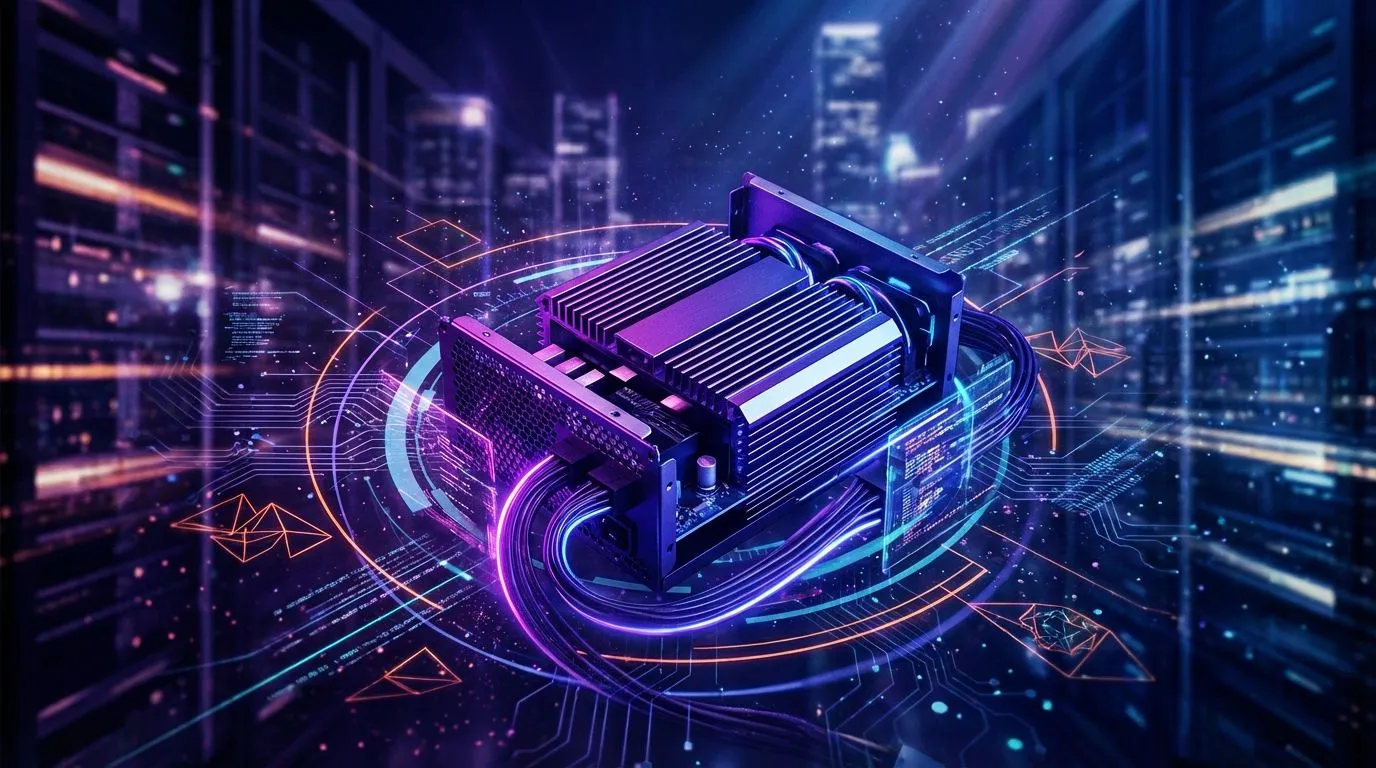
So, you’re building a beast of a workstation in South Africa. You've picked the perfect CPU and a monster GPU... but what about its heart? The power supply unit (PSU) is the unsung hero of every high-end build. Skimping here is a recipe for disaster, risking your entire investment. Let's break down how to choose the best workstation power supply to keep your rig stable, efficient, and ready for anything you throw at it. 🚀
Intel Core Ultra 7 265K RTX Pro 2000 DDR5 Workstation PC
R39689.00In Stock
![[Pre Built] AMD RYZEN 7 9700X RX 9070 XT Gaming PC](https://img.evetech.co.za/repository/ProductImages/ryzen-7-9700-x-rx-9070-xt-gaming-pc-pbs-main-1600px-v2.png)
[Pre Built] AMD RYZEN 7 9700X RX 9070 XT Gaming PC
R39794.00In Stock

AMD RYZEN 5 8400F 4.7GHz RX 9060 XT 16GB DDR5 Budget Gaming PC
R19949.00In Stock

RYZEN 7 9800X3D 5.2GHz RTX 5080 16GB DDR5 Gaming PC
R51869.00In Stock

Ryzen 5 9600X 5.4GHz RTX 5060 8GB DDR5 Budget Gaming PC
R21524.00In Stock
![[Pre Built] HP OMEN 35L B1ZR4EA Intel Core Ultra 7 265K RTX 4080 SUPER Gaming PC](https://img.evetech.co.za/repository/ProductImages/intel-core-ultra-7-265-k-rtx-4080-super-gaming-pc-pbs-main-1600px-v1.webp)
[Pre Built] HP OMEN 35L B1ZR4EA Intel Core Ultra 7 265K RTX 4080 SUPER Gaming PC
R49349.00In Stock
Why Your Workstation Power Supply is a Critical Choice
Think of a PSU as the foundation of your PC. A cheap, unreliable unit can cause random crashes, instability under load, and even damage your expensive components with "dirty" power. A high-quality power supply, however, delivers clean, stable voltage, ensuring your CPU and GPU perform at their peak without throttling or stuttering.
This principle of quality first applies across the board. It's why even our budget gaming PCs are built with reliable power sources in mind. For a high-performance workstation, choosing a robust power supply isn't just a recommendation; it's essential for protecting your hardware and your work.
Understanding Key PSU Specifications
Navigating PSU specs can feel a bit technical, but a few key metrics will tell you almost everything you need to know when selecting the best workstation power supply for your setup.
Intel Core Ultra 7 265K 5.3GHz RTX 5060 8GB DDR5 Gaming PC
R29399.00In Stock
RYZEN 7 7800X3D 5.0GHz RTX 5060 Ti 16GB DDR5 Gaming PC
R26774.00In Stock
Intel Core Ultra 9 285K 5.7GHz RTX 5000 Ada 32GB DDR5 Workstation PC
R133349.00In Stock

AMD RYZEN 5 3400G 4.2GHz Radeon Vega PC
R5879.00In Stock
RYZEN 7 7800X3D 5.0GHz RTX 5080 32GB DDR5 Gaming PC
R48719.00In Stock
![[Pre Built] AMD Ryzen 7 9800X3D RX 9070 XT Gaming PC](https://img.evetech.co.za/repository/ProductImages/ryzen-7-9800-x-3-d-rx-9070-xt-gaming-pc-48-gb-main-1600px-v1.webp)
[Pre Built] AMD Ryzen 7 9800X3D RX 9070 XT Gaming PC
R67199.00In Stock
Calculating Your Wattage Needs
The first question is always: "How many watts do I need?" You don't need to guess. A good rule of thumb is to add up the power draw (TDP) of your CPU and GPU, add about 150W for the rest of your system (motherboard, RAM, drives), and then add another 20-30% on top as headroom. This buffer ensures your PSU isn't constantly running at its maximum limit, which improves efficiency and lifespan.
For elite setups, like the kind you see in power-hungry PCs above R20k, a high-wattage PSU (850W or more) is often the standard.
TIP FOR YOU
PSU Headroom Pro Tip 🔧
Always aim for about 20-30% more wattage than your system's estimated peak load. This "headroom" allows the PSU to operate in its most efficient range (usually 50-80% load), reduces fan noise, and gives you room for future upgrades without needing to buy a new power supply.
The 80 Plus Efficiency Rating Explained ⚡
That little "80 Plus" sticker (Bronze, Gold, Platinum, Titanium) is a big deal, especially in South Africa. It's a certification for energy efficiency. An 80 Plus Gold PSU, for example, is at least 87% efficient at 100% load, meaning very little electricity is wasted as heat. A more efficient PSU means a lower electricity bill and a cooler, quieter computer. It's a smart investment that pays for itself over time.
Modular vs. Non-Modular PSUs
When choosing a power supply for high-end builds, you'll see terms like "modular," "semi-modular," and "non-modular."
- Non-Modular: All cables are permanently attached. It's the cheapest option but can lead to a mess of unused cables cluttering your case and obstructing airflow.
- Semi-Modular: Essential cables (like the 24-pin motherboard connector) are attached, while others (for GPUs, drives) are detachable.
- Fully Modular: Every single cable is detachable. This offers the ultimate flexibility for clean cable management, which is crucial for aesthetics and optimal airflow in a high-end chassis.
While premium, modular options are becoming more accessible and are a worthy consideration even for builds under R20k if a clean and cool system is your priority. ✨

Intel Core Ultra 5 225F 4.9GHz A400 4GB DDR5 Workstation PC
R14174.00In Stock
![[Pre Built] Intel Core Ultra 7 265KF RX 9070 XT Gaming PC](https://img.evetech.co.za/repository/ProductImages/intel-core-ultra-7-265-kf-rx-9070-xt-gaming-pc-pbs-main-1600px-v1.webp)
[Pre Built] Intel Core Ultra 7 265KF RX 9070 XT Gaming PC
R42209.00In Stock
[Pre Built] AMD RYZEN 7 9700X RX 9070 XT Gaming PC
R39794.00In Stock
RYZEN 5 8400F 4.7GHz GT 710 2GB DDR5 Workstation PC
R10079.00In Stock

AMD RYZEN 7 5700 4.6GHz A1000 8GB Workstation PC
R20159.00In Stock

Intel Core Ultra 7 265K 5.3GHz Quadro A1000 8GB DDR5 Workstation PC
R33389.00In Stock
Gaming vs. Workstation Power Needs
While the core principles are the same, a workstation often places a more sustained, heavy load on its components than a gaming PC. Video rendering, 3D modelling, or data compilation can max out the CPU and GPU for hours on end. This makes stability and high-quality power delivery even more critical. While browsing the best gaming PC deals will show you powerful PSUs, a workstation build demands you select a unit specifically known for its reliability under constant stress.
Of course, if you'd rather skip the hassle of component matching, exploring our latest pre-built PC deals is a great way to get a professionally assembled system where the PSU is already perfectly matched to the hardware.
Ready to Power Up Your Dream Build? Choosing the best workstation power supply doesn't have to be complicated. Now that you know what to look for, you can build with confidence. Explore our wide range of power supply units and find the perfect PSU to fuel your creativity and dominate the game.
Related Products
RYZEN 7 7800X3D 5.0GHz RTX 5060 Ti 16GB DDR5 Gaming PC
R26774.00In Stock

Intel 14th Gen Core i3 14100F 4.7GHz GT 710 2GB PC
R9869.00In Stock
![[Pre Built] AMD RYZEN 9 9900X RX 9070 XT Gaming PC](https://img.evetech.co.za/repository/ProductImages/ryzen-9-9900-x-rx-9070-xt-gaming-pc-pbs-main-1600px-v1.webp)
[Pre Built] AMD RYZEN 9 9900X RX 9070 XT Gaming PC
R42524.00In Stock

RYZEN 7 9700X 5.5GHz RTX 5070 12GB DDR5 Gaming PC
R34334.00In Stock

AMD RYZEN 5 3600 RTX 3050 Budget Gaming PC
R11024.00In Stock
![[Pre Built] Intel Core Ultra 7 265K RTX 5070 Gaming PC](https://img.evetech.co.za/repository/ProductImages/intel-core-ultra-7-265-kf-rtx-5070-gaming-pc-pbs-main-1600px-v1.webp)
[Pre Built] Intel Core Ultra 7 265K RTX 5070 Gaming PC
R38114.00In Stock
For builds with Threadripper CPUs or dual GPUs, a 1000W to 1600W unit is often required to handle peak loads and transient spikes efficiently.
Yes, for machines running 24/7, Platinum or Titanium ratings save significant electricity and generate less heat compared to Gold or Bronze units.
If you are using modern NVIDIA GPUs like the RTX 4090, an ATX 3.0 PSU is highly recommended for native 12VHPWR support and better power excursion handling.
Modular units allow you to use only essential cables, drastically improving airflow and cooling, which is vital for long rendering sessions.
Aim for 20-30% headroom above your estimated max draw. This keeps the PSU running in its most efficient curve and reduces fan noise.
Absolutely. Cheap units often lack Over Voltage Protection (OVP), risking catastrophic damage to expensive CPUs and GPUs during power surges.











