



BTF Motherboards Explained: The Future of Clean PC Builds
Discover how BTF motherboards are revolutionizing PC building by moving connectors to the back. 🛠️ Achieve the cleanest aesthetic with zero visible cables. We explain the tech, benefits, and compatible gear for your next rig. 🚀
|
Loading tags...
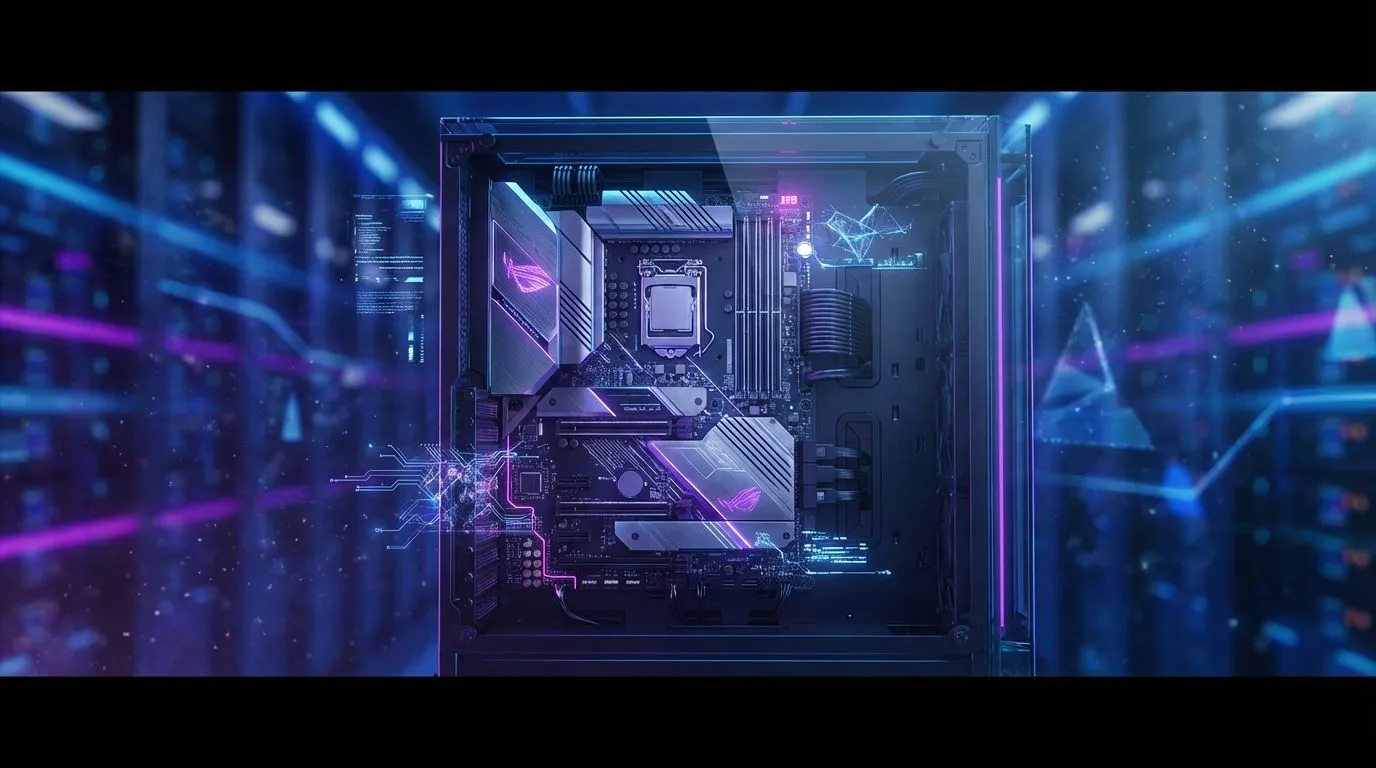
Tired of the cable spaghetti lurking behind your motherboard? That chaotic mess you desperately try to tame with zip ties every time you build a new PC? For years, clean cable management has been a badge of honour for meticulous builders. But what if the solution wasn't better cable routing, but getting rid of the cables from the front entirely? Enter the era of BTF motherboards, a revolutionary design poised to redefine what a clean PC build looks like. ✨

GAMDIAS ATHENA M3 WH Gaming E-ATX Mid Tower Computer PC Case, High Airflow Mesh Front, 4x120mm PWM ARGB Fans w/Hub, Supports Motherboards up to E-ATX, Tool-Free Tempered Glass Side Panel, Support Dual 360 & Gen 2 Type-C, MB Sync, White / ATHENA-M3-WH
R1299.00In Stock

DEEPCOOL CC560 MESH V2 Mid-Tower Case - Black That Supports - Mini-ITX / Micro-ATX / ATX With Pre-Installed 3 x 120mm Fans in Front and 1 x 120mm Fan in Rear / CC560-MESH-V2
R1399.00In Stock

Fractal Design Meshify 2 Lite RGB White ATX Flexible Light Tinted Tempered Glass Window Mid Tower Computer Case / 4 x Pre-Installed ARGB Fans Included / FD-C-MES2A-08
R2999.00In Stock

Fractal Design Pop XL Air RGB White Tempered Glass Clear Tint E-ATX Computer Case / Supports Motherboards up to E-ATX / Flexible Storage Support / Hidden Compartment / 4 x Pre-Installed ARGB Fans Included / FD-C-POR1X-01
R2599.00In Stock

Antec Performance 1 FT, Full Tower, RTX40 Fully Compatible, Temp Display, 4 x Storm T3 PWM Fans, Type-C, Dual TG Side Panels, Removable Top Bracket, High Airflow Mesh Front Panel, E-ATX PC Gaming Case - 0-761345-10088-5
R2599.00In Stock

MSI MAG VAMPIRIC 300R MIDNIGHT GREEN Mid Tower Gaming Computer Case '1x 120mm ARGB Fan, USB Type-C, Tempered Glass, MSI Center, E-ATX, ATX, mATX, mini-ITX / 306-7G19G21-809
R2699.00In Stock
What Exactly are BTF Motherboards?
BTF, which stands for "Back-To-the-Future," is an innovative design standard, championed by brands like ASUS, that relocates almost all the power and data connectors from the front of the motherboard to the back.
Think about it: your main 24-pin power, CPU power, fan headers, SATA ports, and front panel connectors… all hidden. This simple but brilliant shift means the side of your PC you actually look at through the tempered glass is left almost completely free of visible cables. The result is an incredibly clean, minimalist aesthetic that was previously only achievable with extreme, custom modifications. A BTF motherboard isn't just a component; it's the foundation for a true showpiece build.

Xigmatek Gaming X Black Medium Tower PC Case ATX / Supports Motherboards up to ATX / 4 x Pre Installed RGB Fans / EN46621
R1299.00In Stock

Fractal Design Mood Light Gray PC Case - Sleek Fabric Design, 180mm Top Fan, Conceals 325mm Graphics Card, m-ITX Motherboard Compatible, Easy Access Build, Efficient Cooling / FD-C-MOD1N-01
R2999.00In Stock
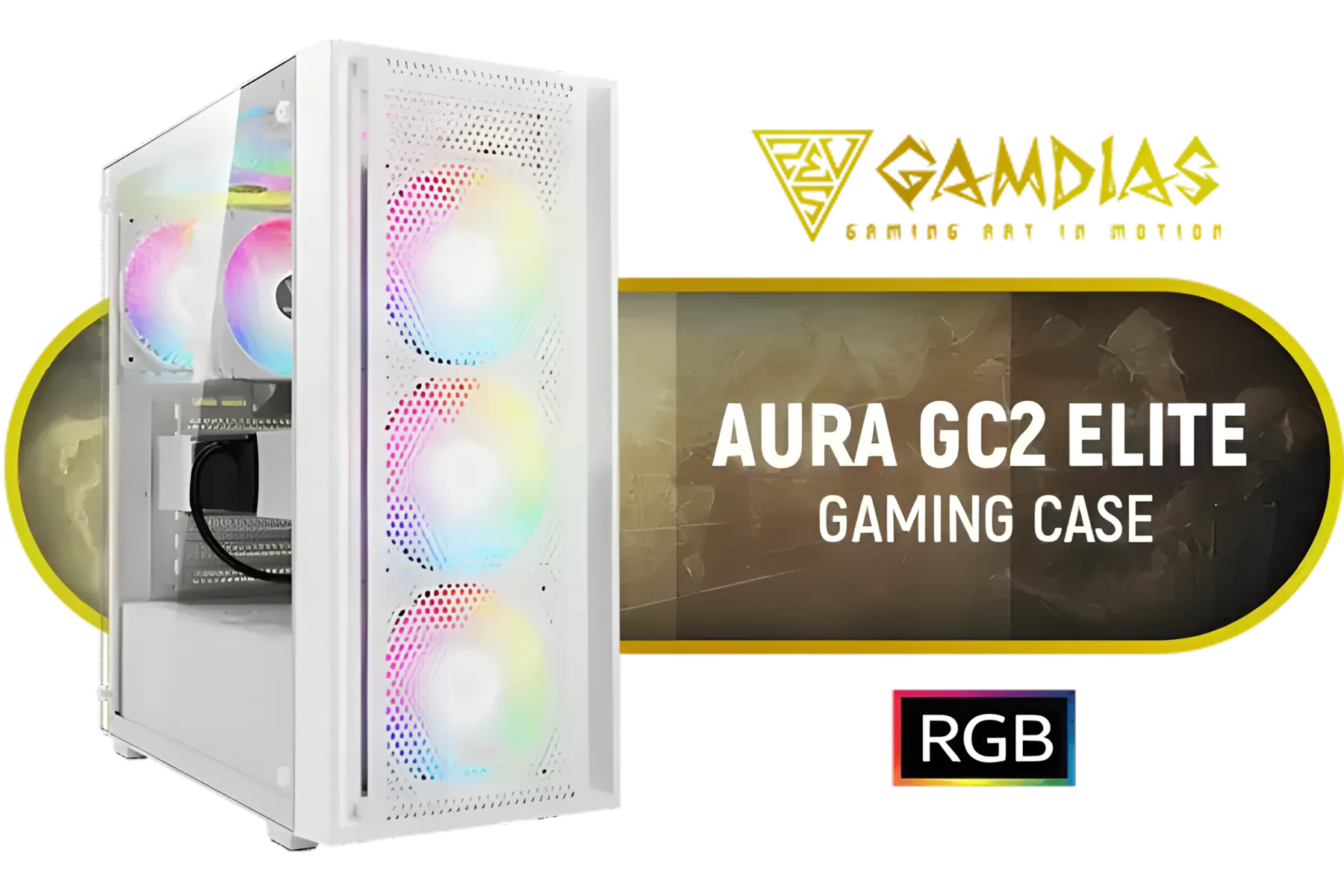
GAMDIAS Aura GC2 Elite White ATX Mid Tower Gaming PC Case / Supports Motherboards up to ATX / Tempered Glass, Support Up to 340mm GPU, 4X 120mm RGB Case Fans, ATX Motherboards / AURA-GC2-ELITE-WH
R499.00In Stock

CORSAIR iCUE 5000T RGB Tempered Glass Mid-Tower Gaming E-ATX PC Case - White / 3x L120 RGB Fans Included / Supports Motherboards up to E-ATX / Clean Cabling / Removable Airflow Panels / CC-9011231-WW
R6999.00In Stock
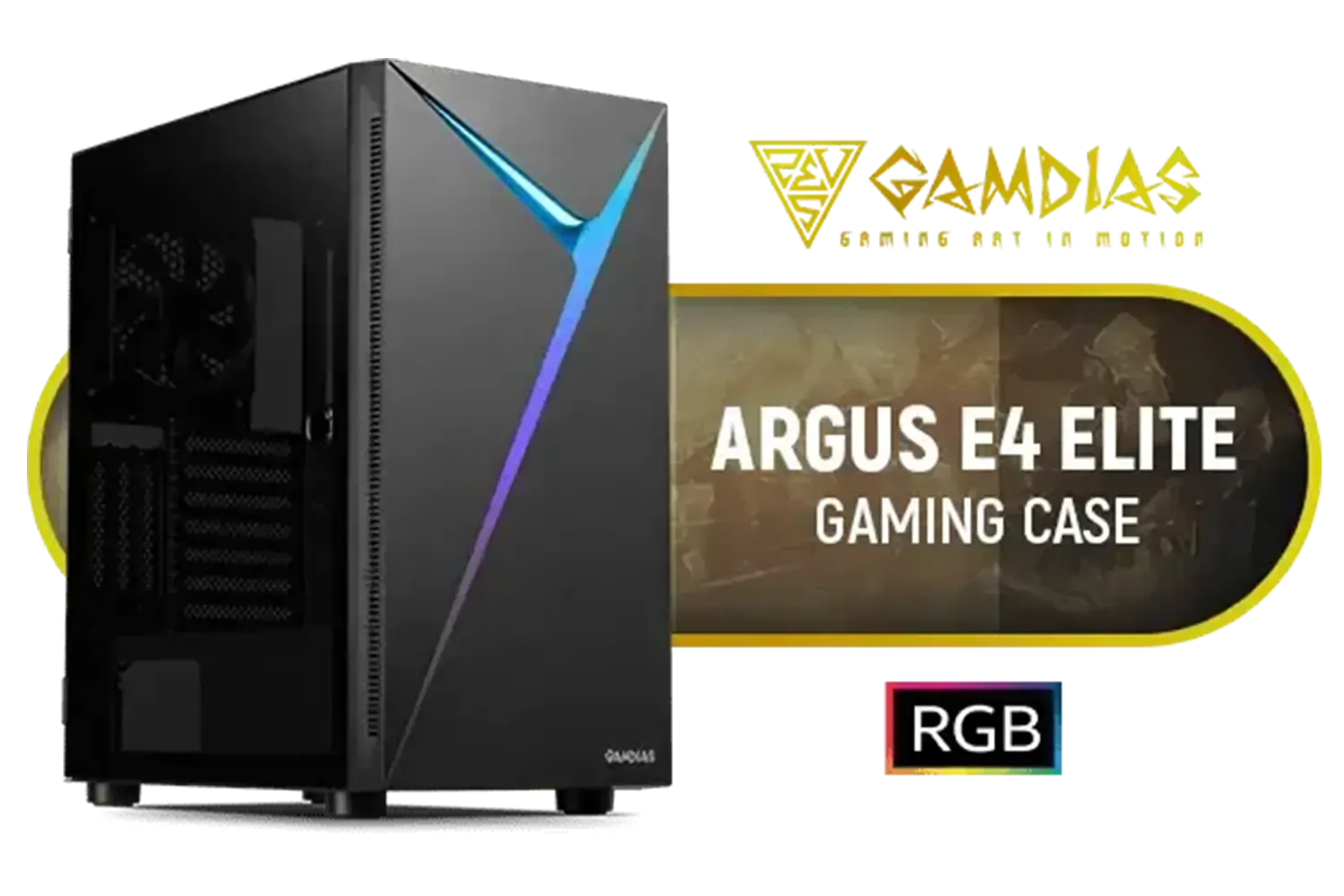
Gamdias Argus E4 Elite Tempered Glass ATX Gaming Case - Black / Supports Motherboards up to ATX / Sync with 5V ARGB Motherboard / RGB Streaming Lighting / 1 Built-in 120mm Rear Fan / Magnetic Dust Filter / ARGUS E4 Elite
R899.00In Stock

Fractal Design Define 7 Compact Black Brushed Aluminum/Steel ATX Compact Silent Tempered Glass Window Mid Tower Computer Case - 2 x Pre-Installed Fans Included - FD-C-DEF7C-03
R2299.00In Stock
The Real-World Benefits of a BTF Build
The most immediate advantage of building with BTF motherboards is, without a doubt, the visual appeal. Your expensive components like the GPU, RAM, and CPU cooler become the undisputed stars of the show, no longer competing with a clutter of wires.
But the benefits go beyond just looks:
- Simplified Assembly: While you still need to connect everything, plugging cables into the back of the board is often easier. You aren't trying to fit your hands into tight spaces around a large graphics card or a bulky air cooler.
- Potentially Better Airflow: By removing the obstruction of thick cables like the 24-pin power connector from the main chamber, airflow from your front intake fans can travel more directly to your core components. While the difference might be minor in testing, every little bit helps in a high-performance rig. 🚀
- The Ultimate Flex: Let's be honest, having a PC this clean is a statement. It shows an attention to detail that sets your build apart from the rest.
TIP FOR YOU
Planning is Everything 🔧
Before you commit to a BTF motherboard, always triple-check case compatibility. A standard ATX case won't work! You need a chassis with specific cutouts on the motherboard tray to access the rear-facing connectors. Always look for "BTF Support" or "Rear-Connector Motherboard Compatibility" on the case's spec sheet.
What You Need for a Flawless BTF Build
Jumping into the world of BTF motherboards requires a bit of planning, as you can't just drop one into any old case. The ecosystem is key.
A BTF-Compatible Case
This is the most critical part of the puzzle. The case must have large, strategically placed cutouts on the motherboard tray to allow you to access the connectors on the back. While dedicated BTF cases are the ideal choice, the industry is adapting. We're seeing clever designs in compact options like the Cooler Master E301 Mini Tower that prioritise smart layouts.
Pioneering brands like Cooler Master are constantly innovating, and it's only a matter of time before this feature becomes more common. Keep an eye on new releases from forward-thinking brands like Gamemax and the latest TRYX Gaming Cases, as they often adopt new standards quickly. For now, your best bet is to carefully browse a wide range of computer cases and verify the specs for compatibility.

Gamemax T20 M-ATX Gaming Case - Black / Three Sided Tempered Glass / Support 5×120mm Fan Mounts / 2 Pre-installed 120mm ARGB Fans / M-ATX (With BTF Support) , ITX Motherboard Support / SFX-L PSU Support / T20-BK
R1299.00In Stock
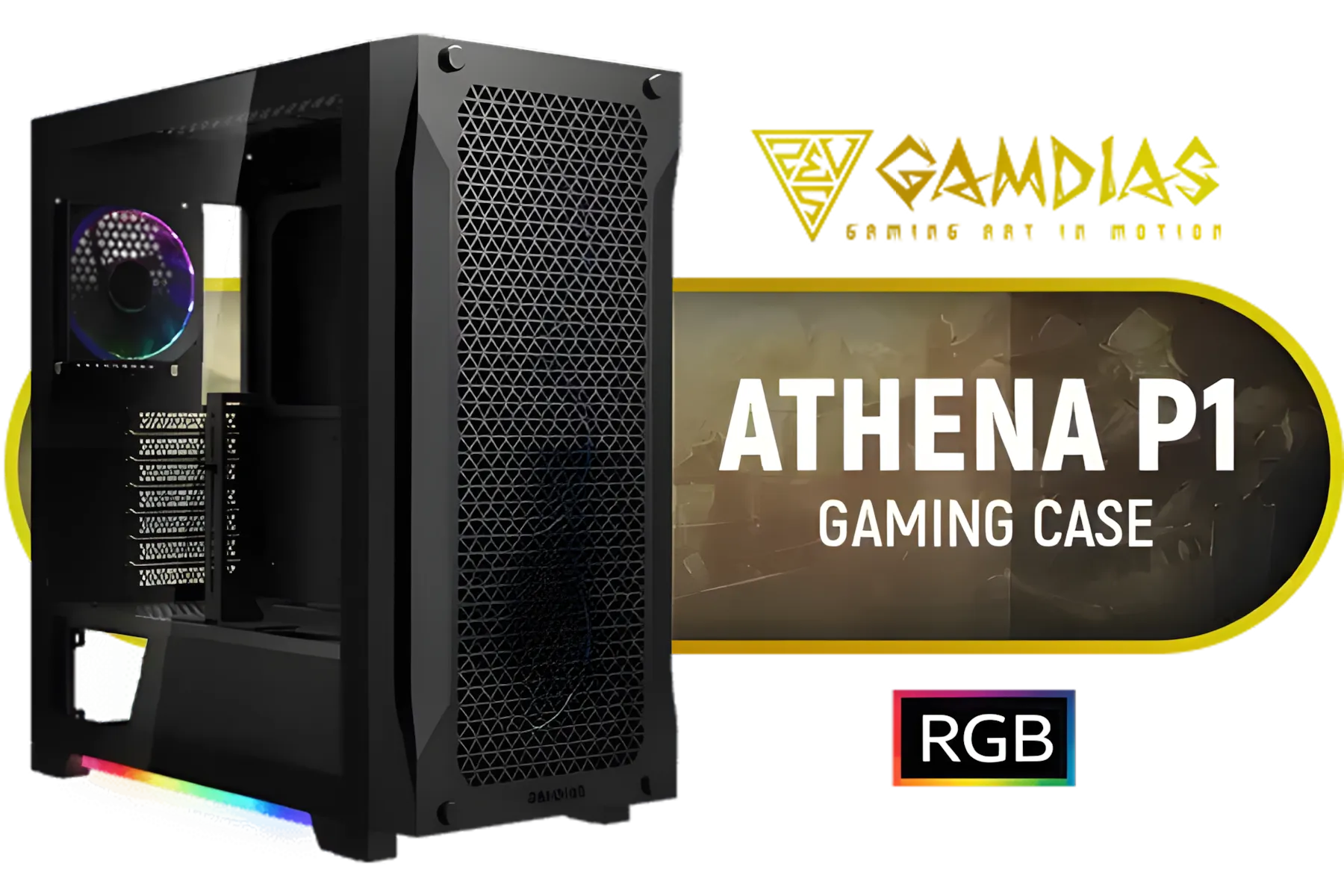
Gamdias ATHENA P1 ATX Gaming Case - Black / Premium Airflow. Unrestricted Form / Supports Motherboards up to ATX / Metallic Perforated Mesh / Advanced Airflow Configuration / 3+1 High Performance Argb Fans / 4 x Pre-Installed Fans Included / ATHENA-P1
R1599.00In Stock
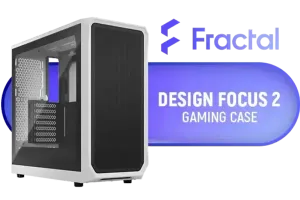
Fractal Design Focus 2 White TG Clear Tint - Tempered Glass Panel - Optimized Airflow Layout - ATX, mATX, ITX Compatibility - 2 x Pre-Installed Fans Included - FD-C-FOC2A-02
R1599.00In Stock
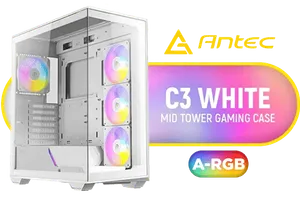
Antec C3 ARGB White - 3 x 120mm & 1 x 120mm ARGB PWM Fans Included - Up to 8 Fans Simultaneously - Type-C - Seamless Tempered Glass Front & Side Panels - 360mm Radiator Support - Mid-Tower ATX PC Case / 0-761345-10032-8
R1899.00In Stock
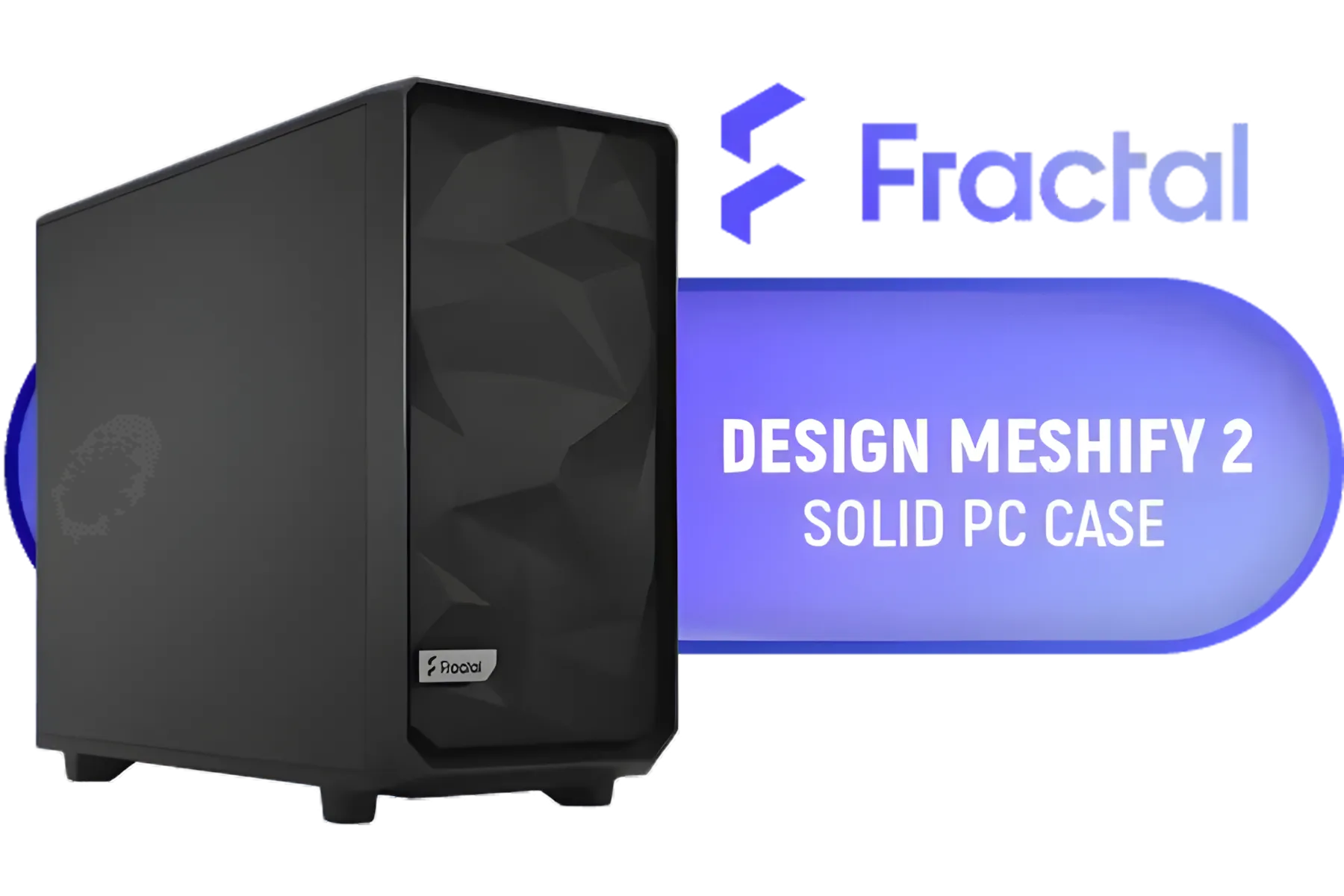
Fractal Design Meshify 2 Black ATX Flexible Mid Tower Computer Case - Stealth-inspired filtered airflow - Fits up to 285mm E-ATX - Fits Radiators Up to 420mm top - 2 x Pre-Installed Fans Included - FD-C-MES2A-01
R2499.00In Stock
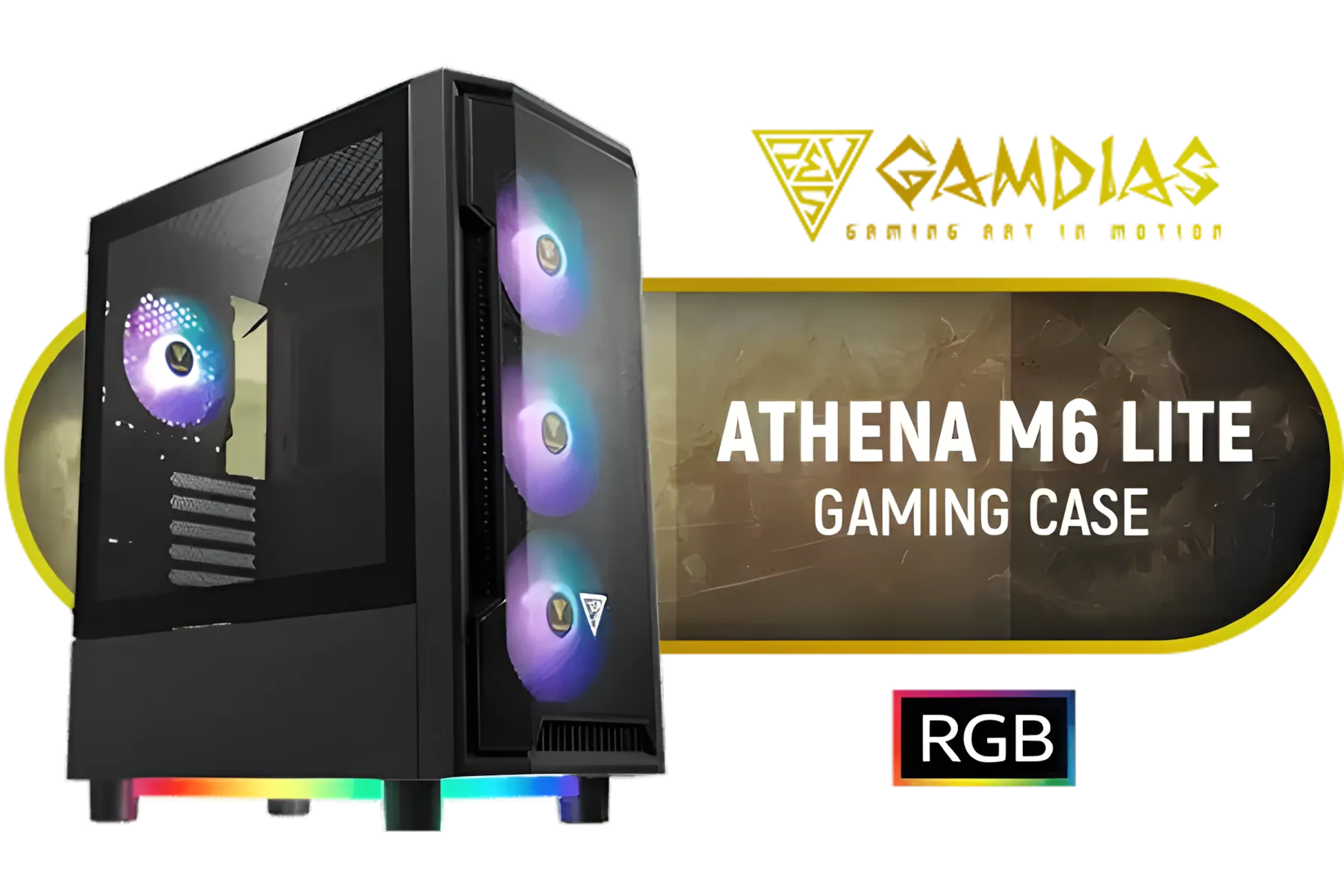
Gamdias Athena M6 Lite ATX Gaming Case - Black / Sync with Motherboard / Supports Motherboards up to ATX / Triple-sided Underglow / 4 Built-in 120mm ARGB Fans / Mesh Front Panel / Perforated Chassis / ATHENA M6 LITE
R999.00In Stock
The Right Components
While the motherboard and case are the main pair, some advanced BTF ecosystems also include graphics cards that draw power directly through a special slot on the motherboard, eliminating the need for bulky PCIe power cables entirely. This is the final step towards a truly wireless-looking interior.
This new standard represents the next logical step in PC aesthetics and design. For South African builders who take pride in their work and want a rig that looks as good as it performs, exploring a BTF motherboard build is a glimpse into the clean, sleek future of PC gaming.
Ready to Build the Cleanest Rig in Mzansi? BTF motherboards are leading the charge for ultimate aesthetics, but they need the right chassis to shine. Explore our massive range of PC cases and find the perfect foundation for your cable-free masterpiece today.
Related Products
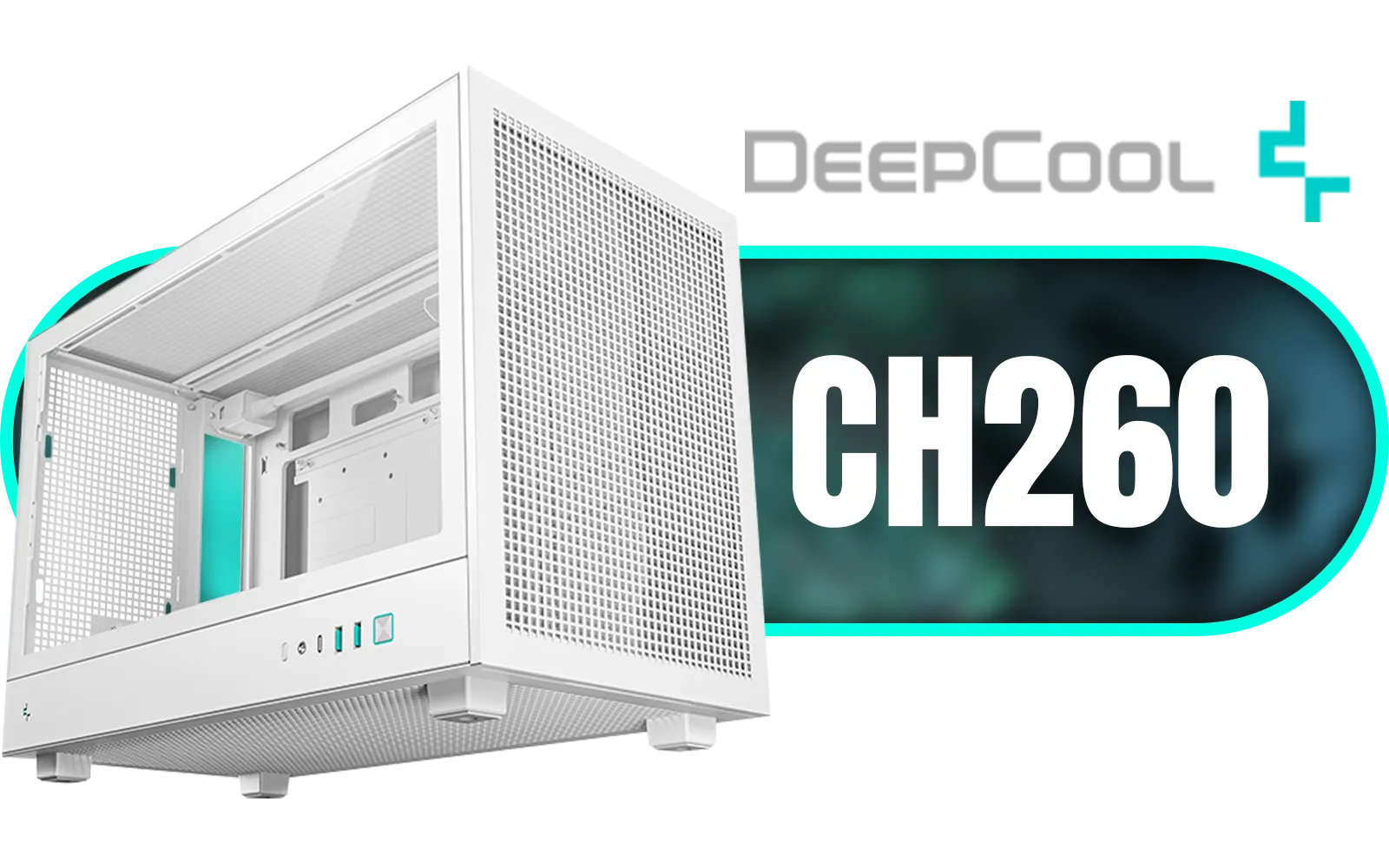
DeepCool CH260 ITX High-Airflow Computer Case- White/ Supports Mini-ITX, Micro-ATX / 360mm Radiator Support / High-Airflow Full Steel Mesh Panel / Tempered Glass Side Panel / No Fans Included / CH260-WH
R1399.00In Stock

Evetech TRIO Apocalypse Limited Edition Tempered Glass ATX Gaming Case / 6x Dual Ring RGB High-Speed PWM Fans Included / Support USB 3.0 & 2.0 / Syncs with Mystic lighting & aura sync / 5mm Full Sized Tempered Glass / Optimized airflow / Supports 370mm (MAX) long Graphic Card installation
R2499.00In Stock

ANTEC AX Series AX90 Mid-Tower ATX Gaming Case, High-Airflow Mesh Front Panel, 4 x 120mm ARGB Fans Included, Tempered Glass Side Panels, 360mm Radiator Support / 0-761345-10063-2
R1599.00In Stock

Antec Flux Pro White, 6 x PWM Fans Included, High-Airflow Front Panel with Birch Wood, iShift PSU 90° Mount, USB3.0 x 2, Type-C, 420mm Radiator Support, Temp. Display, Full-Tower E-ATX PC Case / 0-761345-10156-1
R2999.00In Stock
Fractal Design Meshify 2 Lite RGB White ATX Flexible Light Tinted Tempered Glass Window Mid Tower Computer Case / 4 x Pre-Installed ARGB Fans Included / FD-C-MES2A-08
R2999.00In Stock

DeepCool CH360 Digital Computer Case - White / 2x 140mm ARGB Fans + 1x 120mm ARGB Fan Pre-Installed / Supports Mini-ITX and Micro-ATX Motherboards / 320mm GPU Length Limit / CH360-DIGITAL-WH
R1799.00In Stock
A BTF (Back-to-the-Future) motherboard places power and data connectors on the rear PCB, hiding cables for a cleaner, wire-free visual aesthetic inside the case.
Yes, you need a compatible chassis with specific cutouts on the motherboard tray to access the rear-facing connectors found on BTF and Project Zero boards.
Yes, standard GPUs work, but to go fully cable-free, you need a BTF graphics card that draws high power directly from the motherboard's special high-power slot.
Both use rear connectors but are branded differently. ASUS uses the BTF label, while MSI uses Project Zero. Both aim for the hidden-cable ecosystem.
Actually, they can be easier. Plugging cables into the back allows for more hand room, though cable management behind the tray requires a bit more planning.
It is a growing trend for aesthetic-focused builds. As more case manufacturers support the standard, hidden connector motherboards are becoming mainstream.











