



Budget Gaming PC Build: Step-by-Step Guide for First-Timers
Build with confidence: this budget gaming pc build guide walks you through parts, assembly, BIOS, and testing, step by step. 💸🛠️ Hit smooth 1080p now, upgrade later.
|
Loading tags...
So, you're dreaming of buttery-smooth frame rates in Apex Legends and seeing Night City in all its glory? Ja, we get it. But the thought of building a PC from scratch can feel a bit… hectic. Don’t stress. This step-by-step guide is your key to creating an awesome budget gaming PC build without breaking the bank. Forget pre-built limitations; let's get you sorted with a rig you assembled yourself. 🔧

RYZEN 9 9900X 5.6GHz RTX 5070 Ti 16GB DDR5 Gaming PC
R41369.00In Stock

RYZEN 7 9700X 5.5GHz RX 9070 XT 16GB DDR5 Gaming PC
R37484.00In Stock

Intel 14th Gen Core i3 14100F 4.7GHz GT 710 2GB PC
R9869.00In Stock

RYZEN 5 8400F 4.7GHz GT 710 2GB DDR5 Workstation PC
R10079.00In Stock

AMD RYZEN 5 8400F 4.7GHz RTX 5060 8GB DDR5 Budget Gaming PC
R17534.00In Stock
![[Pre Built] AMD RYZEN 5 5500 ARC A380 Gaming PC](https://img.evetech.co.za/repository/ProductImages/gamdias-talos-e3-gaming-case-ryzen-5-5500-arc-a380-gaming-pc-pbs-main-1600px-v1.webp)
[Pre Built] AMD RYZEN 5 5500 ARC A380 Gaming PC
R12494.00In Stock
Planning Your Budget Gaming PC Build
Before you even think about components, you need a plan. The first step in any successful budget gaming PC build is, well, the budget. How much are you willing to spend? In South Africa, you can build a very capable 1080p gaming machine for a reasonable price if you shop smart.
Decide on your goal. Are you aiming for 60+ FPS in titles like Valorant and Fortnite, or do you want to dip your toes into more demanding games like Baldur's Gate 3 on medium settings? Your performance target will dictate your component choices.
Choosing Your Core Components: The Brains and Brawn
This is where the magic begins. Your CPU, motherboard, and RAM are the foundation of your PC. They need to work together seamlessly.

Intel Core Ultra 7 265K 5.3GHz Quadro A1000 8GB DDR5 Workstation PC
R33389.00In Stock
RYZEN 9 9900X 5.6GHz RTX 5070 Ti 16GB DDR5 Gaming PC
R41369.00In Stock
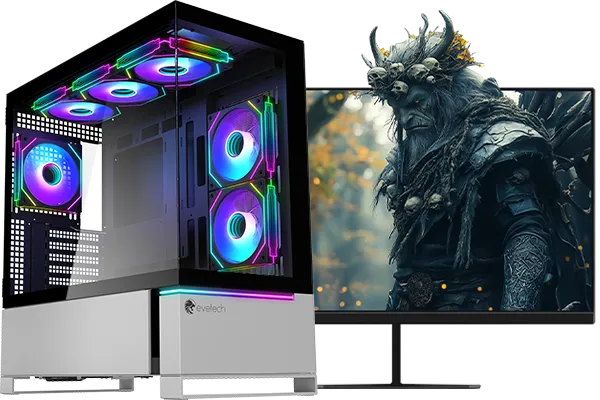
RYZEN 7 7800X3D 5.0GHz RTX 5080 32GB DDR5 Gaming PC
R48719.00In Stock
AMD RYZEN 5 8400F 4.7GHz RTX 5060 8GB DDR5 Budget Gaming PC
R17534.00In Stock
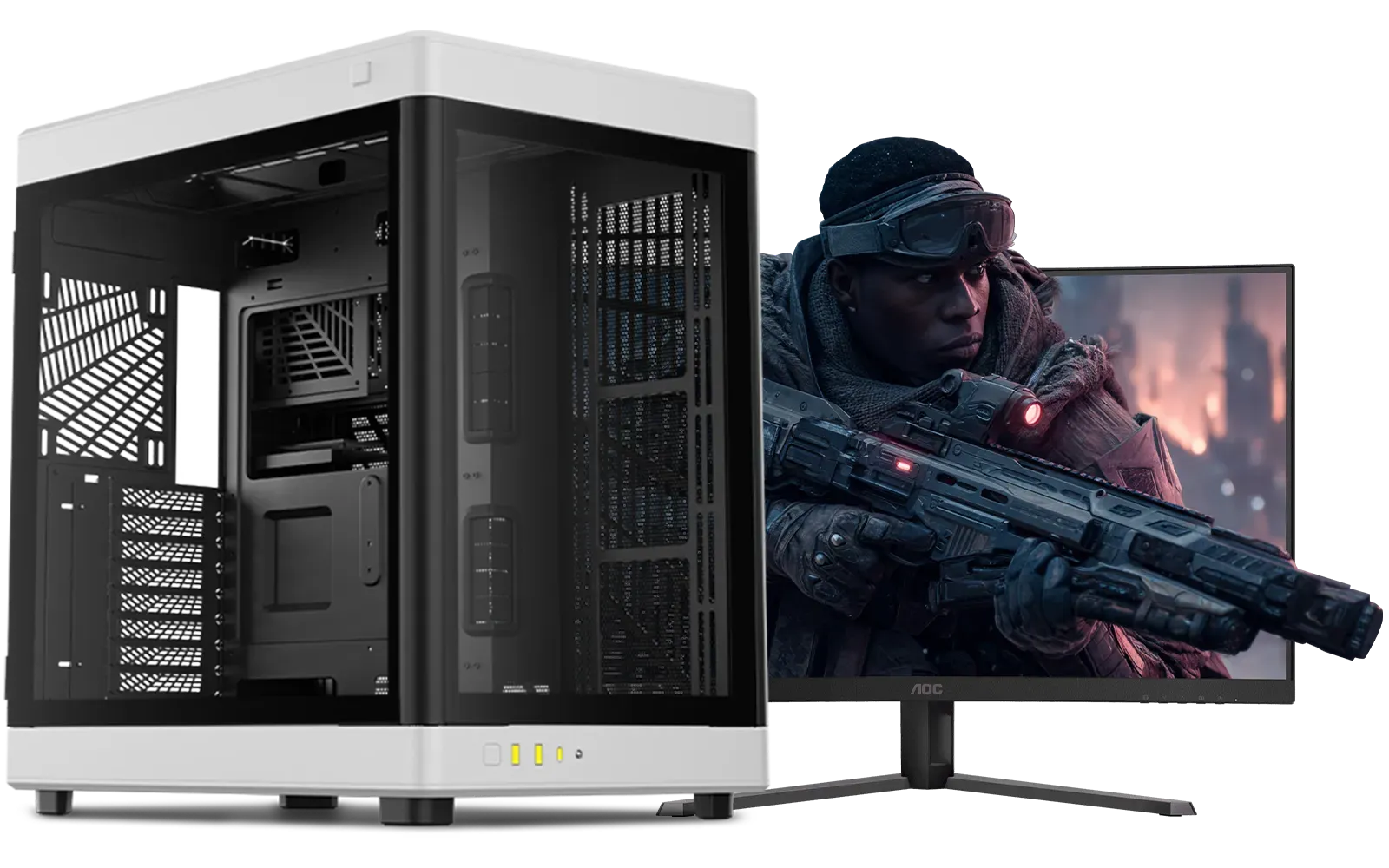
Intel Core Ultra 7 265K RTX Pro 2000 DDR5 Workstation PC
R39689.00In Stock

RYZEN 7 5700 4.6GHz RTX 5060 Ti 16GB Budget Gaming PC
R20264.00In Stock
CPU & Motherboard: The Perfect Pair
For a budget build, you'll likely be looking at either an Intel Core i3/i5 or an AMD Ryzen 3/5 processor. Both offer fantastic performance for the price. The most important thing is ensuring your CPU is compatible with your motherboard's socket (e.g., LGA1700 for modern Intel, AM5 for modern AMD). When you're starting out, it's crucial to pick from a range of compatible motherboards that fit your chosen processor and offer the features you need, like enough USB ports and M.2 slots for fast storage.
TIP FOR YOU
Pro Tip for First-Timers ⚡
about compatibility? Take the guesswork out of your build by starting with one of Evetech's [CPU and motherboard bundles](https: www.evetech.co.za components intel-amd-based-bundle-packs-42.aspx). These combos are guaranteed to work together perfectly and often save you a few hundred Rand that you can put towards a better graphics card or more storage. It's the easiest start to a budget gaming PC build.
RAM: Your PC's Short-Term Memory
For modern gaming, 16GB of DDR4 or DDR5 RAM is the sweet spot. It provides enough headroom for games, Discord, and a few browser tabs to run smoothly. When building a budget gaming PC, you can find excellent deals on gaming RAM modules that offer a great balance of speed and capacity.
![[Pre Built] AMD RYZEN 7 5700 RTX 5060 Gaming PC](https://img.evetech.co.za/repository/ProductImages/ryzen-7-5700-rtx-5060-gaming-pc-pbs-main-1600px-v1.webp)
[Pre Built] AMD RYZEN 7 5700 RTX 5060 Gaming PC
R18794.00In Stock
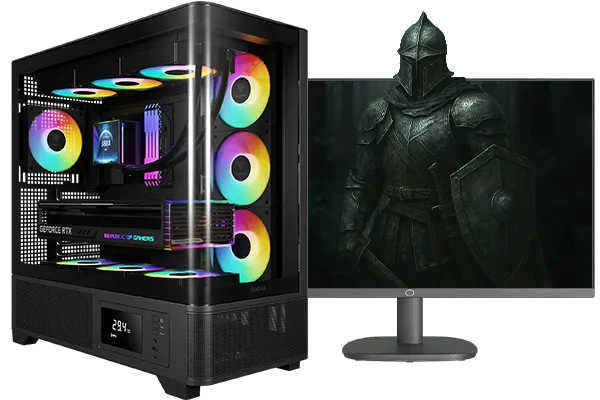
Intel Core Ultra 5 245K 5.2GHz RTX 5060 Ti 16GB DDR5 Gaming PC
R30449.00In Stock
AMD RYZEN 5 3400G 4.2GHz Radeon Vega PC
R5879.00In Stock

AMD RYZEN 5 8400F 4.7GHz RX 9060 XT 16GB DDR5 Budget Gaming PC
R19949.00In Stock
Intel Core Ultra 5 225F 4.9GHz RX 9060 XT 16GB DDR5 Gaming PC
R24464.00In Stock
RYZEN 7 7800X3D 5.0GHz RTX 5080 32GB DDR5 Gaming PC
R48719.00In Stock
The Graphics Card: Your Gateway to Glorious Frames 🚀
This is the component that has the single biggest impact on your gaming performance. The Graphics Processing Unit (GPU) does all the heavy lifting to render the beautiful visuals in your games. For an affordable gaming rig, you don't need the absolute top-of-the-line card. Look for GPUs that are praised for their 1080p performance. Exploring the latest NVIDIA and AMD graphics cards will show you plenty of options that deliver incredible value for your money.
Power, Cooling, and Housing: The Unsung Heroes
These parts might not seem as exciting as a new GPU, but they are vital for a stable and long-lasting build.
- Power Supply Unit (PSU): Never, ever cheap out on your PSU. A poor-quality power supply can be inefficient or even damage your other components. A good 550W-650W unit from a reputable brand will be more than enough for most budget builds. Investing in a reliable power supply is investing in peace of mind.
- CPU Cooler: While most budget CPUs come with a stock cooler that does the job, an affordable aftermarket CPU cooler can run quieter and keep your processor's temperatures lower, potentially extending its lifespan.
- Case: Your PC case is more than just a box; it protects your components and plays a huge role in airflow. Pick a computer case with good ventilation (like a mesh front panel) to keep everything running cool. ✨

Intel 14th Gen Core i3 14100F 4.7GHz ARC A380 6GB Gaming PC
R12599.00In Stock
RYZEN 5 8400F 4.7GHz GT 710 2GB DDR5 Workstation PC
R10079.00In Stock
Intel Core Ultra 7 265K 5.3GHz Quadro A1000 8GB DDR5 Workstation PC
R33389.00In Stock
![[Pre Built] AMD RYZEN 7 9700X RTX 5070 Gaming PC](https://img.evetech.co.za/repository/ProductImages/ryzen-7-9700-x-rtx-5070-gaming-pc-pbs-main-1600px-v1.webp)
[Pre Built] AMD RYZEN 7 9700X RTX 5070 Gaming PC
R35699.00In Stock

RYZEN 5 8500G 5.0GHz with Vega Graphics DDR5 PC
R11024.00In Stock
![[Pre Built] AMD Ryzen 7 9800X3D RTX 5080 Gaming PC](https://img.evetech.co.za/repository/ProductImages/ryzen-7-9800-x-3-d-rtx-5080-gaming-pc-48-gb-main-1600px-v1.webp)
[Pre Built] AMD Ryzen 7 9800X3D RTX 5080 Gaming PC
R77699.00In Stock
Putting It All Together
Once you have all your parts, the final step is assembly. It's like building with very expensive Lego. Take your time, read the motherboard manual, and watch a few trusted video guides on YouTube. The feeling of powering on a computer you built with your own two hands for the first time is unbeatable. This entire process transforms the idea of a budget gaming PC build from an intimidating task into a rewarding project.
Ready to Build Your Dream Rig? This guide is your first step. Now it's time to choose your weapons. From CPUs to cases, Evetech has everything you need to build a killer rig on your terms. Explore our massive range of PC components and start your build today!
Related Products

Intel Core Ultra 5 225F ARC A380 6GB Gaming PC
R14174.00In Stock
[Pre Built] AMD RYZEN 7 9700X RTX 5070 Gaming PC
R35699.00In Stock

Intel Core Ultra 9 285K 5.7GHz RTX 5090 32GB DDR5 Gaming PC
R80114.00In Stock
Intel Core Ultra 9 285K 5.7GHz RTX 5000 Ada 32GB DDR5 Workstation PC
R133349.00In Stock
AMD RYZEN 5 8400F 4.7GHz RTX 5060 8GB DDR5 Budget Gaming PC
R17534.00In Stock

RYZEN 9 9900X 5.6GHz RTX PRO 6000 96GB DDR5 Next Gen Workstation PC
R210524.00In Stock
CPU, GPU, motherboard, 16GB RAM, NVMe SSD, quality PSU, and an airflow-friendly case. Use a best budget pc parts list to balance price and performance.
For an entry level gaming pc, allocate 40–50% of budget to GPU, 20–25% to CPU, and leave room for SSD and PSU. This balance hits smooth 1080p without overspending.
Yes, if tested. Look for warranty, check temps and clocks, and avoid heavy mining cards. Match your cheap gaming pc build 1080p target to the CPU.
Stock coolers work for non-OC chips. Apply budget pc airflow tips: two intake, one exhaust, tidy cables. Add a 120/240mm cooler if noise or temps stay high.
Enter BIOS setup first boot, enable XMP/EXPO, set boot drive, update firmware. Then install Windows, chipset and GPU drivers, and run stress tests.
Expect high settings in eSports at 100+ FPS and medium in recent AAA near 60 FPS, depending on GPU. Use upscaling for extra performance.
Follow an upgrade path budget pc: upgrade GPU first, expand to 32GB RAM, add a larger NVMe SSD, then consider CPU if the new GPU is bottlenecked.











