



Budget PC Components: Smart Picks for Performance & Value
- Budget PC Components: compare cost vs performance; - Choose compatible parts and upgrade paths; - Spot best-value GPUs, CPUs and motherboards 🔍💡 Build smarter with affordable components and clear buying tips.
|
Loading tags...
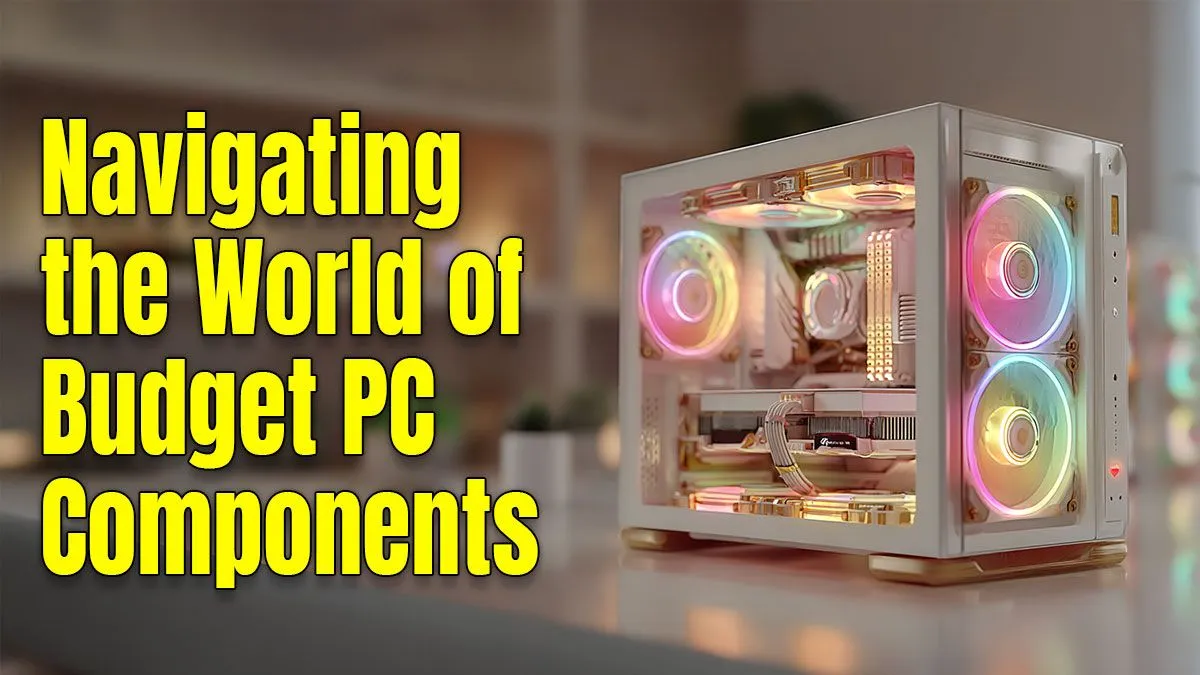
Building a new gaming PC in South Africa can feel like a pricey dream, especially with the Rand doing its thing. But what if you could assemble a rig that crushes 1080p gaming and handles your workload without having to sell a kidney? It's not about buying the cheapest parts; it's about choosing smart. This guide focuses on the best budget PC components that offer the perfect blend of performance and value. 🔧
![[Pre Built] AMD RYZEN 7 5700 RTX 5060 Gaming PC](https://img.evetech.co.za/repository/ProductImages/ryzen-7-5700-rtx-5060-gaming-pc-pbs-main-1600px-v1.webp)
[Pre Built] AMD RYZEN 7 5700 RTX 5060 Gaming PC
R19949.00In Stock
![[Pre Built] AMD RYZEN 5 5500 ARC A380 Gaming PC](https://img.evetech.co.za/repository/ProductImages/gamdias-talos-e3-gaming-case-ryzen-5-5500-arc-a380-gaming-pc-pbs-main-1600px-v1.webp)
[Pre Built] AMD RYZEN 5 5500 ARC A380 Gaming PC
R12494.00In Stock

RYZEN 5 9600X 5.2GHz ARC B580 12GB DDR5 Gaming PC
R21419.00In Stock

Intel 14th Gen Core i3 14100F 4.7GHz ARC A380 6GB Gaming PC
R12599.00In Stock

RYZEN 5 9600X 5.4GHz A1000 8GB DDR5 Workstation PC
R25199.00In Stock

RYZEN 7 9700X 5.5GHz RX 9070 XT 16GB DDR5 Gaming PC
R37484.00In Stock
The Core Trio: CPU, Motherboard & RAM
Your processor, motherboard, and memory form the foundation of your build. Getting this right is crucial for a stable, snappy system. When looking for budget PC components, you don't need the absolute latest-gen CPU. A modern classic like an AMD Ryzen 5 5600 or an Intel Core i5-12400F still offers incredible gaming performance for the price.
The key is to pair your chosen CPU with the right motherboard. You don't need all the bells and whistles of a high-end board. A solid B550 for AMD or B660/B760 for Intel will do the job perfectly. Check out our wide range of affordable Intel or AMD motherboards to find a reliable base for your build.
For RAM, 16GB is the current sweet spot for gaming. While new builds should absolutely use DDR4 or DDR5, upgrading an older PC with a cost-effective DDR3 gaming RAM kit can be a smart, ultra-budget move to extend its life.
[Pre Built] AMD RYZEN 7 5700 RTX 5060 Gaming PC
R19949.00In Stock
![[Pre Built] AMD Ryzen 7 9800X3D RX 9070 XT Gaming PC](https://img.evetech.co.za/repository/ProductImages/ryzen-7-9800-x-3-d-rx-9070-xt-gaming-pc-48-gb-2-tb-nvme-main-1600px-v1.webp)
[Pre Built] AMD Ryzen 7 9800X3D RX 9070 XT Gaming PC
R69299.00In Stock
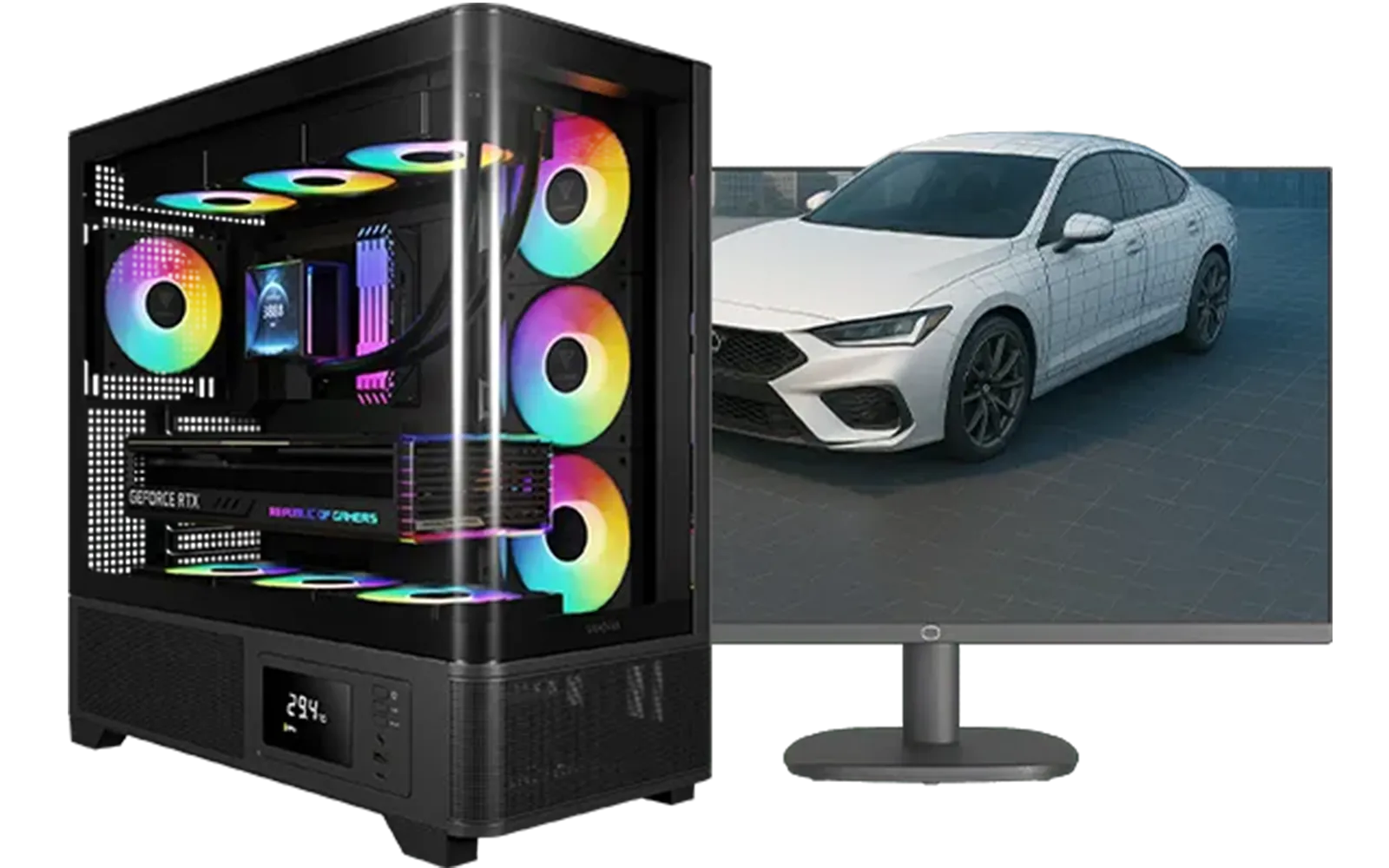
Intel Core Ultra 7 265K RTX Pro 4500 DDR5 Workstation PC
R77909.00In Stock

Intel Core Ultra 5 225F 4.9GHz GT 710 2GB DDR5 PC
R11864.00In Stock

RYZEN 9 9900X 5.6GHz RTX 5070 Ti 16GB DDR5 Gaming PC
R41369.00In Stock
![[Pre Built] AMD RYZEN 9 9900X RX 9070 XT Gaming PC](https://img.evetech.co.za/repository/ProductImages/ryzen-9-9900-x-rx-9070-xt-gaming-pc-pbs-main-1600px-v1.webp)
[Pre Built] AMD RYZEN 9 9900X RX 9070 XT Gaming PC
R42524.00In Stock
The Graphics Card: Where Performance Meets Price
The GPU is where most of your gaming budget will likely go. This is the single most important part for frame rates, so choosing wisely is essential. The goal is to find a card that delivers excellent 1080p or even 1440p performance without the eye-watering price tag of a flagship model.
Cards like the NVIDIA GeForce RTX 3060 or the AMD Radeon RX 7600 are fantastic value picks, offering modern features and enough power for today's biggest titles. Finding the right balance between price and power is key, and our massive selection of NVIDIA and AMD graphics cards has an option for every wallet.
TIP FOR YOU
Don't Forget The Driver! ⚡
No matter which GPU you choose, always perform a clean installation of the latest drivers using Display Driver Uninstaller (DDU). This free tool completely removes old driver files, preventing weird bugs, stuttering, and performance issues. It’s a simple step that ensures your new graphics card runs at its absolute best from day one.
Power & Protection: PSU, Cooling & Case
Never, ever skimp on your Power Supply Unit (PSU). It’s the heart of your PC, and a cheap, unreliable one can damage all your other expensive components. A good PSU delivers clean, stable power. A reliable unit from a known brand is a non-negotiable investment, and our range of Corsair power supplies offers quality you can count on.
While many budget CPUs come with a stock cooler that's... adequate, an affordable aftermarket cooler is one of the best upgrades you can make. It will run quieter and keep your CPU temperatures much lower, potentially allowing for better performance. Explore our CPU coolers to find a quiet and effective option that won't break the bank.
Finally, your case isn't just a box. Good airflow is vital for keeping your components cool and running optimally. Thankfully, you don't need to spend a fortune. Many modern computer cases provide excellent airflow, cable management, and aesthetics for under R1,500. ✨

RYZEN 7 5700 4.6GHz RTX 5060 Ti 16GB Budget Gaming PC
R20264.00In Stock

Intel Core Ultra 7 265K 5.5GHz RX 9070 XT 16GB DDR5 Gaming PC
R40109.00In Stock

AMD RYZEN 5 3600 RTX 3050 Budget Gaming PC
R11024.00In Stock
![[Pre Built] Intel Core Ultra 7 265KF RX 9070 XT Gaming PC](https://img.evetech.co.za/repository/ProductImages/intel-core-ultra-7-265-kf-rx-9070-xt-gaming-pc-pbs-main-1600px-v1.webp)
[Pre Built] Intel Core Ultra 7 265KF RX 9070 XT Gaming PC
R42209.00In Stock
RYZEN 5 9600X 5.4GHz A1000 8GB DDR5 Workstation PC
R25199.00In Stock

Intel Core Ultra 5 225F ARC A380 6GB Gaming PC
R14174.00In Stock
The Ultimate Shortcut: Budget-Friendly Bundles
Feeling a bit overwhelmed by all the choices? We get it. Compatibility can be a headache, especially for first-time builders. If you want to take the guesswork out of selecting your core parts, an upgrade kit is your best friend.
These kits are smart picks for performance and value. Our Intel and AMD bundle packs combine a perfectly matched CPU, motherboard, and RAM set. This not only guarantees compatibility but often saves you a few hundred Rand compared to buying the parts separately. It's the easiest way to kickstart your build. 🚀
Ready to Build Your Budget Beast? The world of PC components can be tricky, but getting amazing performance for your Rand is totally possible. Explore our massive range of PC components and start piecing together your dream rig today.
Related Products
RYZEN 7 9700X 5.5GHz RX 9070 XT 16GB DDR5 Gaming PC
R37484.00In Stock

Intel Core Ultra 5 245K 5.2GHz RTX 5060 8GB DDR5 Gaming PC
R30659.00In Stock
AMD RYZEN 5 3600 RTX 3050 Budget Gaming PC
R11024.00In Stock
Intel Core Ultra 7 265K RTX Pro 4500 DDR5 Workstation PC
R77909.00In Stock
[Pre Built] AMD RYZEN 7 5700 RTX 5060 Gaming PC
R19949.00In Stock
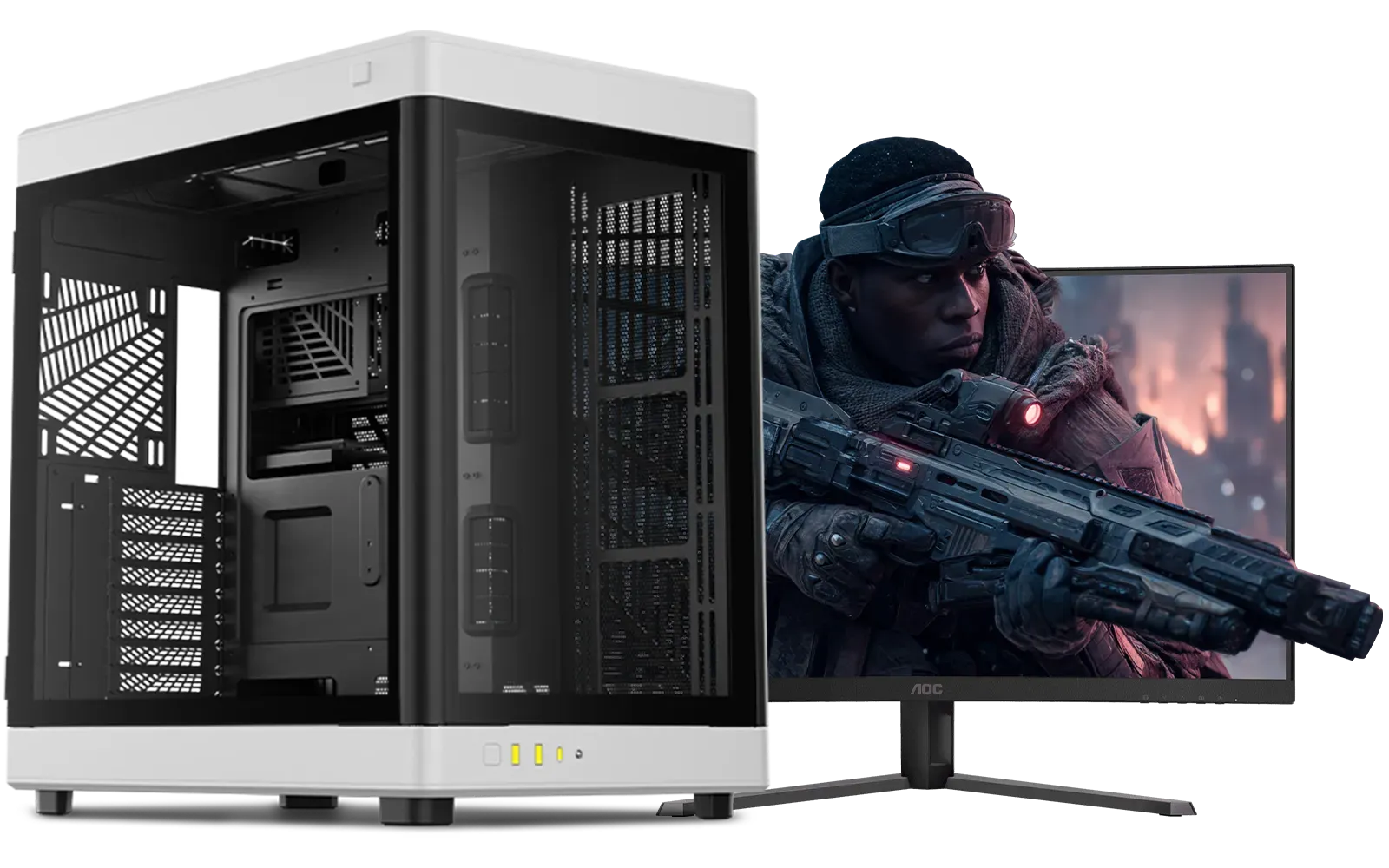
Intel Core Ultra 7 265K RTX Pro 2000 DDR5 Workstation PC
R39689.00In Stock
Prioritize CPU, GPU (or integrated graphics), motherboard compatibility, RAM, and an SSD. Focus on value CPUs and budget-friendly GPUs for best price performance.
Yes — pick a value GPU, a capable CPU, 16GB RAM and an SSD. Adjust settings and resolution to match your chosen budget gaming PC components for smooth play.
Check CPU socket, motherboard chipset, RAM support and PSU wattage. Use compatibility lists and look for affordable motherboard CPU combos to avoid mismatches.
Used parts can save money but carry risk. Buy from trusted sellers, verify condition, and prefer components with returns rather than unknown cheap PC parts.
Switching to an SSD, increasing RAM, or upgrading the GPU often yields the largest, most noticeable performance gains among budget upgrades.
A capable budget PC typically ranges from $400 to $800 depending on GPU choice and current sales on budget-friendly SSD and RAM.
Track retailer sales, clearance sections, and Evetech deals. Use price history tools and combine discounts to land the best value on budget PC components.











