



Small Form Factor Video Editing PC: The Ultimate Build Guide
Ready to build a powerful small form factor video editing PC but tight on space? This guide is for you! We'll walk you through choosing the best compact components, from mini-ITX motherboards to powerful GPUs, and show you how to assemble a beastly rig without the bulk. 🖥️✂️
|
Loading tags...
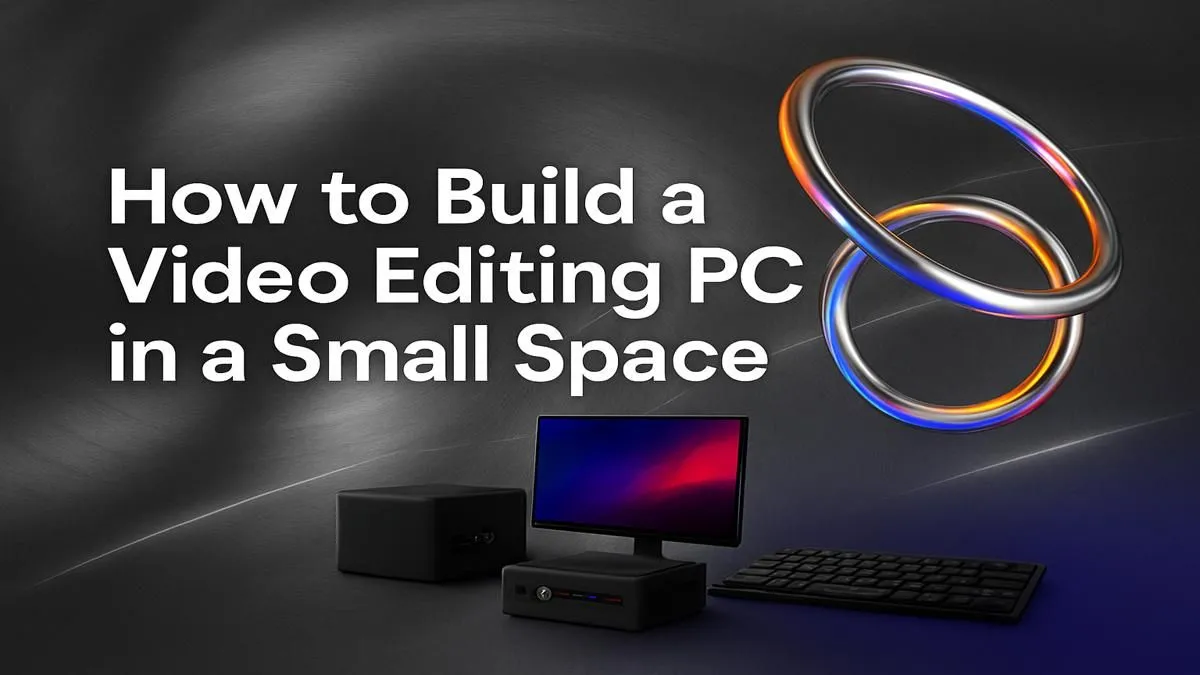
Tired of that massive tower hogging your desk space? Imagine packing 4K video editing power into a sleek, compact chassis you can actually move without a trolley. Building a small form factor video editing PC isn't just about saving space; it's about creating a powerful, minimalist setup that doesn't compromise on performance. This guide will walk you through picking the right parts for a beastly yet tiny rig, right here in South Africa. 🚀

RYZEN 7 9800X3D 5.2GHz RTX 5080 16GB DDR5 Gaming PC
R51869.00In Stock
RYZEN 7 7800X3D 5.0GHz RTX 5060 Ti 16GB DDR5 Gaming PC
R26774.00In Stock

RYZEN 5 7500X3D RTX 5060 DDR5 Gaming PC
R21524.00In Stock

RYZEN 9 9900X 5.6GHz RTX 5070 Ti 16GB DDR5 Gaming PC
R41369.00In Stock

AMD RYZEN 5 3400G 4.2GHz Radeon Vega PC
R5879.00In Stock

Ryzen 5 9600X 5.4GHz RTX 5060 8GB DDR5 Budget Gaming PC
R21524.00In Stock
Why Choose a Small Form Factor Video Editing PC?
The biggest advantage is obvious: size. An SFF PC frees up valuable desk real estate and offers portability that traditional towers can't match. But modern SFF cases and components have closed the performance gap. You no longer have to sacrifice rendering speed for a smaller footprint.
While massive, air-cooled workstation PCs still have their place for extreme multi-GPU setups, a well-planned SFF build can handle demanding timelines in DaVinci Resolve, Adobe Premiere Pro, and Final Cut Pro with ease. The key is smart component selection.
Core Components for Your SFF Video Editing Build
Building in a small case means every component choice matters, especially when it comes to heat and size. Let's break down the essentials for a potent small form factor video editing PC.
The Brains: CPU (Central Processing Unit)
Your CPU does the heavy lifting for encoding, decoding, and handling complex effects. You have two excellent choices:
- Intel: Intel CPUs with integrated graphics (like those in our Intel PC deals) offer Quick Sync Video technology. This is a hardware media engine that dramatically accelerates H.264 and H.265 (HEVC) encoding and decoding, making for a buttery-smooth timeline experience in Premiere Pro.
- AMD: AMD Ryzen processors often provide more cores for your money, which is brilliant for 3D rendering and faster final exports. If your workflow involves more CPU-intensive rendering than timeline scrubbing, exploring our AMD Ryzen PC deals is a smart move.
For an SFF build, be mindful of the CPU's TDP (Thermal Design Power). A lower TDP means less heat to manage in a cramped space.
![[Pre Built] Intel Core Ultra 7 265KF RX 9070 XT Gaming PC](https://img.evetech.co.za/repository/ProductImages/intel-core-ultra-7-265-kf-rx-9070-xt-gaming-pc-pbs-main-1600px-v1.webp)
[Pre Built] Intel Core Ultra 7 265KF RX 9070 XT Gaming PC
R42209.00In Stock

Intel Core Ultra 7 265K 5.3GHz RTX 5070 12GB DDR5 Gaming PC
R30344.00In Stock
![[Pre Built] Intel Core Ultra 7 265K RTX 5070 Gaming PC](https://img.evetech.co.za/repository/ProductImages/intel-core-ultra-7-265-kf-rtx-5070-gaming-pc-pbs-main-1600px-v1.webp)
[Pre Built] Intel Core Ultra 7 265K RTX 5070 Gaming PC
R38114.00In Stock

Intel Core Ultra 5 225F ARC A380 6GB Gaming PC
R14174.00In Stock

AMD RYZEN 5 3600 RTX 3050 Budget Gaming PC
R11024.00In Stock
![[Pre Built] HP OMEN 35L B1ZR4EA Intel Core Ultra 7 265K RTX 4080 SUPER Gaming PC](https://img.evetech.co.za/repository/ProductImages/intel-core-ultra-7-265-k-rtx-4080-super-gaming-pc-pbs-main-1600px-v1.webp)
[Pre Built] HP OMEN 35L B1ZR4EA Intel Core Ultra 7 265K RTX 4080 SUPER Gaming PC
R49349.00In Stock
The Muscle: GPU (Graphics Processing Unit) ⚡
Your GPU is critical for real-time playback, colour grading, and GPU-accelerated effects.
- NVIDIA: Generally the top choice for video editing due to its powerful CUDA cores, which are widely supported by professional software like the Adobe Creative Suite and DaVinci Resolve. An RTX card from our lineup of NVIDIA GeForce gaming PCs will crush render times and complex effects.
- AMD: While NVIDIA often leads in editing, modern AMD GPUs offer fantastic performance for their price, especially in DaVinci Resolve which utilises OpenCL well. They are a solid alternative found in many of our AMD Radeon gaming PCs.
Crucially for SFF: Always check the GPU's physical dimensions (length, height, and width/slot count) against your chosen case's specifications!
TIP FOR YOU
Measure Twice, Buy Once 🔧
Before you buy any component for an SFF build, check its dimensions against the case's official spec sheet. Pay close attention to CPU cooler height clearance, GPU length and thickness, and power supply type (ATX, SFX, or SFX-L). This simple step can save you a massive headache and a costly return.
Memory and Storage: RAM & NVMe SSDs
- RAM: 32GB is the sweet spot for 4K video editing. If you work with 6K/8K footage or heavy visual effects, 64GB is a worthy upgrade. Look for low-profile RAM kits if you're using a large air cooler to avoid clearance issues.
- Storage: A fast NVMe SSD is non-negotiable. Use one for your OS and applications, and a second, larger NVMe for your active project files and cache. This ensures lightning-fast loading and scrubbing.
![[Pre Built] AMD RYZEN 7 9700X RTX 5070 Gaming PC](https://img.evetech.co.za/repository/ProductImages/ryzen-7-9700-x-rtx-5070-gaming-pc-pbs-main-1600px-v1.webp)
[Pre Built] AMD RYZEN 7 9700X RTX 5070 Gaming PC
R35699.00In Stock
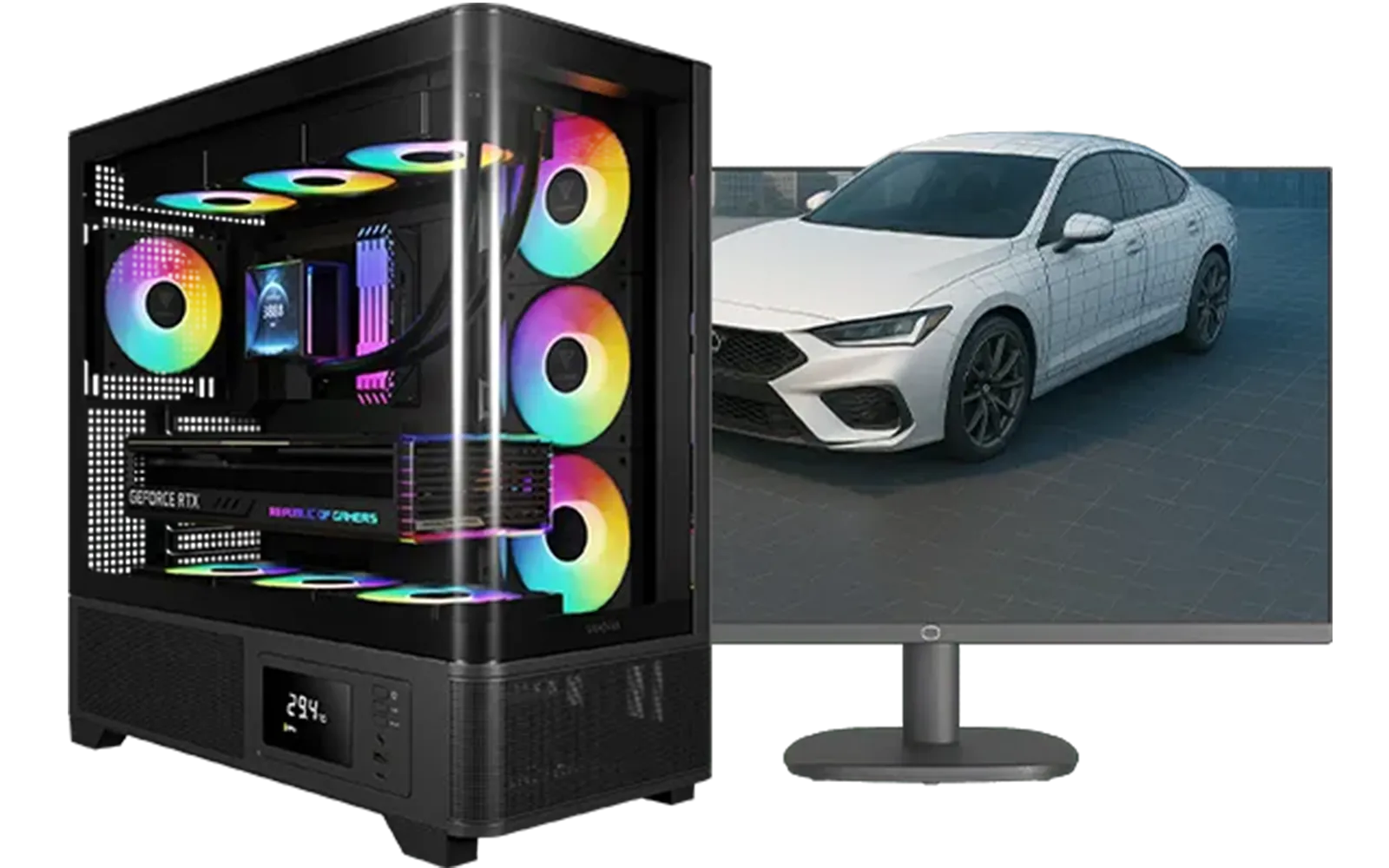
Intel Core Ultra 7 265K RTX Pro 4500 DDR5 Workstation PC
R77909.00In Stock
![[Pre Built] AMD Ryzen 7 9800X3D RX 9070 XT Gaming PC](https://img.evetech.co.za/repository/ProductImages/ryzen-7-9800-x-3-d-rx-9070-xt-gaming-pc-48-gb-2-tb-nvme-main-1600px-v1.webp)
[Pre Built] AMD Ryzen 7 9800X3D RX 9070 XT Gaming PC
R69299.00In Stock
RYZEN 5 7500X3D RTX 5060 DDR5 Gaming PC
R21524.00In Stock
Intel Core Ultra 5 225F ARC A380 6GB Gaming PC
R14174.00In Stock
Intel Core Ultra 7 265K 5.3GHz RTX 5070 12GB DDR5 Gaming PC
R30344.00In Stock
Putting It All Together: Case, Cooling, and Power
The SFF case is the heart of your build. Brands like Cooler Master, Lian Li, and Fractal Design offer incredible ITX cases that balance size, cooling, and ease of building.
Cooling is the biggest challenge. A low-profile air cooler or a small 120mm/240mm AIO (All-in-One) liquid cooler are your main options. Ensure your case has good ventilation to prevent thermal throttling, where your components slow down to avoid overheating.
Building a small form factor video editing PC can be an incredibly rewarding experience. It's a puzzle that results in a powerful, clean, and portable creative machine. However, if the thought of cramming all that tech into a tiny box is a bit daunting, don't worry. Opting for professionally assembled pre-built PC deals can give you all the performance without the hassle of cable management in a tight space. ✨
Ready to Build Your Compact Powerhouse? Whether you're custom-building your dream SFF rig or looking for a professionally assembled machine, the right components make all the difference. Explore our range of high-performance workstation PCs and find the perfect foundation for your creative workflow.
Related Products
RYZEN 7 7800X3D 5.0GHz RTX 5060 Ti 16GB DDR5 Gaming PC
R26774.00In Stock

AMD RYZEN 9 9900X 5.6GHz RTX 4000 Blackwell 24GB DDR5 Workstation PC
R56174.00In Stock
AMD RYZEN 5 3600 RTX 3050 Budget Gaming PC
R11024.00In Stock

RYZEN 7 9700X 5.5GHz RTX 5070 12GB DDR5 Gaming PC
R34334.00In Stock
![[Pre Built] AMD RYZEN 7 9700X RX 9070 XT Gaming PC](https://img.evetech.co.za/repository/ProductImages/ryzen-7-9700-x-rx-9070-xt-gaming-pc-pbs-main-1600px-v2.png)
[Pre Built] AMD RYZEN 7 9700X RX 9070 XT Gaming PC
R39794.00In Stock
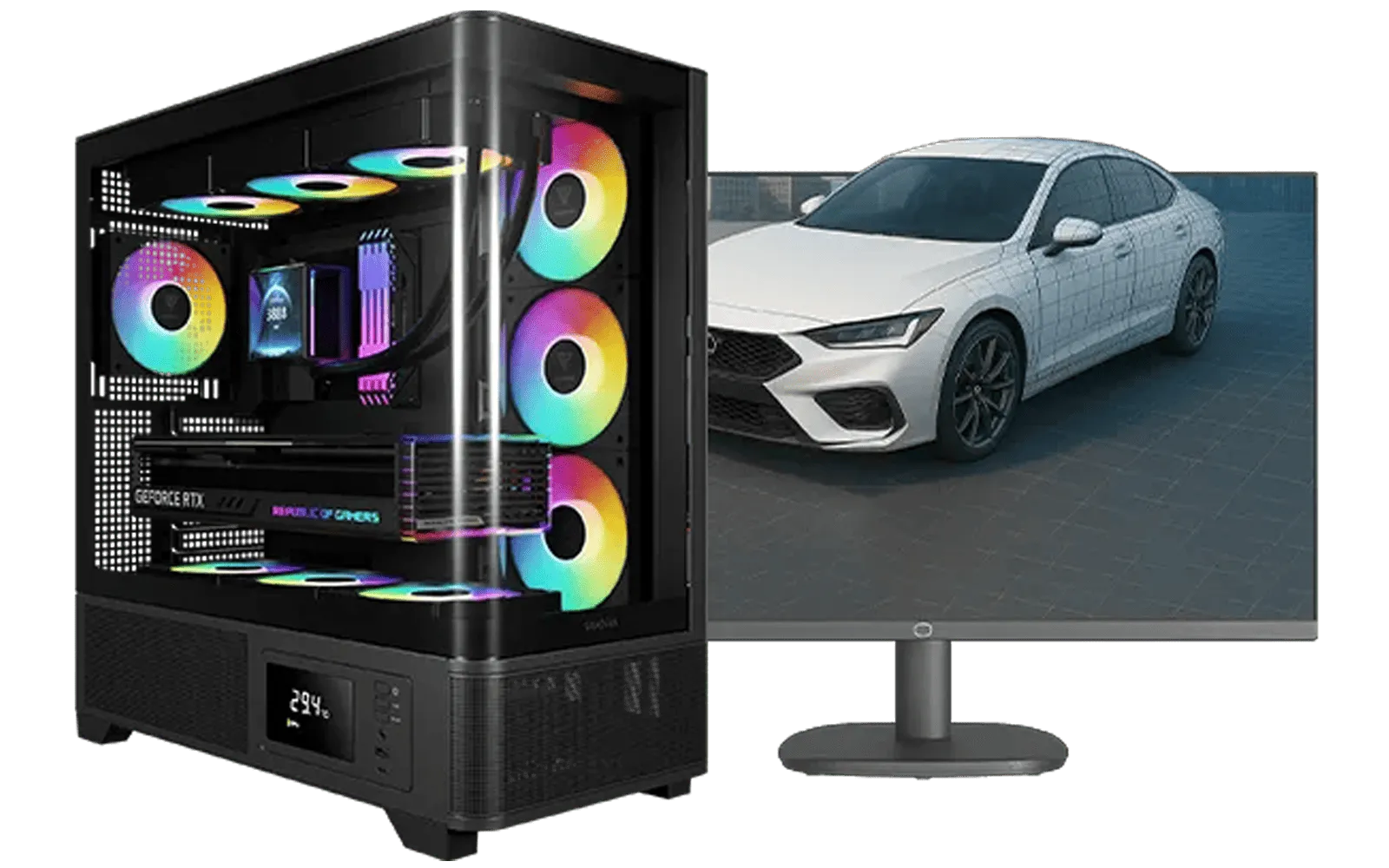
AMD RYZEN 7 5700 RTX Pro 2000 Workstation PC
R26669.00In Stock
Absolutely. Modern SFF components deliver incredible performance. With the right CPU, GPU, and cooling, a compact pc for video editing can easily handle 4K workflows.
The best SFF case balances size, airflow, and component compatibility. Look for cases with good ventilation and support for full-size GPUs and adequate cooling solutions.
Yes! Many SFF cases are designed to accommodate full-length, high-performance GPUs. Always check the case specifications for maximum GPU length and width before buying.
Thermal management in SFF builds is key. Use low-profile CPU coolers, case fans with good static pressure, and ensure clear airflow paths to keep components cool under load.
You'll need a Mini-ITX motherboard. These compact boards are feature-rich, often including high-speed connectivity essential for demanding video editing workflows.
They can be slightly more expensive. Mini-ITX motherboards and SFF power supplies sometimes carry a premium, but the space-saving benefits often outweigh the minor cost increase.











