



CH510 Cable Management: Clean & Efficient Build Tips
CH510 cable management made simple: follow step-by-step routing, tie-down and PSU techniques to create a tidy, airflow-friendly CH510 build. Learn quick tools and neat tips for a professional finish. 🧰✨
|
Loading tags...

So, you’ve got your hands on a DeepCool CH510... an excellent choice for a clean, powerful build. But before you start slotting in that beefy GPU, let's talk about the one thing that separates a good build from a great one: cable management. A tangled mess of wires doesn't just look sloppy; it can choke airflow and make future upgrades a nightmare. Ready to build a rig that looks as good as it performs? Let’s get it sorted. 🔧

GAMDIAS ATLAS E1 ATX Mid Tower PC Case, Real-time Monitor, Pre-install 3 x 120 mm ARGB Fans, Seamless Tempered Glass, Supports Motherboards up to ATX, High Airflow Side Vents, Black / ATLAS-E1
R1299.00In Stock

DeepCool MORPHEUS WH ATX+ Modular Airflow case, Single and Dual Chamber Configurations, Dual Status Display, Trinity 140mm ARGB Fans, Magnetic Mesh Filters, Type-C, 4x USB 3.0, White / MORPHEUS-WH
R3799.00In Stock

Fractal Design Pop Silent Black - Tempered Glass Clear Tint – Bitumen panel and sound-dampening foam – TG side panel - Three 120 mm Aspect 12 fans included - ATX Silent Mid Tower PC Case / FD-C-POS1A-02
R1899.00In Stock

Fractal Design Pop XL Air RGB Black Tempered Glass Clear Tint / Supports Motherboards up to E-ATX / Flexible Storage Support / Hidden Compartment / 3 x Pre-Installed ARGB Fans Included / FD-C-POR1X-06
R2499.00In Stock
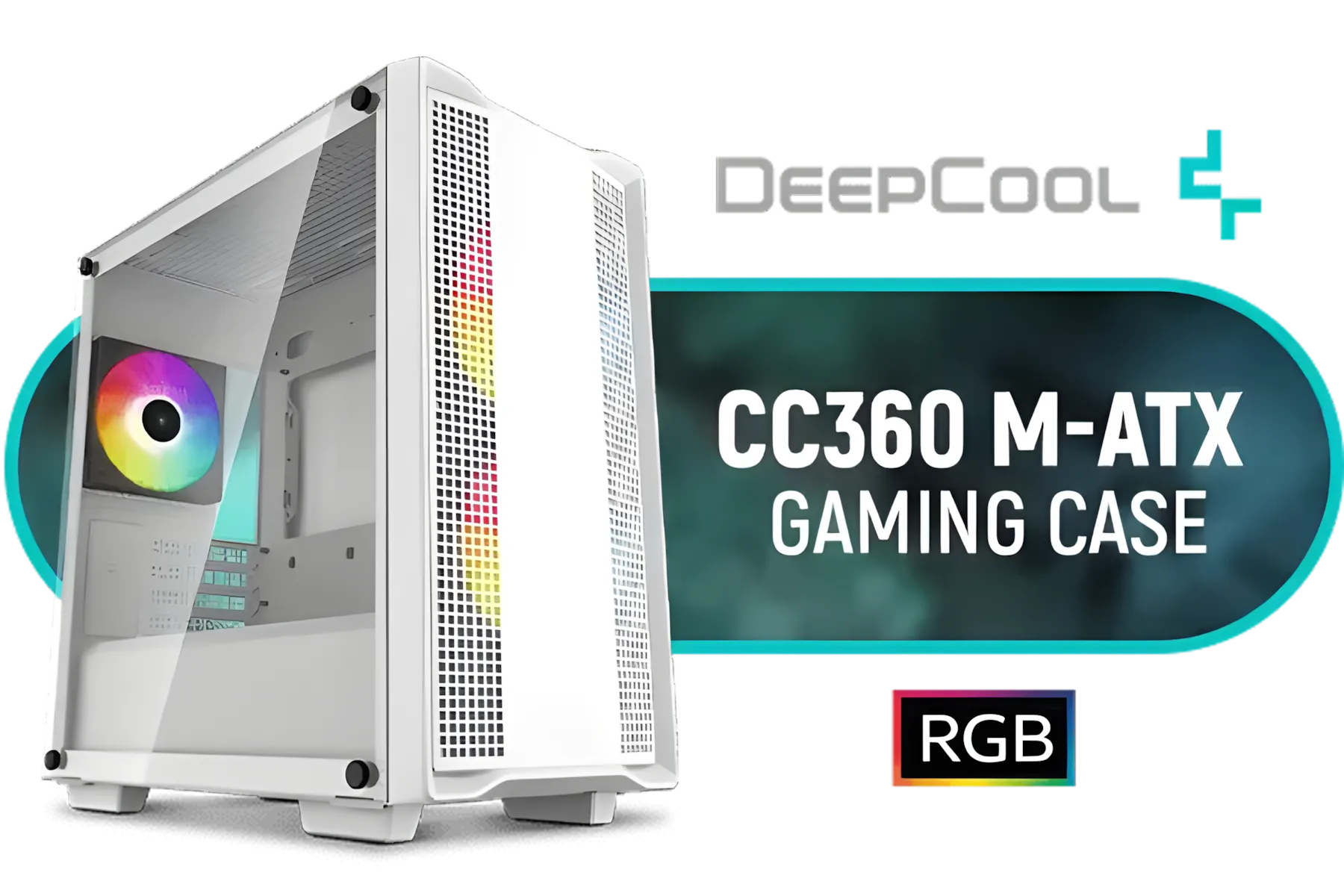
DeepCool CC360 M-ATX Airflow case, 3X Pre-Installed 120mm ARGB Fans, Tempered Glass Side Panel, Magnetic Top Mesh Filter, USB 3.0, White - CC360 ARGB WH
R699.00In Stock

Corsair iCUE 4000D RGB Airflow Mid-Tower Gaming E-ATX PC Case - 3X AF120 RGB Elite Fans - iCUE Lighting Node PRO Controller - Supports Motherboards up to E-ATX - High-Airflow Design - CORSAIR RapidRoute Cable Management System - True White / CC-9011241-WW
R2399.00In Stock
Mastering Your CH510 Cable Management
Effective cable management is about more than just aesthetics. A tidy case promotes better airflow, which can lead to lower component temperatures for your CPU and GPU. This means more stable performance when you’re deep in a competitive match or rendering a complex project. Plus, a well-managed case is a dream to work in, making cleaning and upgrades a breeze.
The good news? The CH510 is designed with this in mind, offering generous space and routing options that simplify the process. It's a great example of modern case design, but these principles apply across a wide range of computer cases available in South Africa today.
Your Step-by-Step Guide to a Flawless CH510 Build
Don't just stuff the cables in and hope for the best. A little bit of planning makes all the difference. Follow these steps for perfect CH510 cable management.
1. Plan Your Routes
Before a single component goes in, take a moment to visualise. Look at your motherboard and identify the key connection points: the 24-pin ATX power, 8-pin CPU power, PCIe power for your graphics card, and SATA connectors. The CH510 has well-placed cutouts; plan to route your cables through the nearest ones to keep them hidden behind the motherboard tray.
2. Leverage the Chassis Features
DeepCool gave the CH510 plenty of tools to help you out. You'll find ample space behind the motherboard tray and a series of integrated tie-down points. Use these! Group cables together and secure them flat against the chassis. These builder-friendly features are a common sight in quality chassis, including top offerings from brands like Cooler Master.
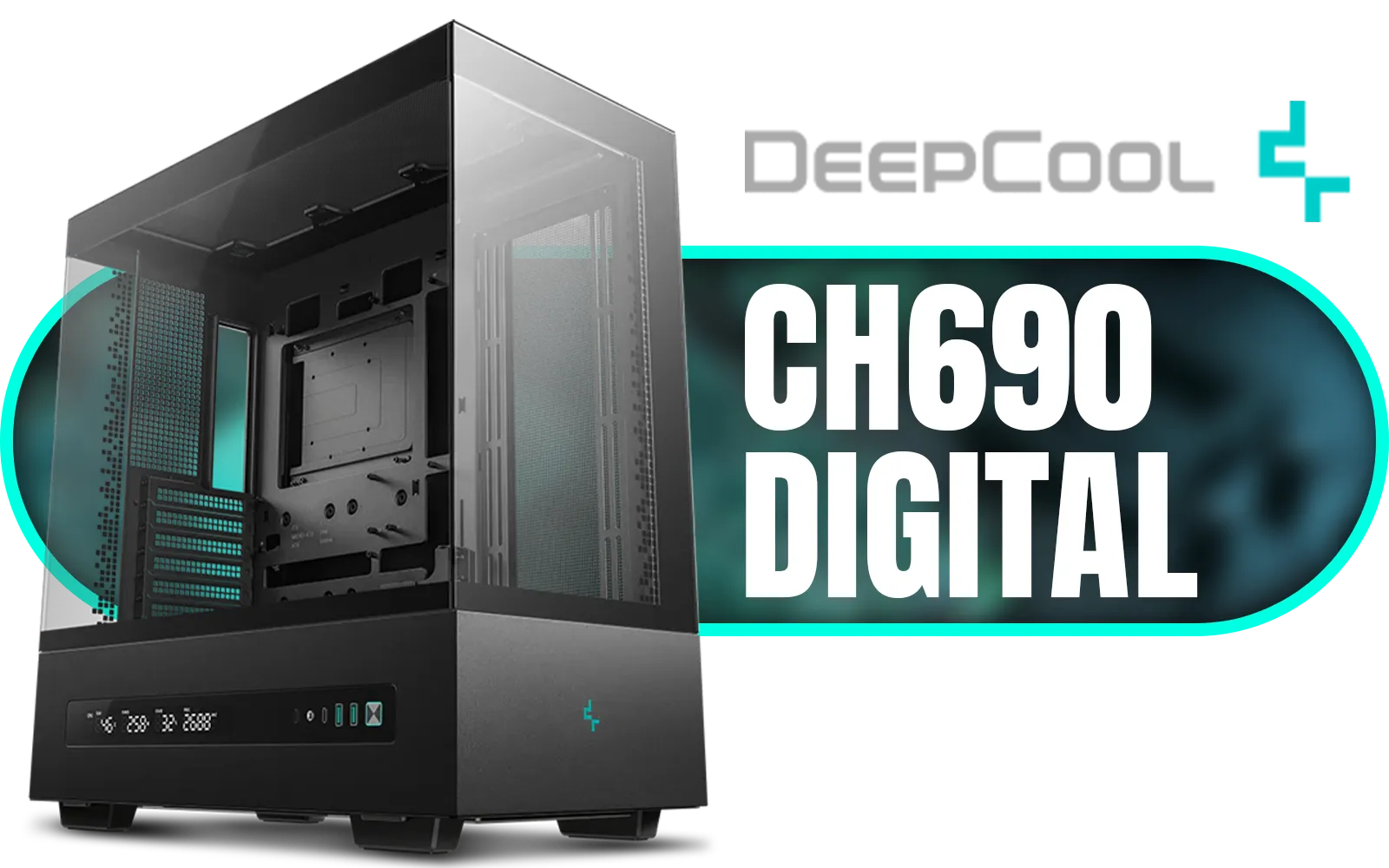
DeepCool CH690 DIGITAL PC Case – Black / Semi-Glass Panel Design / DIY Rear Mesh & Fan Bracket Support / Integrated Light Strip Slot / Supports Mini-ITX, Micro-ATX, ATX / 420mm Radiator Support / Digital Display / No Fans Included / CH690-DIGITAL
R1799.00In Stock

CORSAIR 9000D RGB AIRFLOW Super Full-Tower PC Case - White / InfiniRail™ fan mounting system / iCUE LINK System Hub Included / Supports up to 18x 120mm fans / No Fans Included / CC-9011274-WW
R8299.00In Stock
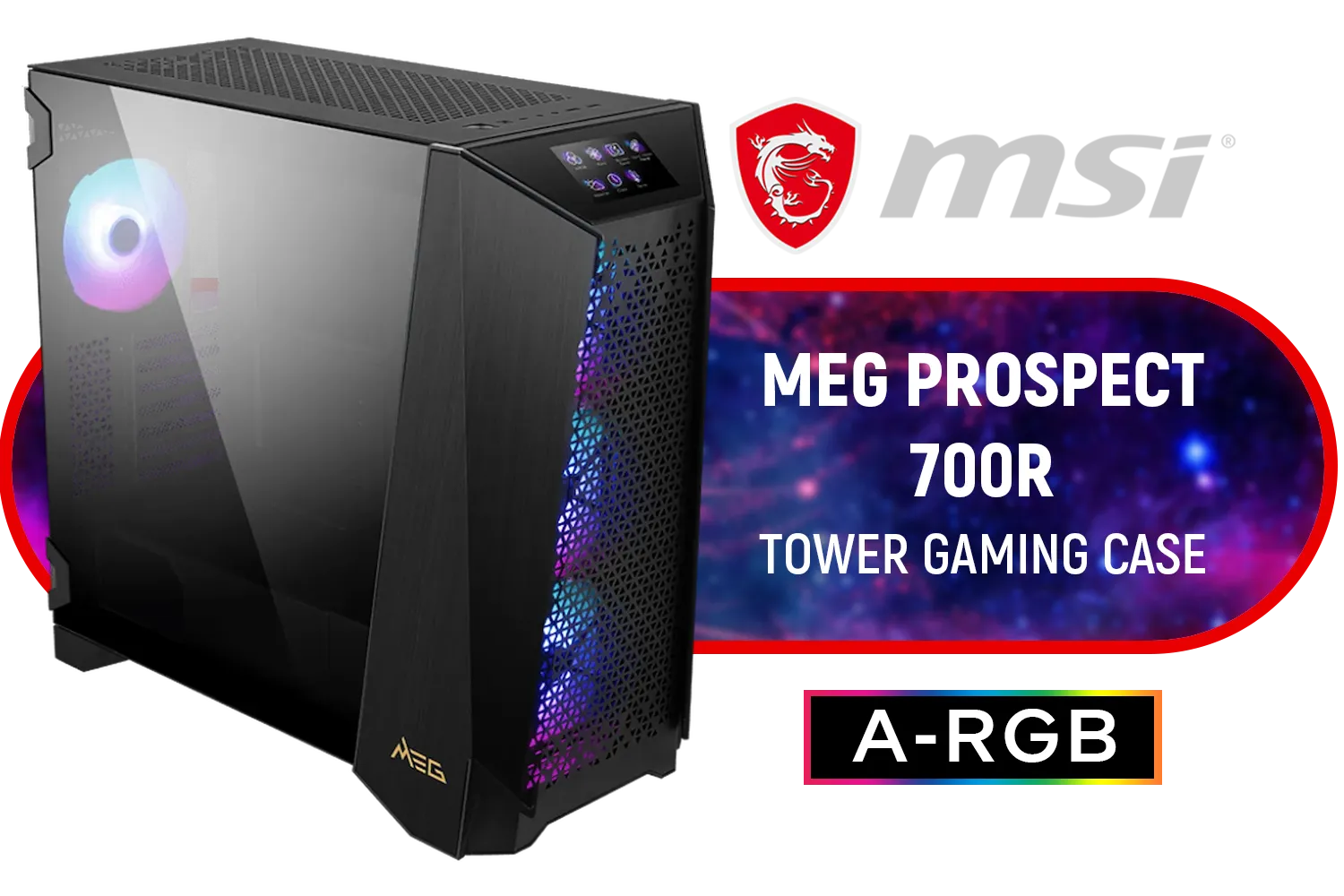
MSI MEG PROSPECT 700R Gaming Case / Mid-Tower Case Form Factor / EATX, ATX, M-ATX, ITX / Pre-installed 4x 140mm ARGB Fans / Tempered Glass / 306-7G15R21-W57
R6499.00In Stock
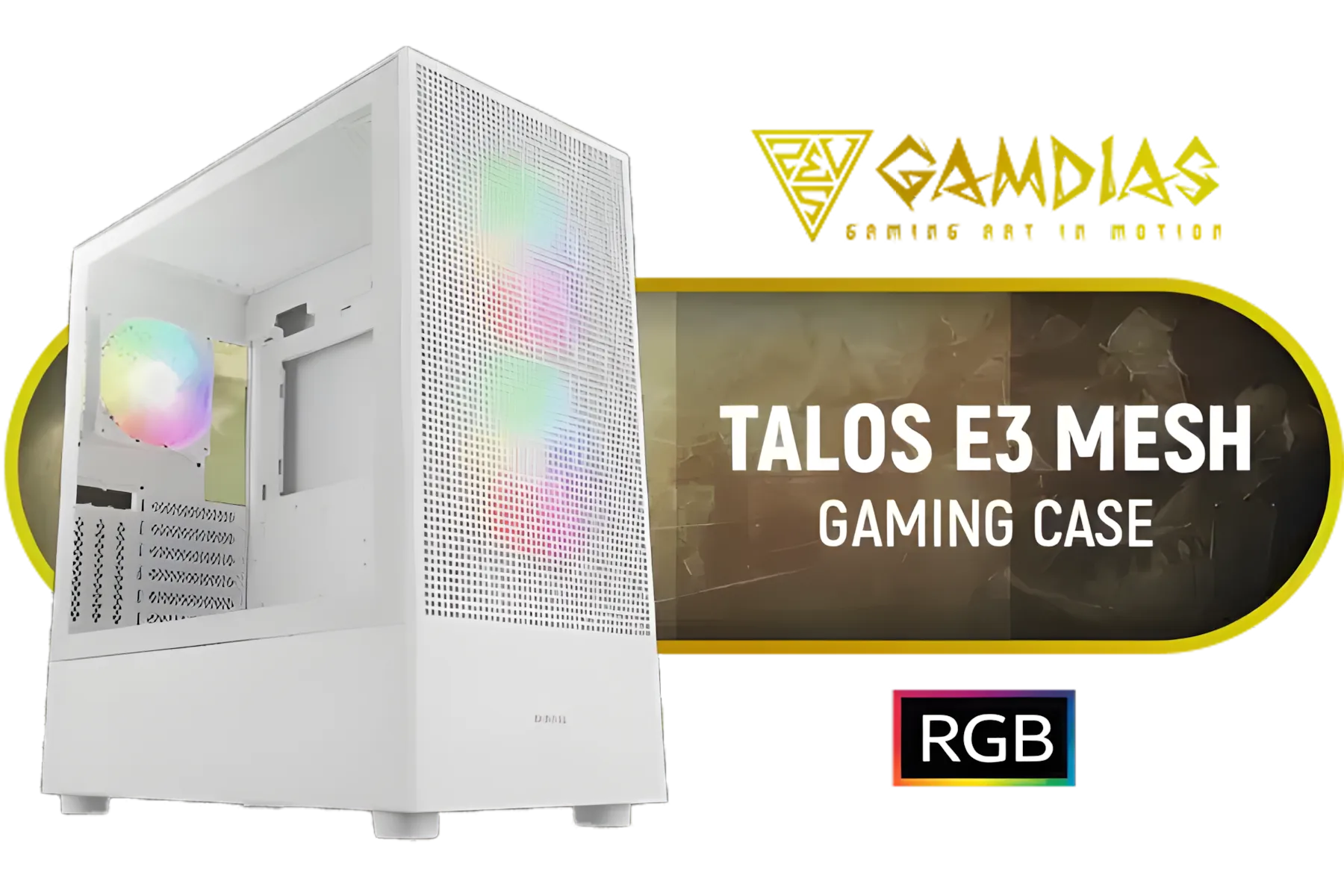
Gamdias TALOS E3 MESH Elite White ATX Gaming Case / Supports Motherboards up to ATX / Perforated Mesh Front Panel Provides Optimal Ventilation / 3 Built-in PWM ARGB Fans / TALOS-E3-MESH-Elite-WH
R1199.00In Stock
Fractal Design Pop Silent Black - Tempered Glass Clear Tint – Bitumen panel and sound-dampening foam – TG side panel - Three 120 mm Aspect 12 fans included - ATX Silent Mid Tower PC Case / FD-C-POS1A-02
R1899.00In Stock
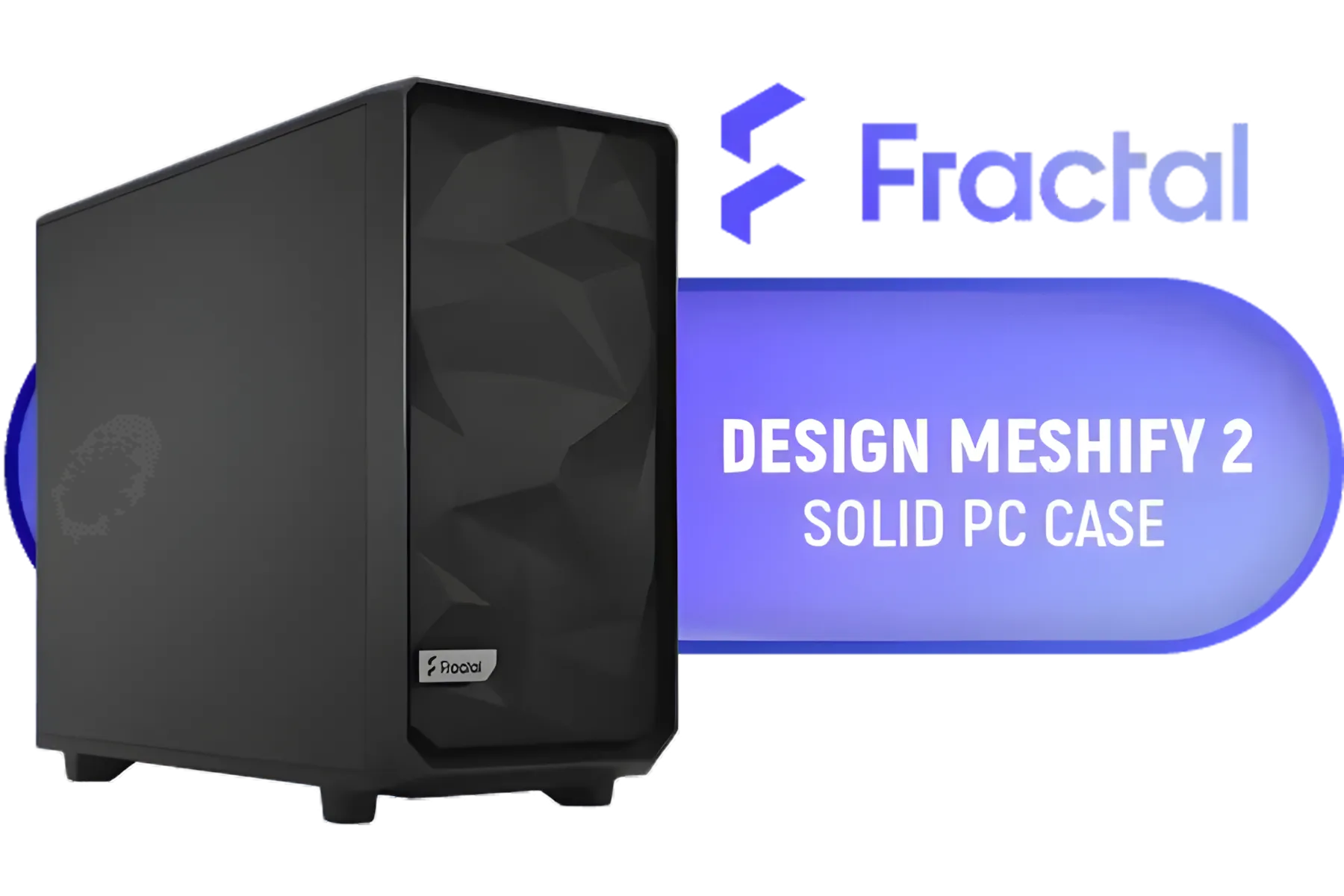
Fractal Design Meshify 2 Black ATX Flexible Mid Tower Computer Case - Stealth-inspired filtered airflow - Fits up to 285mm E-ATX - Fits Radiators Up to 420mm top - 2 x Pre-Installed Fans Included - FD-C-MES2A-01
R2499.00In Stock
3. Tackle the Power Supply Cables
The thickest, most stubborn cables come from your power supply unit (PSU). If you have a modular PSU, only connect the cables you absolutely need. Route the main 24-pin and CPU power cables first, as they are the least flexible. Getting the cable management in your CH510 right starts with taming these big ones.
TIP FOR YOU
Fan Hubs for the Win ✨
Taming multiple fan cables can be tricky. A simple PWM fan hub is a fantastic, affordable upgrade. It lets you connect all your case fans to a single point, which you can then hide easily. This drastically reduces the number of cables you need to route back to your motherboard, making your clean CH510 build look even more professional.
Advanced Tips for a Pro-Level Look
Once the main cables are sorted, it's the little details that elevate your build.
The thin, fiddly front panel connectors (power switch, USB, audio) can be tricky. Bundle them together with a small zip tie or a piece of electrical tape before routing them through the bottom-most cutout. This single step makes a huge difference. These techniques are vital in any build, but they become absolutely essential in compact cases like the Cooler Master E301 Mini Tower, where every millimetre of space counts.
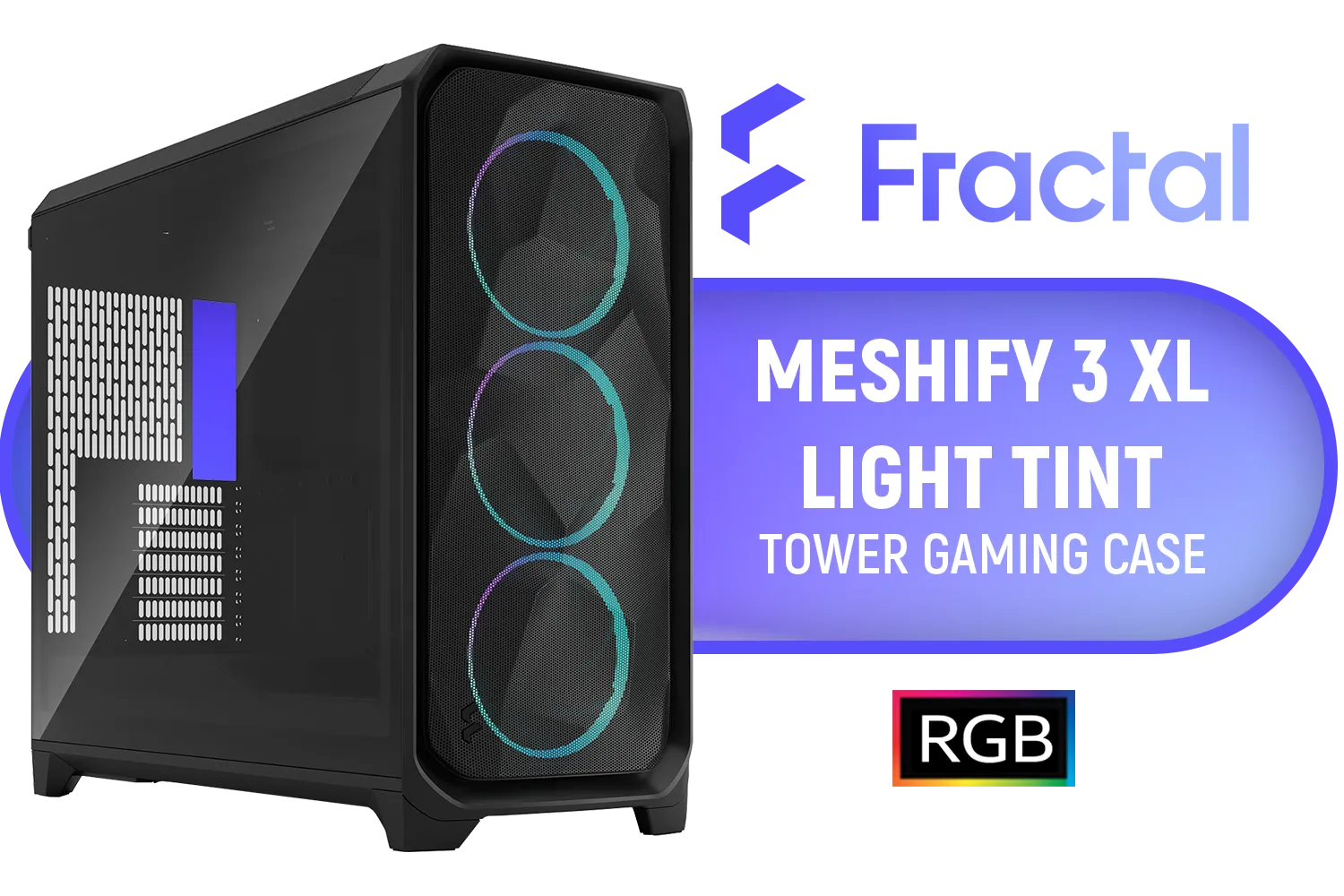
Fractal Design Meshify 3 XL Black RGB Tempered Glass Light Tint - High Airflow PC Gaming Case - Mesh Front Panel - Three ARGB Momentum 14 Gen 2 Fans Included - Spacious Interior - GPU up to 512mm / FD-C-MES3X-04
R3399.00In Stock

Corsair iCUE LINK 2500X RGB Micro ATX Dual Chamber PC Case - White / Compatible with reverse connector motherboards / Supports Motherboards up to Mini-ITX, Micro-ATX / iCUE LINK Fan Bundle included / Showcase glass panels / 4 horizontal Expansion slots / 2 x Pre-Installed Fans Included / CC-9011268-WW
R1899.00In Stock

Evetech TRIO Elite RGB Tempered Glass ATX Gaming Case / 6x Dual Ring RGB High-Speed PWM Fans Included / Support USB 3.0 & 2.0 / Syncs with MSI Mystic lighting & ASUS aura sync / 5mm Full Sized Tempered Glass / Optimized airflow / Supports 370mm (MAX) long Graphic Card installation
R2299.00In Stock

Fractal Design Define 7 Nano Black TG Light Tint / Mini ITX and Mini-DTX Motherboard Compatibility / Support GPU Up To 306mm / Guided Airflow / 1 x Pre-Installed Fans Included / FD-C-DEF7N-02
R1799.00In Stock
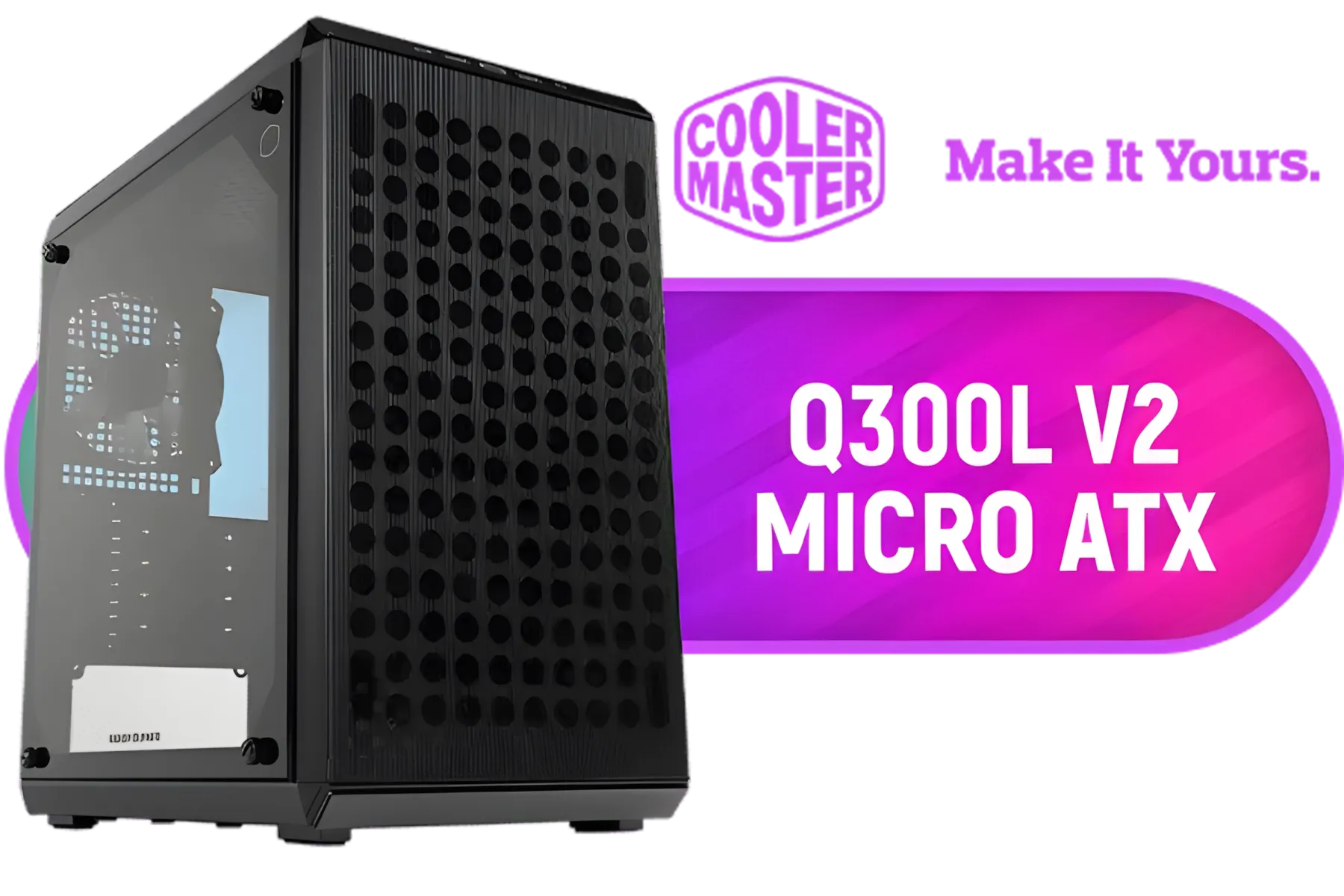
Cooler Master Q300L V2 ARGB Micro-ATX Tower, Magnetic Patterned Dust Filter, USB 3.2 Gen 2x2 (20GB), Tempered Glass Panel, CPU Coolers Max 159mm, GPU Max 360mm, Fully Ventilated Airflow, 1 x Pre-Installed Fan Included / Q300LV2-KGNN-S01
R1199.00In Stock

Corsair 4000D Airflow Tempered Glass Mid-Tower ATX Gaming Case - White / High-Airflow Front Panel / RapidRoute Cable Management / Supports Motherboards up to ATX / Two Included 120mm Fans(Non RGB) / Fits up to 6x 120mm or 4x 140mm Cooling Fans / Fits up to 2x SSDs and 2x HDDs / CC-9011201-WW
R1749.00In Stock
Similarly, planning your fan cable routes is crucial for a clean look, a principle that holds true whether you're working with a CH510 or exploring options from brands like GameMax. Taking a few extra minutes on these details pays off big time. 🚀
Ready to Build Your Clean Machine? A tidy PC isn't just for show... it's a cooler, more reliable rig. The DeepCool CH510 makes it easy, but the perfect build starts with the right foundation. Explore our massive range of PC components and find everything you need to house your dream setup.
Related Products

Gamdias Athena M6 Lite ATX Gaming Case - White / Sync with Motherboard / Supports Motherboards up to ATX / Triple-sided Underglow / 4 Built-in 120mm ARGB Fans / Mesh Front Panel / Perforated Chassis / ATHENA M6 LITE WH
R699.00In Stock

Fractal Design Meshify 2 Compact Lite RGB Black ATX Flexible Light Tinted Tempered Glass Window Mid Tower Computer Case - Radiator Support Up to 360mm - Angular Mesh Design - Up to 4 Drive Mounting Options - 4 x Pre-Installed ARGB Fans Included - FD-C-MES2C-06
R2899.00In Stock

Fractal Design Era 2 Midnight Blue, 2 x 120 mm or 2 x 140, GPU max length 326mm, ITX Motherboard Compatible / 1 x Pre-Installed Fan Included / FD-C-ERA2N-03
R1799.00In Stock

Fractal Design Define 7 Compact White Brushed Aluminum/Steel ATX Compact Silent Tempered Glass Window Mid Tower Computer Case - 2 x Pre-Installed Fans Included - FD-C-DEF7C-04
R2199.00In Stock
Gamdias TALOS E3 MESH Elite White ATX Gaming Case / Supports Motherboards up to ATX / Perforated Mesh Front Panel Provides Optimal Ventilation / 3 Built-in PWM ARGB Fans / TALOS-E3-MESH-Elite-WH
R1199.00In Stock

Cougar Duoface RGB Mid-Tower ATX Gaming Case - White / Tempered Glass Left Side Panel / 3 x Pre-Installed Fans Included / 385ZD10.0003
R1699.00In Stock
Plan routes, pre-fit components, route major cables behind the mobo tray, and use CH510 cable management tips like grouping and securing with ties.
Use reusable Velcro straps and thin zip ties; the best cable ties for CH510 balance strength for secure routing and flexibility for adjustments.
Yes. Route RGB strips behind the motherboard tray, bundle with Velcro, and apply CH510 RGB cable management to keep lighting tidy.
Keep cables away from intake paths, tuck bundles behind the tray, and follow clean CH510 pc build cable management to reduce obstruction.
Yes. Add 3D printed clips, custom cable channels, or a PSU shroud extension—common CH510 cable management mod choices.
Custom sleeved cables improve aesthetics and help routing—pair them with planned CH510 build cable routing and correct cable lengths.
Run GPU cables along case edges, use angled connectors or combs, and follow CH510 vertical GPU cable routing tips to avoid kinks.











