



CH510 Motherboard Upgrade: Expand Storage & Ports
CH510 motherboard upgrade guide shows compatible boards, M.2 and SATA storage options, and step-by-step tips to expand capacity and boost performance. 🔧💾
|
Loading tags...
Is your trusty PC feeling a bit cramped? You've got the games, the gear, but suddenly... no more space for that new NVMe SSD and not enough USB ports for your headset and stream deck. It’s a classic problem. Your CH510 motherboard is a solid starting point, but what if you need more? This guide is for every South African gamer looking to make a smart CH510 motherboard upgrade without breaking the bank. 🚀

Gamdias TALOS E3 Tempered Glass ATX Gaming Case - Black / Supports Motherboards up to ATX / 3 Built-in 120mm ARGB Fans / Magnetic Dust Filter / Support Sync with 5V ARGB Motherboard / TALOS-E3
R1099.00In Stock
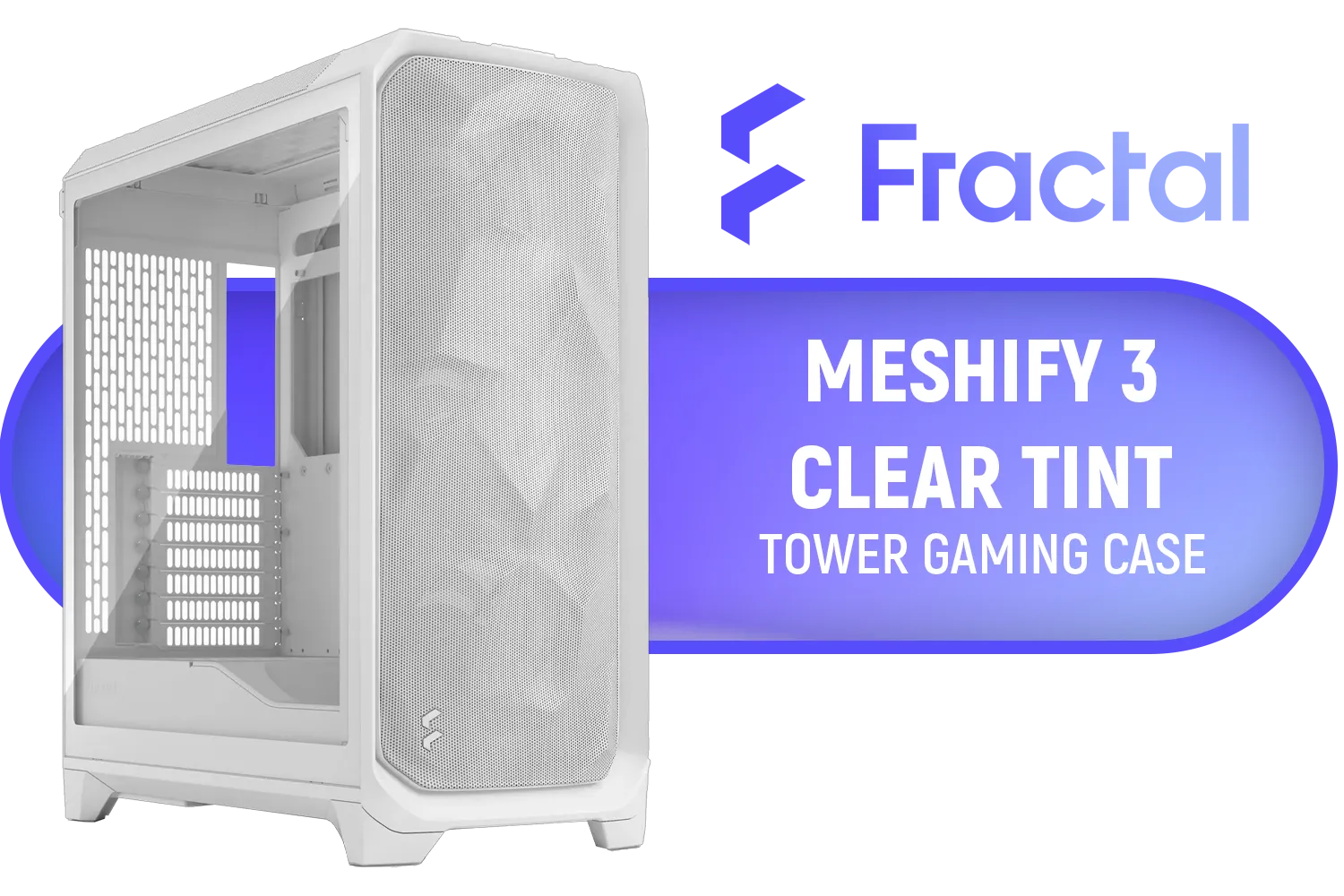
Fractal Design Meshify 3 Tempered Glass Clear Tint E-ATX Mid-Tower Gaming Cabinet Case with Three Pre-Installed GP-14 Fans and Detachable Front & Top Filter - White / FD-C-MES3A-04
R2699.00In Stock

Fractal Design Define 7 Mini Black - Light Tinted Tempered Glass - Brushed Aluminum/Steel Micro ATX Silent Window Mini Tower Computer Case - 2 x Pre-Installed Fans Included / FD-C-DEF7M-02
R2199.00In Stock

DEEPCOOL CG530 Black ATX Mid Tower Gaming Case / Tempered Glass / 4x 120mm ARGB Fans Pre-installed / CPU Cooler Support Up to 160mm / GPU Support Upto 410mm / 7x PCI Slot, 360mm Radiator Supported / Front I/O: 2x USB / 1x Type C / HD Audio / CG530-4F
R1299.00In Stock

Corsair 4000D Airflow Tempered Glass Mid-Tower ATX Gaming Case - White / High-Airflow Front Panel / RapidRoute Cable Management / Supports Motherboards up to ATX / Two Included 120mm Fans(Non RGB) / Fits up to 6x 120mm or 4x 140mm Cooling Fans / Fits up to 2x SSDs and 2x HDDs / CC-9011201-WW
R1749.00In Stock

GAMDIAS AURA GC10M Micro-ATX & MIni-ITX Mid Tower Gaming Computer PC Case with Side Tempered Glass, 3x 120mm ARGB Case Fans White / AURA-GC10M-ARGB-WH
R1299.00In Stock
Why Your CH510 Needs an Expansion Plan
The CH510 chipset offers a fantastic foundation for budget-to-mid-range builds. It's reliable and gets the job done. But as your game library grows and your peripheral collection expands, you'll likely hit its limits. The two most common bottlenecks are storage capacity and the number of available high-speed ports.
Instead of a full, costly replacement, a targeted expansion strategy focuses on adding capabilities around your existing board. This approach saves you ZAR and the headache of a complete system rebuild. It’s about working smarter, not harder, when upgrading a CH510 motherboard.
Expanding Your Storage: Beyond the M.2 Slot 💾
Most CH510 boards come with one M.2 slot for a super-fast NVMe SSD, which is great for your operating system and favourite games. But what happens when that fills up? Your next move is to leverage the SATA ports.

DeepCool CH270 Digital Micro-ATX Mini Tower Gaming Case - Black / Tempered Glass Side Panel / CPU Cooler Support Up to 174mm / Radiator Support Up to 360mm / Partial mesh for better airflow / No Fans Included / CH270-DIGITAL
R1399.00In Stock
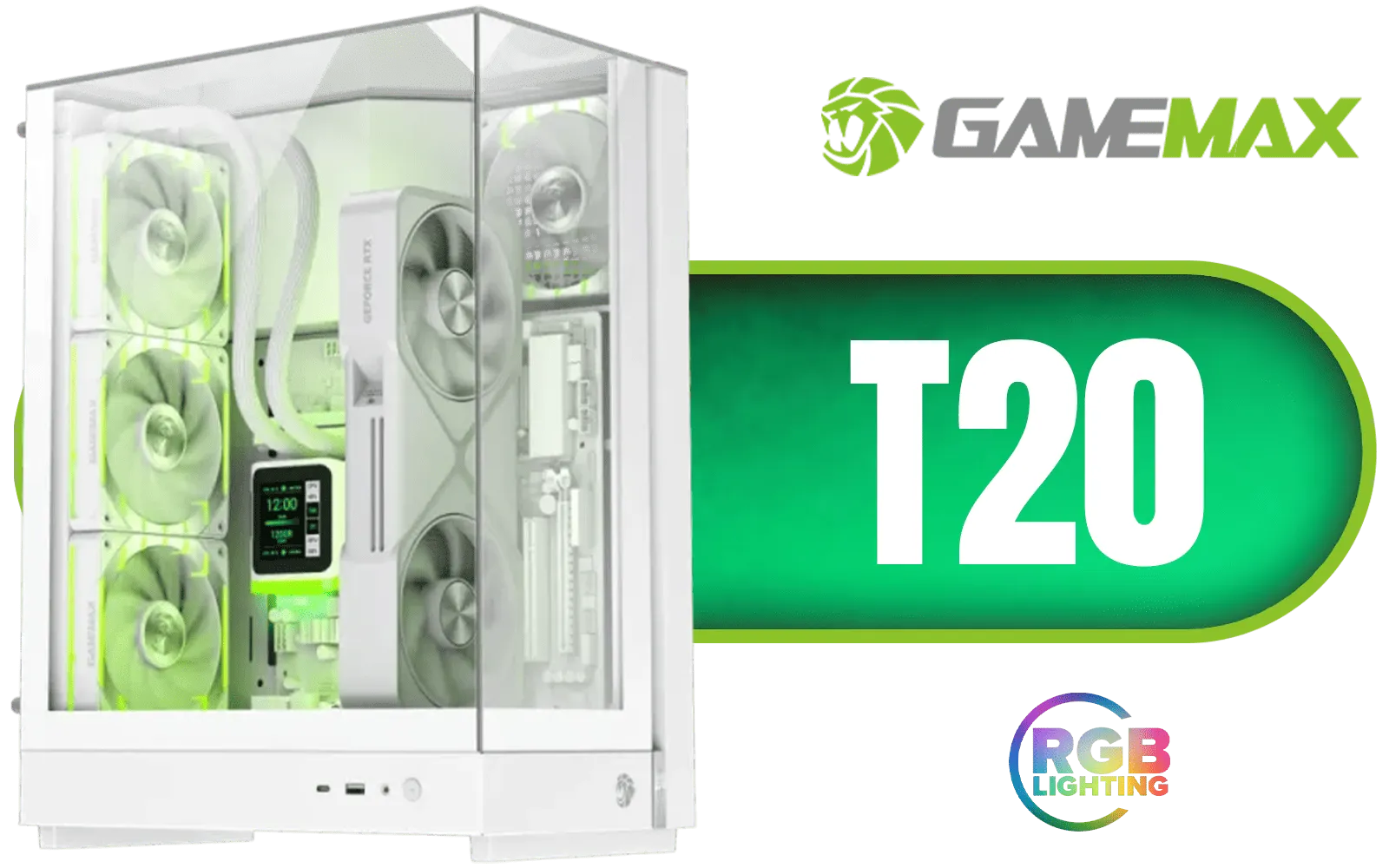
Gamemax T20 M-ATX Gaming Case - White / Three Sided Tempered Glass / Support 5×120mm Fan Mounts / 2 Pre-installed 120mm ARGB Fans / M-ATX (With BTF Support) , ITX Motherboard Support / SFX-L PSU Support / T20-WH
R1399.00In Stock

Antec AX85 ARGB Gaming Case - Black / Ripple Mesh Front Design / Tempered Glass Side Panel / ATX, Micro-ATX, Mini-ITX Support / 4 Pre-Installed 120mm ARGB Fans / 0-761345-10173-8
R1399.00In Stock

Xigmatek Aqua Ultra Air Mid Tower Gaming Case - Black / Supports Motherboards up to E-ATX / 430mm VGA Support / 7 x Pre-Installed ARGB Fans Included / EN41907
R2499.00In Stock

Gamemax T20 M-ATX Gaming Case - Black / Three Sided Tempered Glass / Support 5×120mm Fan Mounts / 2 Pre-installed 120mm ARGB Fans / M-ATX (With BTF Support) , ITX Motherboard Support / SFX-L PSU Support / T20-BK
R1299.00In Stock
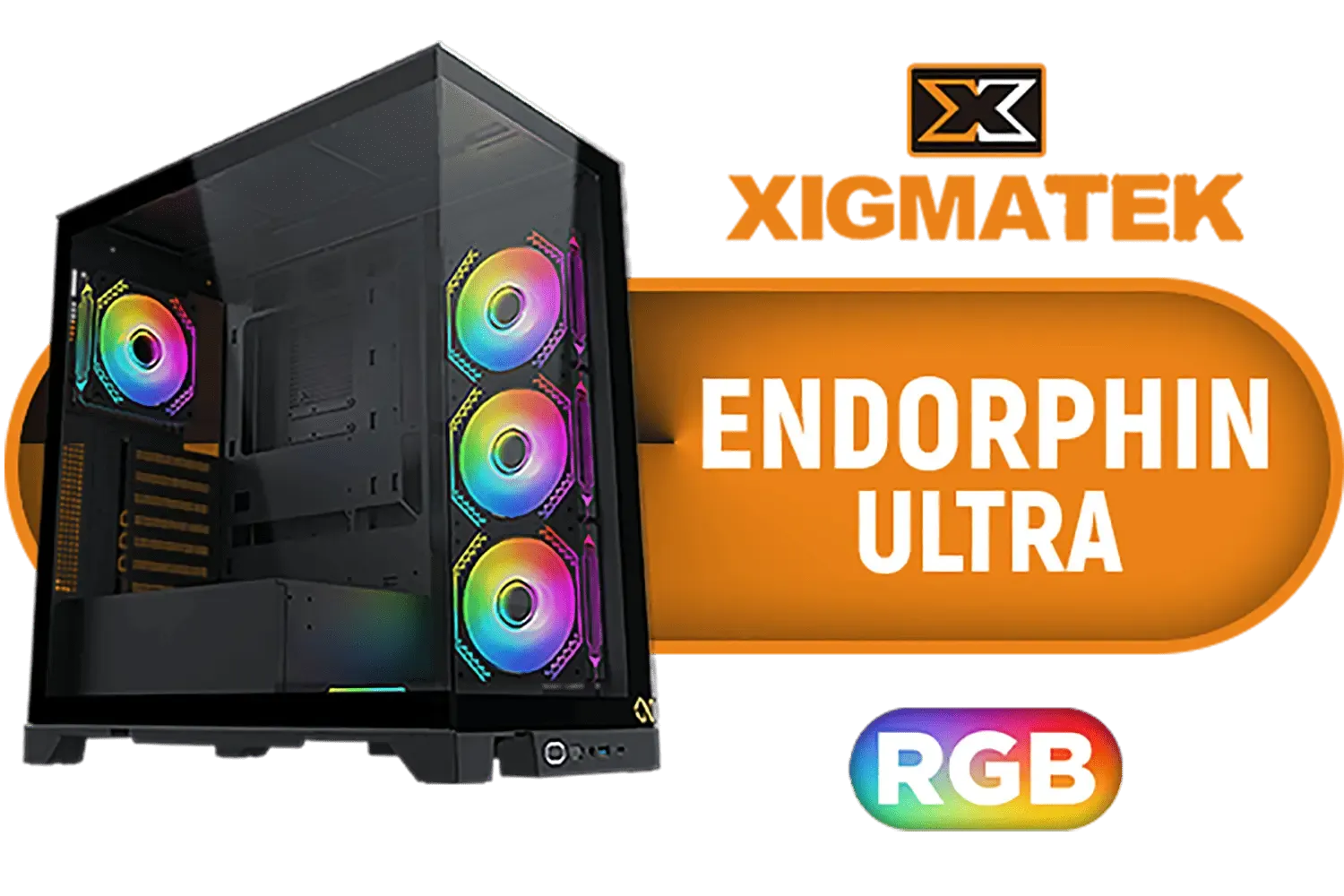
Xigmatek Endorphin Ultra RGB ATX Mid Tower Gaming Case - Black / 5 x Pre Installed ARGB Fans / EN41327
R2499.00In Stock
Leveraging SATA for More Space
Your CH510 motherboard has several SATA III ports, perfect for adding 2.5-inch SSDs or larger 3.5-inch HDDs.
- SATA SSDs: Excellent for storing your secondary game library. They offer speedy load times at a lower price per gigabyte than NVMe drives.
- HDDs (Hard Disk Drives): Ideal for mass storage... think game recordings, media files, and backups. You can get massive terabytes of space for a fraction of the cost.
This is the most straightforward storage expansion for your CH510.
TIP FOR YOU
Check Your Power! ⚡
Before buying new drives, pop open your case and check if your Power Supply Unit (PSU) has enough spare SATA power connectors. If you're running low, you might need a simple splitter cable or consider a PSU upgrade for future-proofing.
Adding More Ports: The Connectivity Boost You Need
Running out of USB ports is frustrating. Between your mouse, keyboard, headset, webcam, and controller, those rear I/O ports fill up fast. Luckily, a simple PCIe expansion card can solve this.
A USB 3.0/3.1 PCIe card slots directly into one of the smaller PCIe slots on your motherboard, instantly giving you several extra high-speed ports. It’s a quick and affordable fix that makes a massive difference to your daily setup. This simple addition is a core part of a successful CH510 motherboard upgrade plan.

Evetech RIX Mid-Tower ATX Gaming Case - Black / RGB LED Controller / Support USB 3.0 / Supports 7 Expansion Slot / 6 x Pre-Installed ARGB Fans Included / C1936B
R1999.00In Stock

Fractal Design Torrent Compact White - Clear Tint Tempered Glass Side Panel - Open Grille for Maximum air Intake - Two 180mm PWM Fans Included - Type C - ATX Airflow Mid Tower PC Gaming Case - FD-C-TOR1C-03
R2999.00In Stock

Fractal Design Meshify 2 Compact (Black Solid) Gaming Case, ATX, Angular Mesh Front, 3 Fans, Detachable Front Filter, USB-C - FD-C-MES2C-01
R1999.00In Stock

Fractal Design Mood Light Gray PC Case - Sleek Fabric Design, 180mm Top Fan, Conceals 325mm Graphics Card, m-ITX Motherboard Compatible, Easy Access Build, Efficient Cooling / FD-C-MOD1N-01
R2999.00In Stock
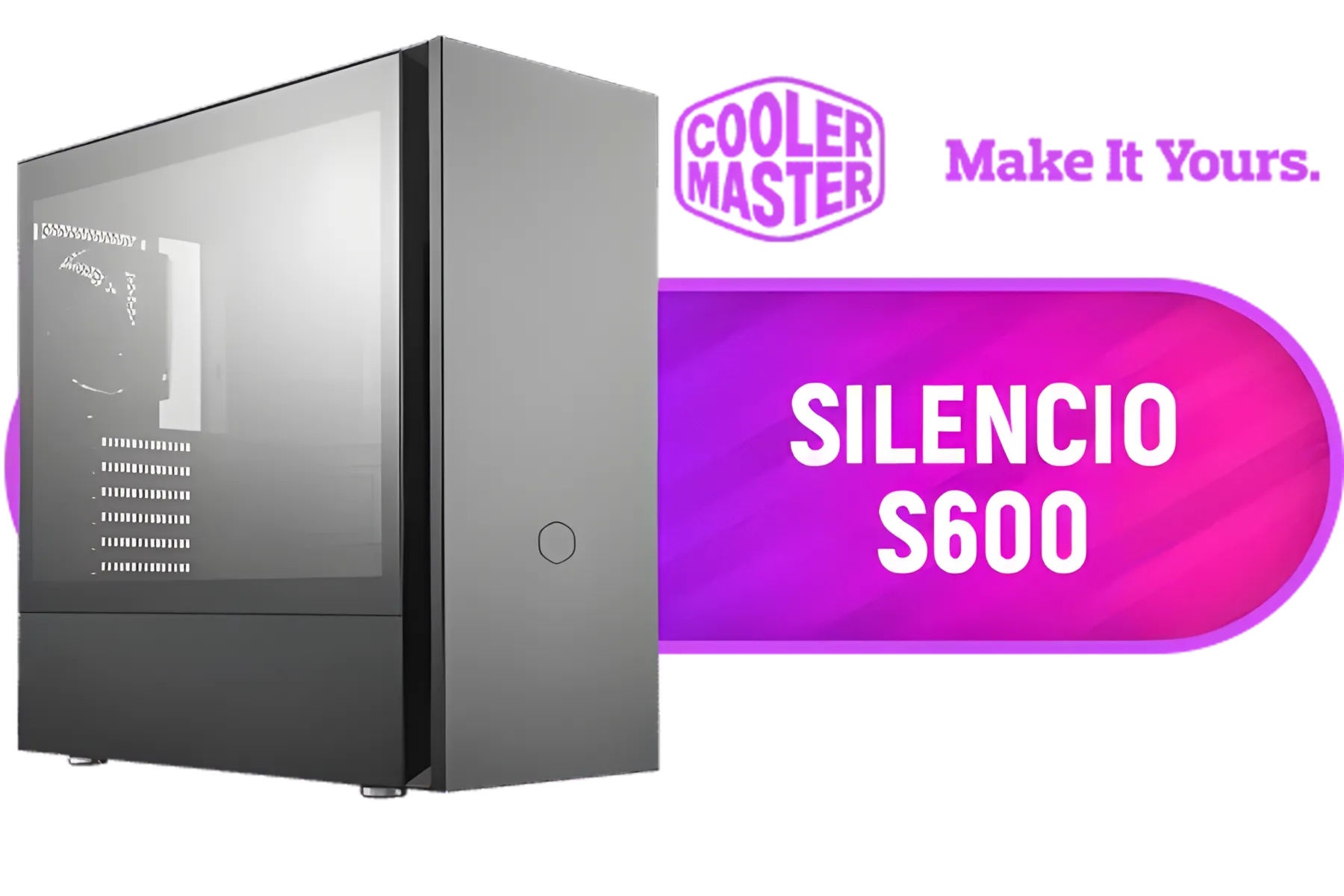
Cooler Master Silencio S600 ATX Gaming Case, Silencio Design, Two Silencio FP 120mm PWM fans, 2x USB 3.2 Gen 1,Sound Dampering Material / MCS-S600-KG5N-S00
R1999.00In Stock
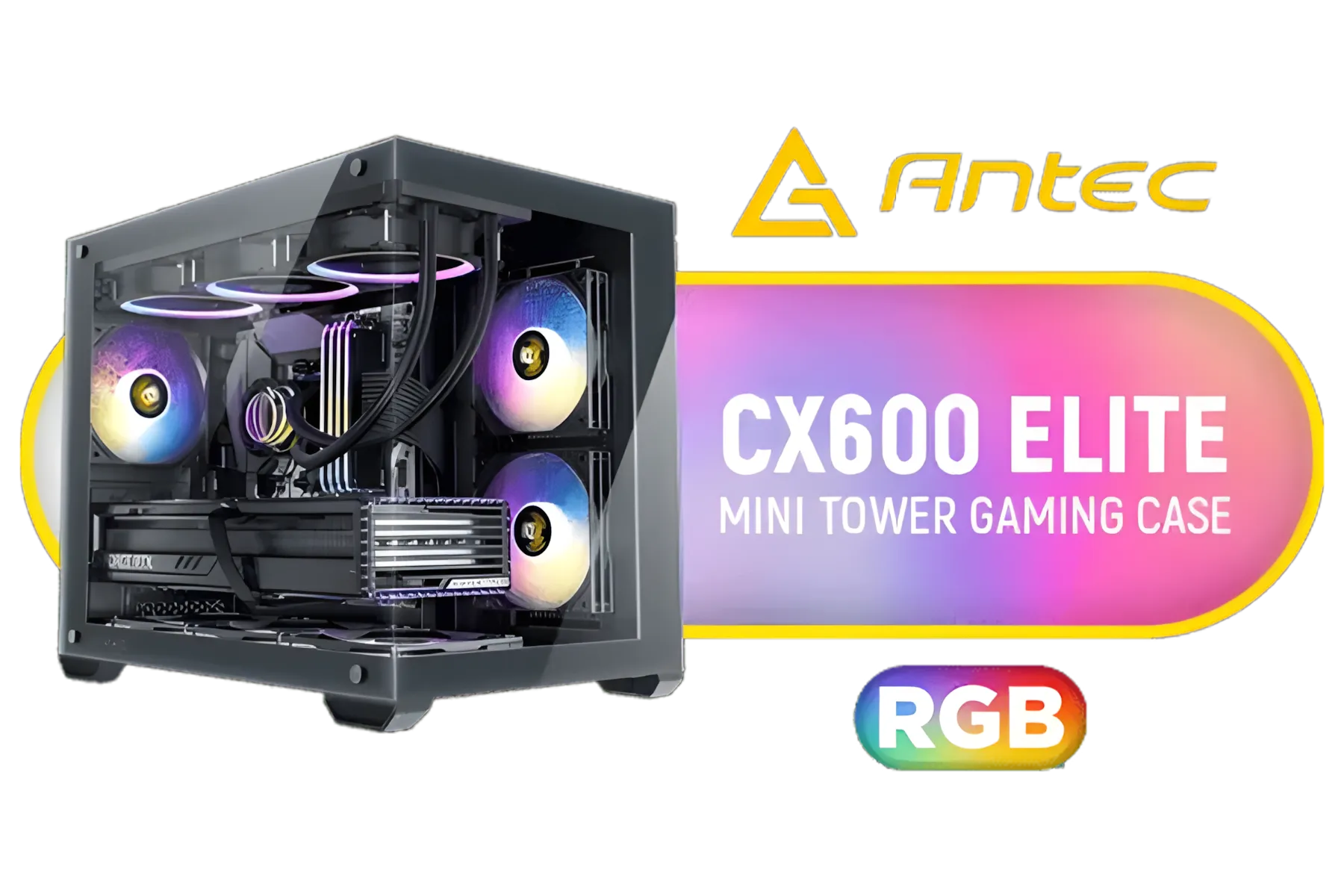
Antec CX600M RGB Gaming Case - Micro-ATX & ITX Motherboard Support - Support 2x Water Cooler - Dual Chamber - Panoramic 270° View, 3 x Pre-Installed Fans Included / 0-761345-10118-9
R1299.00In Stock
Does Your Case Have Room for an Upgrade? 🔧
All these new drives and cards need a home. Before you click "buy," take a look at your PC case. Does it have empty drive bays for new SSDs or HDDs? Is there good airflow to keep the new components cool? A cramped case can choke performance and make installation a nightmare.
If your current case is too small, a new chassis is one of the most satisfying upgrades you can make. It improves aesthetics, cooling, and makes future builds easier. For a compact but capable option, something like a Cooler Master E301 can offer great value. For those wanting more options from a trusted brand, exploring Cooler Master's full range of cases is a great place to start.
Of course, aesthetics matter too. Gamers looking for a specific look with RGB and tempered glass might find their perfect match among the stylish options from GameMax. No matter your preference, you can browse all our computer cases to find the one that fits your new, expanded setup. ✨
Ready to Unleash Your PC's Potential? A smart upgrade path is about making the right choices for your budget and goals. From motherboards to cases and everything in between, we've got the components you need to build your dream rig. Explore our massive range of PC components and start your next upgrade today.
Related Products
Evetech RIX Mid-Tower ATX Gaming Case - Black / RGB LED Controller / Support USB 3.0 / Supports 7 Expansion Slot / 6 x Pre-Installed ARGB Fans Included / C1936B
R1999.00In Stock
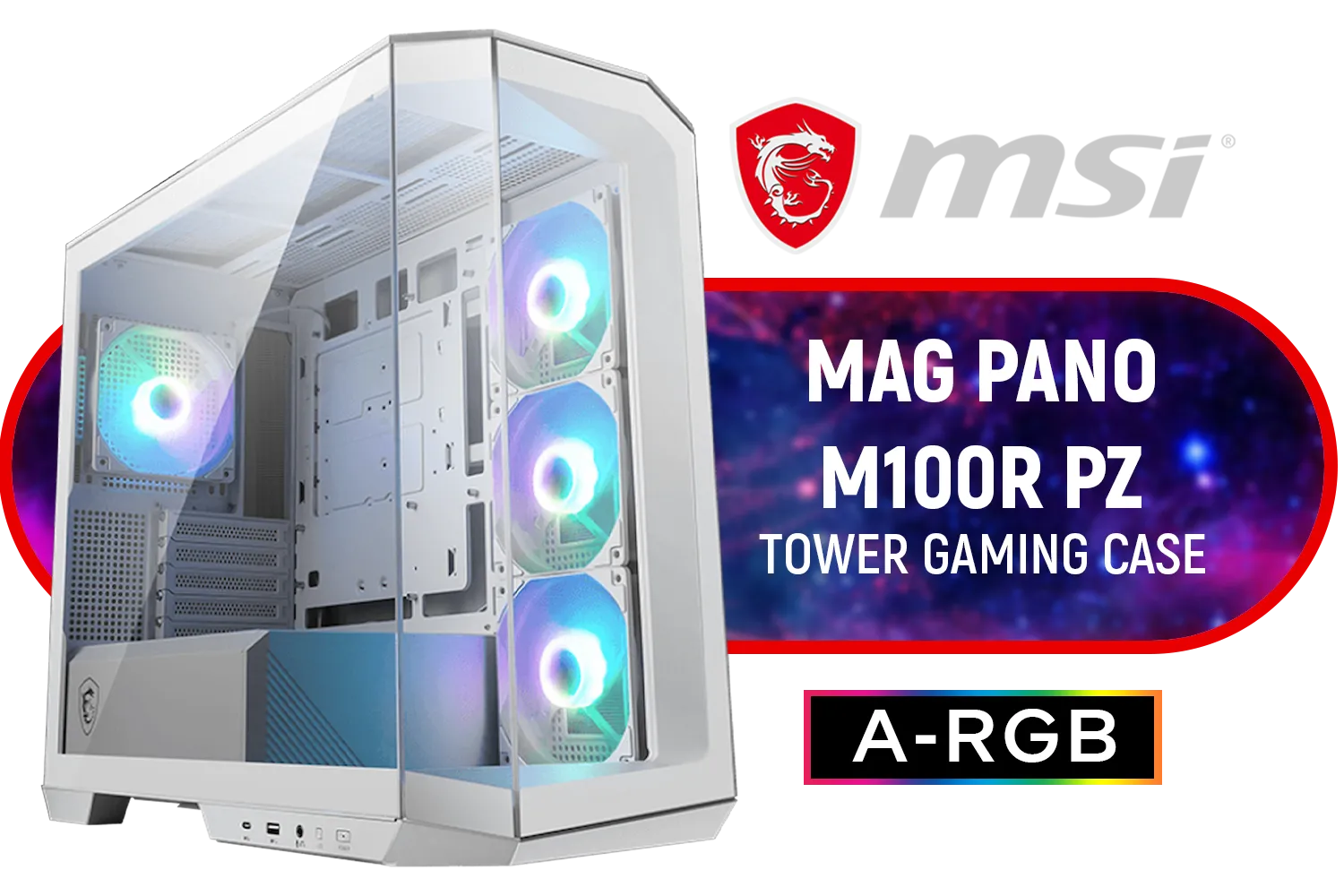
MSI MAG PANO M100R PZ Gaming Case - White / Micro-ATX Tower Case Form Factor / M-ATX (Back-connect supported), ITX / Pre-installed 3x 120mm (Reverse-blade), 1x 120mm ARGB Fans / Tempered Glass / 306-7G24W28-HH9
R1999.00In Stock

Xigmatek Duke RGB ATX Mid Tower Gaming PC Case (Black) / 4 x Pre Installed ARGB Fans / EN49158
R1199.00In Stock

Xigmatek Cubi M Mid Tower M-ATX Gaming Case - Black / Supports Motherboards up to M-ATX, Mini-ITX / 6 x Pre-Installed ARGB Fans Included / EN42799
R1399.00In Stock
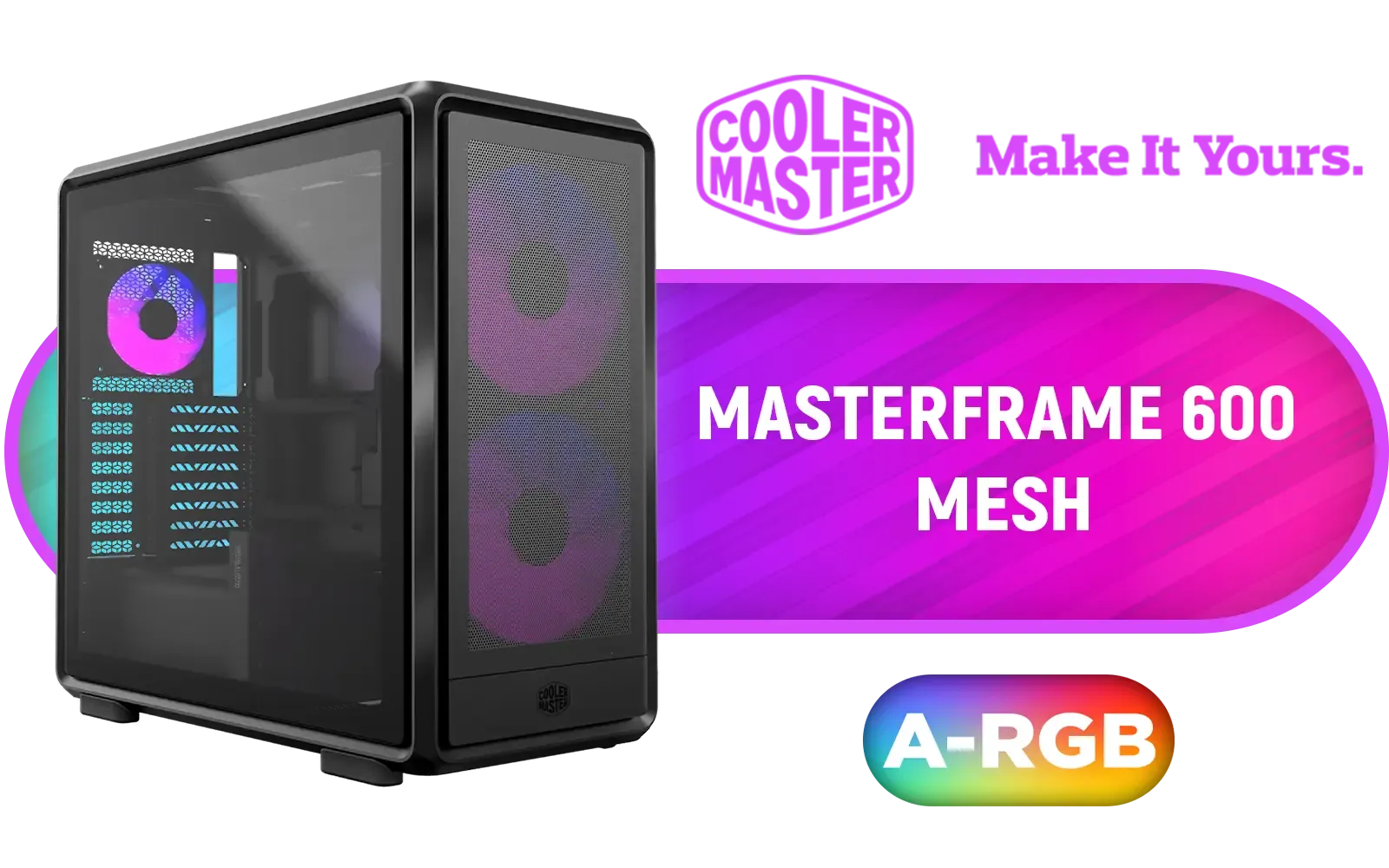
Cooler Master MasterFrame 600 Mesh ARGB Mid-Tower PC Case - Black / Tempered Glass Side Panel / Supports E-ATX Motherboards / FreeForm 2.0 Exo-Structure PC Case / Modular Open-Frame Design / 485mm GPU Clearance / Includes GPU Support Bracket / 2x SickleFlow 200 ARGB Pre-installed Fans / 1x SickleFlow 120 ARGB Pre-installed Fan / MF600M-KGNN-S01
R3299.00In Stock
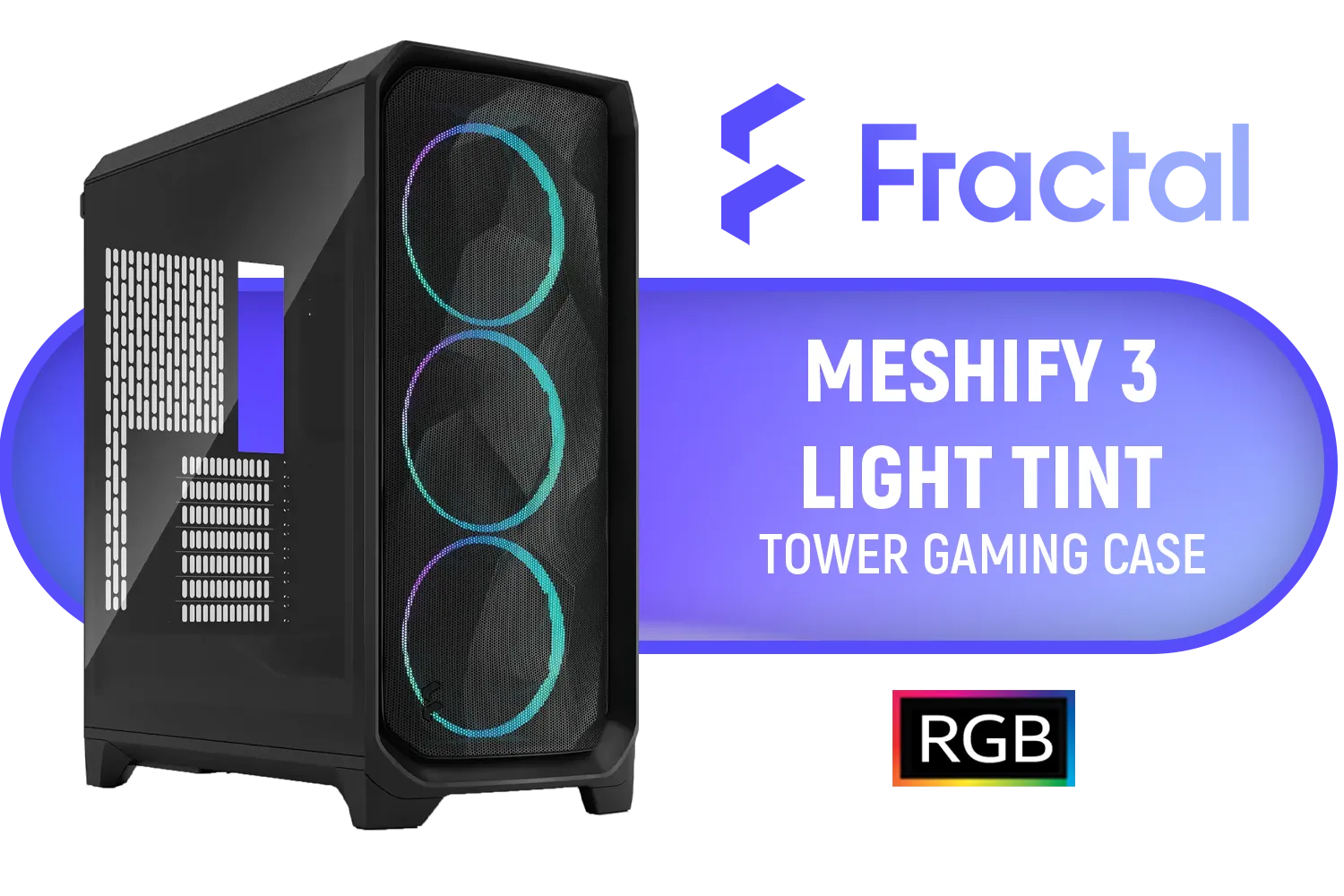
Fractal Design Meshify 3 RGB Black Tempered Glass Light Tint - High Airflow PC Gaming Case - Mesh Front Panel - Three ARGB Momentum 14 Gen 2 Fans Included - E-ATX/ATX/mATX Support / FD-C-MES3A-06
R2899.00In Stock
Check CH510 motherboard compatibility: mini ITX and some microATX boards fit depending on case standoffs and rear IO clearance.
Yes — a CH510 M.2 SSD upgrade is common; confirm the board has an M.2 NVMe slot and BIOS support for booting NVMe.
CH510 SATA expansion options depend on the chosen motherboard; many mini ITX boards offer 2-4 SATA ports or expand via HBA cards.
Often yes. Update BIOS to enable CH510 BIOS settings for NVMe boot support and improved drive compatibility before installing.
CH510 PCIe expansion options exist if the board has full-length PCIe slots; check case clearance and power delivery limits first.
Use M.2 NVMe for speed and compactness; M.2 and SATA storage options both work depending on budget and available ports.
Power down, ground yourself, remove panels, swap motherboard with matching standoffs, install drives (M.2 or SATA), then test boot.











