



Console vs PC Sim Racing Setup: The Ultimate Build Guide
Deciding between a console vs PC sim racing setup? 🏎️ We break down costs, hardware compatibility, and performance to help you build the perfect rig. From Direct Drive wheels to triple monitors, discover which platform takes the checkered flag! 🏁
|
Loading tags...

So, you’ve felt the pull. The roar of a V8 at Kyalami, the precision of a perfectly executed apex at Silverstone... it's calling your name. But before you hit the virtual tarmac, there's a crucial fork in the road: the classic console vs PC sim racing setup debate. Do you opt for the streamlined experience of a PlayStation or Xbox, or dive into the deep end with a fully customisable PC rig? 🔧
Let's cut through the noise. This guide will help you decide which path is right for your budget, your space, and your racing ambitions.
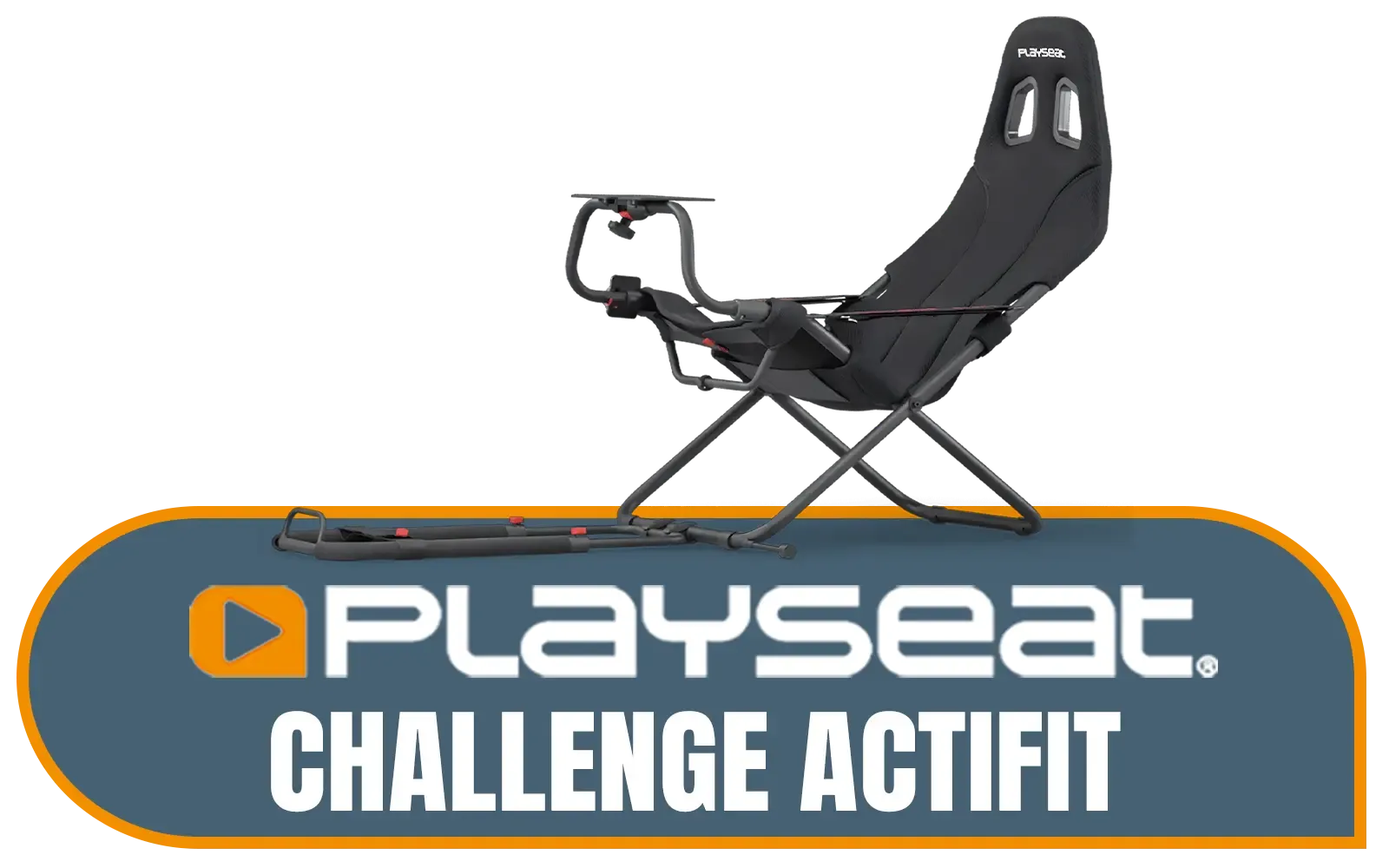
Playseat Challenge Actifit / Compatible With All Wheels, Pedals And All Consoles / Unique Foldable Design / It's Fully Adjustable / Multiple racing positions (GT, rally or F1) / RC.00312
R4599.00In Stock

Logitech G923 TRUEFORCE Sim Racing Wheel for Playstation AND PC. Features next gen force feedback, launch assist control, premium build, RPM indicator, on-wheel controls, progressive brake pedal / 941-000149
R8499.00In Stock
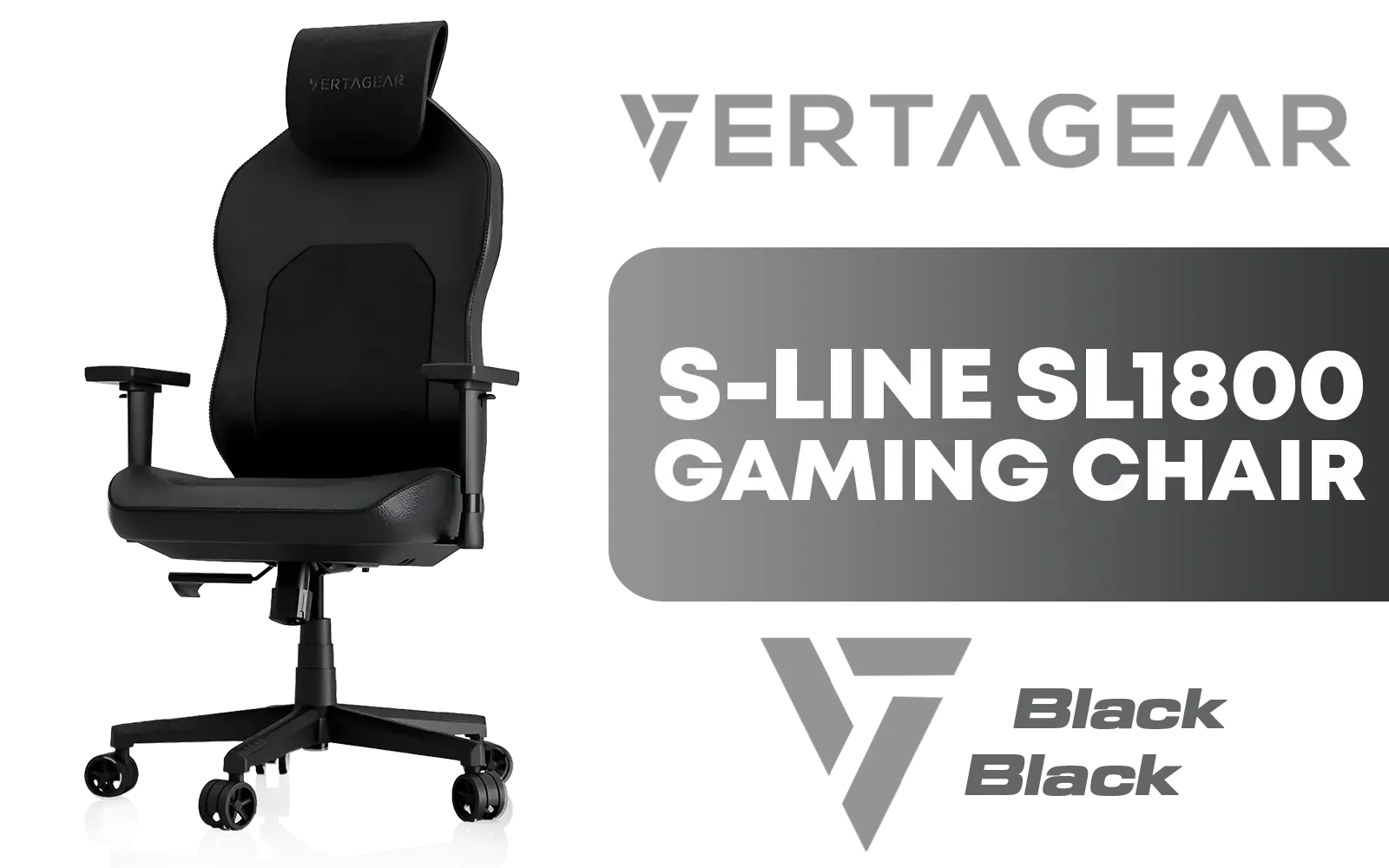
Vertagear Racing Series S-Line SL1800 Office Gaming Chair - Black / VG-SL1800_BK
R4499.00In Stock
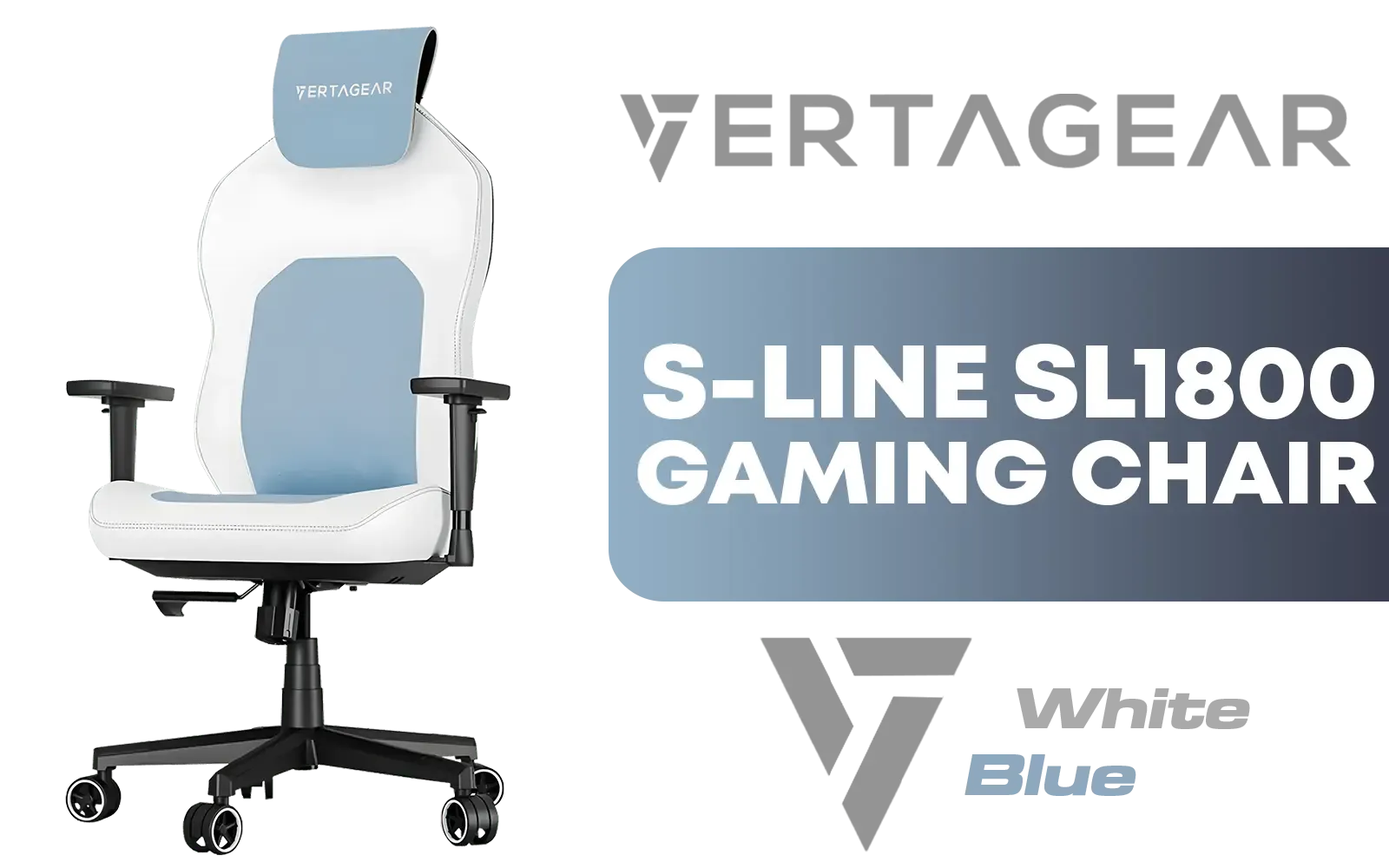
Vertagear Racing Series S-Line SL1800 Office Gaming Chair - White/Blue / VG-SL1800_BL
R4599.00In Stock

MARVO GT-903 Onaga 30 Racing Wheel For Playstation / XBOX And PC / Built-in Dual Vibration Motor / Compatible with PC, PS3, PS4, XBOX-ONE / XBOX360 / Android / Switch Consoles / GT-903
R699.00In Stock
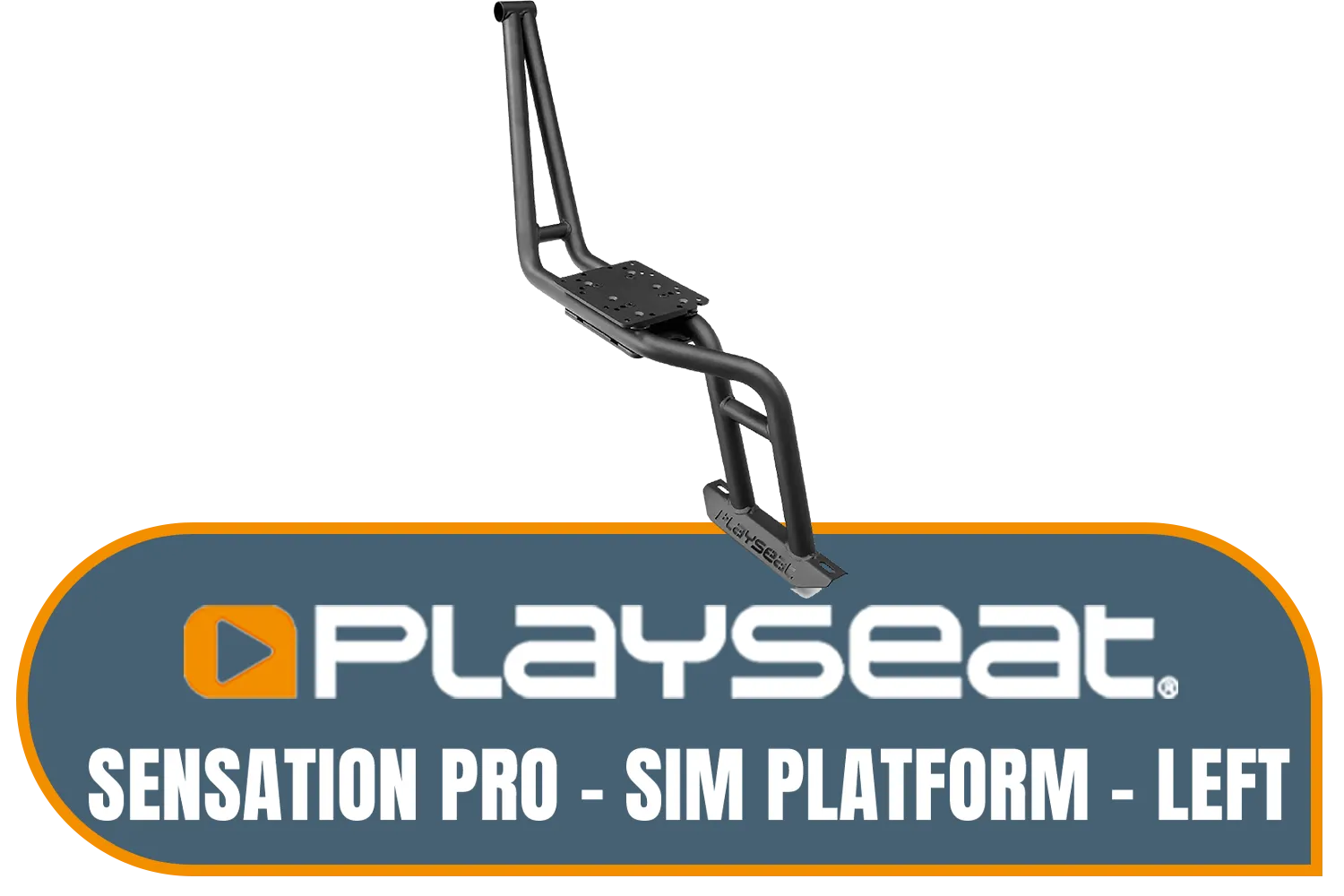
Playseat Sensation Pro - Sim Platform - Left / Works With The Playseat® Sensation Pro / Easy to Mount / Fully Adjustable / rac00252
R4299.00In Stock
The Console Sim Racing Setup: Plug-and-Play Power
For many South African gamers, a console is the most accessible entry point into sim racing. It's simple, relatively affordable, and gets you on the track fast.
The Pros of Console Racing
- Lower Initial Cost: A PlayStation 5 or Xbox Series X is significantly cheaper than a comparable gaming PC. You get a powerful machine ready to go, often for under R15,000.
- Ease of Use: There are no drivers to install or graphics settings to tweak. You plug in your wheel, launch a game like Gran Turismo 7 or Forza Motorsport, and you're racing in minutes. It just works.
- Guaranteed Compatibility: Peripherals designed for a specific console are guaranteed to be compatible, removing any guesswork.
The Cons to Consider
The biggest drawback is the walled garden. Your hardware choices are limited to what Sony or Microsoft officially license. You'll also miss out on the massive world of PC-exclusive sims and community-made mods that add endless new cars and tracks.
The PC Sim Racing Setup: The Ultimate Experience
If you crave realism, endless customisation, and the highest level of competition, a PC sim racing setup is the undisputed champion. This is the platform where the pros train and where the hobby can evolve into a serious passion. 🚀

Playseat® Trophy Pro Racing Seat - Developed with Race Drivers and Esports Athletes - Supports All Consoles and PC - Compatible with Direct Drive Wheels - Pedal Plate Optimized for Braking Force - Playseat® ActiFit™ Material for Breathability — Black / RAP00304
R14299.00In Stock

Playseat Tv Stand - PRO 3s
R5799.00In Stock
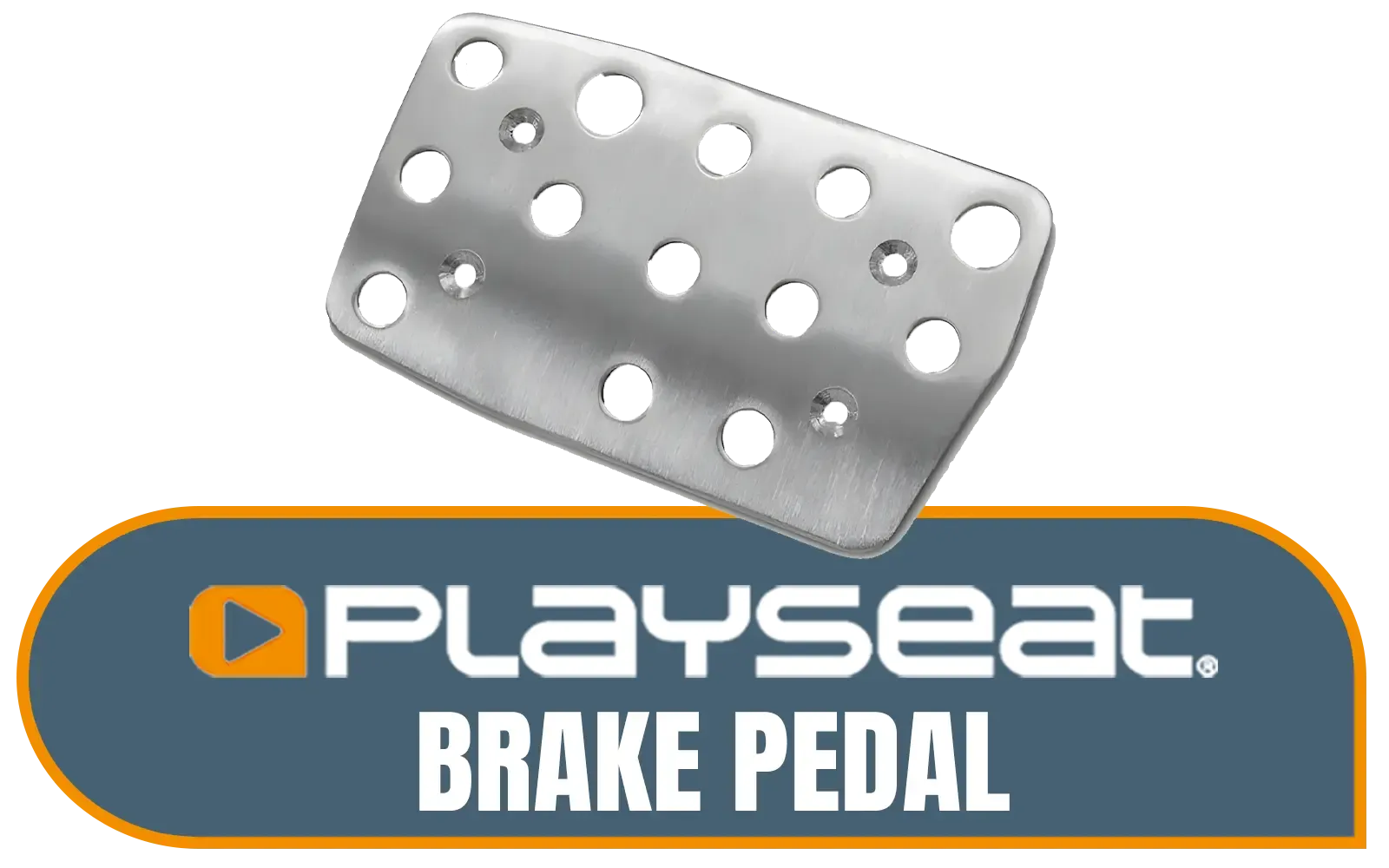
Playseat Brake Pedal / Enhanced Braking Control / Larger Brake Pedal Surface / Compatible with G25, G27, G29, G920 & G923 / Durable Stainless Steel Build / Easy Installation / RAC00166
R799.00In Stock
Vertagear Racing Series S-Line SL1800 Office Gaming Chair - Black / VG-SL1800_BK
R4499.00In Stock
![[Open Box] [BLACK/RED] Vertagear Racing Series S-Line SL3800 Gaming Chairs / 100KG Weight Limit / Easy Assembly / Adjustable Seat Height / VG-SL3800SE_BR](https://img.evetech.co.za/repository/ProductImages/vertagear-sl3800-gaming-chair-black-red-1800px-v3.webp)
[Open Box] [BLACK/RED] Vertagear Racing Series S-Line SL3800 Gaming Chairs / 100KG Weight Limit / Easy Assembly / Adjustable Seat Height / VG-SL3800SE_BR
R5599.00In Stock
![[BLACK/GREEN] Vertagear Racing Series S-Line SL3800 Gaming Chairs / 100KG Weight Limit / Easy Assembly / Adjustable Seat Height / VG-SL3800SE_MG](https://img.evetech.co.za/repository/ProductImages/vertagear-sl3800-gaming-chair-black-green-1500px-v1.webp)
[BLACK/GREEN] Vertagear Racing Series S-Line SL3800 Gaming Chairs / 100KG Weight Limit / Easy Assembly / Adjustable Seat Height / VG-SL3800SE_MG
R5799.00In Stock
Why PC Dominates the High-End
- Unmatched Hardware Freedom: Mix and match any wheel, pedal set, shifter, or handbrake you want. From entry-level gear to professional-grade direct drive wheels, the choice is yours. Brands like Thrustmaster offer a fantastic range of wheels and pedals that deliver incredible force feedback and precision.
- Massive Game Library: PC is home to hardcore simulators like iRacing, Assetto Corsa Competizione, and Richard Burns Rally. Plus, with mods, you can transform games into entirely new experiences.
- Total Visual Control: Want to run a triple-monitor setup for maximum peripheral vision? Or maybe an ultrawide monitor or even VR? A PC gives you the power and flexibility to create your dream visual experience.
The trade-off is a higher initial investment and a steeper learning curve. Building or choosing a PC and configuring your gear requires a bit more technical know-how, but the payoff is immense. For a complete overview of what's possible, check out Evetech's dedicated sim racing category.
TIP FOR YOU
Master Your Field of View (FOV) ⚡
Your FOV setting is the single most important adjustment for realism. A correct FOV makes judging braking points and apexes far more intuitive. Don't just use the default setting! Use an online FOV calculator. You'll need to measure your screen size and your distance from it. Getting this right feels like putting on prescription glasses for the first time—everything just clicks into place.
Building Your Rig: Core Components
Regardless of your platform, a few key pieces of hardware will define your experience.
The Cockpit: Your Racing Foundation
You can start by clamping your wheel to a desk, but you'll quickly notice flex and instability under heavy braking or sharp turns. A dedicated cockpit is a massive upgrade. It provides a rock-solid mounting platform for all your gear and puts you in an authentic racing position. A sturdy rig from a brand like Playseat eliminates wobble and ensures all your force feedback is translated to you, not lost in a shaking desk.
Vertagear Racing Series S-Line SL1800 Office Gaming Chair - Black / VG-SL1800_BK
R4499.00In Stock
![[BLACK/WHITE] Vertagear Racing Series P-Line PL4800 Gaming Chairs / 163KG Weight Limit / Easy Assembly / Adjustable Seat Height / VG-PL4800SE_WT](https://img.evetech.co.za/repository/ProductImages/vertagear-pl4800-gaming-chair-black-white-1800px-v002.webp)
[BLACK/WHITE] Vertagear Racing Series P-Line PL4800 Gaming Chairs / 163KG Weight Limit / Easy Assembly / Adjustable Seat Height / VG-PL4800SE_WT
R8199.00In Stock
![[BLACK/RED] Vertagear Racing Series S-Line SL5800 Gaming Chairs / 113KG Weight Limit / Easy Assembly / Adjustable Seat Height / VG-SL5800SE_BR](https://img.evetech.co.za/repository/ProductImages/vertagear-sl5800-gaming-chair-black-red-1800px-v2.webp)
[BLACK/RED] Vertagear Racing Series S-Line SL5800 Gaming Chairs / 113KG Weight Limit / Easy Assembly / Adjustable Seat Height / VG-SL5800SE_BR
R6999.00In Stock
Playseat® Trophy Pro Racing Seat - Developed with Race Drivers and Esports Athletes - Supports All Consoles and PC - Compatible with Direct Drive Wheels - Pedal Plate Optimized for Braking Force - Playseat® ActiFit™ Material for Breathability — Black / RAP00304
R14299.00In Stock
![[BLACK/WHITE] Vertagear Racing Series P-Line PL6800 Gaming Chairs / 181KG Weight Limit / Easy Assembly / Adjustable Seat Height / VG-PL6800SE_WT](https://img.evetech.co.za/repository/ProductImages/vertagear-pl6800-gaming-chair-black-white-1800px-v002.webp)
[BLACK/WHITE] Vertagear Racing Series P-Line PL6800 Gaming Chairs / 181KG Weight Limit / Easy Assembly / Adjustable Seat Height / VG-PL6800SE_WT
R7799.00In Stock
![[BLACK/WHITE] Vertagear Racing Series S-Line SL3800 Gaming Chairs / 100KG Weight Limit / Easy Assembly / Adjustable Seat Height / VG-SL3800SE_WT](https://img.evetech.co.za/repository/ProductImages/vertagear-sl3800-gaming-chair-black-white-1800px-v2.webp)
[BLACK/WHITE] Vertagear Racing Series S-Line SL3800 Gaming Chairs / 100KG Weight Limit / Easy Assembly / Adjustable Seat Height / VG-SL3800SE_WT
R5599.00In Stock
The Verdict: Which Sim Racing Setup is for You?
So, how do you choose in the console vs PC sim racing setup battle? It boils down to your goals.
- Choose a Console Setup if: You're a casual racer, want a plug-and-play experience, have a tighter budget, and primarily play titles like Gran Turismo or Forza.
- Choose a PC Setup if: You demand the highest realism, want endless hardware and software customisation, plan to compete online seriously, and see sim racing as a long-term hobby. ✨
The journey from gamer to sim racer is an exciting one. Start with the platform that fits your needs today, knowing there's always a clear upgrade path waiting when you're ready to chase that final tenth of a second.
Ready to Build Your Dream Rig? The console vs PC debate is all about your goals. But for the ultimate in realism, customisation, and performance, a PC-based rig is the undisputed champion. Explore our complete range of sim racing gear and start your journey to the top of the podium today.
Related Products
![[BLACK/BLUE] Vertagear Racing Series P-Line PL4800 Gaming Chairs / 163KG Weight Limit / Easy Assembly / Adjustable Seat Height / VG-PL4800SE_MB](https://img.evetech.co.za/repository/ProductImages/vertagear-pl4800-gaming-chair-black-blue-1800px-v2.webp)
[BLACK/BLUE] Vertagear Racing Series P-Line PL4800 Gaming Chairs / 163KG Weight Limit / Easy Assembly / Adjustable Seat Height / VG-PL4800SE_MB
R7999.00In Stock
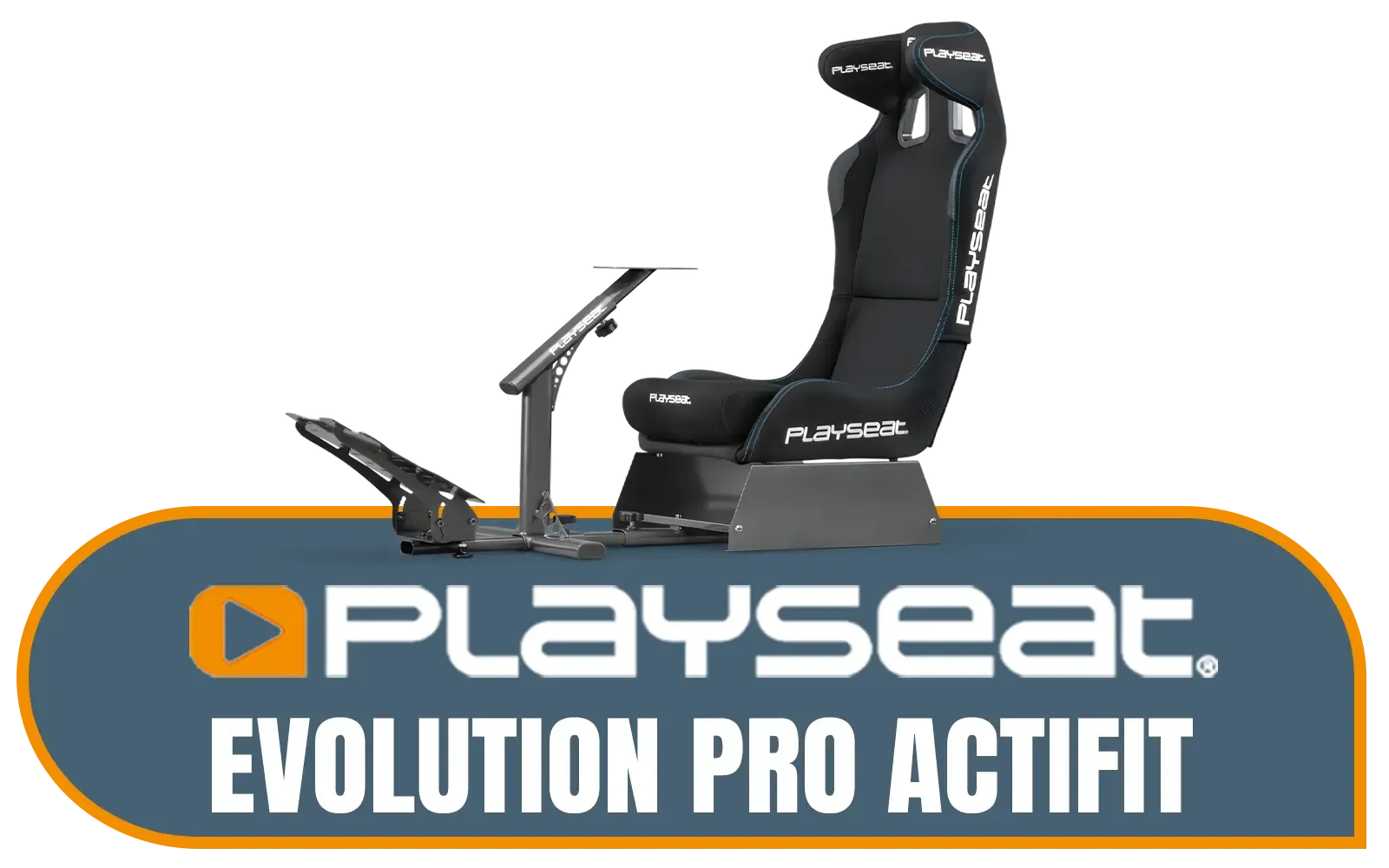
Playseat Evolution Pro Actifit Gaming Chair - Equipped with Head Stabilisers - Fully Adjustable for All Drivers - Customizable Steering and Pedal Plates - Compatible with All Steering Wheels / REP00262
R7599.00In Stock
![[BLACK/CARBON] Vertagear Racing Series S-Line SL5800 Gaming Chairs / 113KG Weight Limit / Easy Assembly / Adjustable Seat Height / VG-SL5800SE_CB](https://img.evetech.co.za/repository/ProductImages/vertagear-sl5800-gaming-chair-black-carbon-1500px-v1.webp)
[BLACK/CARBON] Vertagear Racing Series S-Line SL5800 Gaming Chairs / 113KG Weight Limit / Easy Assembly / Adjustable Seat Height / VG-SL5800SE_CB
R6899.00In Stock
[BLACK/WHITE] Vertagear Racing Series P-Line PL4800 Gaming Chairs / 163KG Weight Limit / Easy Assembly / Adjustable Seat Height / VG-PL4800SE_WT
R8199.00In Stock

Playseat Direct Drive Adapter / RAC00260
R4899.00In Stock
[Open Box] [BLACK/RED] Vertagear Racing Series S-Line SL3800 Gaming Chairs / 100KG Weight Limit / Easy Assembly / Adjustable Seat Height / VG-SL3800SE_BR
R5599.00In Stock
Generally, yes. PC offers wider hardware compatibility, support for triple monitors, and ultra-wide displays, plus higher frame rates for smoother racing.
Usually no. Most wheels are platform-specific due to security chips, though some brands offer hubs or rims compatible with PC and one console type.
Not necessarily. Modern direct drive wheels from brands like Fanatec and Logitech now support PS5 and Xbox, bringing pro-level force feedback to consoles.
Yes, the entry cost is lower since you don't need a high-end GPU. However, console ecosystems limit upgrade paths compared to a PC sim racing setup.
No, current consoles (PS5/Xbox Series X) do not natively support triple monitor rendering for sim racing; only PC supports this immersive view.
For budget builds, a desk-mounted Logitech G923 or Thrustmaster T300 paired with a console is the most cost-effective entry point.











