



Controller Ergonomics: Mastering Comfort for Long Gaming Sessions
Understanding controller ergonomics is key to peak performance. Discover how smart button placement and tactile feel prevent fatigue during marathon gaming sessions. 🎮 Play longer and aim better with the right gear setup!
|
Loading tags...

We've all been there. You're hours into a weekend-long session, the final boss is one hit away, and suddenly... that dreaded cramp shoots through your hand. It’s more than just annoying; it’s a performance killer. Mastering controller ergonomics isn't a luxury, it's a core part of any serious South African gamer's setup. Let’s dive into how you can achieve ultimate comfort for those long gaming sessions and keep your aim true. 🎮
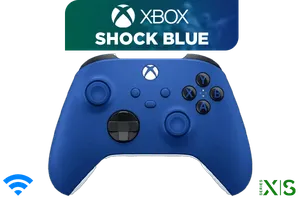
Microsoft Xbox Wireless Controller - Shock Blue / Hybrid D-Pad / 3.5mm Stereo Headset Jack / Textured Triggers And Bumpers / Compatible for Xbox Series X|S, Xbox One, Windows 10, Android And iOS / QAU-00010
R1599.00In Stock

Microsoft Xbox Wireless Controller - Carbon Black / Hybrid D-Pad / 3.5mm Stereo Headset Jack / Textured Triggers And Bumpers / Compatible for Xbox Series X|S, Xbox One, Android And iOS / QAT-00009
R1599.00In Stock
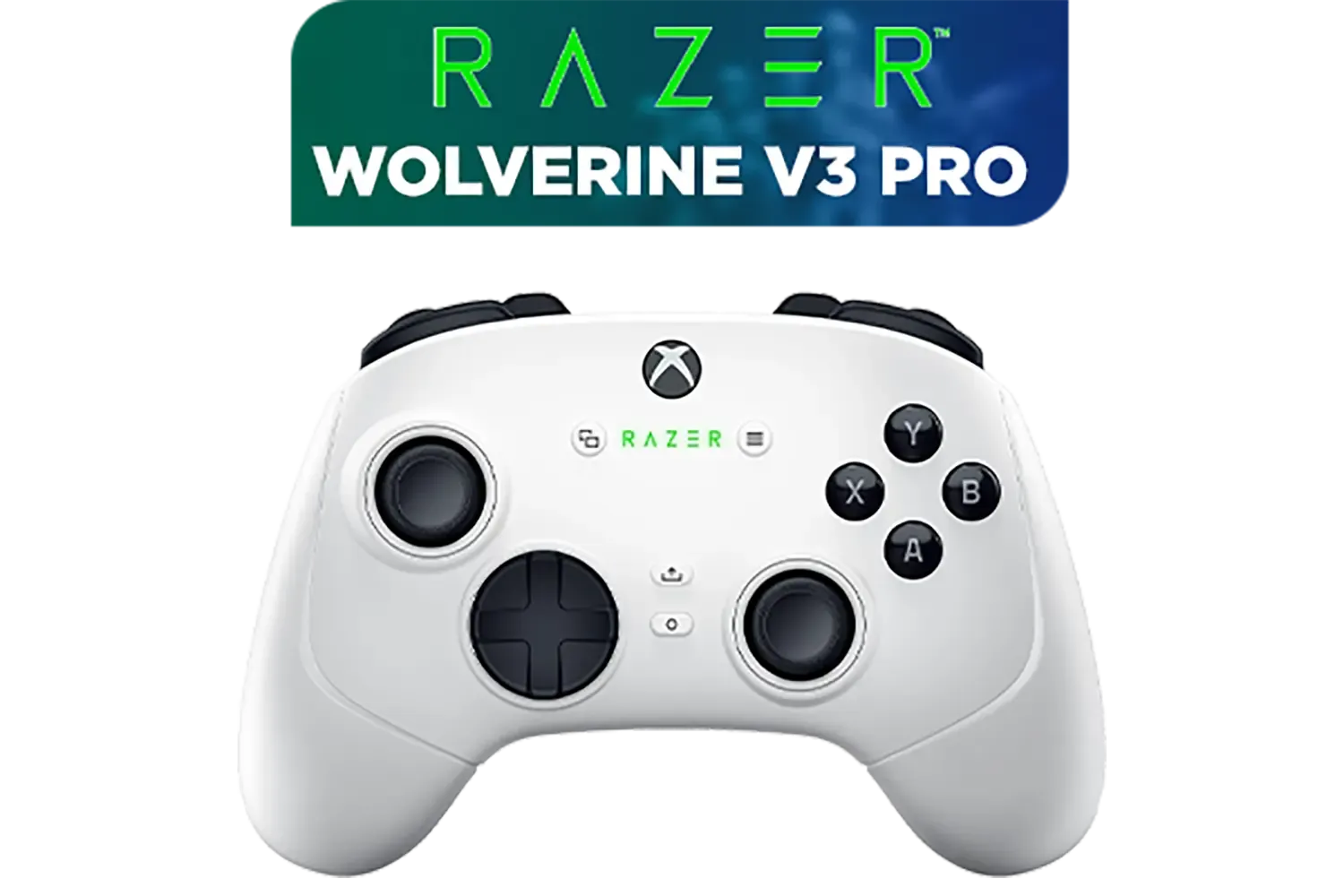
Razer Wolverine V3 Pro Wireless Gaming Controller: Licensed for Xbox Series X|S, Xbox One, Windows PC / 6 Remappable Buttons / Fast Triggers / Customizable Thumbsticks / Wired Tournament Mode - White / RZ06-05200200-R3M1
R4999.00In Stock

Xbox Wireless Controller – Velocity Green for Xbox Series X|S, Xbox One, and Windows Devices / QAU-00091
R1599.00In Stock
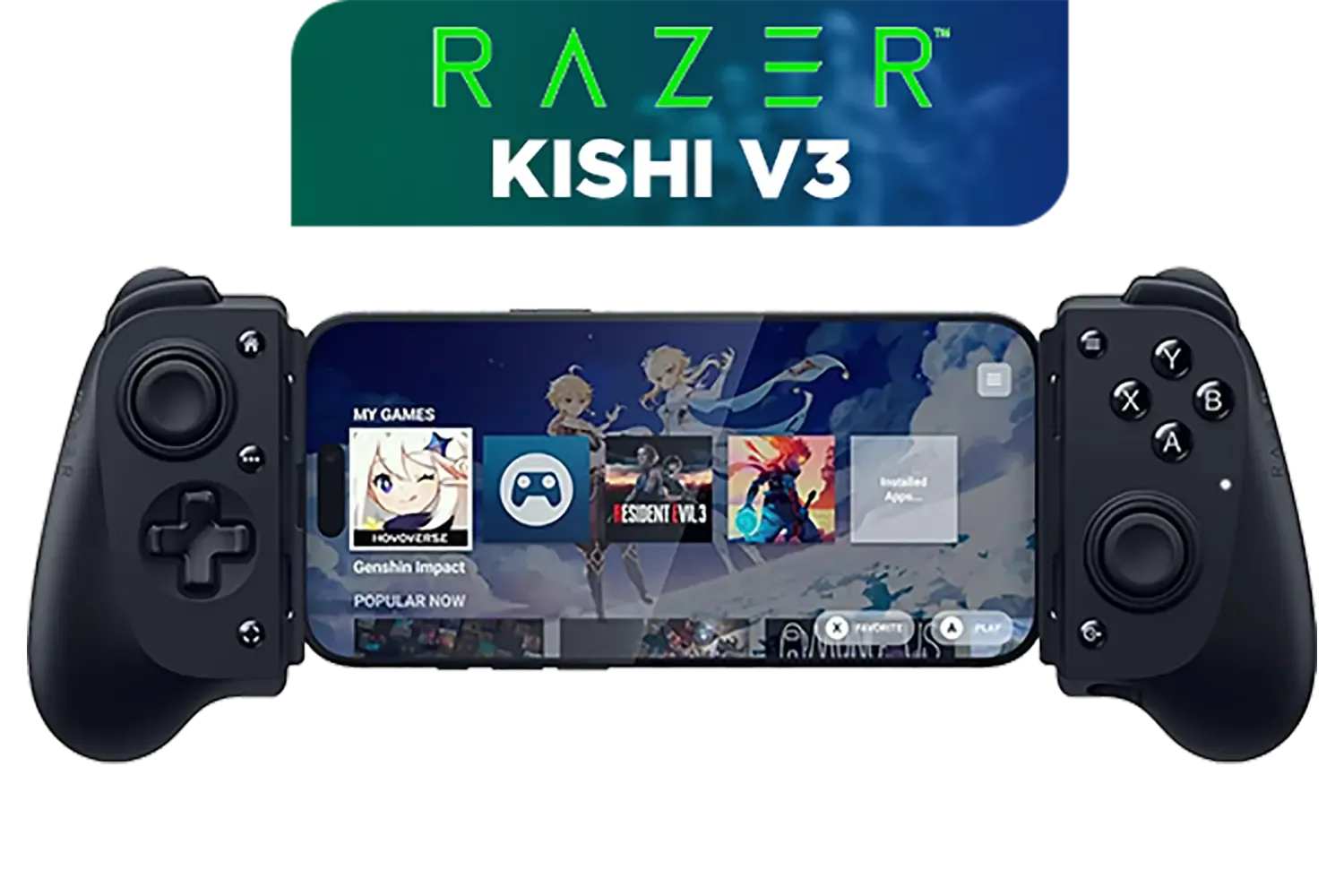
Razer Kishi V3 Gaming Controller / Supports Android and iPhone / Full-Sized Console-Style Controller / Dual mouse-click back buttons / Razer Sensa HD Immersive Haptics / RZ06-03550100-R3M1
R2999.00In Stock

Xbox Series X/S Wireless Controller - Pulse Red / Enhanced Comfort / New Hybrid D-pad / Xbox Wireless and Bluetooth Technology / 3.5mm Audio Jack / QAU-00012
R1599.00In Stock
Why Good Controller Ergonomics Are Crucial
Think of your controller as an extension of your body. Poor ergonomics lead to fatigue, inaccurate movements, and even long-term issues like Repetitive Strain Injury (RSI). Proper controller ergonomics, on the other hand, means your hands rest naturally, buttons are easily accessible, and you can maintain peak performance for hours. It’s the difference between clutching a win and fumbling at the last second. A comfortable grip is your first step towards victory.
The Anatomy of an Ergonomic Controller
Not all controllers are created equal. When you're looking for a device that supports long gaming sessions, focus on a few key design elements that contribute to overall comfort and control.
Grip, Shape, and Texture
Does the controller fit the curve of your palm? A well-designed shape reduces the need to clench your hands, preventing fatigue. Textured grips are also a massive plus, ensuring the controller stays put even when the action gets intense. It's worth exploring a wide variety of gaming controllers to find the one with a unique feel that suits you best.
Xbox Series X/S Wireless Controller - Pulse Red / Enhanced Comfort / New Hybrid D-pad / Xbox Wireless and Bluetooth Technology / 3.5mm Audio Jack / QAU-00012
R1599.00In Stock
Microsoft Xbox Wireless Controller - Shock Blue / Hybrid D-Pad / 3.5mm Stereo Headset Jack / Textured Triggers And Bumpers / Compatible for Xbox Series X|S, Xbox One, Windows 10, Android And iOS / QAU-00010
R1599.00In Stock

Logitech F710 Wireless Gaming Gamepad / 2.4GHz Wireless / Broad Game Support / Familiar Button Layout / 940-000142
R849.00In Stock
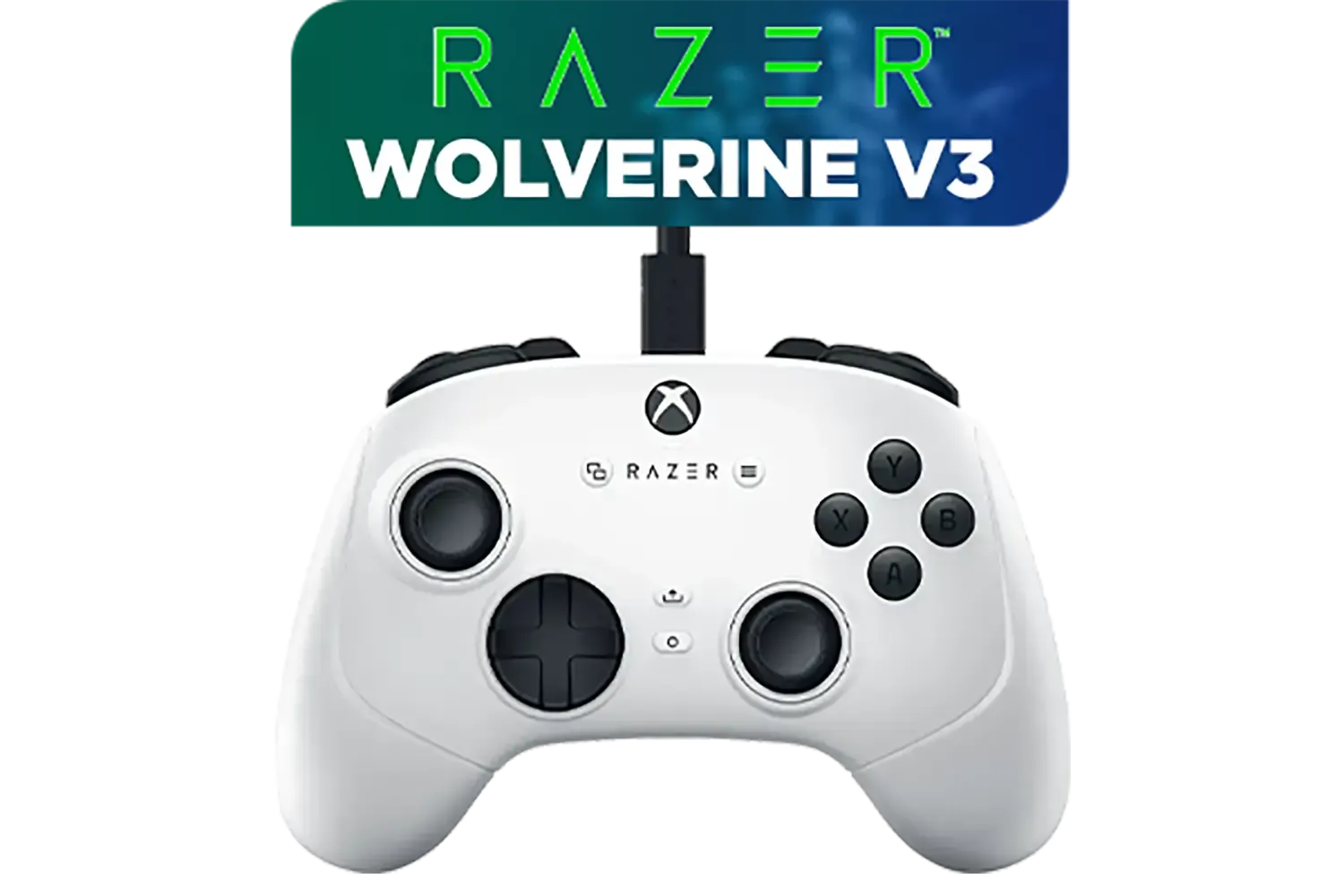
Razer Wolverine V3 Tournament Edition XBOX/PC, 6 Remappable Buttons to Outplay Them All, 1000Hz Polling Rate for Competitive Play on PC, Wired Esports Controller - White / RZ06-05210200-R3M1
R2699.00In Stock

Xbox Special Edition Series Controller - Pulse Cipher / Red transparent top case / Rubberised red grips / Metallic red triggers and D-pad / Bluetooth® technology / QAU-00165
R1899.00In Stock

Turtle Beach Atom Mobile Game Controller with Bluetooth for Cloud Gaming on Android Mobile Devices with Compact Shape, Console Style Controls, Low Latency Bluetooth - Red / TBS-0766-05
R2499.00In Stock
Button and Stick Placement
Your thumbs should rest comfortably on the analogue sticks without stretching, and your index fingers should naturally fall onto the triggers and bumpers. This intuitive layout minimises unnecessary hand movement, making your reactions faster and more precise.
TIP FOR YOU
Hand Health Pro Tip 💪
To prevent strain during marathon sessions, use the 20-20-20 rule. Every 20 minutes, pause and look at something 20 feet (about 6 metres) away for 20 seconds. Use this short break to gently stretch your fingers, hands, and wrists. It keeps the blood flowing and your reflexes sharp!
Next-Level Features for Peak Comfort
For those who demand the absolute best, premium controllers offer customisation that takes ergonomic design to another level. Features like interchangeable thumbsticks allow you to choose the height and shape (concave or convex) that best suits your playstyle.
Programmable back paddles are another fantastic innovation. They let you map crucial actions—like jumping or reloading—to your middle fingers, so your thumbs never have to leave the sticks. Models like the Razer Wolverine V3 Tournament Edition pack these advanced features, giving you a competitive edge built on superior comfort and control. ✨
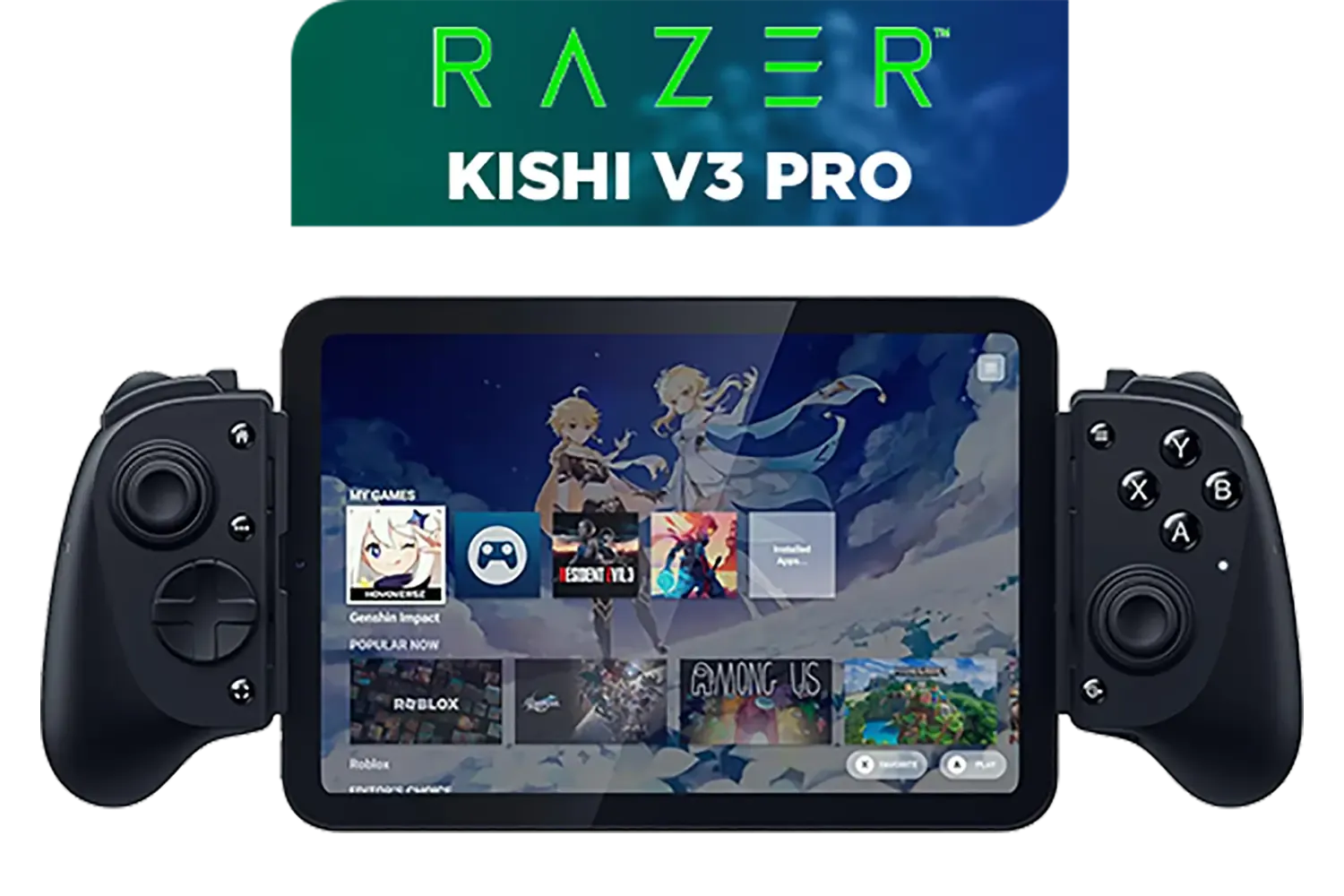
Razer Kishi V3 Pro Gaming Controller / Supports Android, iPhone & iPad Mini / Full-Sized Console-Style Controller / Fits Phones and Tablets up to 8” / Razer Sensa HD Immersive Haptics / RZ06-05460100-R3M1
R4199.00In Stock
Razer Wolverine V3 Pro Wireless Gaming Controller: Licensed for Xbox Series X|S, Xbox One, Windows PC / 6 Remappable Buttons / Fast Triggers / Customizable Thumbsticks / Wired Tournament Mode - White / RZ06-05200200-R3M1
R4999.00In Stock
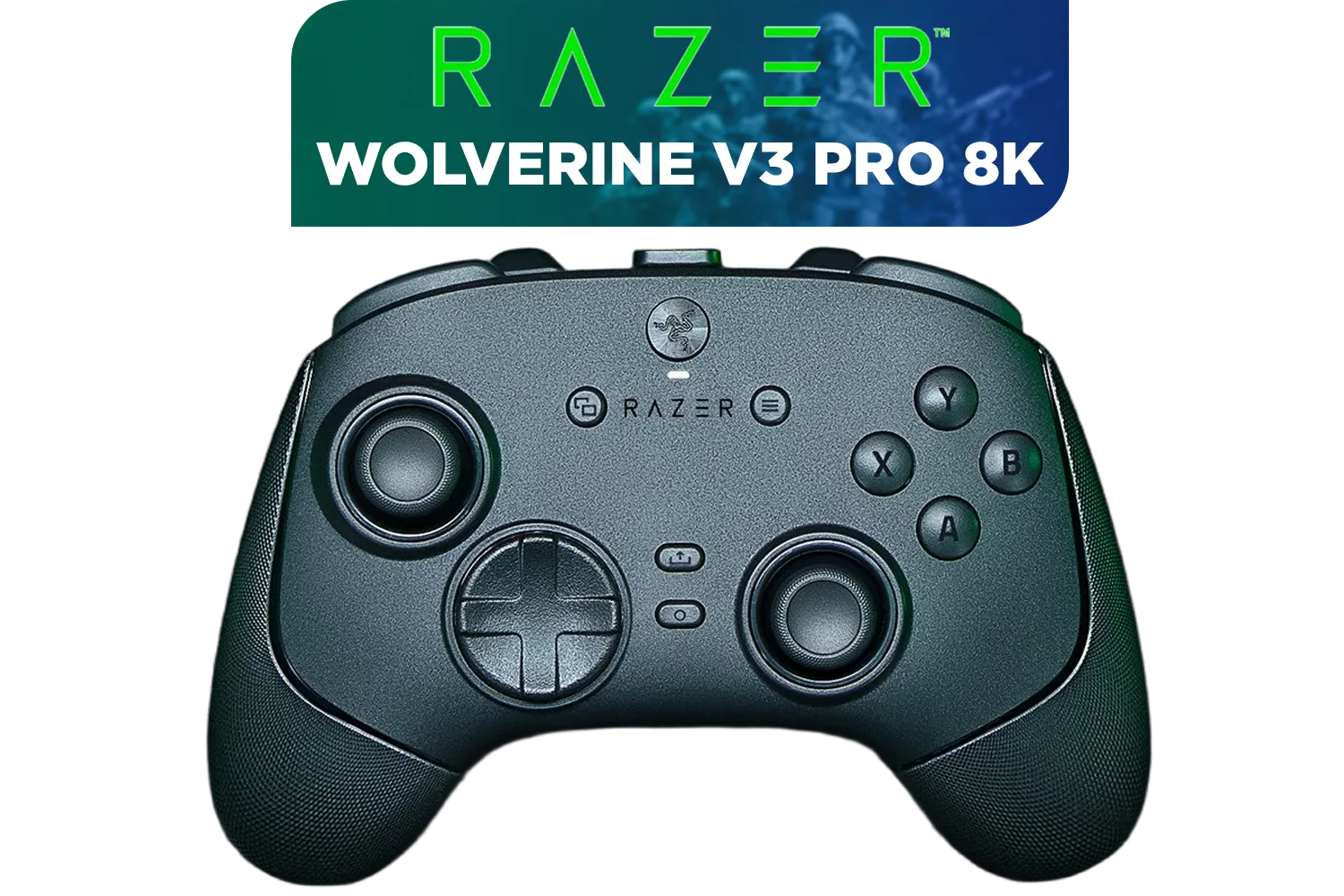
Razer Wolverine V3 Pro 8K PC Wireless Controller / Hyper Polling Technology / Swappable Thumbstick Caps / 4 Back Paddles / RZ06-05540100-R3M1
R4699.00In Stock
Xbox Series X/S Wireless Controller - Pulse Red / Enhanced Comfort / New Hybrid D-pad / Xbox Wireless and Bluetooth Technology / 3.5mm Audio Jack / QAU-00012
R1599.00In Stock
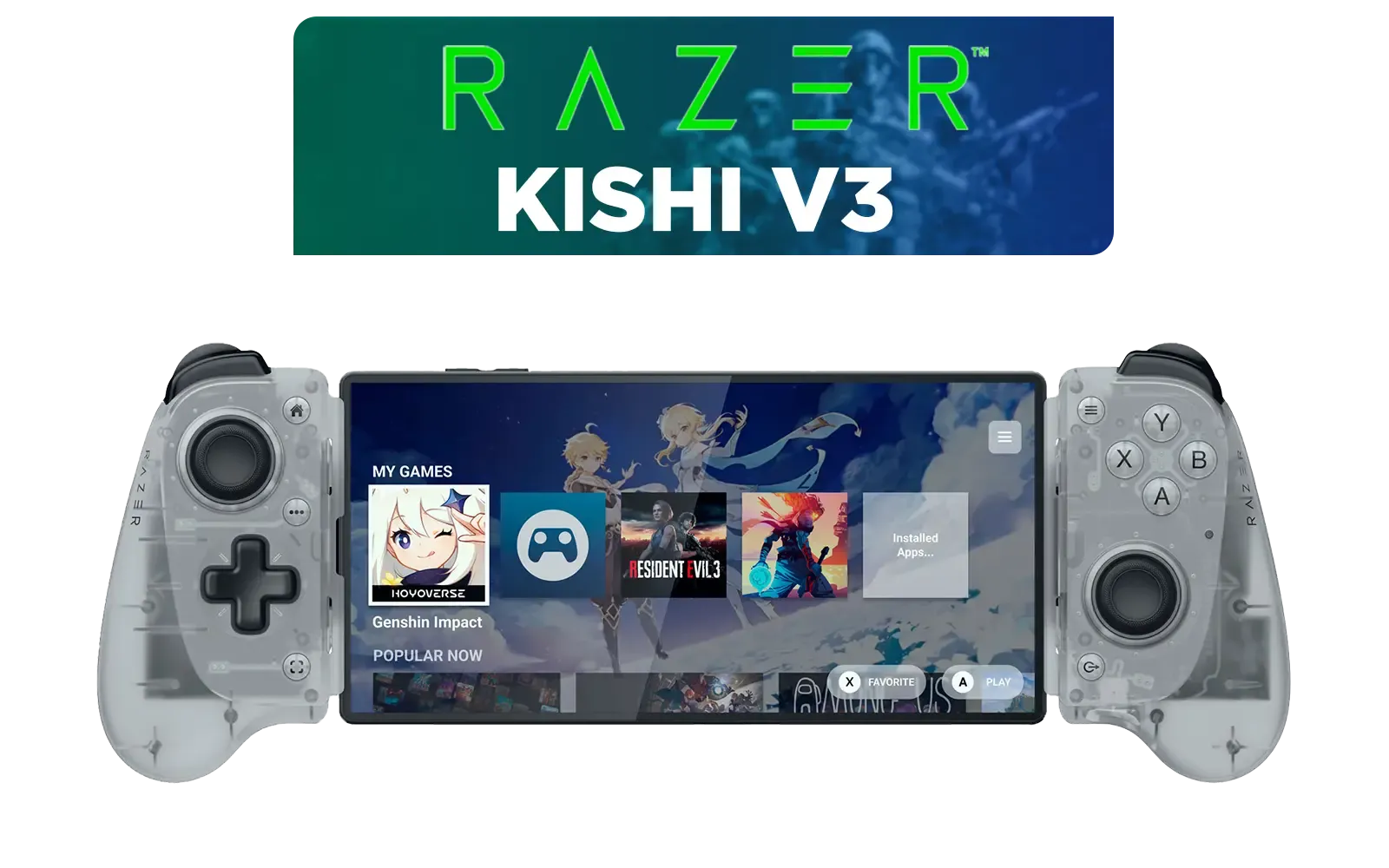
Razer Kishi V3 Mobile Gaming Controller - Phantom White / Full-sized Controller Form Factor / Full-sized TMR Thumbsticks / Unparalleled Case Compatibility / RZ06-03550200-R3M1
R2699.00In Stock
Microsoft Xbox Wireless Controller - Carbon Black / Hybrid D-Pad / 3.5mm Stereo Headset Jack / Textured Triggers And Bumpers / Compatible for Xbox Series X|S, Xbox One, Android And iOS / QAT-00009
R1599.00In Stock
Finding the Right Brand and Fit for You
Ultimately, the best controller is a personal choice. Your hand size and preferred grip style (like palm, claw, or fingertip) will heavily influence what feels right. Some brands are known for a specific ergonomic philosophy that might click perfectly with your hands. If you're a fan of responsive buttons and sculpted grips, it's worth exploring a brand's entire ecosystem. For instance, you can check out Razer's lineup of controllers to see if their signature design is your perfect match.
Ready to Upgrade Your Comfort & Control? Don't let hand fatigue cut your winning streak short. Mastering controller ergonomics is key to victory. Explore our massive range of gaming controllers and find the perfect weapon to conquer your next gaming marathon.
Related Products

PowerA Advantage Wired Xbox Controller - Celestial Green / 3-Way Trigger Locks / Officially Licensed for Xbox Series X|S / XBGP0190-01
R699.00In Stock
Razer Wolverine V3 Pro 8K PC Wireless Controller / Hyper Polling Technology / Swappable Thumbstick Caps / 4 Back Paddles / RZ06-05540100-R3M1
R4699.00In Stock

Steelseries Nimbus+ Gamepad / Apple Gaming Controller / 50 hour Battery Life / Dedicated Navigation Buttons / Built-in Rechargeable Battery / Designed specifically for Apple Gaming / 69089
R999.00In Stock

PowerA Advantage Wired Xbox Controller - Sonic Style / 3-Way Trigger Locks / Officially Licensed for Xbox Series X|S / XBGP0229-01
R699.00In Stock
Microsoft Xbox Wireless Controller - Shock Blue / Hybrid D-Pad / 3.5mm Stereo Headset Jack / Textured Triggers And Bumpers / Compatible for Xbox Series X|S, Xbox One, Windows 10, Android And iOS / QAU-00010
R1599.00In Stock
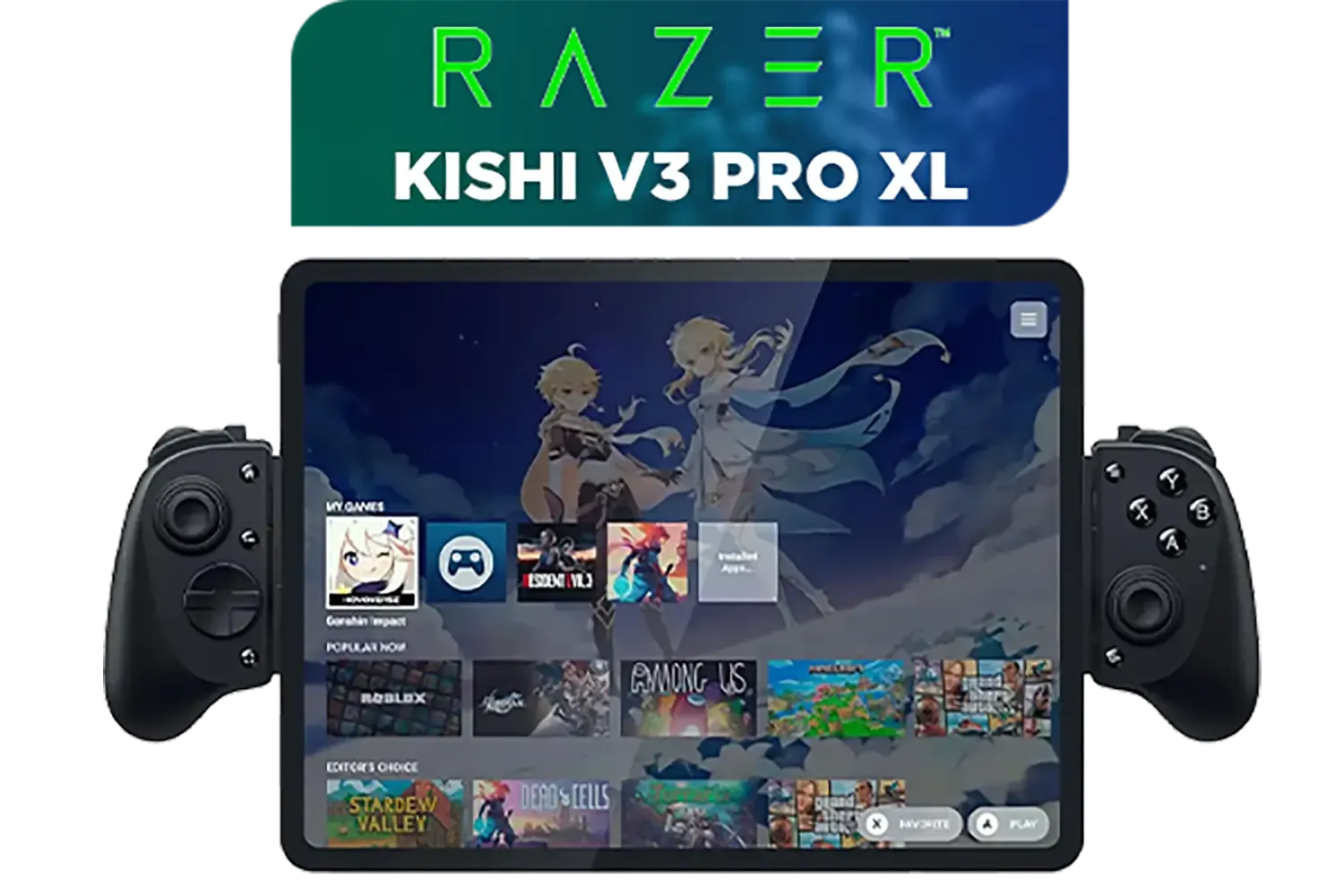
Razer Kishi V3 Pro XL iPad & Android Tablet Gaming Controller / Full-Sized Console-Style Controller / Fits Phones and Tablets up to 10” / Razer Sensa HD Immersive Haptics / RZ06-05470100-R3M1
R5199.00In Stock
Good ergonomics reduce hand strain and fatigue, allowing for longer, pain-free gaming sessions and significantly better reaction times during competitive play.
Optimal placement minimizes finger travel distance, increasing input speed and reducing the risk of repetitive strain injuries (RSI) over time.
It refers to the physical feedback or clickiness of buttons, confirming inputs without needing to bottom out, which aids precision and reduces finger stress.
An ergonomic design promotes neutral wrist posture, significantly lowering the risk of developing carpal tunnel syndrome and cramping during intense matches.
Not always; the best fit depends on your specific hand size. A controller that is too big or too small can cause cramping and long-term discomfort.
Yes, they allow you to keep thumbs on the analog sticks while performing other actions, reducing the need for awkward claw grips and easing hand tension.











