



Corsair FRAME 4500X ARGB Guide: Pro Lighting Tips for Custom Builds
Master your Corsair FRAME 4500X ARGB guide with these pro tips. We explore cable management, iCUE synchronization, and aesthetic layouts to make your custom rig shine. 💡✨ Elevate your battle station today!
|
Loading tags...
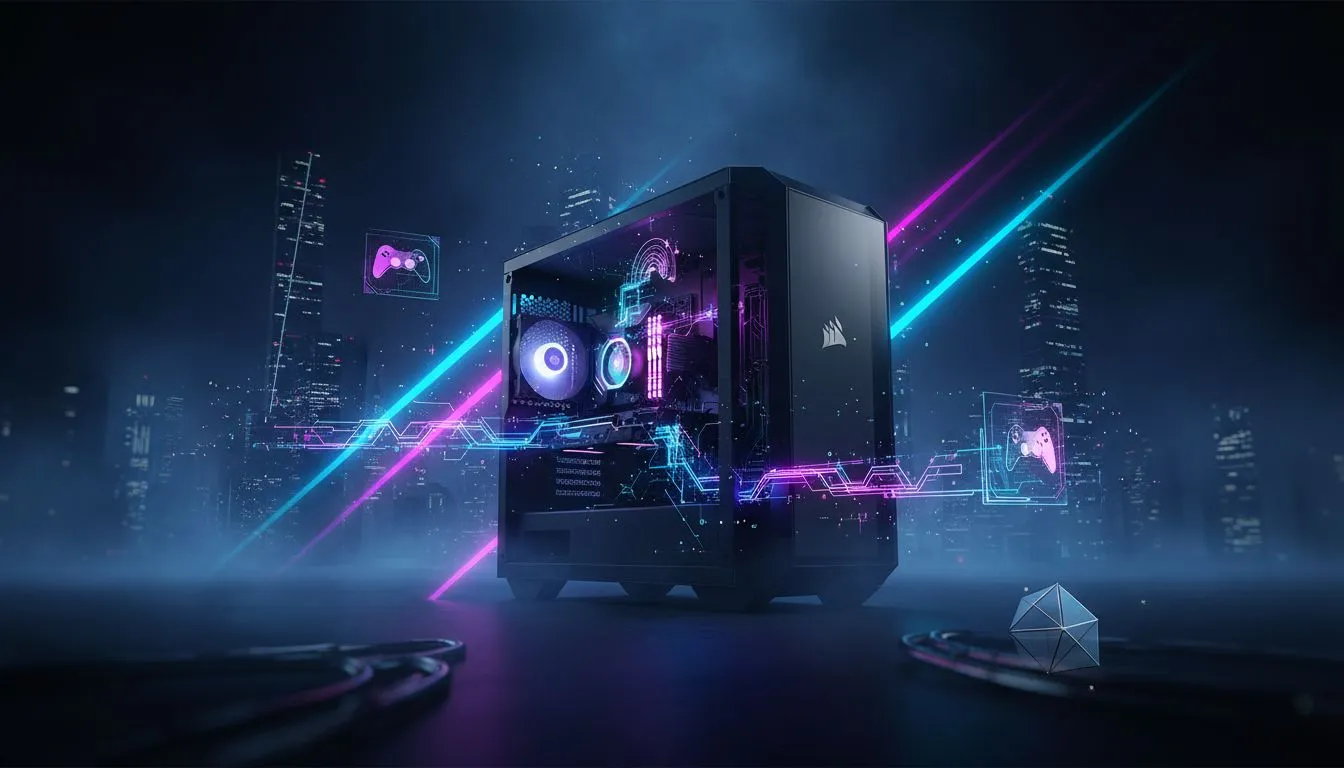
Corsair FRAME 4500X ARGB: Quick Hook for South African Builders 🔧✨
If your rig deserves a stage, the Corsair FRAME 4500X ARGB can put it there. This guide gives bite-sized pro lighting tips, practical fan and diffuser tricks, and South African parts pairing ideas so your custom build both looks epic and stays cool. Read on for hands-on steps, product links, and local buying cues. ⚡



Corsair FRAME 4500X ARGB: What to expect before you build
Start with reality: the FRAME 4500X ARGB is a showcase case. If you want edge-to-edge lighting and a roomy interior for large GPUs, this is the style you’re chasing. For official spec details and exact fitment, check the Evetech product entry for clarity and measurements: Corsair FRAME listing. (See link for specs and images.)
Link reference: Corsair FRAME 4500X ARGB on Evetech

Dell Vostro 3530 8GB/512GB Core i5
R11,999In Stock
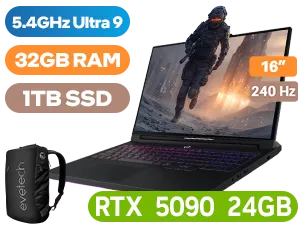
Lenovo Legion Pro 7 32GB/1TB RTX 5090
R79,999In Stock

ASUS ZenBook A14 16GB/1TB Ryzen 7
R24,999In Stock

MSI Cyborg 15 16GB/512GB RTX 5050
R23,999In Stock

ASUS ZenBook A14 UX3407QA 16GB/1TB
R21,999In Stock

ASUS Vivobook 14 16GB/512GB Snapdragon X
R11,999In Stock
Corsair FRAME 4500X ARGB lighting setup tips
Lighting is more than pretty LEDs. Aim for layered zones: addressable strips behind glass, a soft diffused front panel, then focused accents on the GPU and RAM. For consistent colours, use a single controller and sync mode rather than multiple apps. If you’re sourcing ARGB controllers or spare diffusers, verify component compatibility against the exact component specs on Evetech’s component manager.
Link reference: Component specs and compatibility
TIP FOR YOU
Diffuser Trick ✨
Place a thin matte PET film behind the glass to soften hotspots. It’s cheap, easy to trim, and transforms ringed LEDs into a clean light bar.
Corsair FRAME 4500X ARGB: airflow and cable routing tips
Don’t trade airflow for looks. Route your GPU and PSU cables through the case’s lower chamber and reserve the top-right area for ARGB wiring and fan headers. Use Velcro straps over zip ties for frequent upgrades. If you want pre-modded cases or matching RGB fans in local stock, Evetech’s new-arrivals and best-deals pages list compatible peripherals and often show current ZAR prices.
Link references:
Corsair FRAME 4500X ARGB: micro-story — my Cape Town LAN night
At a recent Cape Town LAN, a FRAME 4500X rig with a toned-down blue palette drew attention before specs did. Players asked about the soft diffuser and synchronised fans. Two small changes made the difference: single-controller ARGB and a centred light strip behind tempered glass. That’s proof: subtlety wins in crowded rooms.


Corsair FRAME 4500X ARGB: final checklist before you buy
- Confirm motherboard ARGB headers and controller compatibility.
- Measure GPU length vs radiator clearance; double-check on the product page above.
- Set a ZAR budget for fans and lighting; extra strips and a controller are common add-ons.
Need curated local deals for accessories or a last-minute matching laptop for remote streaming? We track South African specials and new arrivals regularly.
Link reference: Laptop specials and local deals
Ready to Find Your Perfect Match? The Mac vs Windows debate is complex, but for maximum power, choice, and value in South Africa, Windows is hard to beat. Explore our massive range of laptop specials and find the perfect machine to conquer your world.
Related Products

MSI CYBORG 17 32GB/1TB RTX 5070
R31,999In Stock
ASUS Vivobook 14 16GB/512GB Snapdragon X
R11,999In Stock

Alienware 16x Aurora AC16251 32GB/1TB
R59,499In Stock
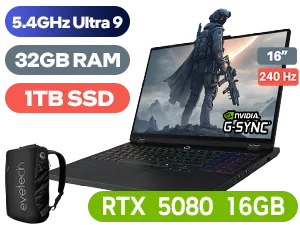
Lenovo Legion Pro 7 32GB/1TB RTX 5080
R64,999In Stock

Lenovo ThinkPad L14 Gen 5 16GB/512GB
R20,999In Stock
MSI Cyborg 15 16GB/512GB RTX 5050
R23,999In Stock
Use Corsair iCUE software to unify lighting effects across all compatible devices connected to the case's internal lighting node or controller.
Yes, but ensure you use the correct motherboard headers or the included controller to avoid voltage damage to your addressable RGB LEDs.
For the FRAME 4500X, place high-airflow ARGB fans at the front for intake and exhaust at the rear to maximize lighting visibility and cooling performance.
Mixing brands often requires specific adapters or third-party software like SignalRGB to sync lighting effects seamlessly across different hardware.
Utilize the dedicated cable routing channels and grommets behind the motherboard tray to keep your custom PC lighting setup clean and professional.
Check your SATA power connection to the RGB controller and ensure your power supply can handle the load of multiple ARGB strips and fans.











