



CPU Cooler Mounting Pressure: How Adjustable Brackets Improve Contact
CPU cooler mounting pressure matters. See how adjustable brackets improve contact uniformity, drop temps, and reduce noise for steadier boosts and longer lifespan. 🔧❄️
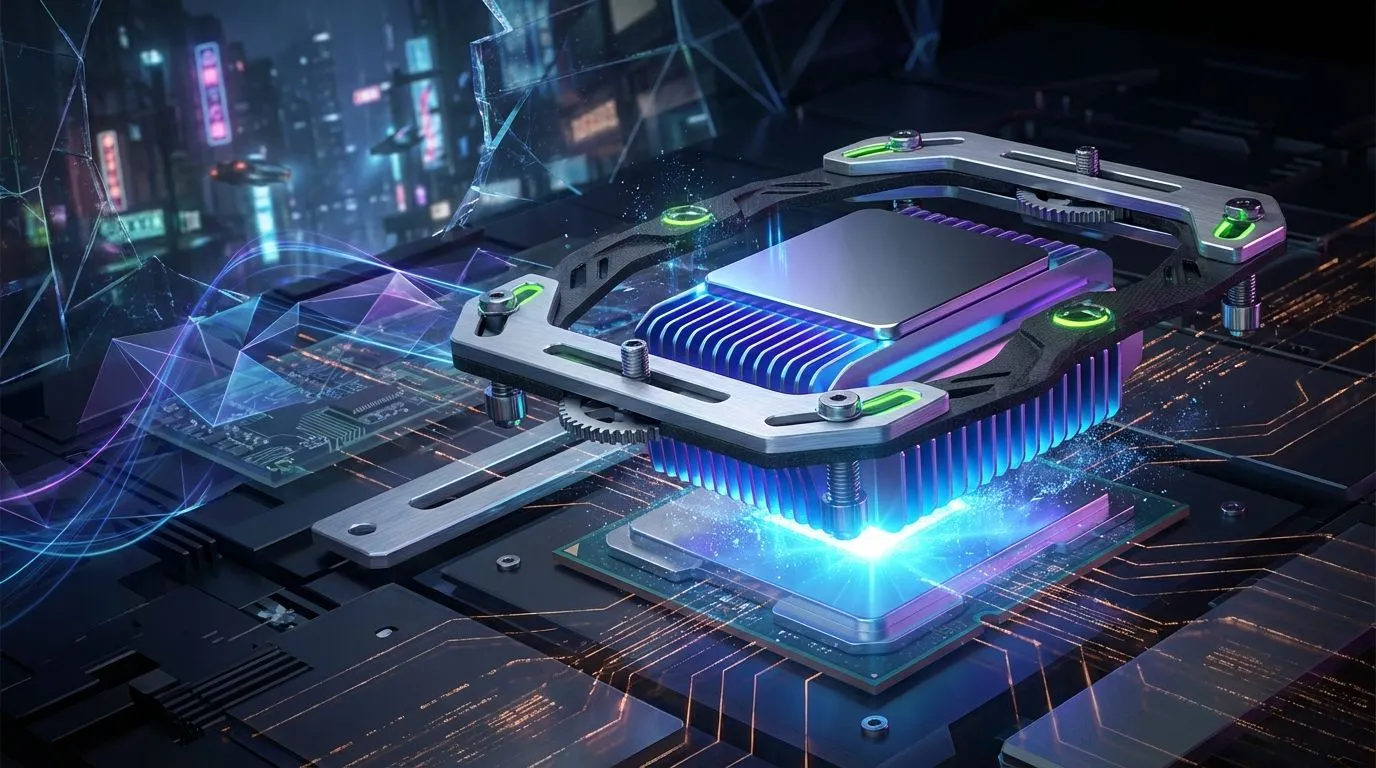
You’ve just dropped some serious ZAR on a shiny new CPU cooler. You meticulously apply the thermal paste, clamp it down, and fire up your rig… only to see temperatures that are, well, a bit rubbish. What gives? Before you blame the cooler, let’s talk about a crucial, often-overlooked factor in PC building: CPU cooler mounting pressure. It’s the secret sauce for unlocking your cooler’s true potential, and getting it wrong can leave performance on the table. 🔧

DeepCool LT240 White Edition ARGB CPU Liquid Cooler, 280W TDP 5th Gen Dual-Chamber Pump Multidimensional Infinity Mirror ARGB Block AIO Cooler for LGA1700/1200/1151/1150/1155,AMD AM4/AM5 / LT240-WH-ARGB
R2299.00In Stock
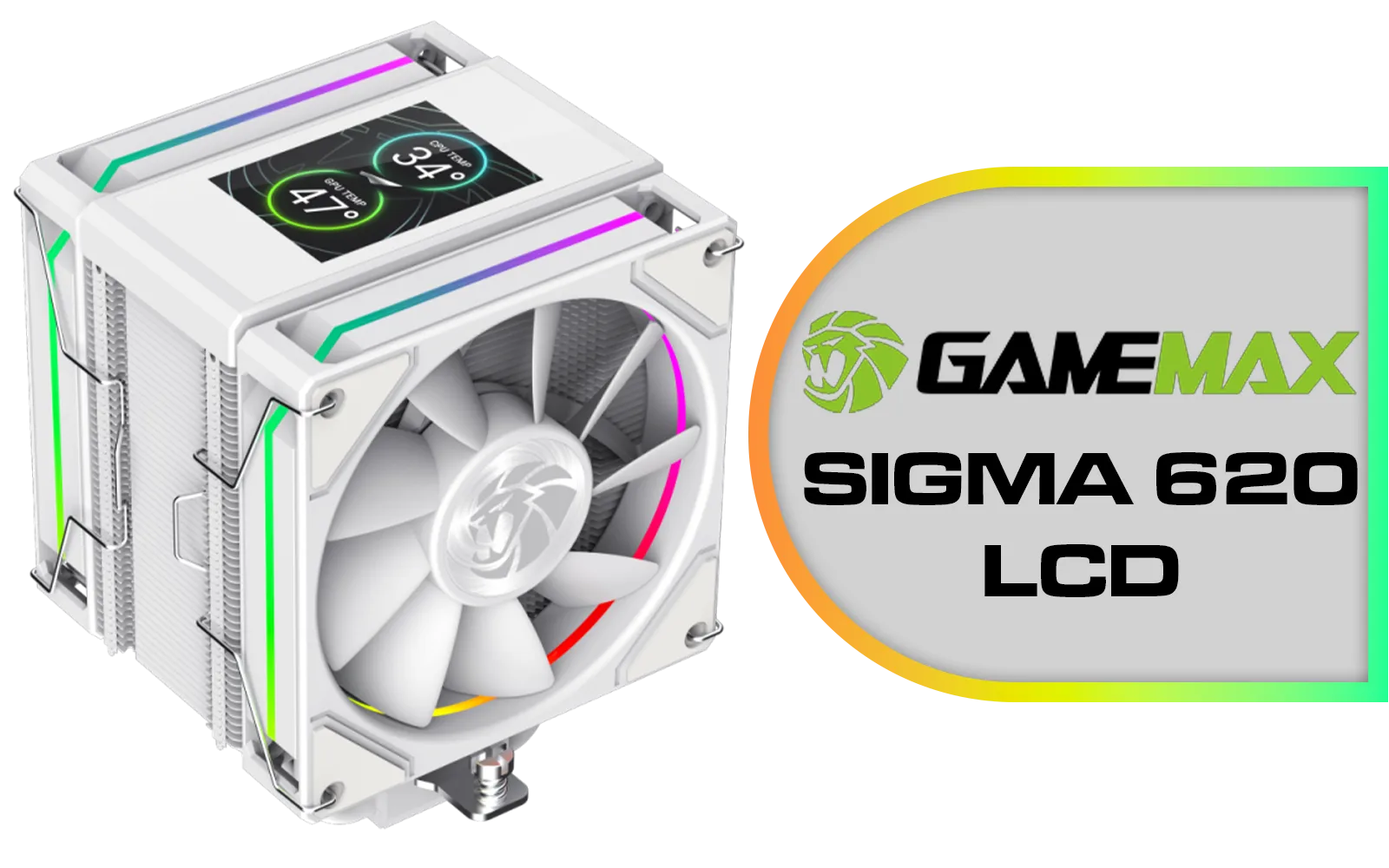
GameMax Sigma 620 LCD Air Cooler - White / 2.8" LCD for stats or images / Dual 120mm fans with 6 heatpipes / Supports up to 245W TDP / SIGMA-620-LCD-WH
R1299.00In Stock
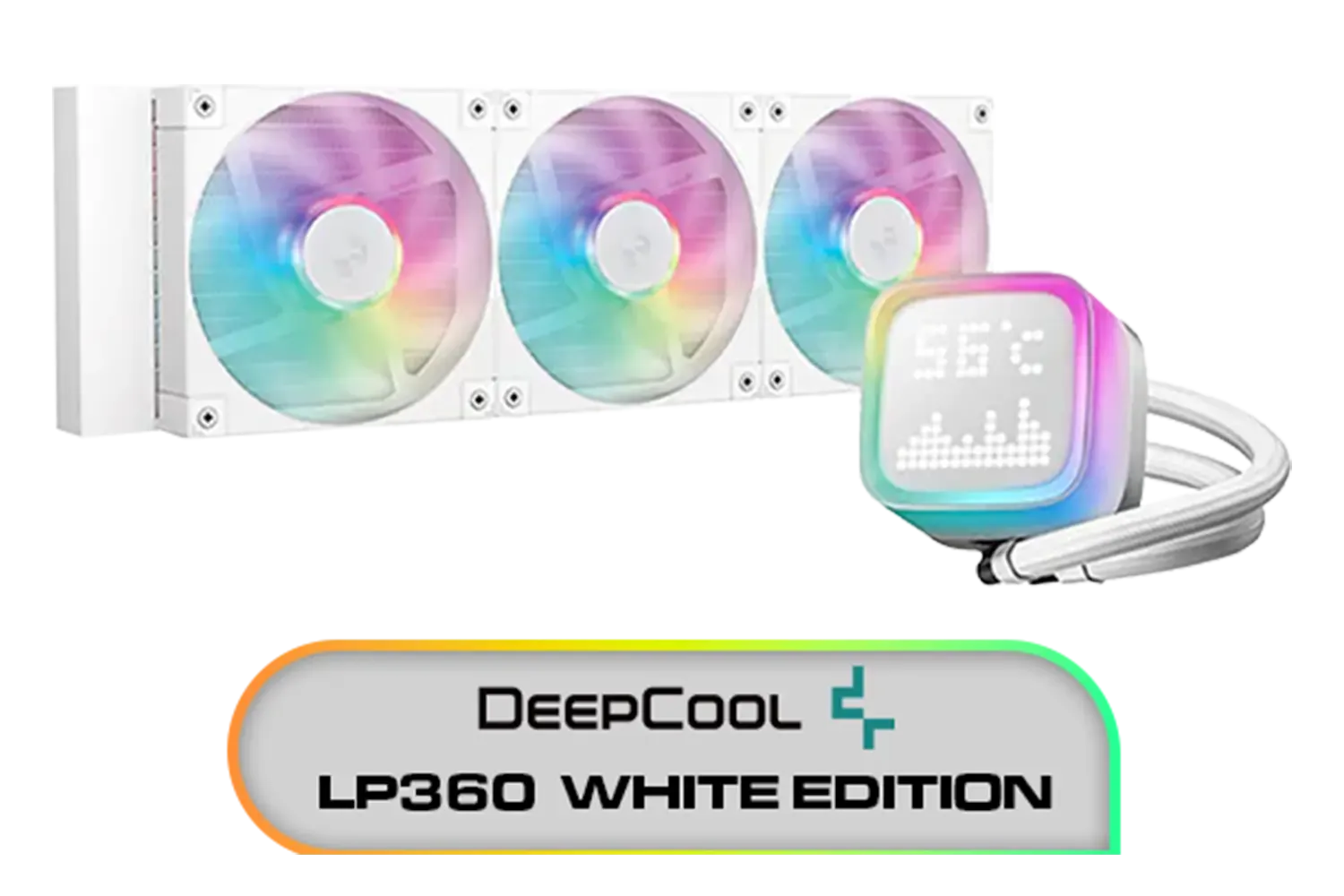
DeepCool LP360 Liquid Cooler - White / 360mm Radiator / LED Digital Display / 3x ARGB Fans Included / Compatible with AMD & Intel / LP360-WH
R2399.00In Stock

Fracta Design Celsius+ S28 Prisma 280MM Water Cooling Unit, Black, 2AL-14 PWM ARGB Fan / FD-W-2-S2802
R2599.00In Stock

DeepCool LS520S Zero Dark All In One Liquid CPU Cooler, 240mm Radiator, 2 x 120mm Deepcool Fans, Intel/AMD / LS520S-Zero-Dark
R1599.00In Stock
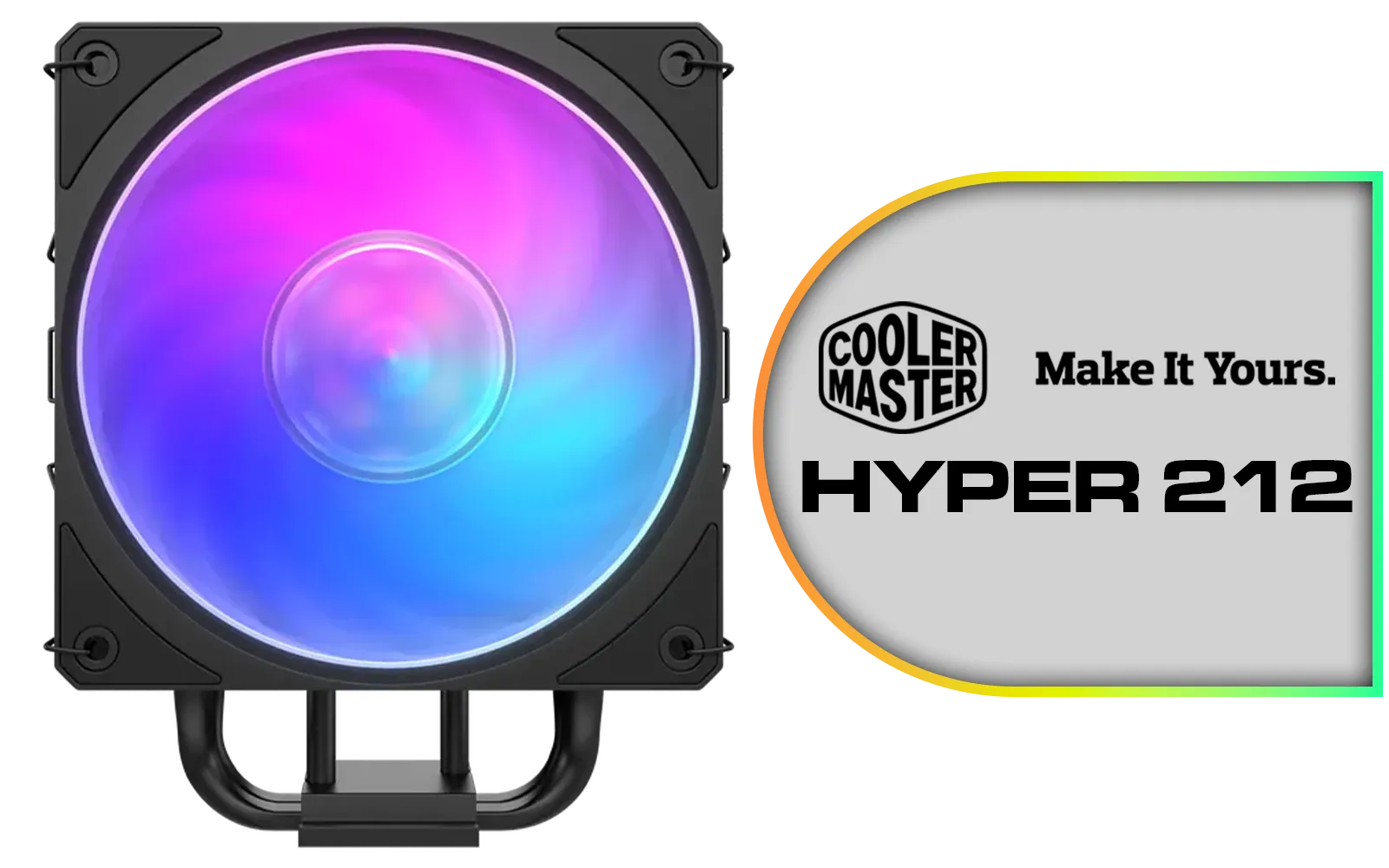
Cooler Master Hyper 212 3DHP Black ARGB Air Cooler / Superior Thermal Performance with 3DHP Heat Pipe Technology / Includes Mobius 120mm Fan / 2050 RPM Fan Speed / Supports Intel LGA 1851, 1700, 1200, 1151, 1150, 1155, 1156 & AMD AM5, AM4 Sockets / MAY-T2HP-217PA-R1
R799.00In Stock
Why Optimal Mounting Pressure is So Critical
Think of your CPU’s Integrated Heat Spreader (IHS) and your cooler’s baseplate. They might look perfectly flat, but at a microscopic level, they’re full of tiny imperfections. Thermal paste fills these gaps, but its real job is to be an incredibly thin layer.
Proper CPU cooler mounting pressure ensures two things:
- Maximum Surface Contact: It physically presses the two metal surfaces as close together as possible.
- Minimal Thermal Paste Layer: It squeezes out any excess paste, leaving only the thinnest possible film to fill the microscopic gaps.
Too little pressure creates air pockets—the ultimate enemy of heat transfer. Too much, and you risk warping your motherboard or even cracking the CPU die. Getting that "just right" pressure is key, which is why the quality of the mounting hardware on our wide range of CPU coolers is something we always scrutinise in the Build Lab.
The Problem with Old-School Brackets
For years, many coolers used simple, one-size-fits-all brackets. You’d tighten the screws until they stopped, and that was that. The problem? Not all CPUs or motherboards are identical. Subtle variations in manufacturing can lead to uneven contact, where one corner of the CPU has perfect pressure while another is barely touching.
This is especially true for modern AIO liquid coolers, whose performance is directly tied to the efficiency of the cold plate’s contact with the CPU. An uneven mount can lead to confusing thermal results, where one or two cores run significantly hotter than the others. ✨
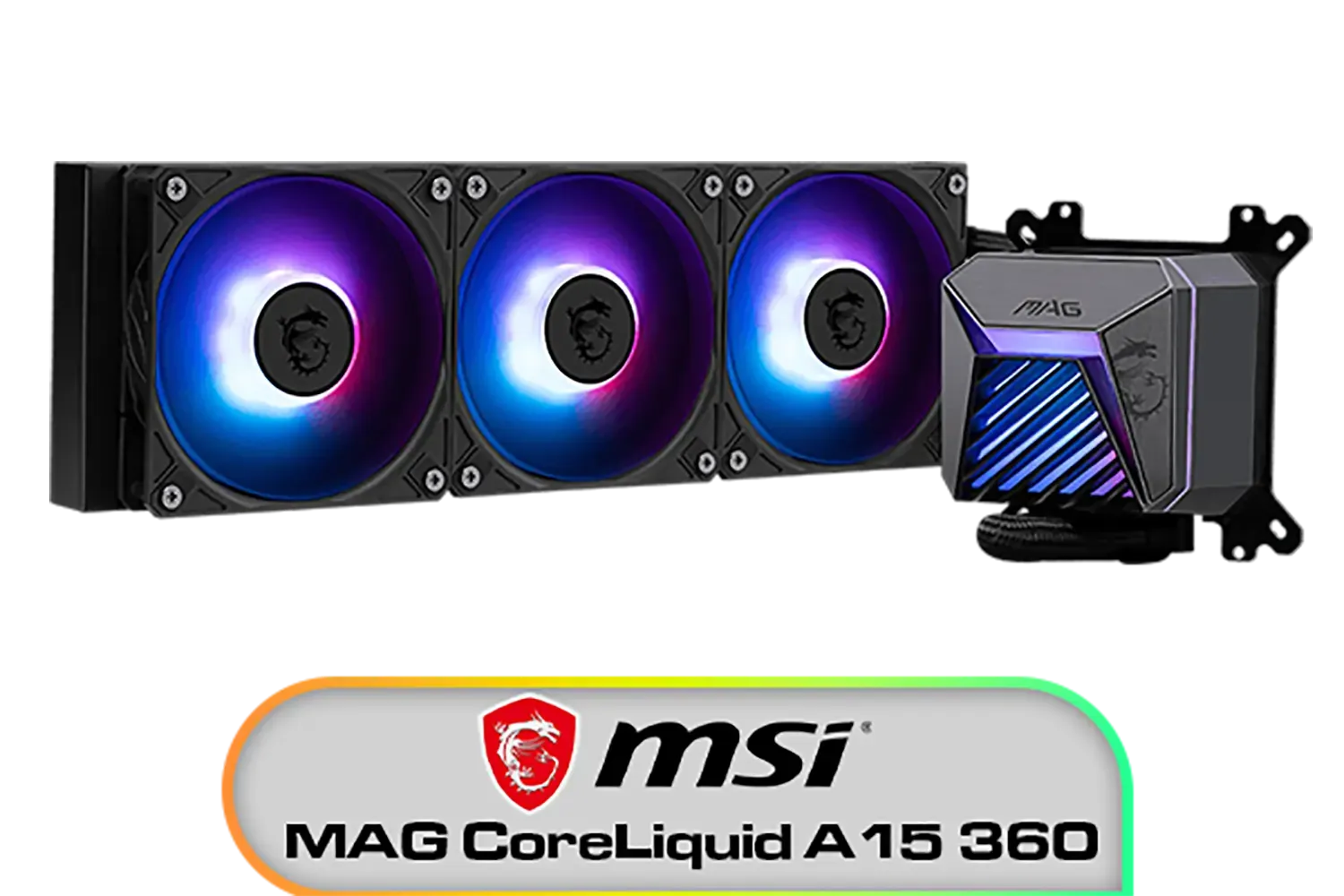
MSI MAG CoreLiquid A15 360 Liquid Cooler / CycloBlade Design / AI-Optimized Cooling / ARGB GEN2 Lighting / Easy UNI Bracket Installation / 306-7ZW9A11-L80
R1999.00In Stock
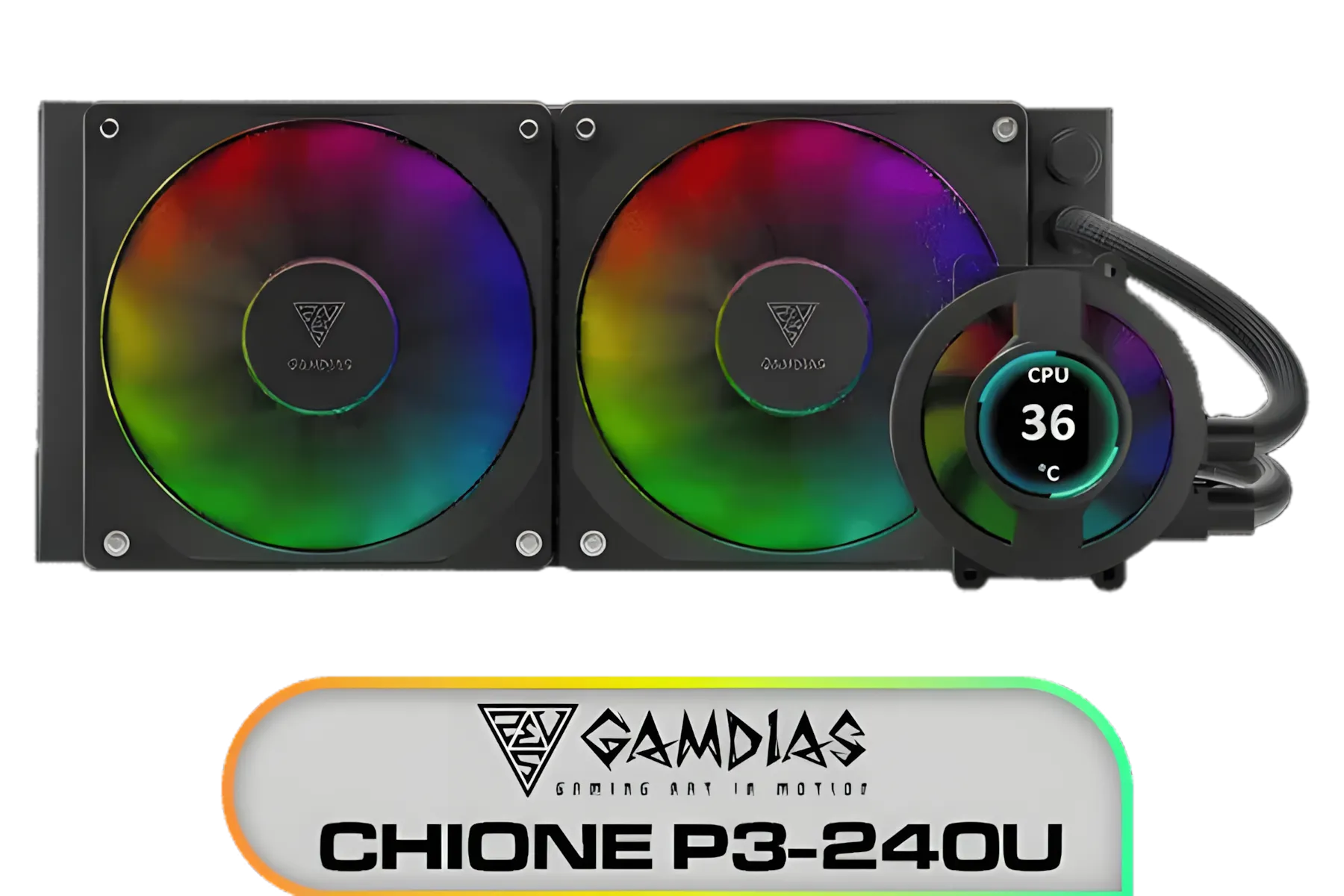
Gamdias CHIONE P3-240U All-in-One CPU Liquid Cooler / Personalized Lcd Display / Superior Radiator / Superior Airflow Performance / Premium Hydraulic Bearing / CHIONE-P3-240U
R2399.00In Stock

DeepCool Mystique 360 ARGB Liquid CPU Cooler, 2.83" TFT LCD Display, 360mm Radiator, 120mm Fan Size, 2400 RPM Fan Speed, 72.04 CFM Airflow, Hydro Bearing Type, Black / MYSTIQUE-360-ARGB
R2799.00In Stock

EK 280mm AIO D-RGB All-in-One CPU Liquid Cooler / Water Cooling Computer Parts / 140mm Fan / EK-Vardar High-Performance PMW Fans / Outstanding Thermal Conductivity / Support - Intel 115X/1200/2066, AMD AM4 / EK-AIO-280-D-RGB
R2699.00In Stock
Cooler Master V SFX Platinum 1100 1100W 240V Power Supply / 92% efficiency / Advanced thermal performance / ATX 3.0 support & a 90-degree 12VHPWR cable / Fully modular cabling / MPZ-B001-SFAP-BEU
R6499.00In Stock

CORSAIR iCUE Link H170i LCD Liquid CPU Cooler - 420mm AIO - QX140 RGB Fans - 2.1” IPS LCD Screen - Fits Intel LGA 1700, AMD AM5 - iCUE Link System Hub Included - Black / CW-9061009-WW
R2499.00In Stock
How Adjustable Brackets Provide the Perfect Fit
This is where adjustable mounting brackets come in. Instead of just tightening until you can’t anymore, these advanced systems use springs and precisely calibrated standoffs to apply a consistent, optimal amount of force across the entire CPU IHS.
Brands that obsess over performance have perfected this. For example, many premium Corsair AIOs feature robust mounting kits designed for foolproof installation. Likewise, you'll find that innovative options from Deepcool often include newly designed brackets to ensure perfect contact with the latest Intel and AMD processors. These systems remove the guesswork and help guarantee you get the cooling performance you paid for.
TIP FOR YOU
Pro Builder Tip: The Star Pattern ⚡
When tightening your CPU cooler screws, never tighten one fully before moving to the next. Instead, use a star or cross pattern. Turn each screw just one or two rotations at a time, alternating diagonally. This applies pressure evenly across the CPU, preventing tilting and ensuring a perfect, flat mount.
Choosing a Cooler with Smarter Mounting
When you're shopping for a new cooler, don't just look at the radiator size or fan speed. Pay close attention to the mounting hardware. Is it a simple clip-on, or is it a robust, multi-part bracket system?
DeepCool LT240 White Edition ARGB CPU Liquid Cooler, 280W TDP 5th Gen Dual-Chamber Pump Multidimensional Infinity Mirror ARGB Block AIO Cooler for LGA1700/1200/1151/1150/1155,AMD AM4/AM5 / LT240-WH-ARGB
R2299.00In Stock

Gamdias Chione E4-360 Liquid Cooler - White / Hydraulic PWM Fans / Dual Infinite Mirror / Real-time Digital Display / Patented PWM Pump / Motherboard Sync ARGB / CHIONE-E4-360-WH
R1999.00In Stock
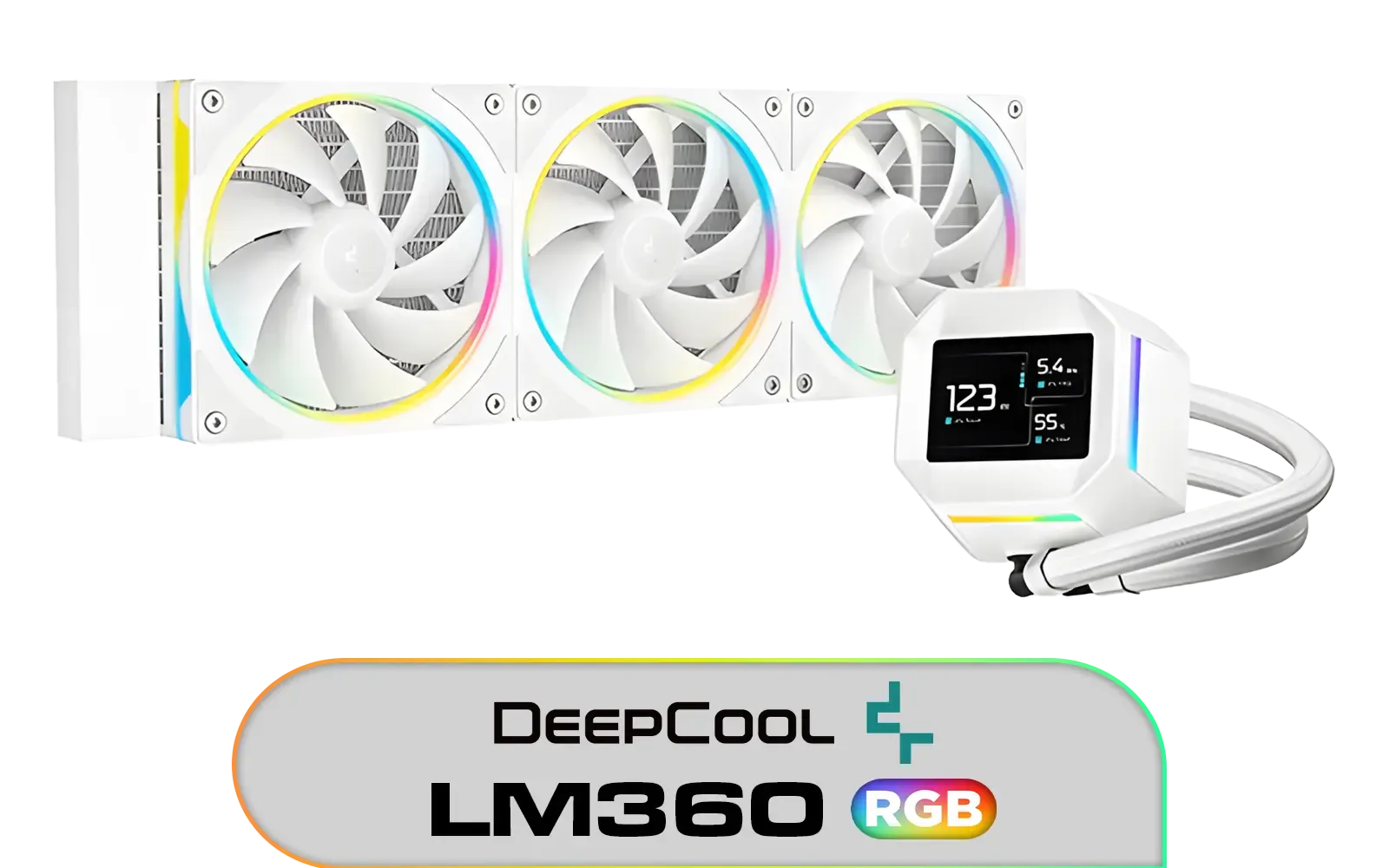
DeepCool LM360 CPU Liquid Cooler - White / Compact 2.4" IPS Display with MP4 Playback / Upgraded Pump for Improved Cooling & Quiet Operation / Supports LGA 1851, 1700, 1200, 1151, 1150, 1155 / Supports AM5, AM4 / Addressable RGB LED / Anti-Leak Technology / LM360-WH
R1699.00In Stock

Cooler Master MasterLiquid 360 Ion ARGB Close-Loop AIO Liquid Cooler / Customize Pump / 2.1-Inch Customizable LCD Screen / 360mm Radiator / AMD Ryzen AM5/AM4 / Intel LGA1851/1700/1200 / MLY-D36M-A24PZ-R1
R5699.00In Stock

DeepCool LQ360 Liquid Cooler - Black / 360mm Radiator / Rotating magnetic cover / 3x ARGB Fans Included / 600–2400 RPM adjustable fan speed / Compatible with AMD & Intel / LQ360
R2499.00In Stock
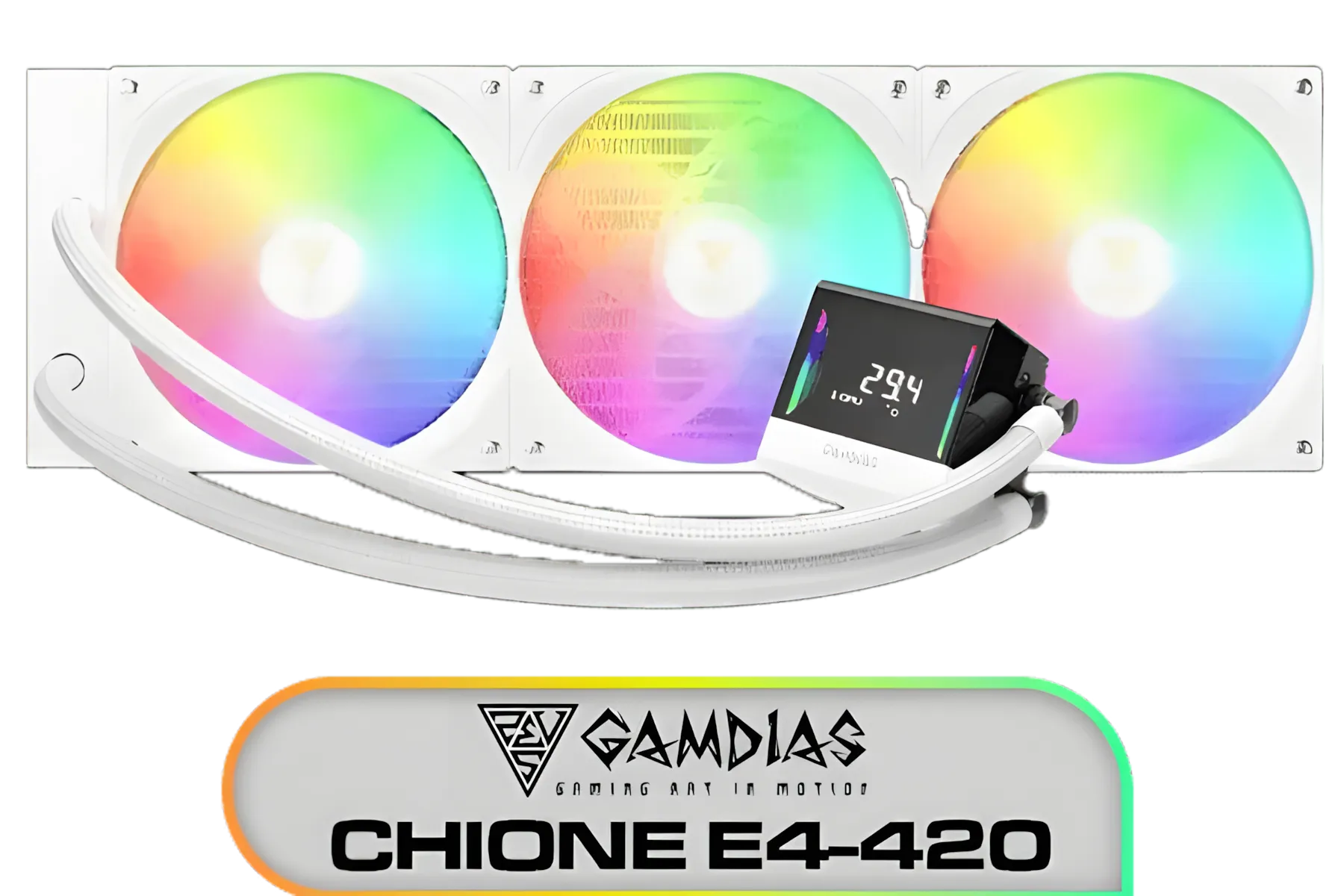
Gamdias Chione E4-420 Liquid Cooler - White / Hydraulic PWM Fans / Dual Infinite Mirror / Real-time Digital Display / Patented PWM Pump / Motherboard Sync ARGB / CHIONE-E4-420-WH
R999.00In Stock
For high-performance CPUs, especially those being cooled by powerful 360mm AIO coolers, a superior mounting system is non-negotiable. The larger cold plates on these units benefit immensely from perfectly even pressure. But this isn't just for the big boys; even the most popular and versatile 240mm AIOs see significant thermal improvements from a well-engineered mounting bracket. 🚀
Ultimately, the best cooler is one that makes perfect contact. By understanding CPU cooler mounting pressure and choosing a product with a quality adjustable bracket, you ensure your processor stays cool, quiet, and ready for any marathon gaming session you throw at it.
Ready for the Perfect Fit? Don't let poor contact bottleneck your PC's performance. A great cooler with a superior mounting system is one of the best investments you can make for lower temps and higher clocks. Explore our massive range of CPU Coolers and find the perfect match to keep your rig frosty.
Related Products
DeepCool LP360 Liquid Cooler - White / 360mm Radiator / LED Digital Display / 3x ARGB Fans Included / Compatible with AMD & Intel / LP360-WH
R2399.00In Stock
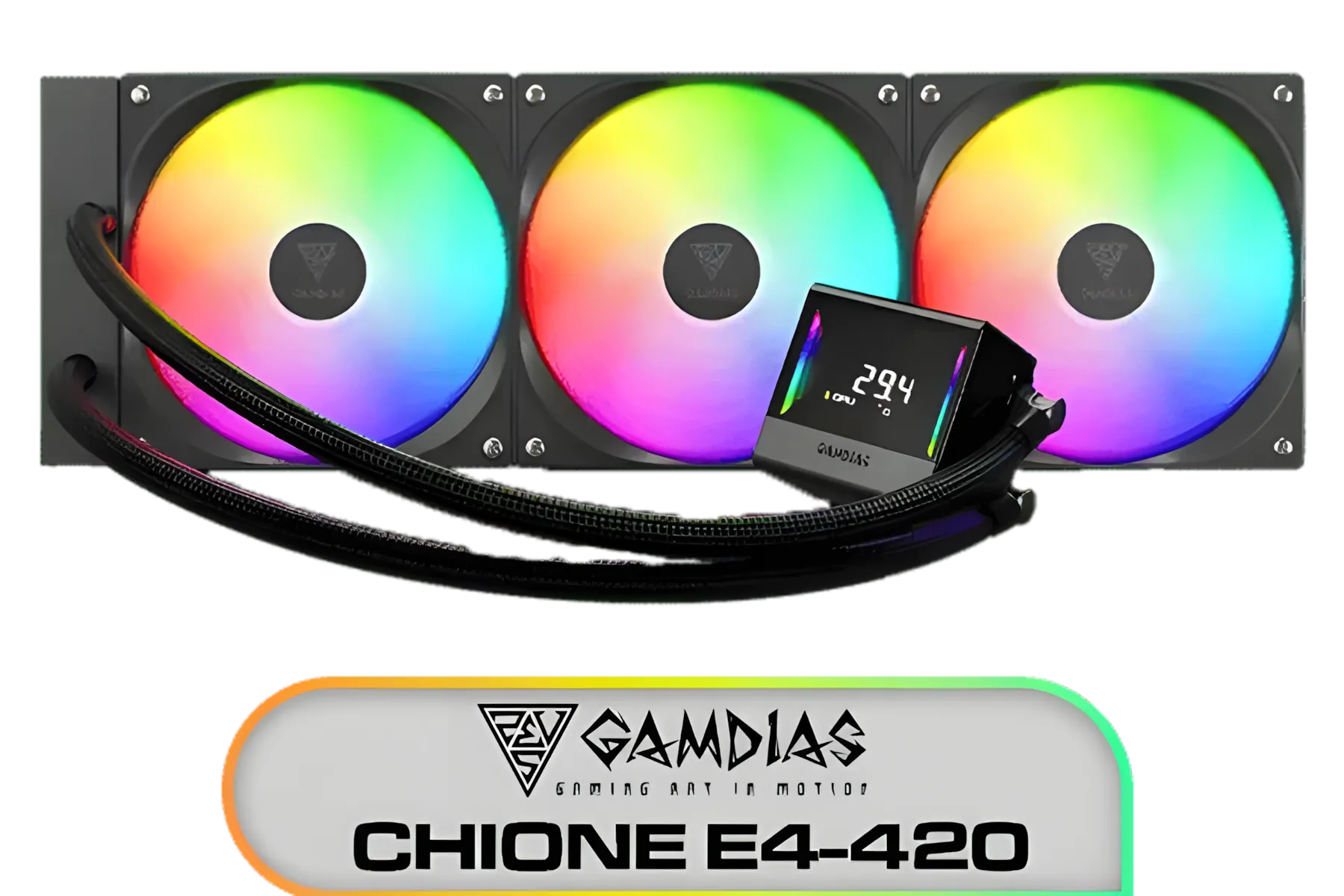
Gamdias Chione E4-420 Liquid Cooler - Black / Hydraulic PWM Fans / Dual Infinite Mirror / Real-time Digital Display / Patented PWM Pump / Motherboard Sync ARGB / CHIONE E4-420
R2599.00In Stock
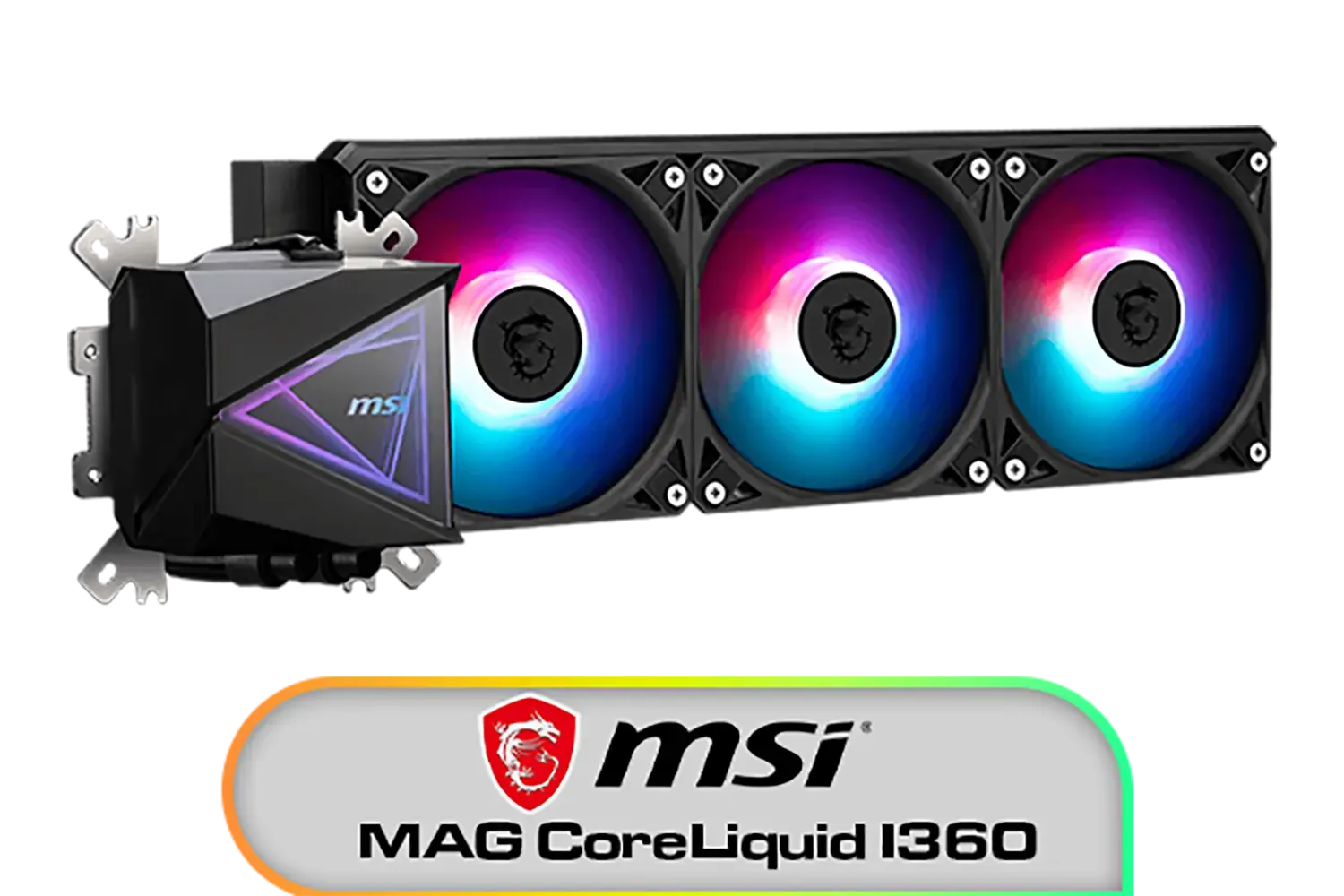
MSI MAG CoreLiquid I360 Liquid Cooler / LDB Bearing Quiet Fans / Dual-Sided Infinite Mirror Cooling / Flexible Nylon-Braided Cooling Tubes / Durable EPDM Anti-Evaporation Tubing / 306-7ZW8E11-C24
R2499.00In Stock
Gamdias Chione E4-360 Liquid Cooler - White / Hydraulic PWM Fans / Dual Infinite Mirror / Real-time Digital Display / Patented PWM Pump / Motherboard Sync ARGB / CHIONE-E4-360-WH
R1999.00In Stock
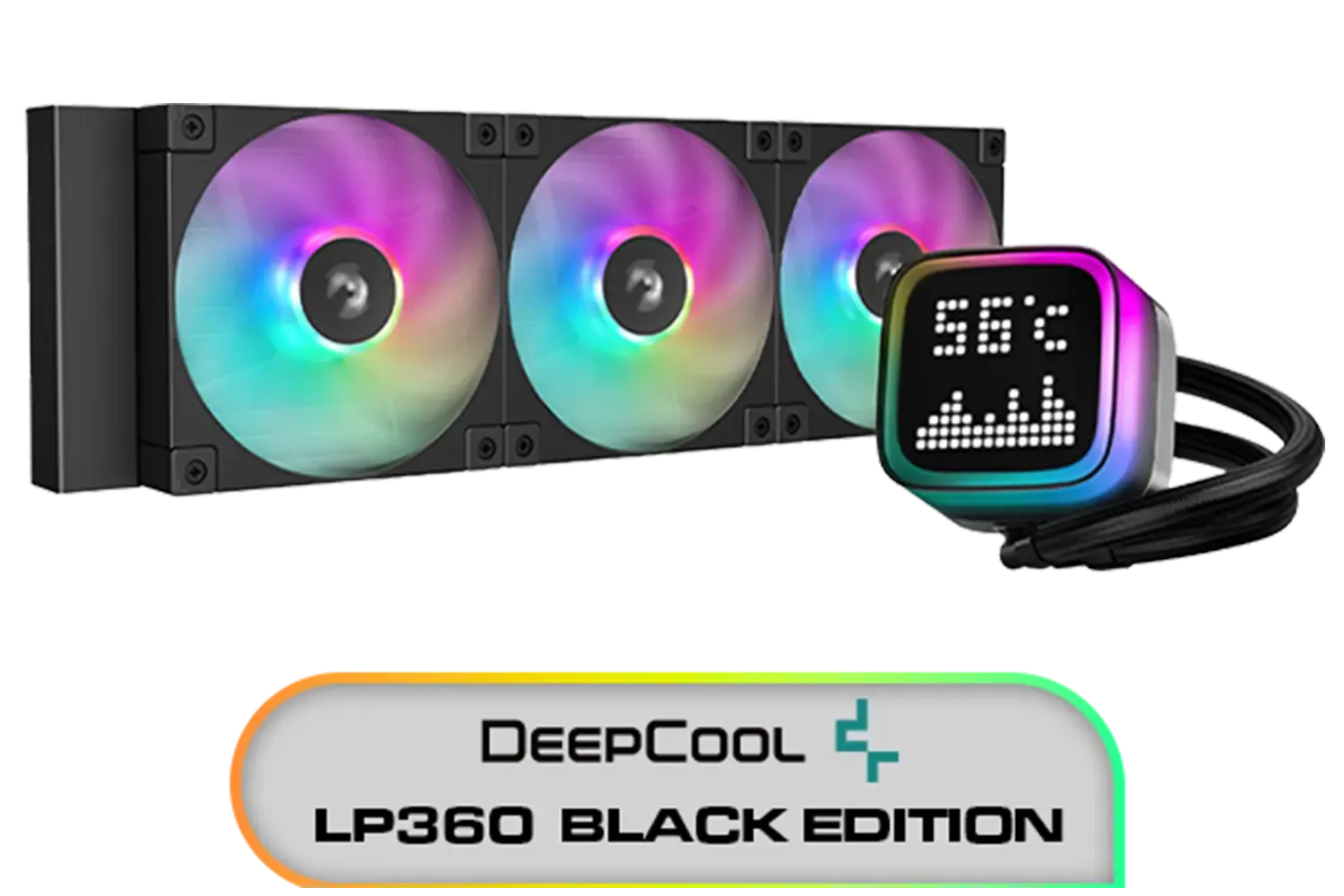
DeepCool LP360 Liquid Cooler - Black / 360mm Radiator / LED Digital Display / 3x ARGB Fans Included / Compatible with AMD & Intel / LP360
R2299.00In Stock

CORSAIR iCUE Link H100i RGB Liquid CPU Cooler - Black / 240mm AIO / QX120 RGB Fans / Fits Intel® LGA 1700, AMD® AM5 / iCUE Link System Hub Included / CW-9061001-WW
R3599.00In Stock
It's the force the bracket applies to the cold plate over the CPU. Proper cpu cooler mounting pressure improves contact and heat transfer without excess paste.
They let you tune pressure and alignment for uniform cold plate contact, better thermal paste spread uniformity, and lower temps.
Edge pooling or bare spots in a paste imprint, high core deltas, or hotspot throttling. An adjustable cpu cooler bracket can fix alignment.
Yes. IHS and socket height vary. Use platform-specific spacers or brackets and tighten evenly per spec. Avoid over-torque on AM5 and LGA1700.
No. Tighten in an X-pattern until resistance, then small even turns. Follow mounting torque guidance; too much pressure can bow the board and hurt contact.
On some chips, slight offset mounting aligns the cold plate over the hotspot to reduce core deltas. Test in small steps and monitor temps.
Contact frames can reduce socket bowing; brackets let you tune pressure. Many builders use both. Follow vendor guidance to keep warranty and safety.
Check paste pattern after a test mount, log temps at a fixed load, and watch core deltas. Consistent paste spread and lower deltas suggest good pressure.











