



Cudy 4G LTE Router: Set Up a Mobile Office Fast
- Audit connectivity needs - Configure Cudy router and SIM - Secure, optimize and power your setup Cudy 4G LTE Router helps you build a secure, portable mobile office with step-by-step setup, VPN tips and performance tweaks. 🚀🔒
|
Loading tags...

Loadshedding hits, your fibre goes down, and that critical deadline is looming. Sound familiar? In South Africa, a stable internet connection isn't a luxury... it's a survival tool. What if you could deploy a powerful, reliable network anywhere, in minutes, using just a SIM card? That’s the freedom a Cudy 4G LTE router offers, turning any spot into a high-speed mobile office or a loadshedding-proof fortress. 🚀
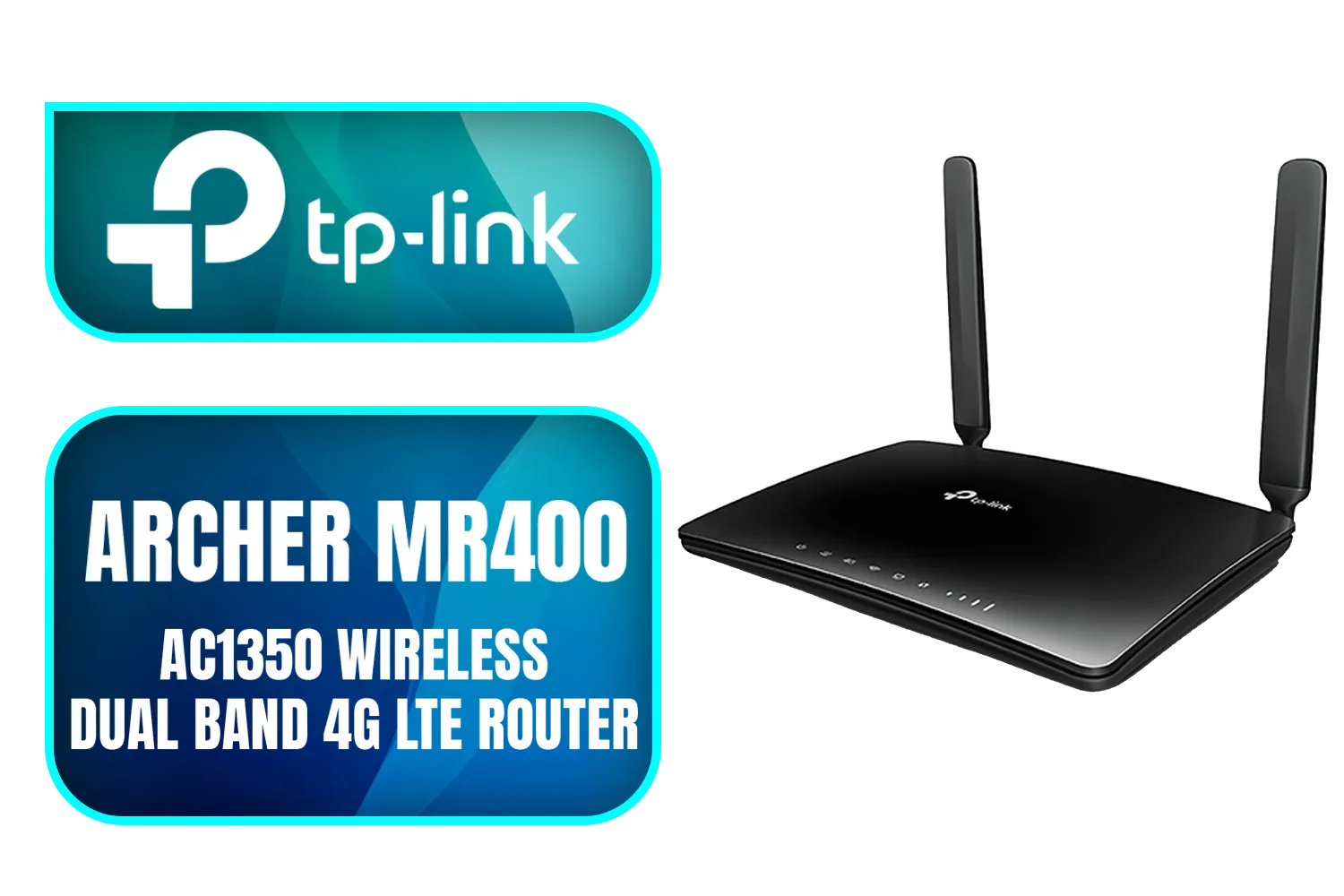
TP-Link Archer MR400 AC1350 Wireless Dual Band 4G LTE Router / Cutting-edge 4G network / Plug a SIM card and play / 2× Detachable External 4G LTE Antennas / 2.4 GHz and 5 GHz / ARCHER-MR400
R1499.00In Stock
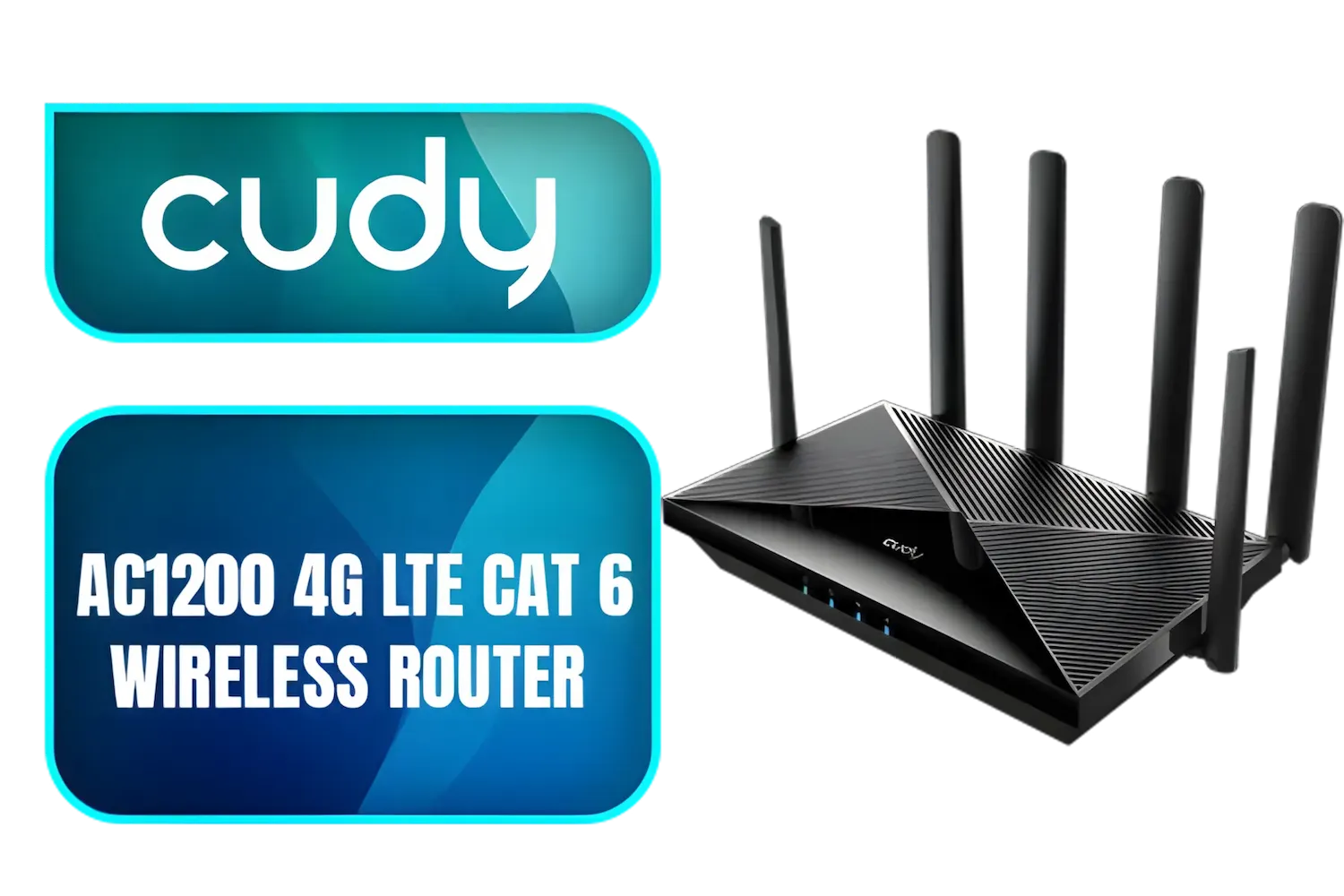
Cudy AC1200 4G LTE CAT 6 Wi-Fi Router / 4G CAT 6 with Max 300Mbps DL / 4x Gigabit Ethernet Port / 2x Nano SIM Slots / 4-Stream Dual-Band Wi-Fi 5 / LT700
R1899.00In Stock
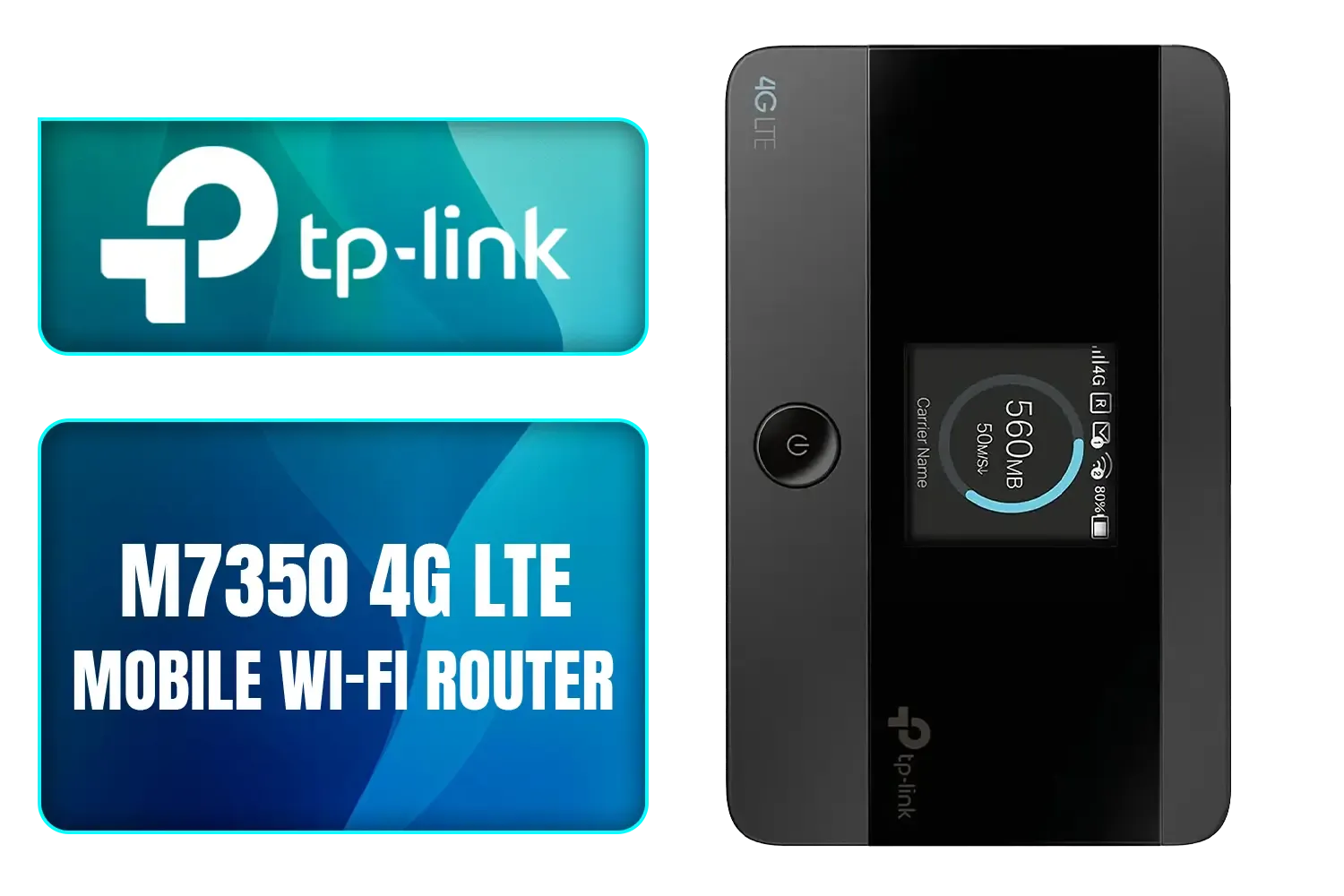
TP-LINK M7350 4G LTE Mobile Wi-Fi Hotspot (Share Wi-Fi with Up to 10 Devices, Long Lasting Battery, Easy to Use, Unlocked) / M7350
R1199.00In Stock
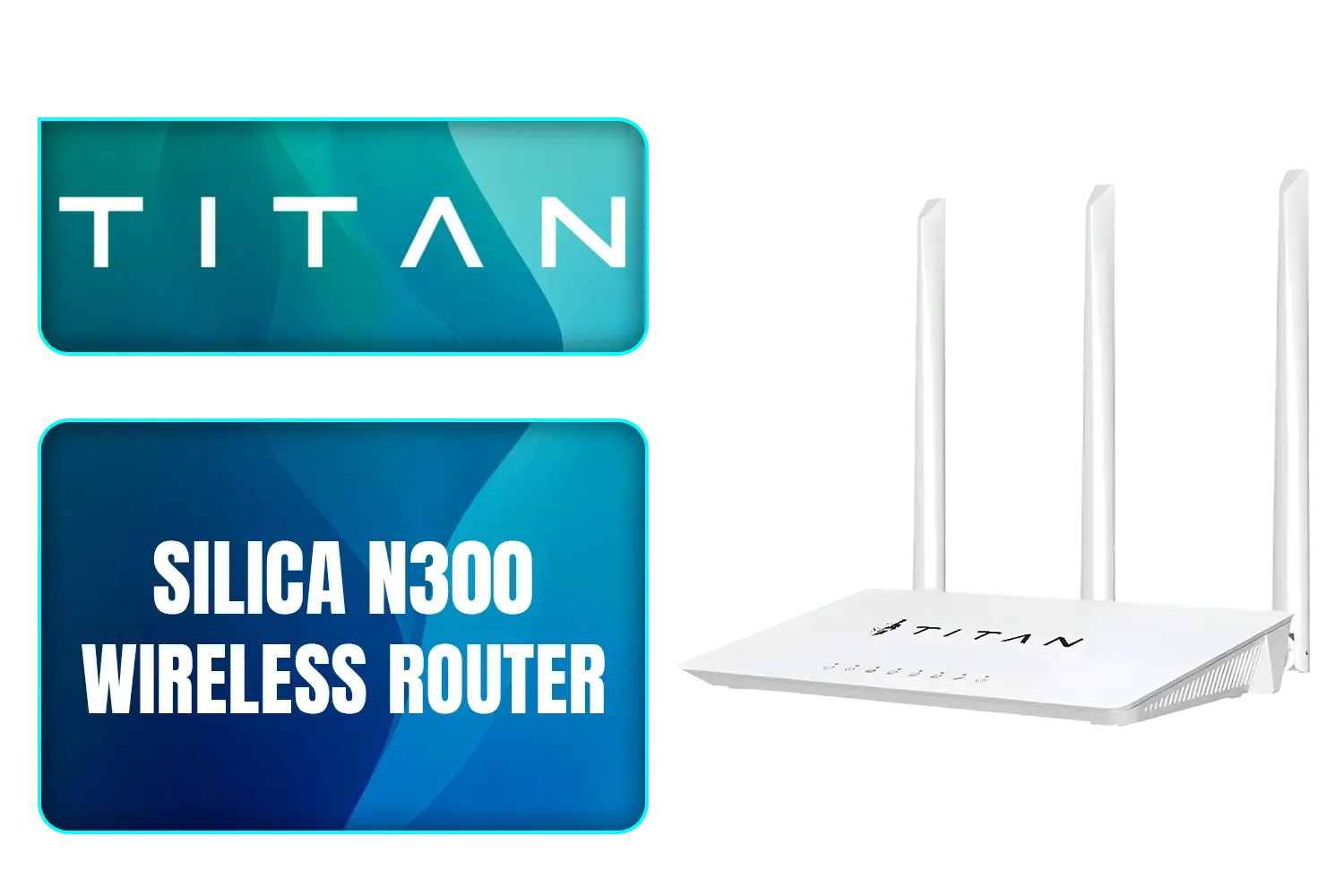
TITAN Silica N300 Wireless Router / Fast Connection / Energy Saving / 32 Users / TIT-CF-WR613N
R399.00In Stock
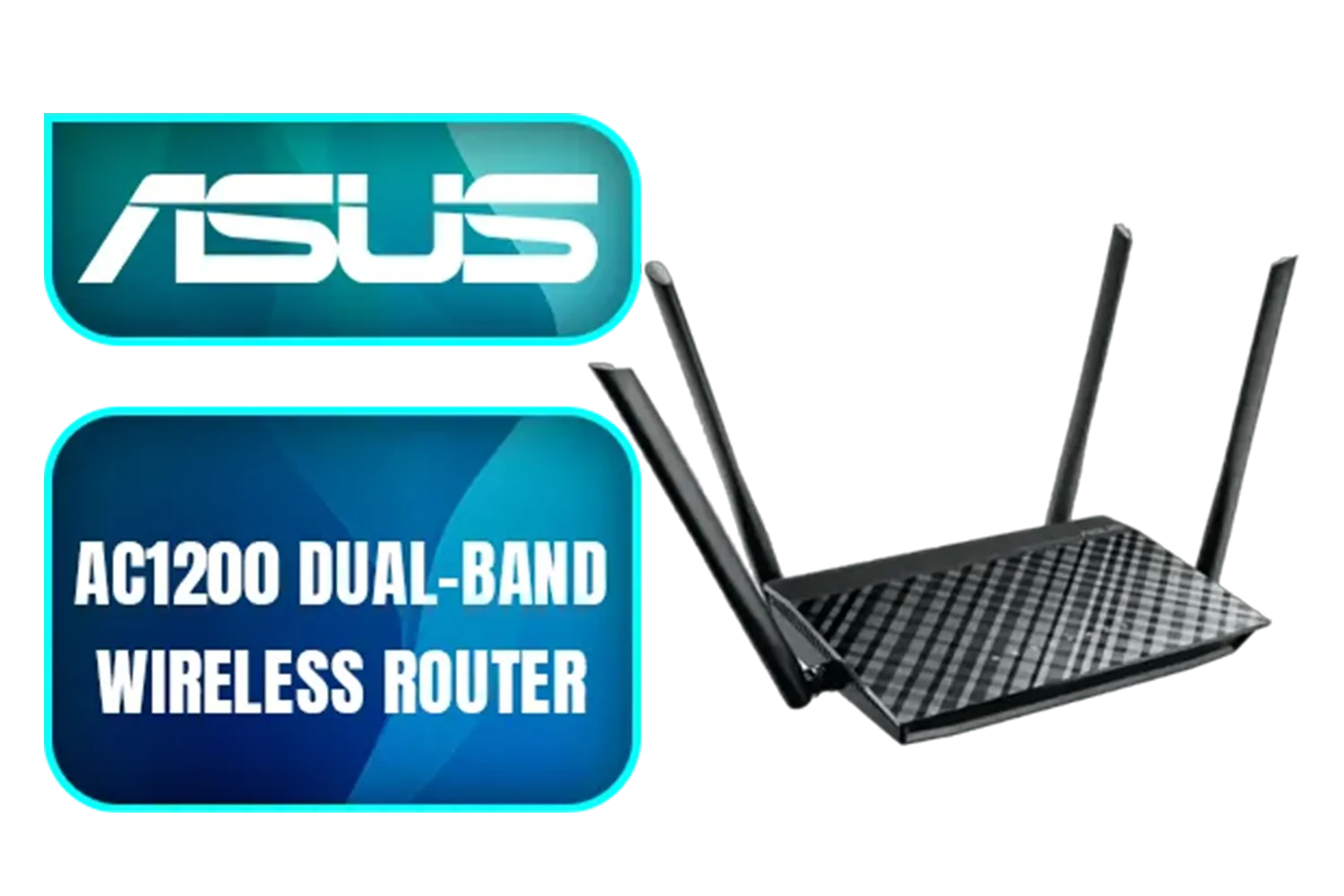
Asus Wireless AC1200 Dual-Band Router - (RT-AC1200) / 90IG0550-BM3400
R599.00In Stock
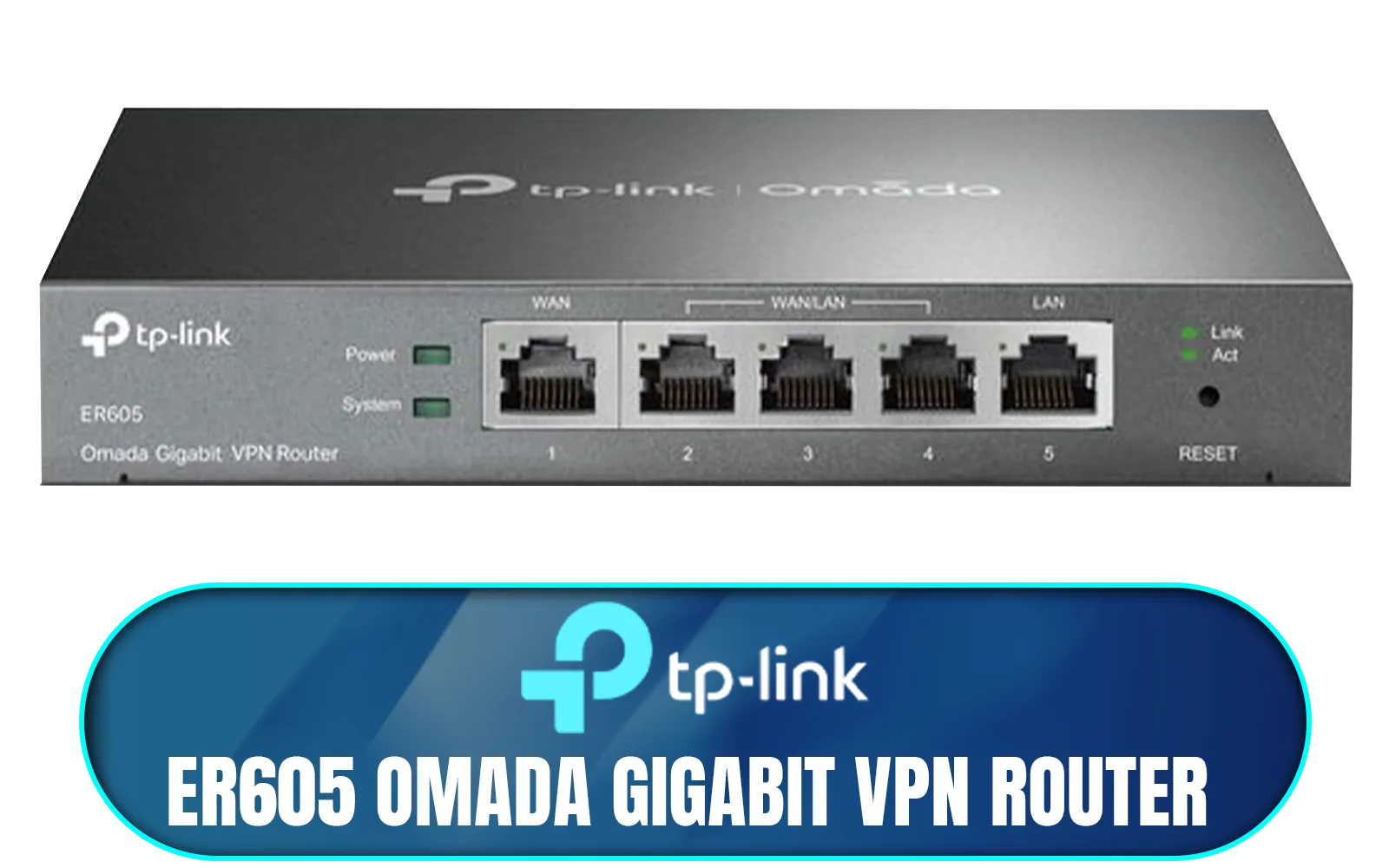
TP-LINK ER605 Omada Gigabit VPN Router / Integrated into Omada SDN / Centralized Management / Five Gigabit Ports / Up to 4 WAN Ports / NET-ER605
R1199.00In Stock
Your Instant Internet Solution: The Cudy 4G LTE Router
Forget waiting weeks for a technician to pull cables through your ceiling. The core appeal of a Cudy 4G LTE router is its incredible simplicity and flexibility. It takes the strong 4G signal you get on your phone and transforms it into a robust Wi-Fi network for your laptops, consoles, and smart devices. It's the perfect primary connection for areas without fibre or a brilliant backup for when your main line inevitably fails.
This isn't just about avoiding downtime. It's about unlocking true mobility. Imagine finishing a report from a holiday spot on the coast or running a pop-up shop's payment system at a weekend market. With a solid 4G router, your office is wherever you need it to be. For those seeking serious performance, a model like the Cudy LT700 AC1200 provides blazing-fast CAT6 speeds, ensuring smooth video calls and quick downloads.
TITAN Silica N300 Wireless Router / Fast Connection / Energy Saving / 32 Users / TIT-CF-WR613N
R399.00In Stock
Asus Wireless AC1200 Dual-Band Router - (RT-AC1200) / 90IG0550-BM3400
R599.00In Stock
TP-Link Archer MR400 AC1350 Wireless Dual Band 4G LTE Router / Cutting-edge 4G network / Plug a SIM card and play / 2× Detachable External 4G LTE Antennas / 2.4 GHz and 5 GHz / ARCHER-MR400
R1499.00In Stock
TP-LINK ER605 Omada Gigabit VPN Router / Integrated into Omada SDN / Centralized Management / Five Gigabit Ports / Up to 4 WAN Ports / NET-ER605
R1199.00In Stock
Cudy AC1200 4G LTE CAT 6 Wi-Fi Router / 4G CAT 6 with Max 300Mbps DL / 4x Gigabit Ethernet Port / 2x Nano SIM Slots / 4-Stream Dual-Band Wi-Fi 5 / LT700
R1899.00In Stock
TP-LINK M7350 4G LTE Mobile Wi-Fi Hotspot (Share Wi-Fi with Up to 10 Devices, Long Lasting Battery, Easy to Use, Unlocked) / M7350
R1199.00In Stock
Set Up Your Mobile Office in Under 5 Minutes
Getting a Cudy 4G LTE router online is refreshingly straightforward. There's no complex jargon or technical wizardry required. Here’s how fast you can set up your mobile office:
- Choose Your SIM: Grab a data-only SIM card from your preferred mobile network provider. Make sure it's activated and loaded with data.
- Plug and Play: Insert the SIM card into the slot on your Cudy router. Plug in the power adapter and switch it on.
- Connect & Go: Within a minute or two, the router will lock onto the 4G network. You can then connect your devices to the Wi-Fi network using the details printed on the sticker (usually on the bottom of the router). That’s it... you’re online! ✨
For those who want to tweak settings, Cudy’s web interface is clean and easy to navigate. You can change your Wi-Fi name, set up a guest network, or monitor your data usage with just a few clicks. Exploring the full Cudy South Africa range reveals options for every budget and need, from compact travel routers to powerful home office hubs.
TIP FOR YOU
Signal Pro Tip ⚡
For the best possible speeds, place your Cudy router near a window. Try a few different spots in your home or office and run a speed test at each location. Even moving it a metre or two can significantly boost your signal strength and connection stability.
Who Needs This Kind of Freedom?
The beauty of a 4G-powered setup is how it solves so many uniquely South African challenges. This isn't just a gadget; it's a problem-solver.
- The Loadshedding Warrior: Paired with a small UPS or power bank, your Cudy router keeps your internet alive, ensuring you stay productive even when the grid is down.
- The Digital Nomad: Work from anywhere with a cell signal. Your office is no longer defined by four walls and a fibre jack.
- The Small Business: Set up instant, reliable connectivity for your team on-site, at an event, or in a new office space without waiting for installation.
- The Renter or Student: Get fast internet without being locked into long-term contracts or needing landlord permission for installation.
TP-LINK M7350 4G LTE Mobile Wi-Fi Hotspot (Share Wi-Fi with Up to 10 Devices, Long Lasting Battery, Easy to Use, Unlocked) / M7350
R1199.00In Stock
TP-LINK ER605 Omada Gigabit VPN Router / Integrated into Omada SDN / Centralized Management / Five Gigabit Ports / Up to 4 WAN Ports / NET-ER605
R1199.00In Stock
TP-Link Archer MR400 AC1350 Wireless Dual Band 4G LTE Router / Cutting-edge 4G network / Plug a SIM card and play / 2× Detachable External 4G LTE Antennas / 2.4 GHz and 5 GHz / ARCHER-MR400
R1499.00In Stock
Asus Wireless AC1200 Dual-Band Router - (RT-AC1200) / 90IG0550-BM3400
R599.00In Stock
Cudy AC1200 4G LTE CAT 6 Wi-Fi Router / 4G CAT 6 with Max 300Mbps DL / 4x Gigabit Ethernet Port / 2x Nano SIM Slots / 4-Stream Dual-Band Wi-Fi 5 / LT700
R1899.00In Stock
TITAN Silica N300 Wireless Router / Fast Connection / Energy Saving / 32 Users / TIT-CF-WR613N
R399.00In Stock
Ultimately, the Cudy 4G LTE router setup is for anyone who values reliability and freedom above all else. It puts you back in control of your connection.
Ready to Break Free From Unreliable Internet? Stop letting loadshedding and flaky fibre dictate your productivity. A Cudy 4G LTE router is your ticket to fast, stable internet, anywhere, anytime. Explore the full Cudy range at Evetech and build the mobile office you deserve.
Related Products
TP-LINK ER605 Omada Gigabit VPN Router / Integrated into Omada SDN / Centralized Management / Five Gigabit Ports / Up to 4 WAN Ports / NET-ER605
R1199.00In Stock
Asus Wireless AC1200 Dual-Band Router - (RT-AC1200) / 90IG0550-BM3400
R599.00In Stock
TP-Link Archer MR400 AC1350 Wireless Dual Band 4G LTE Router / Cutting-edge 4G network / Plug a SIM card and play / 2× Detachable External 4G LTE Antennas / 2.4 GHz and 5 GHz / ARCHER-MR400
R1499.00In Stock
Cudy AC1200 4G LTE CAT 6 Wi-Fi Router / 4G CAT 6 with Max 300Mbps DL / 4x Gigabit Ethernet Port / 2x Nano SIM Slots / 4-Stream Dual-Band Wi-Fi 5 / LT700
R1899.00In Stock
TITAN Silica N300 Wireless Router / Fast Connection / Energy Saving / 32 Users / TIT-CF-WR613N
R399.00In Stock
TP-LINK M7350 4G LTE Mobile Wi-Fi Hotspot (Share Wi-Fi with Up to 10 Devices, Long Lasting Battery, Easy to Use, Unlocked) / M7350
R1199.00In Stock
Insert the SIM, power the router, access the web UI at 192.168.0.1 and enter APN details from your carrier to activate the SIM.
Yes. With proper SIM data plan, external antenna, and Wi-Fi settings, a Cudy 4G LTE router can power laptops, printers and VoIP for a mobile office.
Enable WPA3 or WPA2, change admin password, run the Cudy router firmware update and use a VPN for encrypting remote work traffic.
Use a high-gain external antenna, select the best LTE band, enable carrier aggregation if available, and position the router near a window.
Yes. The Cudy router supports multiple Wi-Fi and Ethernet clients—manage bandwidth with QoS to keep video calls and uploads smooth.
Use a compact UPS for clean power, a mobile power station for long stints, or an in-vehicle inverter when working from a car.
Absolutely. A VPN secures data over public cellular networks; configure either router-level VPN or client VPN on devices for protection.











