



Desk Depth for Curved Monitor Setups: The Optimal Distance Guide
Finding the right desk depth for curved monitor setups is crucial for eye comfort and total immersion. 🖥️ We analyze optimal viewing distances for 34-inch to 49-inch screens to help you choose the perfect deep desk. Avoid eye strain today! 📏
|
Loading tags...

So, you’ve just invested in a gorgeous curved monitor, ready to dive headfirst into the latest AAA title. But hold on… are you leaning too far in? Or squinting from the back of your chair? Getting the desk depth for your curved monitor setup wrong can ruin the immersion and even cause eye strain. Don’t worry, we’re here to help you find that sweet spot for maximum comfort and peak gaming performance.
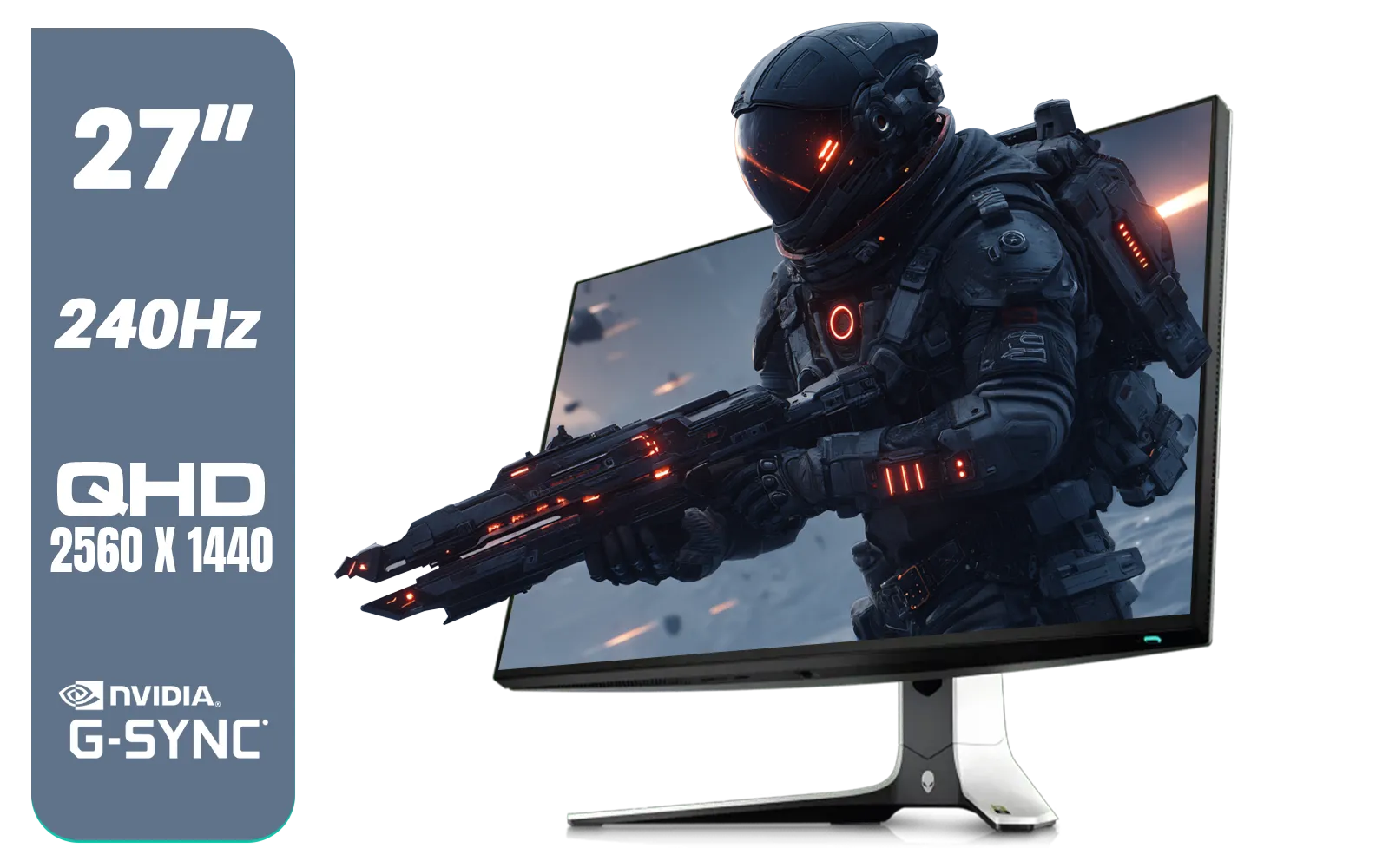
Alienware AW2723DF Gaming Monitor - 27-inch (2560 x 1440) 240Hz Display (DP 1.4), 1ms Response Time, NVIDIA G-Sync, Preset OSD Modes, Height/Tilt/Swivel/Pivot Adjustability - Lunar Light / AW2723DF
R8699.00In Stock
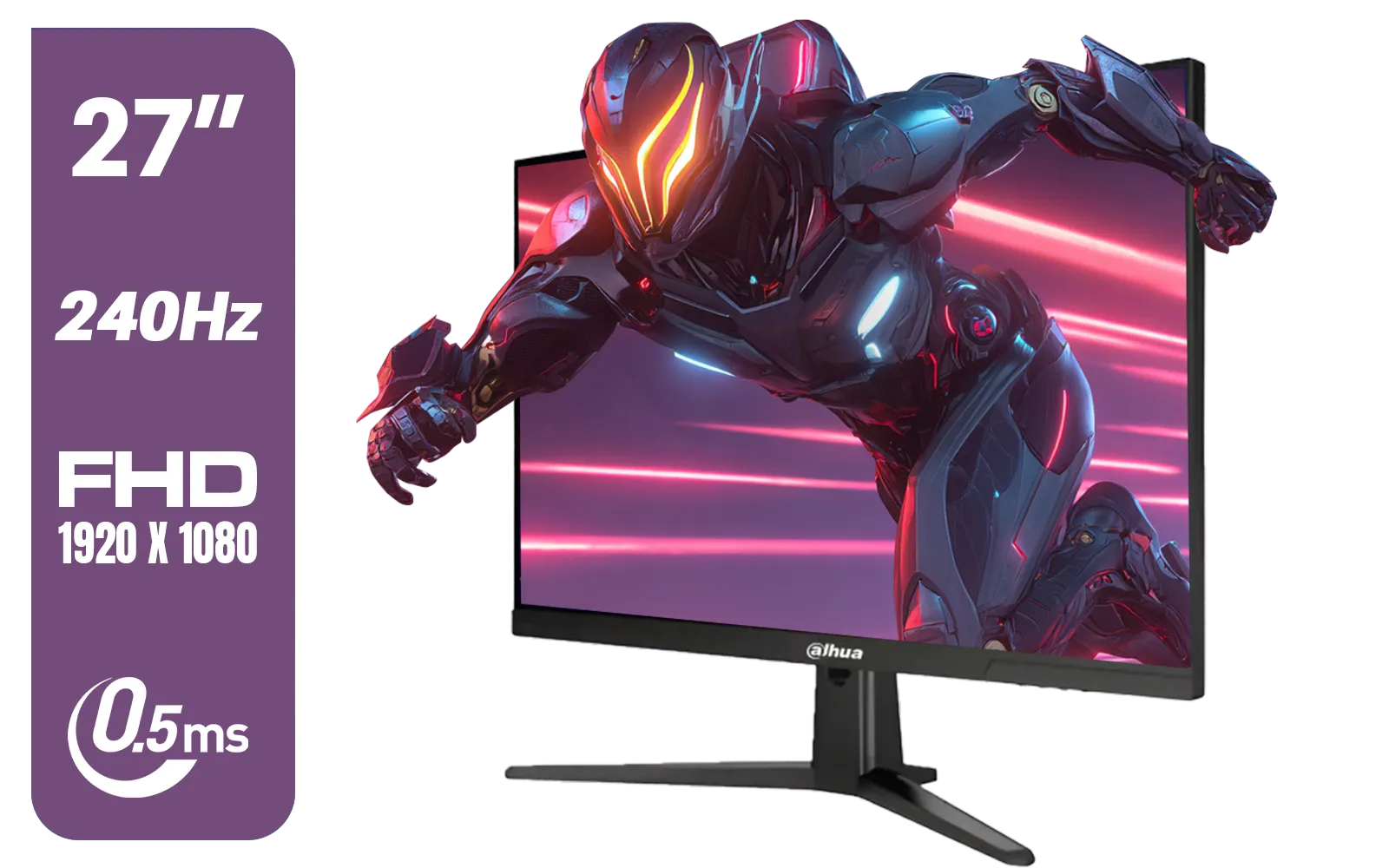
Dahua LM27-E241B 27" Gaming Monitor / FHD 1920 x 1080 / 240Hz Refresh Rate / 0.5ms Response Time / DHI-LM27-E241B
R2499.00In Stock
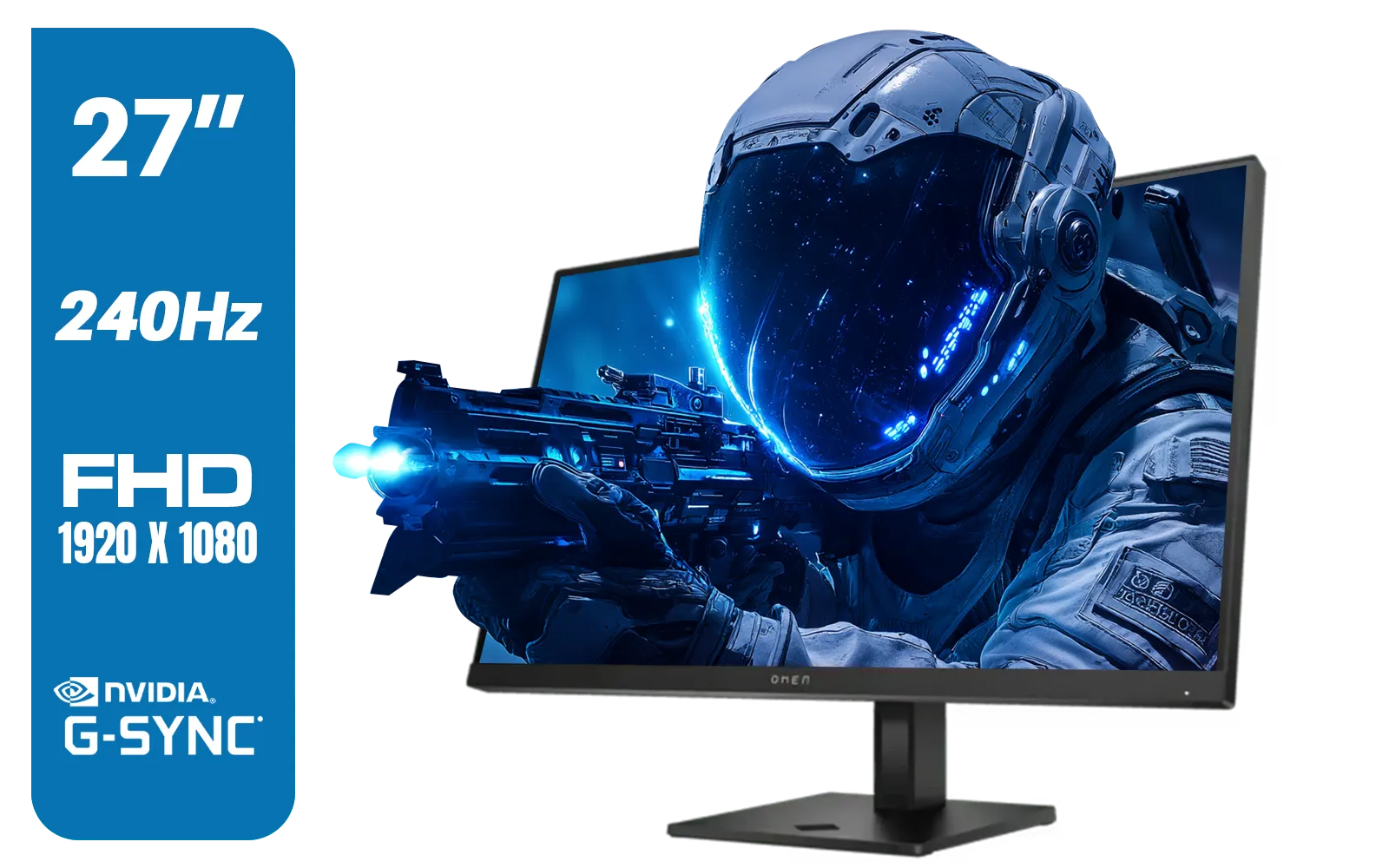
HP OMEN 27s FHD 240Hz Gaming Monitor - Black / VESA DisplayHDR 400 / NVIDIA® G-SYNC® Compatible / Integrated Dual 3W speakers / Customize aRGB lighting through OMEN Light Studio / 780G5AS
R8999.00In Stock
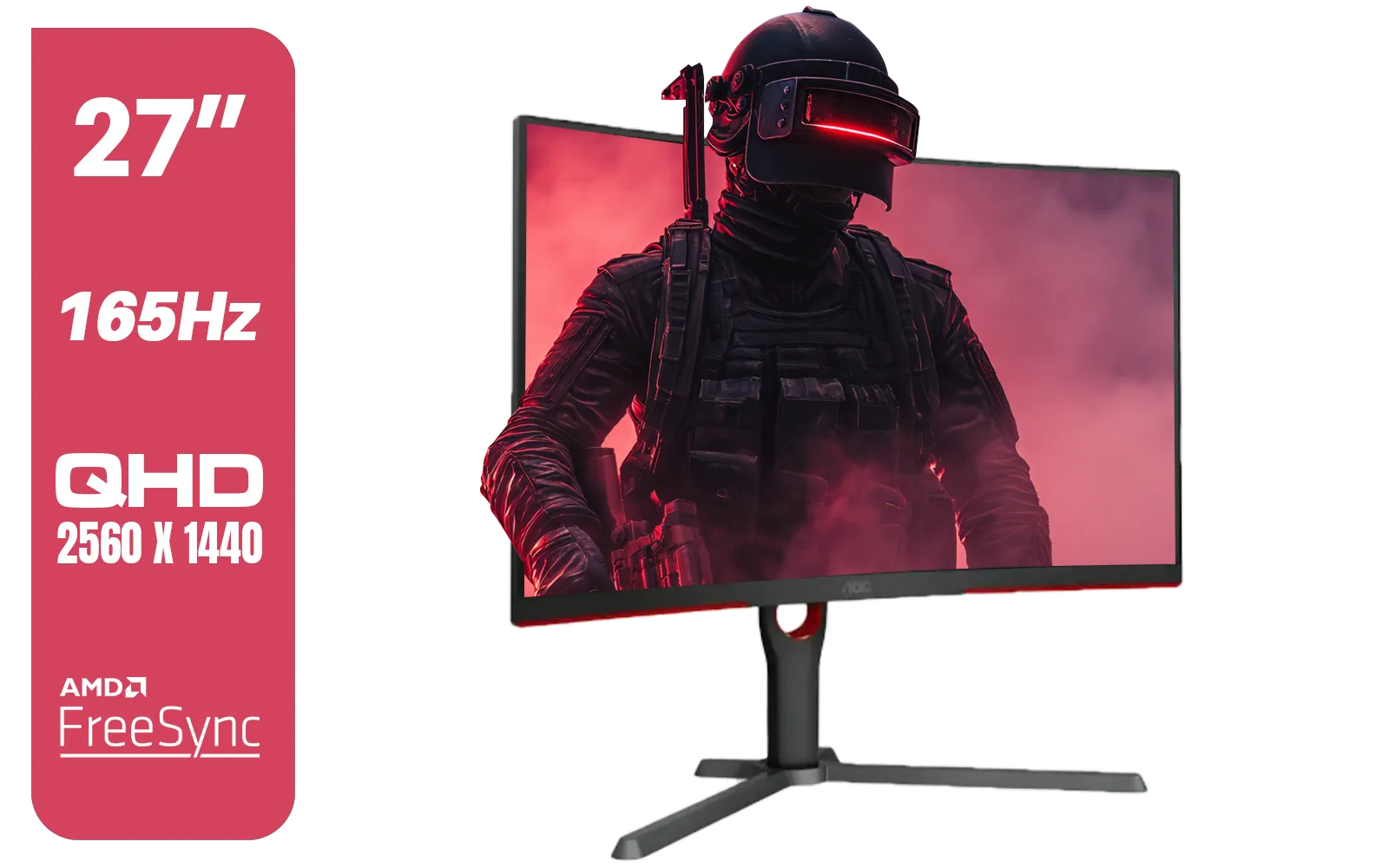
AOC CQ27G3S 27" QHD (2560x1440) 165Hz 1ms VA Curved FreeSync HDR Gaming Monitor / Superior High Quality Viewing / Ultra-smooth Tear-free Gaming / Enjoy top-tier Gaming Performance / Instant Response Times / Illuminate Your Visuals / Reducing Shortwave Blue Light / CQ27G3S
R6399.00In Stock

MSI PRO MP275W E2 27-inch IPS 1920 x 1080 (FHD) Gaming Office Monitor, 120Hz, Free-Synch, HDMI, DisplayPort, VGA Port, VESA Mountable, Tilt, Speaker, 4-Side Slim Bezel 1ms, White / 9S6-3PD3CM-030
R3199.00In Stock

Targus 24-inch USB-C Docking Computer Monitor w/ 100W PD, Adjustable Height Mac PC Monitor 360 Degree Rotating 24 inch Monitor Gaming Monitor w/Dock, Dual Monitor Compatible / DM4240PUSZ
R1699.00In Stock
Why Desk Depth is Crucial for Curved Monitors
Unlike flat screens, curved monitors are designed to match the natural curvature of the human eye. This wrap-around effect fills your peripheral vision, making gameplay feel more immersive and less fatiguing. But this only works if you’re sitting at the right distance. Too close, and the edges become distorted. Too far, and you lose that coveted wrap-around effect entirely.
The key is the monitor's curvature rating, usually written as something like 1800R or 1000R. This isn't just a random number; it's the radius of the curve in millimetres. A 1000R monitor has a very aggressive curve, designed to be viewed from about 1 metre away, while a 1800R monitor has a gentler curve, suitable for viewing up to 1.8 metres away. This measurement is the foundation for figuring out the optimal distance for your curved monitor.
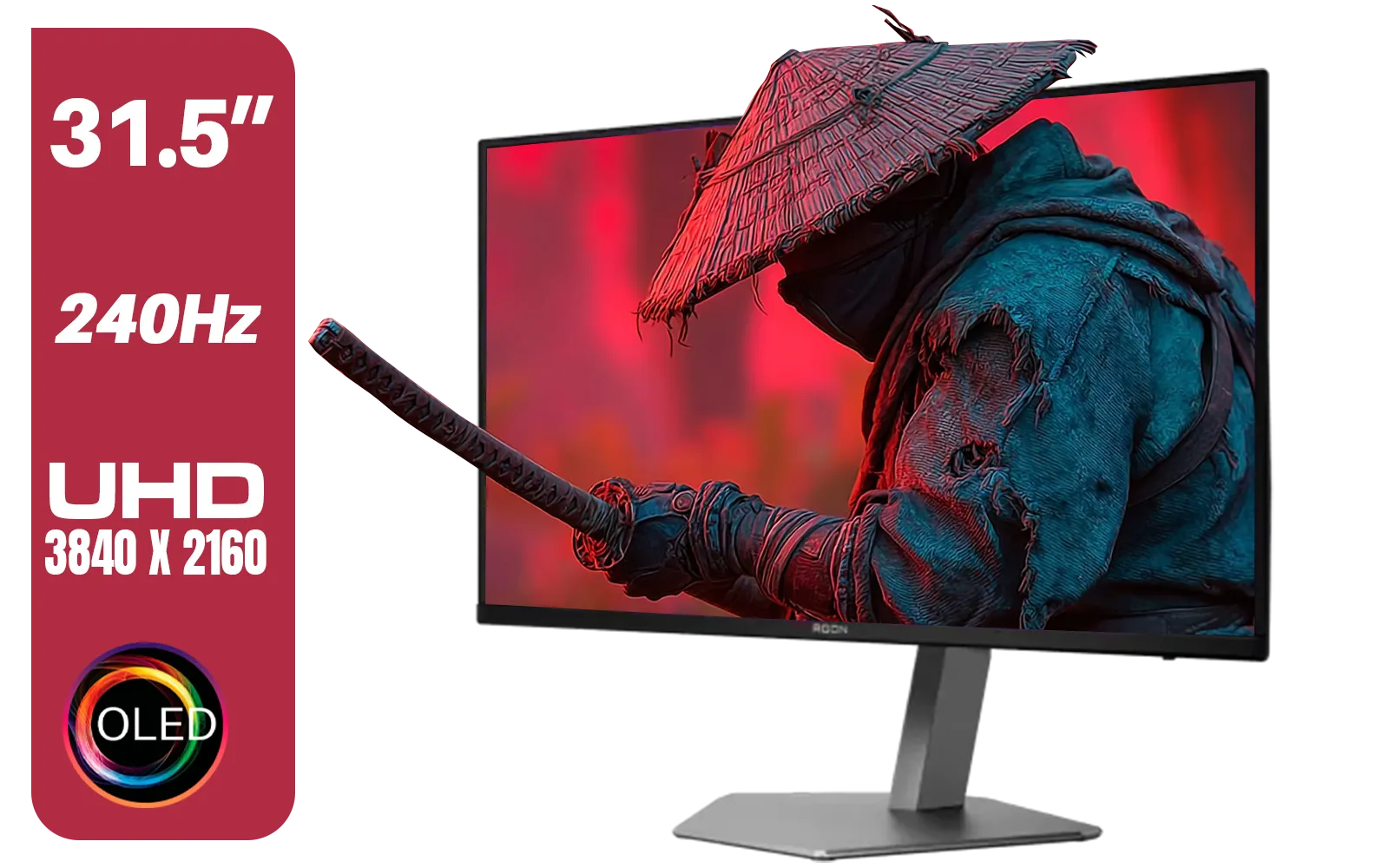
AOC Agon AG326UZD 31.5" Curved Gaming Monitor / UHD (3840x2160) OLED Display / 240Hz Refresh Rate / 0.03ms Response Time (GtG) / DisplayHDR True Black 400 / DisplayPort 2.1 / AG326UZD
R22999.00In Stock

VIEWSONIC TD1630-3 15.6" 10-Pont Touch Screen Monitor / HD 768p Resolution / Projected Capacitive Touch / HDMI & VGA Inputs / Dual Integrated Speakers / Durable Scratch-Resistant Screen / TD1630-3
R4499.00In Stock

VIEWSONIC 23.6" Active Matrix Type LCD Touch Monitor / IR 10-Point Touch Monitor / Finger, Stylus & Glove Touch Compatible / Magnetic Pen Placeholder / Adjustable Back Tilt up to 40° / Scratch-Resistant 7H Hardness Screen / FHD 1920×1080 Resolution / TD2423
R5199.00In Stock
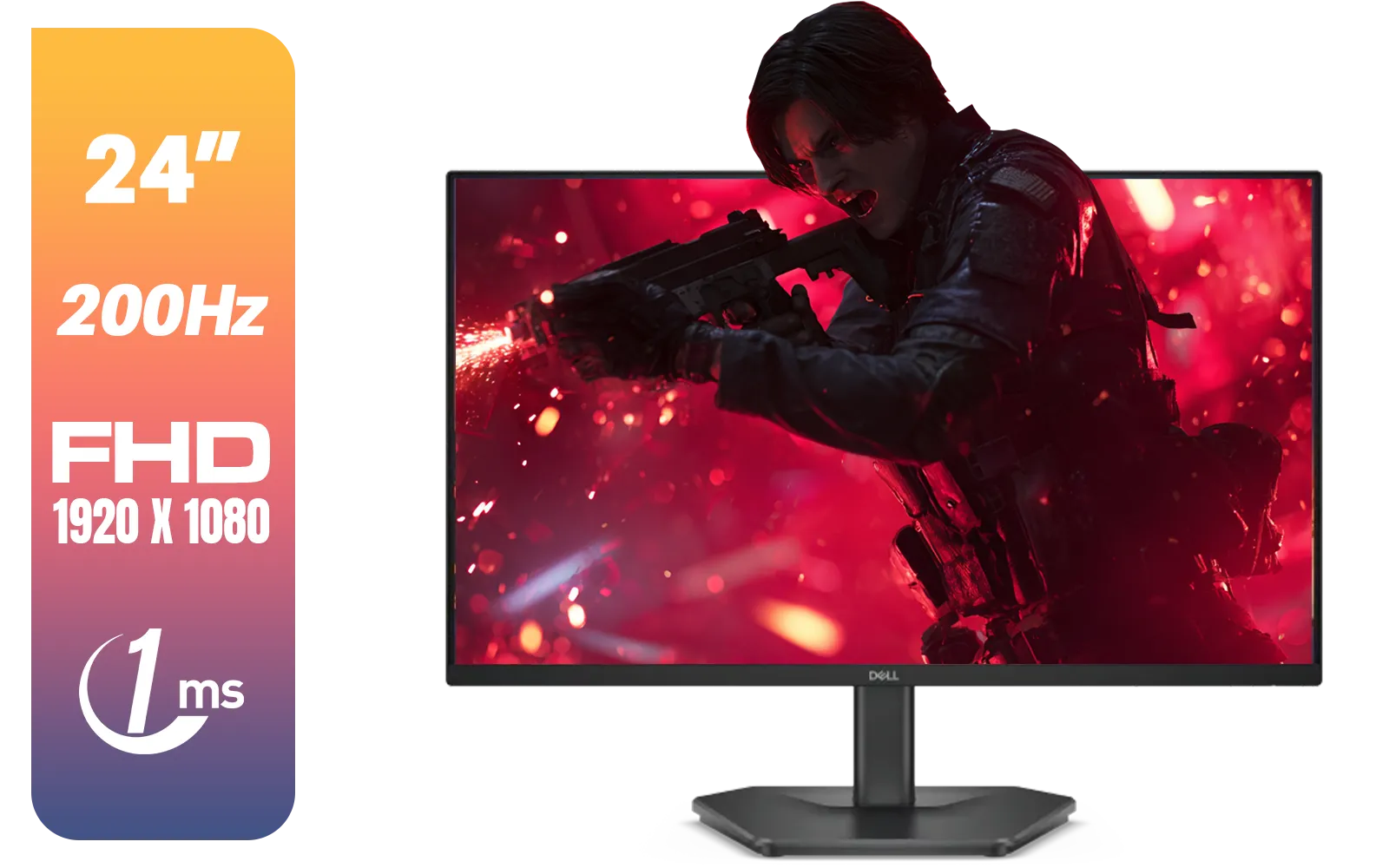
Dell SE2425HG 24" FHD IPS Gaming Monitor / FHD (1920 x 1080) Resolution / 200Hz Refresh Rate / 1ms Response Time / IPS level Display / 178° Horizontal and Vertical Viewing Angles / SE2425HG
R2599.00In Stock
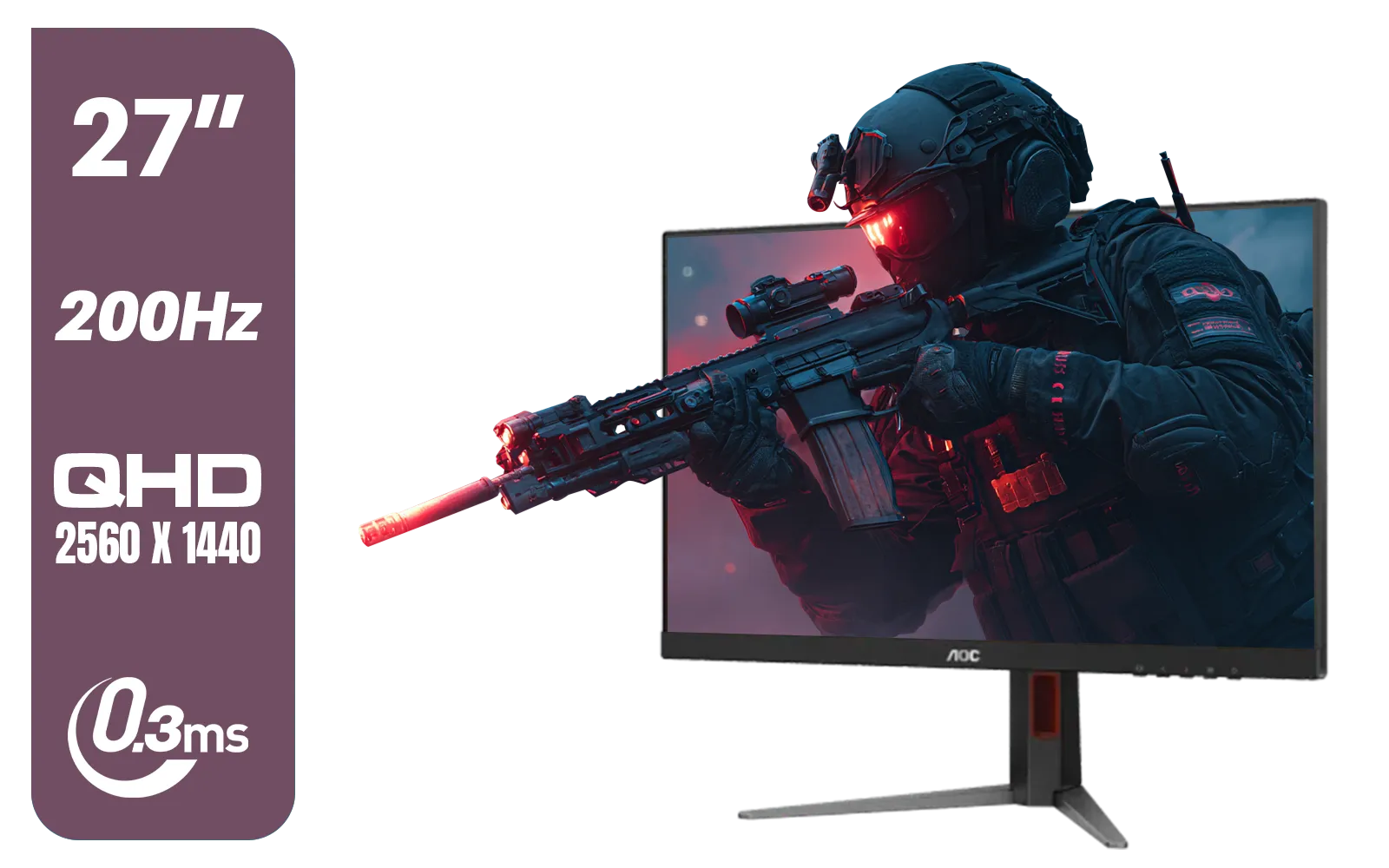
AOC Q27G4/D 27" Gaming Monitor / QHD (2560 × 1440) / 200Hz Refresh Rate / 0.3ms Response Time / IPS-Level Display / Certified HDR400 / Support Adaptive Sync / Q27G4/D
R3899.00In Stock
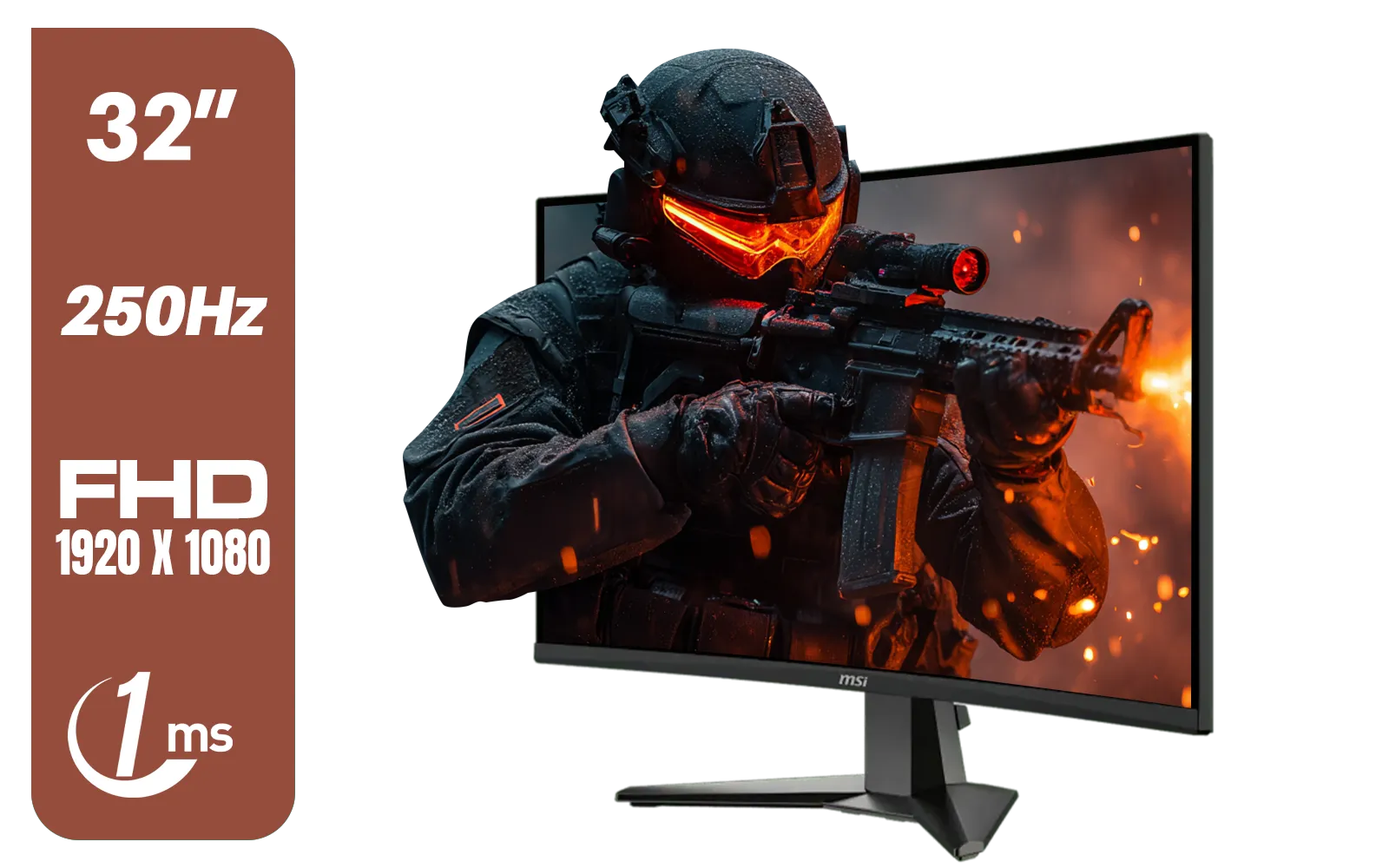
MSI MAG 32C6X 31.5-inch 1920 x 1080 (FHD) Computer Monitor, 250Hz, Adaptive-Sync, HDR Ready, HDMI, VGA Port, Display Port,VESA Mountable, Tilt, 1ms, Black / 9S6-3DD41M-027
R4799.00In Stock
Finding Your Perfect Viewing Distance
So, how do you translate that "R" rating into a practical desk setup? Here’s a simple guide to get you started.
A good rule of thumb is to sit roughly where your eyes are 1 to 1.5 times the screen's diagonal size away. However, for curved screens, the curvature is a better guide.
Here are some general recommendations based on popular monitor sizes and types:
- 27-inch (1500R/1800R): Aim for a viewing distance of 70cm to 1m. A desk depth of at least 60-70cm is recommended.
- 32-inch (1500R/1800R): You'll want to be about 80cm to 1.2m away. A desk depth of 70-80cm is ideal here.
- 34-inch Ultrawide (1800R/1000R): These immersive beasts benefit from more space. Sit about 85cm to 1.3m away, making an 80cm deep desk almost essential.
Remember, higher resolutions on displays like high-resolution 4K and 5K monitors mean you can sit closer without seeing individual pixels, giving you a bit more flexibility.
TIP FOR YOU
Ergonomic Pro Tip ⚡
A monitor arm is your best friend. It lets you clamp your screen to the back of your desk, freeing up valuable surface area and allowing you to position the monitor at the perfect depth and height, completely independent of your desk's limitations. It’s one of the best upgrades you can make.
Practical Desk Depth for Your Setup 🔧
For most South African gamers, finding the right desk depth for a curved monitor comes down to balancing ideal ergonomics with practical room space.
- Minimum Depth (60cm): This is common for standard office desks. It can work for smaller curved monitors (under 27 inches), but you might feel a bit cramped. You'll likely need to push your keyboard further in.
- Ideal Depth (75-80cm): This is the sweet spot. It provides enough room for your monitor, keyboard, mousepad, and arms without feeling constrained. It’s perfect for larger curved and ultrawide screens, giving you that cinematic experience. You can browse a wide variety of PC monitors to see what fits this setup.
- Deep Desks (90cm+): These are fantastic for multi-monitor setups or for users who want maximum space between them and their screen.
If you're looking for a display for a smaller space or a secondary screen, a different form factor might be better. While not curved, portable monitors offer incredible flexibility for tight spots.

VIEWSONIC VX2758A-2K-PRO-3 27" 2K Gaming Monitor / 240Hz Refresh Rate / 1ms MPRT Response Time / AMD FreeSync™ Premium & NVIDIA G-Sync Compatible / Dual HDMI & DisplayPort Inputs / VX2758A-2K-PRO-3
R5499.00In Stock
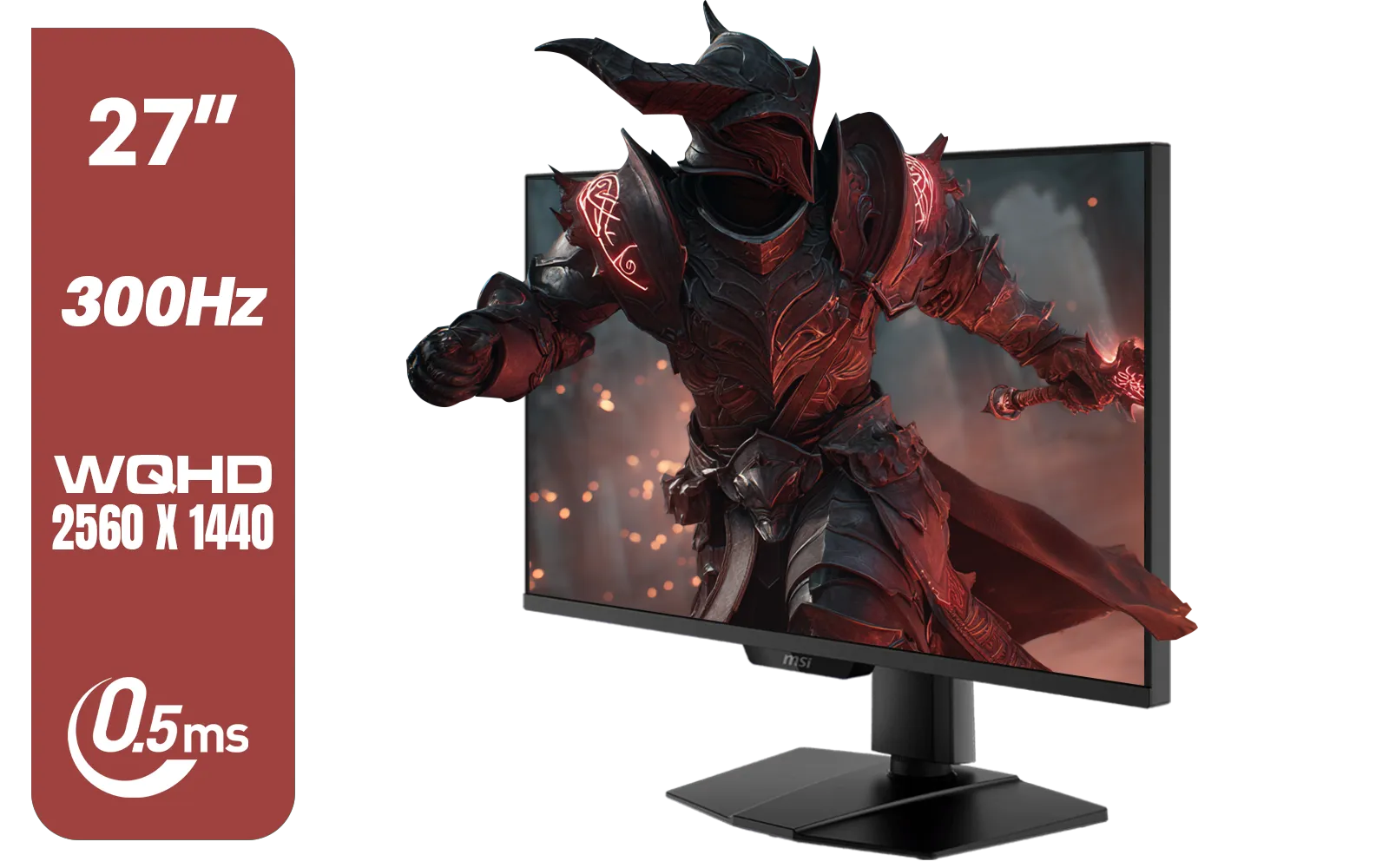
MSI MAG 274QPF X30MV 27" 2560 x 1440 (WQHD) Gaming Monitor / 300Hz Refresh Rate / 0.5ms Response Time / Rapid VA with Mini-LED / 9S6-3CF09H-042
R8799.00In Stock
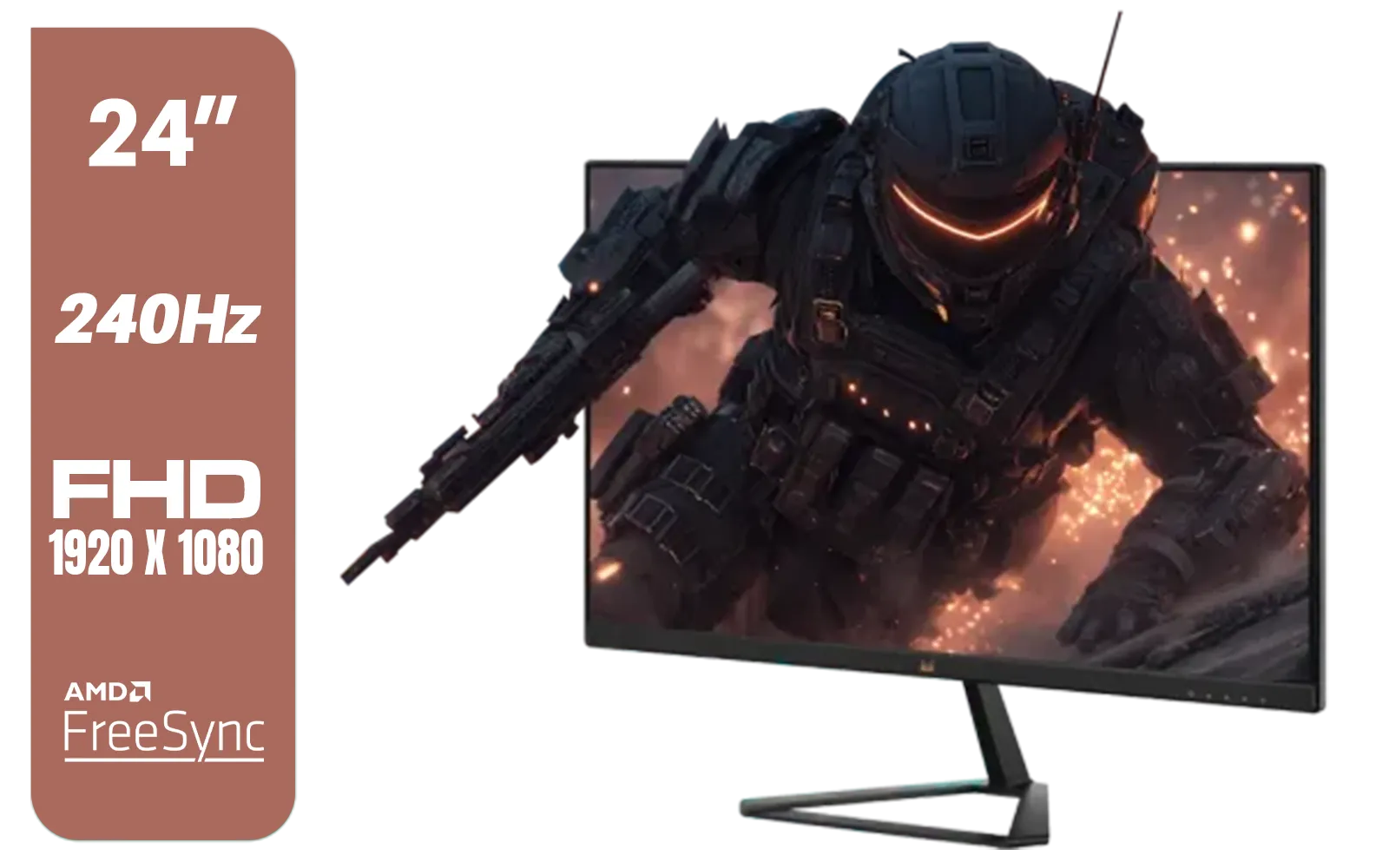
ViewSonic VX2479A-HD-PRO 24" Gaming Monitor / IPS-Level Display / 240Hz Refresh Rate / 1ms MPRT / AMD FreeSync / HDR10 / VX2479A-HD-PRO
R3199.00In Stock
AOC Agon AG326UZD 31.5" Curved Gaming Monitor / UHD (3840x2160) OLED Display / 240Hz Refresh Rate / 0.03ms Response Time (GtG) / DisplayHDR True Black 400 / DisplayPort 2.1 / AG326UZD
R22999.00In Stock
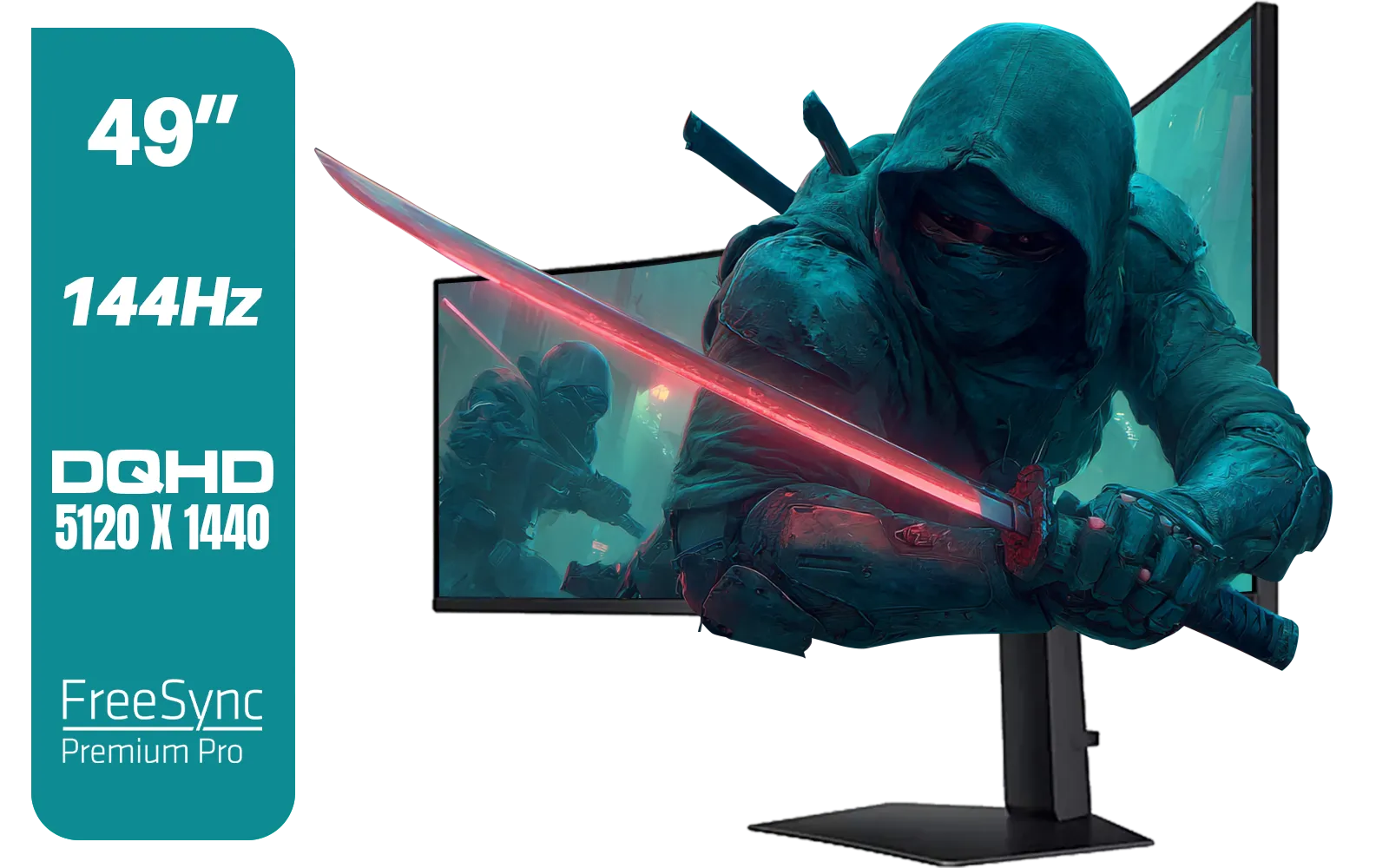
SAMSUNG Odyssey G9 Gaming 49" Monitor / DQHD (5120 x 1440) / 144Hz / GtG 1ms / FreeSync Premium Pro / LS49FG910EUXEN
R30899.00In Stock
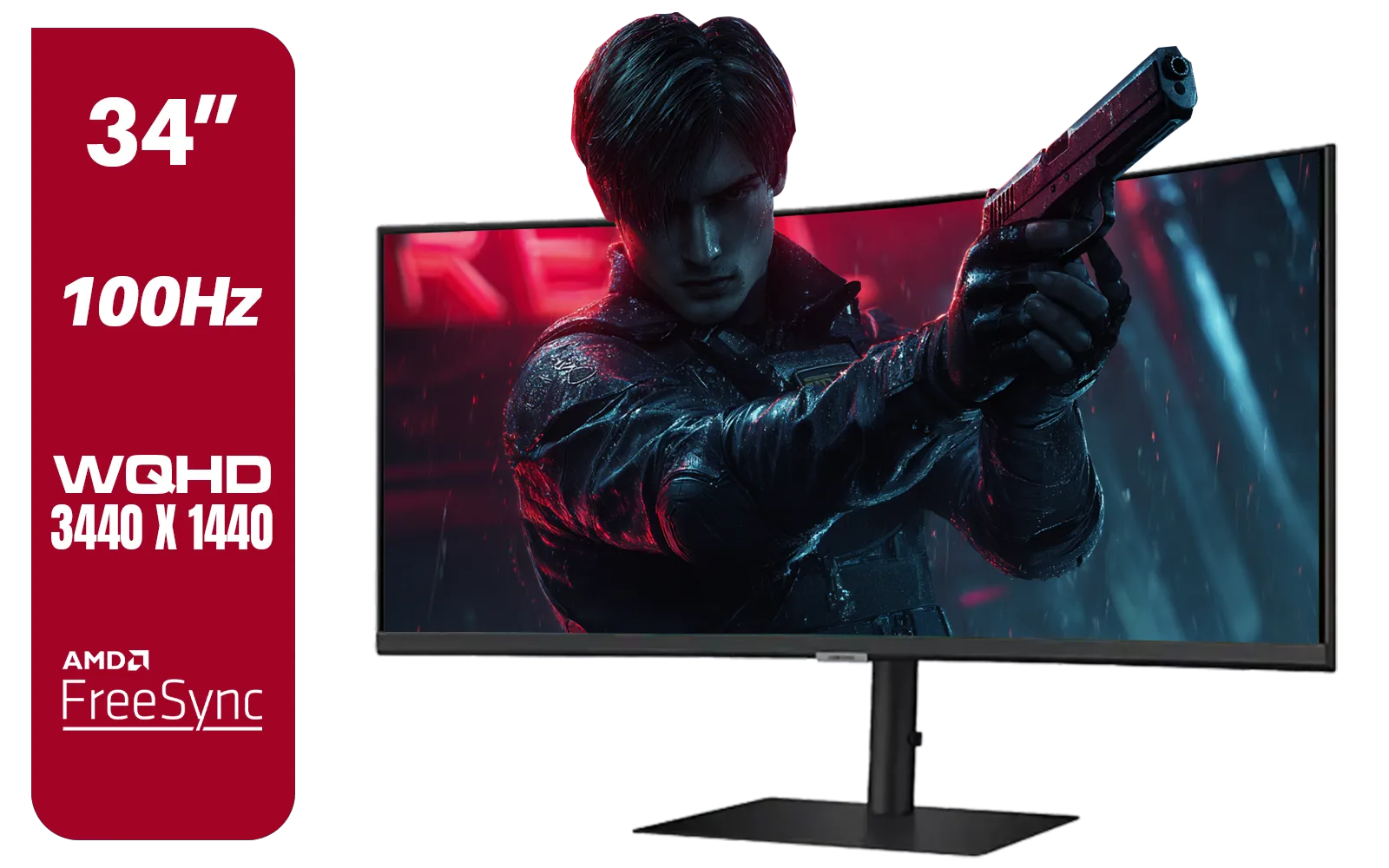
Samsung ViewFinity S6 S65UC 34″ Curved Monitor / Ultra WQHD (3440x1440) Resolution / 100Hz refresh rate / 5ms response time / AMD FreeSync™ / LS34C652UAUXEN
R11999.00In Stock
What If Your Desk Is Too Shallow?
Don't have the space for a massive new desk? No stress, you have options. The best solution is to invest in high-quality monitor accessories like a monitor arm or a wall mount. This lifts the monitor off the desk entirely, allowing you to position it perfectly regardless of your desk’s surface area. This simple fix can transform a cramped setup into an ergonomic paradise. Ultimately, the goal is to find the perfect screen for your space, and you can explore all our gaming monitors to find the right fit.
Ready to Build Your Dream Setup? Getting your desk depth and monitor distance right is the key to unlocking true gaming immersion. Armed with this knowledge, you're ready to find the perfect screen. Explore our massive range of curved monitors and build the ultimate battle station today.
Related Products

VIEWSONIC VA2708-4K-MHD 27" LCD Monitor – Black / 4K UHD (3840 × 2160) Resolution / SuperClear® IPS Panel / HDR10 Support / Dual HDMI & DisplayPort Inputs / Built-in Speakers / Eye ProTech Comfort Viewing / VA2708-4K-MHD
R4799.00In Stock
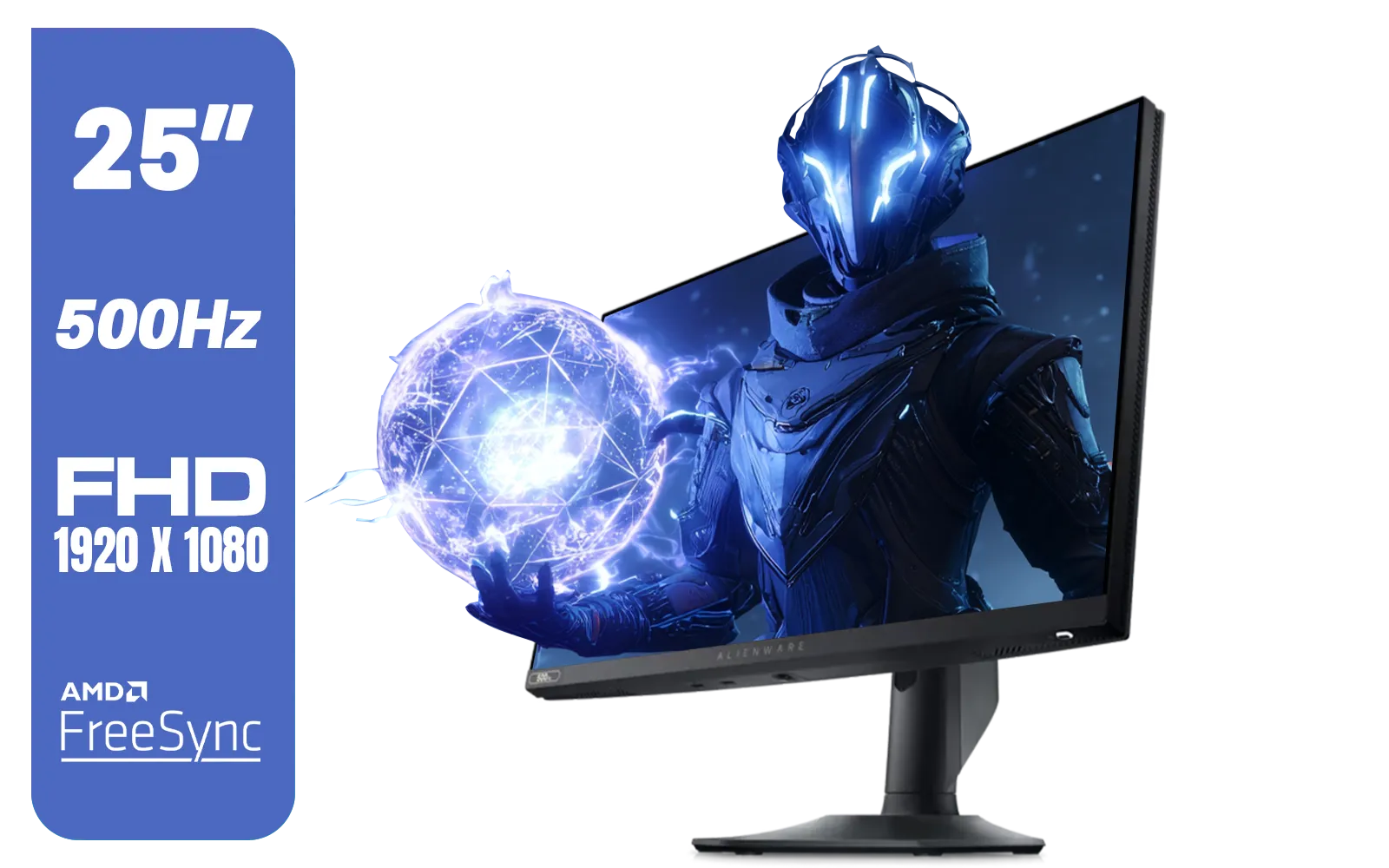
Alienware AW2524HF Gaming Monitor/ 25-inch / IPS Panel / Full HD (1920 x 1080)/ 500Hz refresh rate / 1 ms Response Time / VESA Adaptive-Sync, AMD FreeSync Premium / AW2524HF
R12999.00In Stock
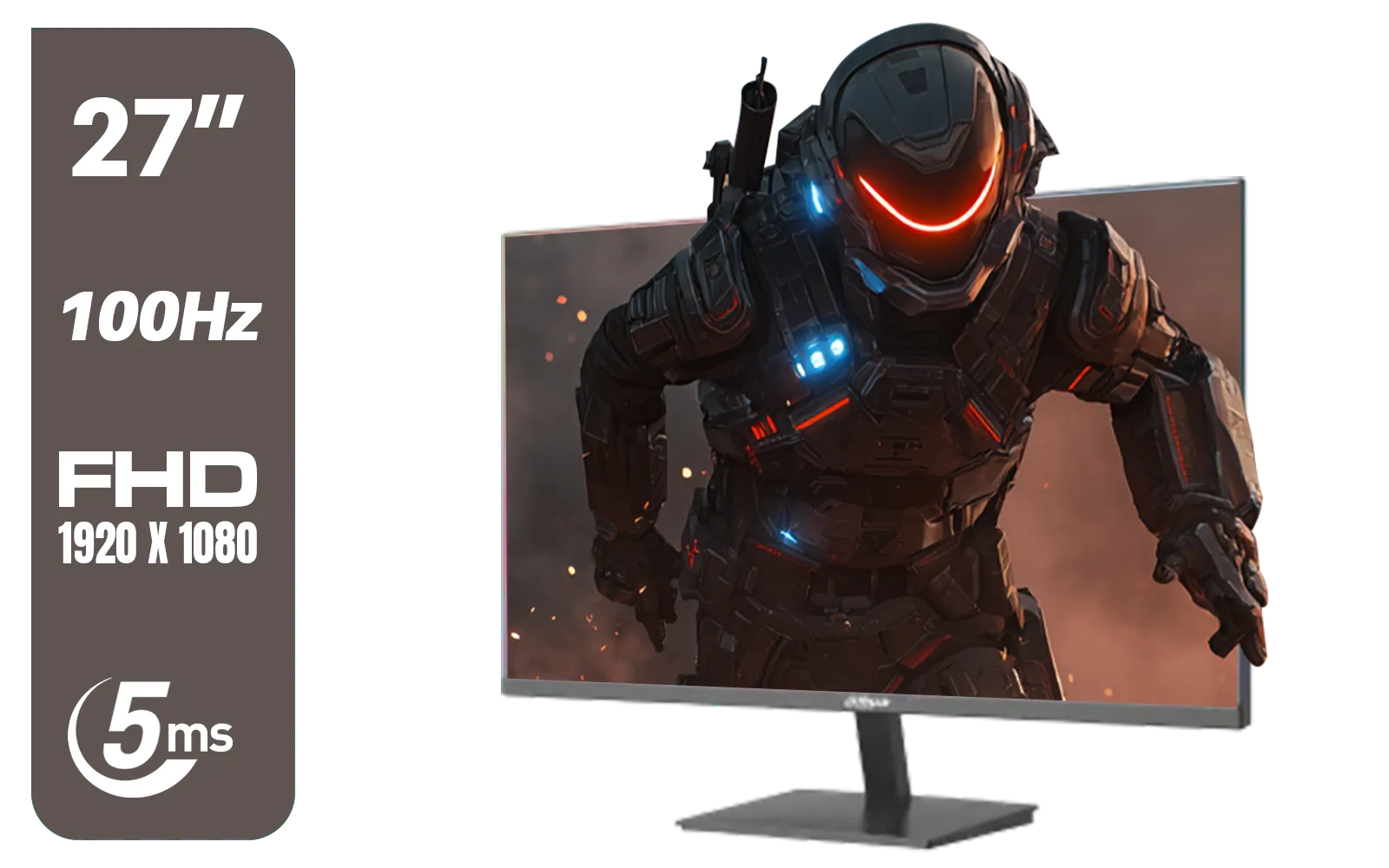
DAHUA DHI-LM27-A201X 27" LED Monitor / Ultra-narrow bezel / IPS Level-Display / 5ms Response Time / FHD 1920x1080 / 100Hz Refresh Rate / Low Blue Light / DHI-LM27-A201X
R2399.00In Stock

Dahua 27" QHD Gaming Monitor - E331 / 1000:1 Contrast ratio / 16.7M Colors / 2560x1440 / 180Hz Refresh Rate / 1ms Response Time / DHI-LM27-E331
R3199.00In Stock
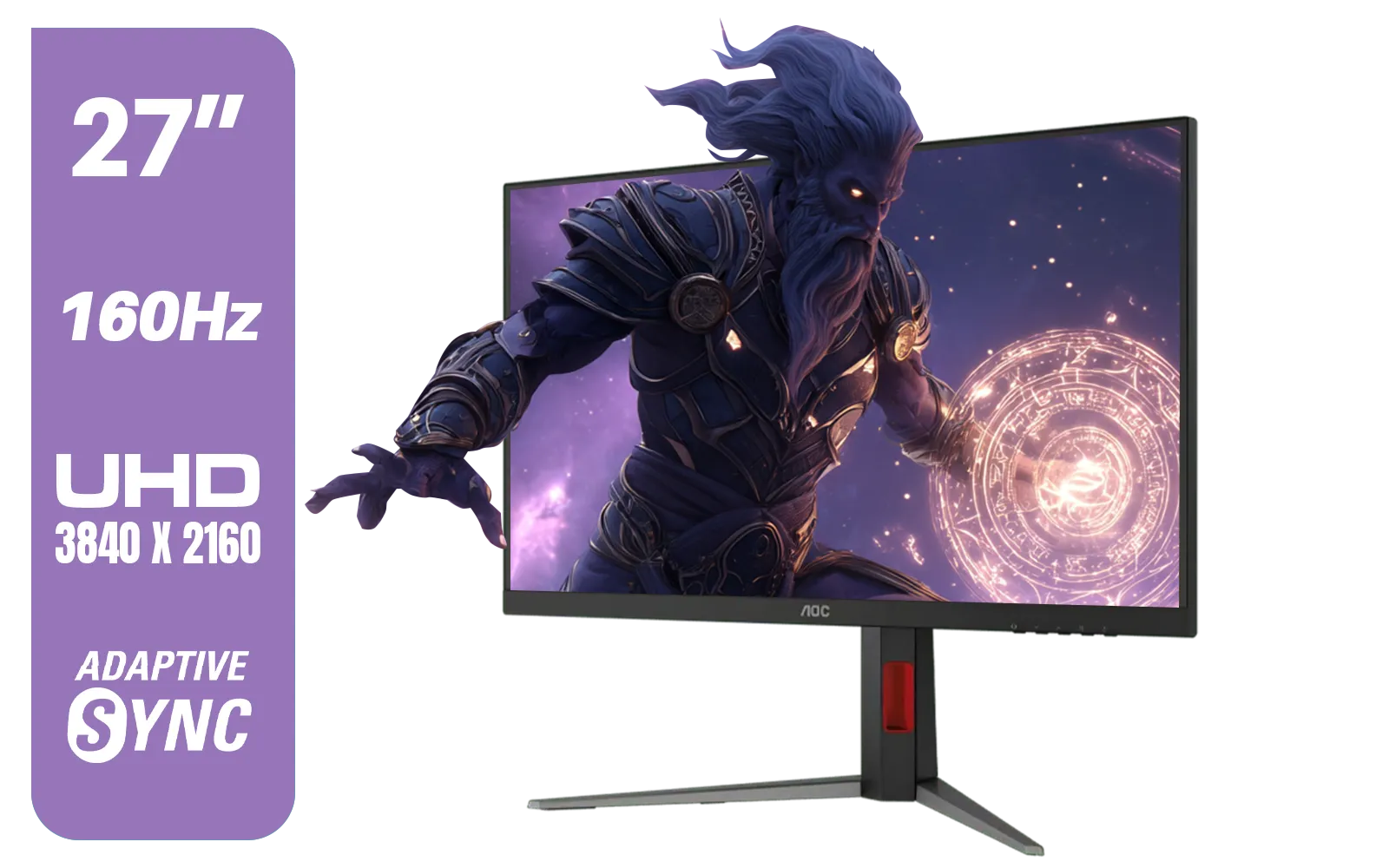
AOC U27G42 27" 160Hz Ultra-Fast Gaming Monitor, 3840 x 2160 (UHD), 0.5ms, Fast IPS, Adaptive Sync, 3-Sided Frameless Design, Black / U27G42
R9599.00In Stock
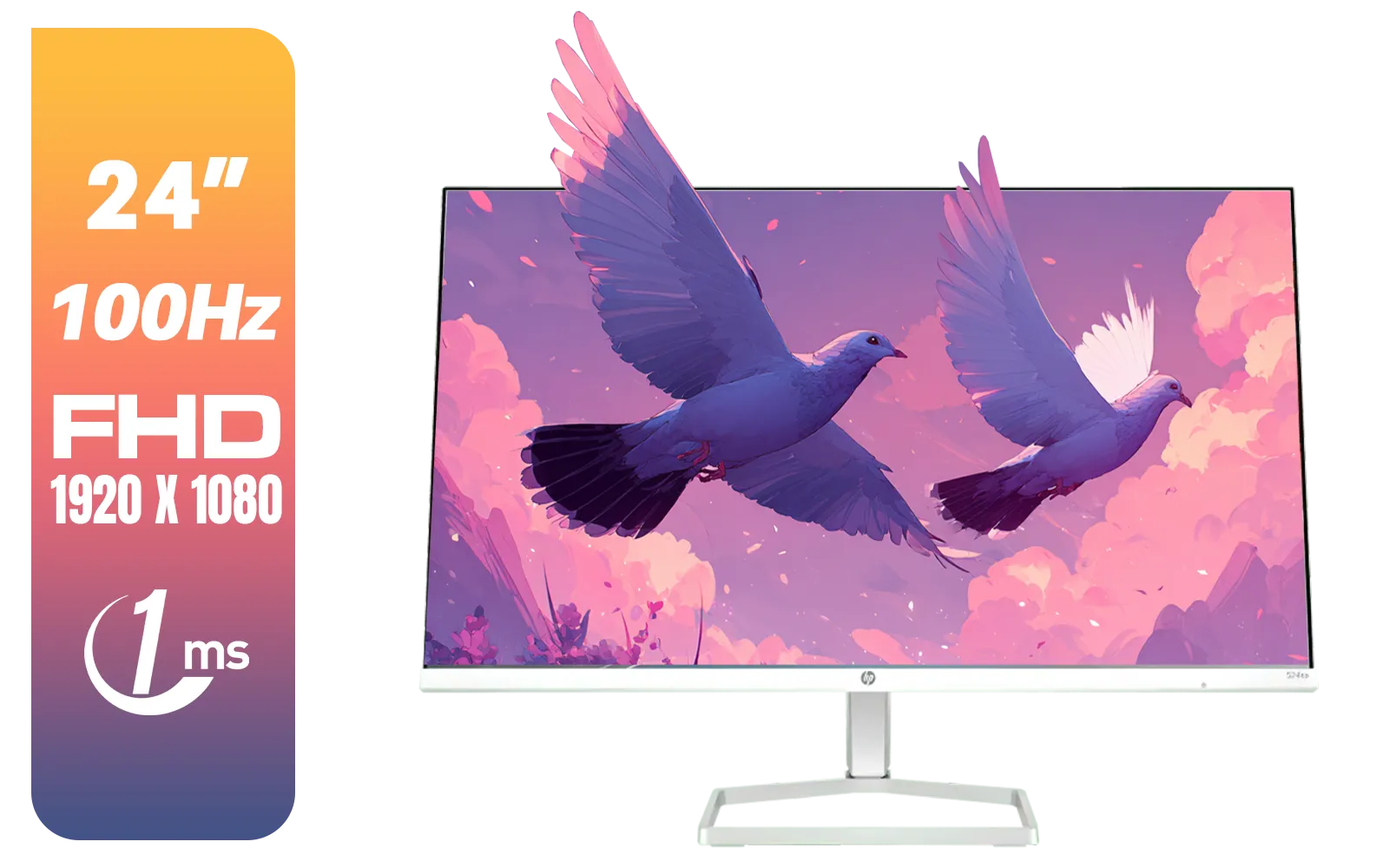
HP 527SA G5 FHD Gaming Monitor - White/Silver / 27" FHD (1920 x 1080) / IPS Panel / 1x HDMI 1.4, 1x VGA / Eye Ease with Eyesafe Certification / 94F48AS
R4999.00In Stock
A minimum depth of 30 inches (75cm) is recommended for a 34-inch curved monitor to maintain a comfortable ergonomic viewing distance and accommodate the stand.
Generally, no. A 24-inch desk is often too shallow for large curved screens, causing eye strain because the monitor sits too close to your face.
For 1000R curvature, the optimal viewing distance is roughly 1 meter (39 inches), suggesting you need a deep desk or a monitor arm to push the screen back.
Yes, a heavy-duty monitor arm recovers valuable space and allows you to push the screen behind the desk edge, effectively increasing the desk depth for curved monitor use.
Stands for 49-inch super ultrawides are bulky and can occupy 12-15 inches of depth alone, making a desk depth of 30-32 inches essential for keyboard space.
Yes. Aggressive curves like 1000R match the eye's field of view better at specific distances, often requiring deeper desks than flat panels to hit the focal sweet spot.











